
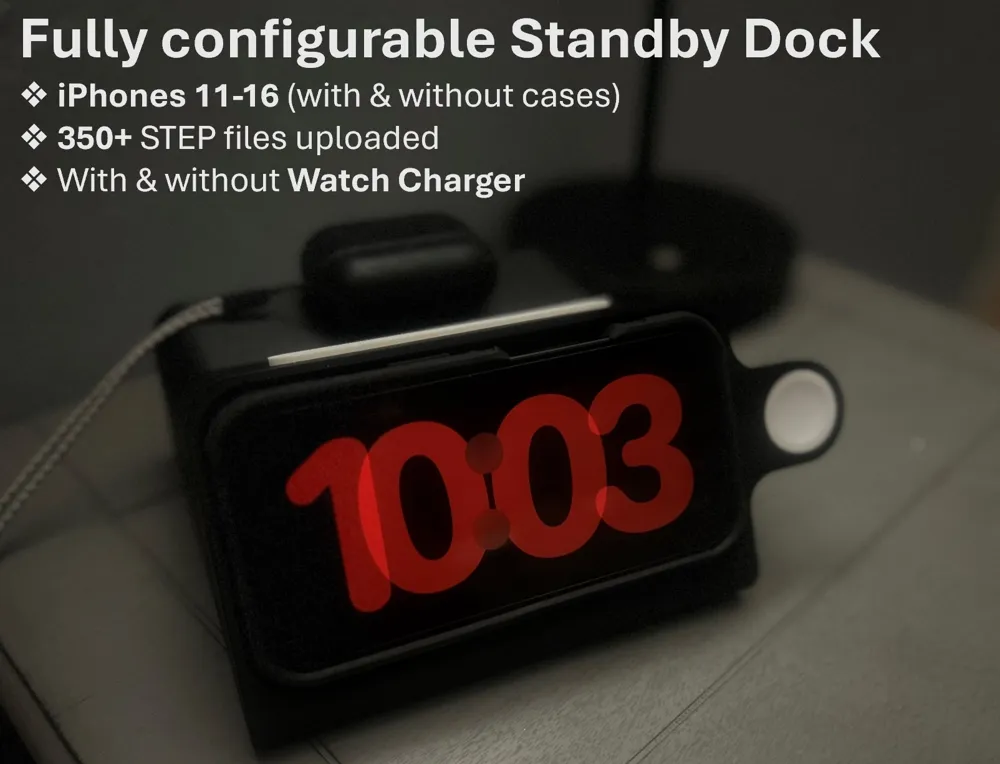
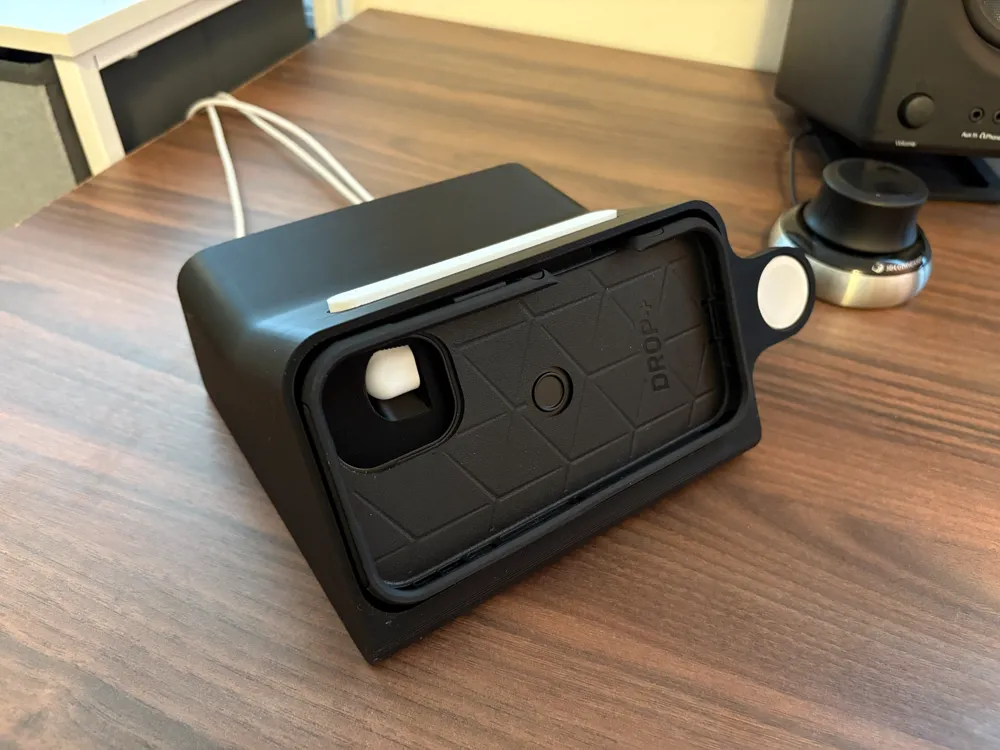
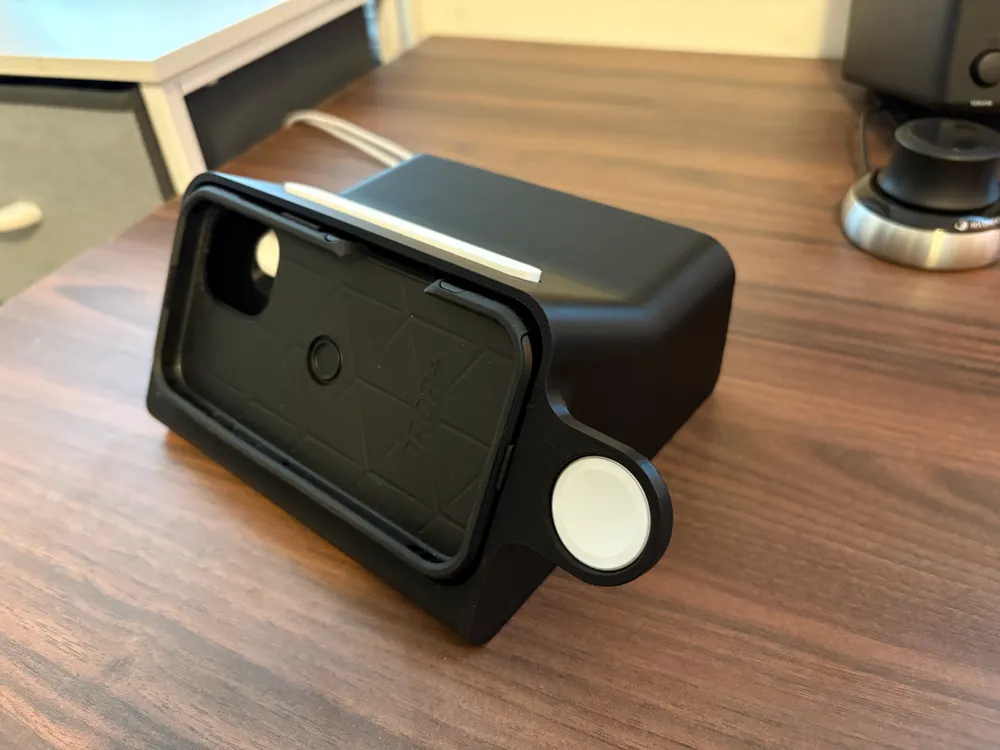
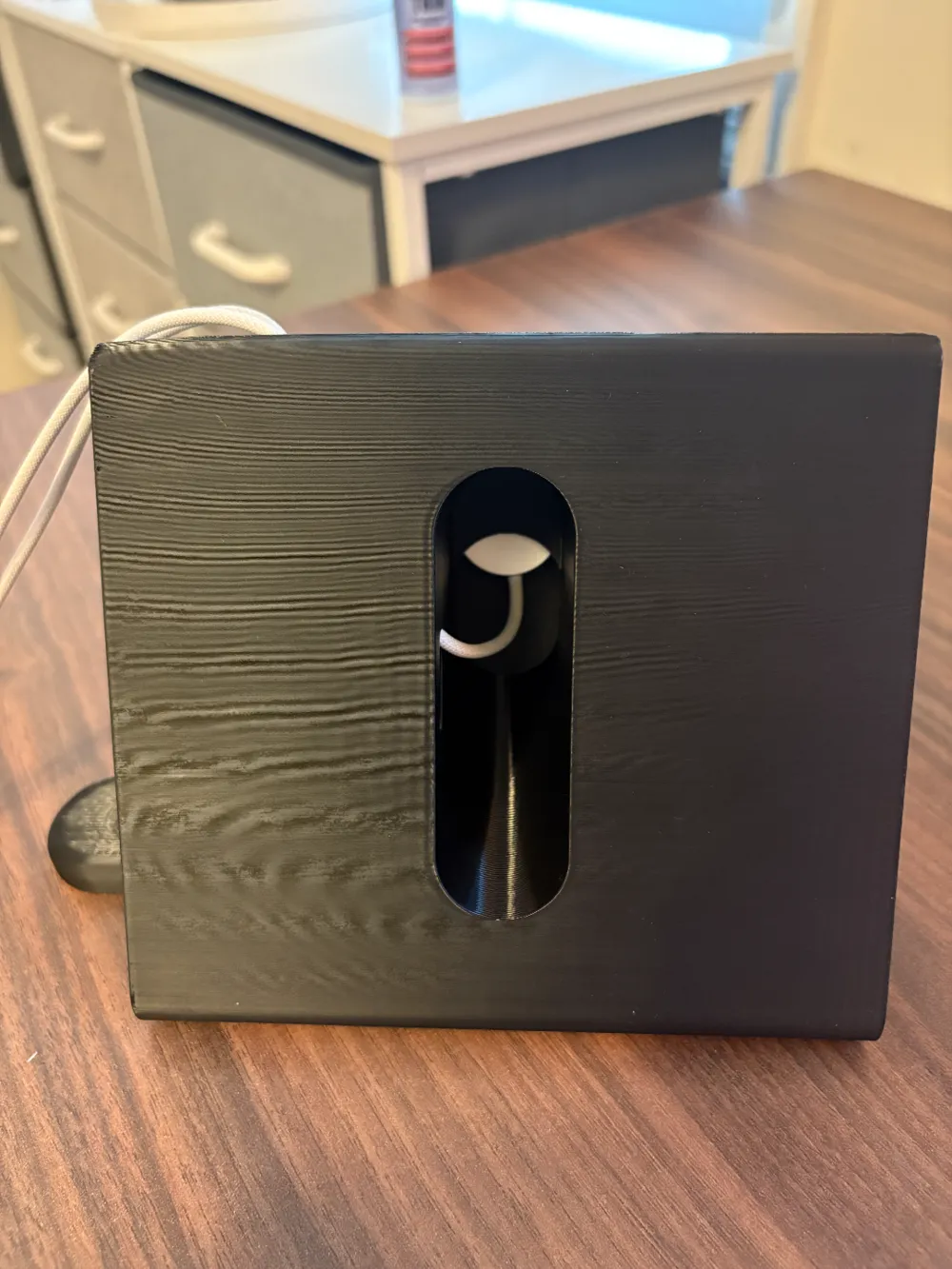
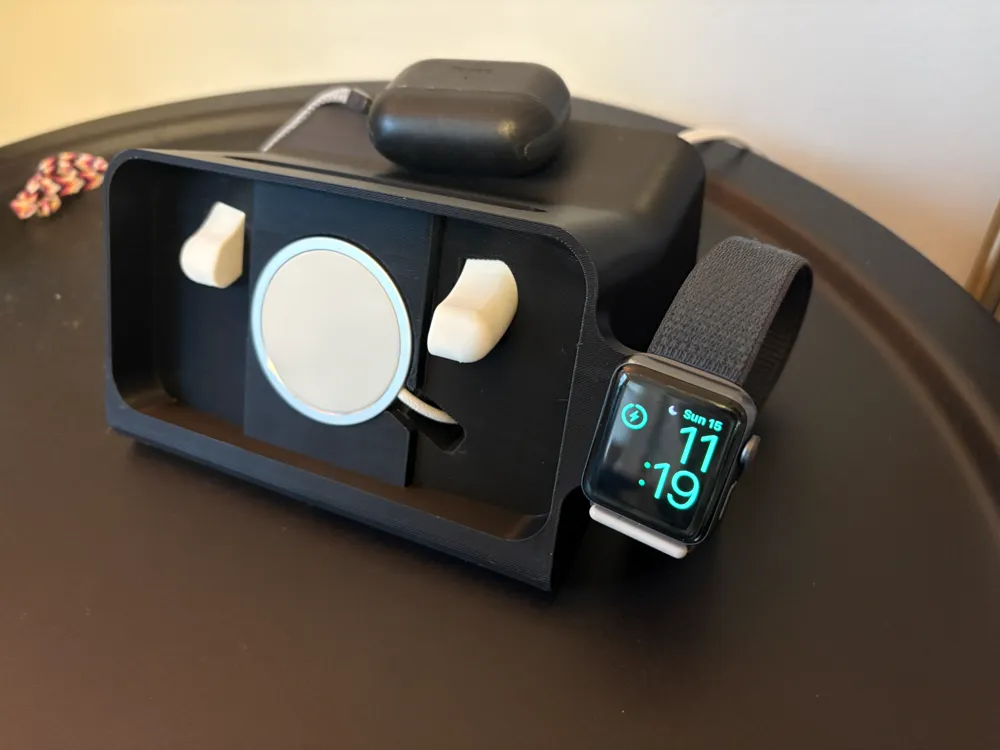
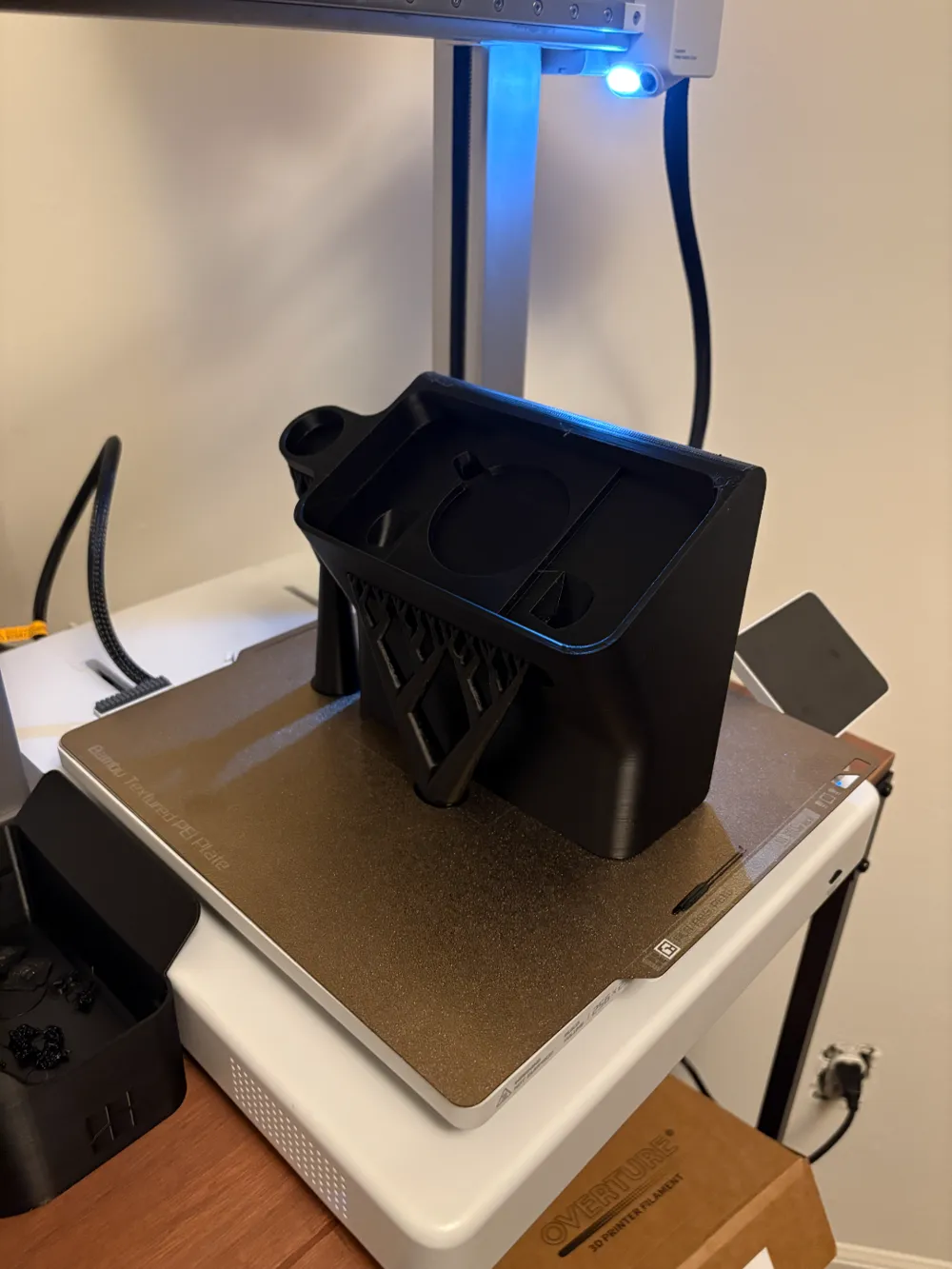
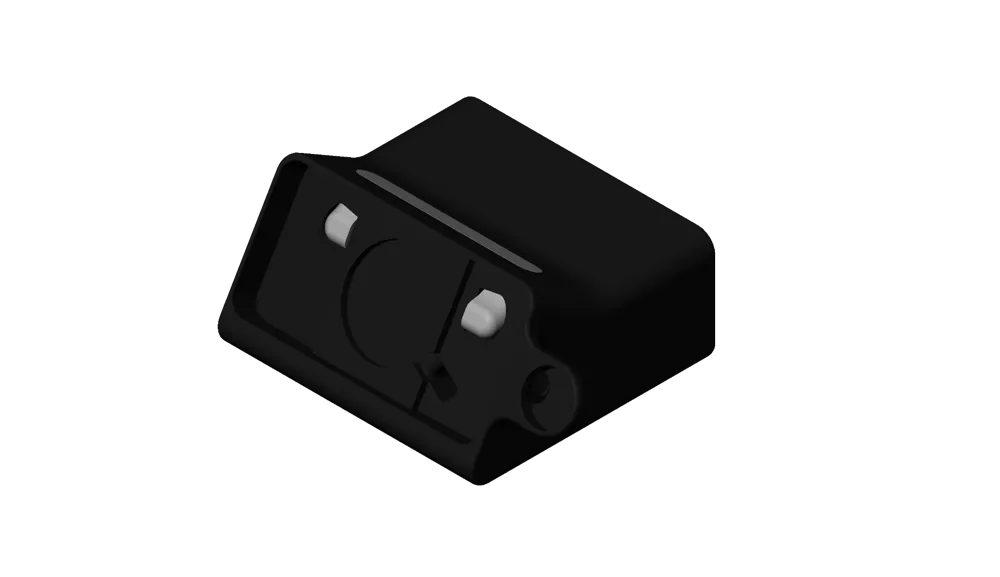
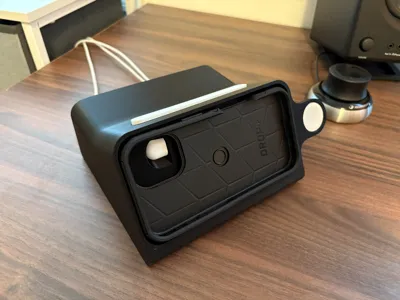
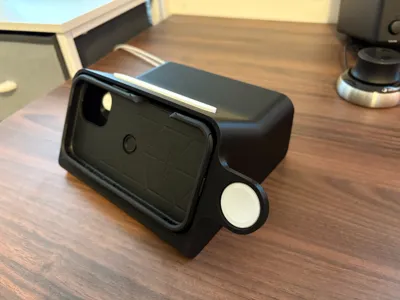
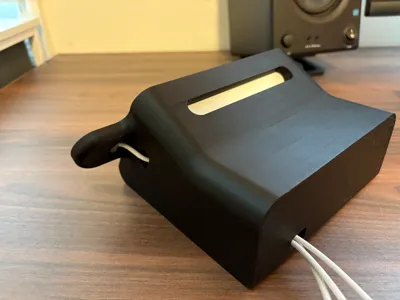
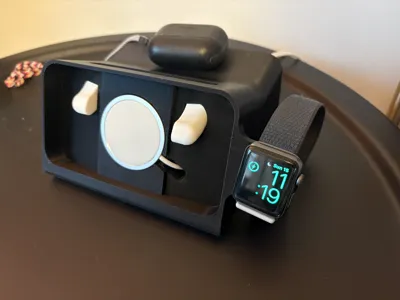
Case Friendly iPhone 11-16 Dock + Watch Charger

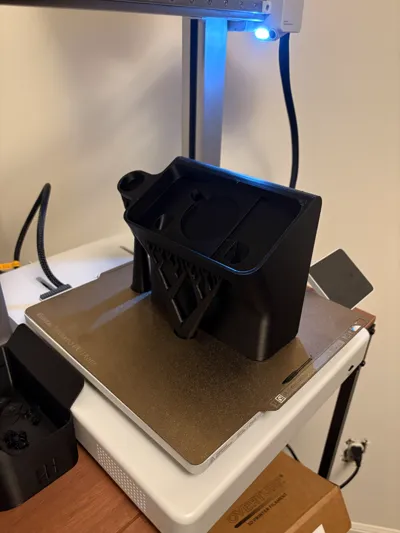
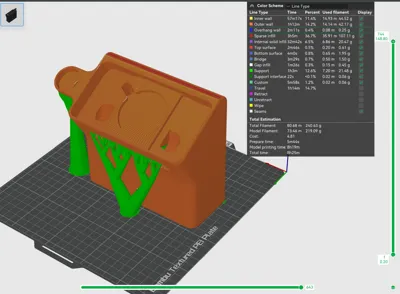
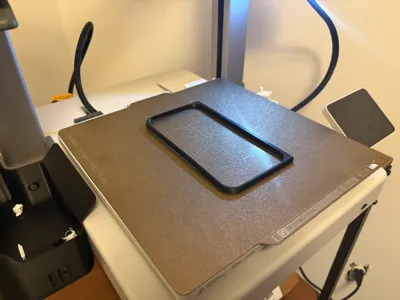
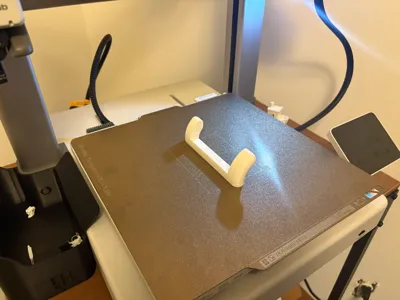

Print Profile(4)


Description
Credits:
❖ This is a remix of Scott Yu-Jan's stand by dock: https://makerworld.com/en/models/615378
❖ Huge shoutout to him and check out his video on it here: https://www.youtube.com/watch?v=L3nWw8qSYgk
❖ Additional credits go to mollythechaoswrangler, I used her spreadsheet of phone sizes to input into my parametric model.
Update 3/16/2025
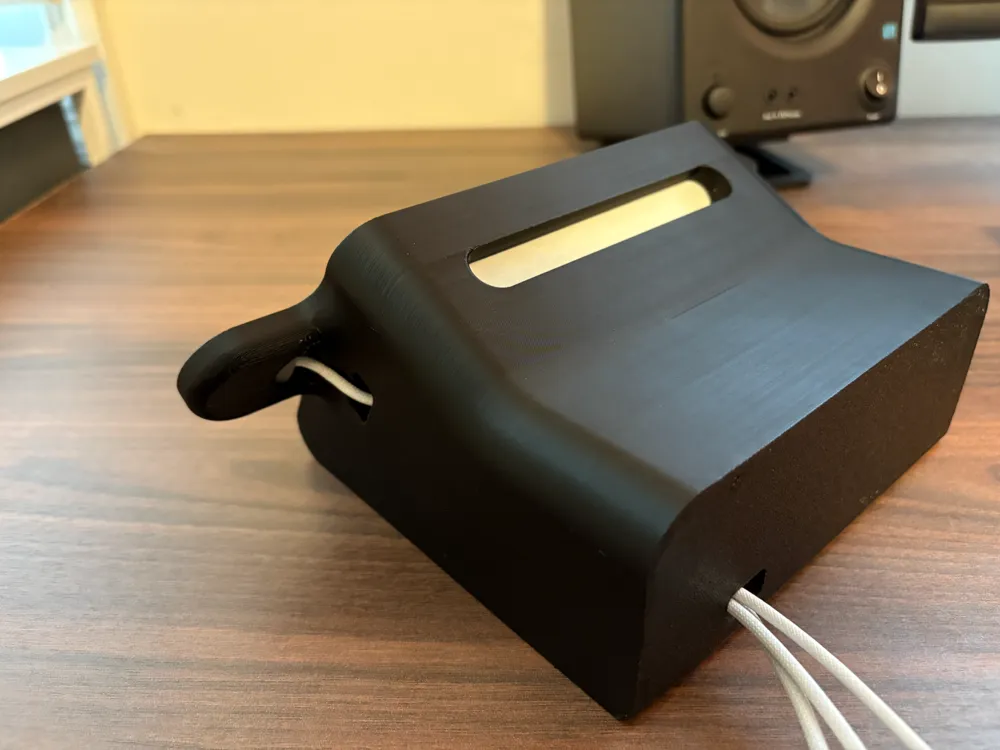
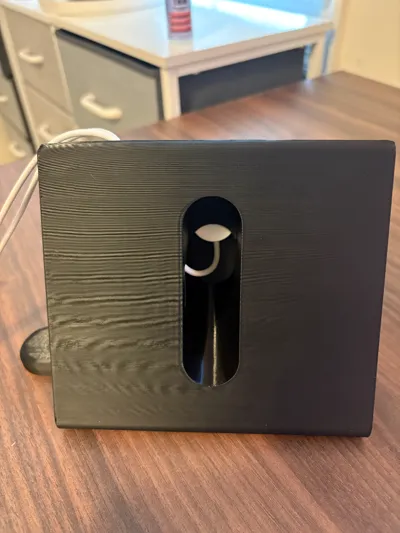
*Not all cable routings have been tested. With some larger sizes, the watch charger cable routing may be impassible. If this happens to you, please let me know and I will add it to the list that I need to fix.
- J0ck0 has made a variation of this print for the iPhone 14 Pro that addresses this issue. Check it out here:
Update 12/20/2024
- Fixed issue with watch cable routing not able to fit head of charger
- Added depth as a variable to the model
- Added configurations for small and large cases
- Tightened tolerances on MagSafe charger
What makes this unique:
❖ Raw step files for all iPhone sizes (11-16)
❖ Parametric model in Solidworks
❖ STEP files for a slightly optimized version of Scott's design
❖ STEP files for the optimized version with my take on the watch charger
❖ 55 and 59 mm MagSafe chargers for both versions listed above
Required materials:
❖ Type C chargers (watch and MagSafe)
❖ Some type of anti-slip adhesive
❖ This it on Bambu labs:
https://us.store.bambulab.com/products/adhesive-foam-sponge-strip-roll?modelId=615378
❖ And this is what I used from Amazon:
https://www.amazon.com/dp/B09VFCB7X2?ref=ppx_yo2ov_dt_b_fed_asin_title
Instructions:
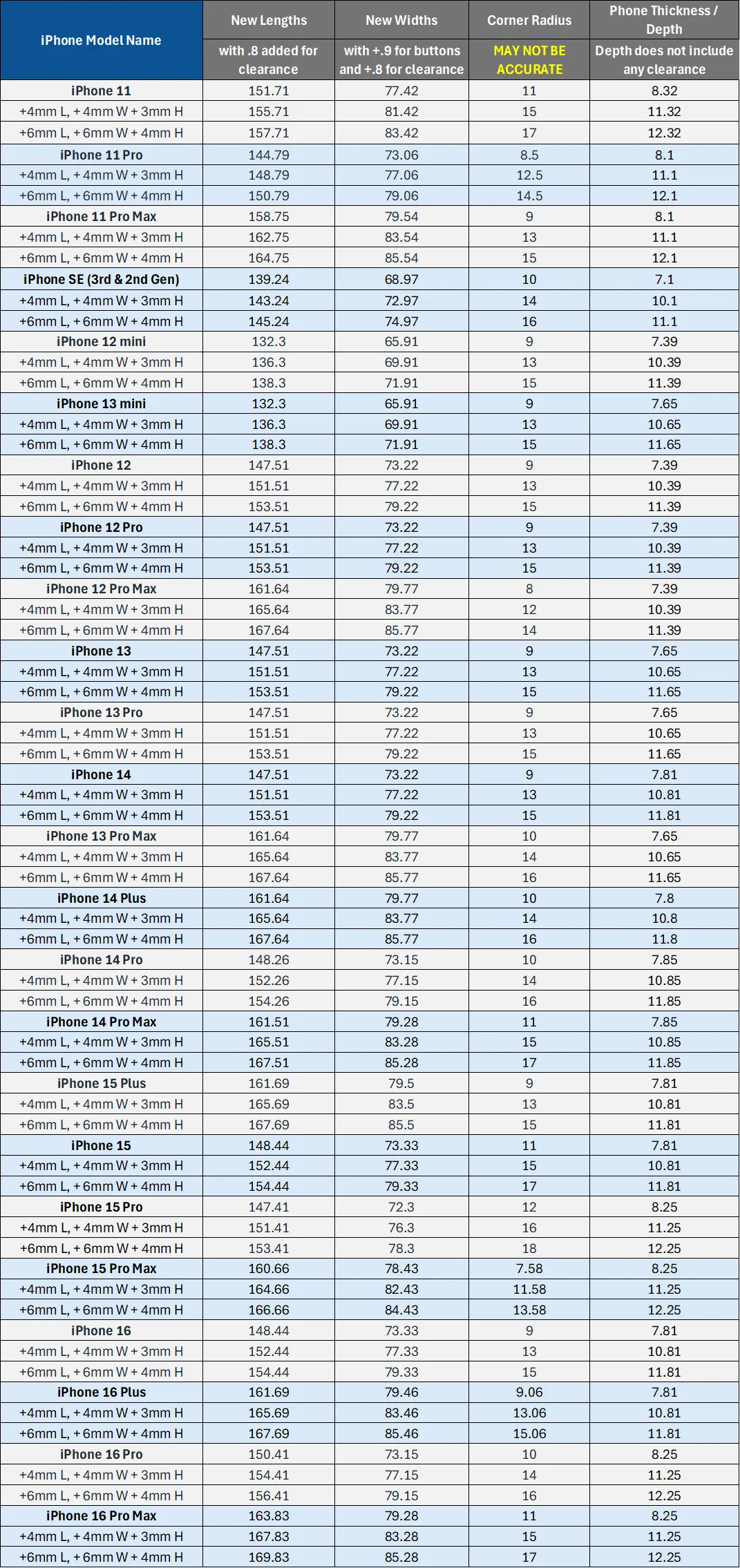
1. Measure your phone with case (in mm)
2. Find the closest value in the table below
3. Determine which type of MagSafe charger you have (55.5 or 55.9 mm)
4. Go to Download STL/CAD files → in the folders find the STEP file that corresponds to your values
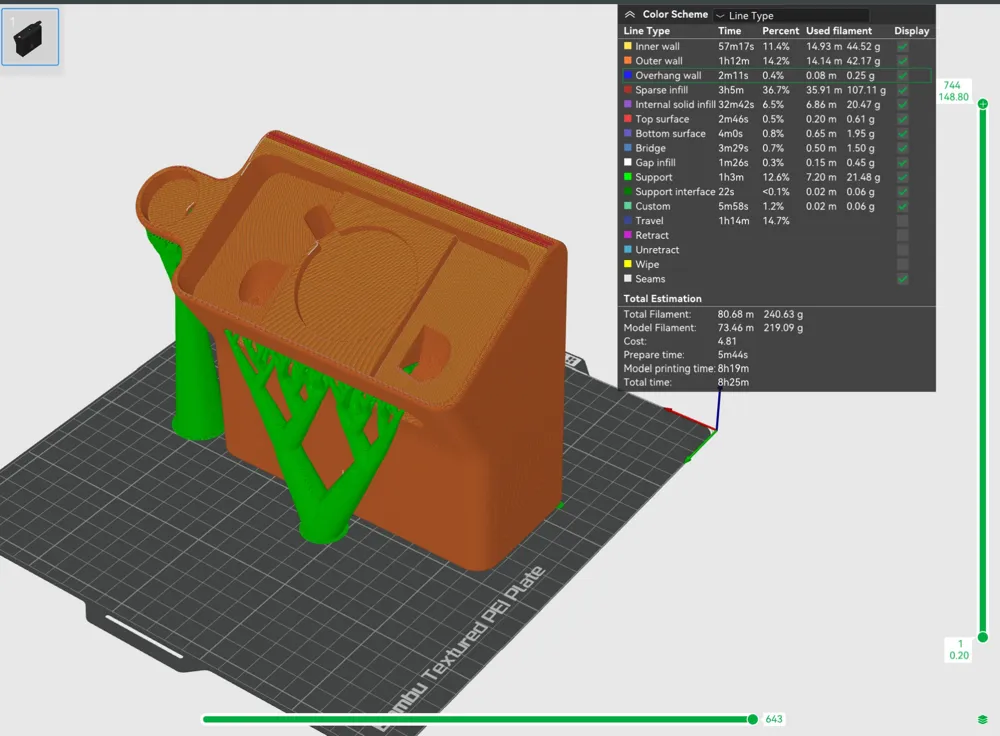
5. Open the print profile provided, deleted the current model and import the downloaded STEP file
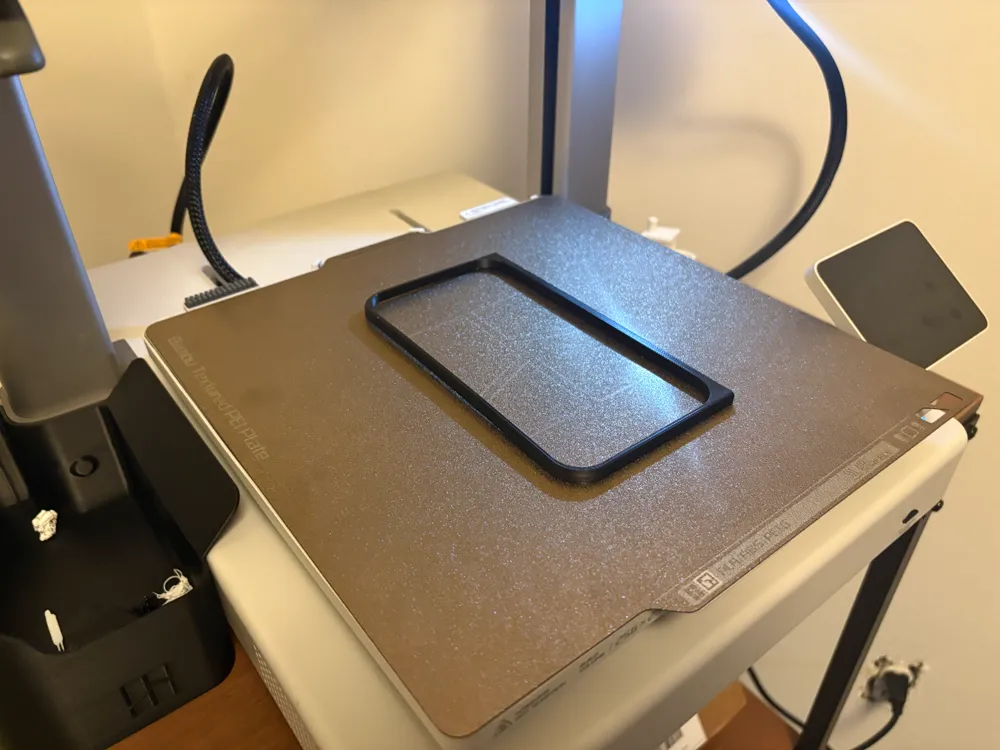
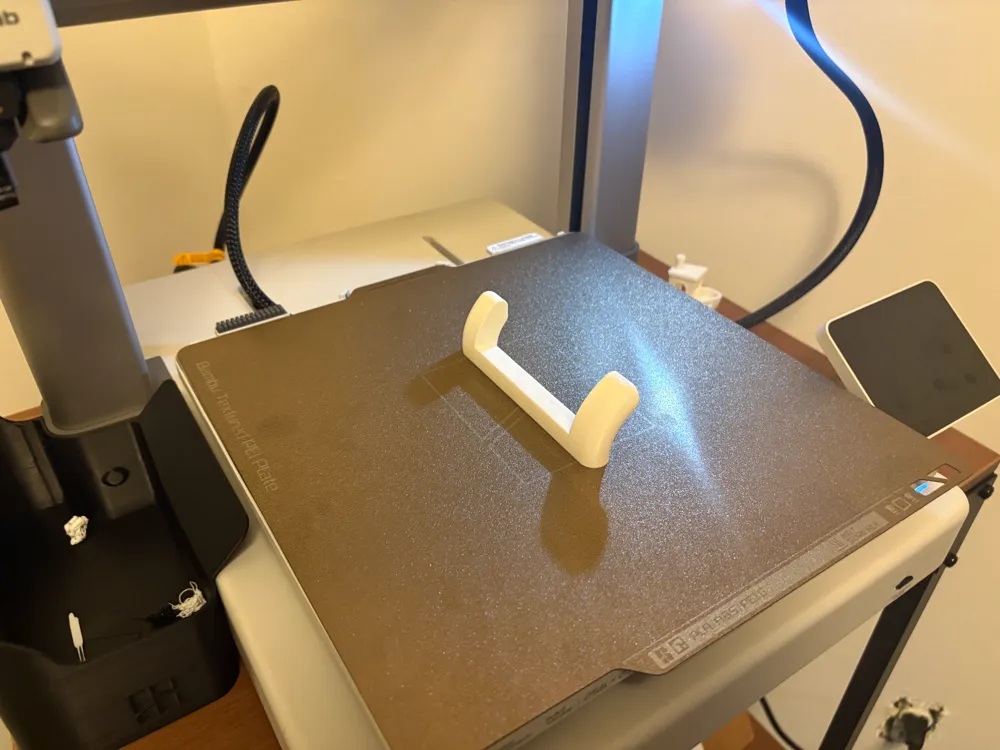
6. Start with the test print profile, then print full model
7. Let me know any feeback you have!
Table of measurements:
❖ Find the size that corresponds to you and then locate that in the files above to download the STEP file.
❖ The files are organized in folders by iPhone size.
❖ I don't have print profiles for everything. So you can use the print profile I have there and simply replace the model that is in the slicer.
MagSafe Sizes:
❖ Make sure you understand which MagSafe charger you have before printing
❖ The MagSafe charger is a tight press fit, you may need to apply some force to put it in place. But should eliminate the need for adhesive.

❖ Again, credits mollythechaoswrangler to for these values.
❖ Take a look at her version of this dock and documentation here: https://makerworld.com/en/models/617129
Boost Me (for free)
If you found this model useful, a boost is always appreciated. This is my first upload and I am already blown away with the engagement. Thank you all!
This remix is based on


License



Comment & Rating (101)