
Super Customizable Rugged Box in OpenSCAD

Print Profile(3)


Description
Boost Me (for free)
If you like my model, I would appreciate it if you could click on 'Boost Me'
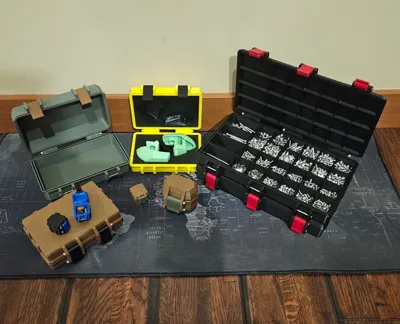
Examples of Projects that Used this Model as a Template and Customized it…
- Bambu A1 Accessory / Tool Case
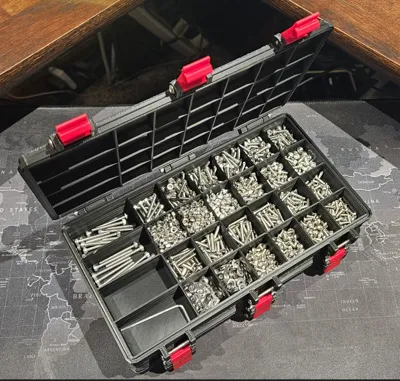
- Ultra Thin Screw/Small Object Container/box
- Rugged AirPods Gen 1 & 2 Case
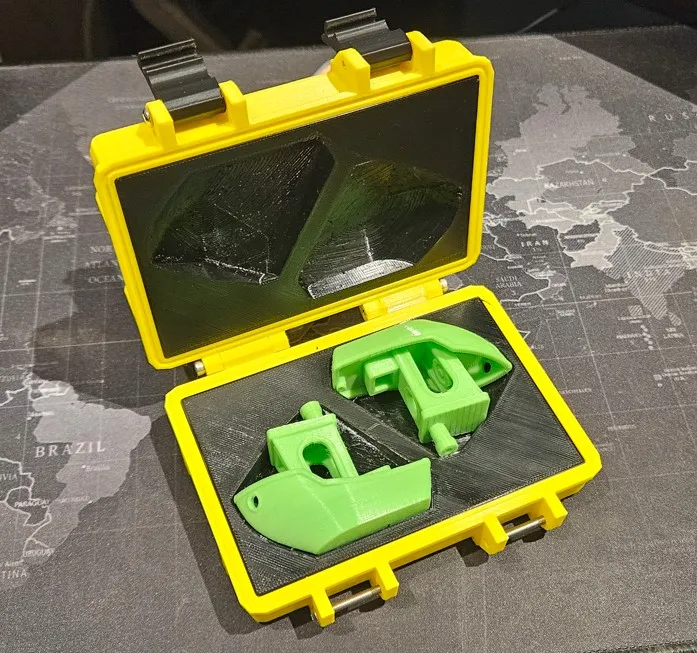
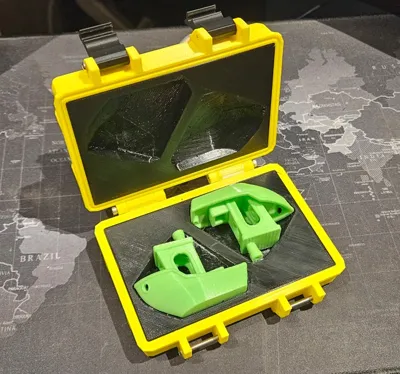
- The Golden Benchy Case
Custom Rugged Box OpenSCAD
What
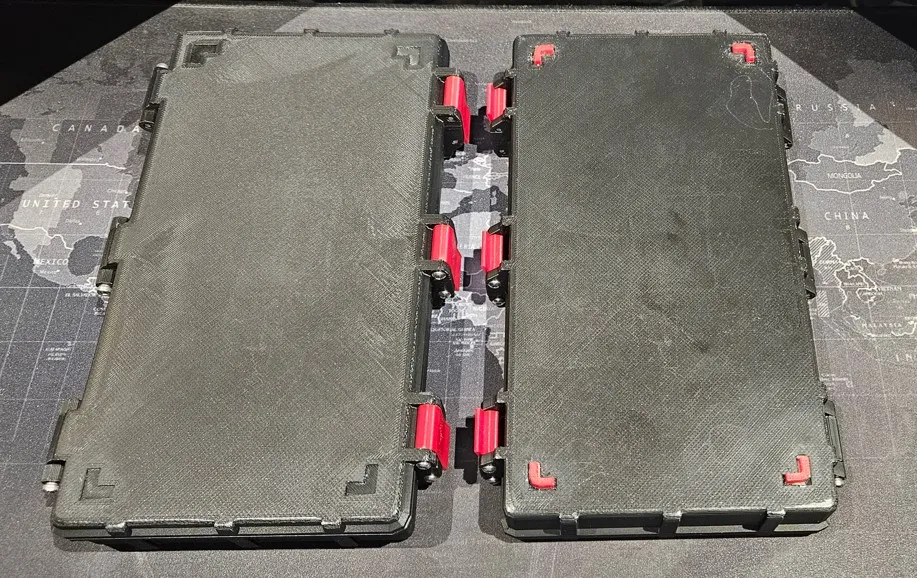
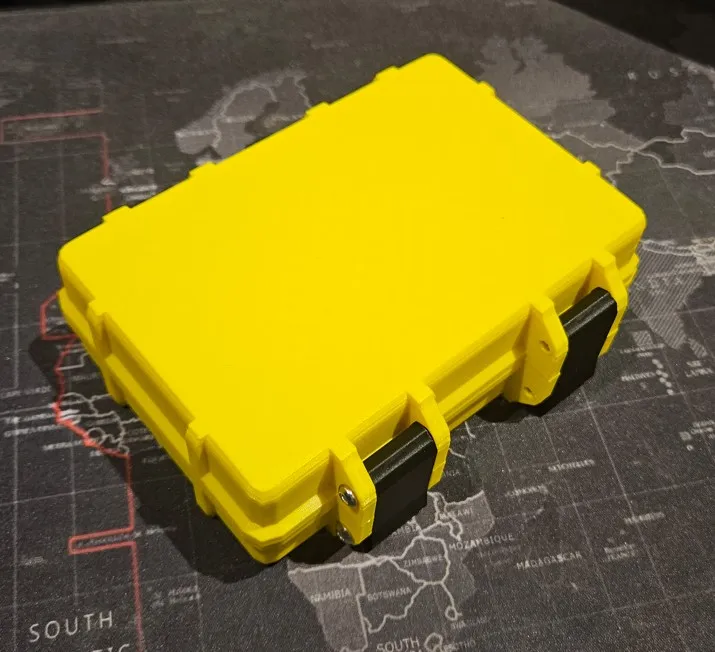
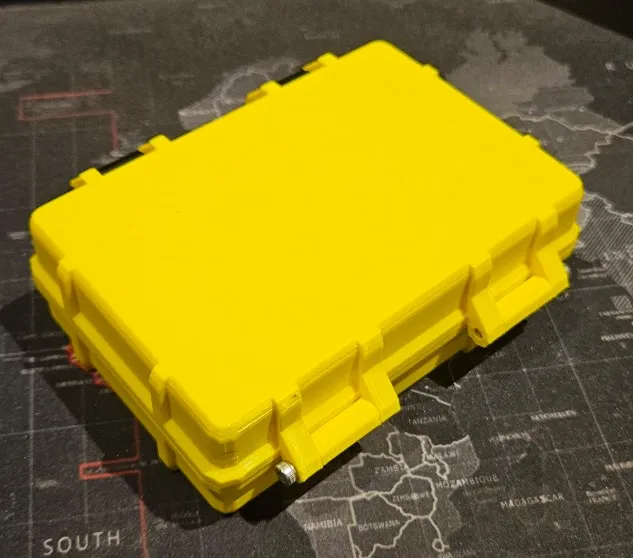
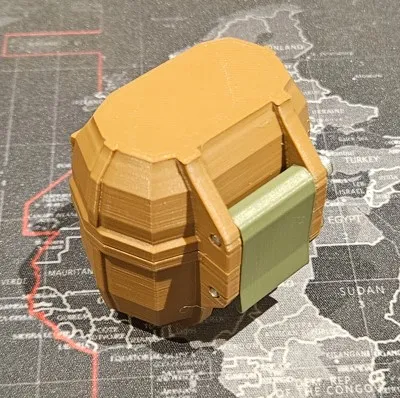
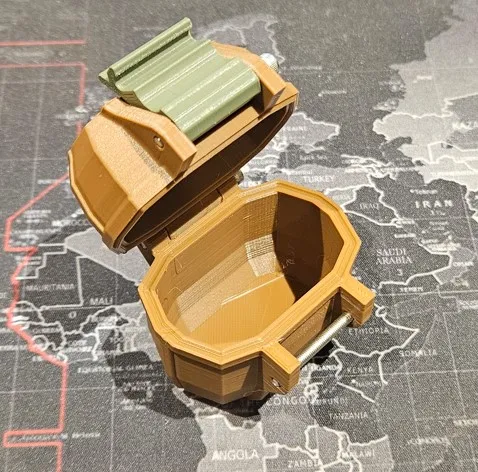
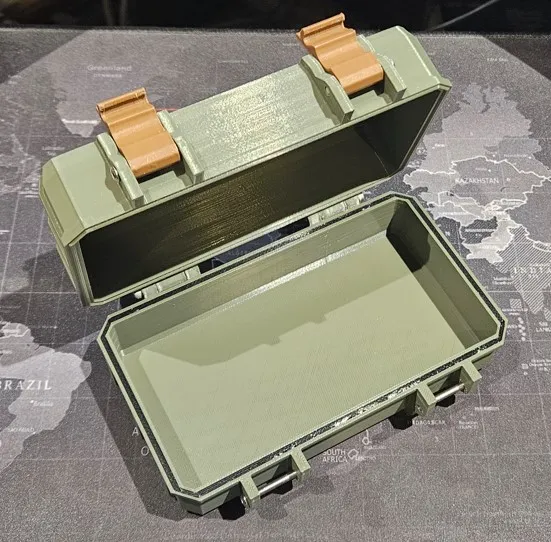
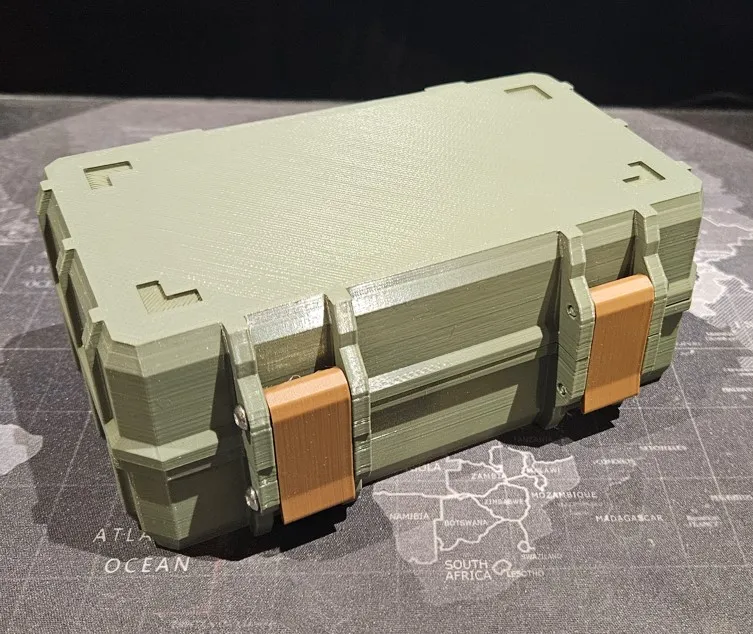
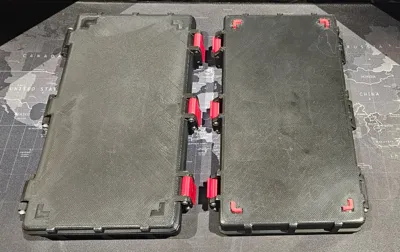
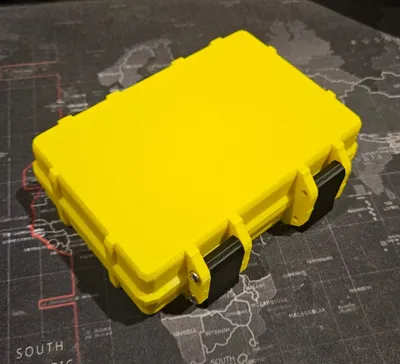
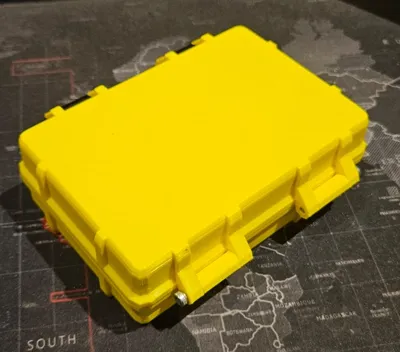
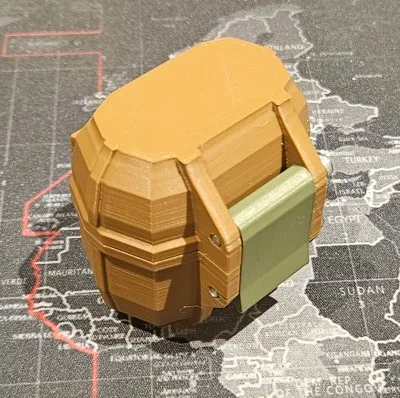
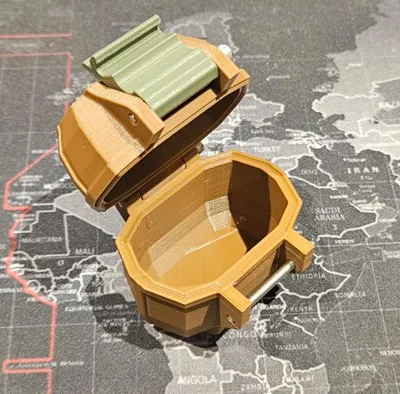
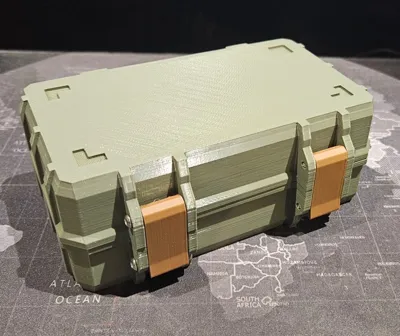
This rugged box is loosely based off “https://www.printables.com/model/258431-rugged-box-parametric” but completely written from scratch in OpenSCAD. So, it can be customized either in the OpenSCAD software (downloadable here) or in the Bambu Labs customizer. I’ve also pre-rendered a bunch of versions so anyone can quickly download a version and print it, just to get started.
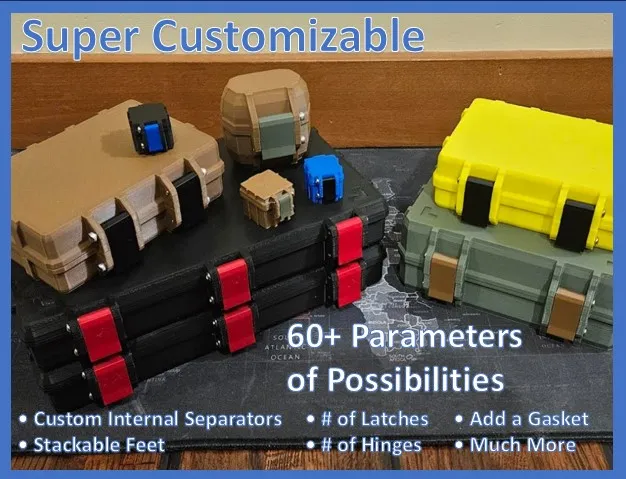
With this rugged box you can customize almost anything…
- Polygon Level (Extra Low Poly, Low Poly, or Curved corners and chamfers)
- Dimensions
- Non-Gasket and TPU Gasket versions
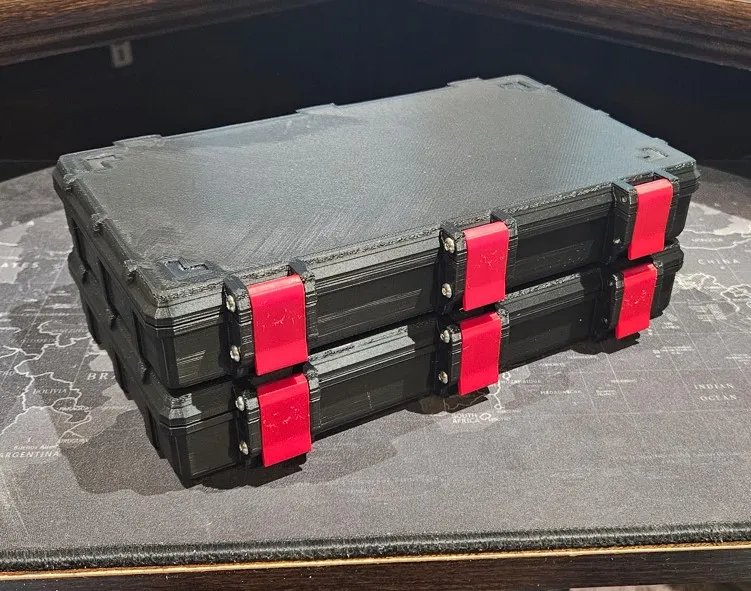
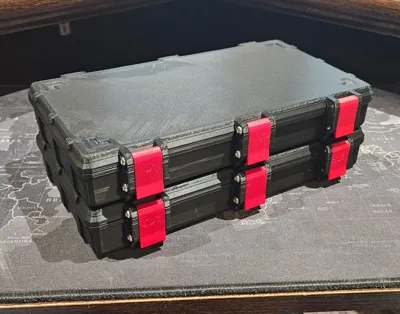
- Add Stackable Feet
- Rim Size
- Rib Size
- Number of Ribs
- Hinge Size
- Number of Hinges
- Latch Size
- Number of Latches
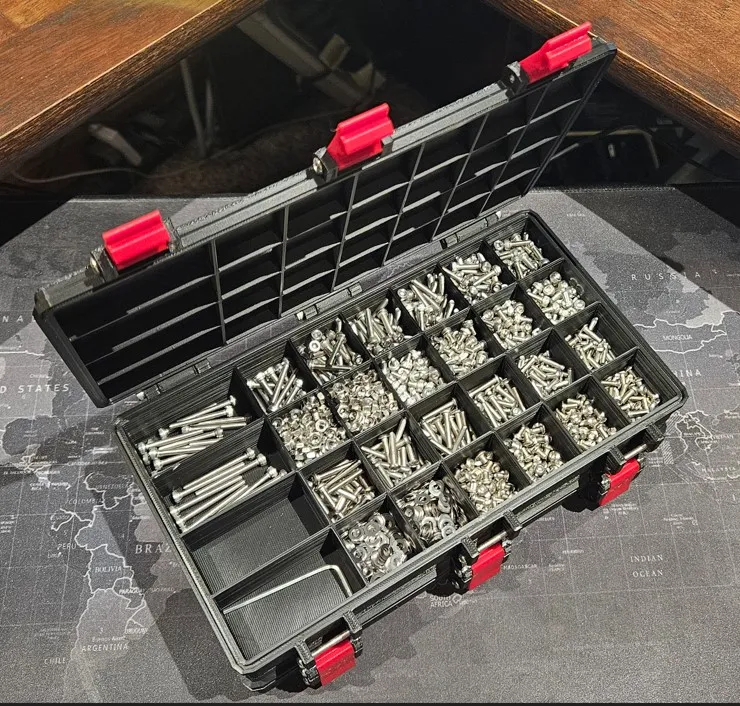
- Dynamic Internal Separators
- Screw Size and Length
- Chamfer Radius
- And MORE… 62+ parameters of possibility
See the uploaded “CustomRuggedBoxSettingDocumentation.pdf” for a description and examples of ALL the settings.
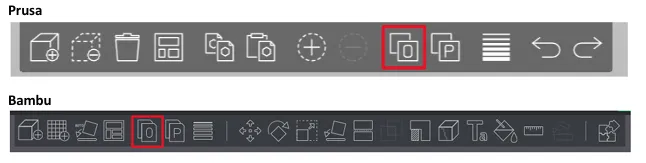
When generating the STL files, you can generate 1 or all the object that make up the box via the setting (Box Bottom, Box Top, Latches, Feet, Water Resistant Gasket, Bottom Box TPU inert Template, and Top Box TPU insert Template). If you generate multiple objects at the same time, you can split them in the slicer via the “Split into Object” button in Prusa, Bambu, or your slicer of choice. This will separate the objects into independent items.
Quick NOTES:
NOTE 1: (3MF files in the Bambu MakerWorld customizer)
It seems that downloading a 3MF file for all the objects at one in the Bambu MakerWorld customizer fails (The STLs download fine always). However, if you use the “Objects To Generate” options, you can generate and download each object (top, bottom, latches, feet, etc.) one at a time to get your 3MF files.
NOTE 2: (Tolerances)
You may need to update some of the tolerances depending on how good your printers are. I test printed these on my Ender 3 V2 and Sovol SV01, so it’s likely your tolerances may need be tighter than that are for my pre-generated models. They should all still work well for most if not all printers, but you could tune them if you want to.
NOTE 3: (TPU Gasket seal versions)
I did not pre-generate any modes with TPU gaskets (however, that is one of this models capabilities). If you want to use the gasket versions, I recommend first printing the gasket test objects to tune your gasket for your printer (see “TPU Gasket Recommendations” section).
NOTE 4: (Parameter limits and protections)
I have not added a lot of protections to the parameters. You can do almost anything, but that also means that if you make a parameter to big or too small in relation to the other parameters you may get something that doesn’t even look like a box. Unfortunately, this is just one of the side affects of a very very dynamic model.
Why Another Rugged Box?
Well, I guess a couple of reasons…
- I’m a control freak! I wanted a version of the rugged box where I could make any change that I wanted. Which is why there are LOTS of parameters (62 to be exact).
- I wanted to be able to change ANYTHING by just changing the settings.
- I wanted to publish something anyone could have access to and use. I assume most of us out here are 3D printing for a hobby and don’t have thousands of dollars a year to spend on ridiculously expensive CAD software. So, I wanted to publish something OPEN to anyone. Hence OpenSCAD!
- I just wanted to see if I could do it.
- I have future plans for this model, so stat tuned!!! 😊
Quick OpenSCAD Code Apology :-/
Designing models with OpenSCAD is… well… let’s say challenging, and sometimes really really frustrating. This is especially true when making parametric models that can have conflicting settings. This model (at the time of writing) has 62 user adjustable settings!! That’s A LOT!!! So, I’m sure there are some settings that can be set in a way that conflict with other settings. I’ve done my best to validate that most reasonable settings will work together. If you find something that doesn’t work that you feel should, feel free to let me know. I will try to prioritize fixing it along with all my other personal responsibilities. But I cannot make any promises (sorry, life gets in the way sometimes).
Also, some of this code (or a lot of it) was written really late at night and maybe after a few (many) beverages. Yeah, now you know why my grammar and spelling sux!! Plus, yes, I realize the code is not as organized/clean/etc. as it should be… But let’s face it… no one is likely to actually read it 😊
Anyway, I will do my best to fix and update the model as I find issues.
TPU Gasket Recommendations!
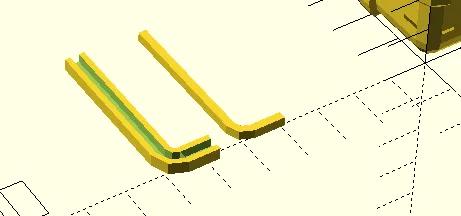
If you are going to print the TPU gasket version of this model, I highly recommend that you print the test gasket rim and TPU gasket via the generateGasketTestObjects option. This will allow you to print a sample gasket in TPU and a sample box rim to test the fit of your selected tolerances. Then you can adjust the tolerances and re-print until you find the gasket settings that you think will work best. This will minimize the waste (and time) if your tolerances are tighter or looser than mine.
Also, when using the gasket version you may need to loosen up the latches a bit by either of the following:
- Make the latchScrewLargeRadiusMm larger
OR - Make the latchClipCutoutAngle larger
Pre-Generated STLs
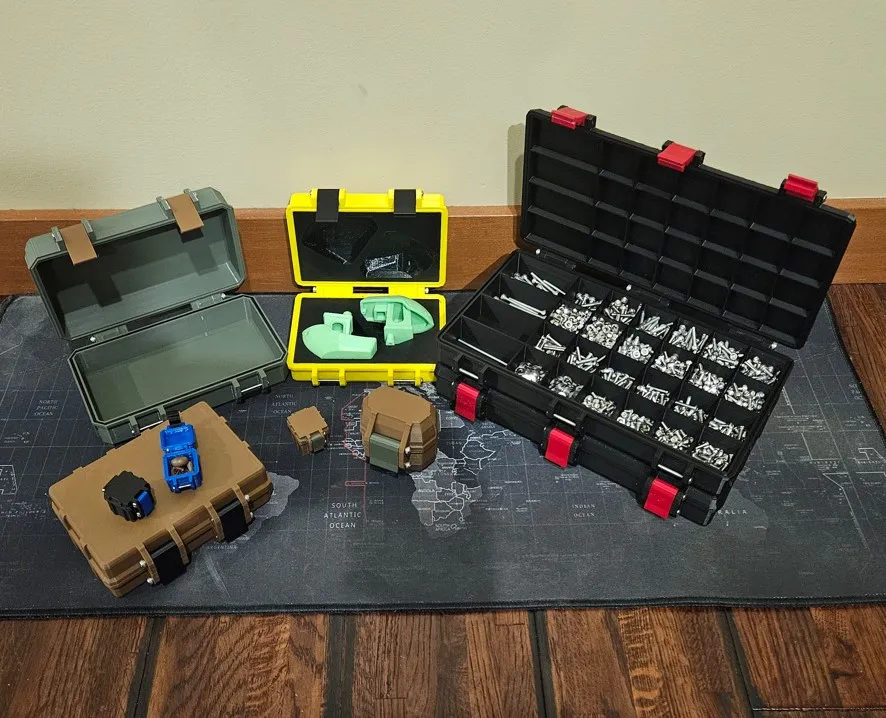
I have pre-generates a set of STLs that I thought might be useful and demonstrate the possibilities of this OpenSCAD model.
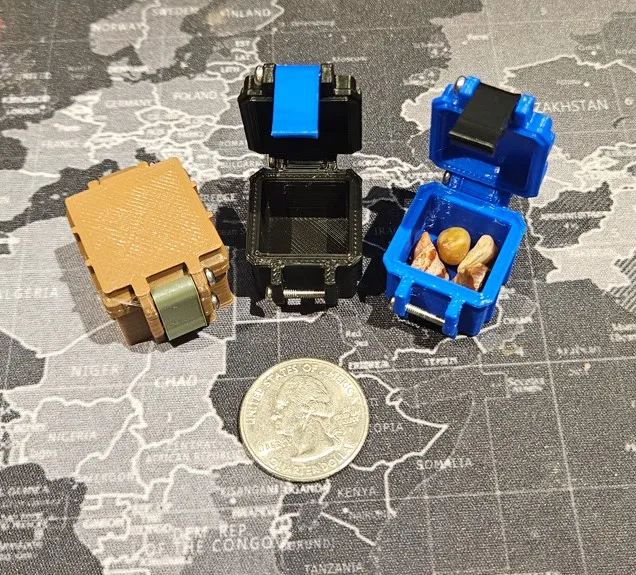
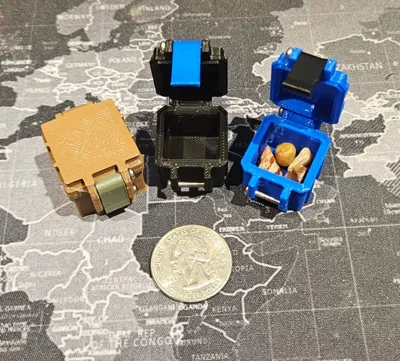
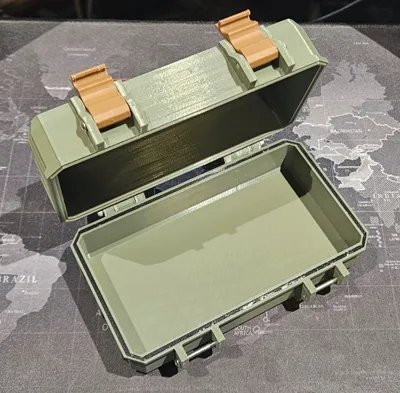
In this model I have mostly pre-generated a set of boxes that are mostly Low-Poly, stackable (with feet), and have a 4mm chamfer. Plus, a few other smaller boxes just to prove that almost any size/shape box can be generated.
As I mentioned above, the gasket’s tolerances should be tested on your specific printer, so I did NOT pre-generate any gasket cases.
The settings for all the pre-generated models has been uploaded vis a “RuggedBoxV1.json” or “RuggedBoxV1.txt” depending on if you are on the Prusa or Bambu Site.
General file naming scheme:
[Object(s)]_[PolyLevel]_[InternalWidthX]x[InternalLengthY]x[InternalBoxBottomZ]x[InternalBoxTopZ]_[ScrewLength]x[ScrewWidth]mmScrews_[OptionalXandYSectionCounts]_[IfitHasFeetOrNot].stl
Settings Documentation
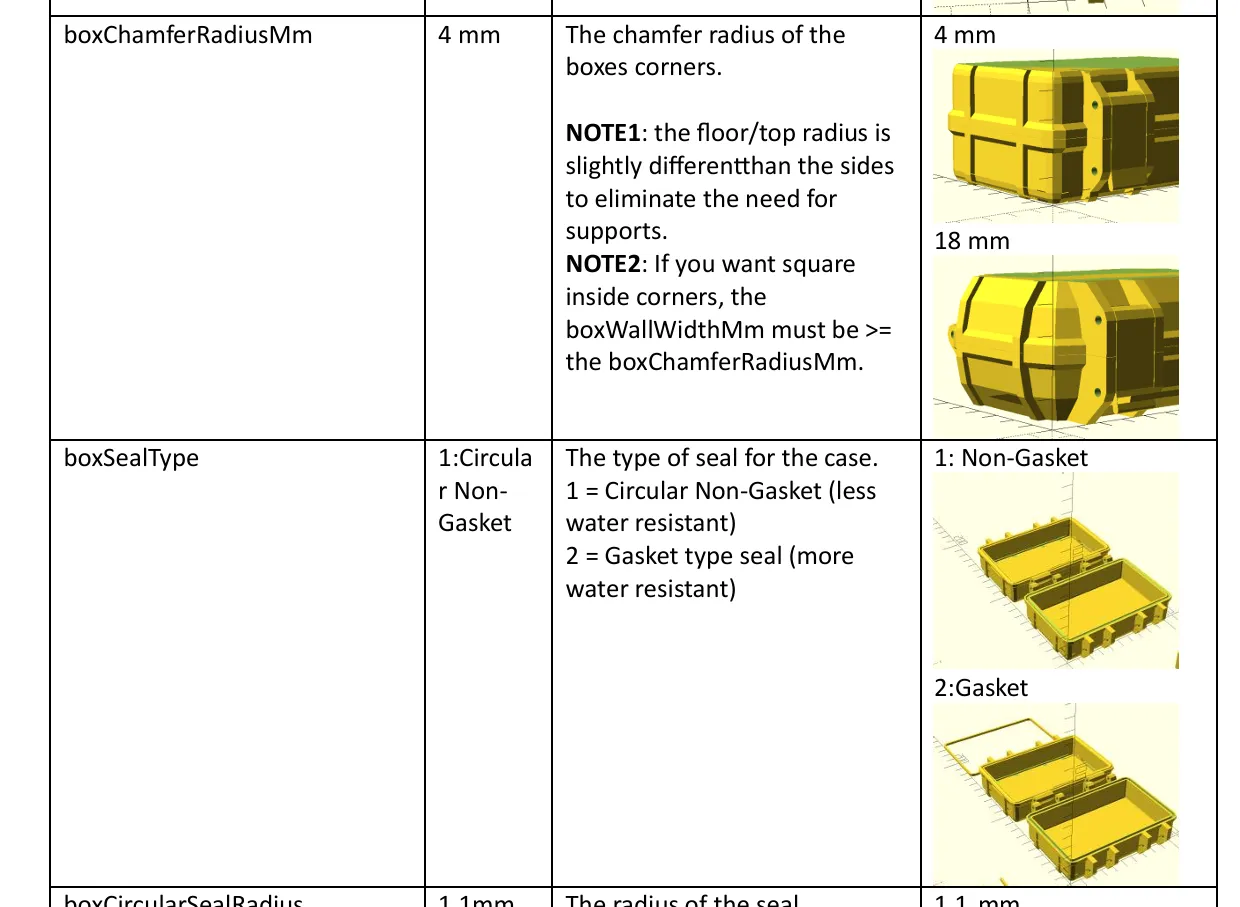
See the attached “CustomRuggedBoxSettingDocumentation.pdf” file in the documentation for a description of all the settings and examples of what they do.
Below is an example from the documentation file…
Documentation (2)
This remix is based on

License



Comment & Rating (85)