
Ultimate SNES MarioKart Collection

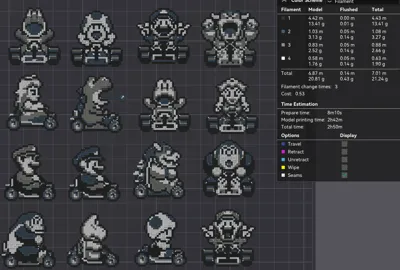
Print Profile(1)

Description

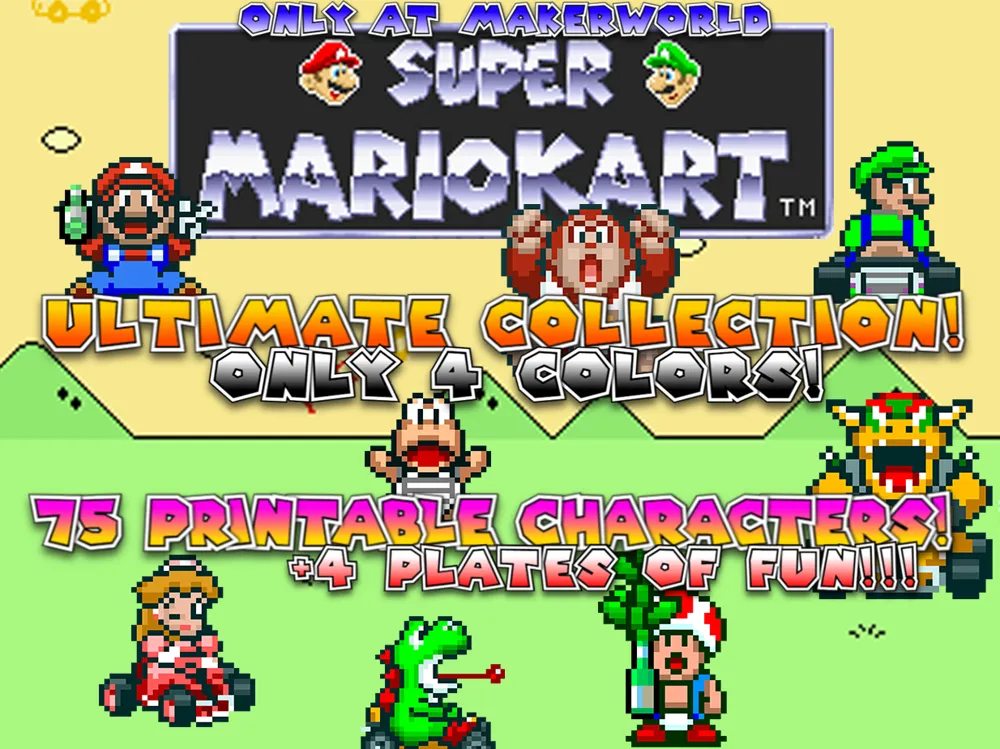
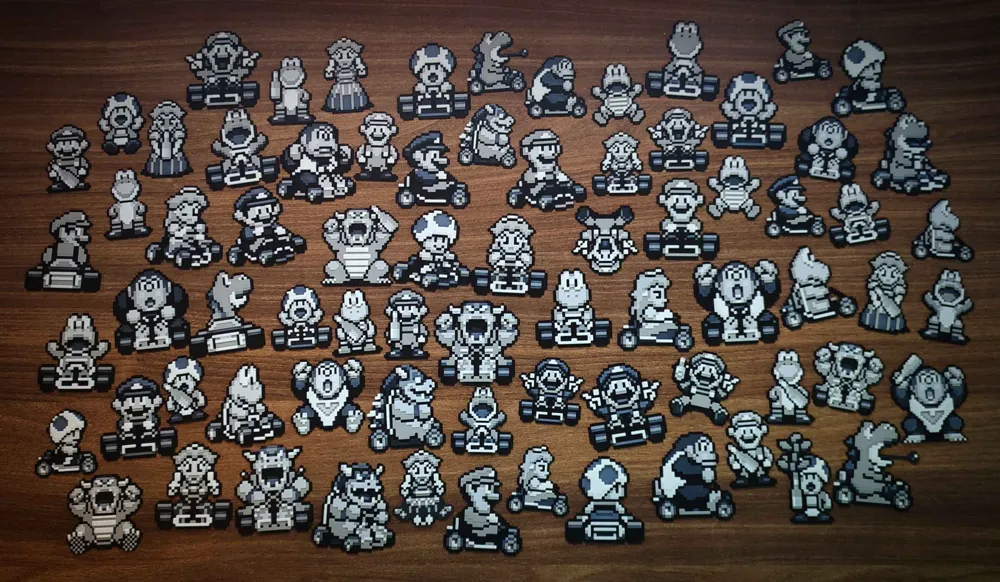
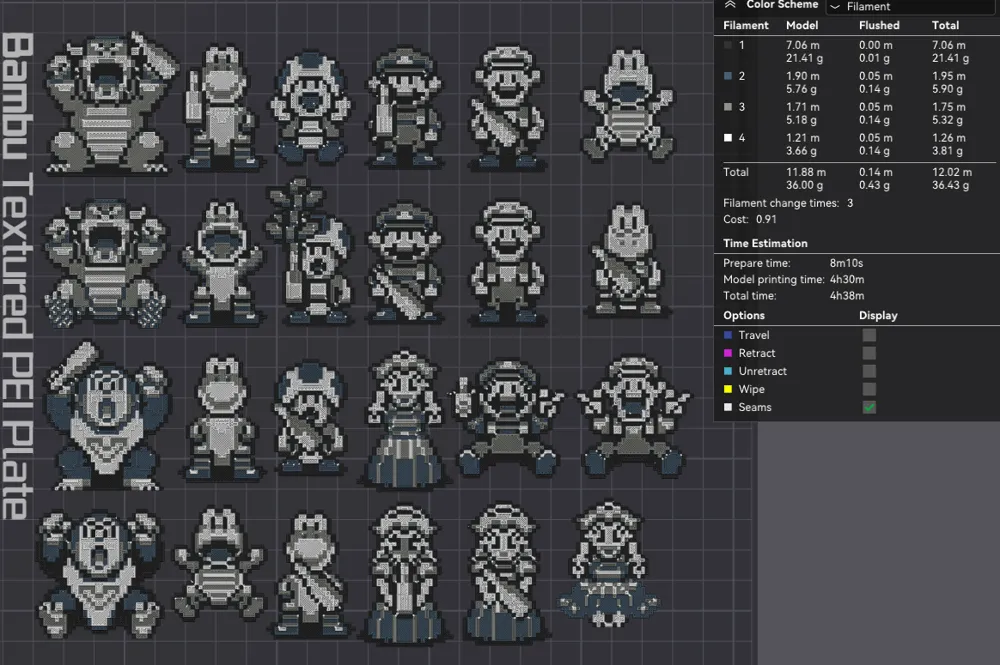
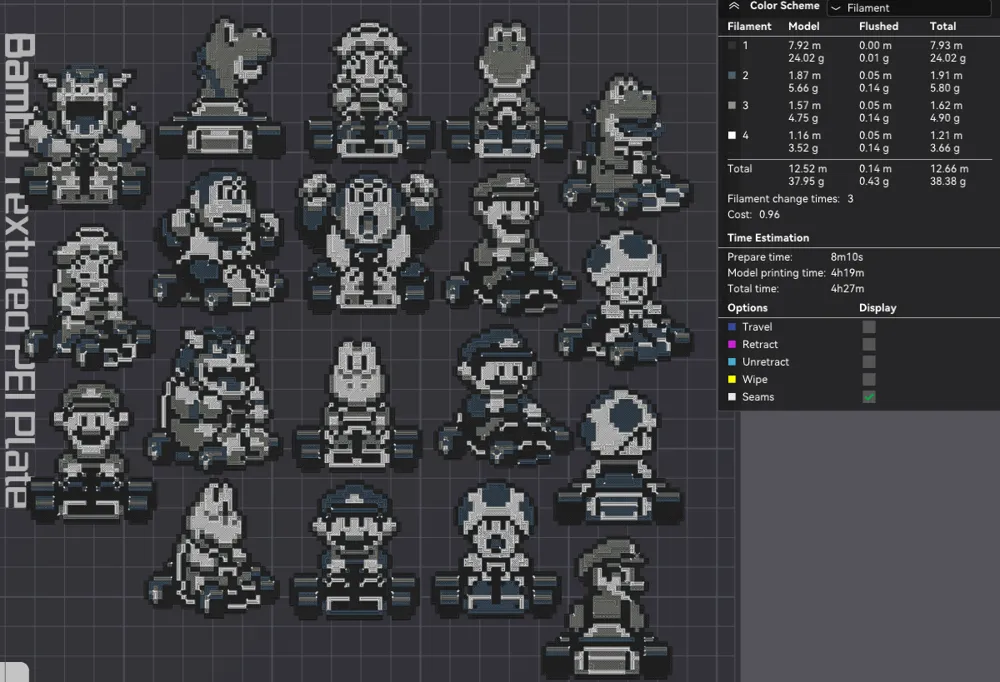
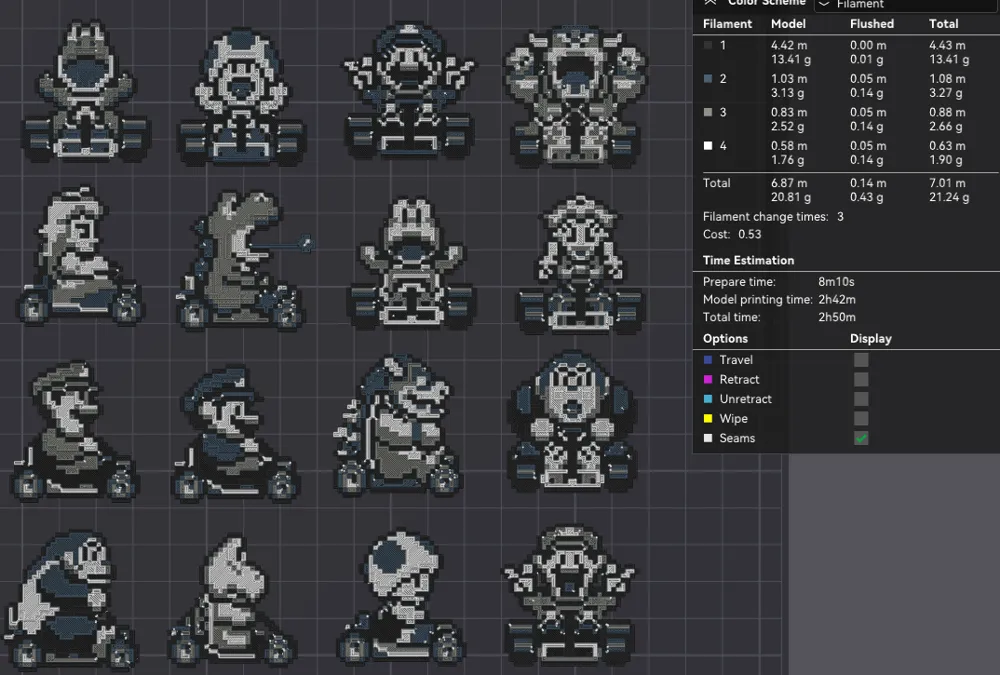
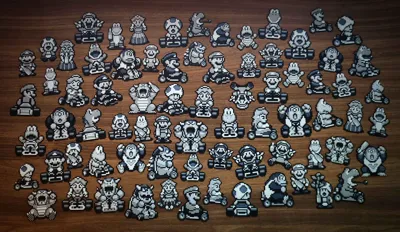
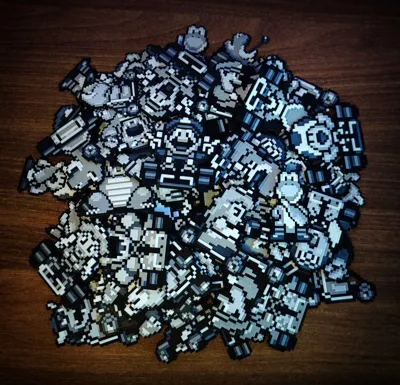
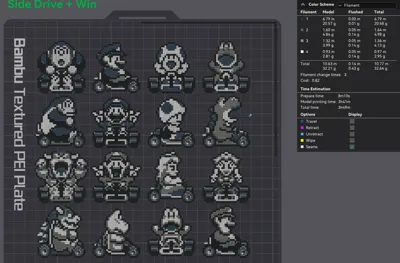
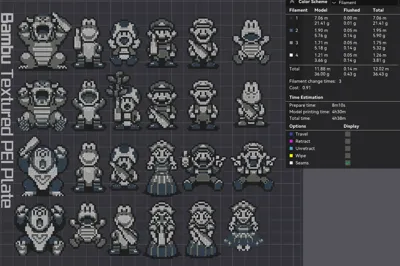
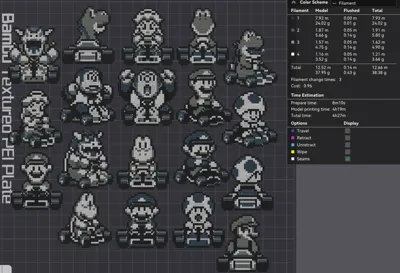
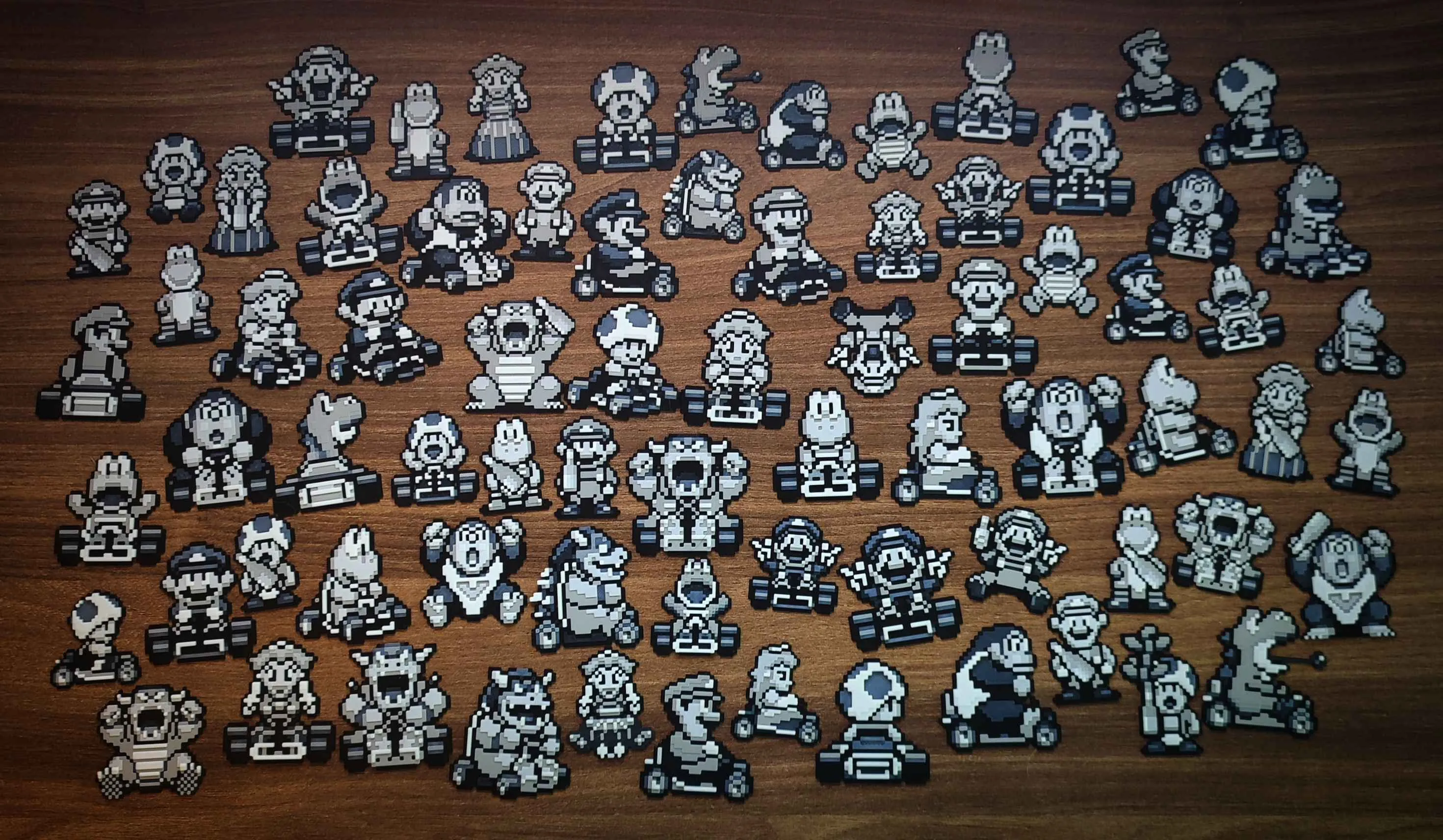
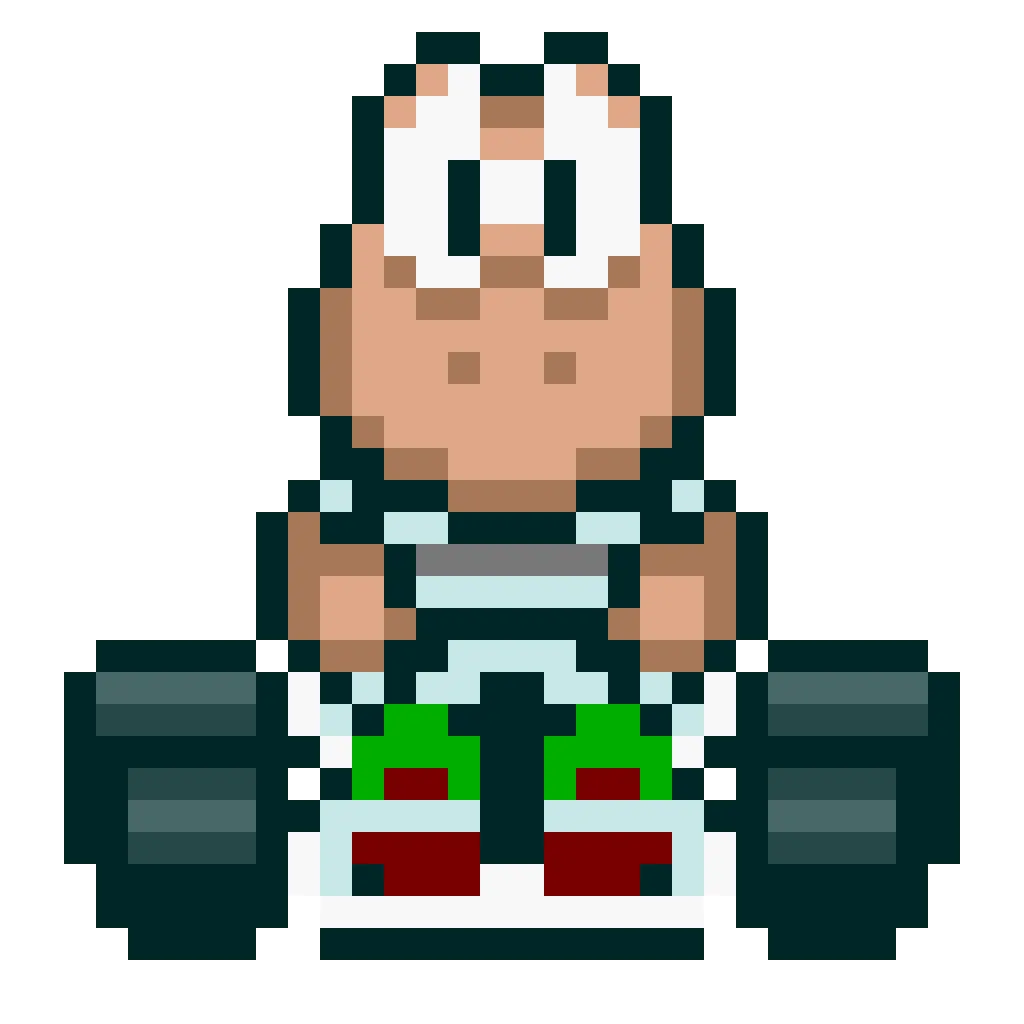
75 Printable Characters!
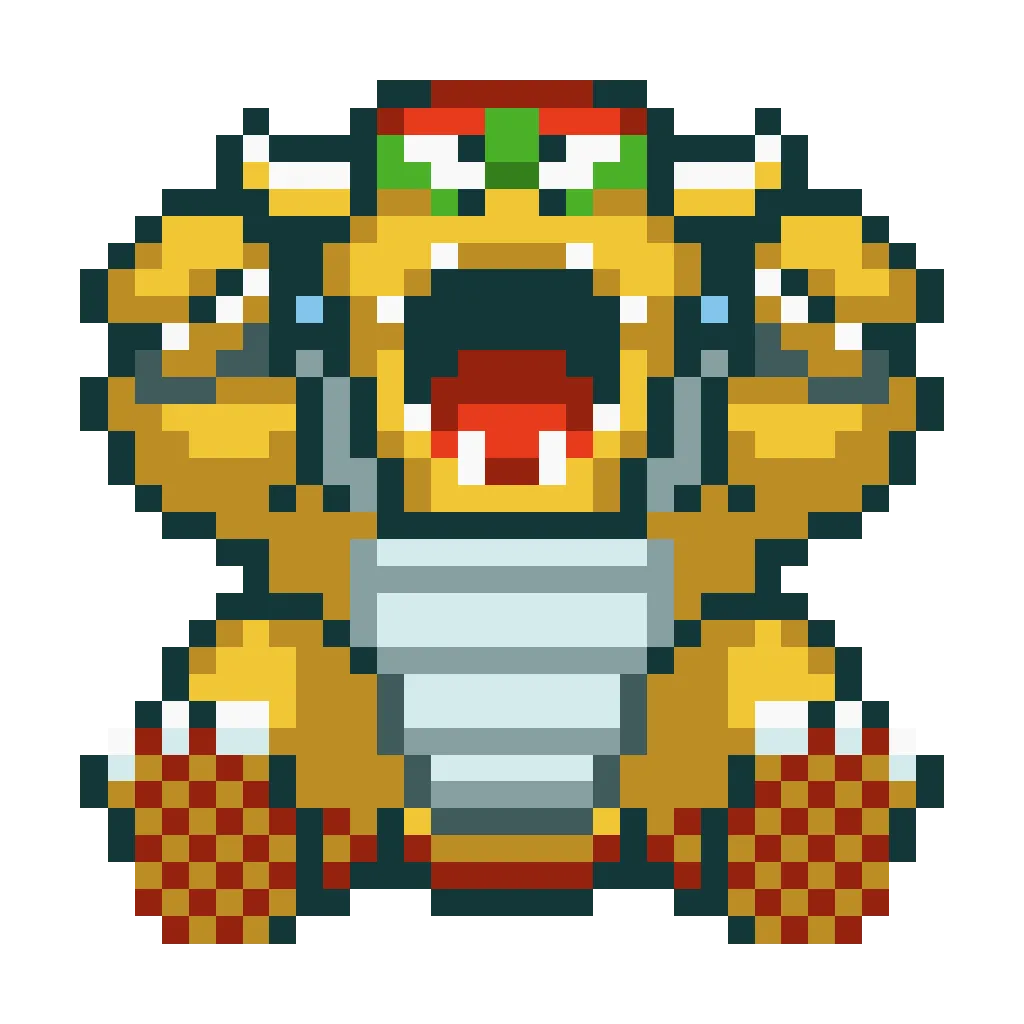
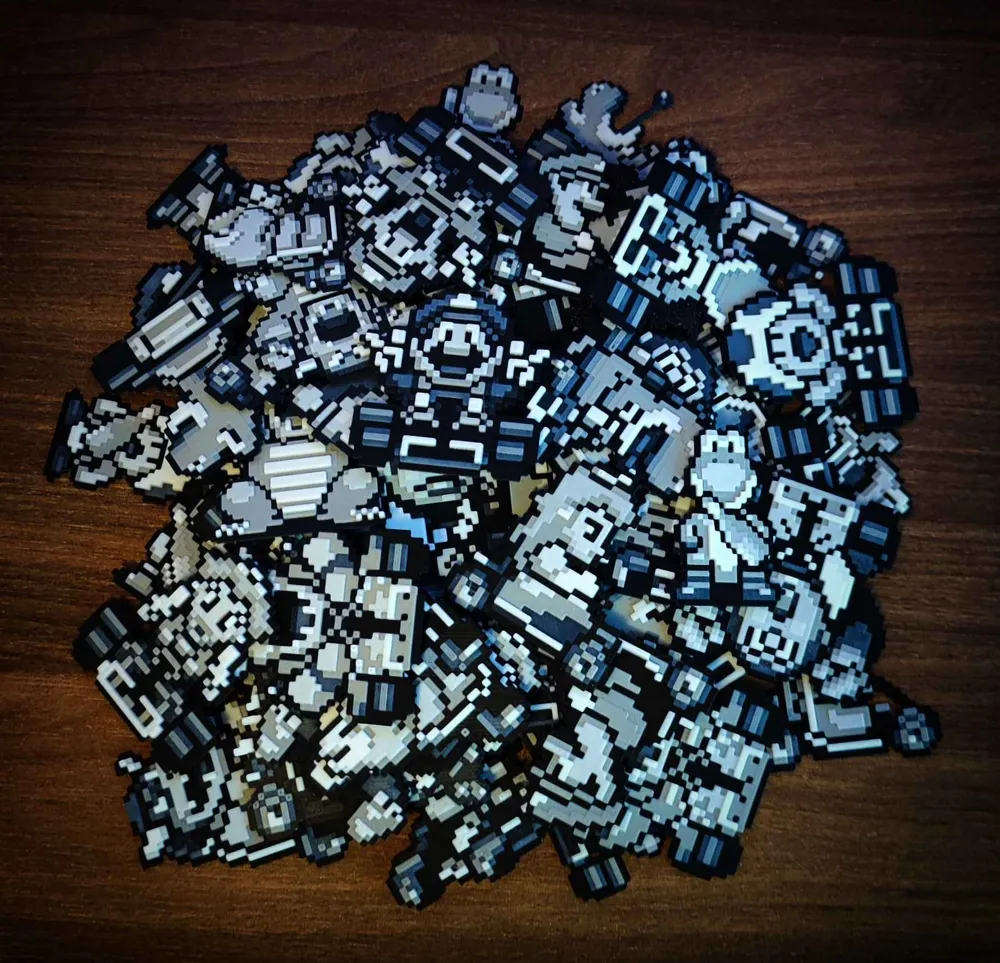
Many Mariokart character Variants! Print few or many as you like!
Boost Me (for free)
If you like Mariokart Ultimate Collection consider boost! Thankyou so much if you chose us!
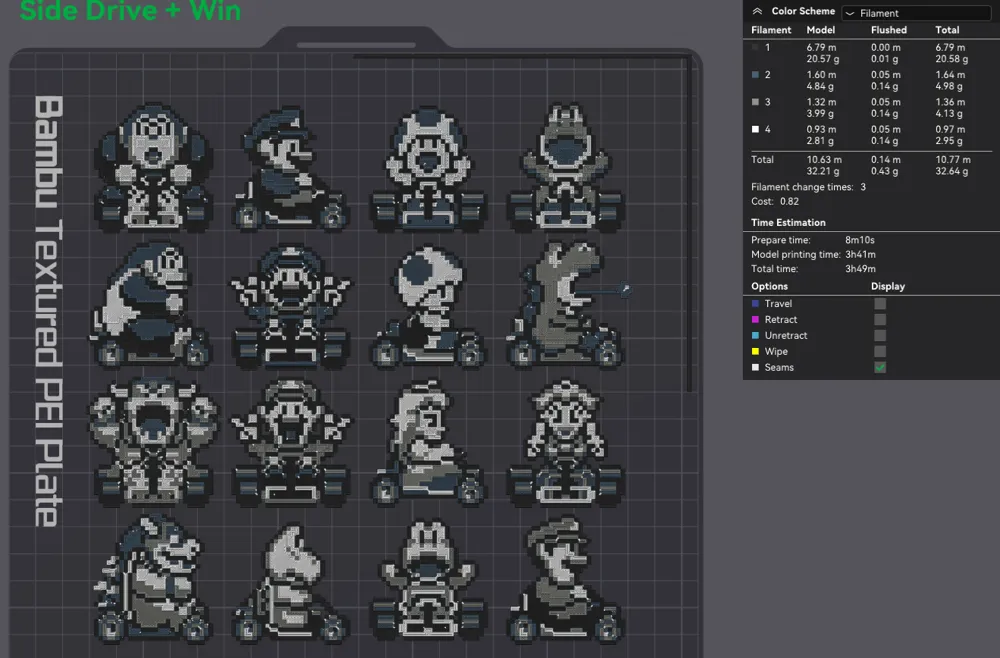
4 Plates of Fun!
All images are fully scalable if you want to choose the image size yourself. You can make bigger or smaller pictures, just remember to keep the same Z axis size as in the original image.
Now only at Makerworld!
Where to use these?
it's up to you!
Few exsamples:
1. if you want make keychain just add on hole on bambustudio at picture its up to you!
2. add fridge! add magnet/magnets at back image
3. Wall Art
4. Cool gifts for friends
5. use your imagination
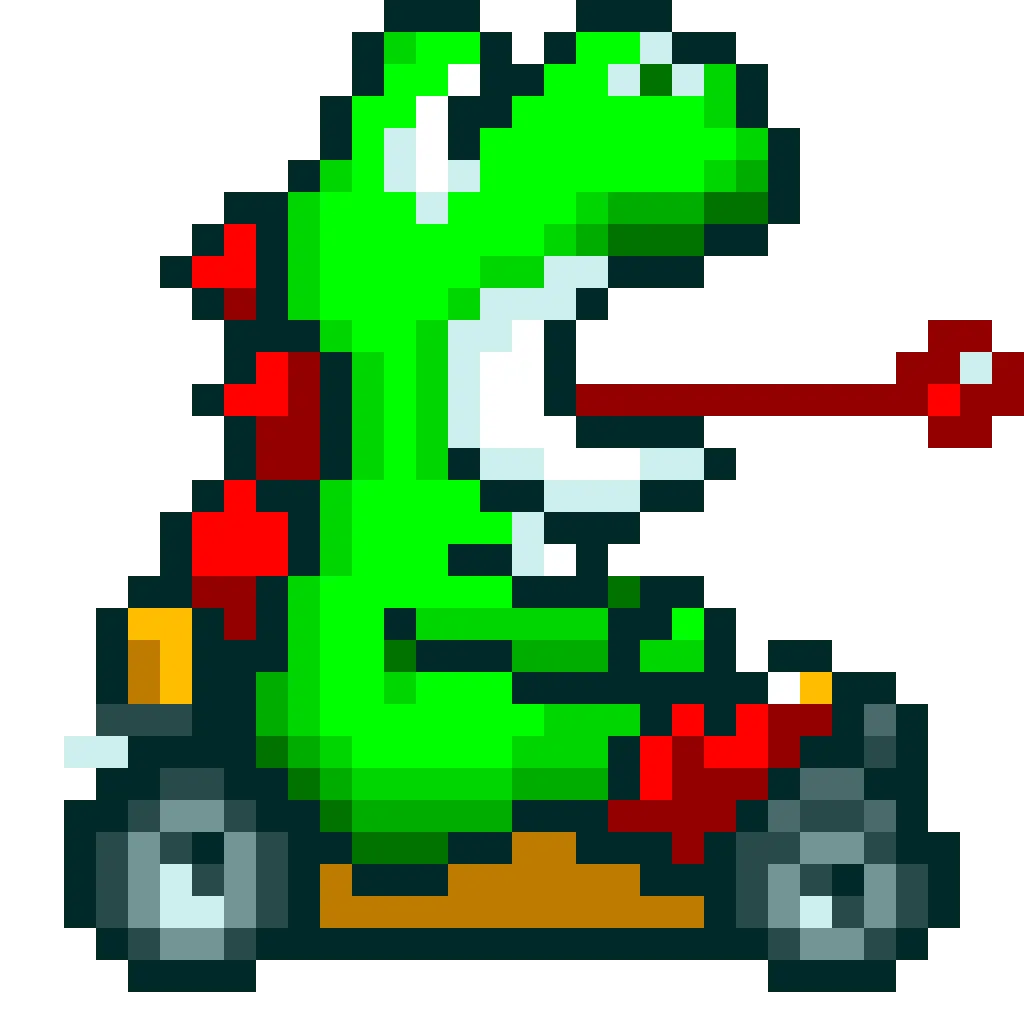
Only 4 colors? (Optimal my settings)
Yes, but you can also make your own customs do not recommend changing black or white
1 - black
2 - dark colors (as your choice)
3 - light colors (as your choice)
4 - white
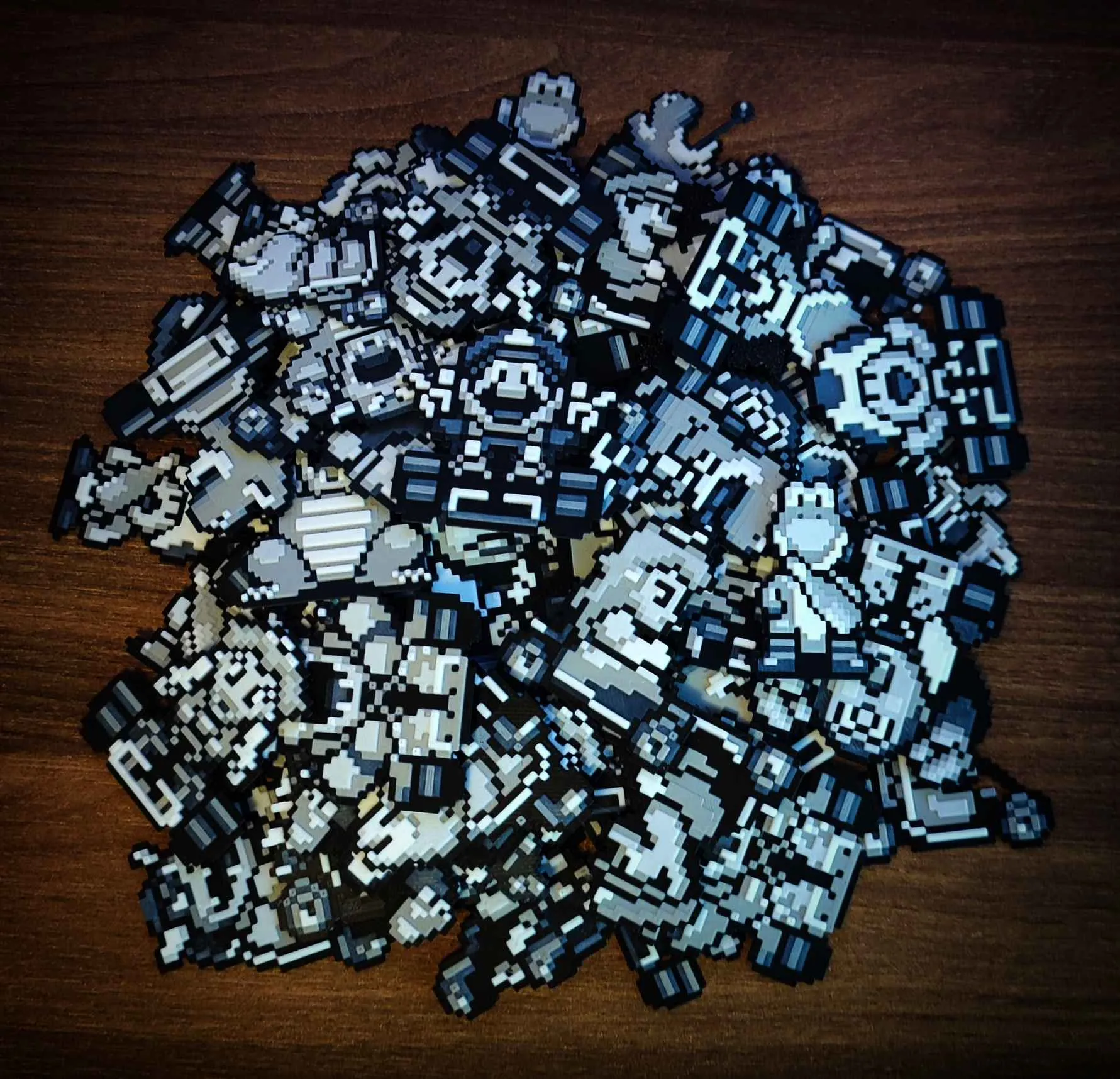
Setup & Making these?
So how are these done? Download the .3MF file and print! If you use X1C, you can also use my settings, that's up to you too! I recommend the first ones with basic settings, but you can also use mine with my settings.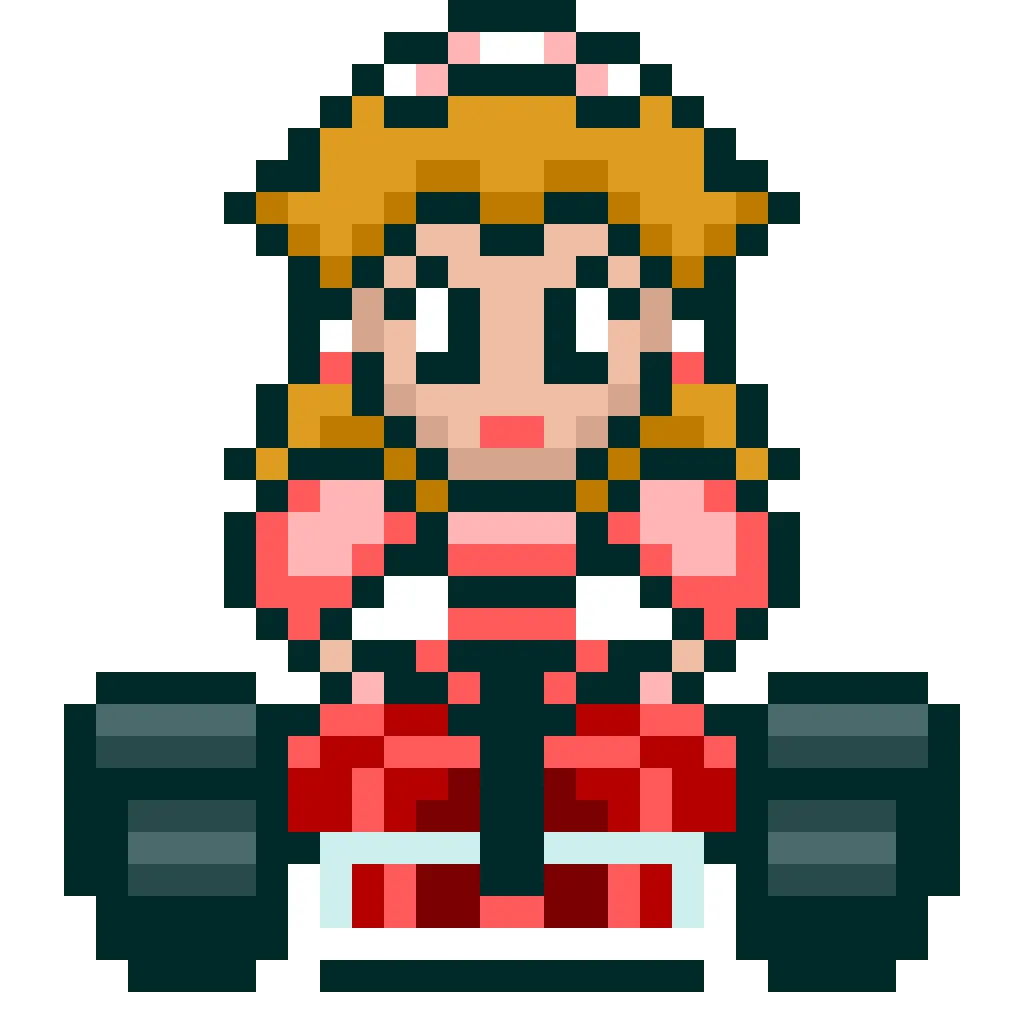
Setup
Print at 100% infill with a layer height of 0.08mm with a base layer of 0.16mm
You may print at higher layer heights below the Min Depth of 0.48mm
The Max Depth is 2.2mm and the Actual Depth is 2.2mm
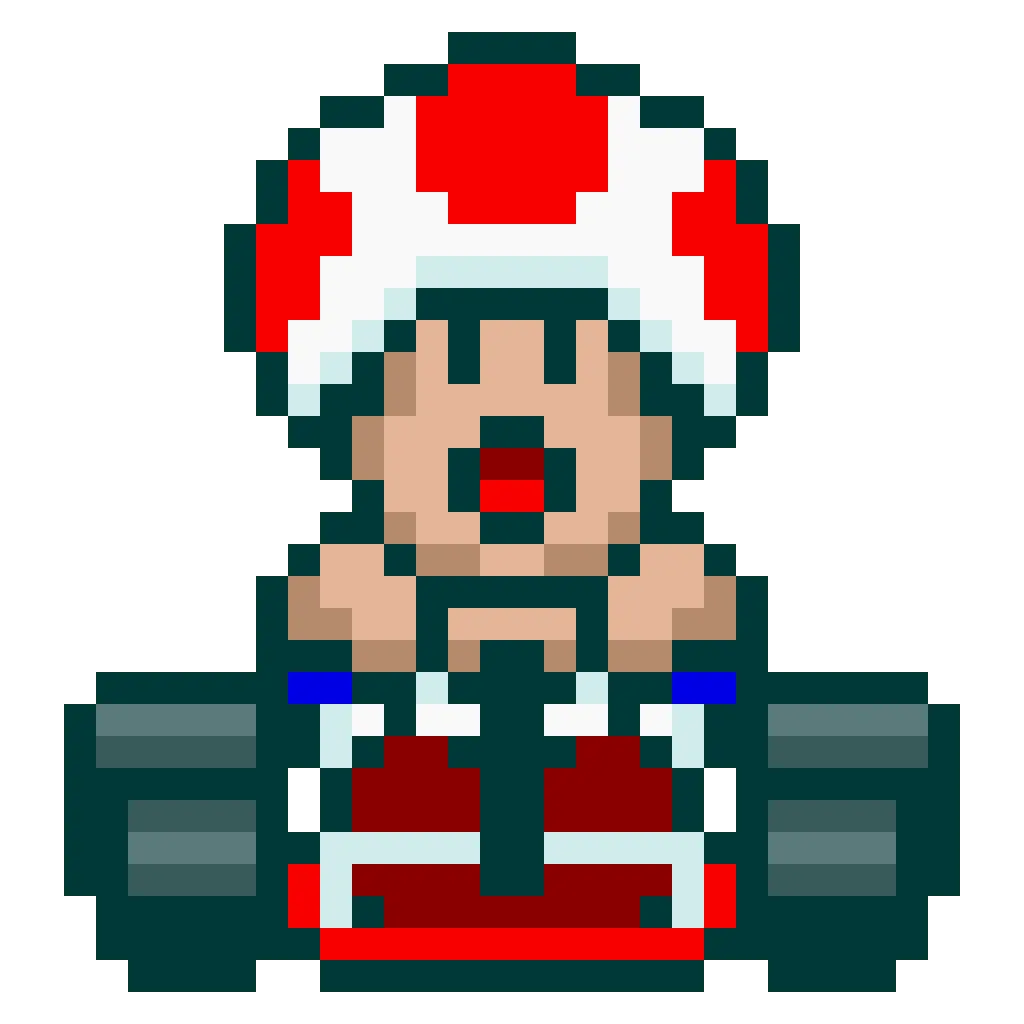
Filaments Used:
PLA BambuLab Basic Black Transmission Distance: 0.6
PLA BambuLab Basic Blue Gray Transmission Distance: 3
PLA BambuLab Basic Gray Transmission Distance: 2
PLA BambuLab Basic Jade White Transmission Distance: 5
This print uses 4 unique filaments
Swap Instructions:
Start with Black
At layer #9 (0.8mm) swap to Blue Gray
At layer #13 (1.12mm) swap to Gray
At layer #18 (1.52mm) swap to Jade White for the rest.
Click link Below going to my page! Lot of all kinda artwork

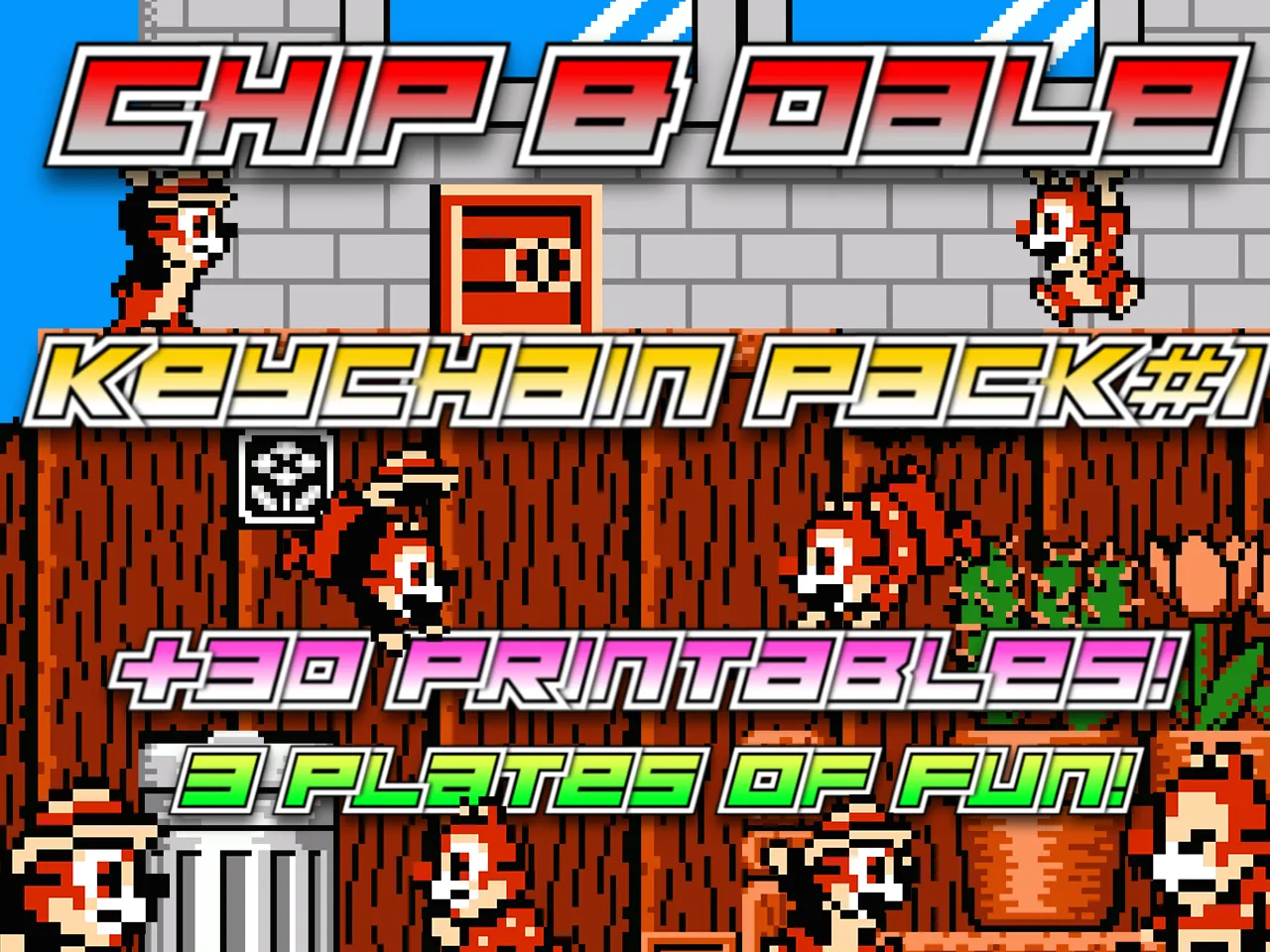
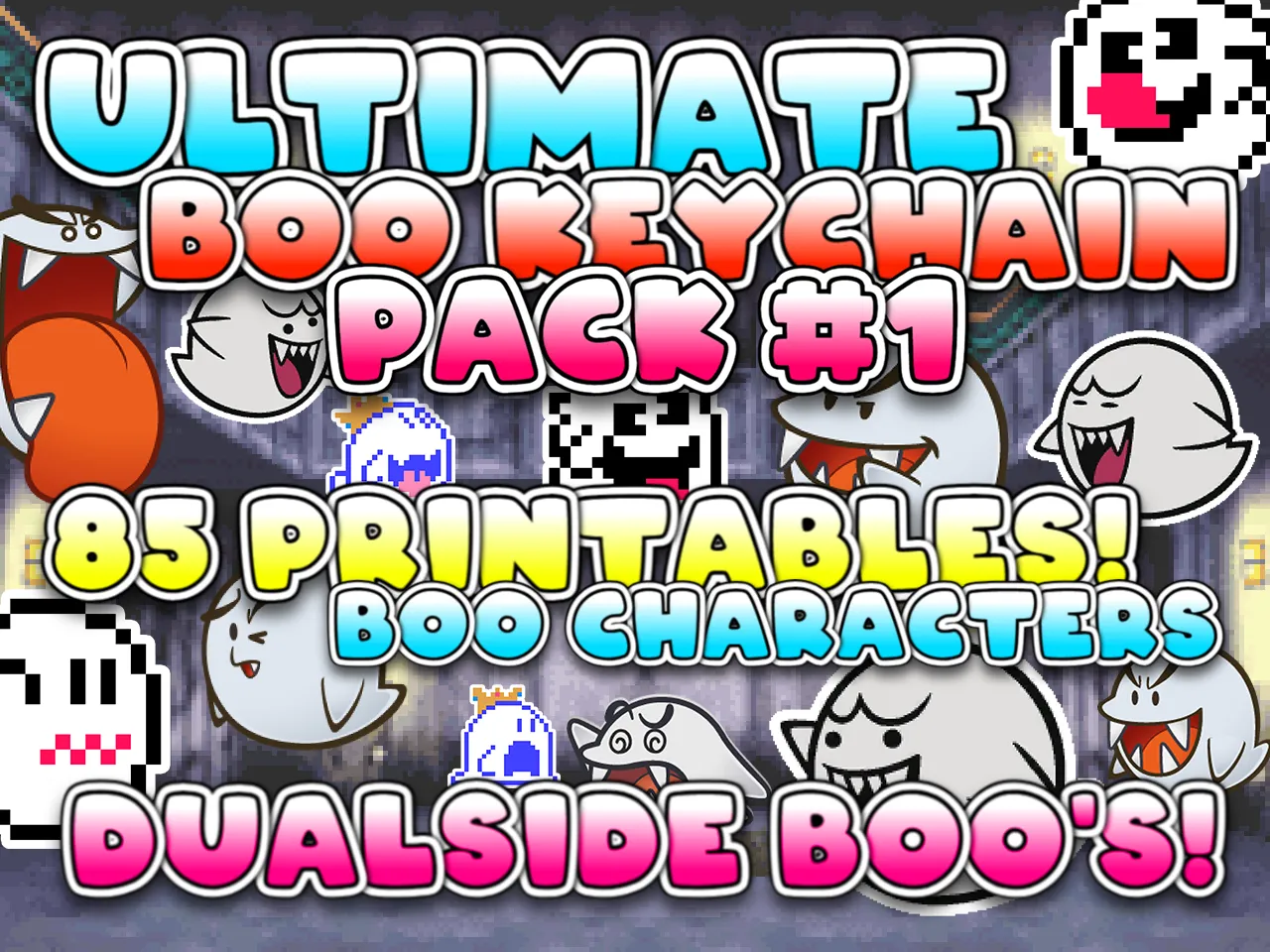
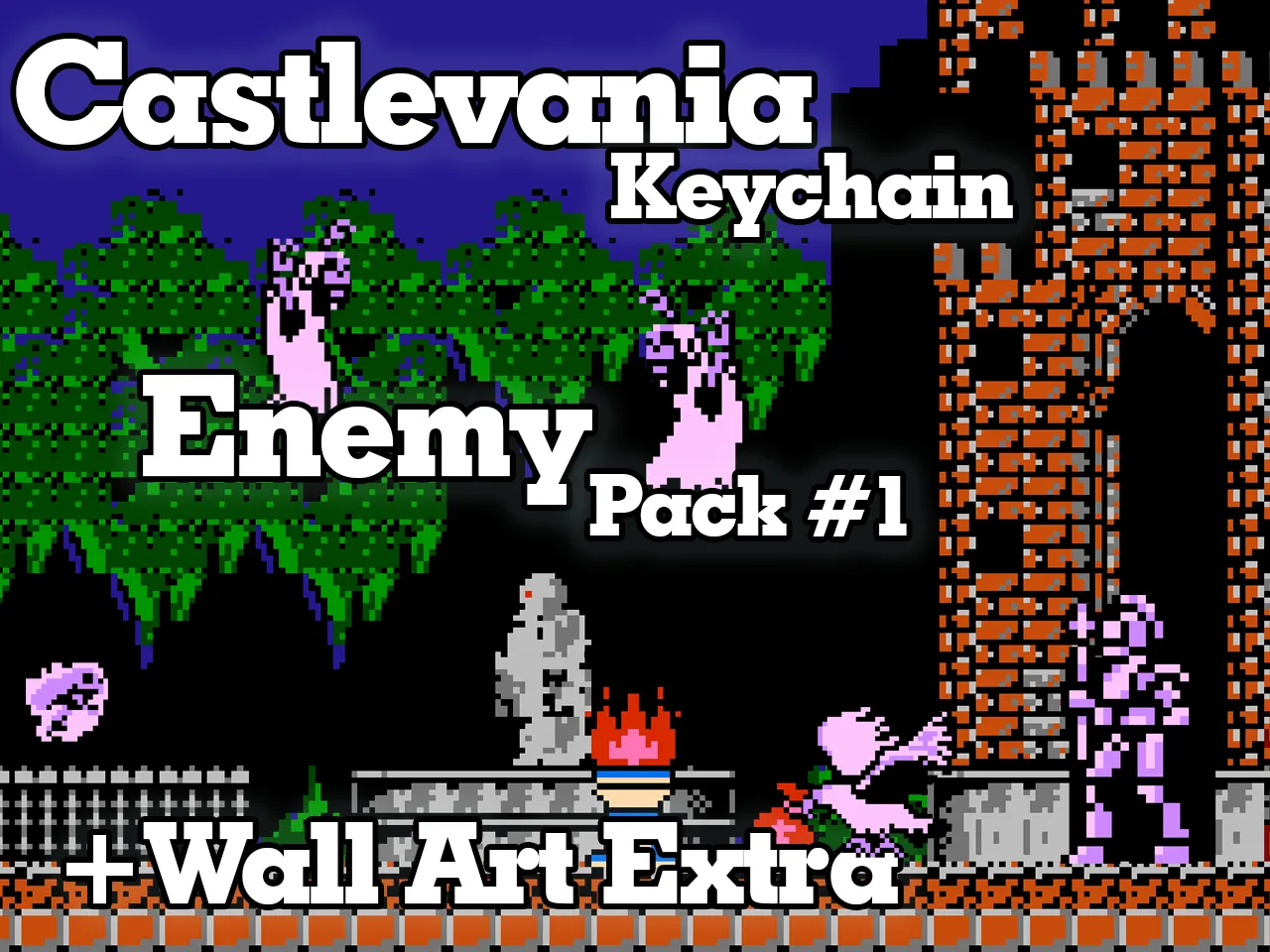
Same style Content Check these out!
 |  |  |
|  |
 |
License

You shall not share, sub-license, sell, rent, host, transfer, or distribute in any way the digital or 3D printed versions of this object, nor any other derivative work of this object in its digital or physical format (including - but not limited to - remixes of this object, and hosting on other digital platforms). The objects may not be used without permission in any way whatsoever in which you charge money, or collect fees.


Comment & Rating (1)