
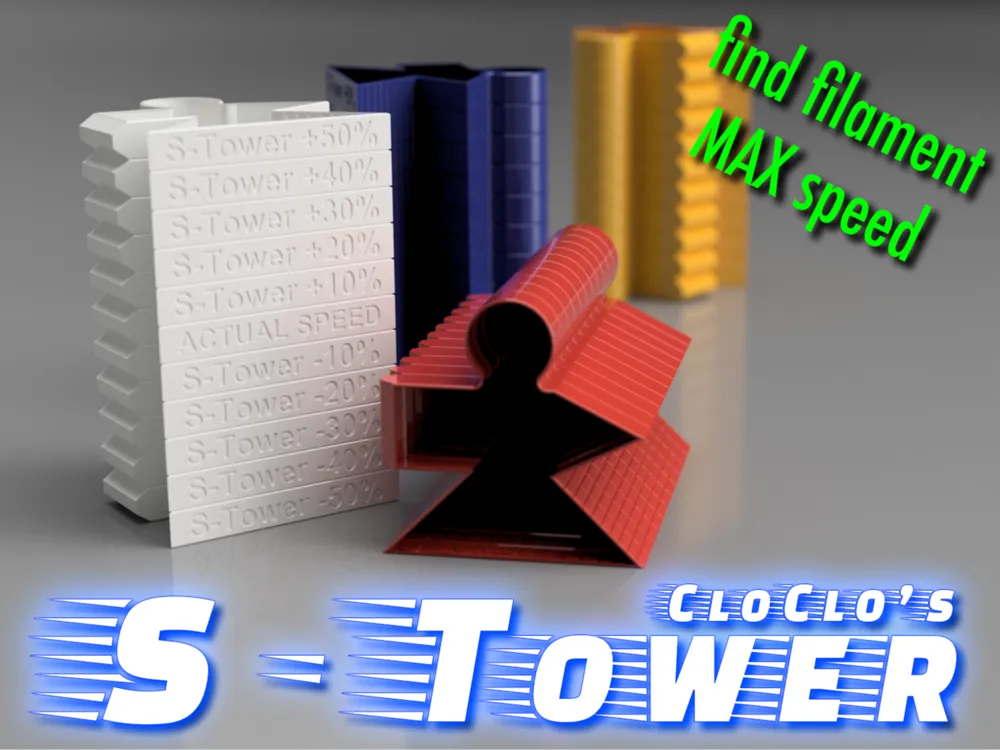
CloClo S-Tower (filament speed)
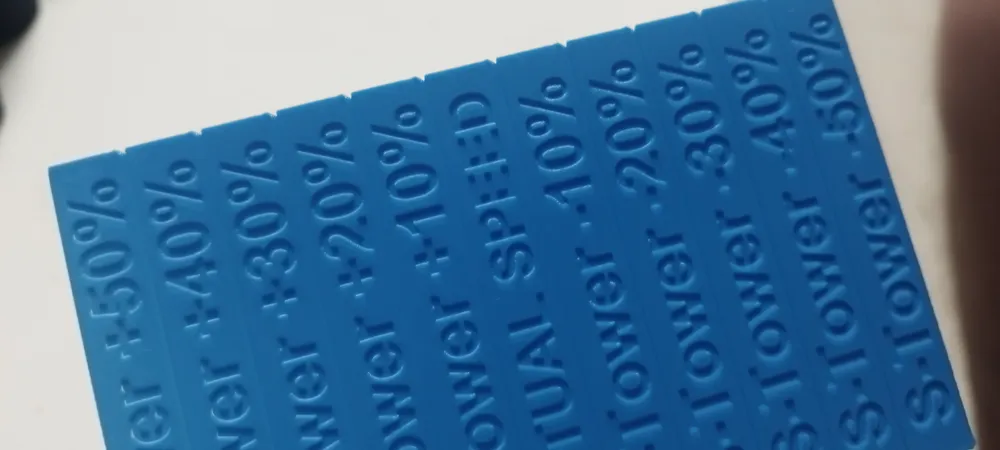

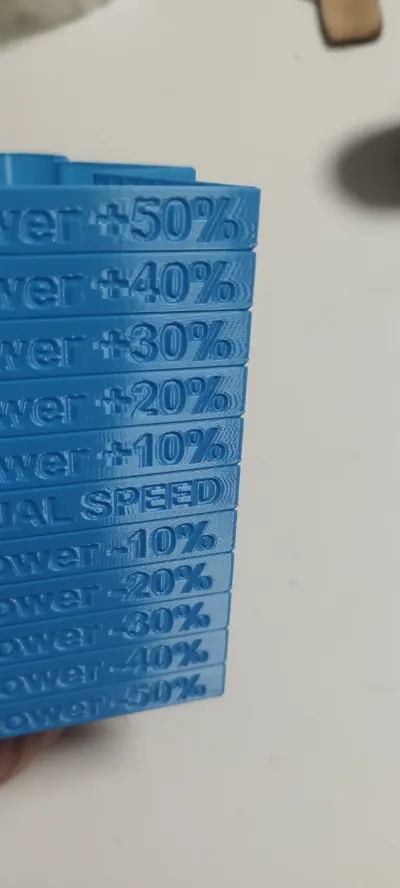
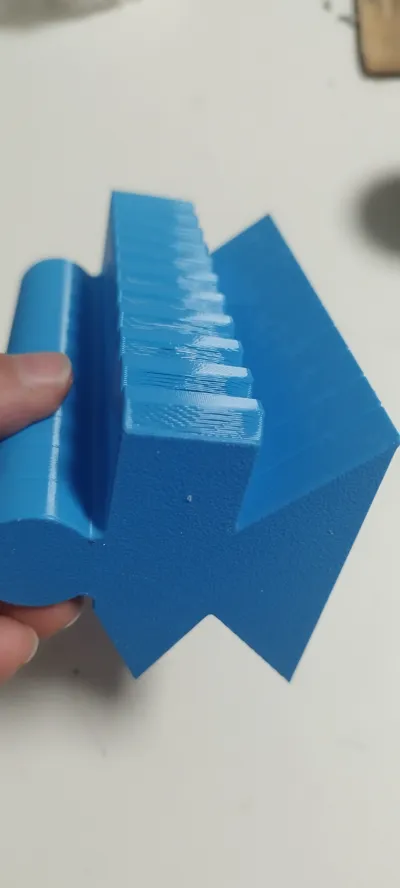
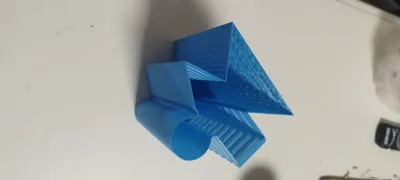
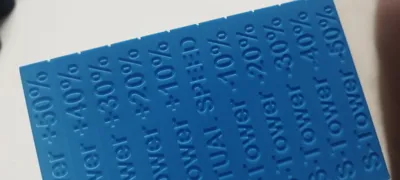
Print Profile(1)

Description

EDIT November: If you download the STL/CAD File, the GCode changes are already presents when slicing, without the need to add the gcode to the printer.
Let's be honest, not all filaments have the same properties, and not just thinking about different materials from each other, but also the same materials but different colours, brands and according to the other settings you are using (flow rate, temperature accelerations and so on) .
Users of our dear Bambu Lab printers have always been seduced by the speed that these machines can reach but, as previously mentioned, we cannot use these high speeds for just any filament.
The precision in the corners, the continuity of an arc, of a circumference, overhangs, ghosting, solidity, density are part, for example, of those variable results also as a consequence of the printing speed.
With only 21g of filament this test will allow you to choose the best speed without compromising on print quality.
To use this tower you must proceed in the same way as the "CloClo T-Towers" (link) for the optimal temperature.
You must therefore select the printer we will use and add a few lines to the gcode executed at each layer change.
(Otherwise download the RAW model from the STL section of the download menu and open the file with bambu studio/orca slicer to directly have the gcode inserted in the right layers).
HOW TO USESetting Bambu lab studio before launching printing of S-Towers | ||
You need to add custom G-Code to your printer before slicing the model (In fact MakerWorld doesn't allow to store modified codes and models on their server for a reasonable safety measure.)
To do so: edit the GCode section of your printer (accessible from the “Machine Gcode” tab appearing after clicking on “Printer presets” see the picture below).
Scroll down to “Layer change G-Code” and insert the following lines at the beginning (without deleting the existing lines, just add…) :
| ;CloClo S-TOWERS Custom Code {if layer_num>=3}M220 S50{endif}; {if layer_num>=54}M220 S60{endif}; {if layer_num>=108}M220 S70{endif}; {if layer_num>=162}M220 S80{endif}; {if layer_num>=216}M220 S90{endif}; {if layer_num>=270}M220 S100{endif}; {if layer_num>=324}M220 S110{endif}; {if layer_num>=378}M220 S120{endif}; {if layer_num>=432}M220 S130{endif}; {if layer_num>=486}M220 S140{endif}; {if layer_num>=540}M220 S150{endif}; ;END CloClo S-TOWERS Custom Code |
THIS CODE CAN BE SAVED LOCALLY WITH THE BAMBULAB PROJECT FILE ONCE MODIFIED.
ANYTHING WILL BE STORED/CHANGED IN YOUR PRINTER.
This is a screenshot to simplify the modifications:
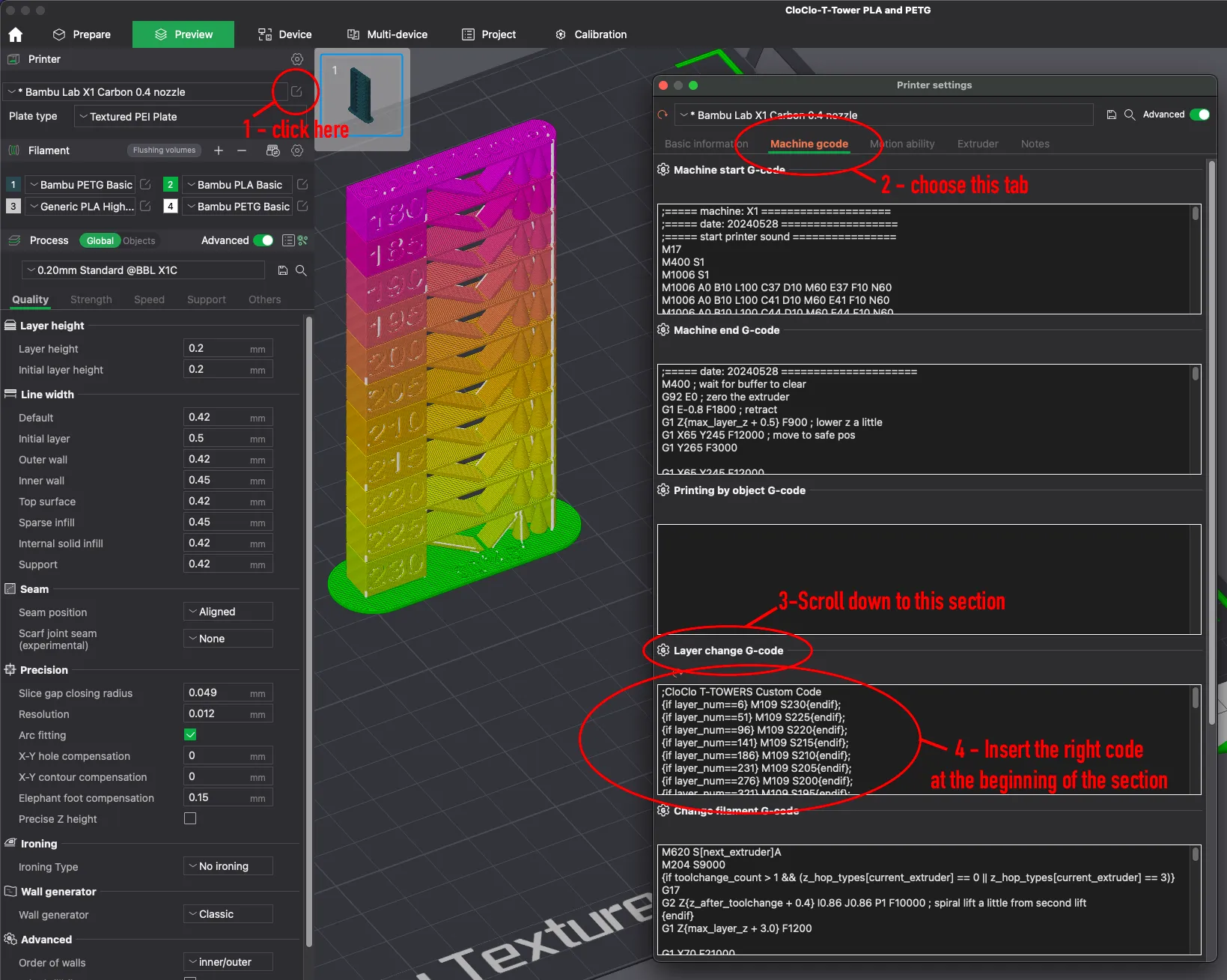
Attention: Contrary to what happens with the temperature tower (as in the above image), the speed variations are not visible directly in the slicer (you will not have the so-called rainbow effect in the preview).
- Once done you can proceed to the plate slicing and send the job to the printer.
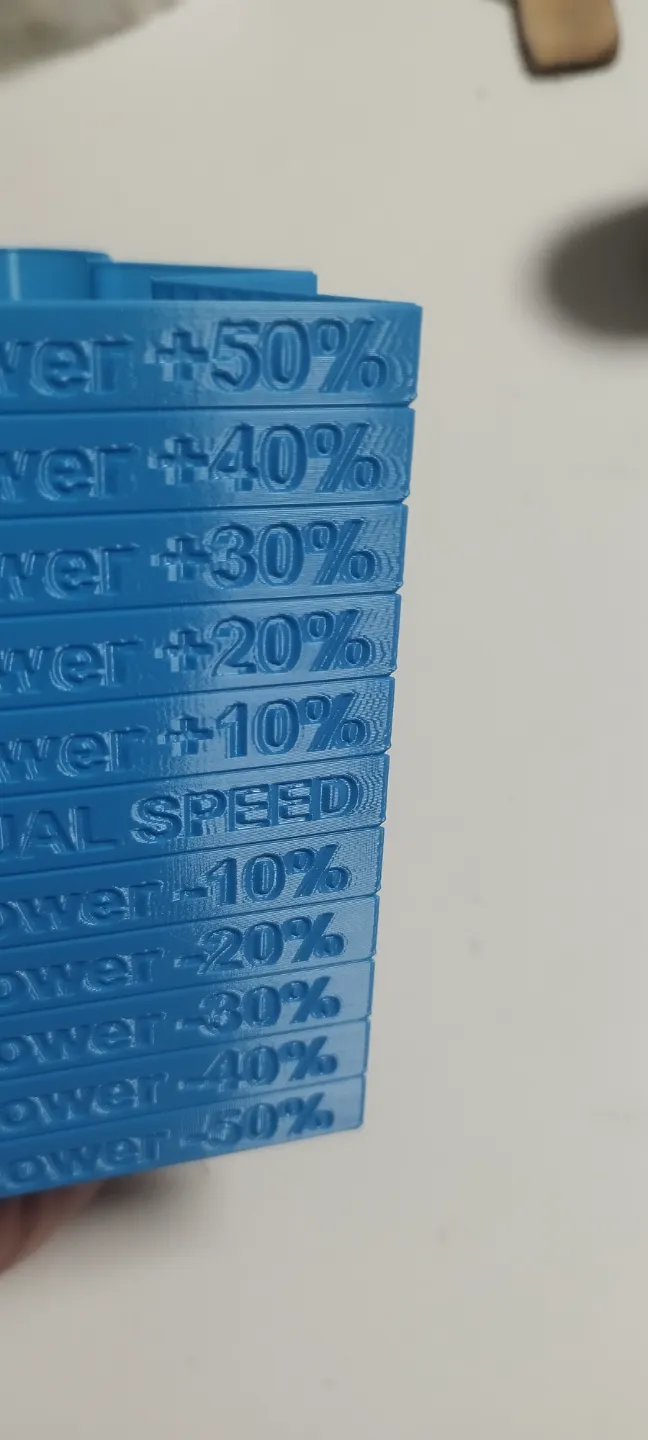
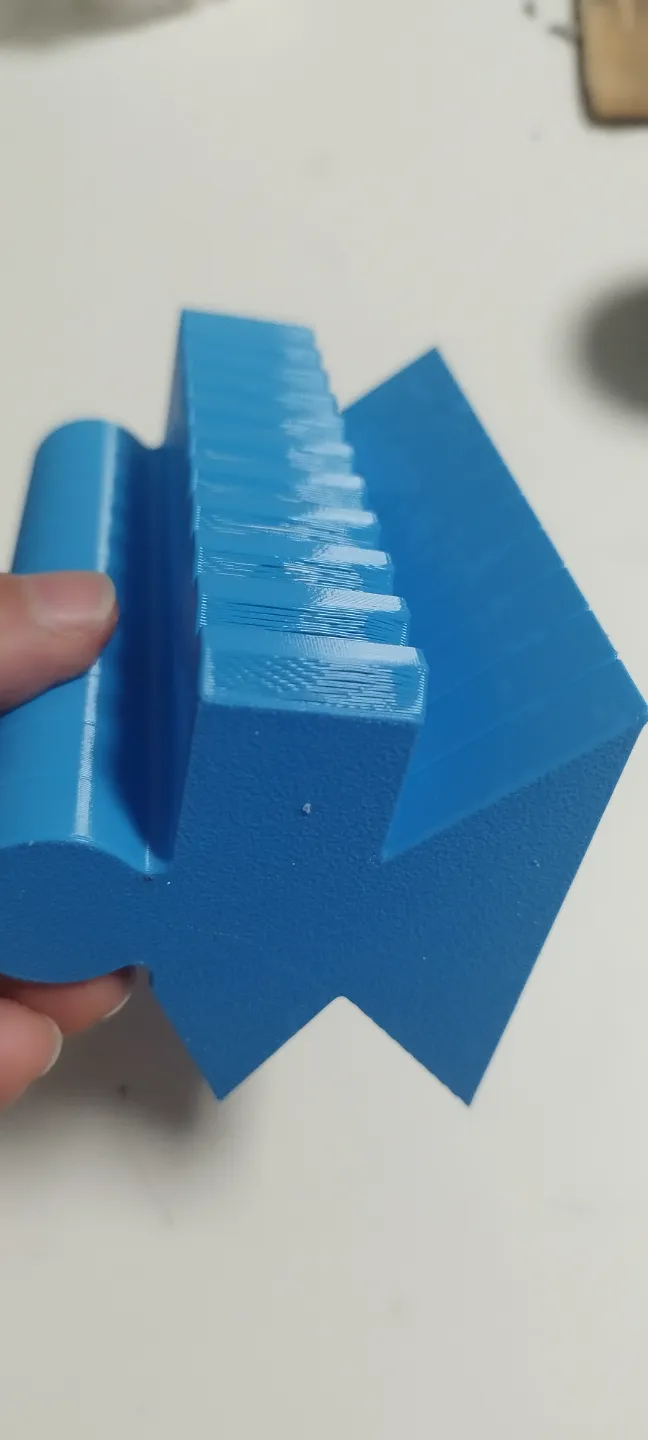
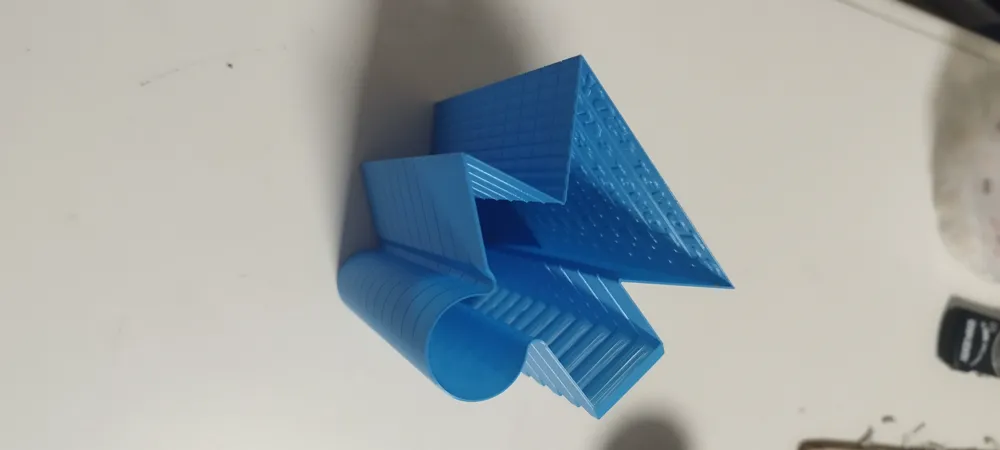
- Once the printing is complete, carefully examine every detail of the model and judge the shelf that seems best to you (look at the presence of the ghosting effect in the writings and grids, the precision in the corners, the smoothing of the circular part, the quality of the overhanging, the consistency of the layers ...).
The speed set in your profile is that of the "ACTUAL SPEED" shelf.
Find the percentage X% on the shelf you prefer (Actual speed is equal to 0%) and calculate the new speed based on that percentage using the formula
NewSpeed=(100+X%)OldSpeed/100. - Example: if the best shelf is -10% and your "outer wall" speed was set to 200mm/s we will perform this calculation:
NewSpeed=(100 + (-10%))200/100 and we will find:
NewSpeed=180mm/s
This will be the maximum speed at which you should get the best printing results. - Repeat this calculation for inner wall speed and every other speed parameters you need.
- Do not forget to repeat the formula and also change the value of Maximum Volume Speed in the filament setting panel (see screenshot)
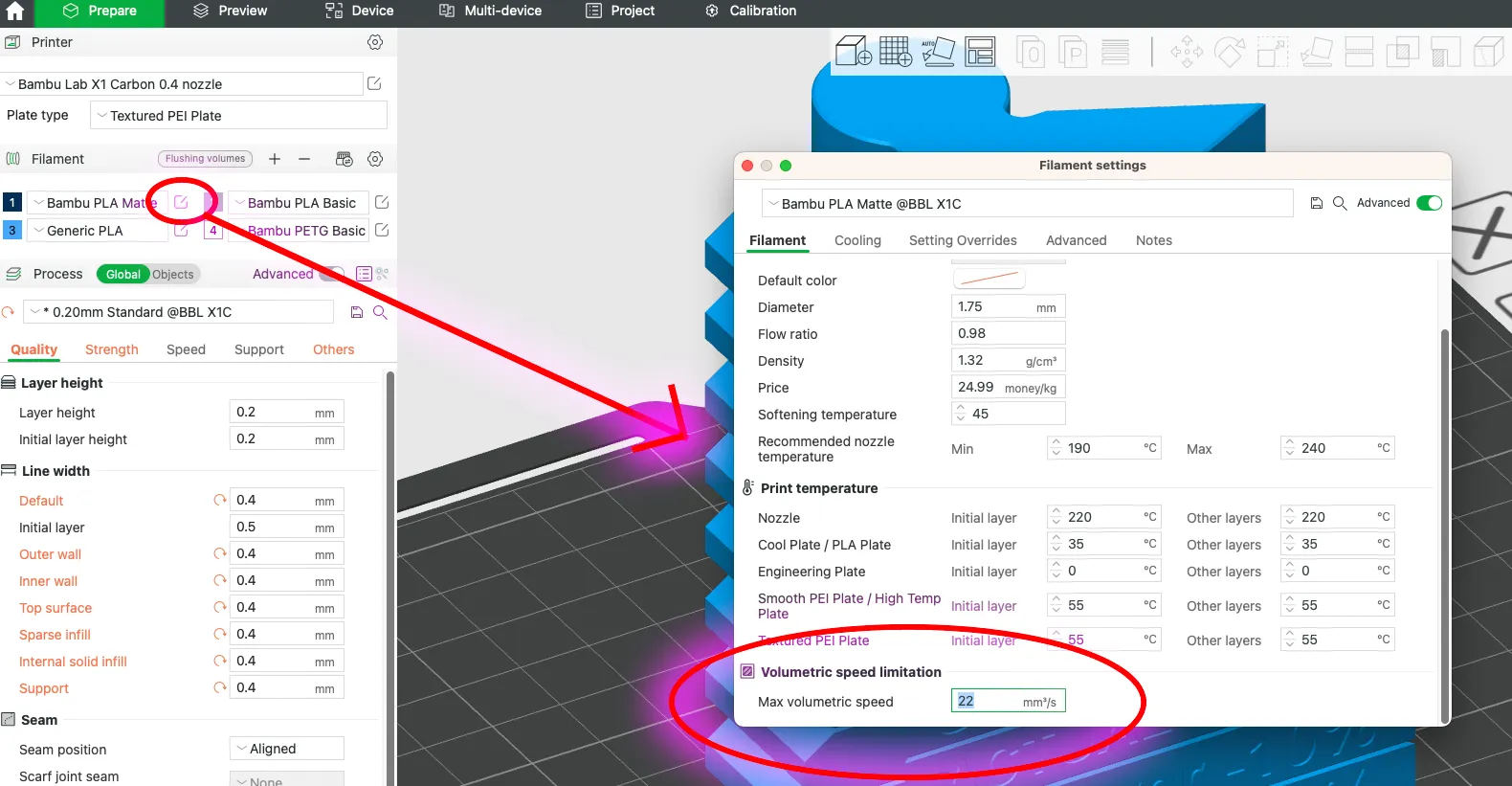
If you need more explications, leave a comment and it will be a big pleasure to help you find the optimal Max speed!
Please, if you print any, share the images, the brand, the speed used, the chosen speed % , the printer and nozzle you used. It will always be a very precious contribution for the whole community!!
Hugs and happy printing, pals!!
What about offering me a coffee ?
https://buymeacoffee.com/menkheperra
Don't hesitate to subscribe to my patreon ...
https://www.patreon.com/claudiogirolami
…Take a look at my other models…
 |  |  |  |
 |  |  |  |
 |  |  |  |
License

You shall not share, sub-license, sell, rent, host, transfer, or distribute in any way the digital or 3D printed versions of this object, nor any other derivative work of this object in its digital or physical format (including - but not limited to - remixes of this object, and hosting on other digital platforms). The objects may not be used without permission in any way whatsoever in which you charge money, or collect fees.


Comment & Rating (41)