
3D-Fuel PCTG Pro Daffodil Yellow filament profile


Print Profile(1)

Description
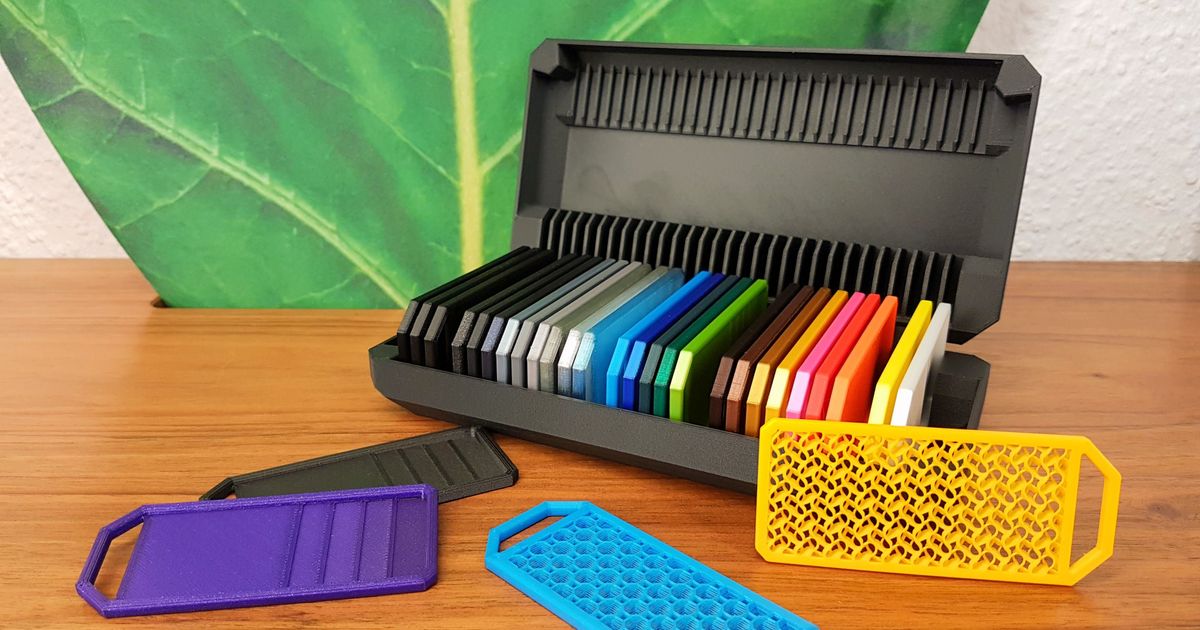
Filament profiles and swatch models for you to use.
These are the settings I've settled on for now. Please let me know how the settings work for you. They differ significantly from the settings published by 3D-Fuel. I found layer adhesion suffered a lot at their default temperature and the surface characteristics, shine, and luster suffered a lot when printing at their higher volumetric flow rates. The lower rate produces a consistent shine/luster on everything I've tried so far.

Instructions
Filament Profile Instructions:
- Download the filament profile zip file (Download STL)
- Open either Bambu Studio or Orca Slicer
- Import the filament bundle zip file. (File → Import → Import Config…) and select the Filament Profile Zip file
- If the import dialog says only one profile was imported, repeat step 2.
- When it asks to confirm overwriting the profile of the same name, choose yes.
- When successful 2 profiles should have been imported.
3MF Instructions:
- Download the Raw 3MF file corresponding (Download 3MF)
- On the left you should see the filament profile
- If you press the edit icon to the right, in the next dialog press the save icon and you can choose to save it as a User Preset
Updates
- 2 May 2024
- New profiles: Cobalt Blue, Fire Engine Red, Snow White
- Updated profiles: Brightest White, Lulzbot Green, Midnight Black, Natural, Ocean Blue,
Other Colors
- Brightest White
- Charcoal Gray
- Cobalt Blue
- Daffodil Yellow
- Fire Engine Red
- Industrial Gray
- Lulzbot Green
- Matte Black
- Midnight Black
- Natural
- Ocean Blue
- Snow White
-
I'm learning and having fun with this. Feedback letting me know how your print went would be greatly appreciated.
If you're feeling generous and like what you see, Send me a tip.
Boost Me (for free)


If you're feeling generous and like what you see, Buy Me a Coffee or Send me a tip.
This remix is based on

License



Comment & Rating (1)