
Stabilization Bracket for A1
Print Profile(1)
Description
Hello!
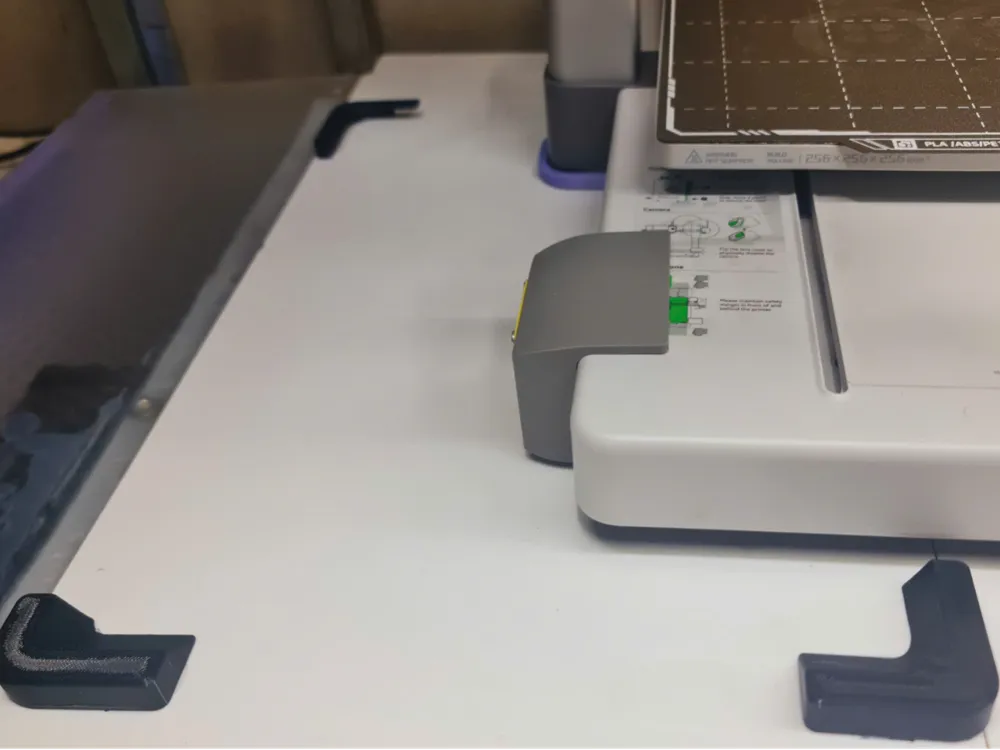
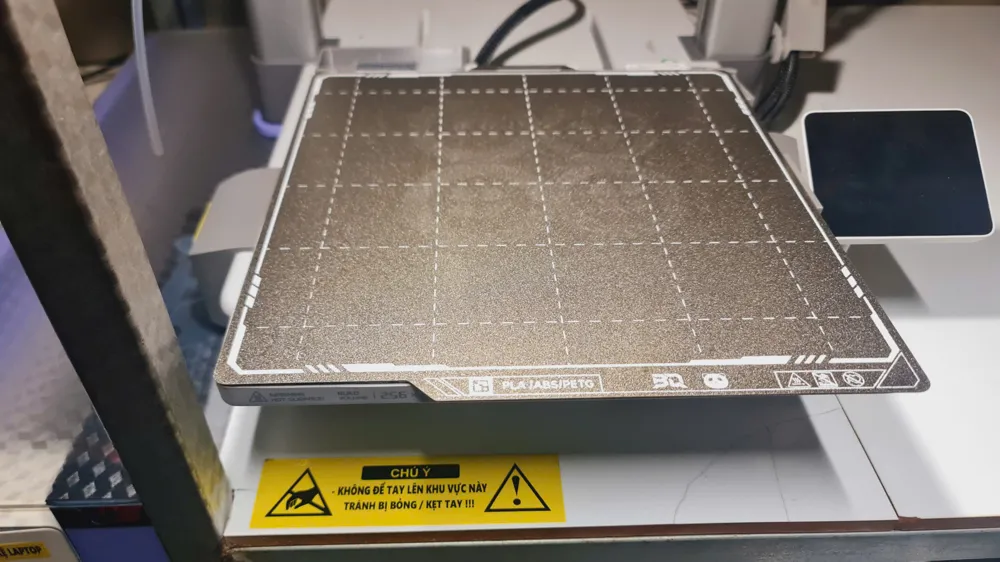
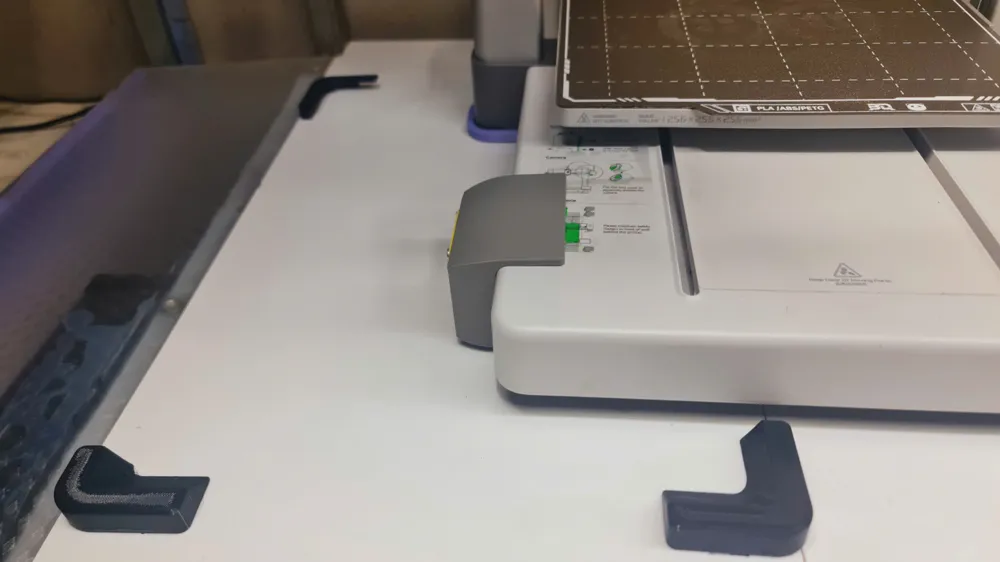
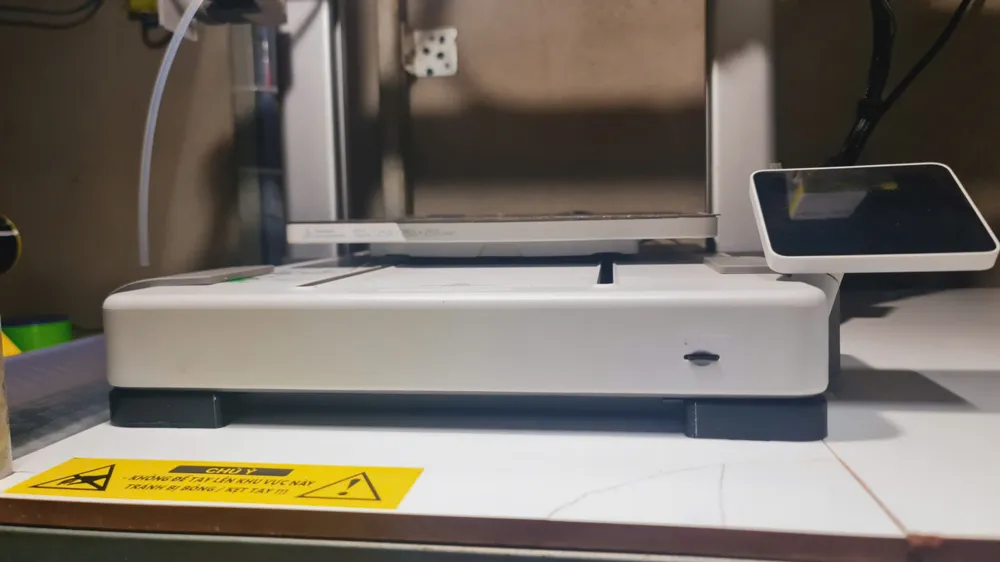
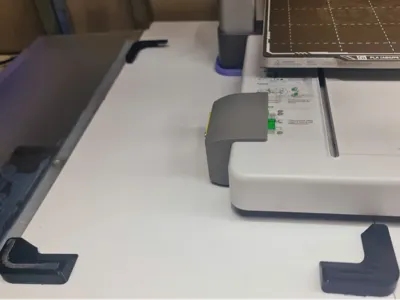
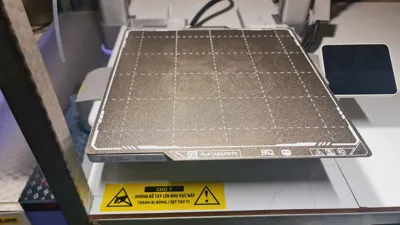
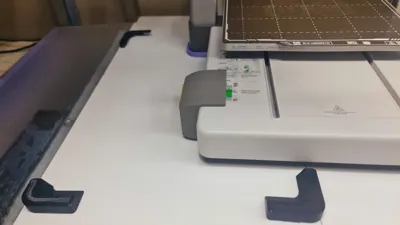
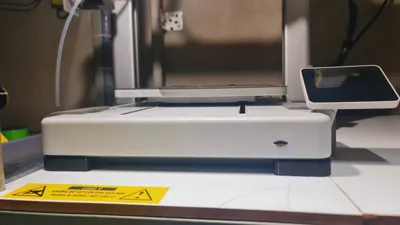
I recently moved my A1 close to the side of my cabinet, so I designed a few positioning stops to prevent the printer from shifting. Since the printer is already very close to the cabinet frame, I only needed to stop it from moving forward and to the left.
To keep the appearance clean, I also created a more compact version.
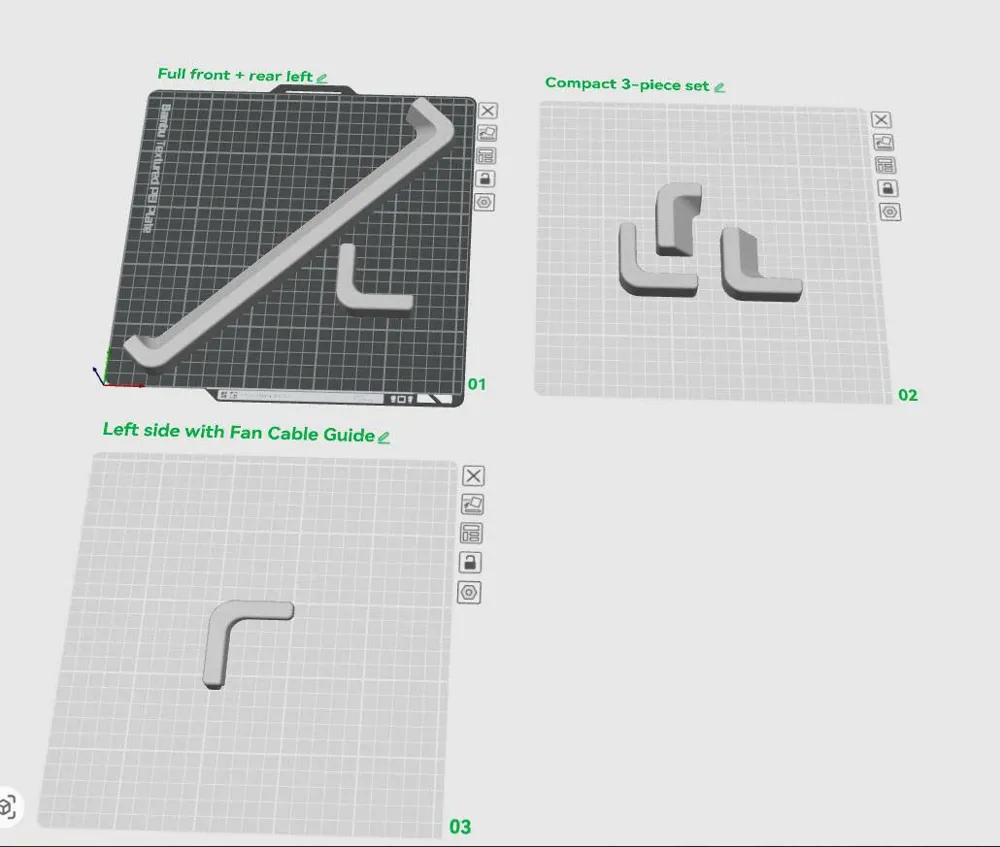
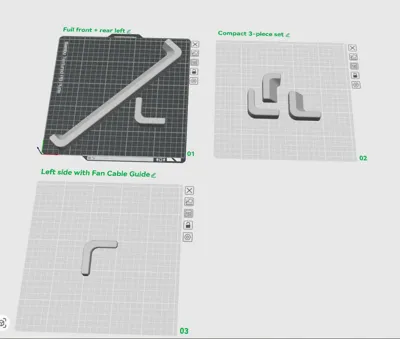
Several versions are included in the files, so you can choose whichever best suits your setup.
Included Versions
- Full-length front stop + rear-left stop
- Compact 3-piece version, available in two variants:
- Standard version
- Version with a cutout underneath for routing the power supply cooling fan cable
Installation
Before attaching the stops, position your A1 where you want it and mark the locations with a pen.
Attach the printed parts using a good-quality double-sided tape, such as 3M VHB. If you print the parts with a smooth build plate, the tape will generally adhere better than on a textured surface.
Alternatively, you can simply use silicone adhesive for a quick and secure installation.
I hope this model is useful, and happy 3D printing!
Boost Me (for free)
License



Comment & Rating (0)