
Print Profile(7)
Bill of Materials






Description

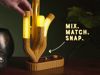
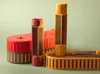

Snap Lamp is a modular desk sculpture that you can rearrange endlessly with a satisfying magnetic snap. With many base, bulb & connector shapes to choose from, it's easy to make it your own: want a fresh look? Just swap them up!
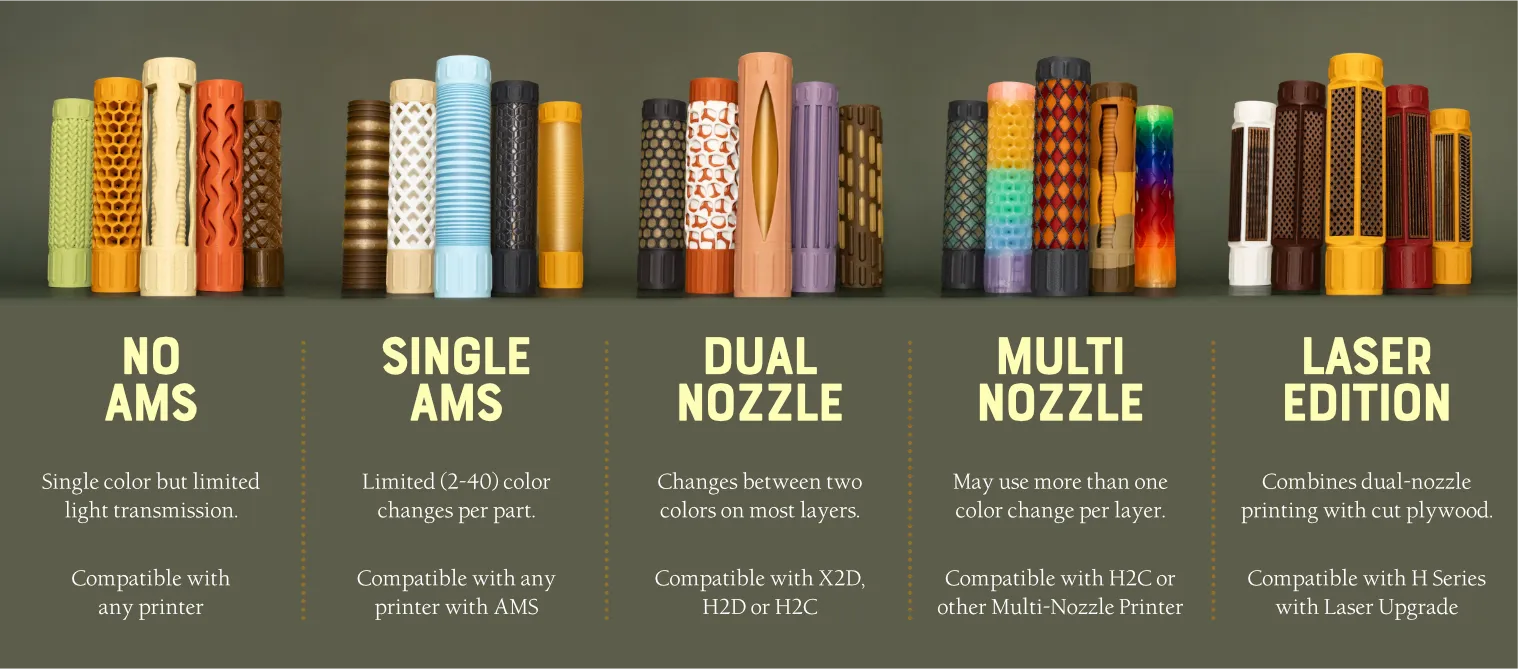
Whichever printer you use, there are Snap Lamp components that will work for you. When printing, you can check the names of the plates to understand which bulbs will work with your setup:
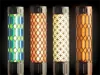

Additionally, you can print some multi-nozzle parts with just two filaments or even print any part with a single, translucent filament. You're not just limited to translucent filaments either, sometimes opaque, high-transmission filaments can look even better! To make it easier to visualize filament combos, I used Antigravity to make a website where you can easily view the 153 combinations I've tested:

On this site, you can find the specific filaments used, filter by printer type/color and even see what each bulb looks like on or off. This site showcases the 153 combinations I've tested. Just select a bulb design to see the variants or hover your mouse over the color swatches to flip between options.
Also, you can give the Animation Mode a try - this is just a animated visualization so that you can see the bulbs cycling on and off in some pleasing patterns (it's what I used to make the GIF above).
Navigating the Project
Snap Lamp includes 43 unique lamp geometries with many additional color configurations along with 8 bases and 8 connectors. Here’s how to find what you’re looking for:
The main project page (which you’re viewing right now) contains the default base, connectors an bulbs. Everything on the first plate is what you see in the main project photo. The main profile also includes 4 extra connector designs and 37 extra bulb designs/color variants!

Additional print profiles for this project contain:
 |
|
The following parts have been uploaded as separate projects - this ensures that they have accurate Bills of Materials containing only the parts needed for their unique builds. Due to differences in their electronics, the different base types support different maximum numbers of bulbs.
| Project | Max Bulbs | |
|---|---|---|
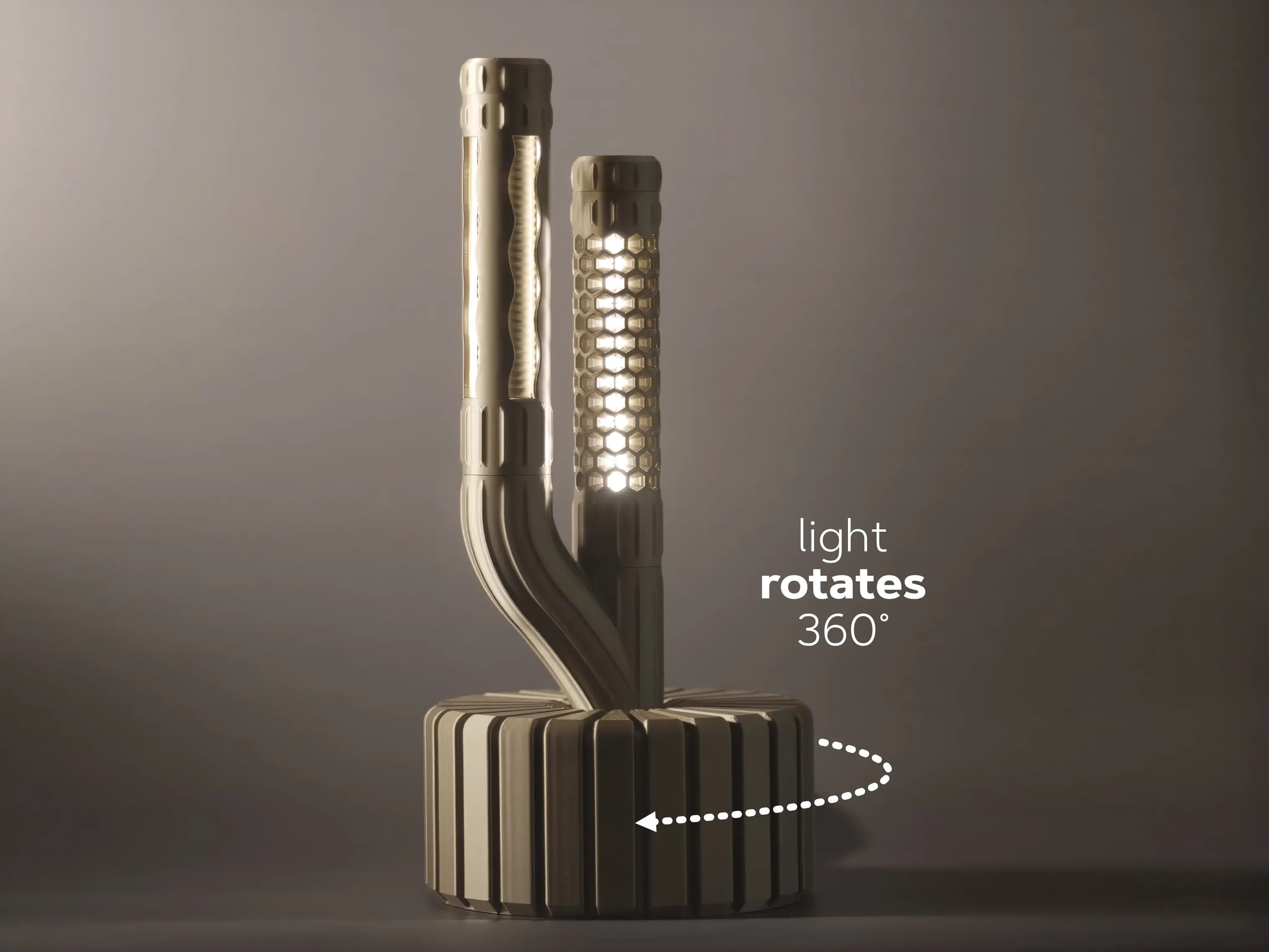 | Rotating Base: An experimental option that uses an N20 motor to rotate the entire lamp structure. Please note that this is a bit noisy and that you might need to be more careful to build stable lamp structures! | 5 |
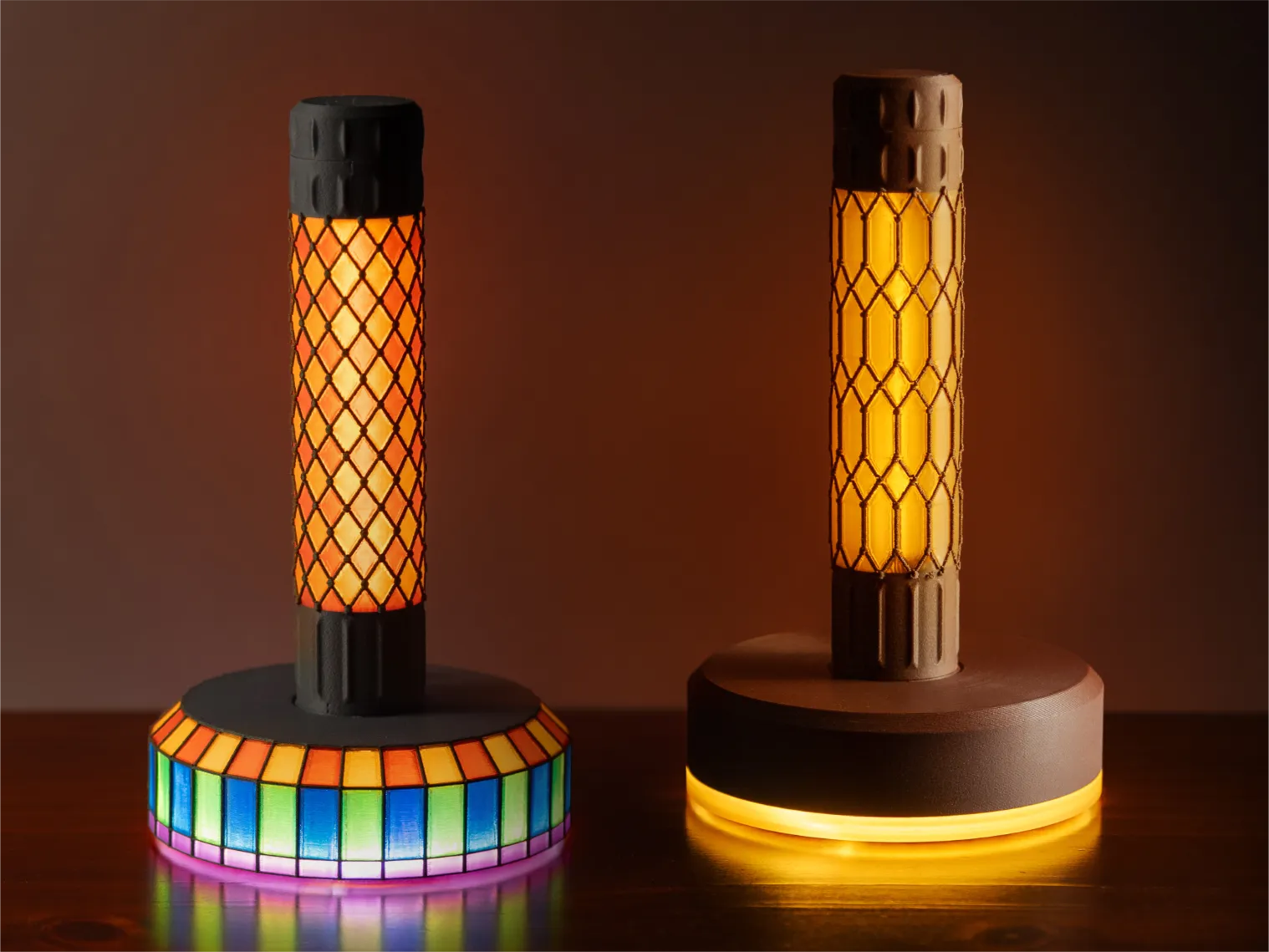 | Lit Base: This base includes a circular, indirect light with separate power buttons for the base and bulbs. The files include both standard and Stained Glass versions of the base (suitable for multi-nozzle printers) | 8 |
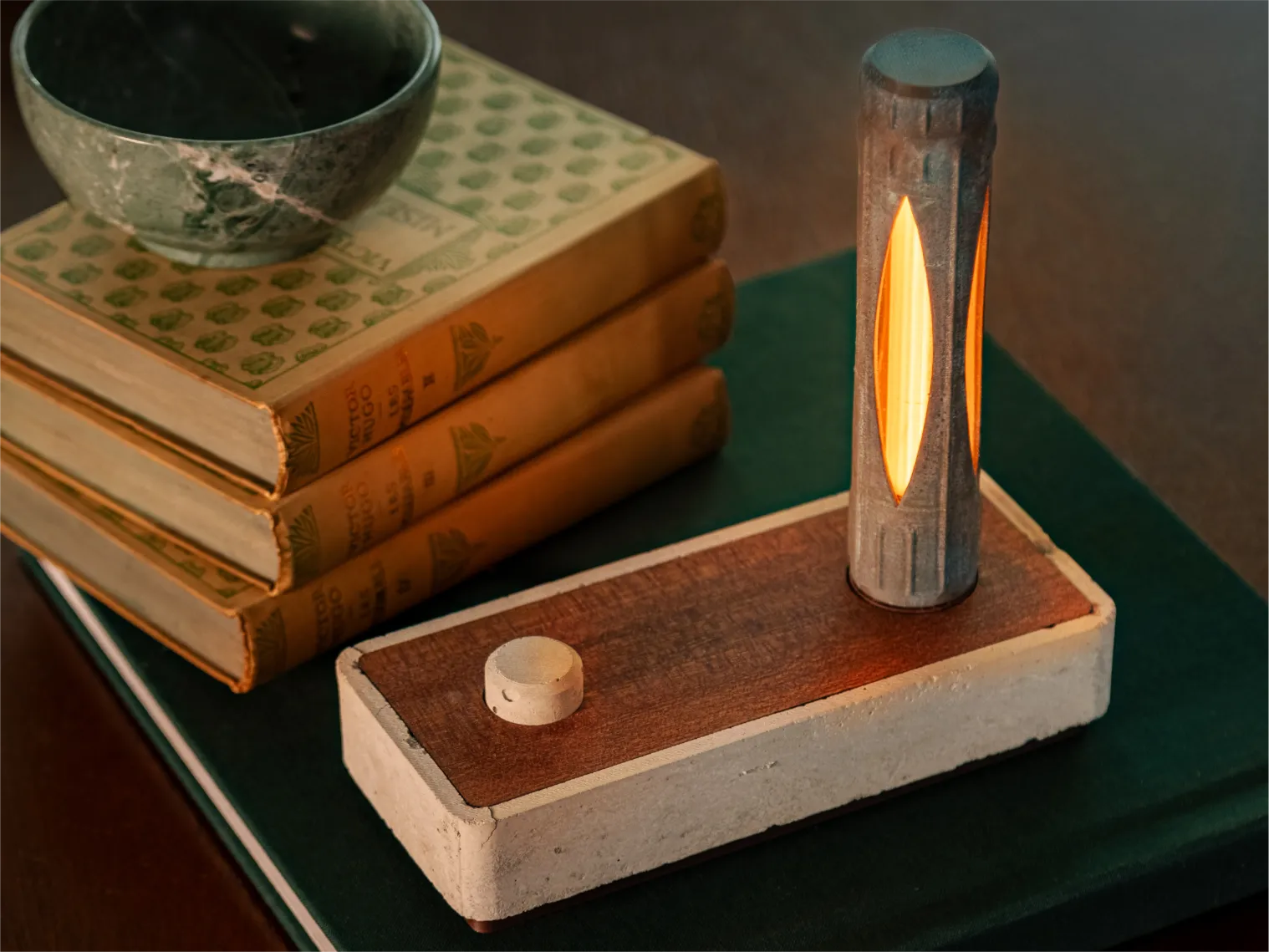 | Concrete Base: This base uses TPU-molded concrete and laser-cut plywood to create a lamp with interesting, natural finishes. It also utilized a multi-function dial to control both the power and brightness of the lamp. | 5 |
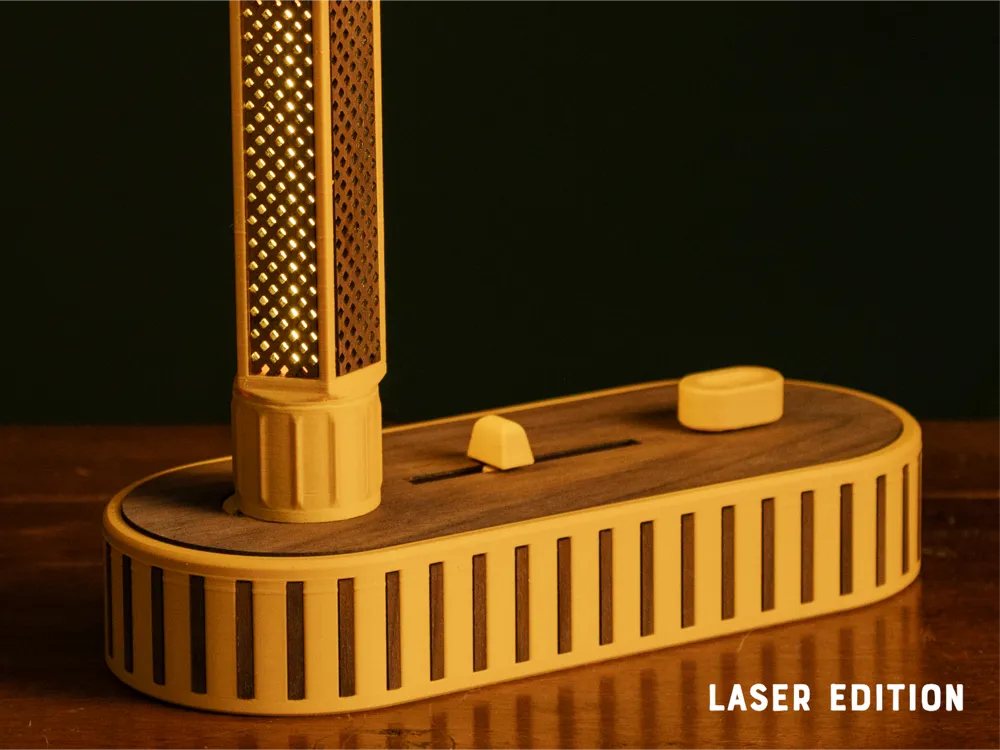
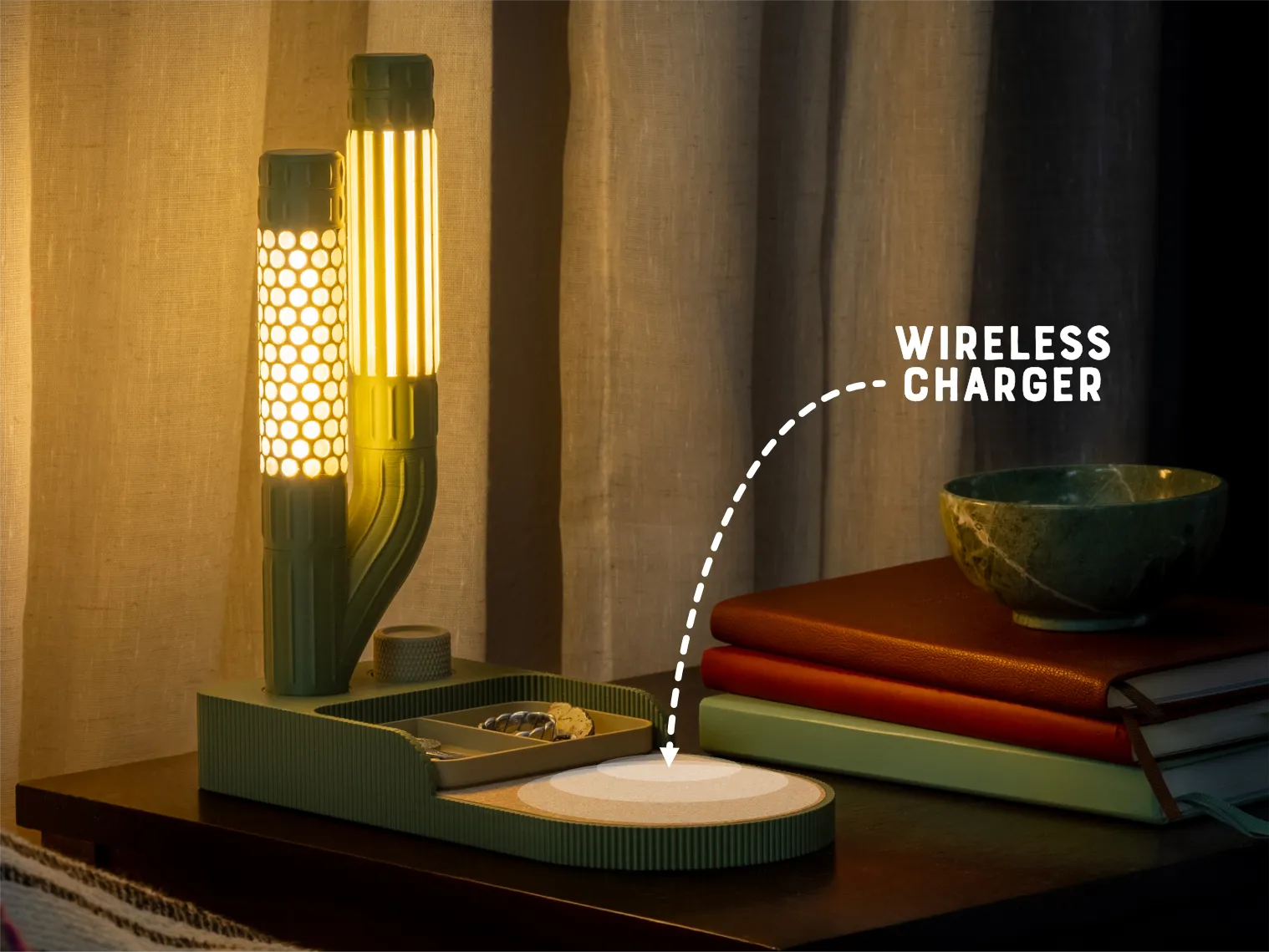 | Charging Base: This base uses an off-the-shelf wireless charger combined with a multi-function switch to create a charging and storage solution for your bedside table. A cork insert is available for users with access to a laser cutter. | 5 |
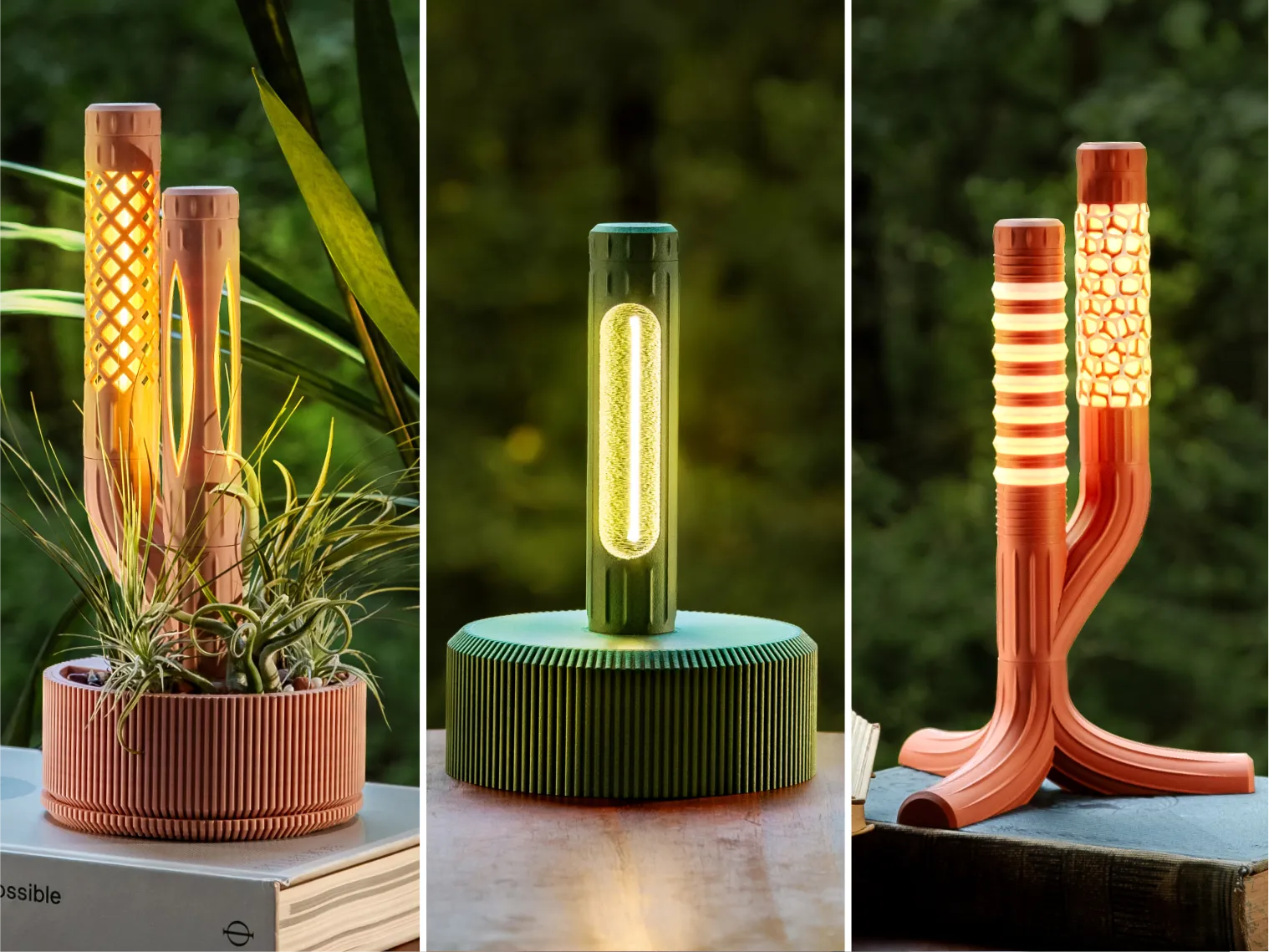 | Simple Bases: The bases use the fewest electronics (and are therefore less expensive) but do not have dimmers or integrated power buttons. | 10+ |
Assembly Process
The Assembly PDF attached to this project includes step-by-step assembly instructions illiterates by photos. As a supplement to those instructions, you can watch a video of the assembly if additional context is needed:
Separate from the base, this video shows the assembly process for bulbs (including some non-standard options):
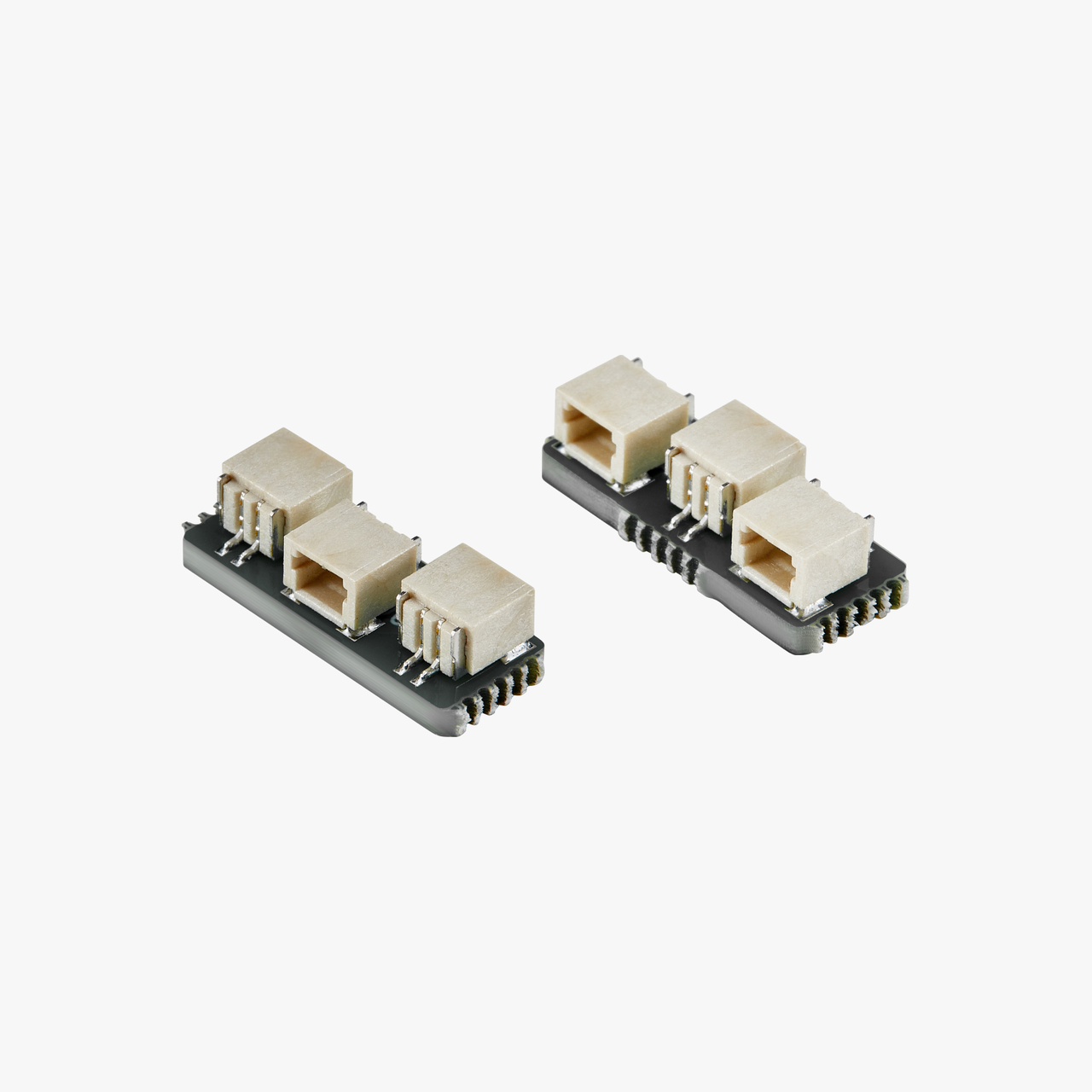
Hardware & Electronics
Part of the fun of Snap Lamp is the customizability & it’s important to consider what the electronics hardware will support. My calculations are based on the specifications of the components and my own testing. In particular, I have run the default kit with 5 bulbs (with the components from the Bill of Materials) for several hours per day over the last 9 months without issues.
The table in the previous section also includes an indication of the number of 100mm bulbs supported by that base. You’ll note that bases with dimmers support fewer bulbs while the bulbs with neither power switches or dimmers theoretically support more (although I have not tested up to this maximum.
- The assembly instructions for the bulbs call for 2x6 screws but 2x8 screws can be used as well (and are included in the Bill of Materials.
- 5x2 round magnets are used in this project but have been out of stock for some time. Although I prefer the magnets from Maker's Supply (since they are stronger) I have found that this option from Amazon works ok. The default build uses 86 magnets (4 per side of each bulb) but this can be reduced to 2 magnets per bulb-side to save on cost (while make the connection a little less strong.
Release Notes
- 5/22/6: Updated dual and quad 45 degree connectors to include the backing for magnetic connectors.
- 5/16/26: Changed the placement of parts on print plates so that all supported printer types are shown in Bambu Handy. Modified the Main Base so that a Bottom Base Cover can be attached with (4) 2x8 screws left over in the Bill of Materials (updated assembly instructions as well to cover this along with more details about magnet polarity).
- 5/15/26: Added a Printing Guide PDF with more details about the contents of the print profile plates and multi-color options
- 5/14/26: Initial Release: 3 bulbs use CC0 textures from AmbientCG and TextureCan as part of the Surface Lab add-on for Blender.
I love creating models to share for free, personal use. If you enjoyed this model, please consider buying me a coffee or joining me on Patreon.
Documentation (2)
License

You shall not share, sub-license, sell, rent, host, transfer, or distribute in any way the digital or 3D printed versions of this object, nor any other derivative work of this object in its digital or physical format (including - but not limited to - remixes of this object, and hosting on other digital platforms). The objects may not be used without permission in any way whatsoever in which you charge money, or collect fees.


Comment & Rating (79)