
Smooth Textured SnapFrames






Print Profile(2)


Description
NEW: Join our crowdfunding project to accesss the Custom Frame Generator we're building!
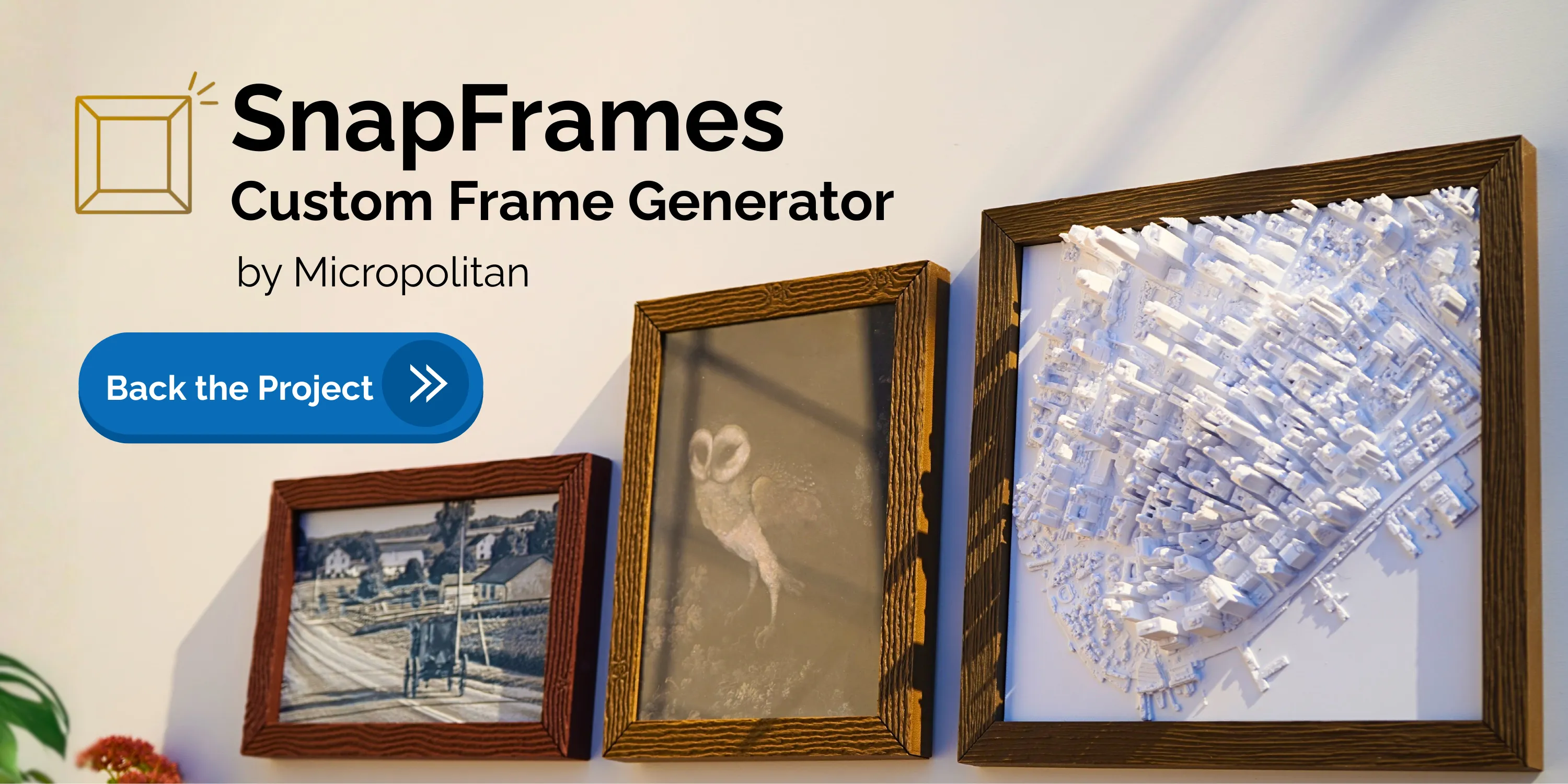
The SnapFrames Generator is a web app that lets you create custom picture frames of any size, right in your browser. Choose any pattern, texture, profile, and color – designed just for your art and your space. The SnapFrames Generator automatically calculates the geometry and splits the parts to fit your printer’s build plate. Parts snap together easily with minimal seams.



Update: We're developing a SnapFrames Generator tool to create custom frames of any size. Components are automatically sized to fit your build plate. Advanced features like wood grain texturing will be added. Join the campaign to support the project and access the generator tool when it's finished.
Designed for our 3D Map Collection.
- Check out our Citiles & Stadiums List for models we recommend for these frames.
- Commecial licenses available now!
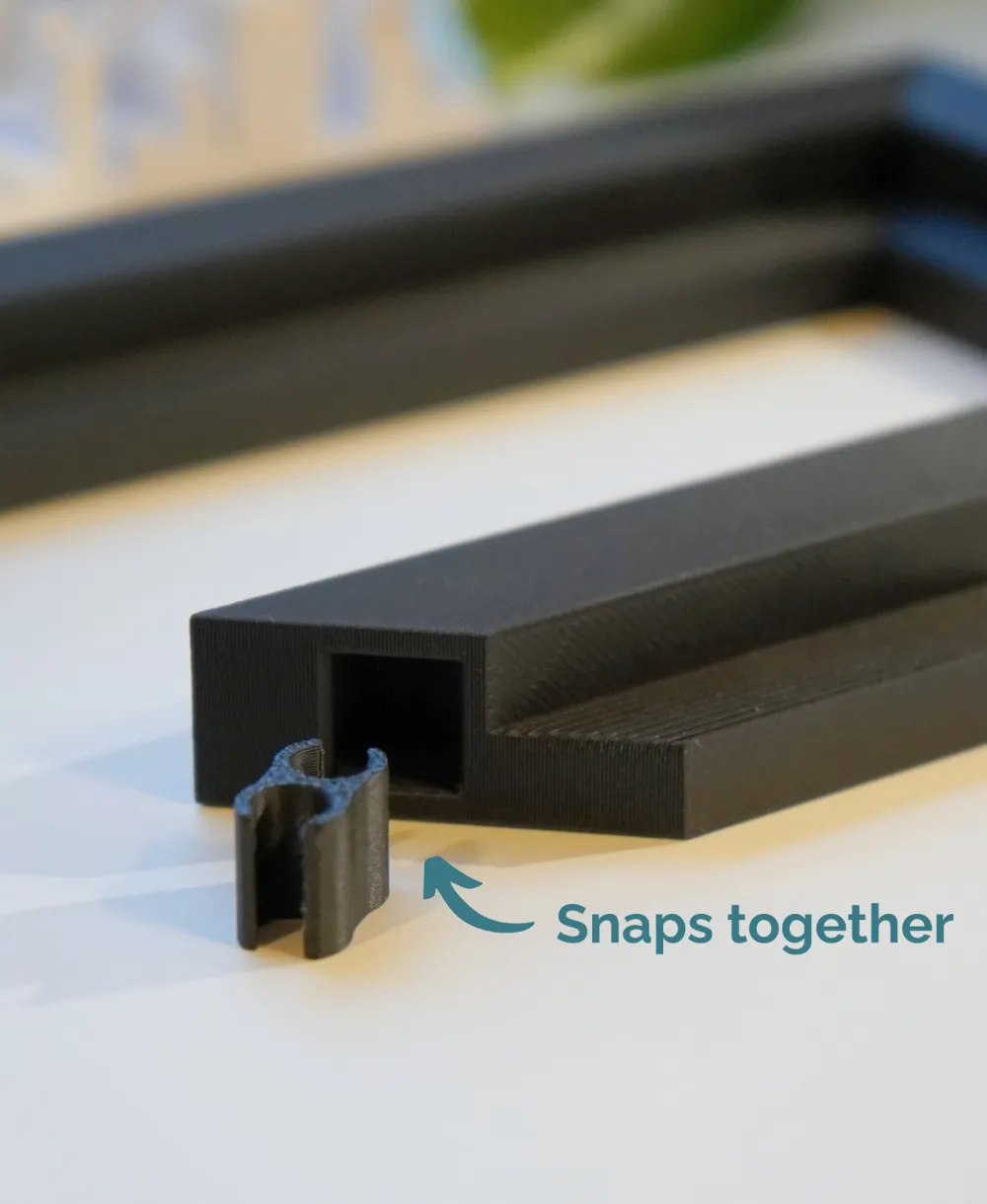
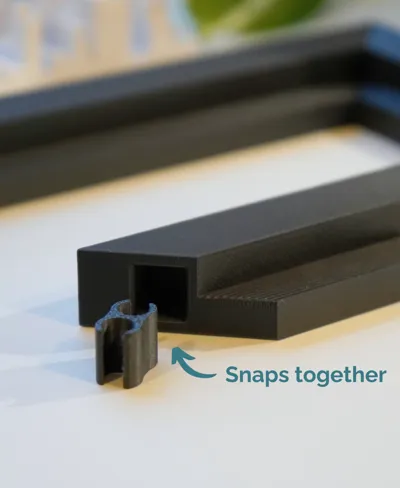

This frame is printed as four members that snap together with the printed inserts. Features:
- Smoother top surface by printing the frame members on their edges.
- Built-in nail holes for wall hanging.
- Fast prints using minimal material.
- Larger possible sizes. Frame members can be oriented diagonally on the build plate, allowing for larger frame and 3D map sizes.
- Multiple profiles and textures (coming soon).
Steps:
1. Identify your 3D Map size (X and Y dimension)
2. Scale the frame. The frames can be scaled to a custom size in the slicer using our Online Frame Scaling Calculator For example, the default frame for 180mm models is 180.2mm. To accomodate a 188mm model with a 0.2mm margin for fit, the scaling factor is 104.44%.
3. Slice, print and snap together! Add a small bead of glue to the ledge of the frame and set the 3D map inside to cure in place.
Boost Me (for free)
Every boost helps me grow, allowing me to create more premium models and projects!
Documentation (1)
License

You shall not share, sub-license, sell, rent, host, transfer, or distribute in any way the digital or 3D printed versions of this object, nor any other derivative work of this object in its digital or physical format (including - but not limited to - remixes of this object, and hosting on other digital platforms). The objects may not be used without permission in any way whatsoever in which you charge money, or collect fees.


Comment & Rating (259)