
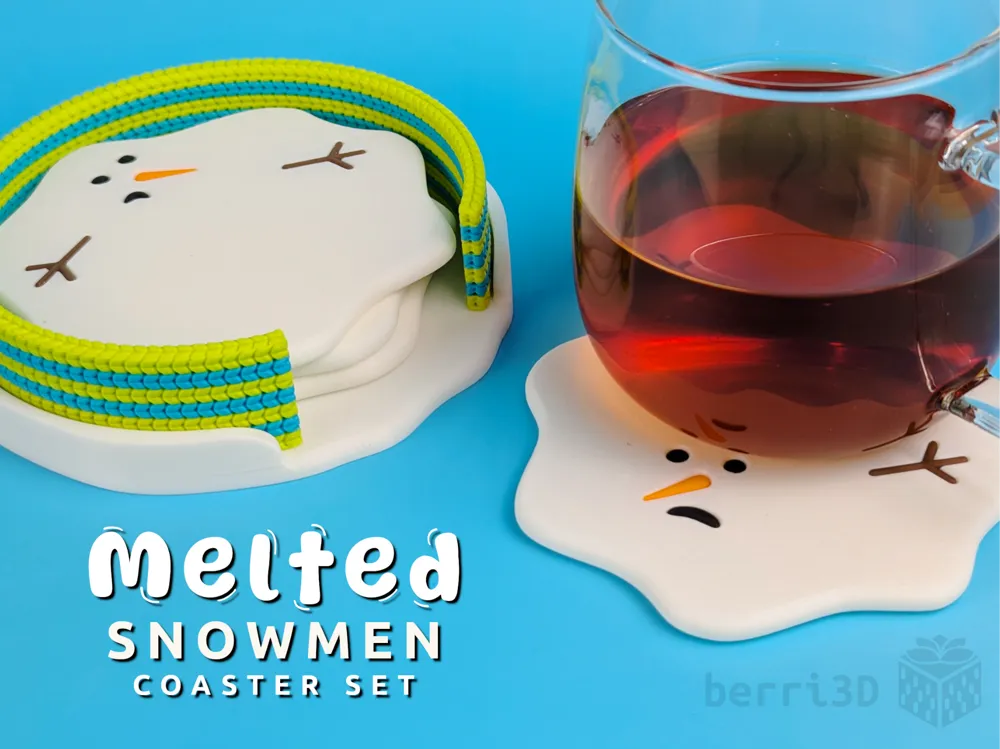
Melted Snowmen Coasters with Holder (4 or 6)
Print Profile(5)
Bill of Materials














Description

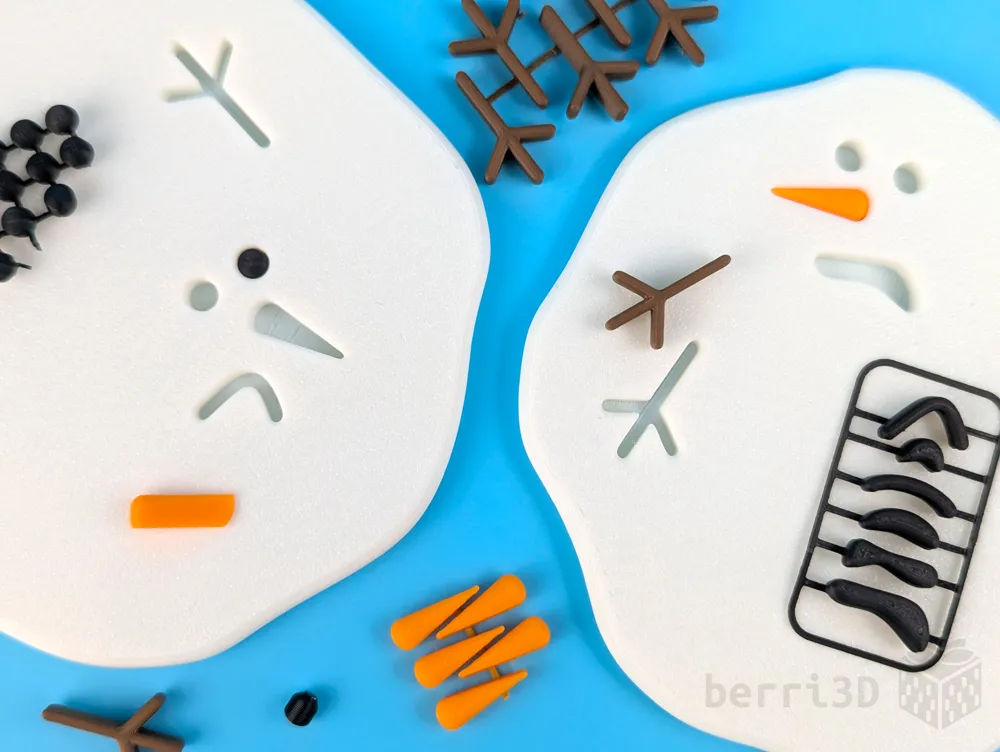
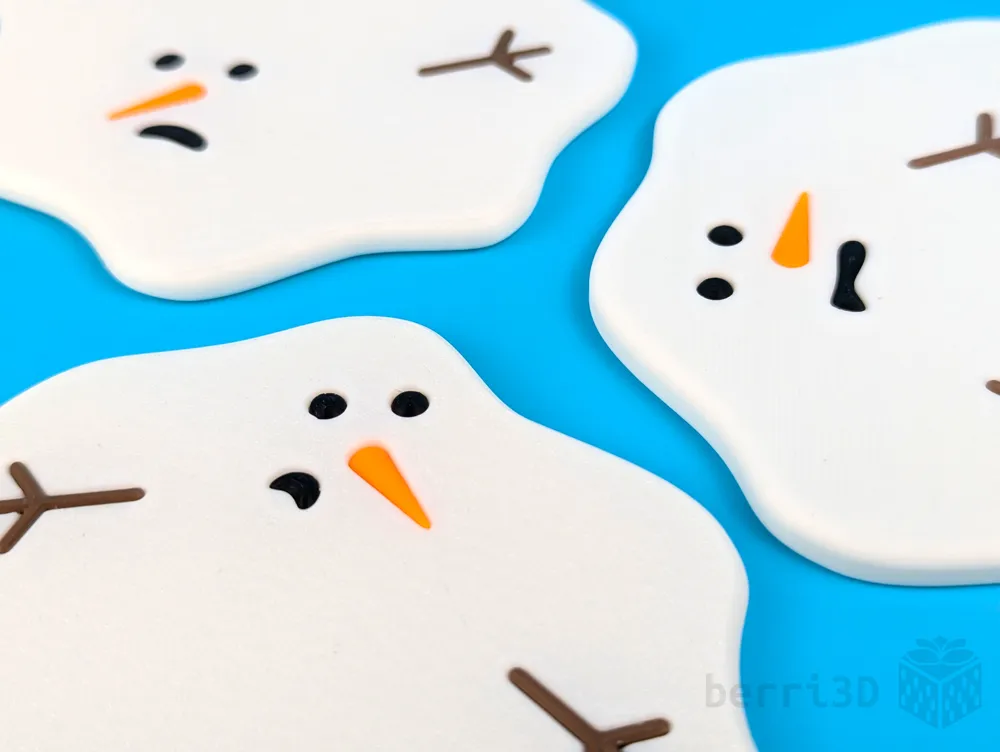
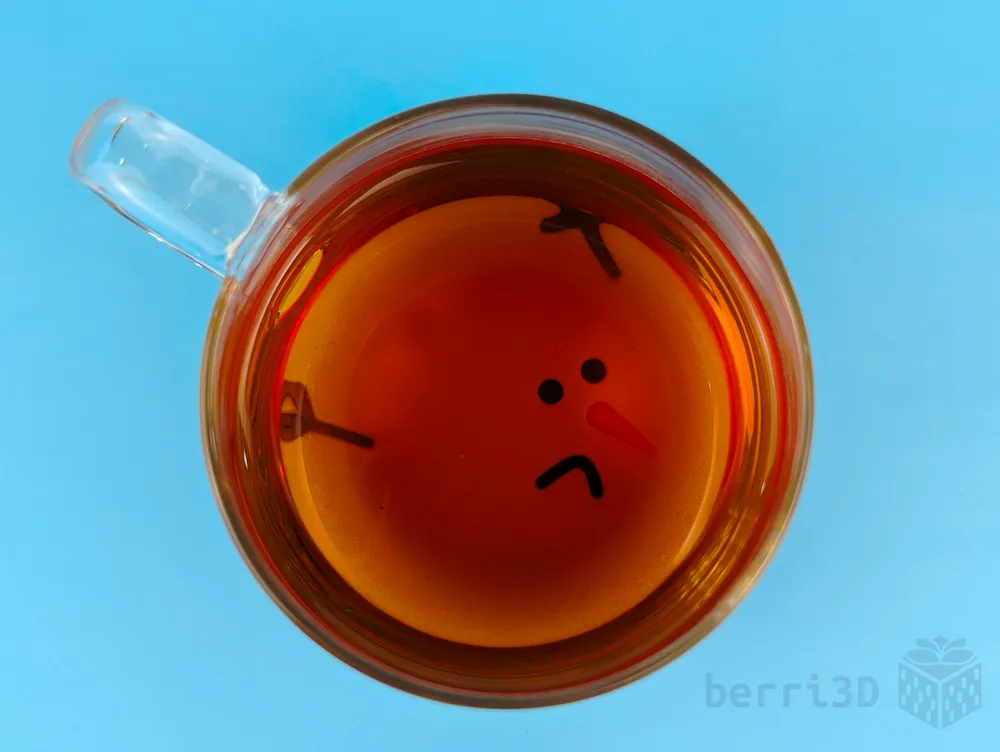
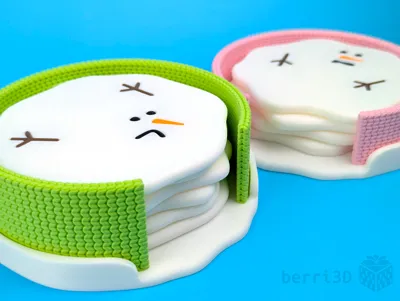
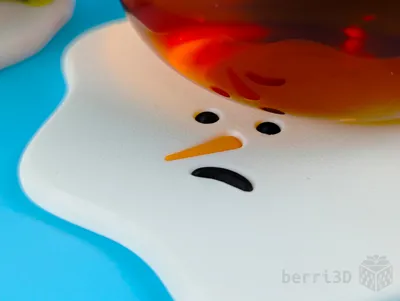
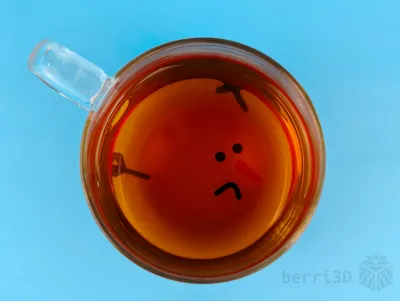
Sick of winter? Me, too. Take out your feelings about all that white stuff outside and protect your table at the same time.
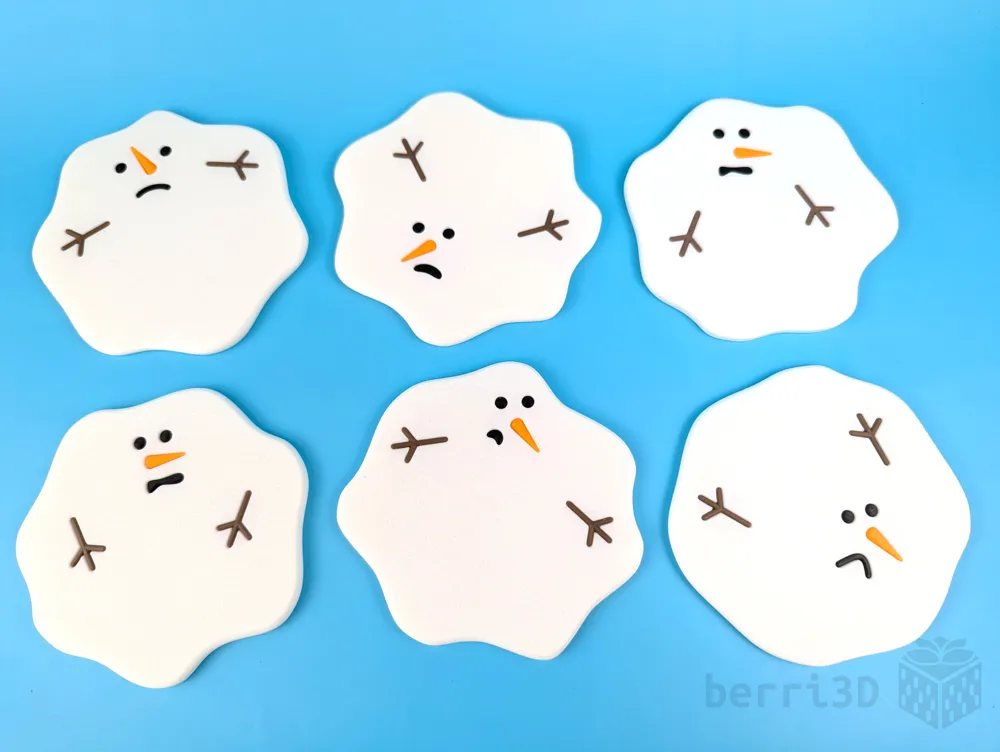
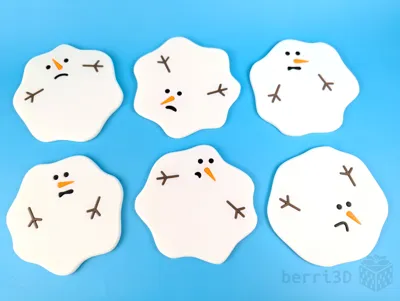
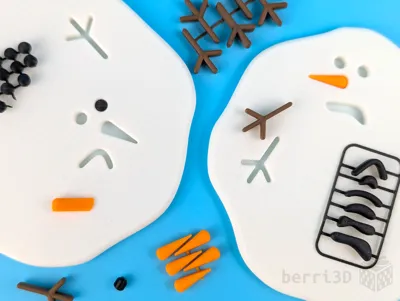
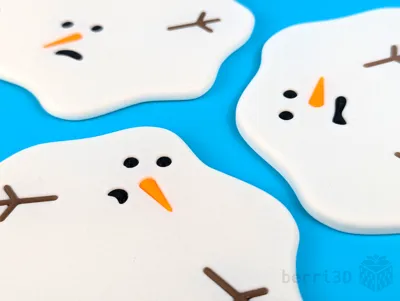
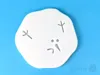
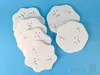
- ❄️ 6 unique snowman to choose from (no duplicates)
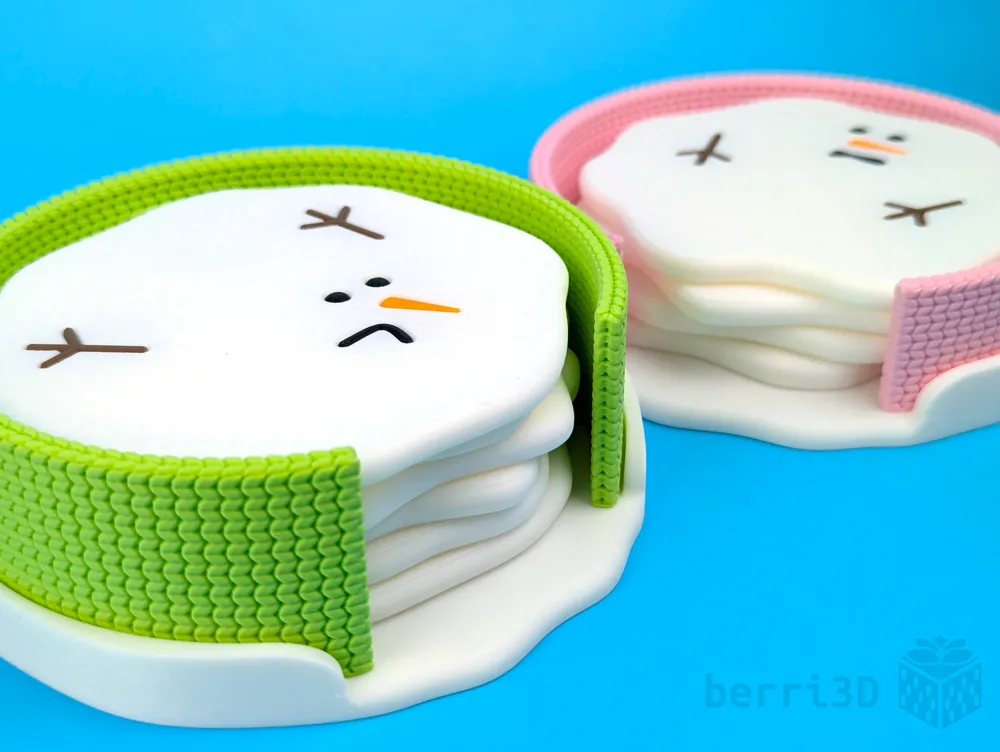
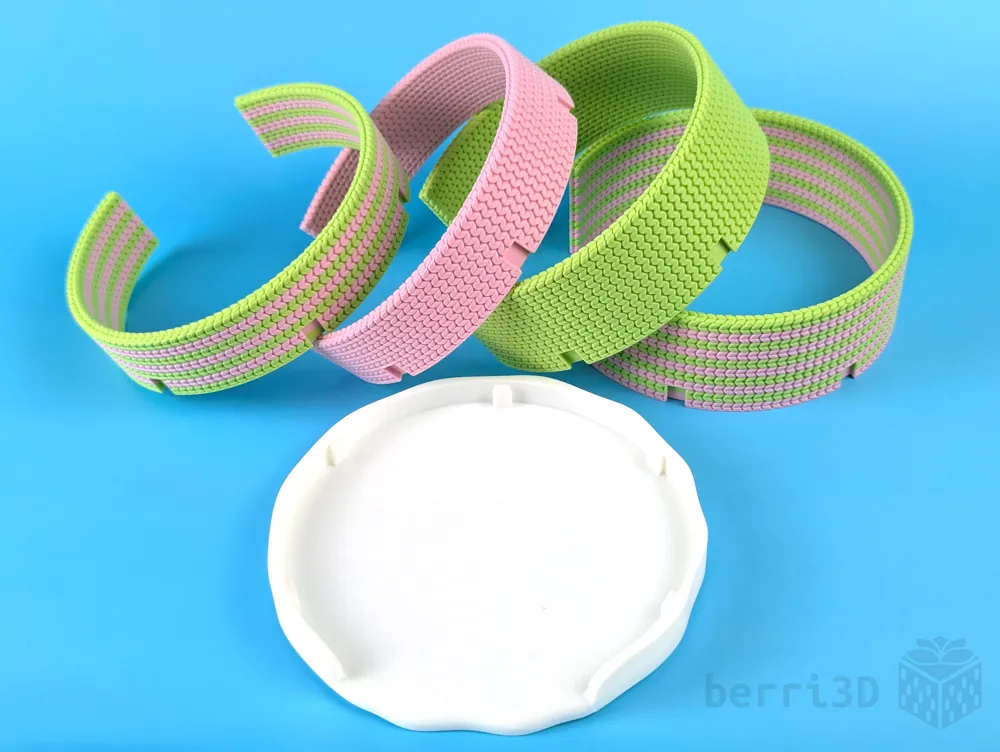
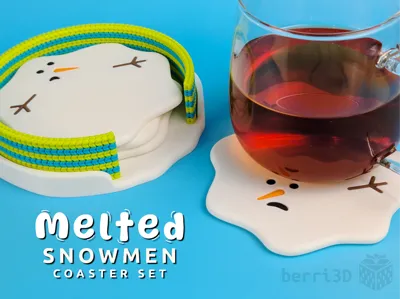
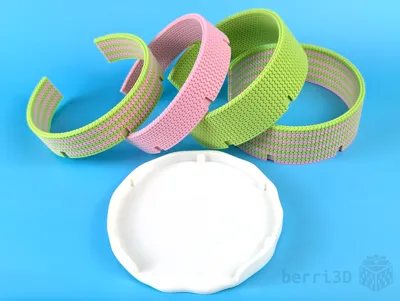
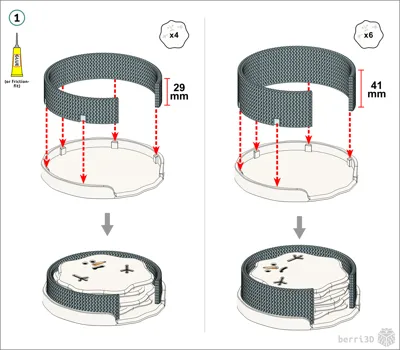
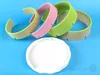
- ❄️ “Knitted” two-part holder in two sizes (4-coaster or 6-coaster sets)
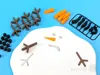
- ❄️ No AMS needed (all parts print separately)
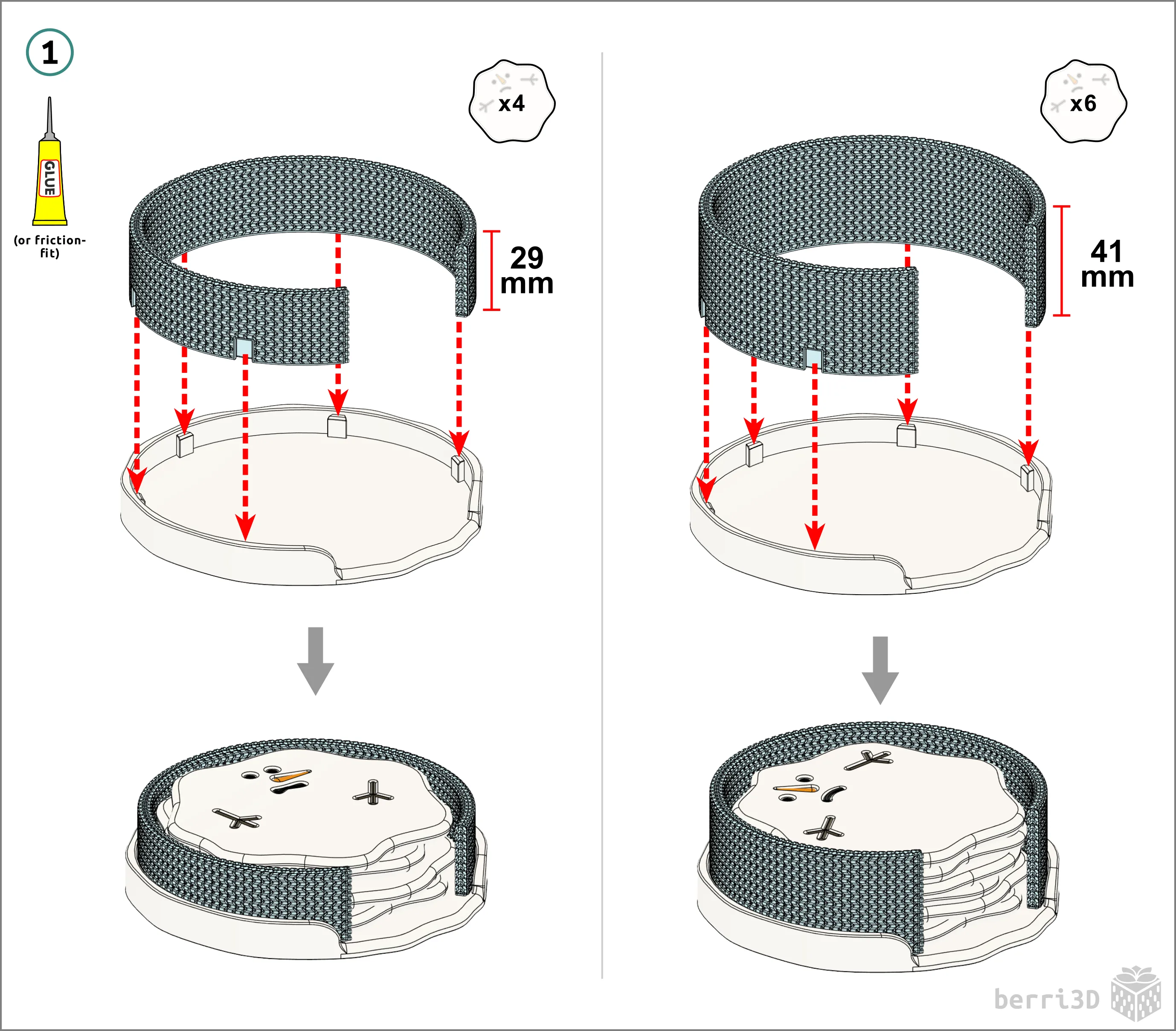
- ❄️ Easy assembly (glue or friction fit)
Want to show your appreciation or find out how to sell my models? Head on over to Ko-fi.
Every donation helps me keep making.
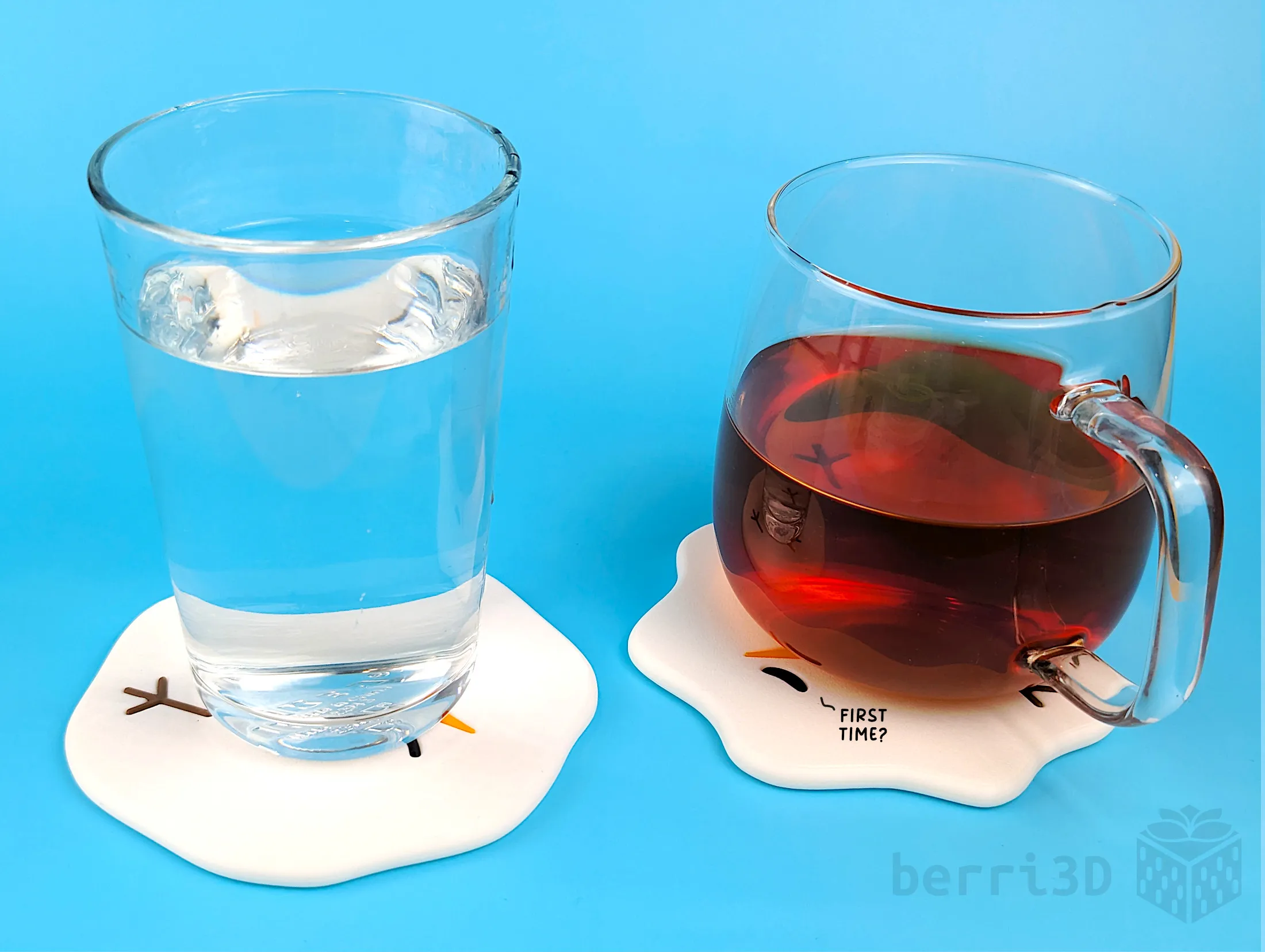
Dimensions/Print Times (Approximate) Coasters ~1h each
Holders ~3-4h
Note: The holder will also fit the original 2023 coasters, but will be slightly oversized. |
🛠️ Two Assembly Methods
There are two ways to assemble. Pick whichever one fits your needs!
- Glue: Drop fit parts held by a dab of glue, no reprinting needed
- Friction: Press fit parts, easy Studio tweaks to dial it in if needed, instructions below
Want a third way involving an AMS and to heck with the waste? If there's enough interest, I may consider making one; drop me a comment and let me know.
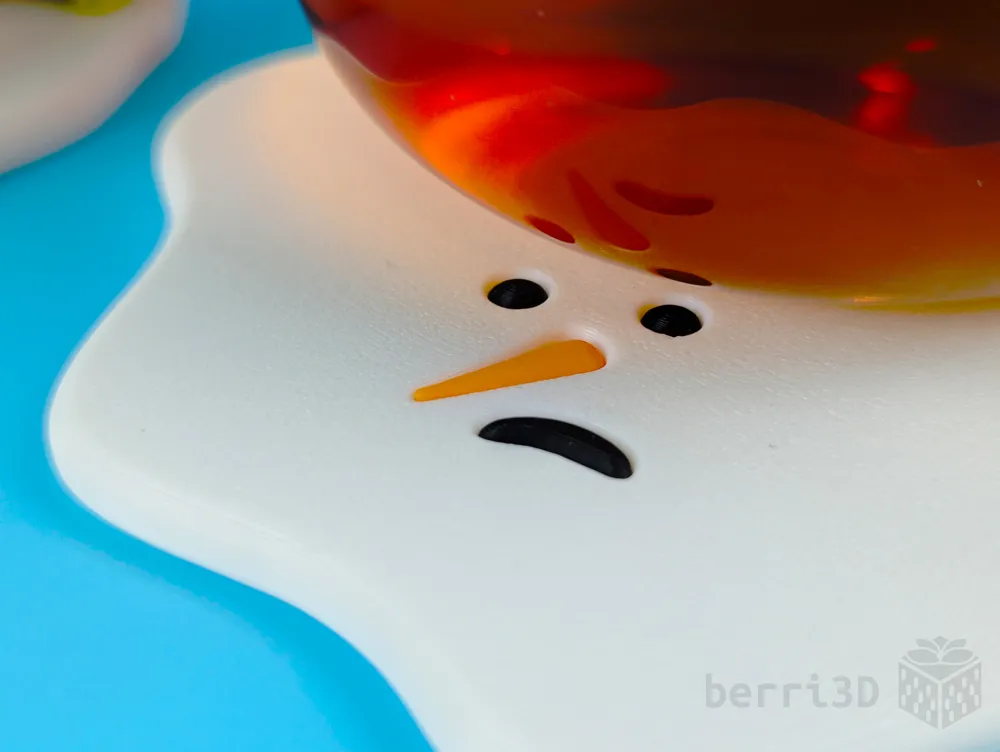
⛄ Coaster Surface Finish
You can achieve different coaster finishes depending on print orientation and build plate. I couldn't pick my favourite so it'll be up to you to decide 😅
- Face up
- Looks great as-printed
- Enable ironing for a gorgeous surface (requires Studio and calibrated settings)
- Face down
- Textured PEI has a nice “frosty” look.
- Holographic plates create a patterned reflective finish (silk PLA filaments only)
🧣 Scarf Stripes
The scarf is divided into evenly spaced knit rings, making it easy to print stripes using filament swaps, no AMS needed! Use the provided stripe pattern in the profile or come up with your own look by editing the RAW file in Bambu Studio.
- No AMS: the printer pauses at regular intervals so you can swap filament manually
- With AMS: color changes are automatic, no painting required
Note: Colour changes are visible in Studio on the Preview tab; Handy thumbnails may appear solid but will print correctly.

⚠️Before You Print
- Ensure your plate is extremely clean: small parts adhere better to properly clean build plates.
- Contains small parts: not intended for use around young children or pets
- Material limitations: not food safe, additionally, 3d prints may deform under super hot mugs
- Consider sealing the coasters: if you foresee washing them regularly
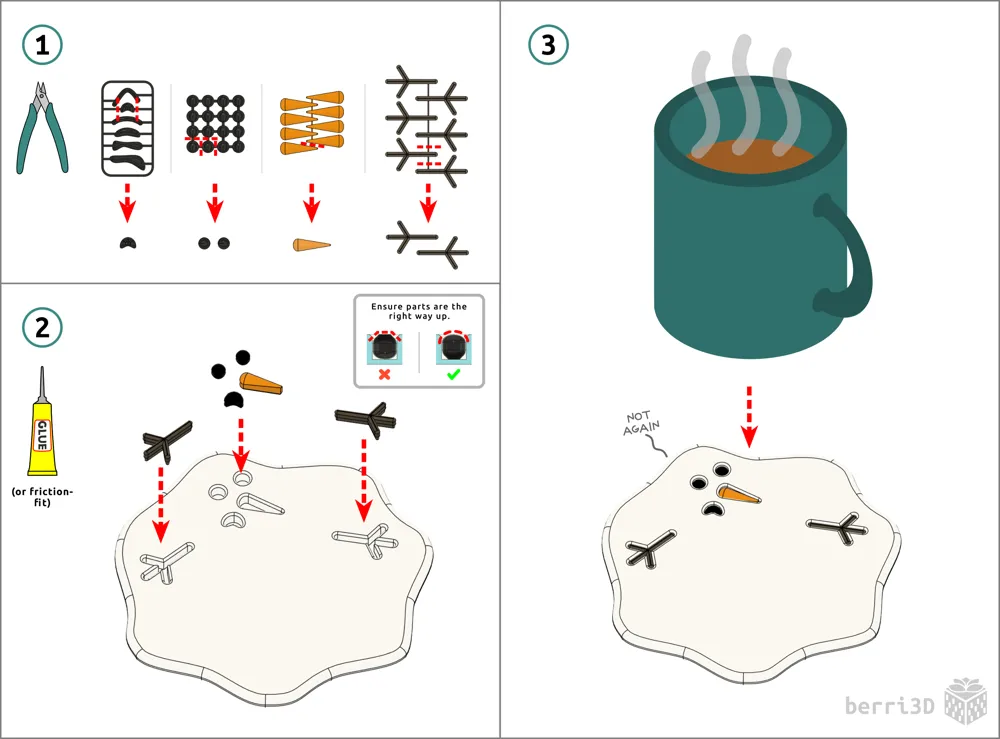
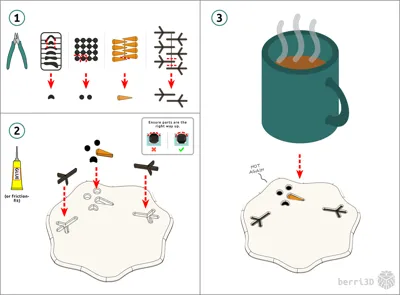
Coaster Assembly
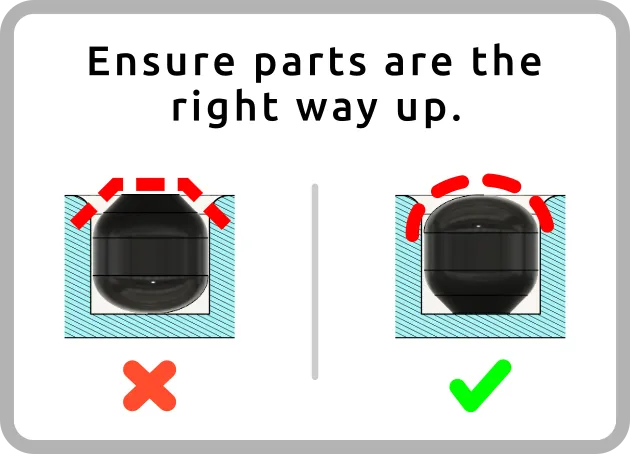
Important: Direction matters! Insert with the rounded side UP.
Note: small parts are held together by very weak connecting strips. They should separate easily by hand or you can use cutters.
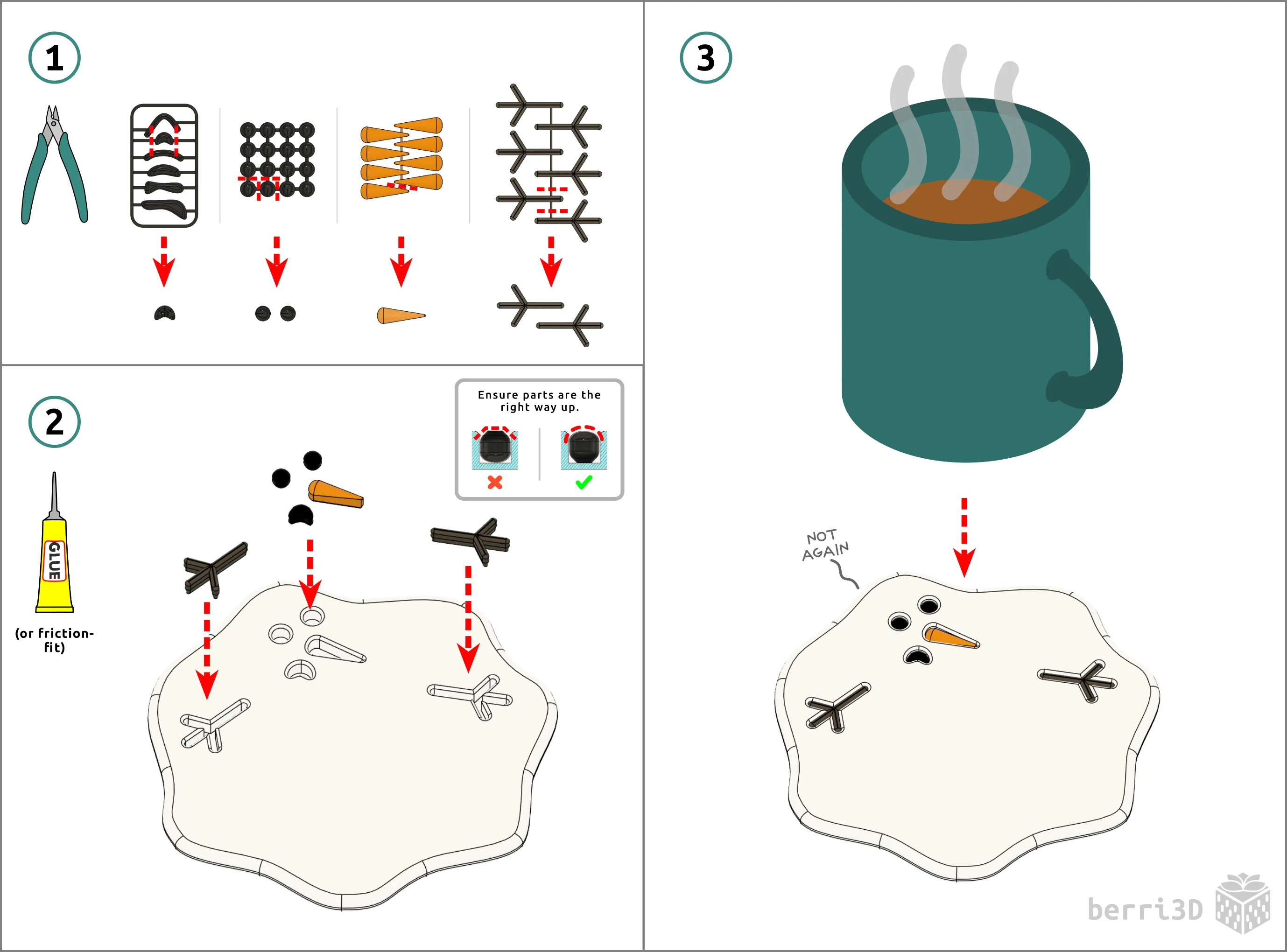
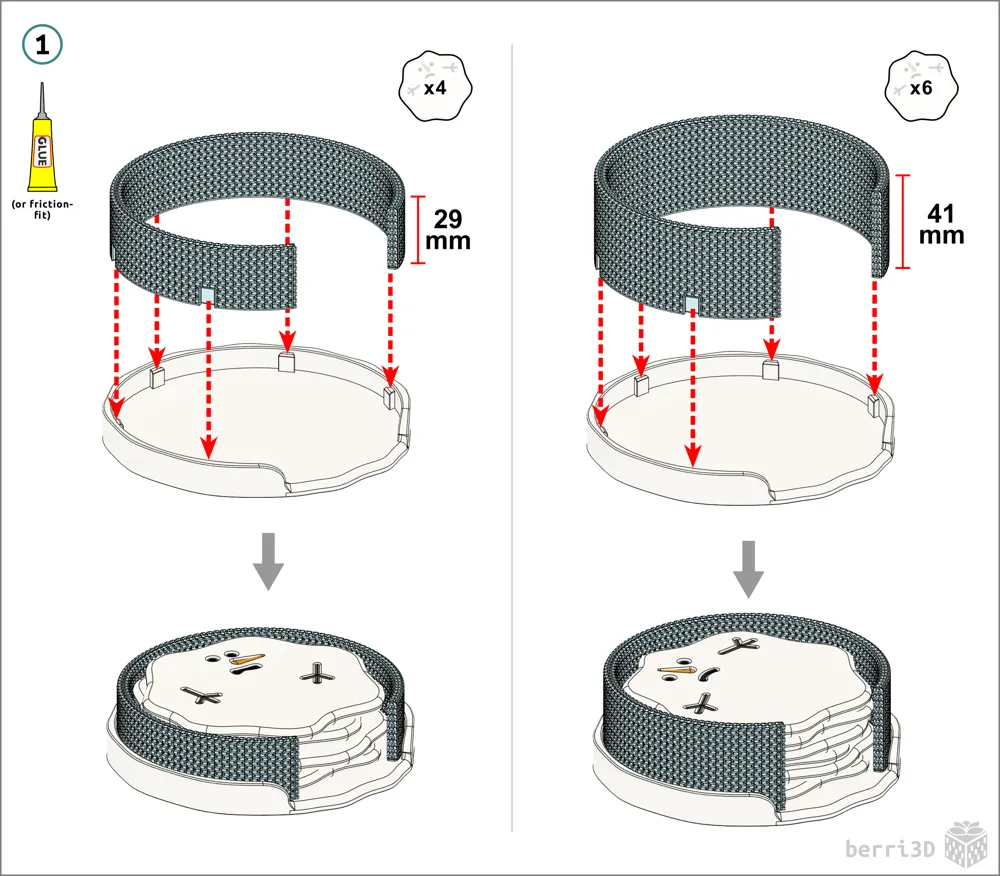
Coaster Holder Assembly
🧰 Adjusting Friction-Fit Parts
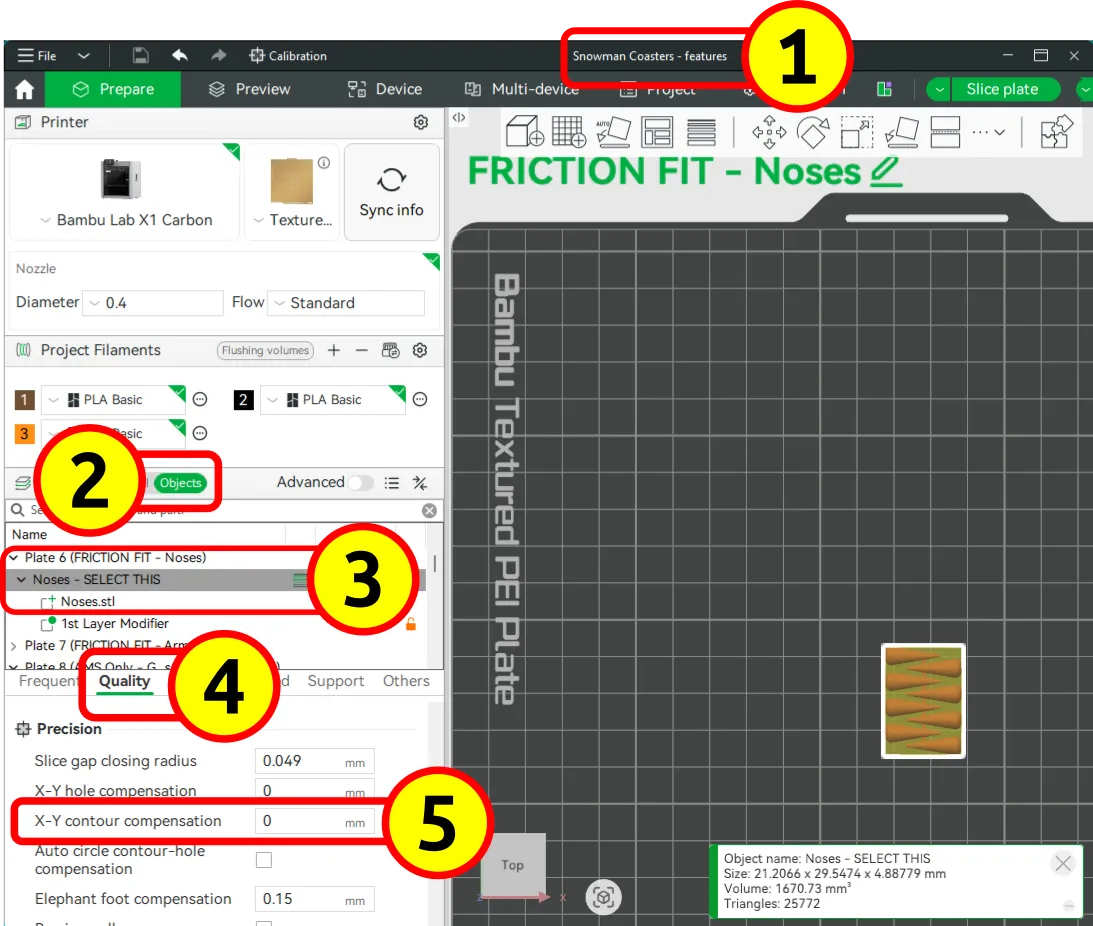
Differences in printer types and filament means that no model will print the same for every person. If the friction fit parts are too loose or too tight after you print them, there is an easy way to adjust the fit in Bambu Studio.
Facial features and/or arms too loose/tight → adjust tolerances for just those parts (e.g., noses, arms, etc.)
Scarf is too loose or too tight → adjust tolerance of the base (not the scarf)
Adjust Fit of individual Features or the Base
|  |


About This Model
This is a refresh of my melting snowmen coasters I designed and released way back in November 2023.
Normally I do a little spiel about my model here. However, I'm trying something new. Instead of blathering on here, I'm blathering over on Ko-fi. Come visit me there for an expanded behind the scene blog post about how I made this model. And hey, if my model brought you a bit of joy in your life, a small donation helps me keep making.
🥰 How to Support me
If you appreciate the work I did to bring this model to you, please consider supporting me on Ko-fi. Even a small tip will help offset the cost of prototyping filaments. Alternatively, a like or a boost is another easy way to say “hey, you don't entirely suck.”

⭐ Licensing
If you wish to sell my models, you may purchase licensing rights through my official Ko-fi page.
This model is shared using my own Personal-Use License which supplements (but does not replace) MakerWorld’s Standard Digital License. My license is fundamentally the same (no public remixes, no file sharing, no selling) but includes specific exceptions and allowances not covered by the Standard Digital License.
Licenses offered through third-party websites (e.g. Cubee3D) are not authorized and are not valid.
Boost Me (for free)
🚀= 💪🐹 👍 = 🦵🐹 My models are created on a smoking hot Compy386 powered by Hunrod the Unusually Swole Hamster™. Every boost and like makes Hunrod stronger.
License

You shall not share, sub-license, sell, rent, host, transfer, or distribute in any way the digital or 3D printed versions of this object, nor any other derivative work of this object in its digital or physical format (including - but not limited to - remixes of this object, and hosting on other digital platforms). The objects may not be used without permission in any way whatsoever in which you charge money, or collect fees.


Comment & Rating (0)