
Bottle Boot Generator (TPU) | Custom-fit any size
Print Profile(1)

Bill of Materials


Description
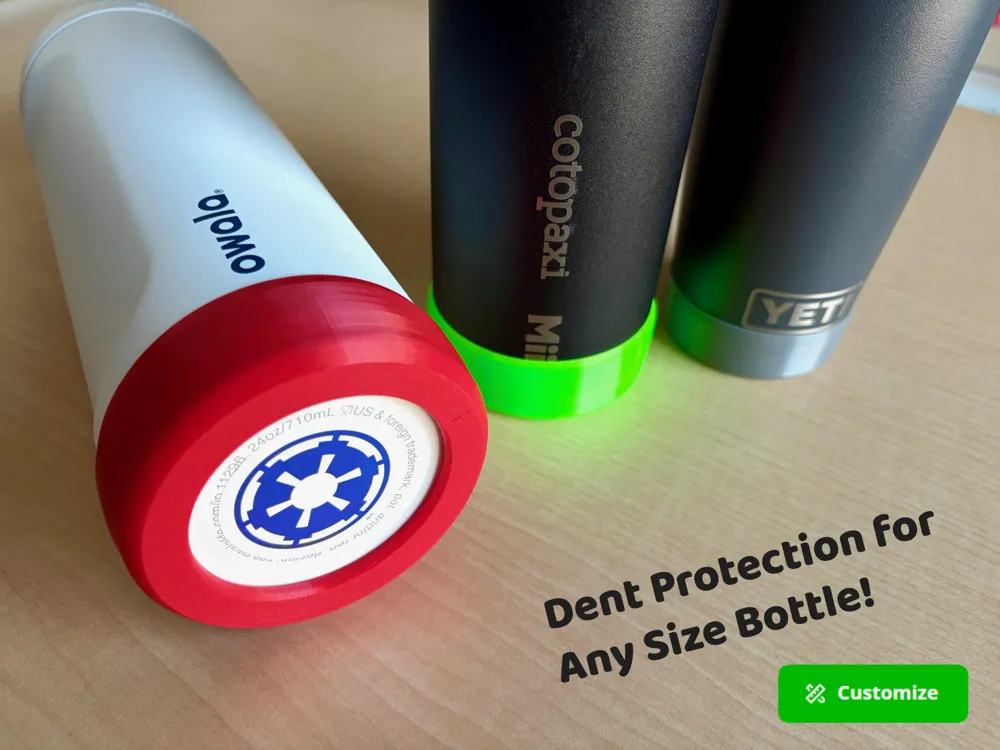
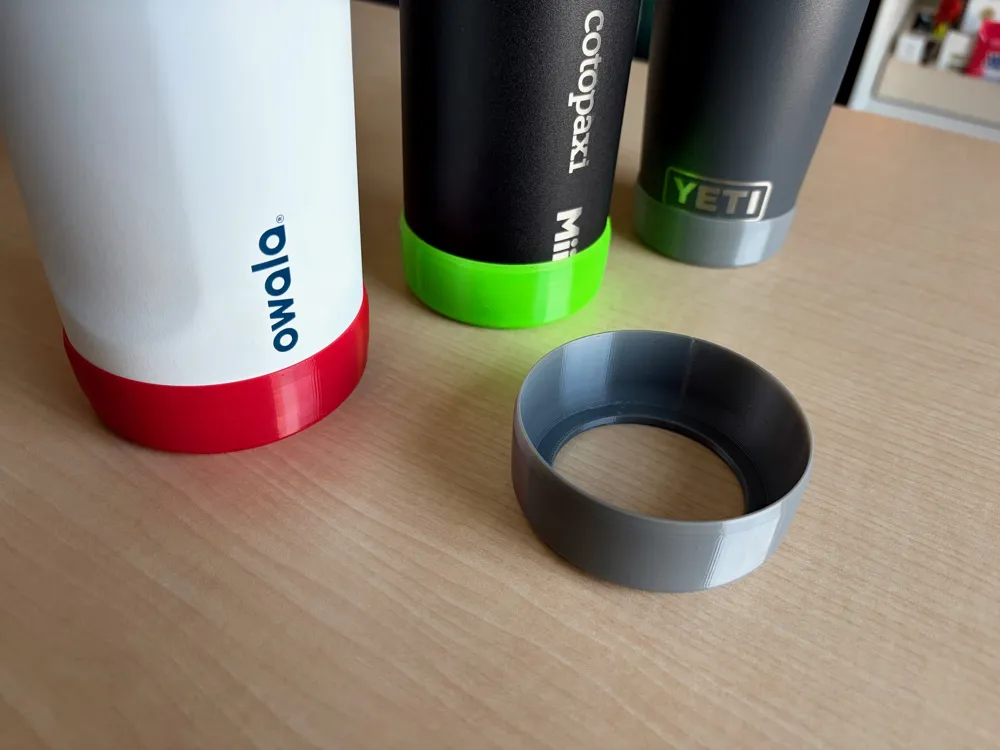
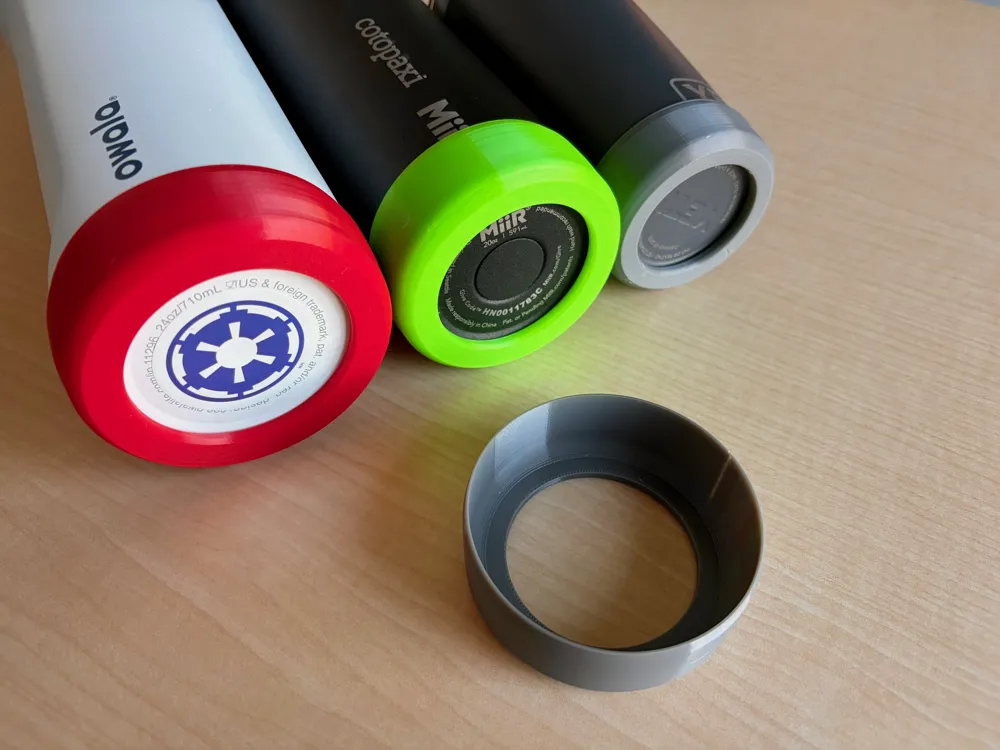
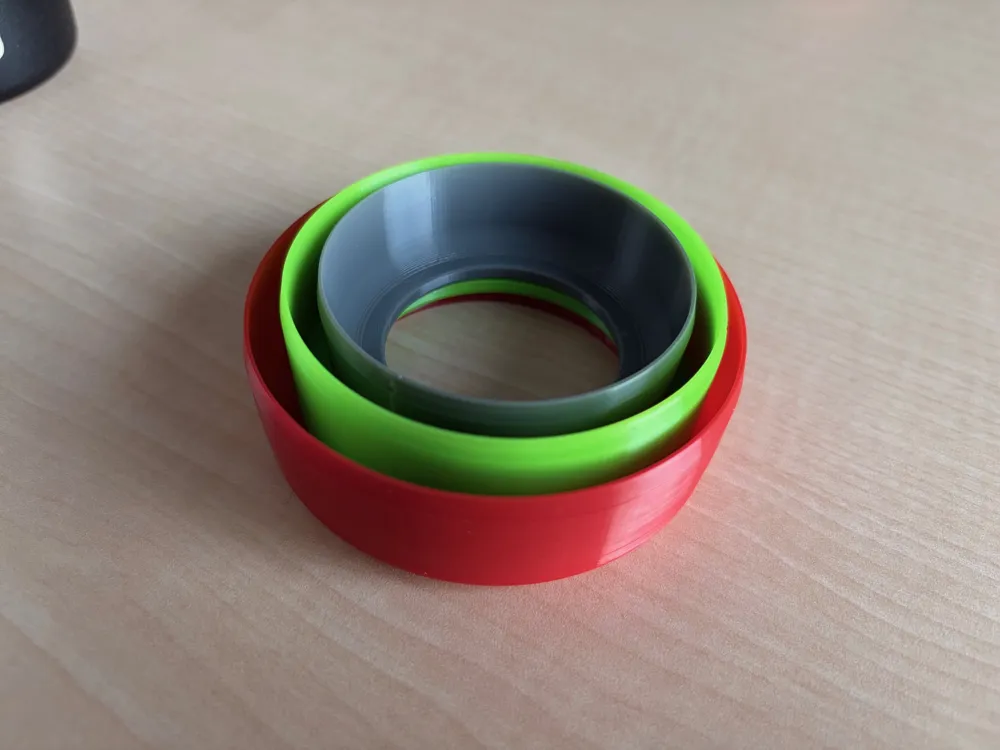
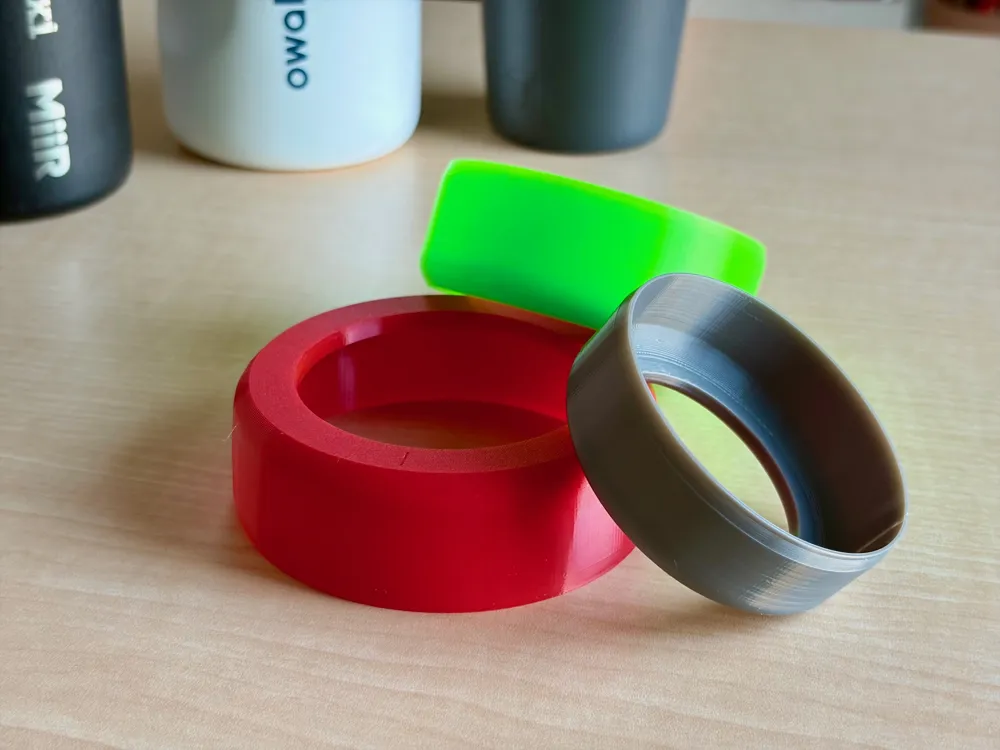
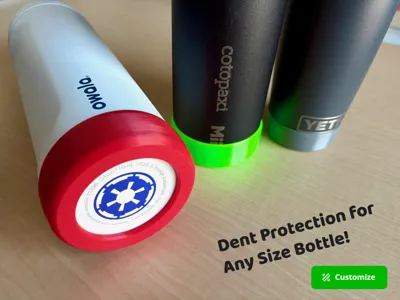
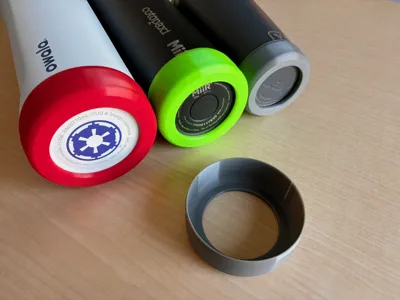
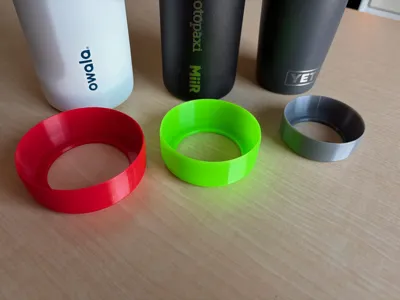
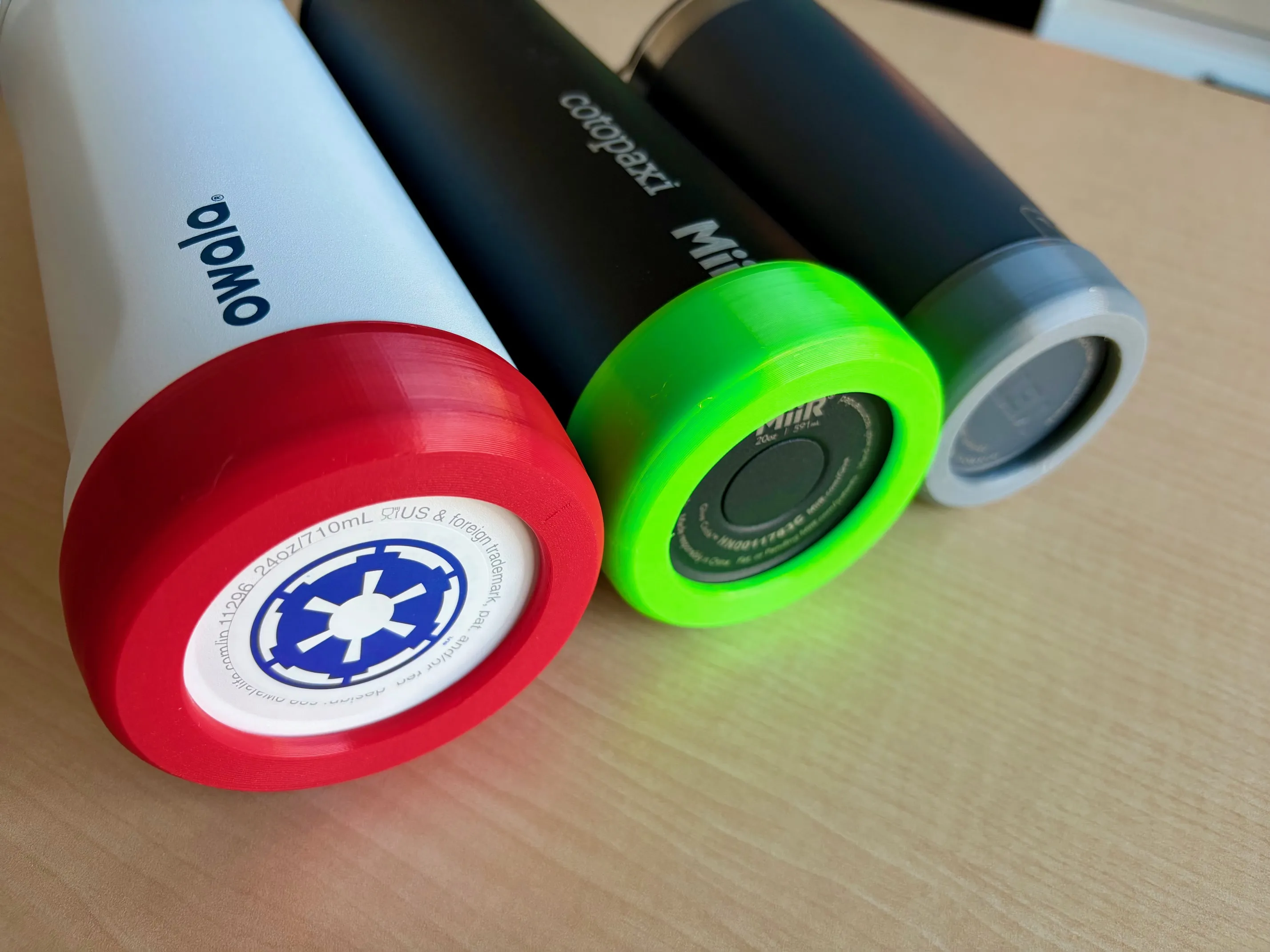
Dents and scratches? A thing of the past. No more worrying about dropping your bottle or the loud metal sound when setting it down too hard. This slim TPU bottle boot acts like a phone case for your water bottle—protecting it from damage and keeping it like new! The best part? It's designed for Makerworld's Parametric Model Maker so you can specify the exact size to fit your bottle! No guessing, no compromises. Just follow the instructions below.
Highlights
- 🛡️Protects metal bottles from dents and scratches
- 🧲 Adds grip and stability on slippery or uneven surfaces
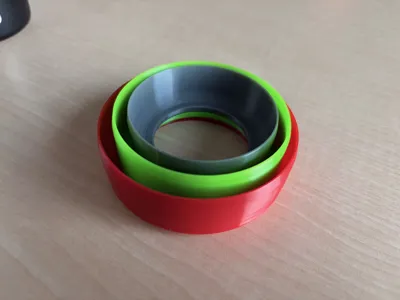
- 📐Customizable diameter and height parameters to generate a perfect fit
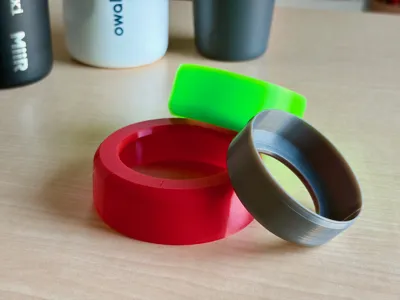
- 🎨 Print in any TPU color to add personality and individuality to your already cool-looking bottle
Boost Me (for free)
Enjoying this print?
👍 Liking helps others discover this model
🚀 Boosting is the best way to support my work
➕ Follow for more functional prints coming soon!
📋Instructions For Creating a Custom Size Bottle Boot
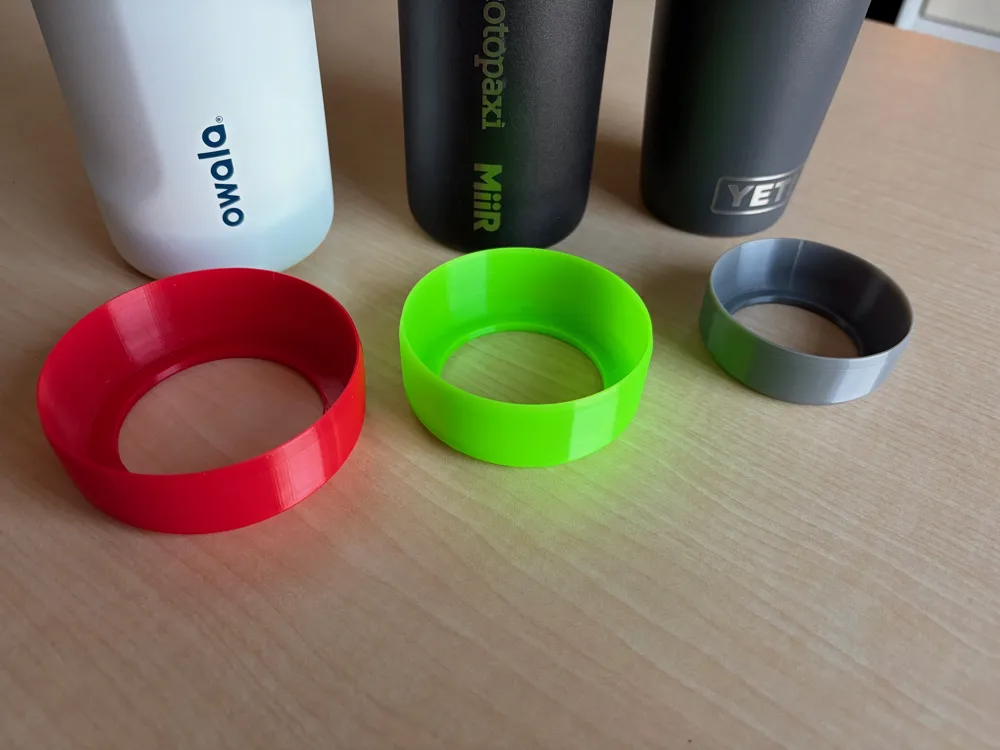
Note: The provided 3mf file contains example sizes for Owala Freesip 24oz and MiiR 20z wide mouth, and a YETI 12oz Tumbler. If you have one of these bottles, you can simply download the 3mf (or use Bambu Handy) to print those models.
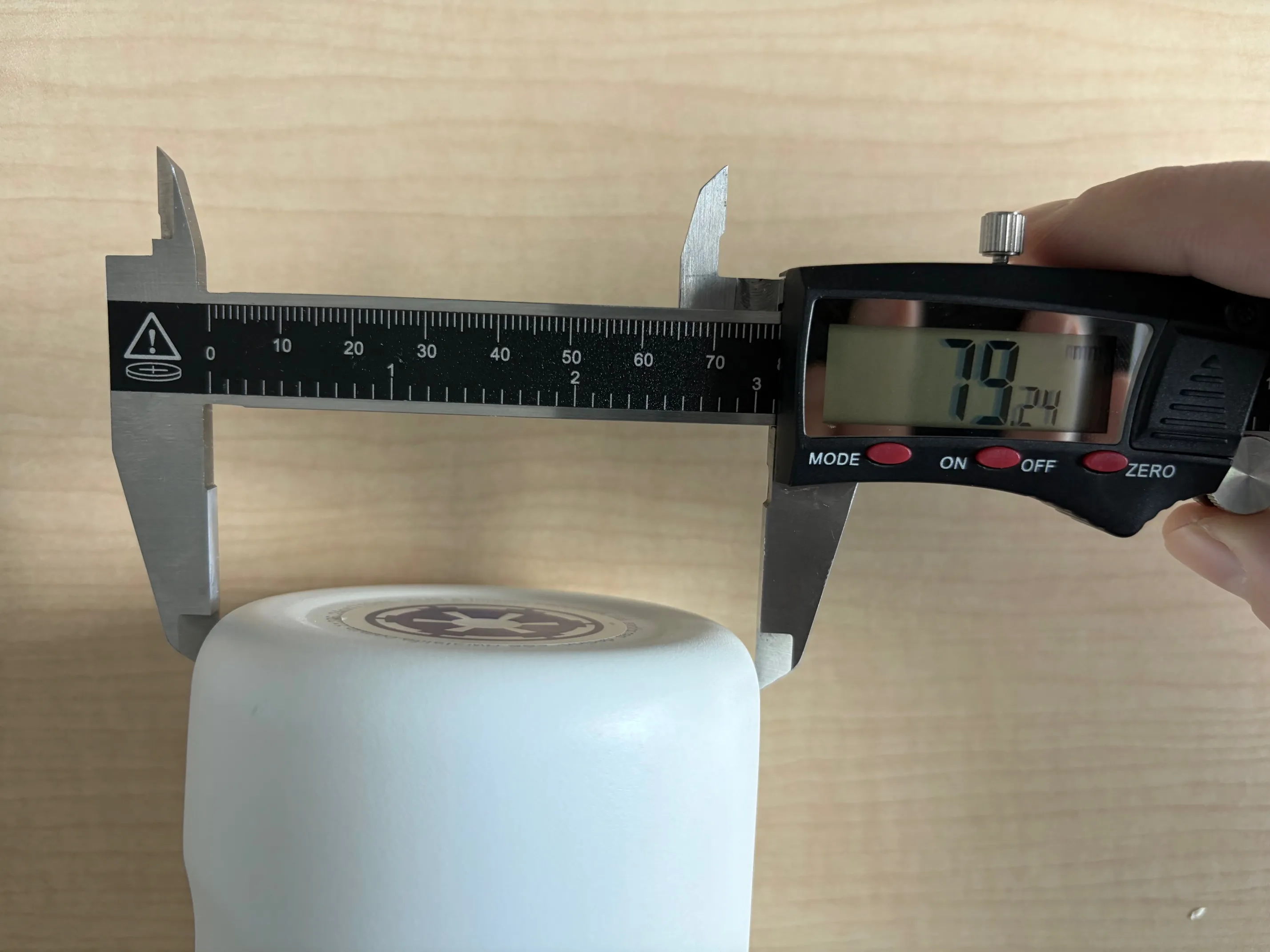
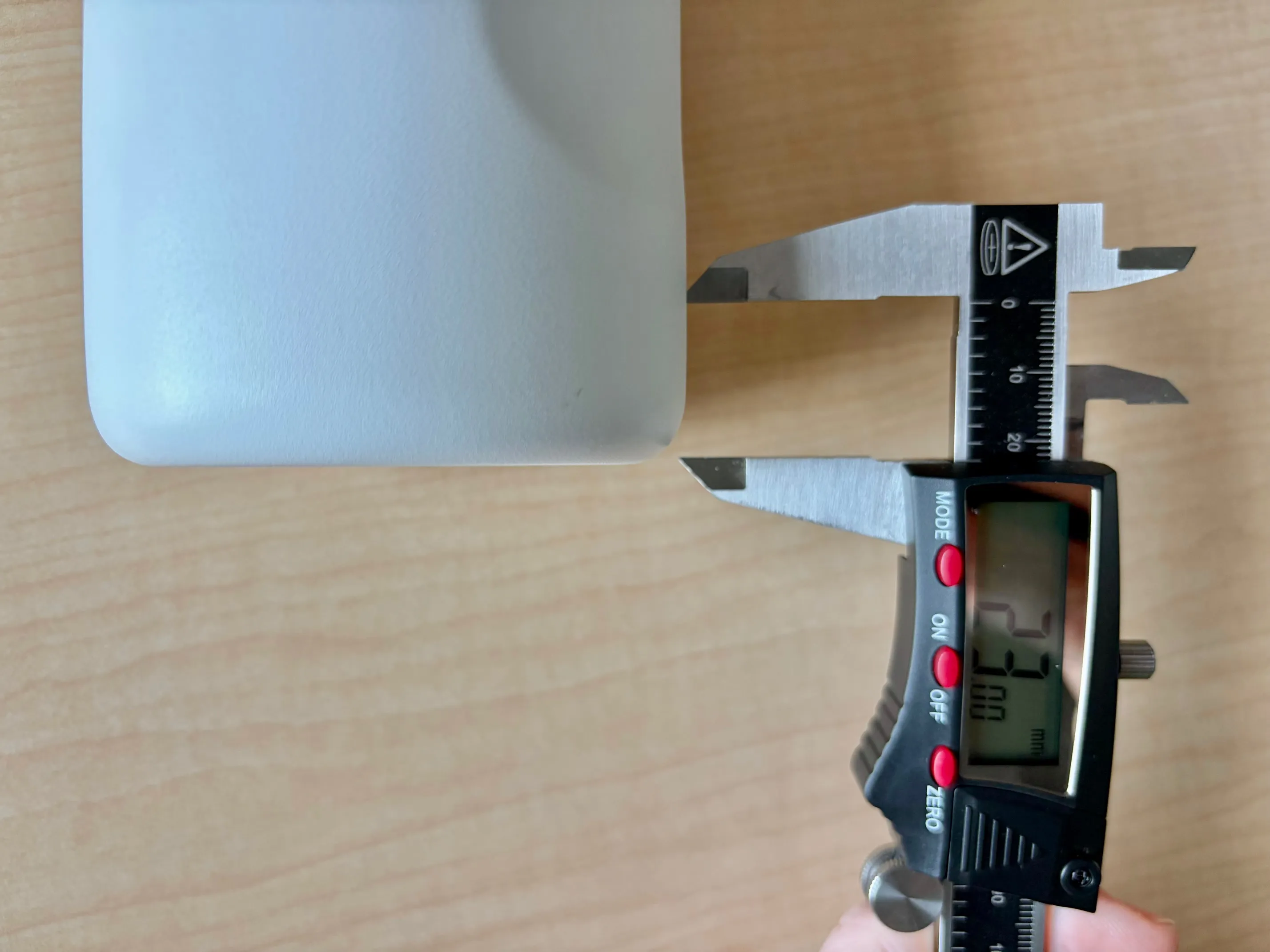
- Measure your bottle's bottom diameter and the height you'd like.
- For the diameter subtract 1.5mm for a snug fit (ex: 79.2 - 1.5 = 77.7mm)
- If using Bambu Handy, tap “Prepare to Print" and select “Customize” to open Parametric Model Maker.
- If using Makerworld website, select the “Customize” button to open Parametric Model Maker.
- Enter your final diameter and height values into Parametric Model Maker.
- Follow steps to generate model & download as 3mf and print
- Download, configure settings and print!
- If you downloaded a 3mf for BambuStudio, ensure you are printing with:
- TPU settings
- 15% gyroid infill
- concentric bottom surface pattern
- seam position back
- avoid crossing walls
- If you downloaded a 3mf for BambuStudio, ensure you are printing with:
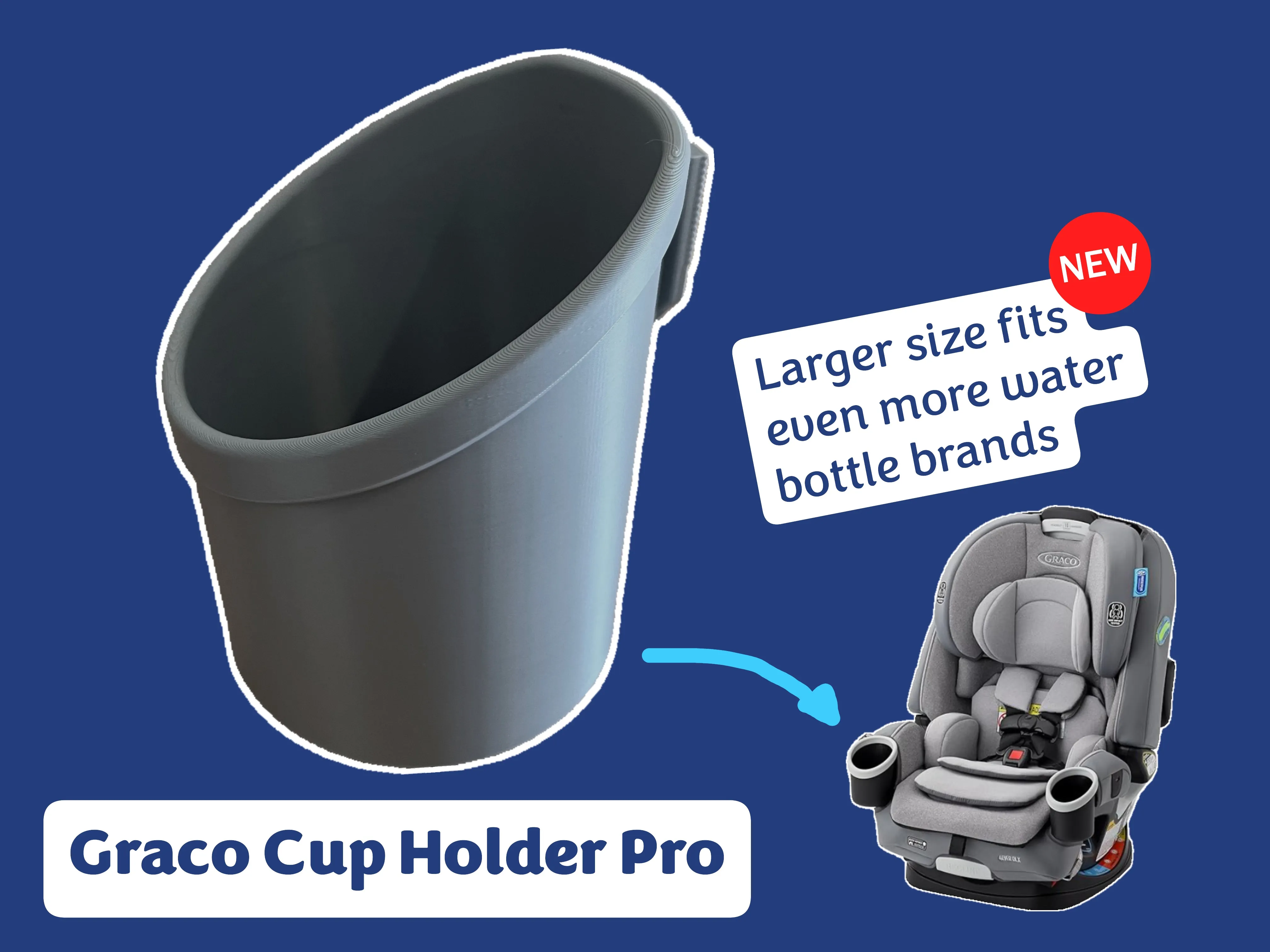
Related Models
License

You shall not share, sub-license, sell, rent, host, transfer, or distribute in any way the digital or 3D printed versions of this object, nor any other derivative work of this object in its digital or physical format (including - but not limited to - remixes of this object, and hosting on other digital platforms). The objects may not be used without permission in any way whatsoever in which you charge money, or collect fees.


Comment & Rating (35)