
Tool Tower: Modular openGrid Desktop Organizer


Print Profile(1)

Bill of Materials





Description
Introduction
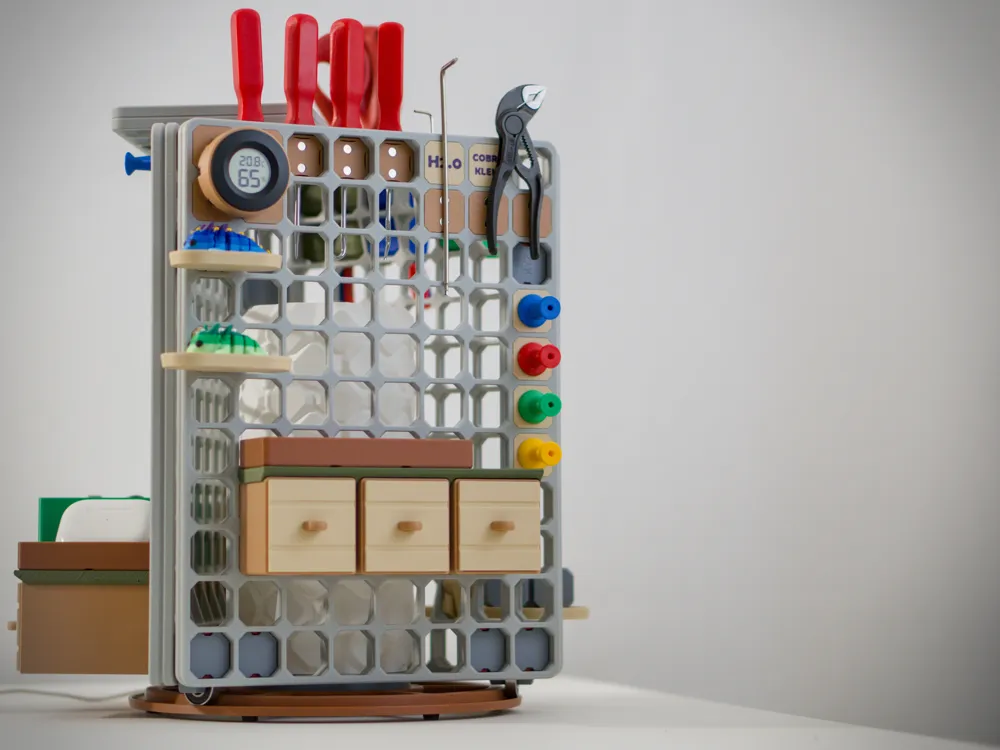
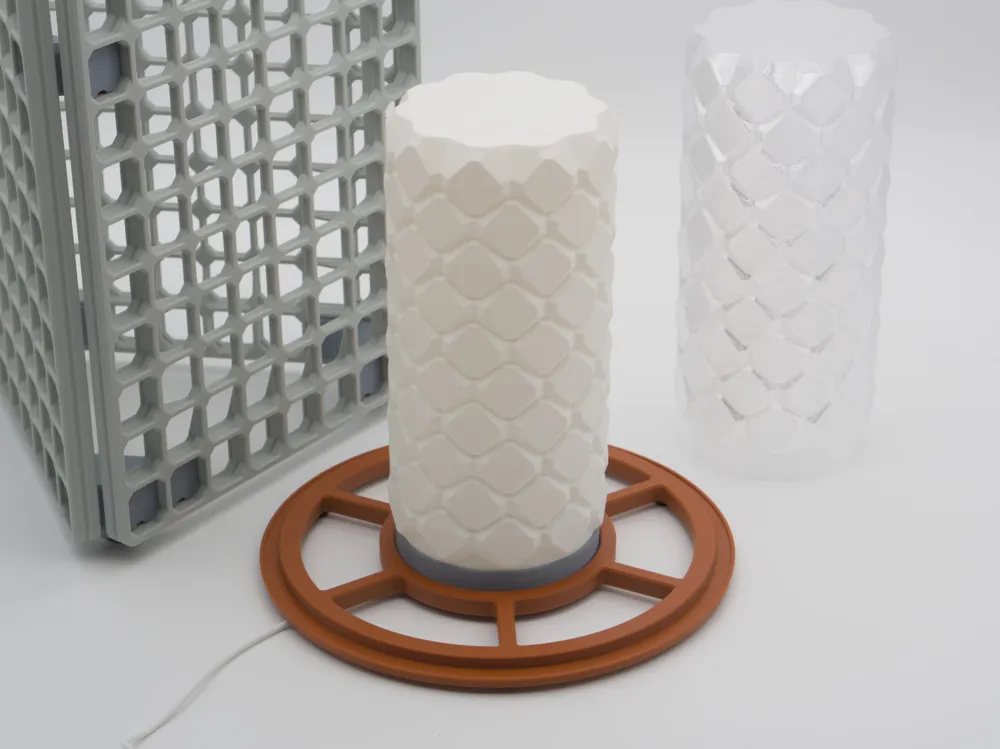
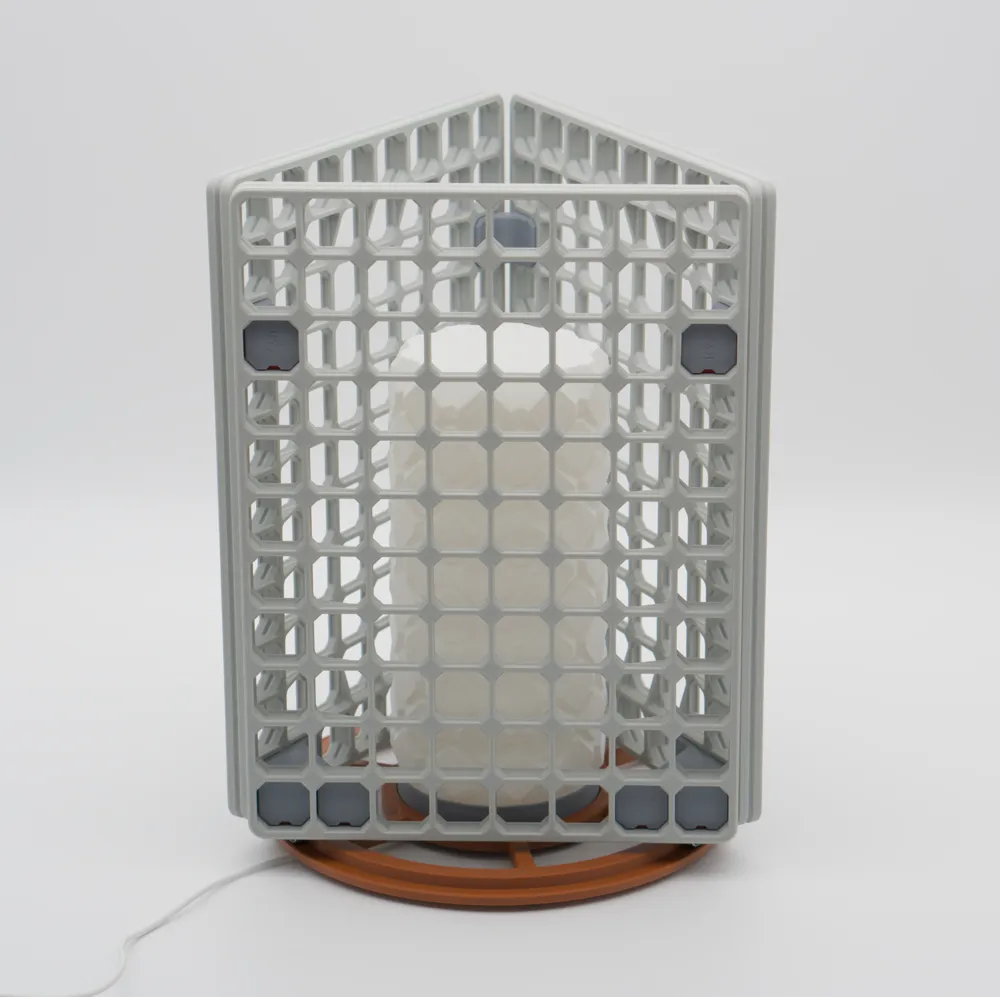
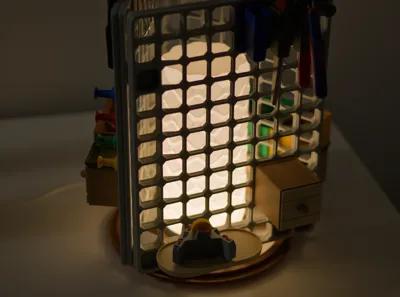
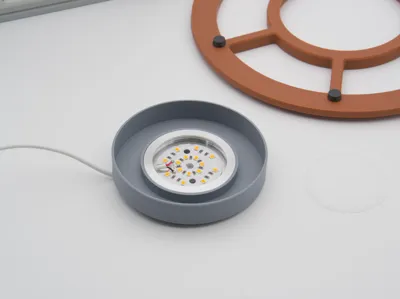
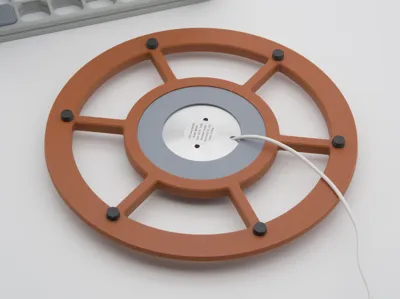
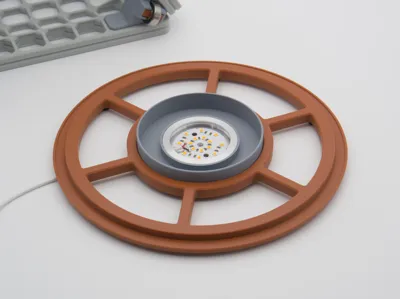
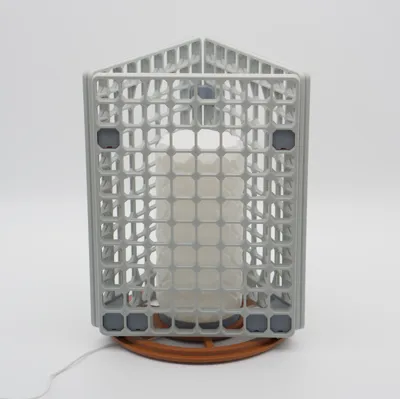
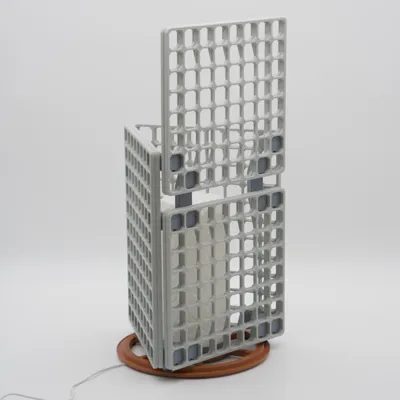
Base and optional lamp insert for your modular openGrid tool tower. Watch this Youtube Short for a super quick tour!
- Modular and expandable
- TPU feet for non-slip spinning
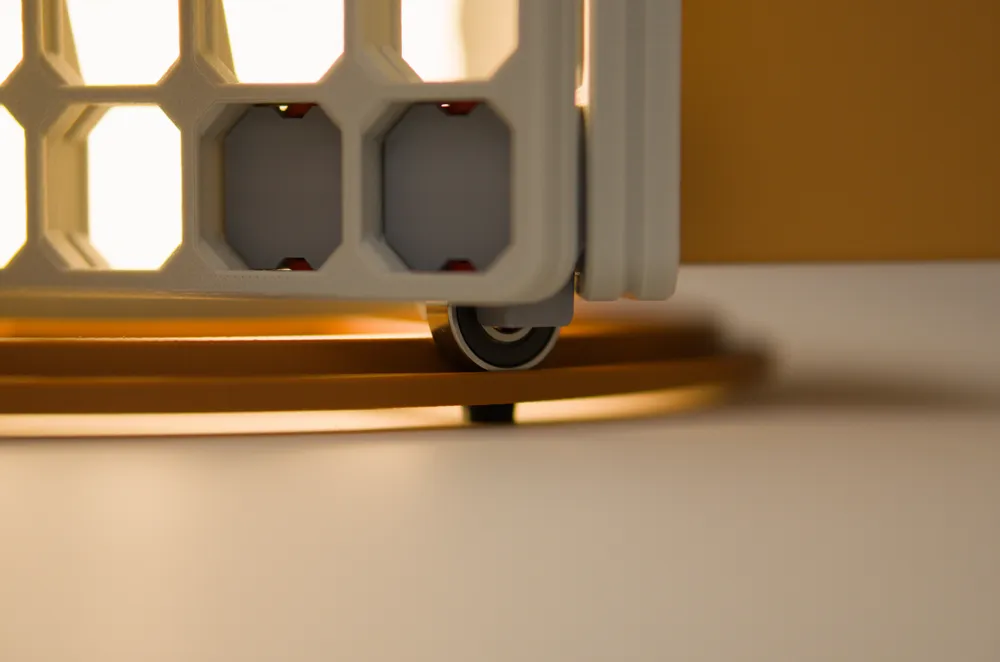
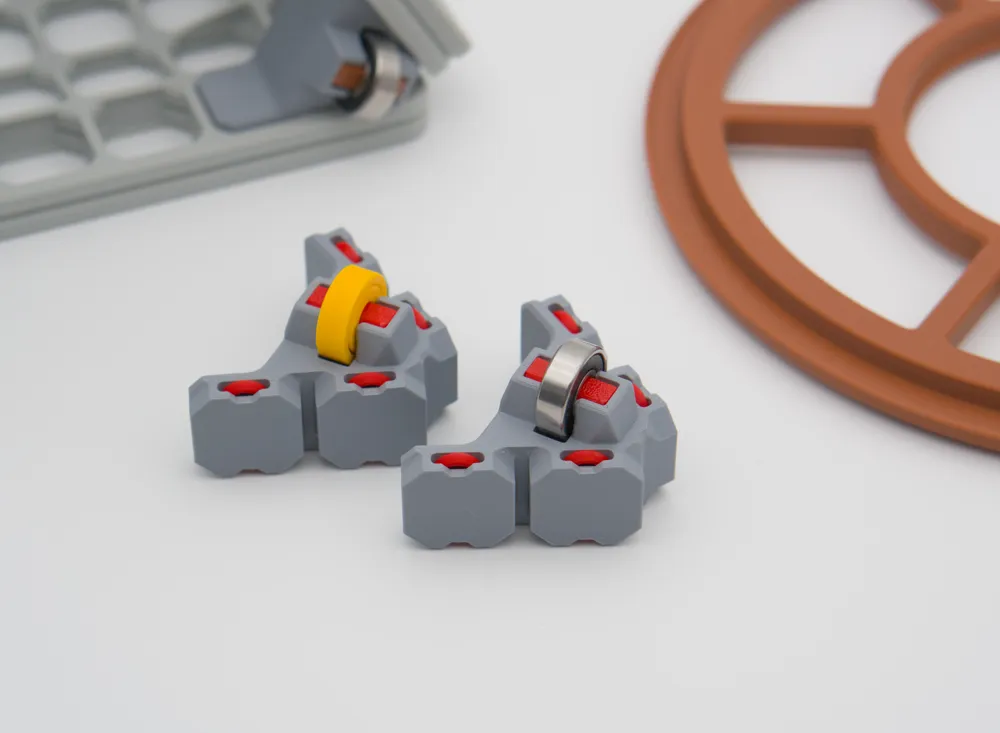
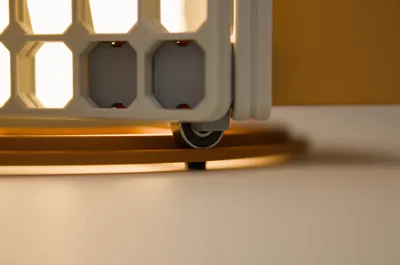
- Rolls on bearings for smooth operation
- All parts designed to print completely support-free with easy overhangs and minimal bridging for easy printing
- No fasteners, no glue, clip-together assembly
What you need
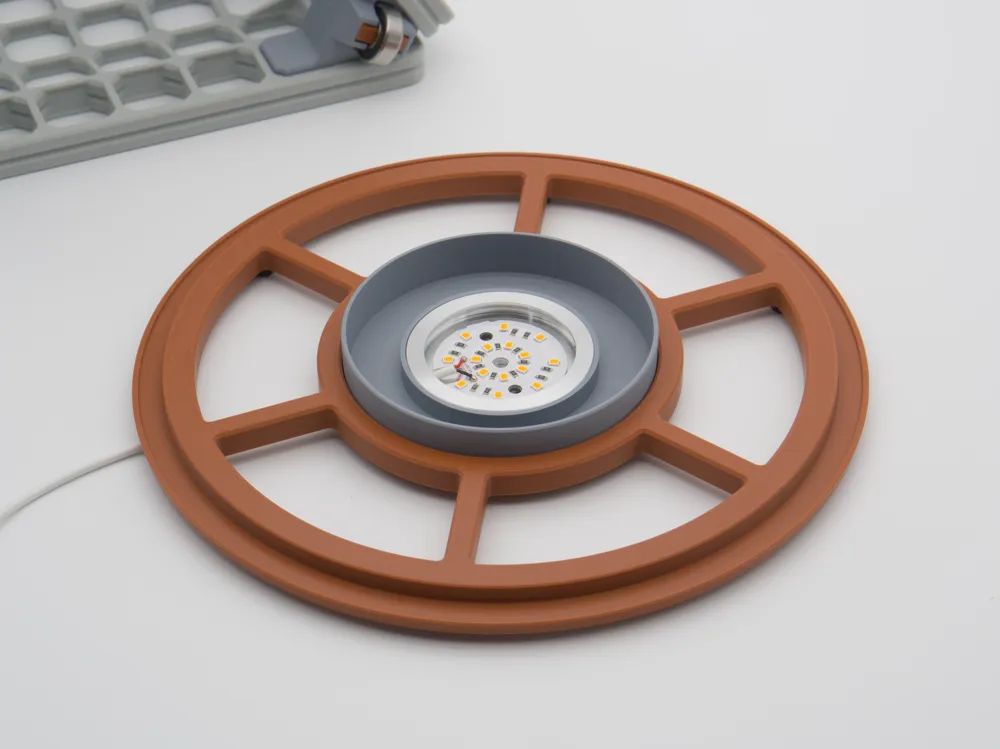
- Printed tool tower track base (print profile plate 1)
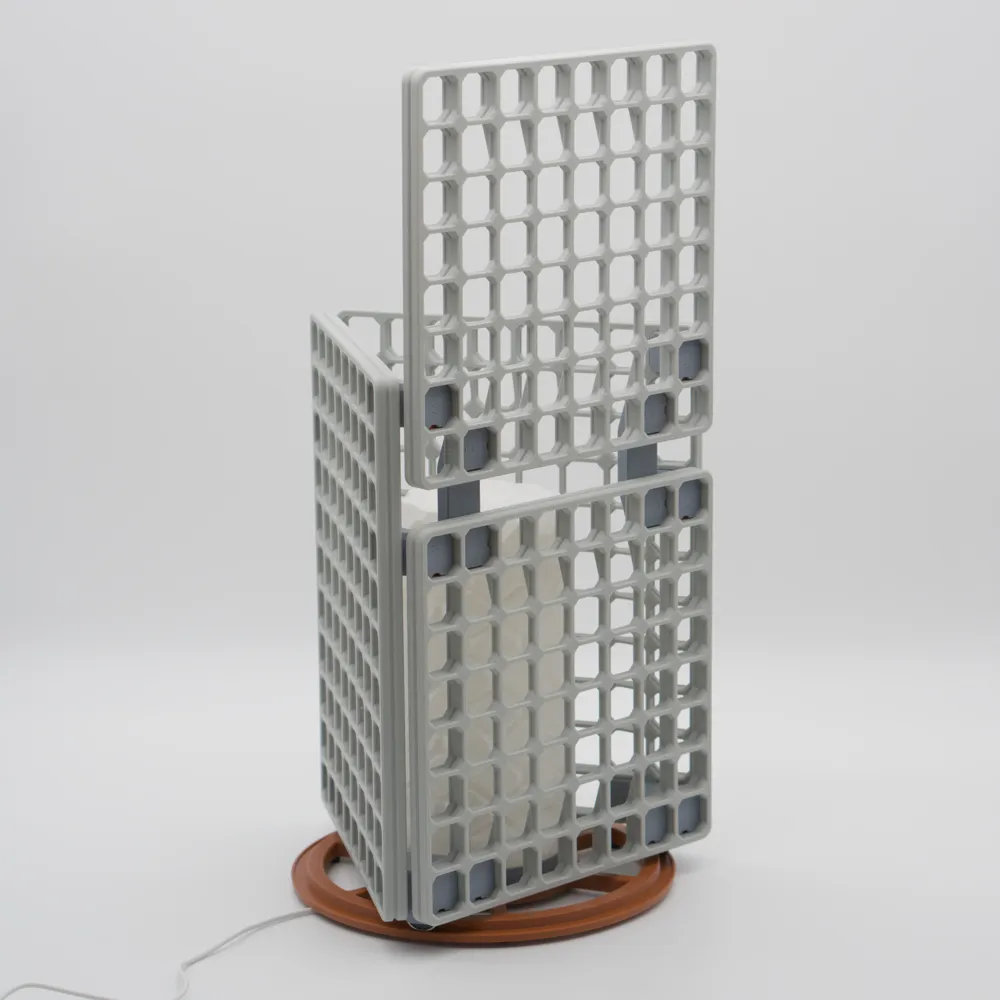
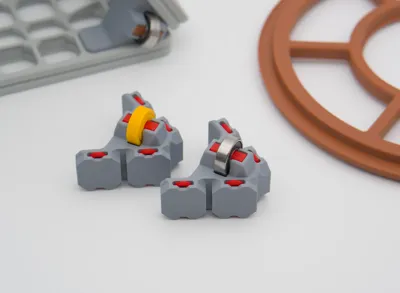
- 3x printed carriage assemblies (print profile plate 2) with 3x 608zz bearings (I suggest you buy some but you can print them too!)
- 3x printed 8 cell wide openGrid, openGrid Heavy or openGrid Hybrid Panels, you can choose the height. The panels shown in the photos are the Hybrid panels and are recommended as they provide good rigidity and double-sided use on perimeter cells.
- 3x printed 60 degree openGrid Angled Connectors (2 sizes to choose from)
Optional extras
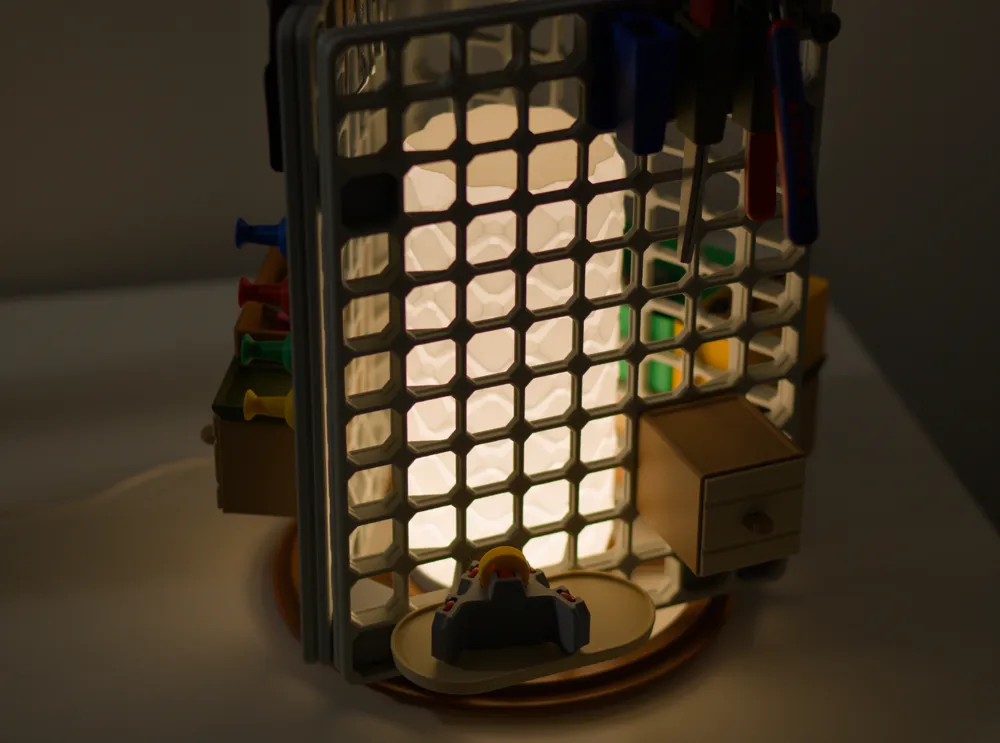
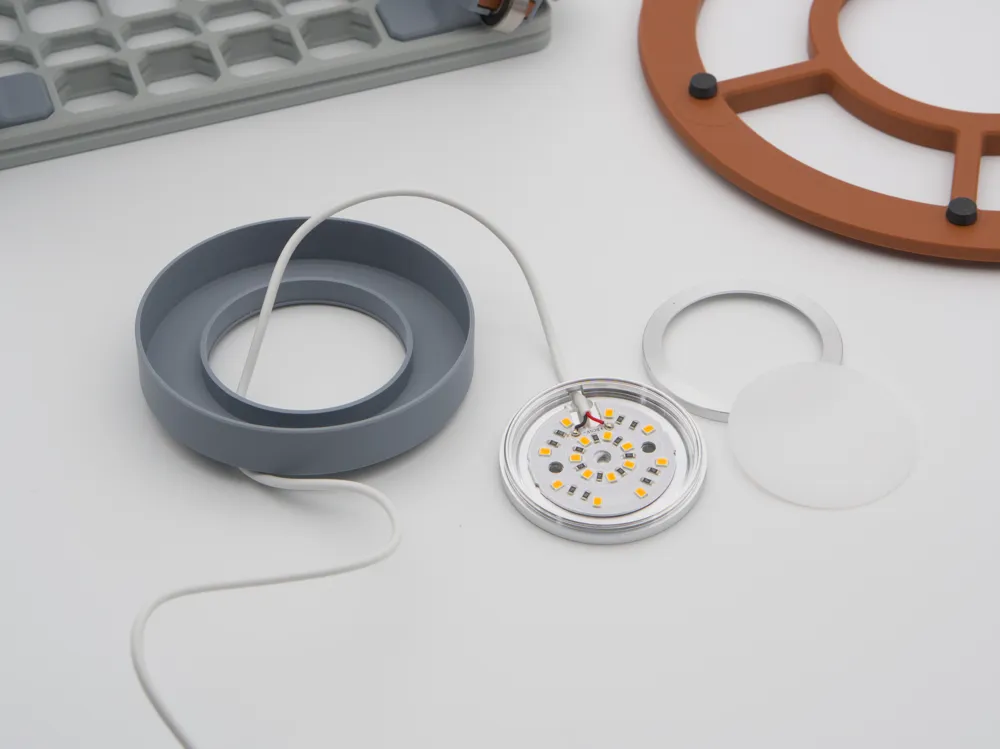
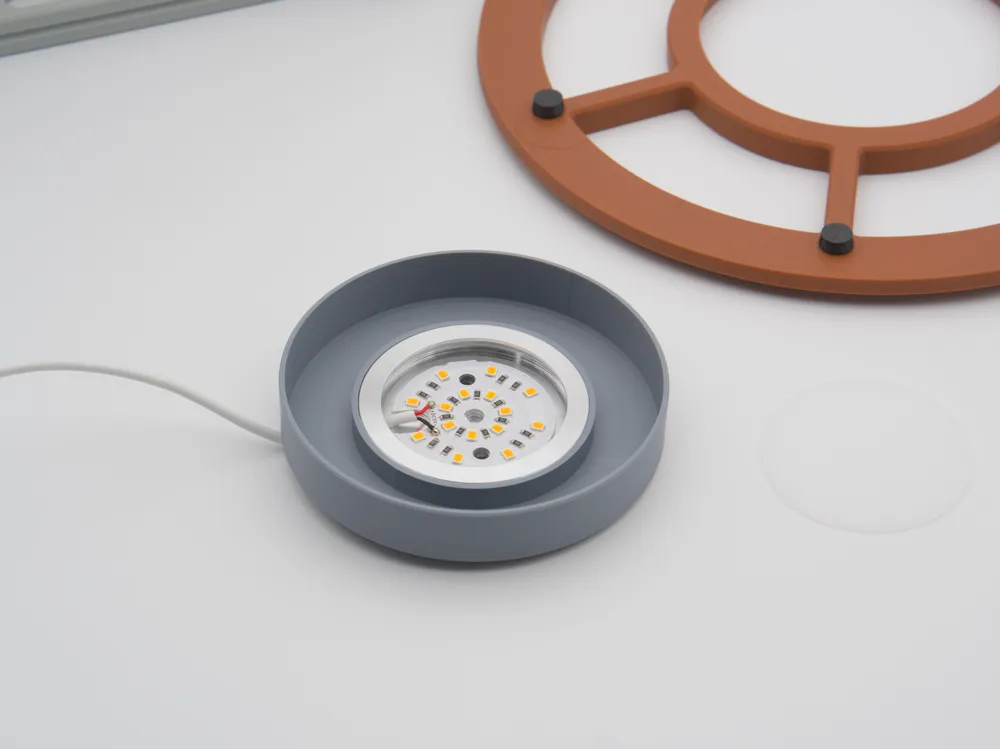
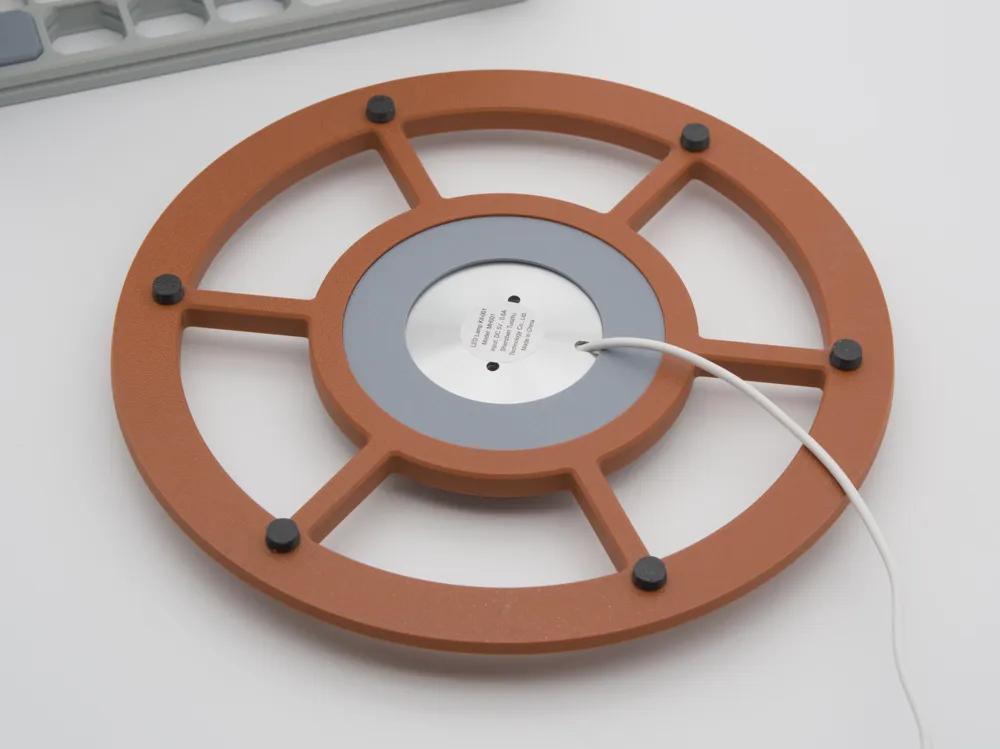
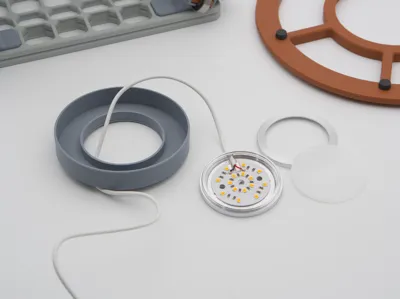
- LED lamp kit MH001 with printed lamp base and printed lamp shade (print profile plate 3, 4)
- Printed TPU/TPE feet for grip and to provide clearance for the lamp cable (print profile plate 5)
- Printed openGrid Straight Connectors to extend the tower vertically with extra panels
Materials
- PLA works great for all parts except for the feet, which I recommend TPU 90A (or whatever flexible you have on hand).
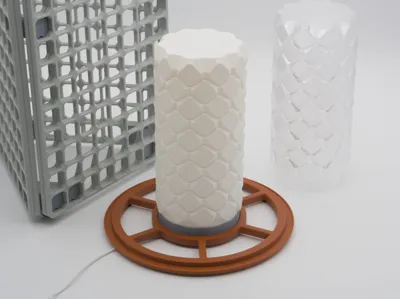
- The lamp shade should be printed with a light colour material - I used Matte PLA Ivory White. As this is a diffuser, the diffuser in the lamp kit can be removed to increase the lamp brightness.
- As a side note - I printed one from PETG Translucent and found that it does not diffuse the light enough to make a nice lamp - I do not recommend transparent materials.
- The panels in the photos are made with ABS-GF, which is way overkill (but nice).
Print tips
The lamp shade should be printed in vase mode - take care when changing printers in the slicer that the settings do not get reset!
And the Attachments?
- There is an ever-growing list of openGrid attachments, just search “openGrid”! Or you can start by browsing this collection by David D.
- If you are coming from HSW, check out this HSW adapter.
- And if you are coming from Multiboard, You could try these Multiboard adapters or this one.
Further resources
Check out this collection for related openGrid models and the official openGrid subreddit for questions and inspiration.
Credits to David D for the base openGrid system. If you are new to this, check out his website openGrid.world
Changelog
16/10/2025 - STEP file of the track uploaded - after seeing @KimKam put one on top of the tower upside down to hold an airbrush stand. Feel free to customise this to your needs, and if there are significant changes, upload as a new model.
License

You shall not share, sub-license, sell, rent, host, transfer, or distribute in any way the digital or 3D printed versions of this object, nor any other derivative work of this object in its digital or physical format (including - but not limited to - remixes of this object, and hosting on other digital platforms). The objects may not be used without permission in any way whatsoever in which you charge money, or collect fees.


Comment & Rating (54)