
Battery Upgrade for CyberBrick Standard Remote
Print Profile(1)
Bill of Materials


Description
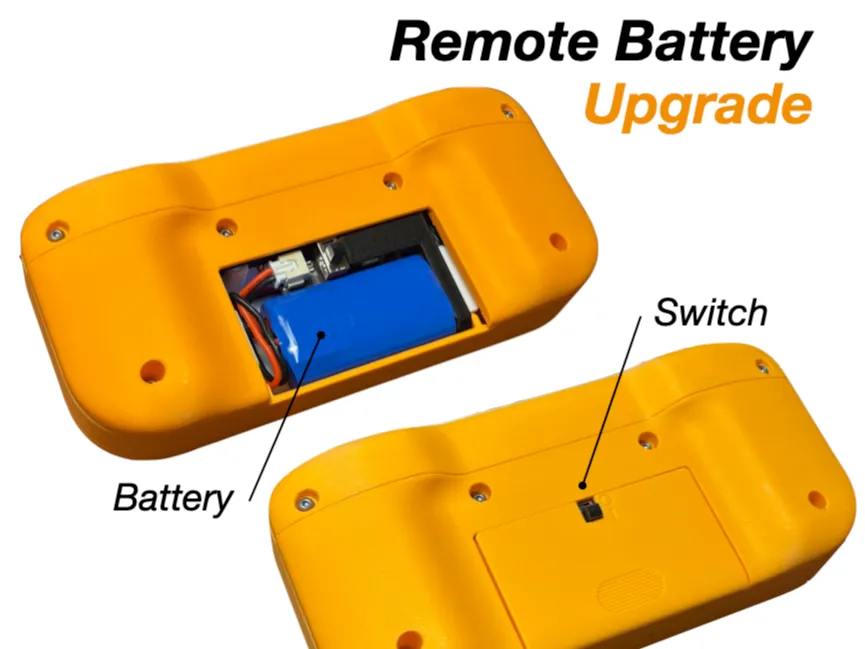
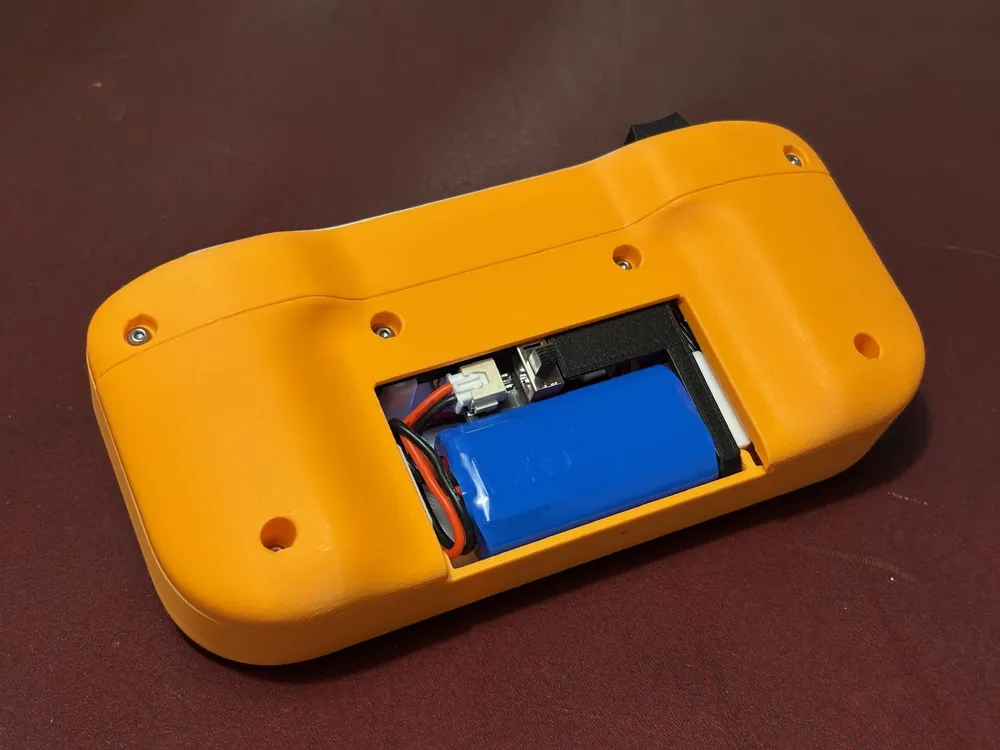
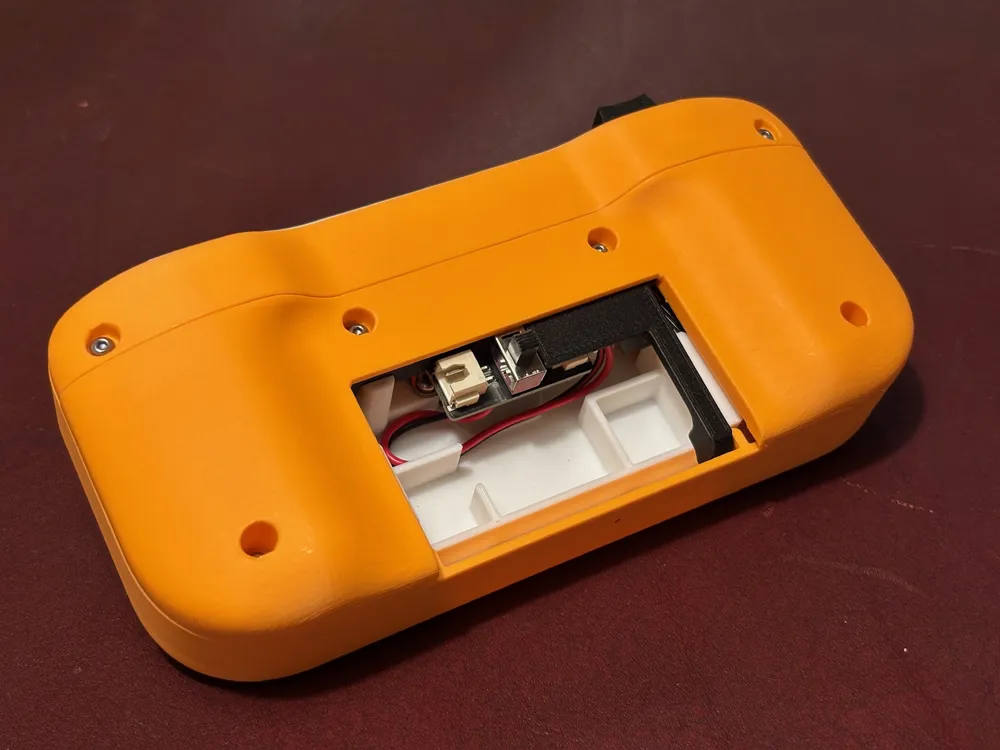
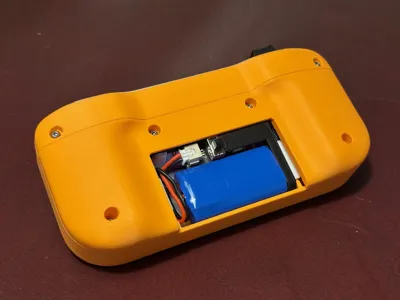
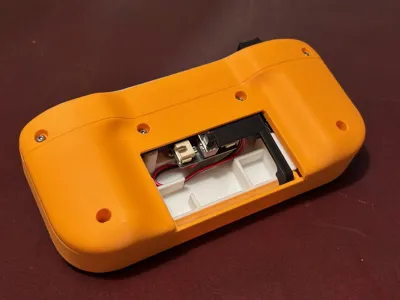
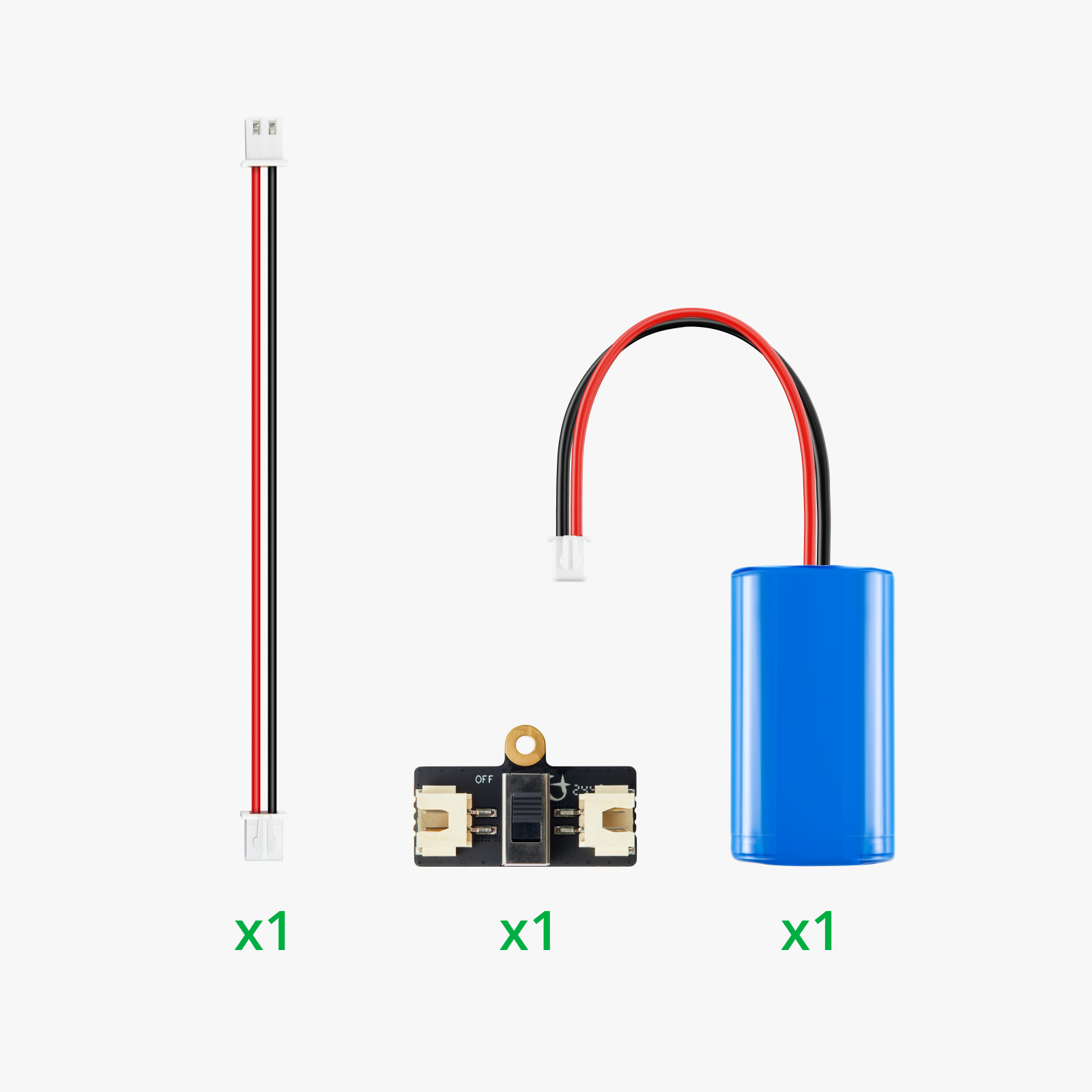
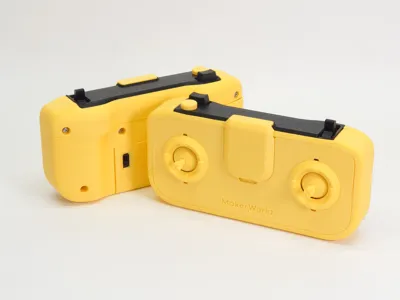
The battery life of the CyberBrick remote is horrible with AAA batteries, causing a lot of waste and frustration. With this easy upgrade you can convert the remote to use the same rechargeable 14500 7.4V 800mAh Li-ion Battery that is used by many of the models. This design also adds a power switch, but can be used without it. In this case the printed part acts as a spacer, stopping the battery from rattling around inside. When removing the battery for charging, it's suggested you pull out the switch assembly for easier access to the connector.
Assembly:
0. Remove the AAA battery case if present.
1. Attach the power cable to the power switch. Then attach the switch with a BHCS M2.5x6 screw.
2. Attach the power cable to the controller.
3. Slide the switch assembly to the controller.
4. Tuck away the power cable.
5. Install the battery.
6. Slide on the new lid. Note the switch position indicators: "0" for OFF, "I" for ON.

Boost Me (for free)
Like this print? Check out my other design as well and consider leaving a boost. Each one is greatly appreciated and supports release of free high quality models. Thank you!





This remix is based on

License



Comment & Rating (256)