
CUBY - CyberBrick Robot Buddy
Print Profile(1)
Bill of Materials






Description
Description
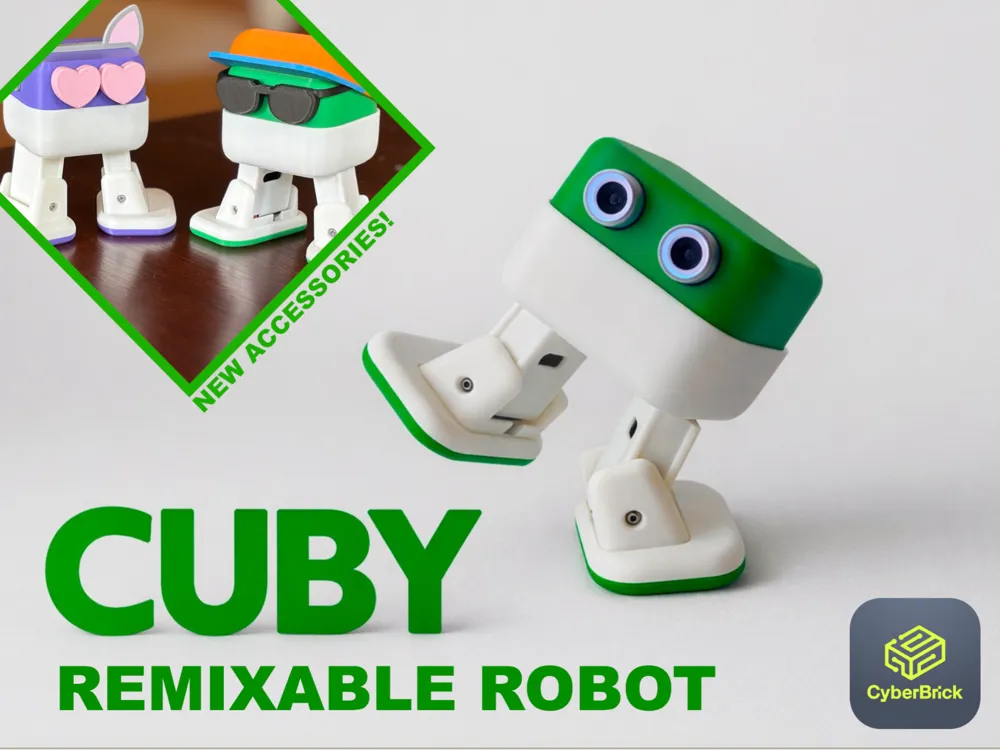



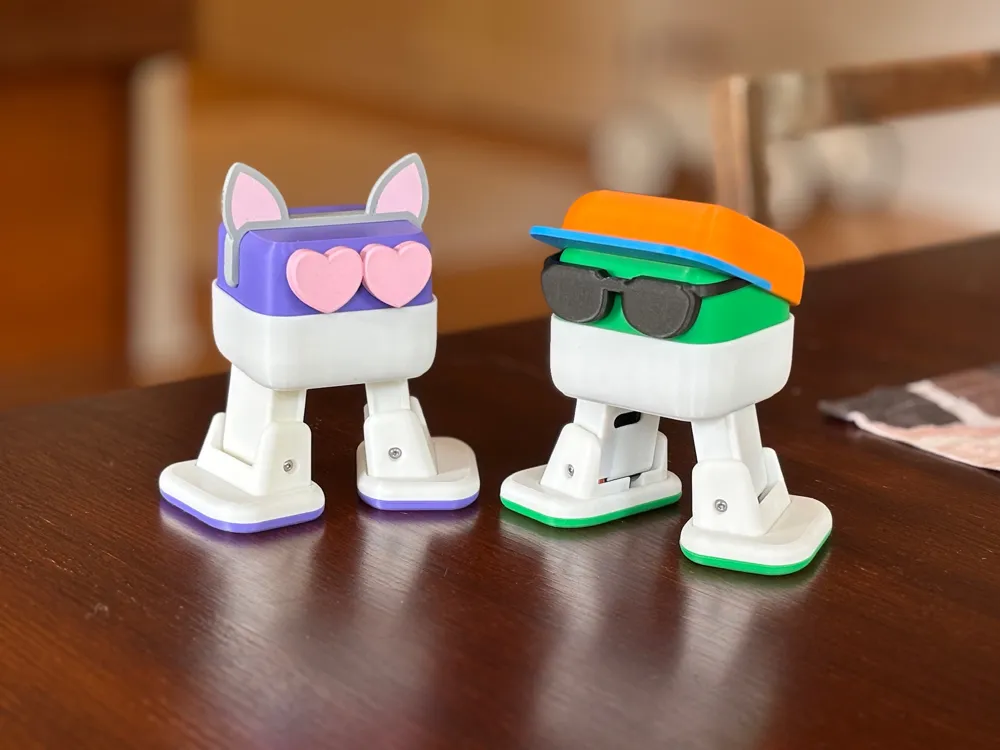
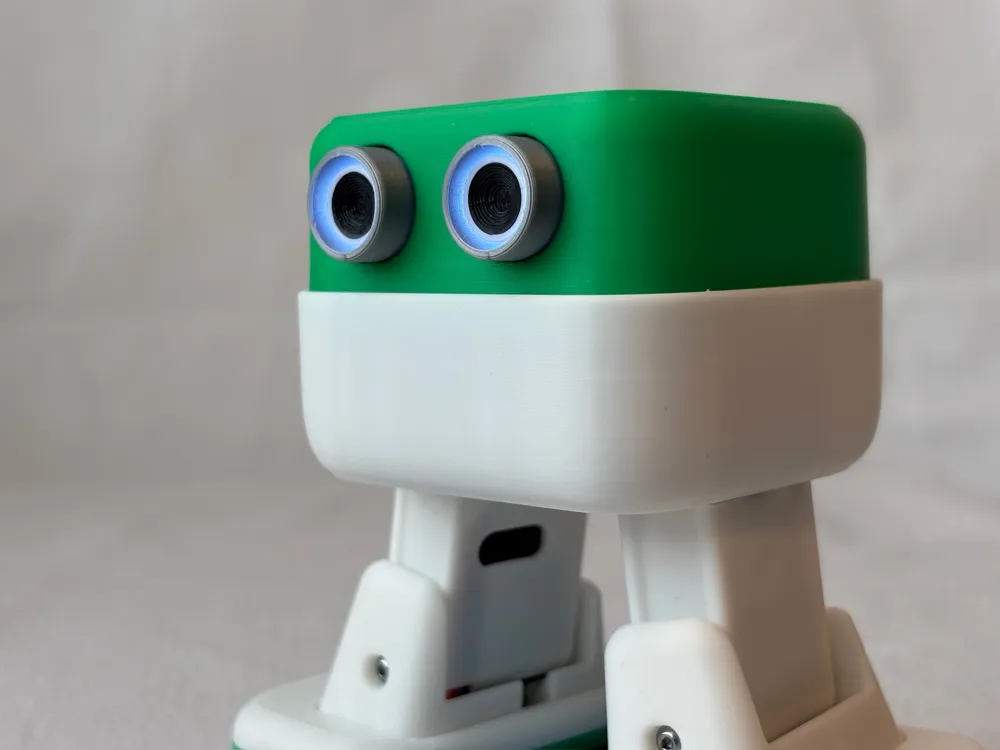
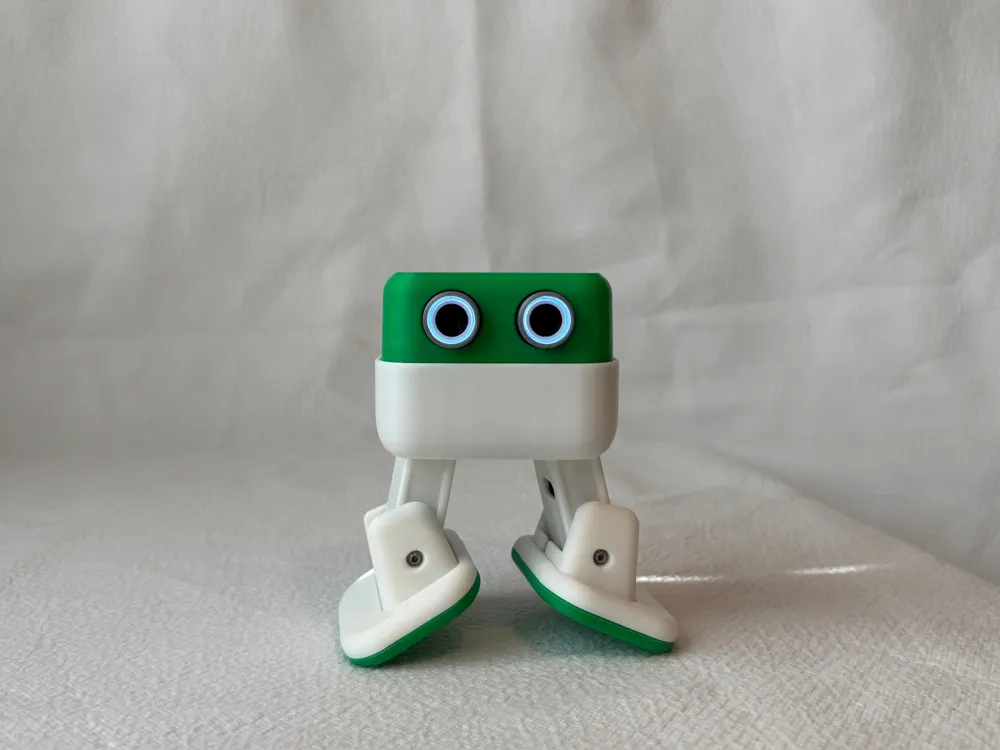
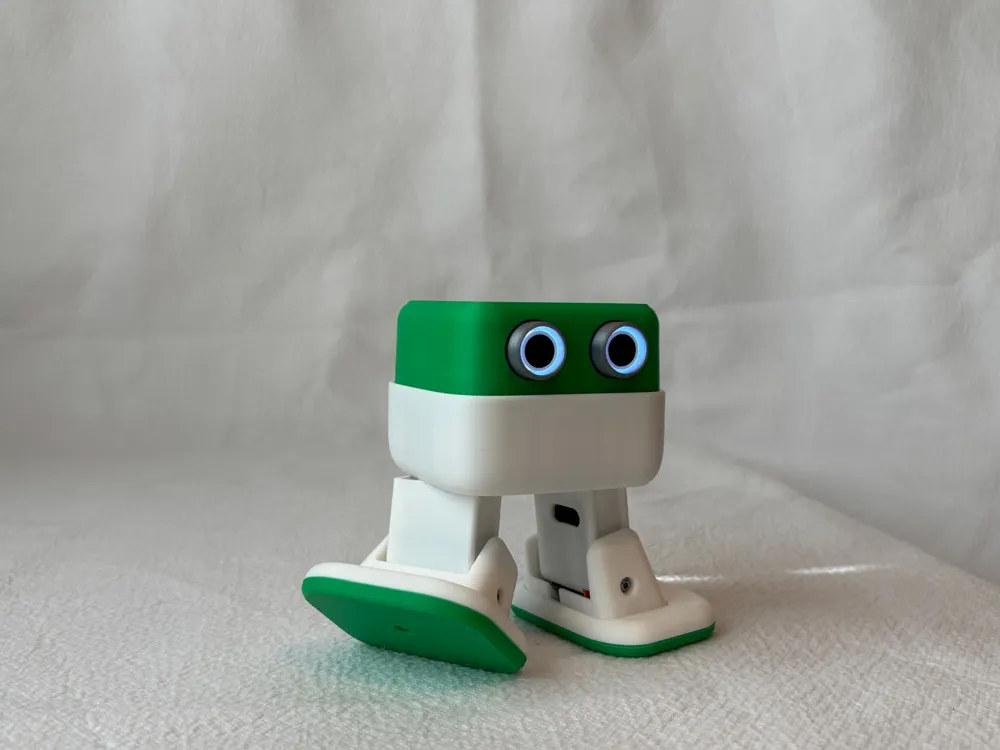
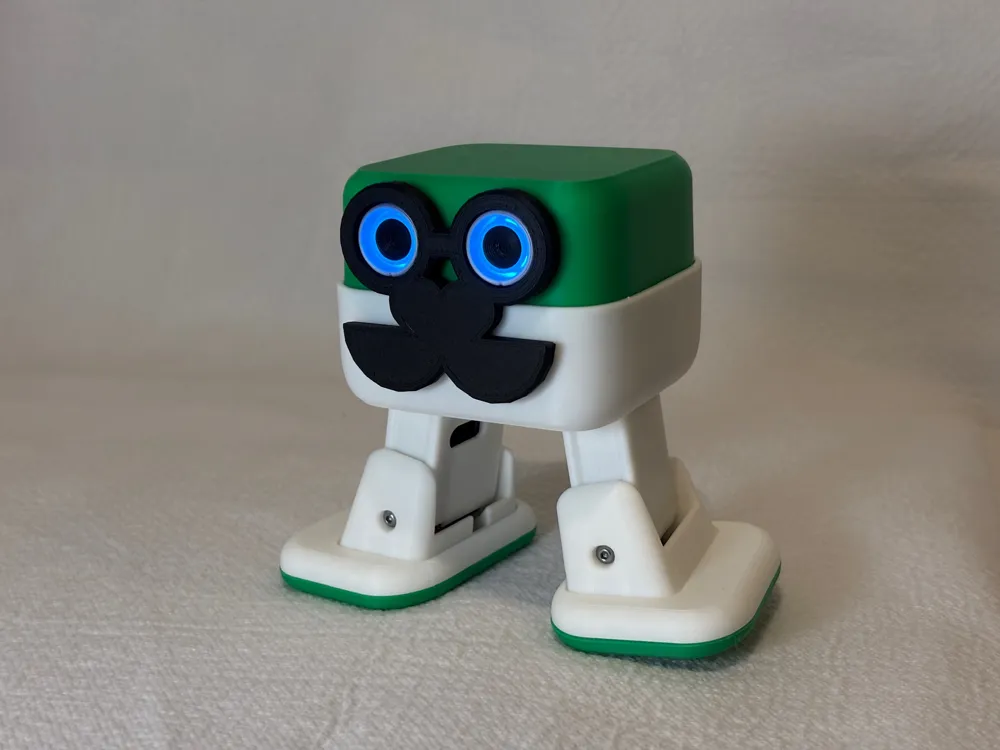
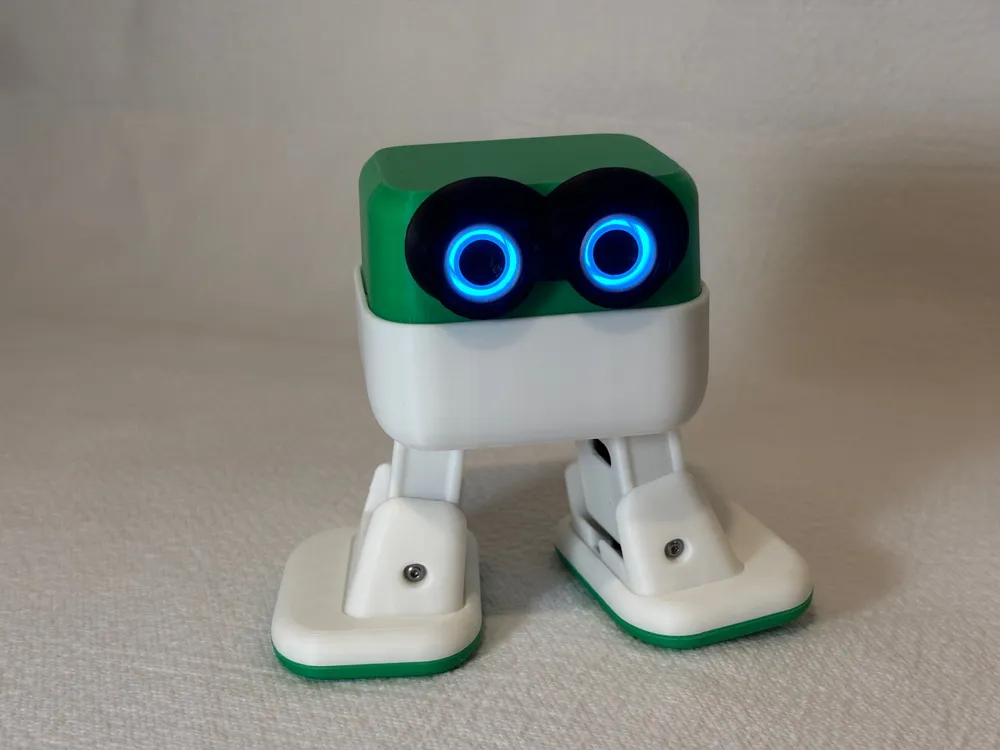
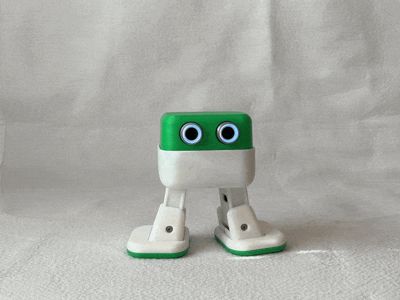
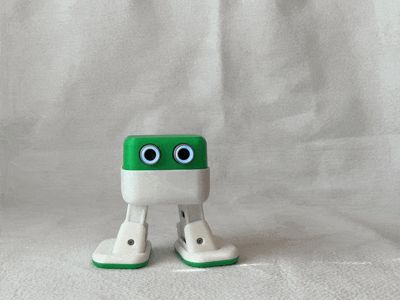
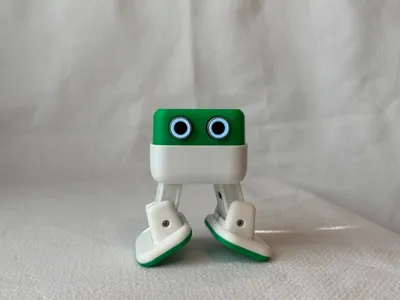
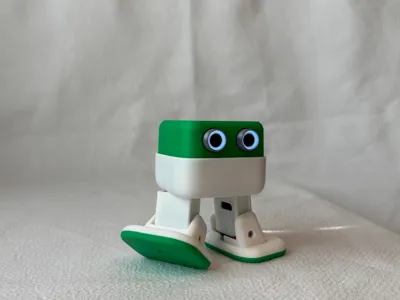
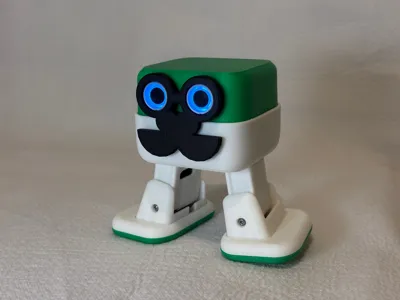
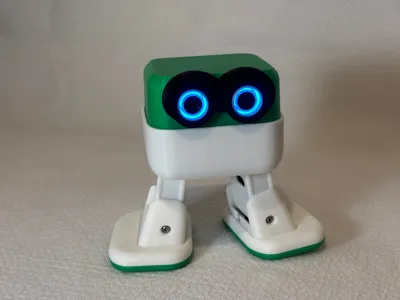
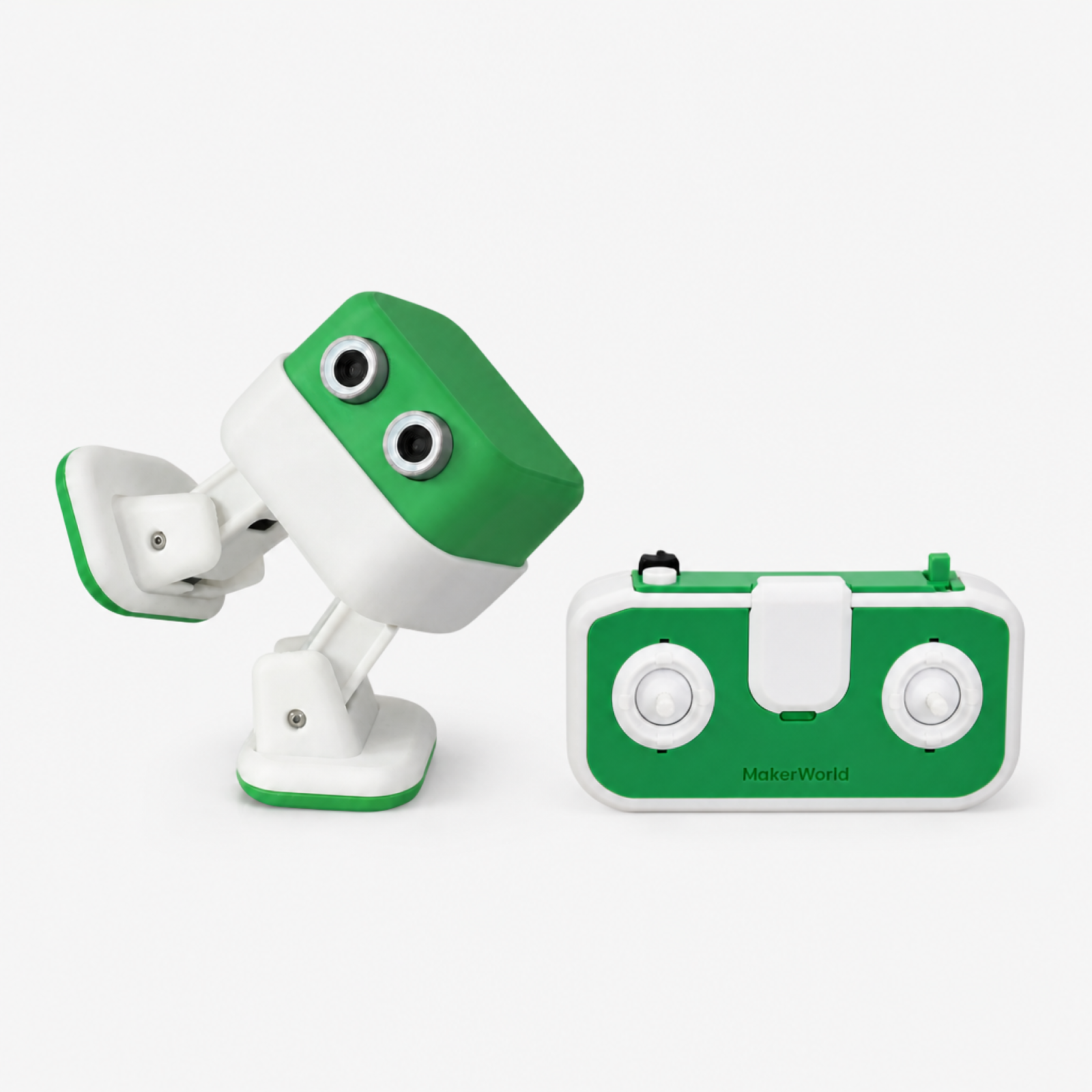
CUBY is a fun CyberBrick controlled robot that prints in just 5 hours! It's intended as a DIY robotics platform that can be remixed and developed further using customized prints, code snippets and micropython (MPY) code right here on MakerWorld. Right now you can get started with the included .json that links the control of the legs and lights to a standard CyberBrick controller and expect more functionality to be released as the program is developed further.
Remixing: All the parts are linked as easy to edit STEP files. The license allows remixing as long as it's released here on MakerWorld.
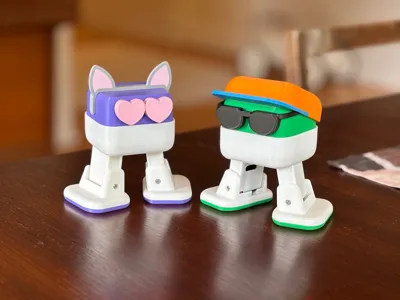
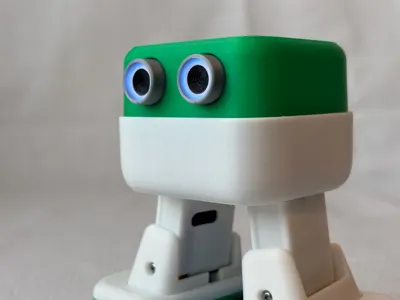
DIY: CUBY is inspired by Otto DIY Robot that uses ultrasonic sensors as eyes. I'm hoping that one day we can also connect a similar sensor in place of the eyes – mechanically this is already possible! This also means that CUBY is compatible with many of the fun Otto accessories that are out there!
I hope this inspires CyberBrick users to experiment with robotics even if just with scripted actions using code snippets. If you develop a full-fledged walking gait that can be remote controlled, please contact me and let's get it out there for everyone! MPY documentation here.
Accessories:
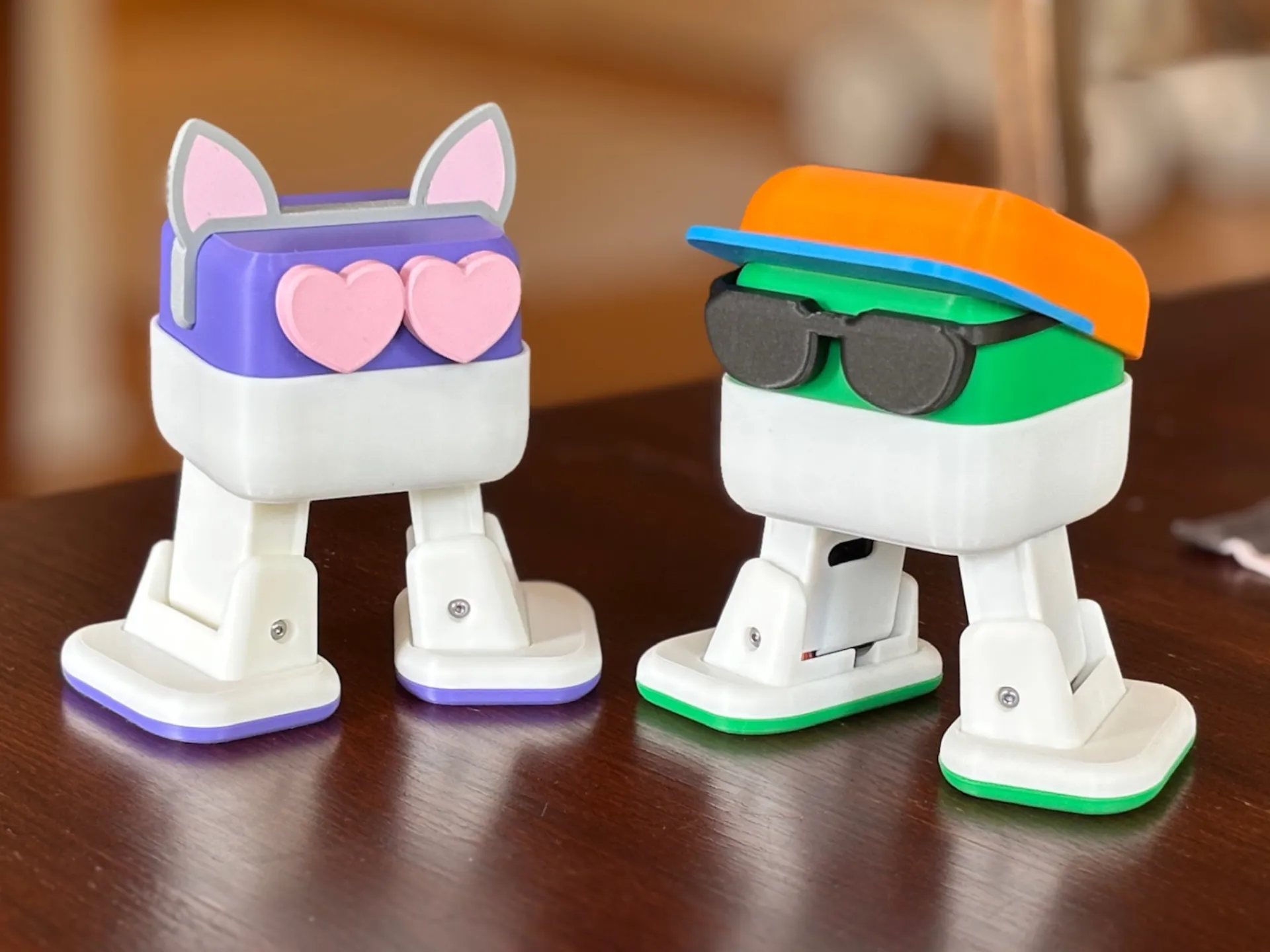
You can publish your own accessories as a profile here or as your own model. Let me know and I'll link it here!
Boost Me (for free)
Boost Me (for free)
This was a passion project for myself and for my kids, but I hope it finds love here as well. Please consider leaving a Boost if you think the model deserves it.
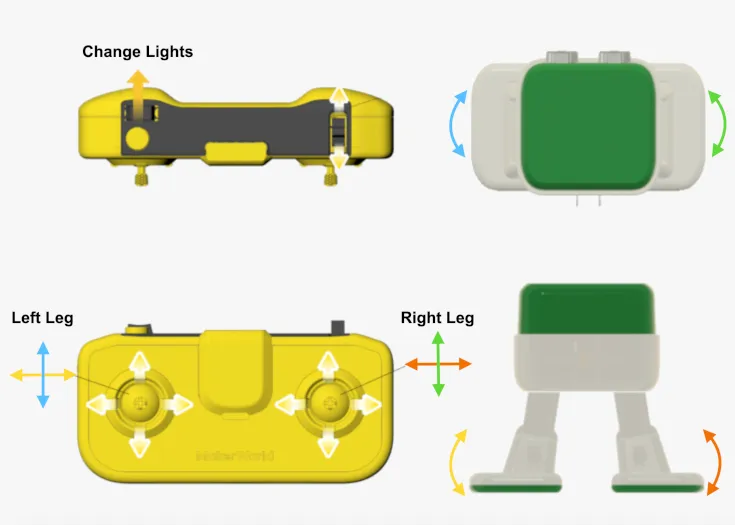
Controller and control scheme:
You can use any controller that follows the wiring of the Official Standard Remote.
Assembly:
Please refer to the attached assembly instruction PDF.
Tools needed:
- Small Phillips head screw driver (for servo screws)
- 1.5mm hex screw driver (for BHCS screws, comes with Bambu machines)
- Super glue or similar adhesive (if friction fits are loose)
Components:
Please refer to the dedicated Bill of Materials (BoM) section to purchase the parts kit. Detailed part quantities are also in the assembly instructions.
Remote controller parts need to be printed separately Please find them here: Official Standard Remote
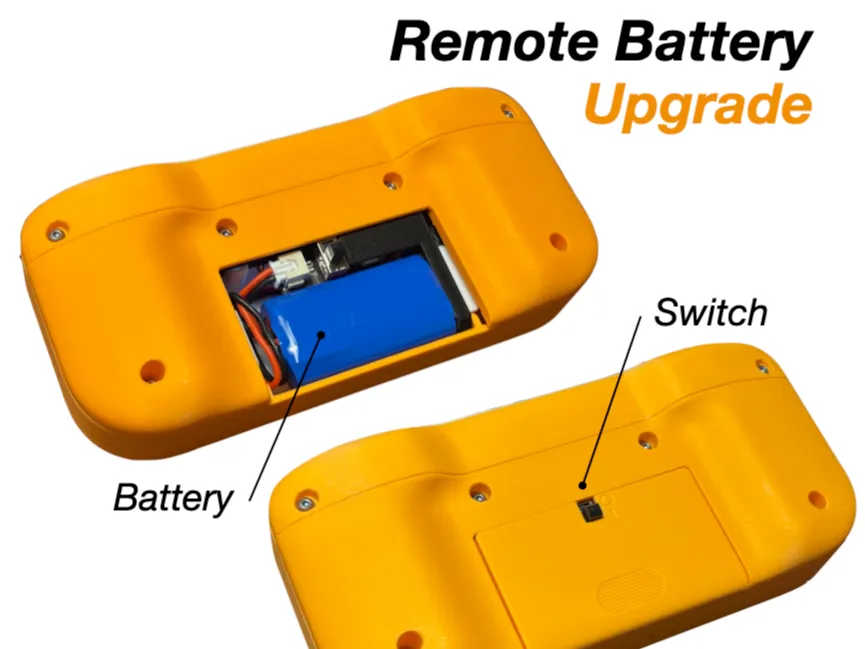
If you already have a Standard Controller that uses AAA batteries, I recommend updating it to use the rechargeable battery with this easy mod, remember to purchase extra rechargeable battery and switch for the remote.
Version notes:
2.6.2026: V1.1 - Improved head locking tabs. Added a cable management plate to help head installation. Updated instructions accordingly. Increased clearance for core's USB-C connector on battery clip. Increased default ankle angle to help getting standing on one foot.
3.6.2026: V1.1c - Added D4x2 magnets inside the head for accessories. Updated instructions accordingly.
14.7.2026: Updated instructions (V1.1d) with corrected screenshot of CyberBrick application.
You might also like these models:

Documentation (1)

License

You may create derivative works based on this object, provided that all such derivative works are published exclusively on the MakerWorld platform and include proper attribution to the original creator. You may not share, upload, host, distribute, or publish this object—or any derivative work of this object—on any other digital platform, marketplace, or distribution channel. Commercial use of this object and any derivative works is strictly prohibited. This includes, but is not limited to, selling, renting, sublicensing, or using the object in any context in which you receive monetary compensation or other financial benefits.


Comment & Rating (184)