
SIS - Setting Frame

Print Profile(1)

Description
Boost Me (for free)
Your Boost will contribute to the development of the SIS family.
Thanks again! I will do our best!
Overview
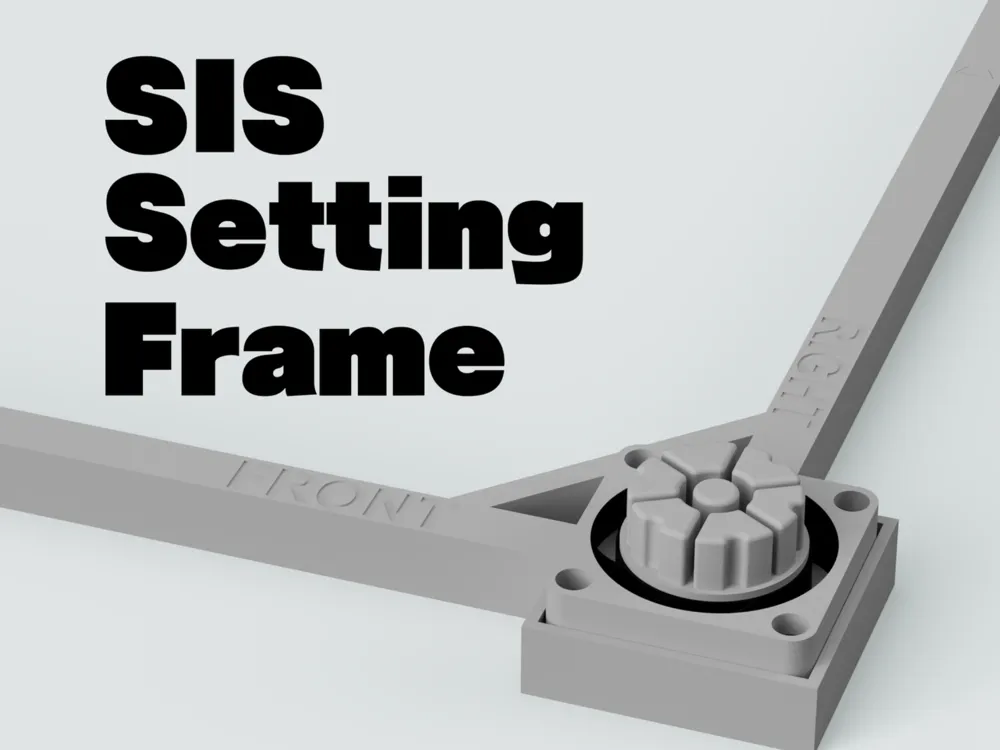
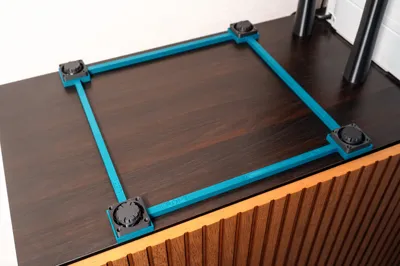
This is a tool designed to assist with the installation of the vibration-damping system “SIS” for the Bambu Lab X1 / P1 series.
Since SIS is compatible with Anti-Earthquake Gel mats, it can be difficult to adjust its position after placement.
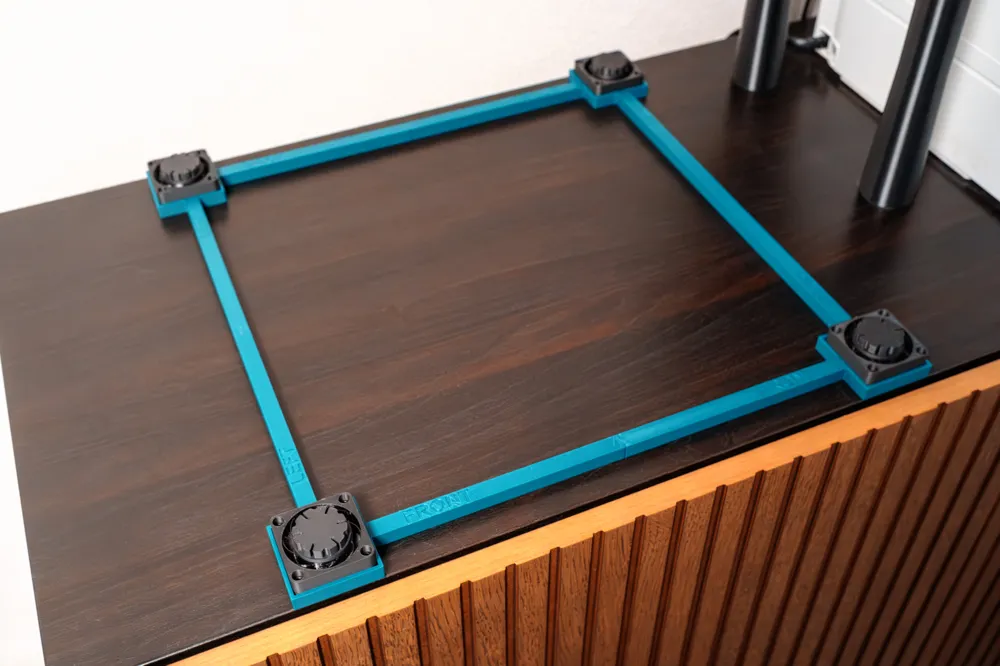
Using this Setting Frame allows you to install SIS quickly, accurately, and in the correct position.
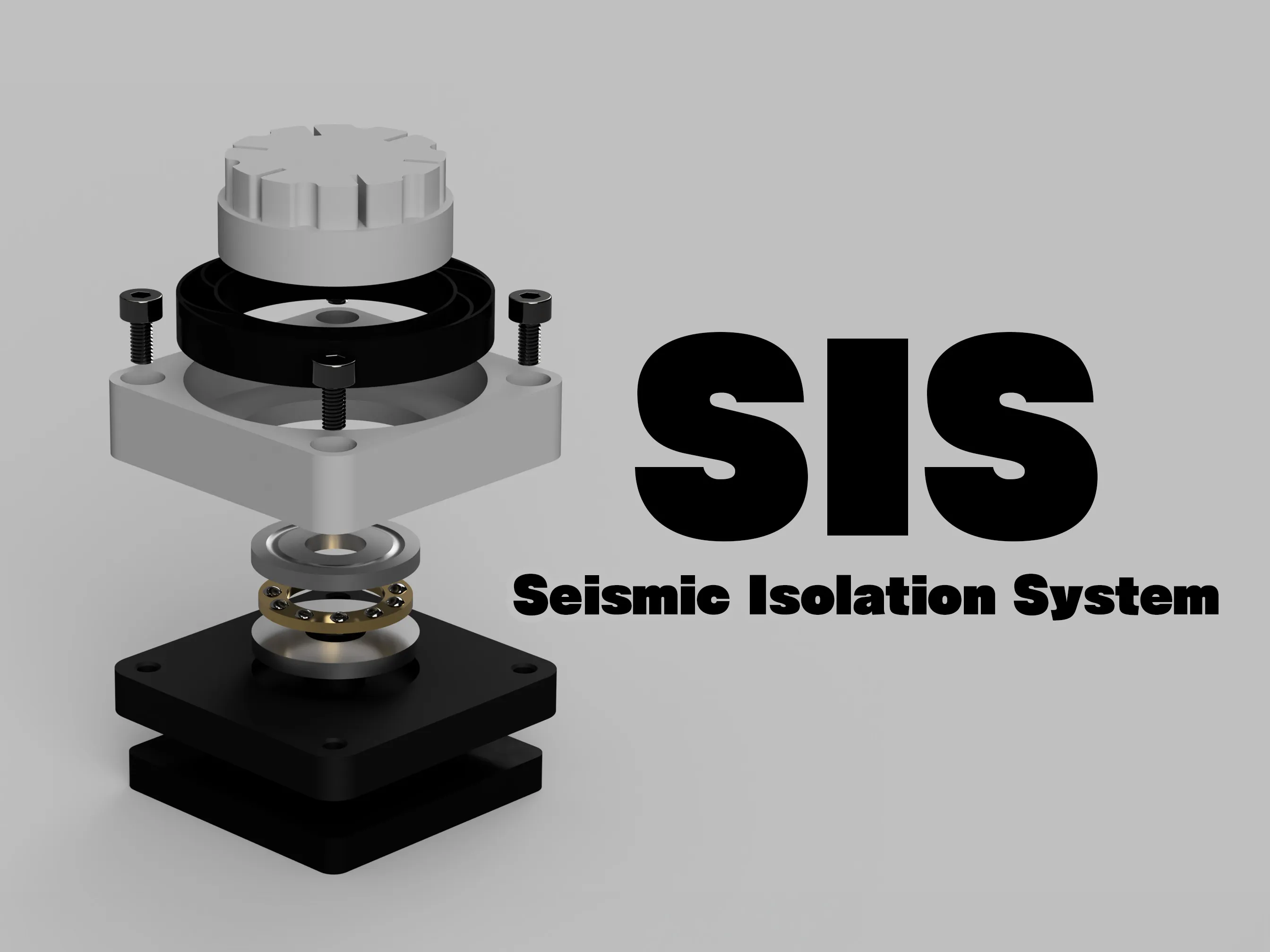
for X1/P1 Series : https://makerworld.com/en/models/915508
How to Use
Print all the frame parts included in the print profile.
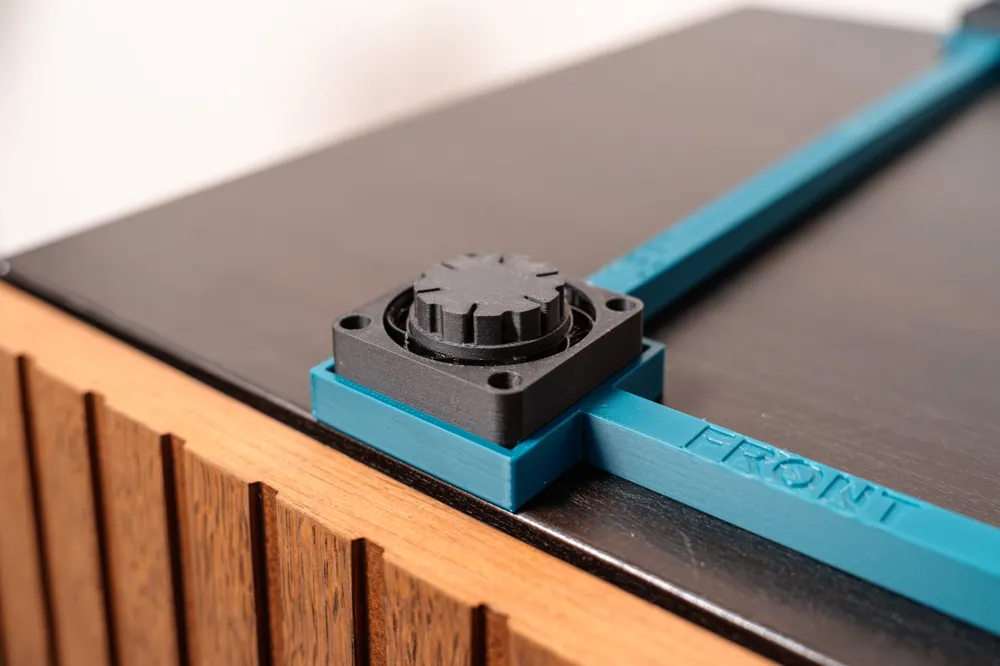
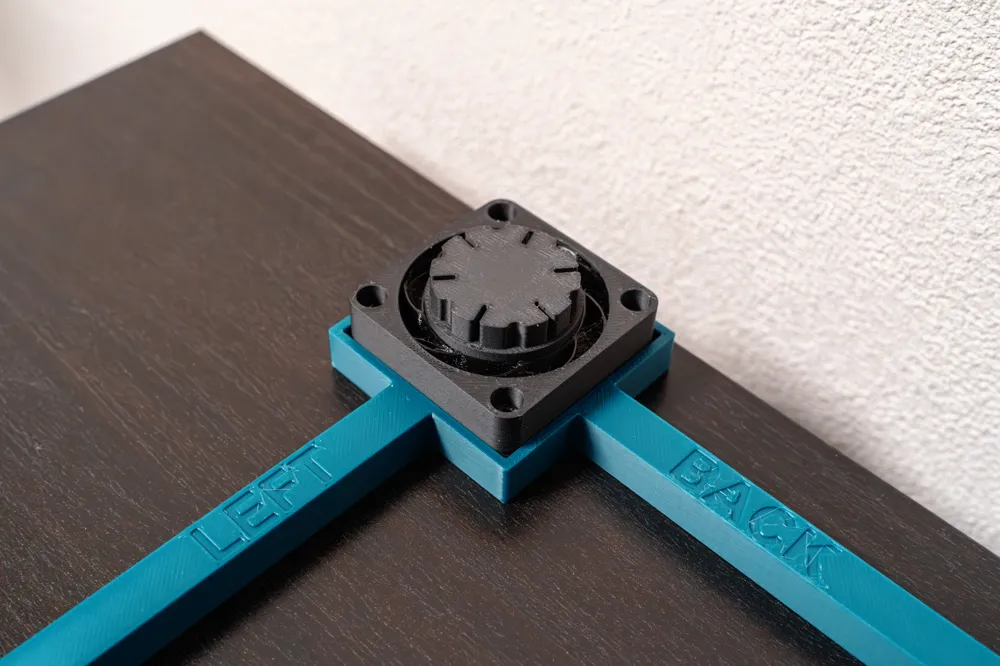
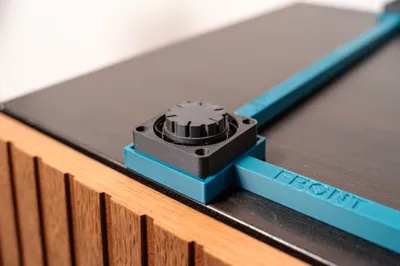
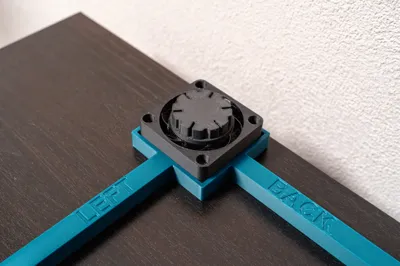
Each part is labeled with a word indicating its installation position.
Check the labels and assemble the frame in the correct orientation.
1. Place the Setting Frame in the designated position
Place the Setting Frame where you want to set up your 3D printer.
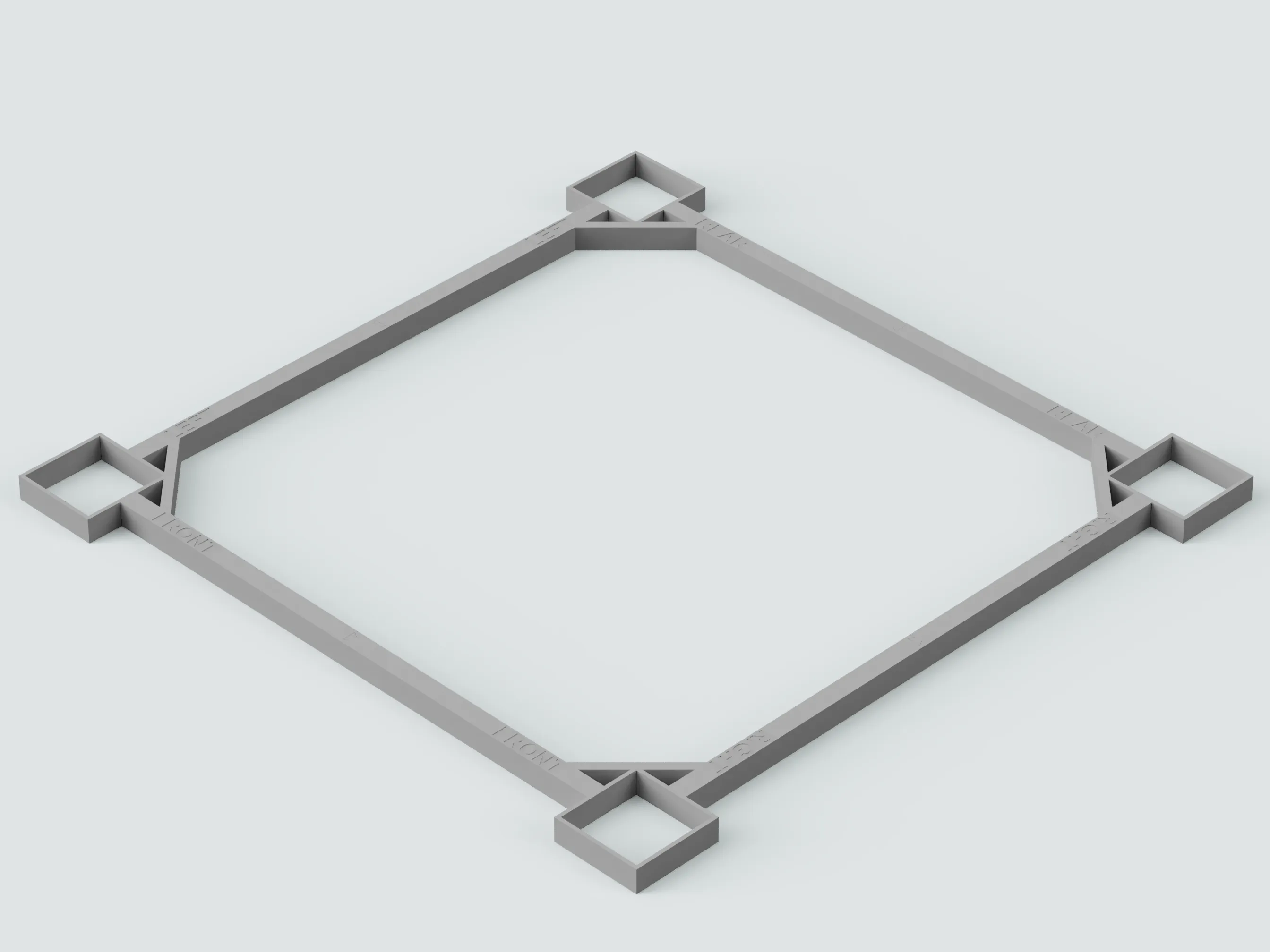
2. Align SIS with the Setting Frame
Insert the SIS units into the four corners of the Setting Frame.
Be sure to remove the film from the Anti-Earthquake Gel mats beforehand.
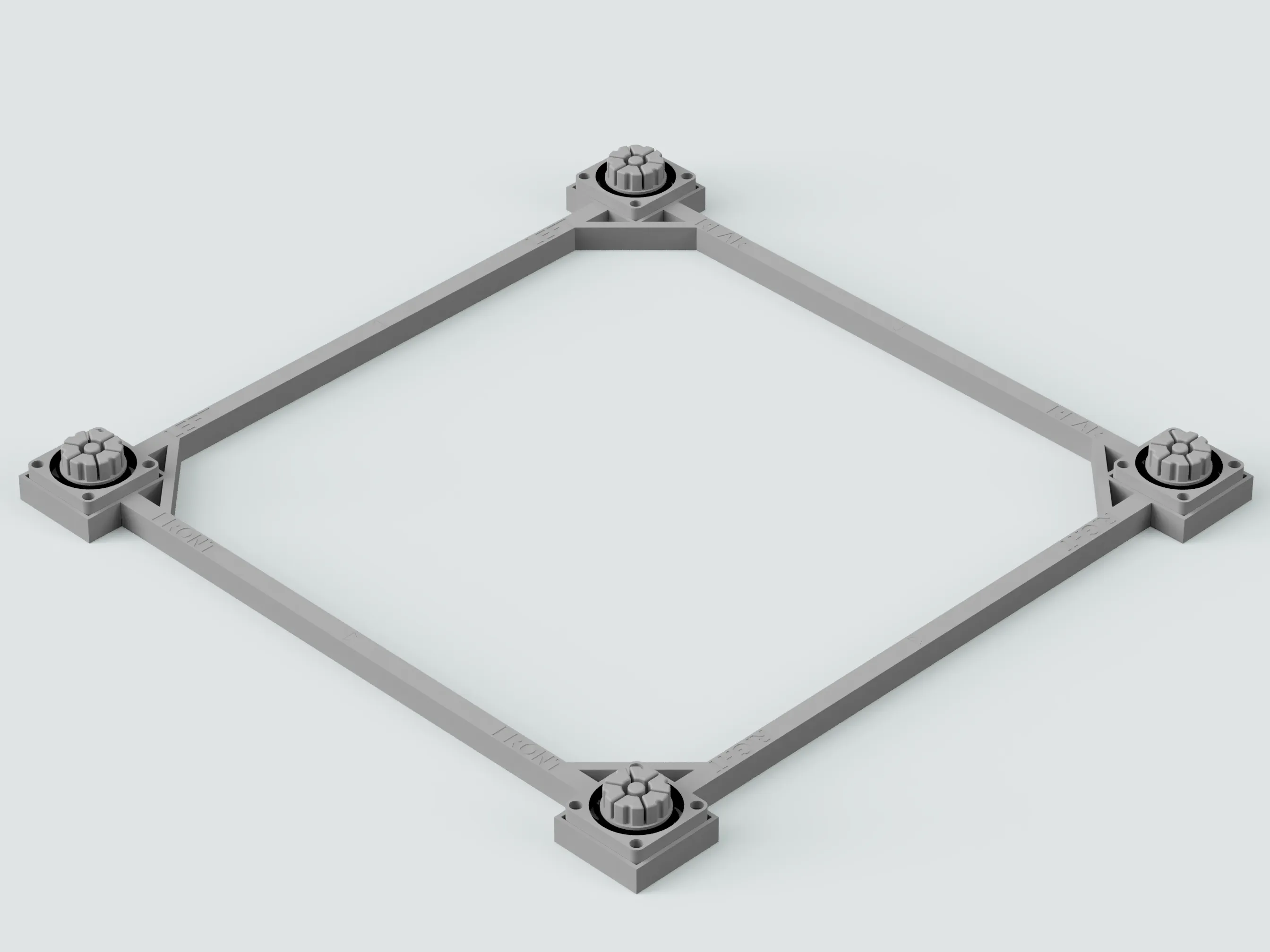
3. Remove the Setting Frame
Remove the Setting Frame, leaving only the SIS units in place.
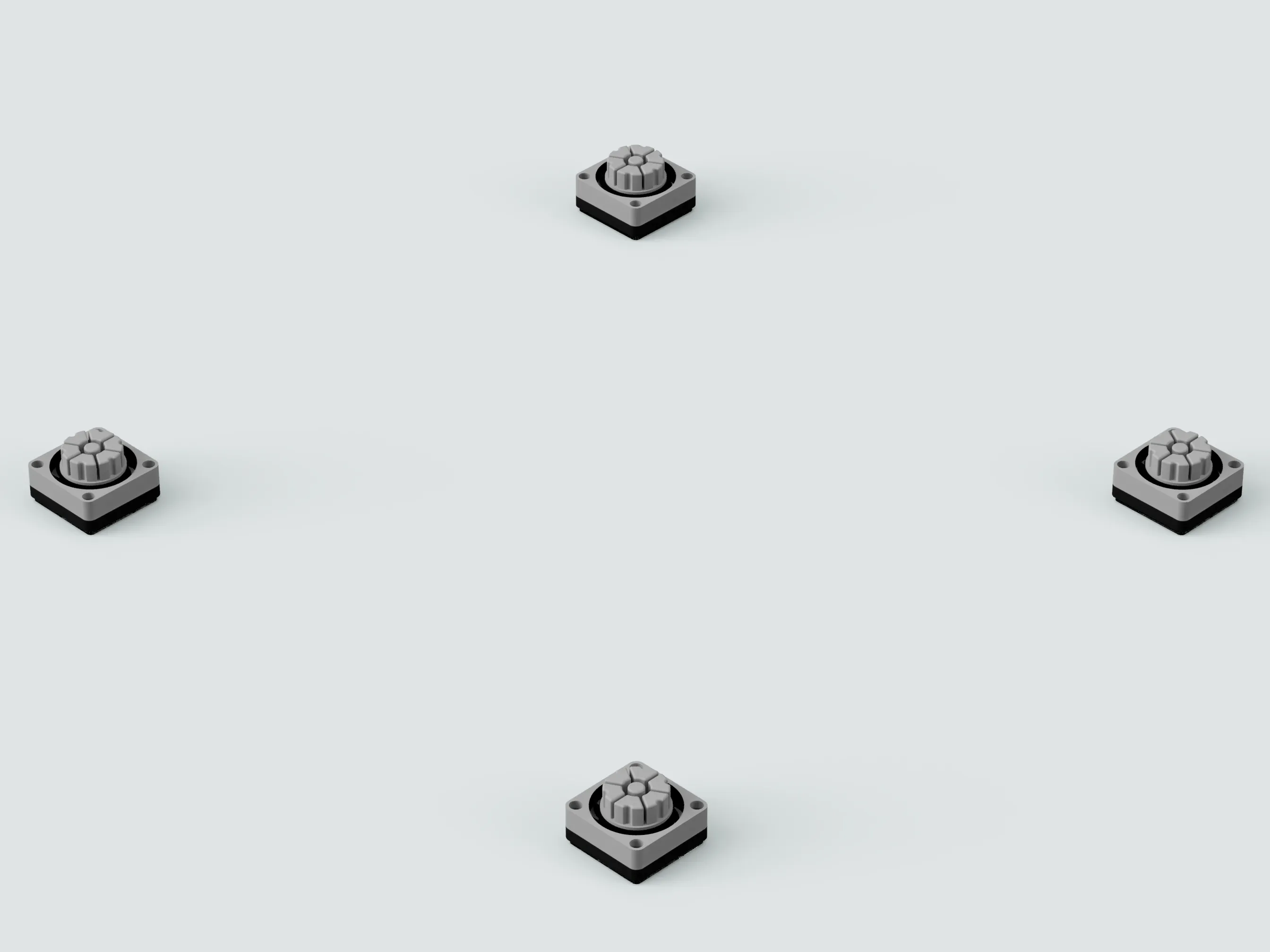
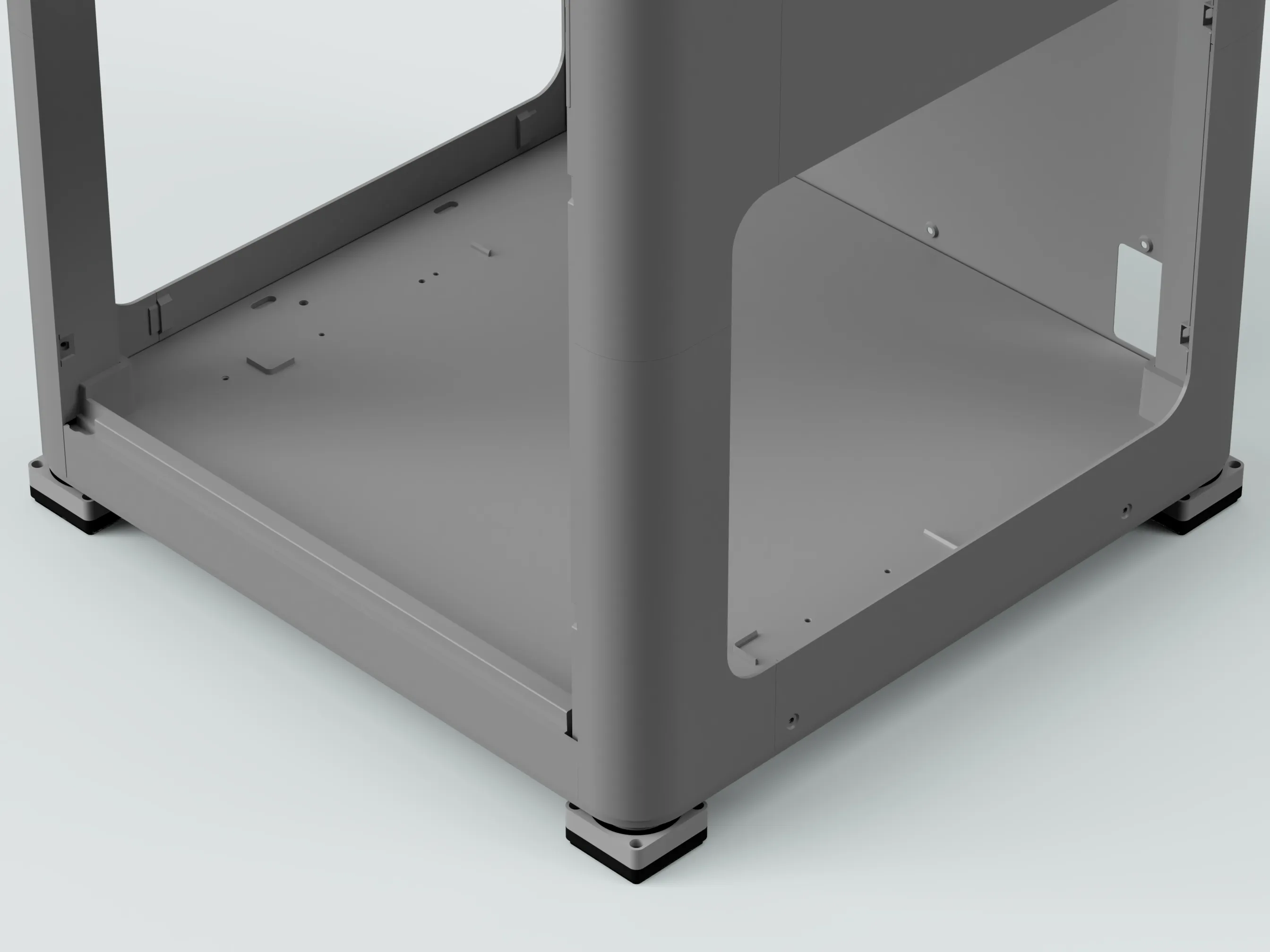
4. Place the 3D printer
Carefully place your 3D printer on top of the SIS units.
For installation precautions, refer to the SIS project page:
https://makerworld.com/en/models/915508
License

You shall not share, sub-license, sell, rent, host, transfer, or distribute in any way the digital or 3D printed versions of this object, nor any other derivative work of this object in its digital or physical format (including - but not limited to - remixes of this object, and hosting on other digital platforms). The objects may not be used without permission in any way whatsoever in which you charge money, or collect fees.


Comment & Rating (10)