
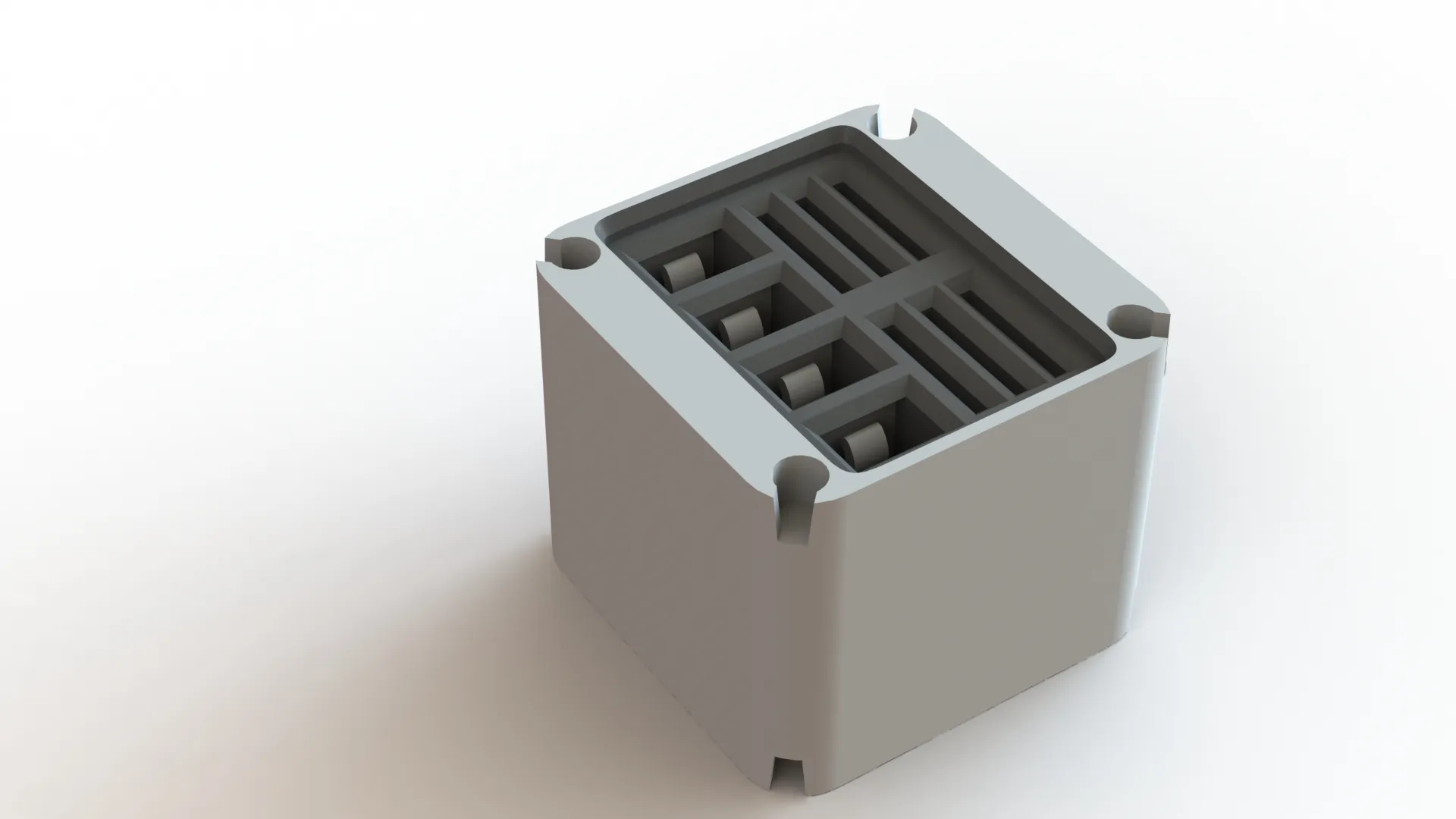
MMSS 1x1 Module – Filament Cutter and MicroSD Card Reader
Print Profile(1)

Bill of Materials


Description
Boost Me (for free)
I usually don’t ask for this, but I’ve noticed that many creators actively encourage it on other platforms—and it makes sense, as it helps increase visibility. So, if you can follow me, it would make difference. It’s a great way to support my work and show appreciation. For more insight subscribe my blog at: https://designrepcom.com/ This design is freely available for the community, but if you enjoy my work and would like to show your support, you can boost this project. Thanks!
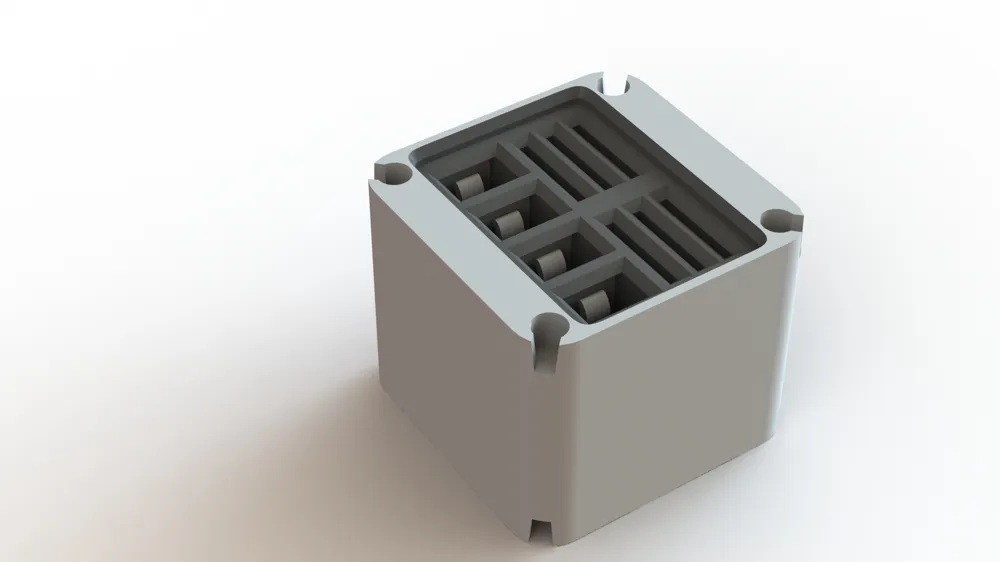
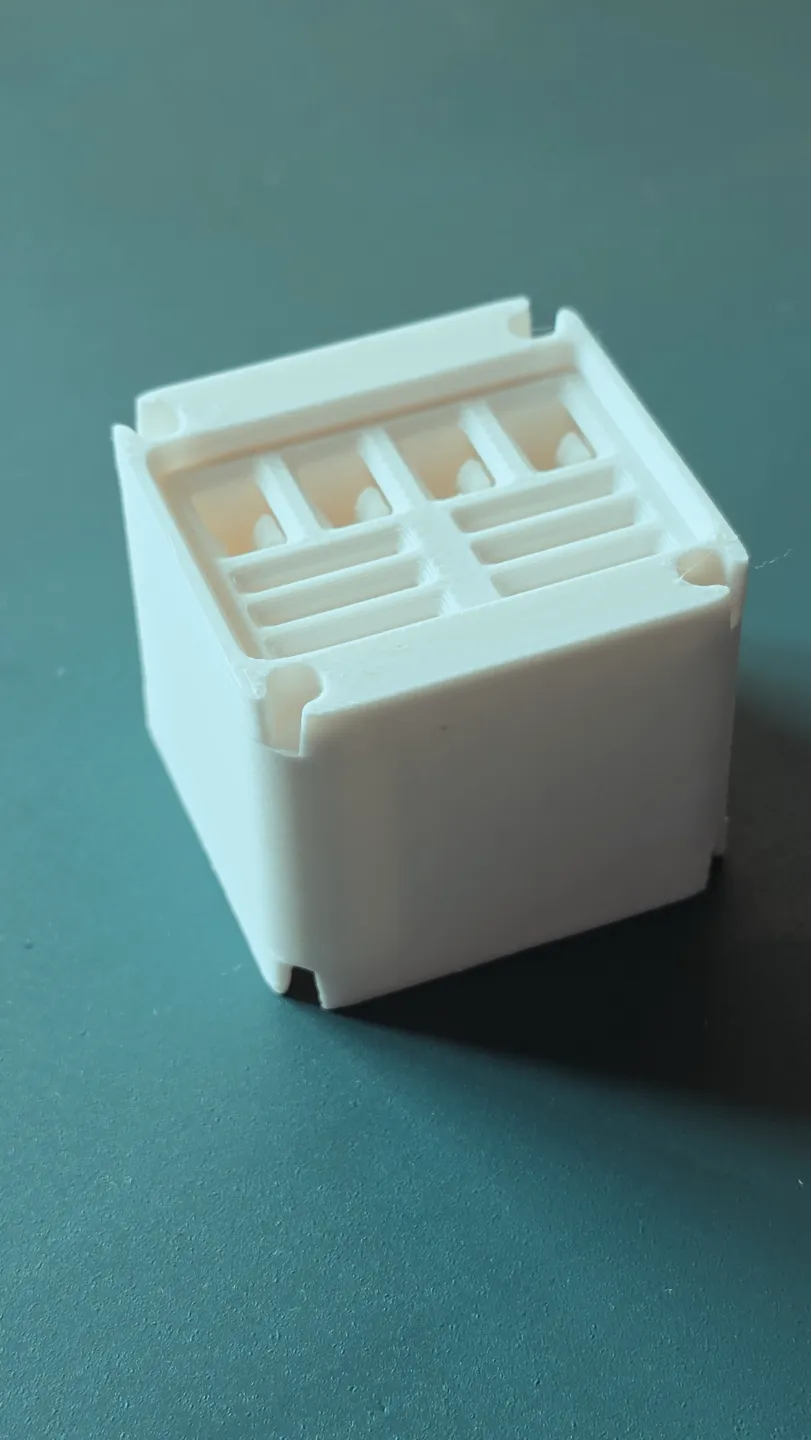
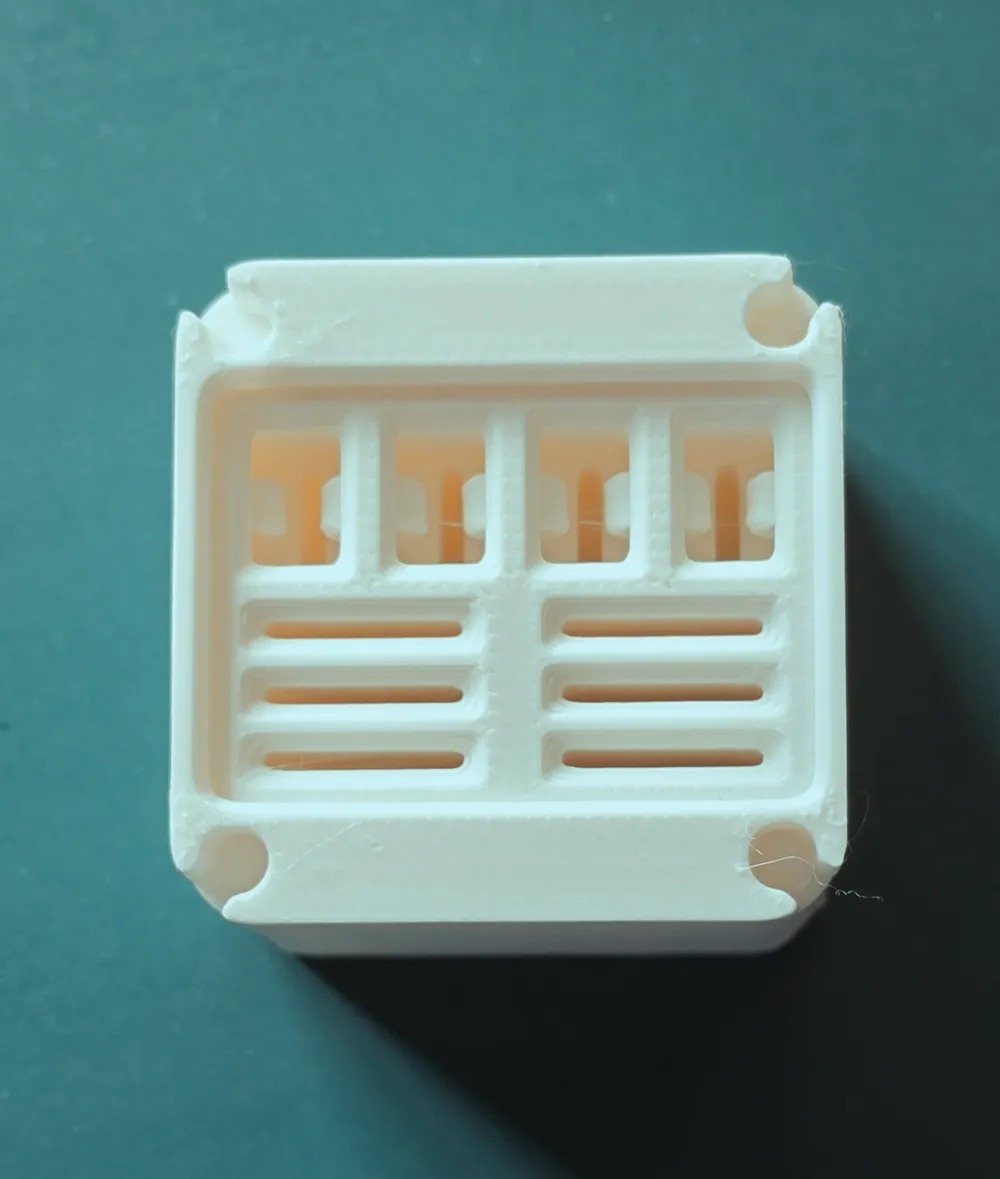
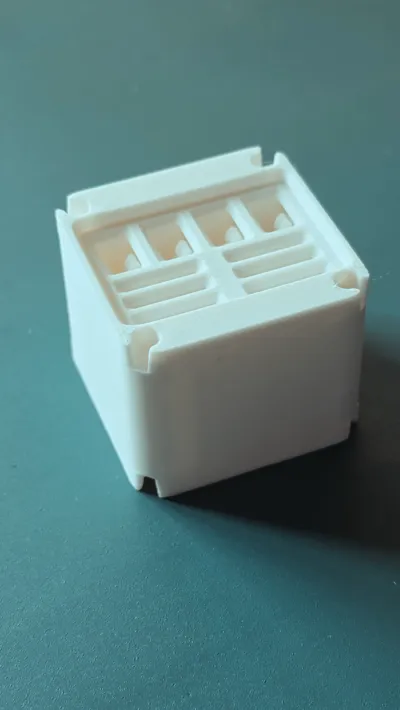
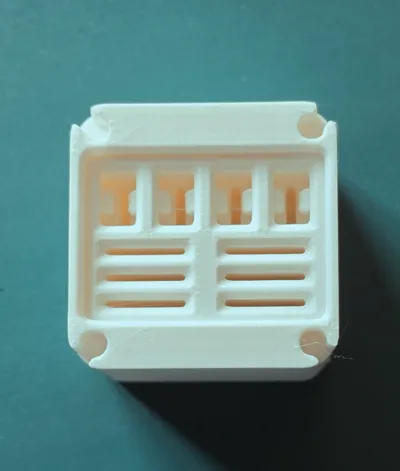
This module, for 4 filament cutter and 4 microSD's, works with in conjunction first introduced with the Multi-Modular Storage System -MMSS.
It works on the current printers: P1P, P1S and X1C.
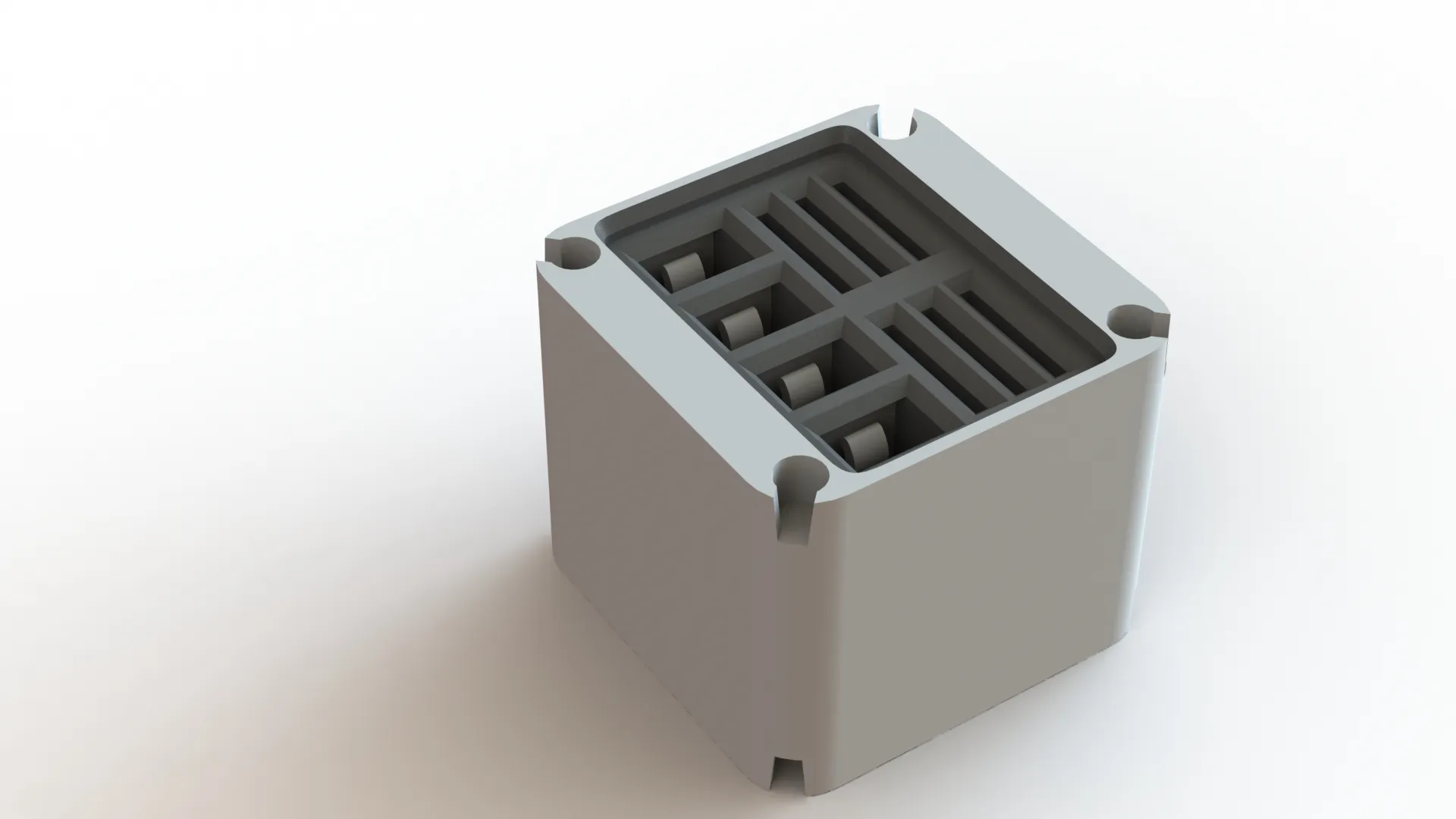
New version
Pre-made modules, here there are several, and many are exclusive for the bambu labs printers:
- MMSS 2x4 Module - Glue Stick and Hexagonal Keys
- MMSS 1x1 Module - MicroSD
- MMSS 1x1 Module - Nozzle Wipper
- MMSS 1x1 Module - Filament Cutter + MicroSD
- MMSS 1x1 Module - Filament Cutter
- MMSS 1x2 Module - Hotend and Silicon Sock
- MMSS 1x3 Module - Complete Hotend
- MMSS 2x3 Module - Small Scraper
- MMSS 2x5 Module - Liquid Glue
- MMSS various Modules - Pockets with Lid
- MMSS 2x3 Module - Spool Holder
- MMSS 1x5 bambu lab original scraper
- MMSS 2x2 Module – X1C
- MMSS for AMS Modules
- 4x Active extrusion wheel assembly;
- 4x Active support shaft assembly;
- 4x PTFE Tube Fast Connector;
- 4x Driven Support Shaft Assembly
- 1x First Stage Feeder
- 1x MMSS 3x2 Module - AMS Buffer
- MMSS for the A1 printer
- More to come… I'm always adding new modules, please check my profile for the later information, some are free, others are only available as exclusives for members.
- Batteries Modules
- More to come… I'm always adding new modules, please check my Collection for the MMSS for more.
Change Log
Sometimes I update or add more print profiles, they can be found under the section “Download STL/CAD Files”
- change to the dimension of the “snap-fit” of the filament cutter.
- If you have already printed this module, and the filament cutter does not go all through, use a small tool file to remove just a little bit of material.
- Dimensional change for a better snap-fit of the filament cutter
- Complete overall design change on the filament cutter section.
Curious About My Tools? Check This Out!
For those of you who often ask about the tools I use to bring ideas to life, this article, The Journey From Idea To Object (Part I), offers some insights into the initial stages. It highlights the use of various tools, including software like Autodesk Fusion for CAD design, Blender for render and Bambu Studio for 3D printing preparation, and other... So, if you're curious about the software and hardware too, that I've incorporate in my workflow, take a look at the link for more details!" – Visit https://designrepcom.com/ for much more.
License

You shall not share, sub-license, sell, rent, host, transfer, or distribute in any way the digital or 3D printed versions of this object, nor any other derivative work of this object in its digital or physical format (including - but not limited to - remixes of this object, and hosting on other digital platforms). The objects may not be used without permission in any way whatsoever in which you charge money, or collect fees.


Comment & Rating (5)