
Snap-in Filament Swatch Display Board


Print Profile(24)


Description
Swatchinity is a filament swatch display board system designed to be modular and versatile.
I designed this board because some swatches are incompatible with the Bambu Lab Display Board. Due to the lack of the S-shaped hole, some swatches can't be mounted to the board pins.
My design relies on tabs inside the slots that hold the filament swatch perimeter instead of using an internal hole to hold it in place.
If you need a custom board size don't hesitate to ask me, I won't bite ;)
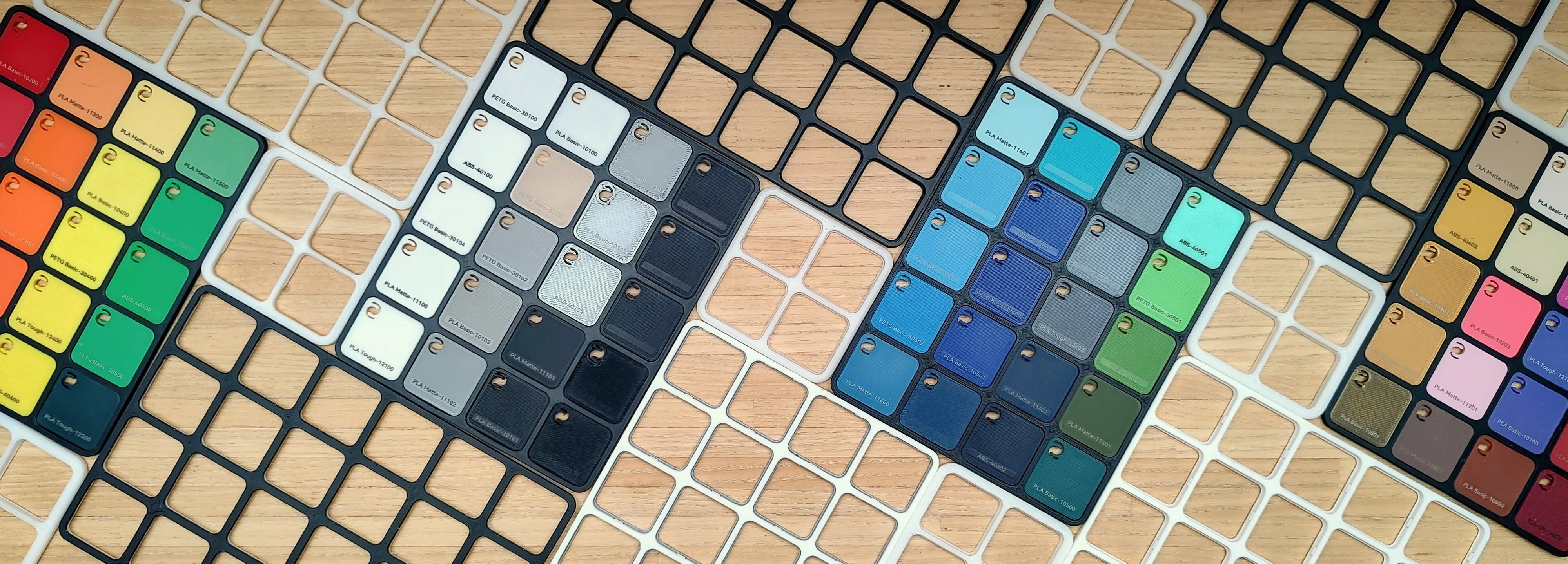
Advantages over the Bambu Lab design
- Fit all types of Bambu Lab style swatches, regardless of their internal features as long as the perimeter stays unchanged.
- Easily snap-in and out the swatches.
- See-through design. So you can enjoy you swatches from both sides. This allows more display combinaisons : transparency swatches ; contrast check with B/W boards ; Infill pattern/bed texture swatches ; ...
- Same footprint as the original one to ensure a good compatibly with the accessories already made for the original.
Plate Options
1. Basic Monochrome
Ideal for white filaments
2. AMS bicolor
Ideal for black filaments on the plate and white on top
3. Manual Bicolor
PAUSE at the middle of the print for manual color change.
Ideal for black filaments on the plate and white on top
4. Ironing - Monochrome
Ideal for black filaments
5. Ironing - AMS bicolor
Ideal for white filaments on the plate and black on top
6. Ironing - Manual bicolor
PAUSE at the middle of the print for manual color change.
Ideal for white filaments on the plate and black on top
Print recommendation
This model requires a prefect bed adhesion and good filament settings in order to ensure that it is well printed.
So before printing this models make sure :
- your bed surface is clean from any grease. Use dish soap and hot water to clean it (don't use IPA this mostly just spreads the grease ).
- your filament is dry and properly calibrated (K factor, flow ratio).
Once the model is printed. Don't remove the plate from the bed and let the print cooldown. This prevents the print from warping.
First insertion best practice
Be careful when inserting for the first time a swatch. The tabs inside the slots must deform a bit and find their final position. But if you force too hard on the swatch you might over bend the tabs or damaged them and the swatch will not be firmly maintained anymore.

Start inserting the swatch on the side where there are two tabs and then push on the opposite side to insert it completely.
Do it once for each slots and you're good to go! Enjoy ;)
Swatchinity collection
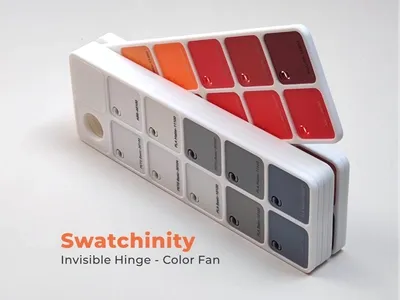
Modular Color Fan Hinge - Swatch Board Display
Related model for filament lovers

Bambu Lab Filament Display Model
License

You shall not share, sub-license, sell, rent, host, transfer, or distribute in any way the digital or 3D printed versions of this object, nor any other derivative work of this object in its digital or physical format (including - but not limited to - remixes of this object, and hosting on other digital platforms). The objects may not be used without permission in any way whatsoever in which you charge money, or collect fees.


Comment & Rating (1728)