
A2L Back Storage Basket
Print Profile(2)
Bill of Materials

Description
Boost Me (for free)
𝗬𝗼𝘂𝗿 𝗳𝗿𝗲𝗲 𝗕𝗼𝗼𝘀𝘁 = My design supply pack 📦 Click "𝗙𝗼𝗹𝗹𝗼𝘄" to get more useful models! 👀
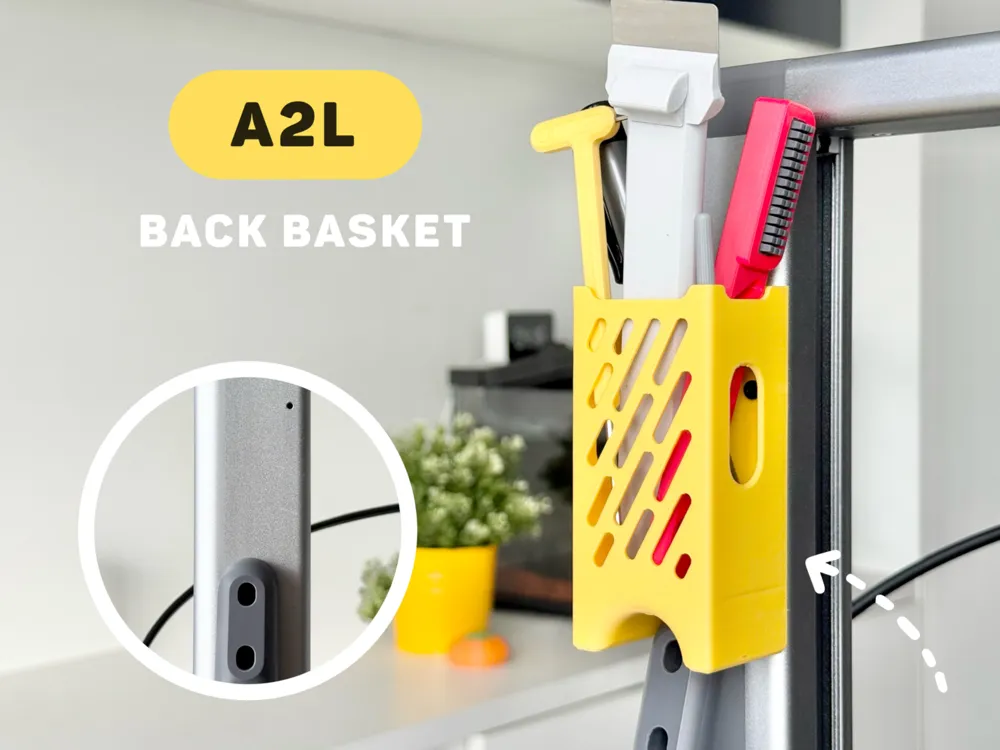
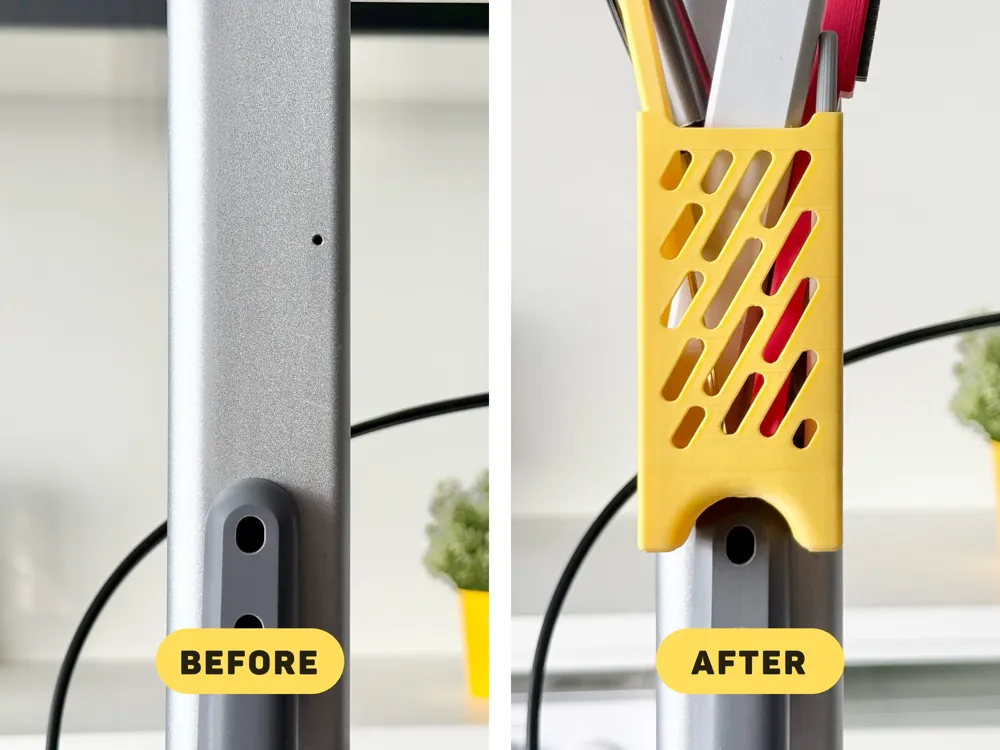
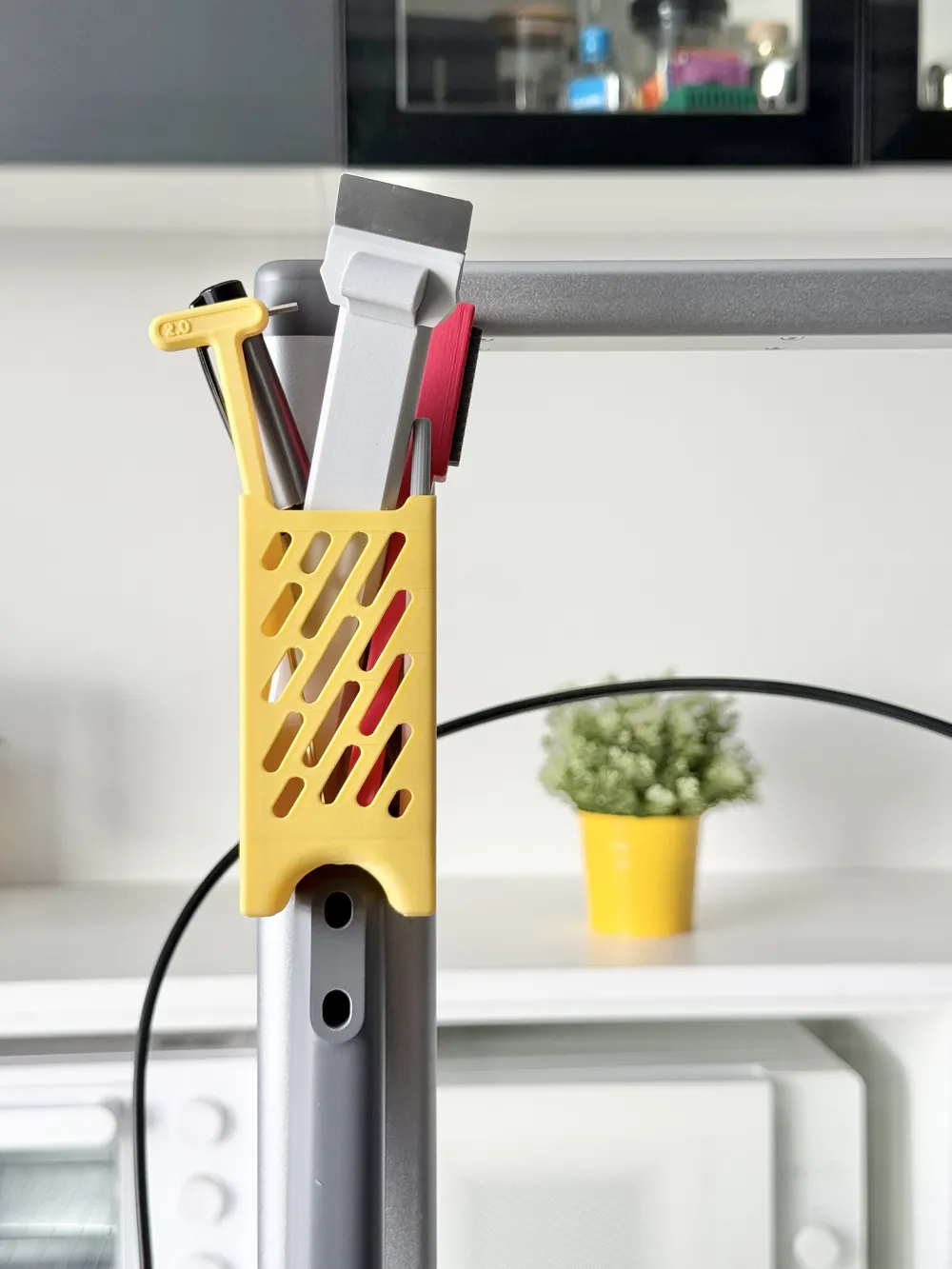
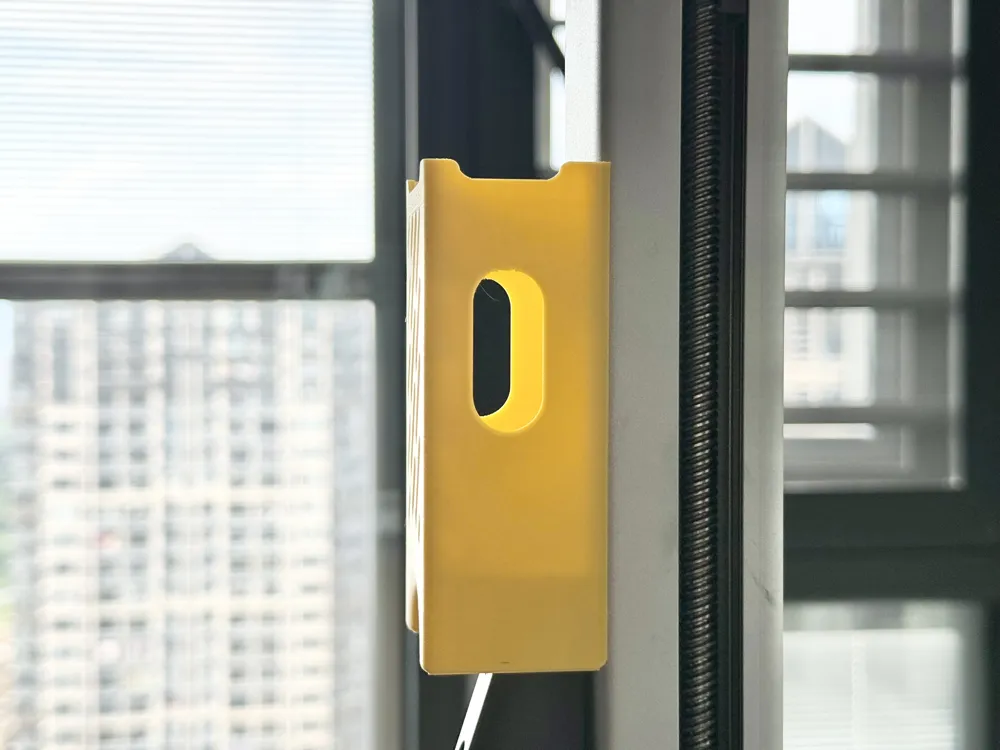
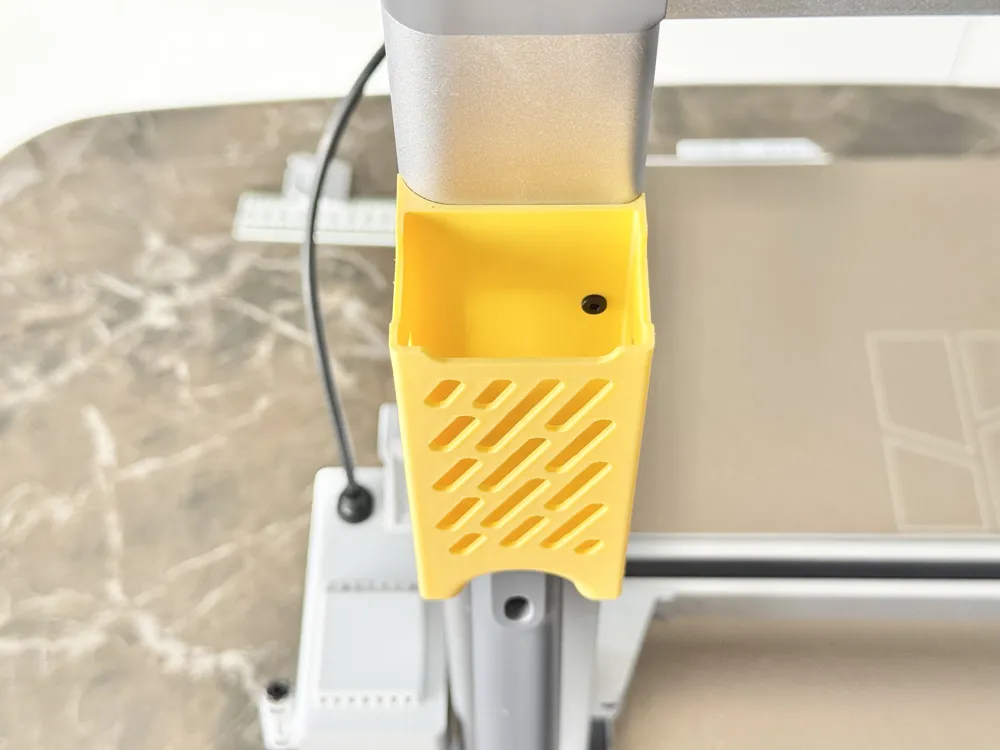
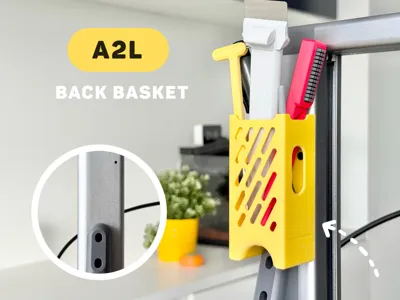
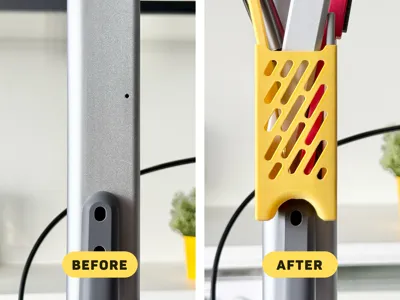
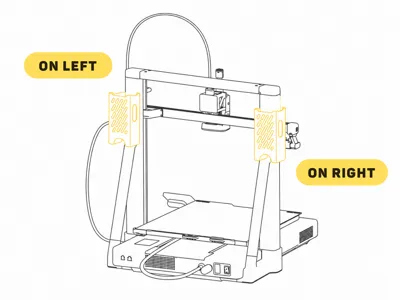
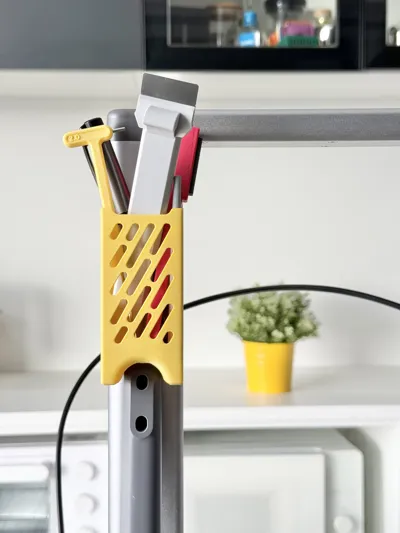
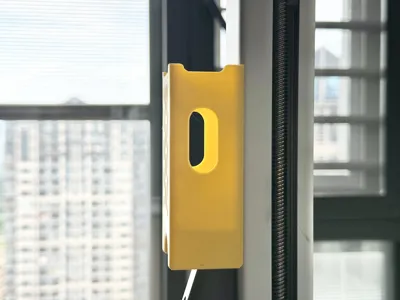
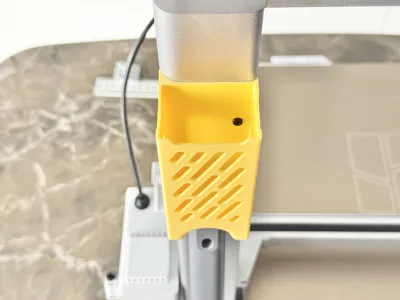
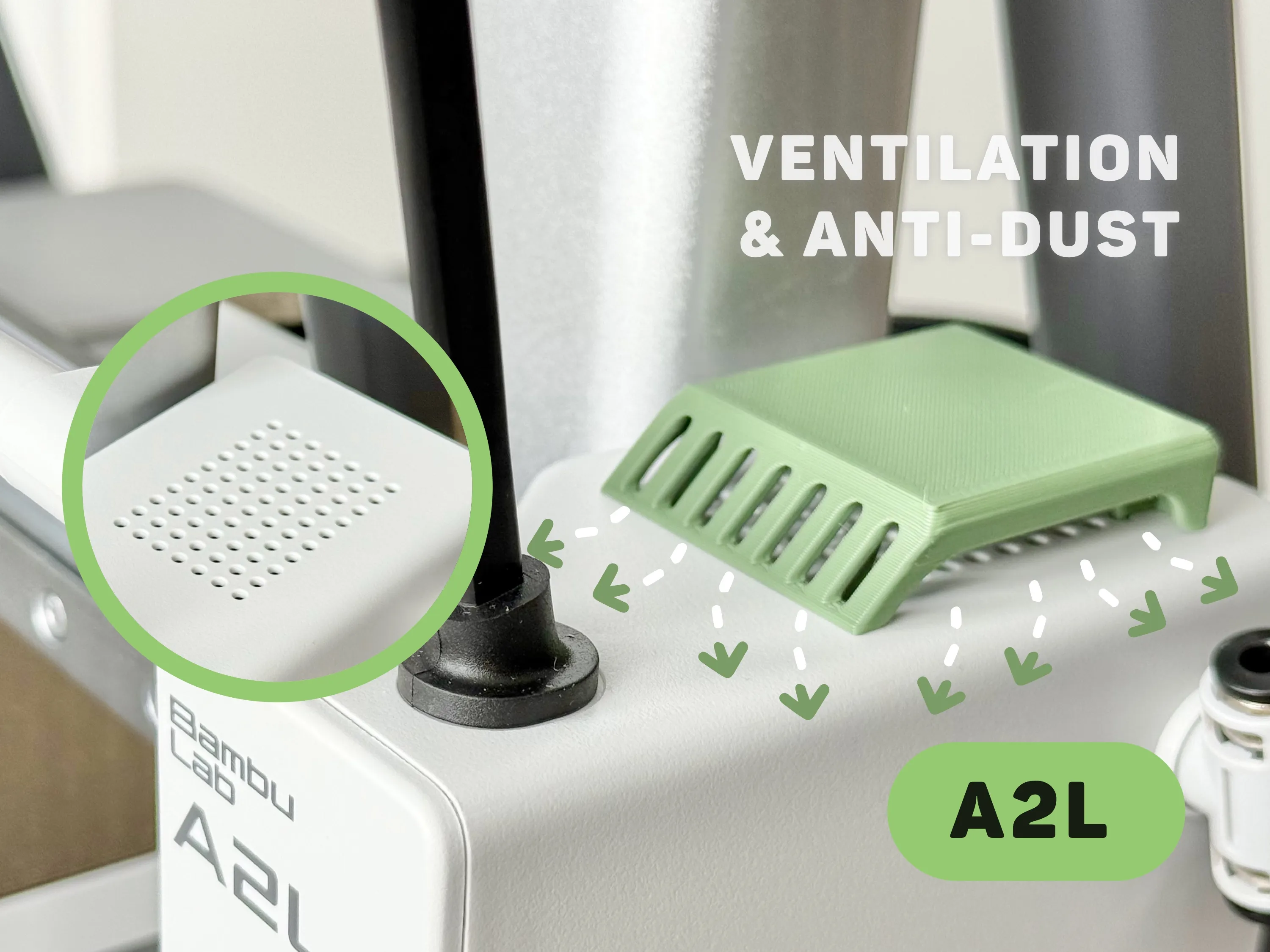
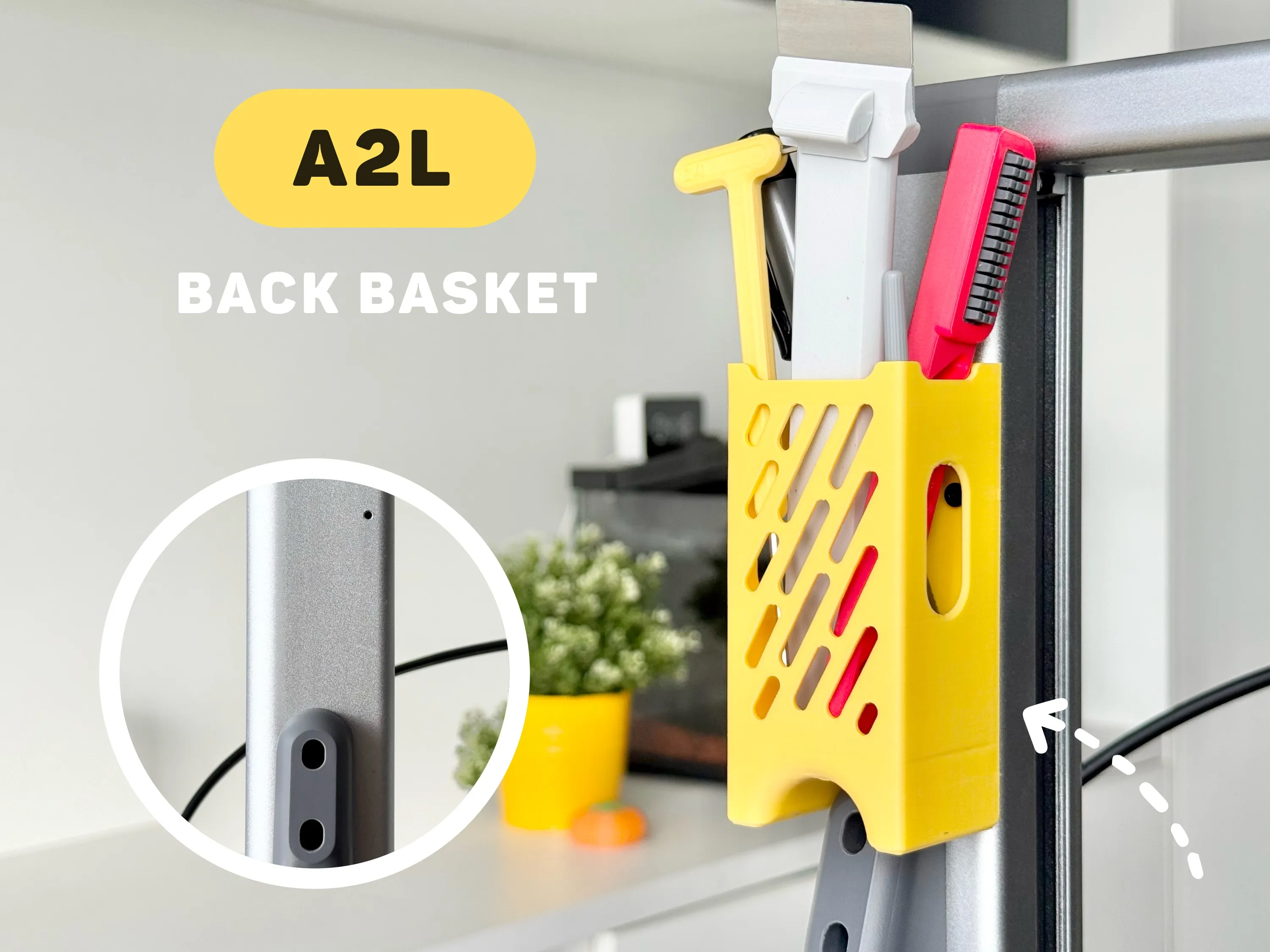
This rear storage basket is designed specifically for the A2L; it integrates seamlessly with the Z-axis gantry, mounting via existing unused screw holes. Hidden from the front view to maintain a clean aesthetic, it offers convenient access to your frequently used tools.
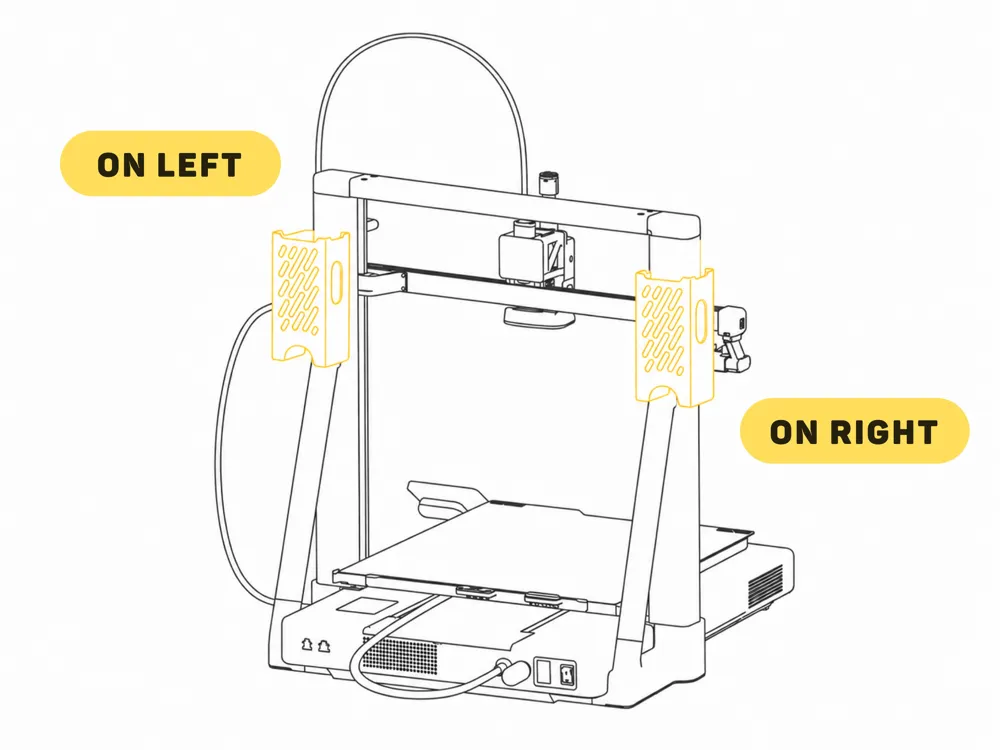
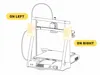
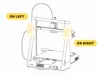
You can choose to mount it on either the left or right side—or both, which works great too. Highly recommended for your A2L.
🧲 Installation:
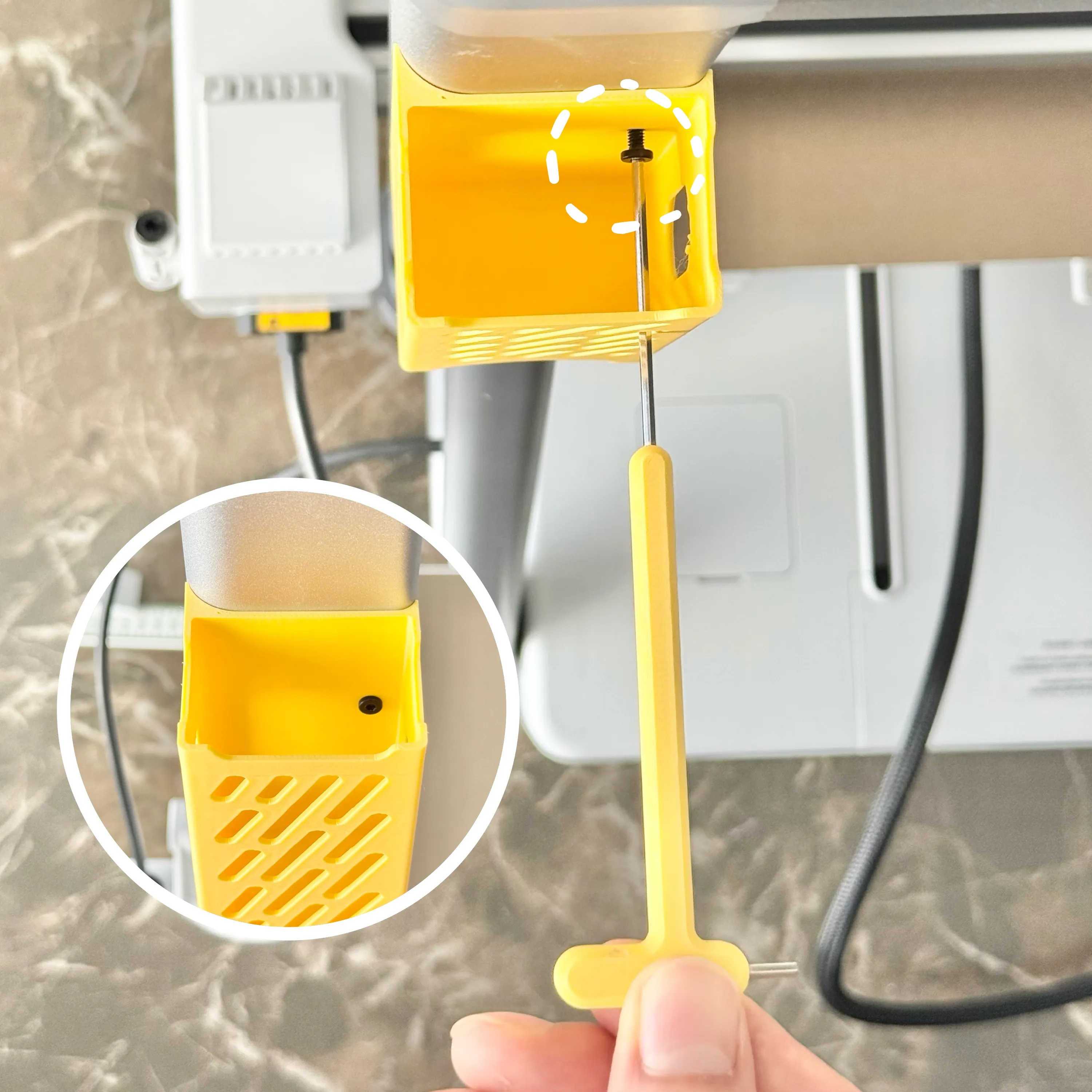
Retrieve the short screws removed during your initial printer setup (originally used to secure the X-axis assembly, as shown in the image) and follow the installation video below. (Note ⚠️: Orient yourself facing the back of the printer to correctly identify left and right sides).
Model of the yellow hex key shown in the image: Hex Key Handles
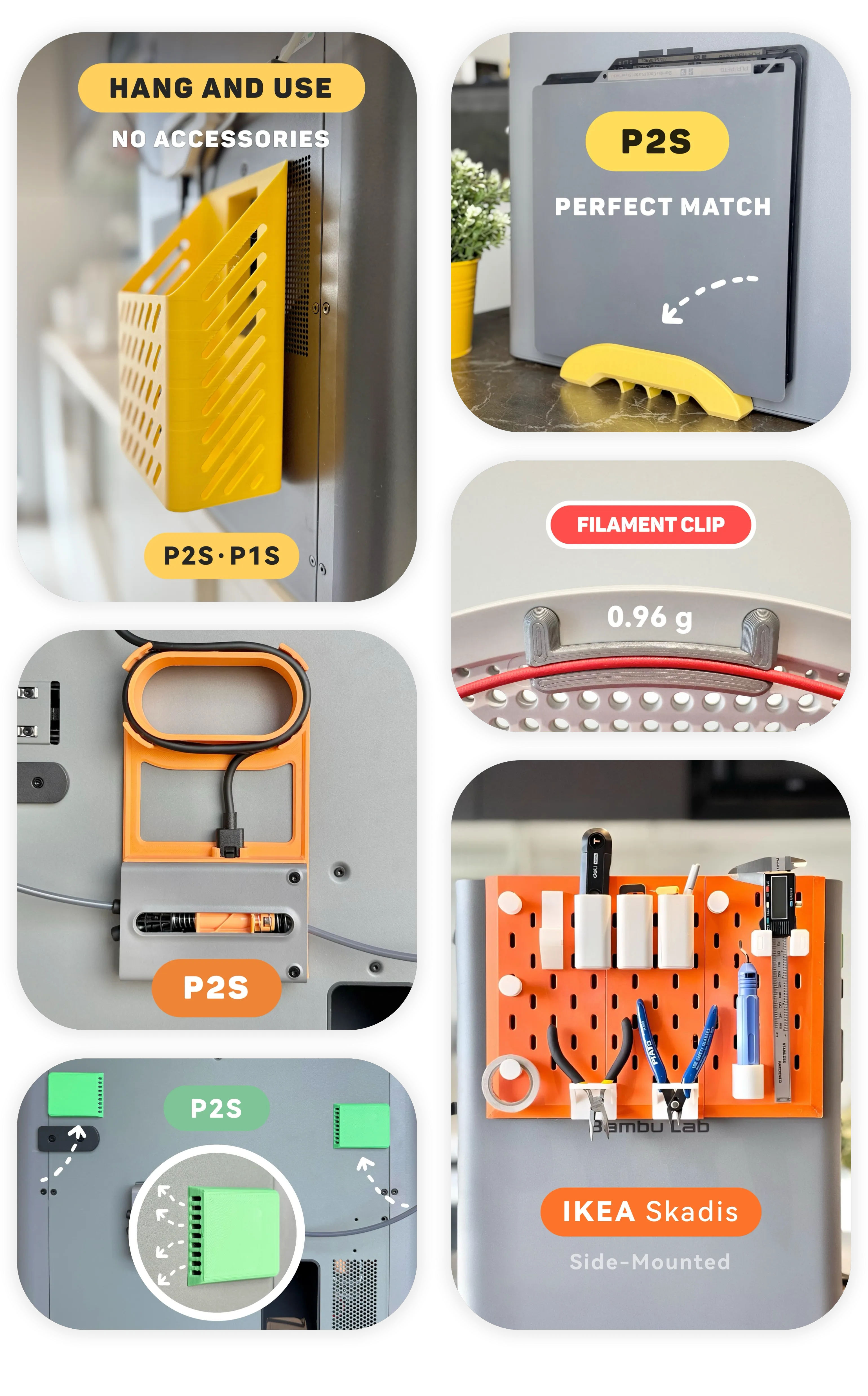
- - - New models - - - | |
 |  |

Boost Me (for free)
𝗬𝗼𝘂𝗿 𝗳𝗿𝗲𝗲 𝗕𝗼𝗼𝘀𝘁 = My design supply pack 📦 Click "𝗙𝗼𝗹𝗹𝗼𝘄" to get more useful models! 👀
License

You shall not share, sub-license, sell, rent, host, transfer, or distribute in any way the digital or 3D printed versions of this object, nor any other derivative work of this object in its digital or physical format (including - but not limited to - remixes of this object, and hosting on other digital platforms). The objects may not be used without permission in any way whatsoever in which you charge money, or collect fees.


Comment & Rating (0)