
Print Profile(1)

Bill of Materials

Description
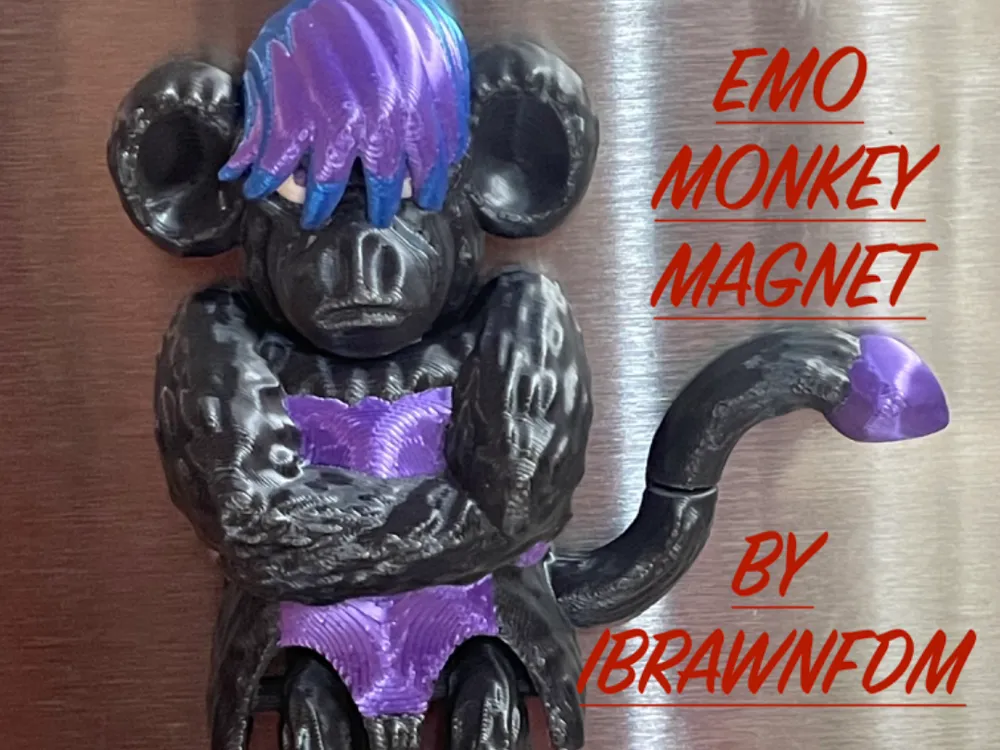
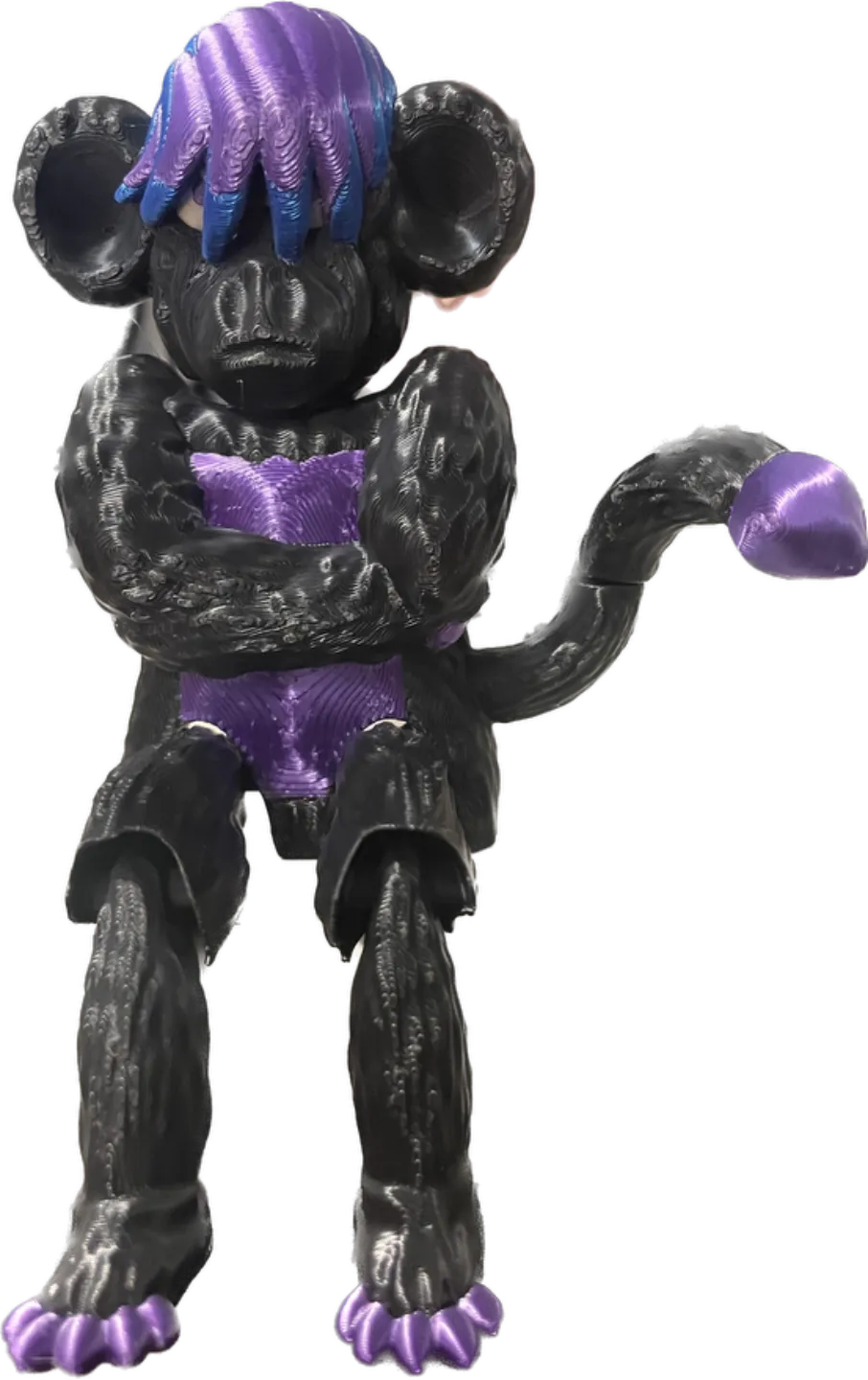
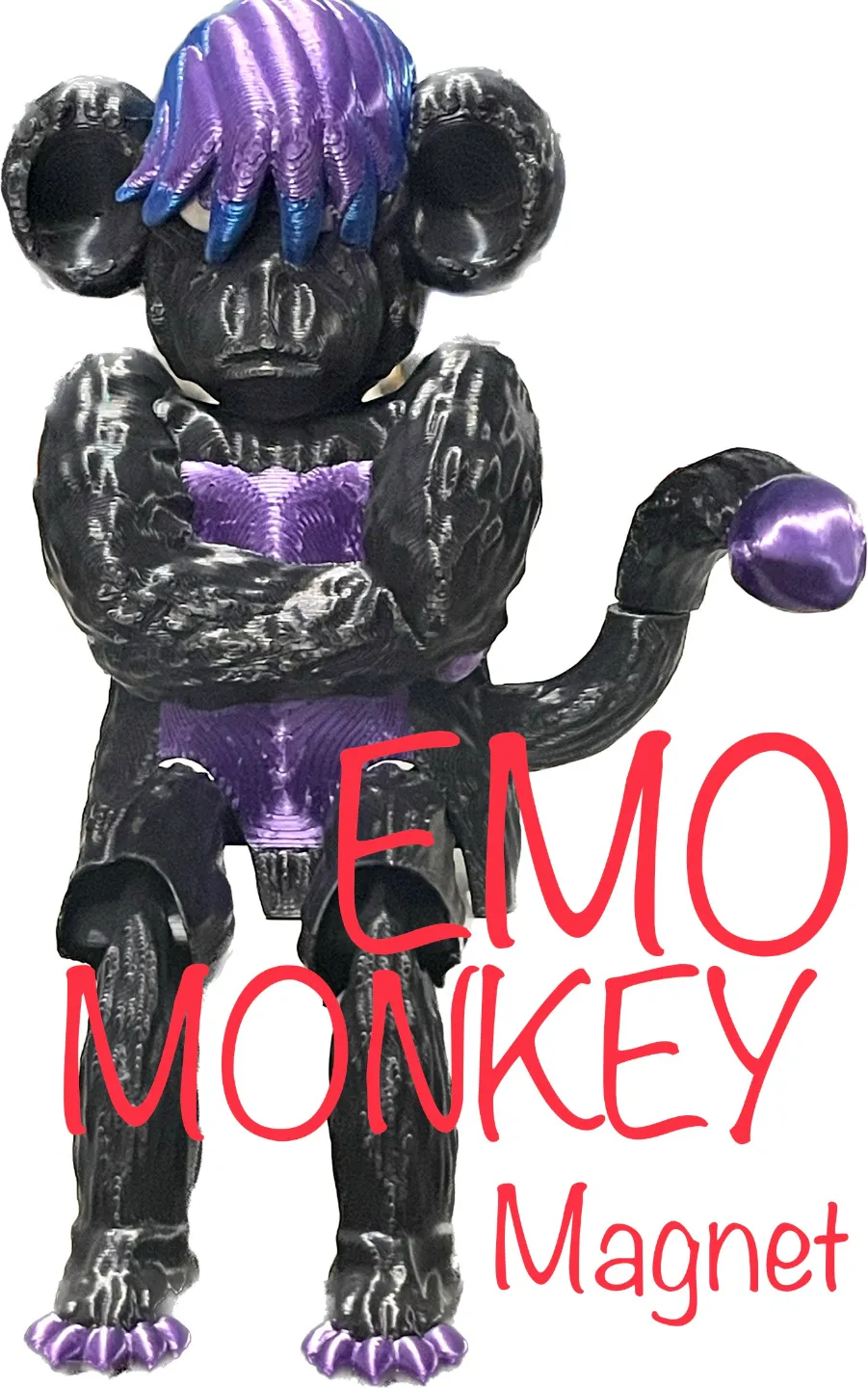
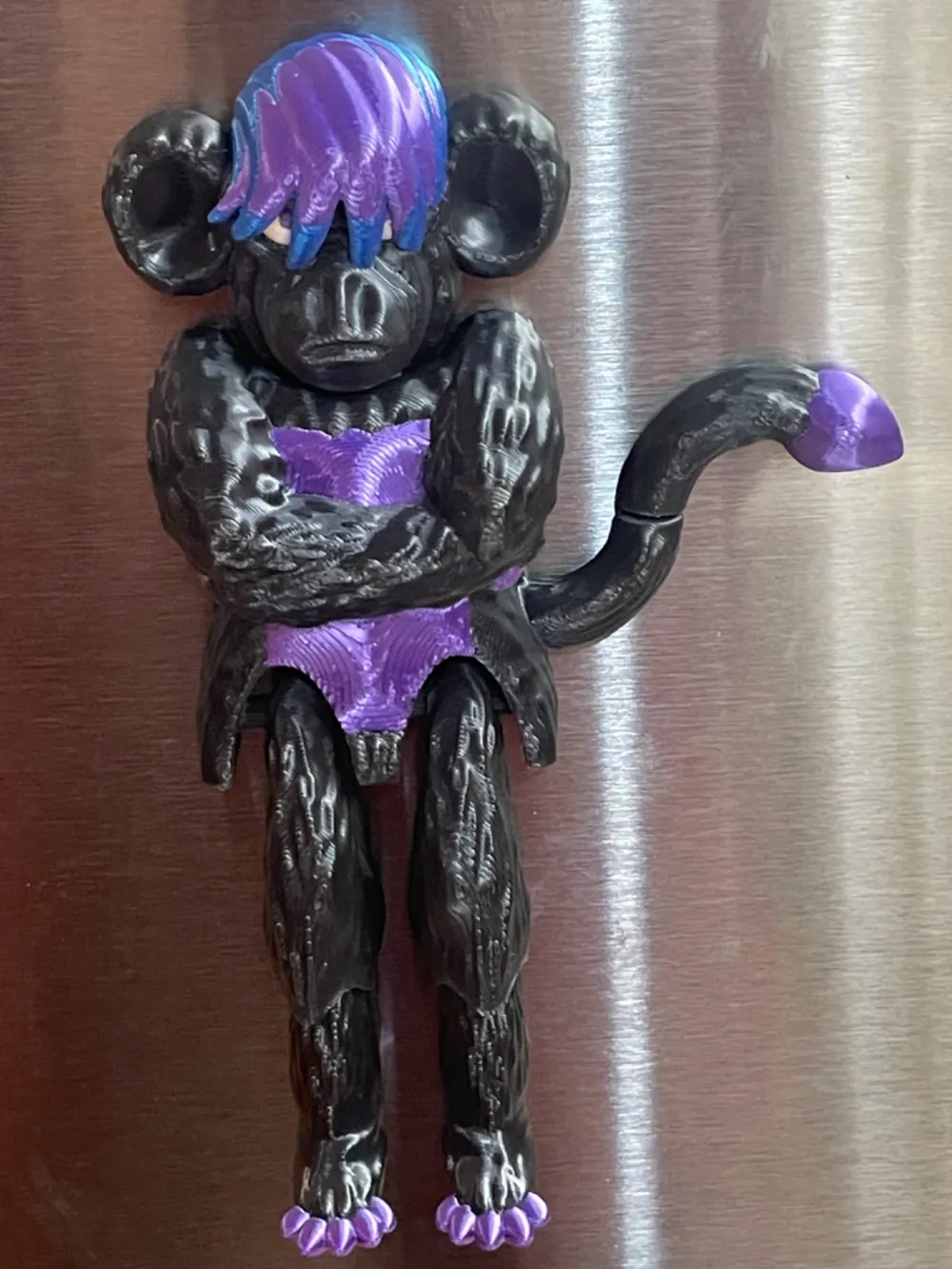
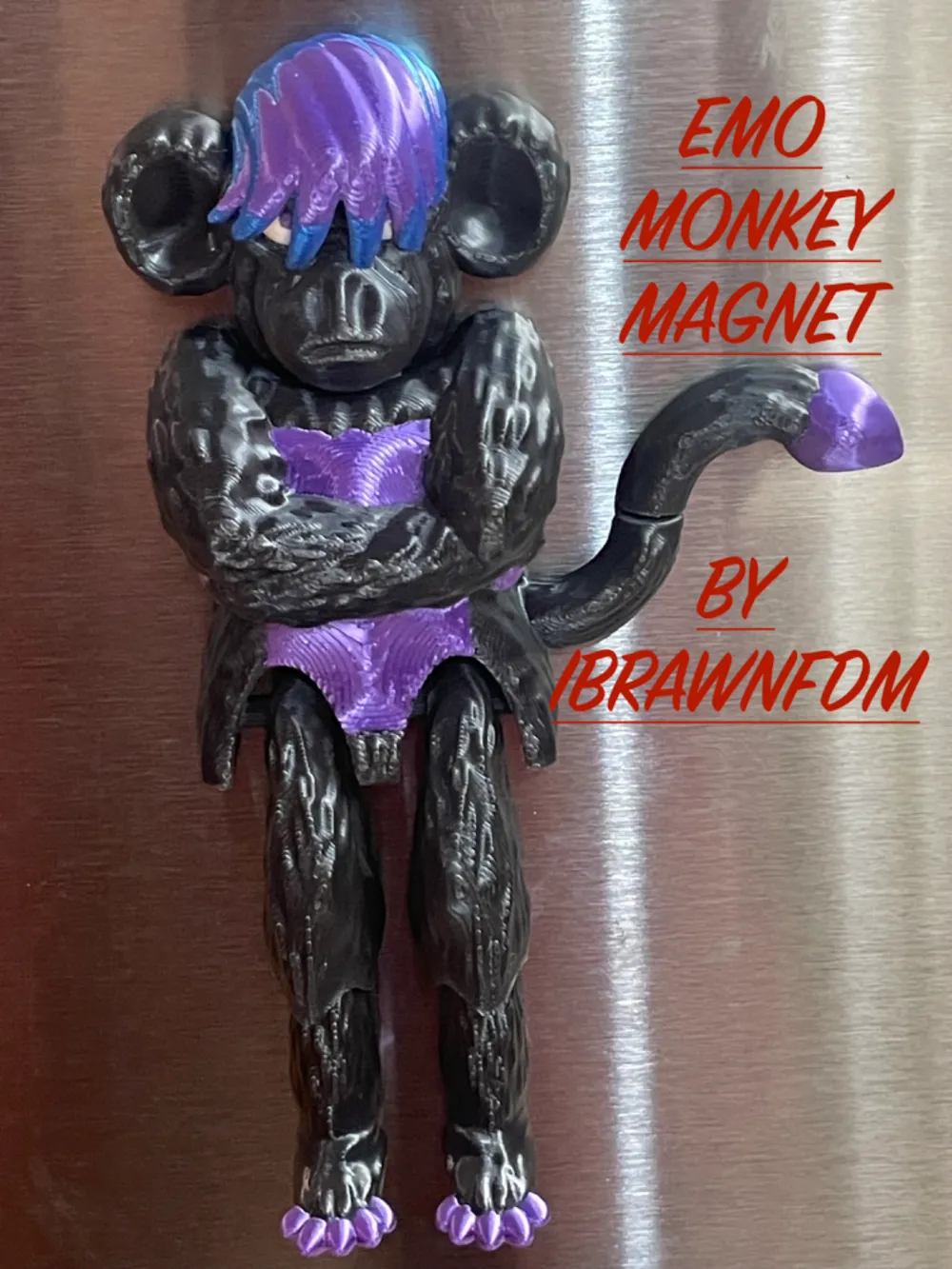
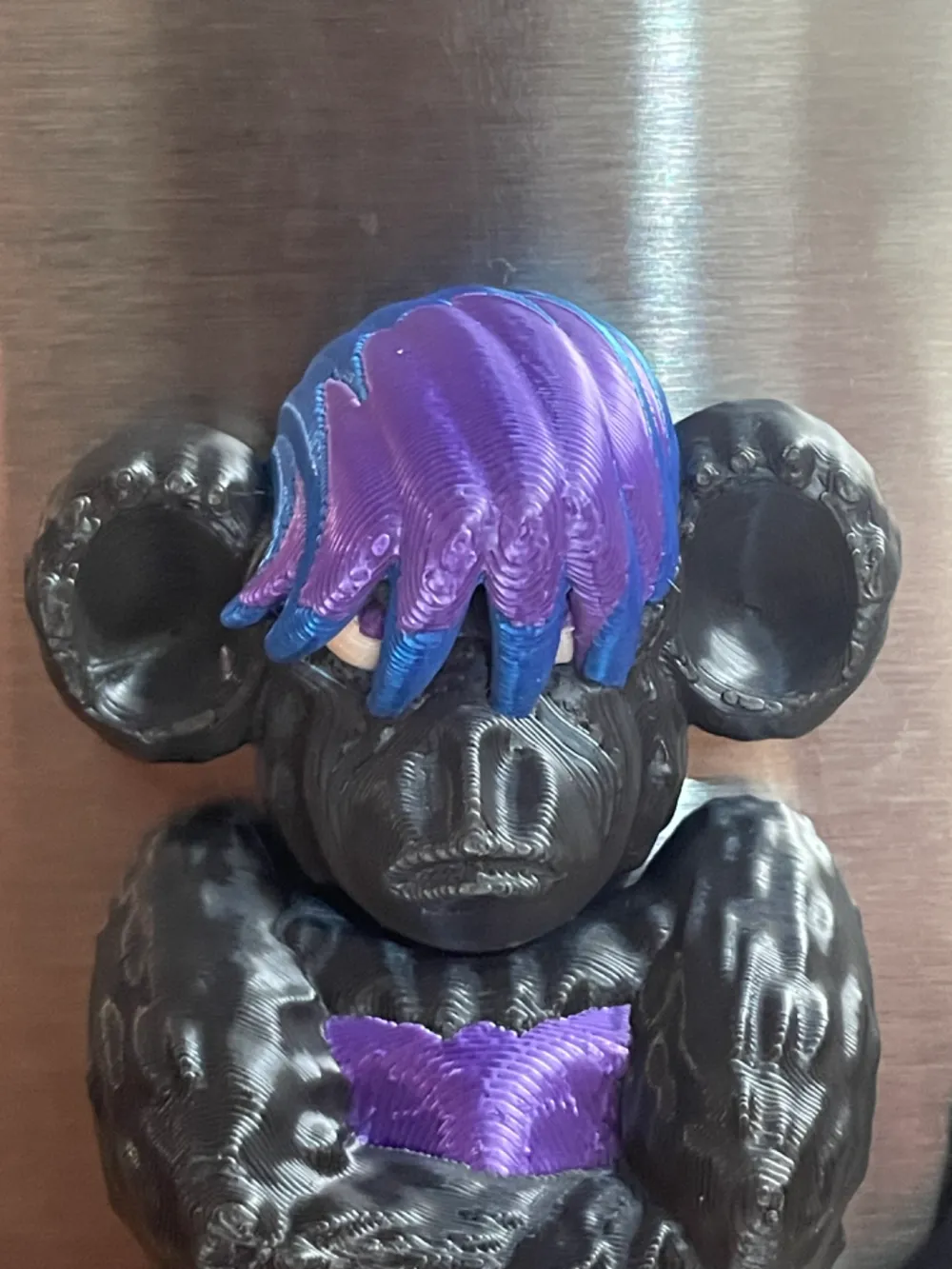
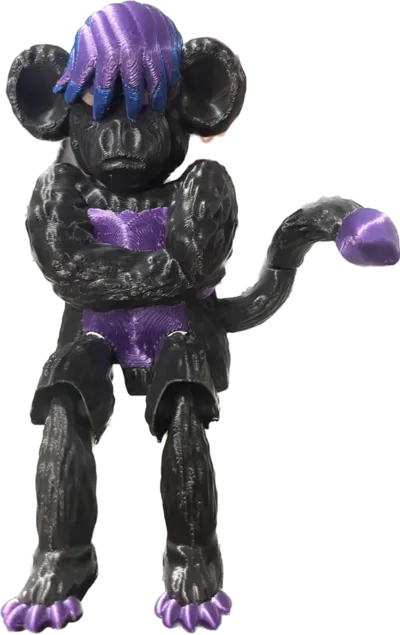
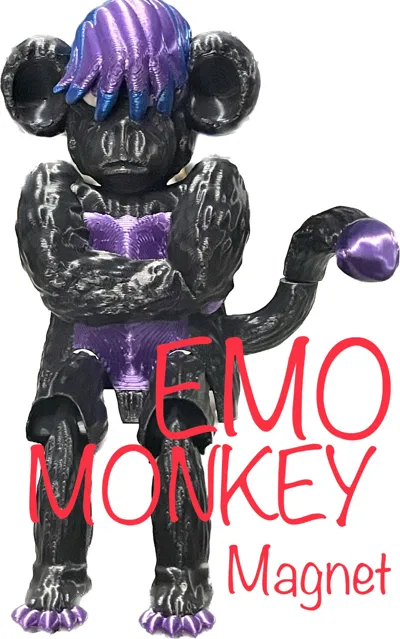
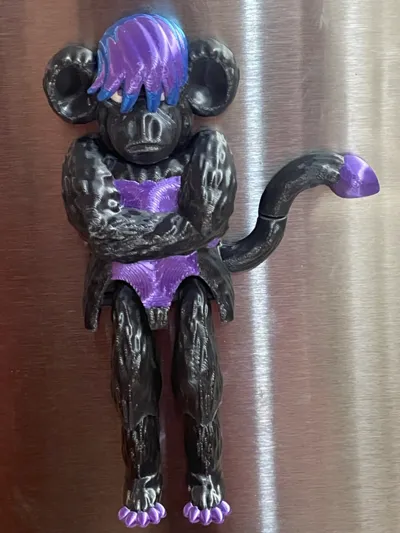
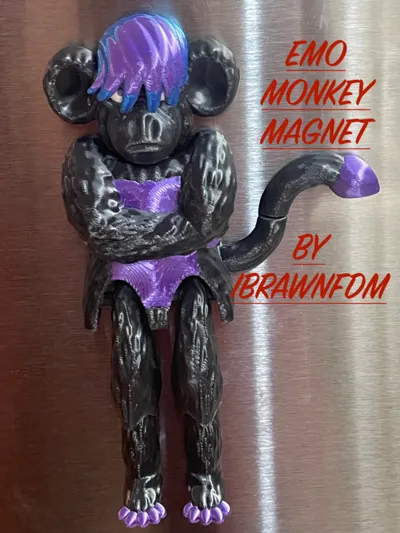
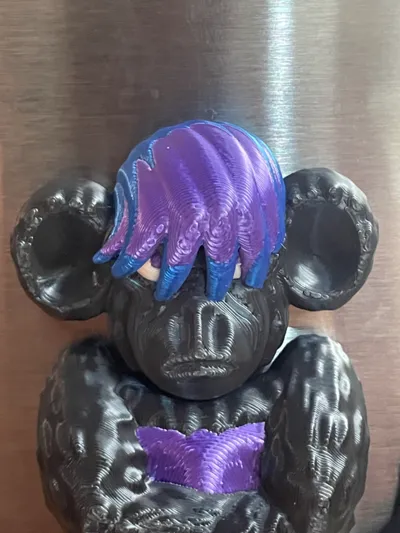
EMO MONKEY!
Its an Emo Monkey! I think i got the colours right. Im sure ill get in trouble if i didn't.
Straight forward print.
Magnet installation: The machine will pause at the beginning of layer 17. At that point place three 8x2mm magnets in the holes in the model. Then resume print. Easy Peasy.
A few brim disks have added between the legs to help with adhesion. Easy to remove after the print.
Check out my other monkeys
https://makerworld.com/en/models/875190
https://makerworld.com/en/models/870228
Boost Me (for free)
Boots help motivate designers to spend more time designing models for you to download for free
Membership
Would you like to sell one of my models? You can subscribe here for our commercial license!
I use glue on all of my build plates. My favourite is Elmers washable school glue, disappearing purple
Beware: 3D printed things are not for small children. Some of the models have sharp edges or corners that can break the skin. Parts can break off and be swallowed. Smooth parts can break and become sharp. Please supervise small children while they play with 3D printed things.
Happy Printing from iBrawn3D
License

You shall not share, sub-license, sell, rent, host, transfer, or distribute in any way the digital or 3D printed versions of this object, nor any other derivative work of this object in its digital or physical format (including - but not limited to - remixes of this object, and hosting on other digital platforms). The objects may not be used without permission in any way whatsoever in which you charge money, or collect fees.


Comment & Rating (0)