
Stackable Storage Box Workstation System
Print Profile(3)


Description
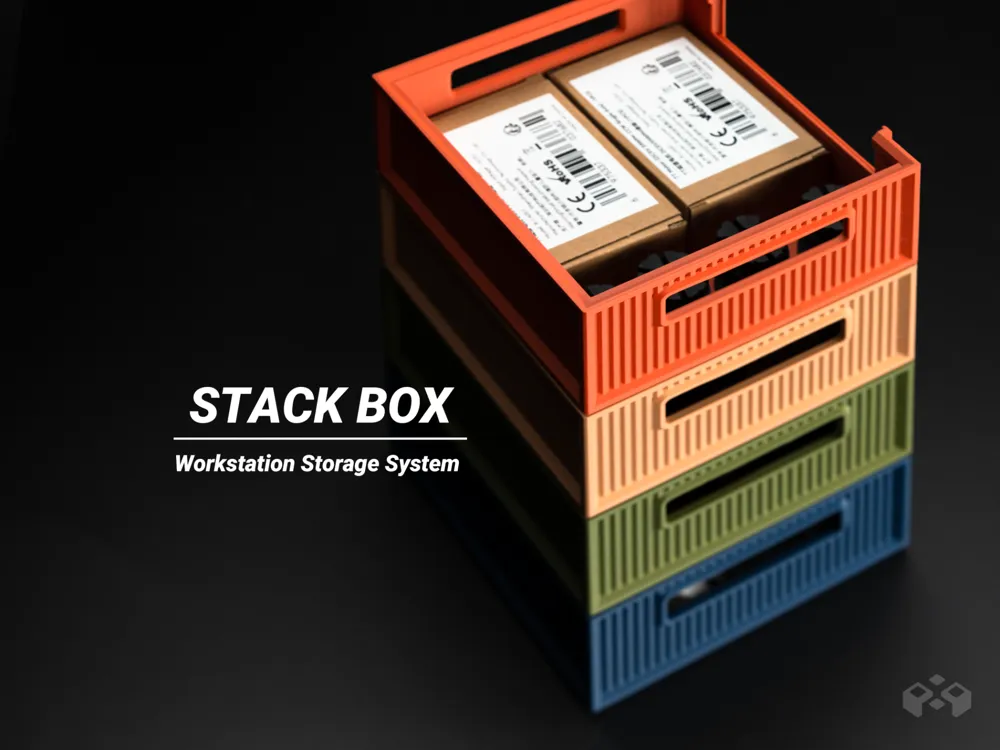
Stackable Storage Box Workstation
// Geometry update //
2026.01.23 : Adjusted left and right wall thickness to correct asymmetry.
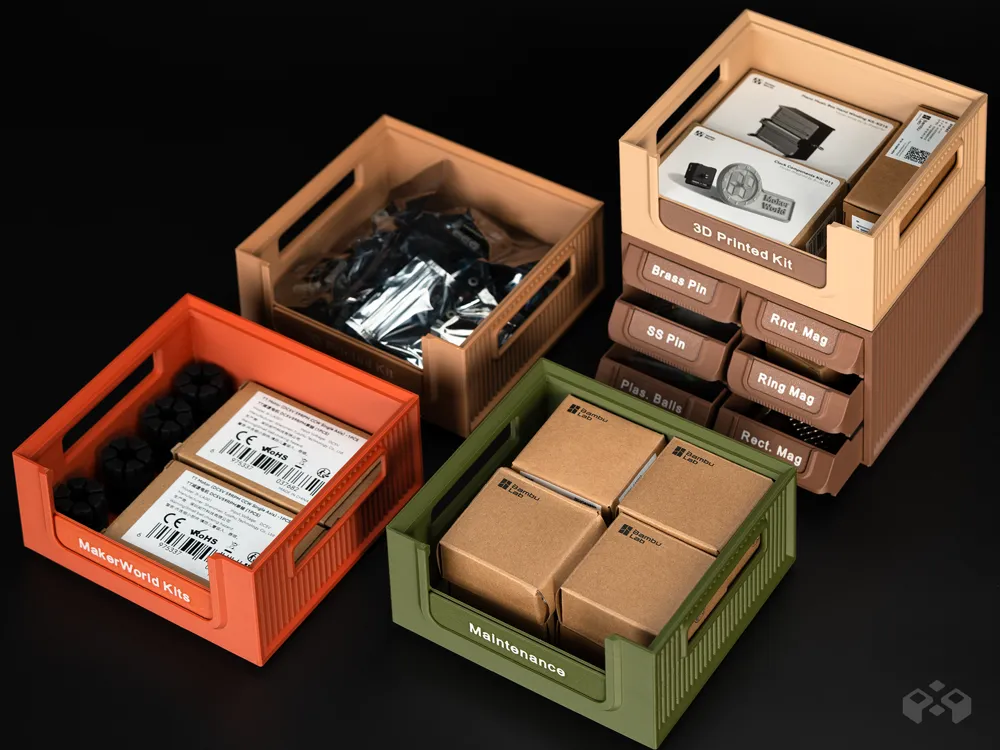
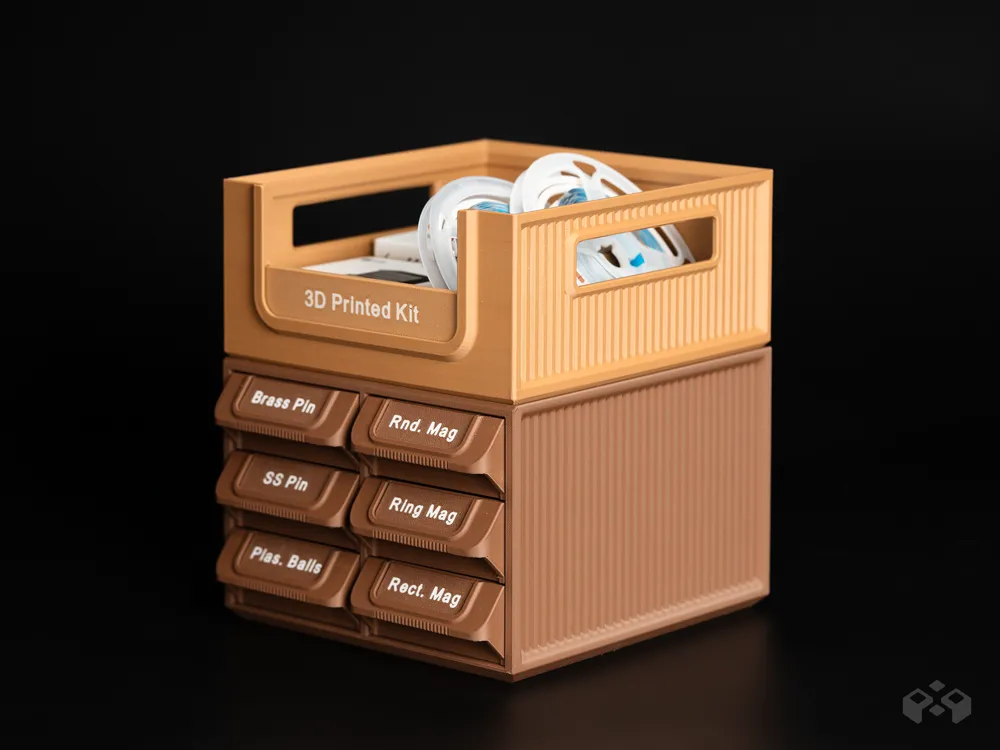
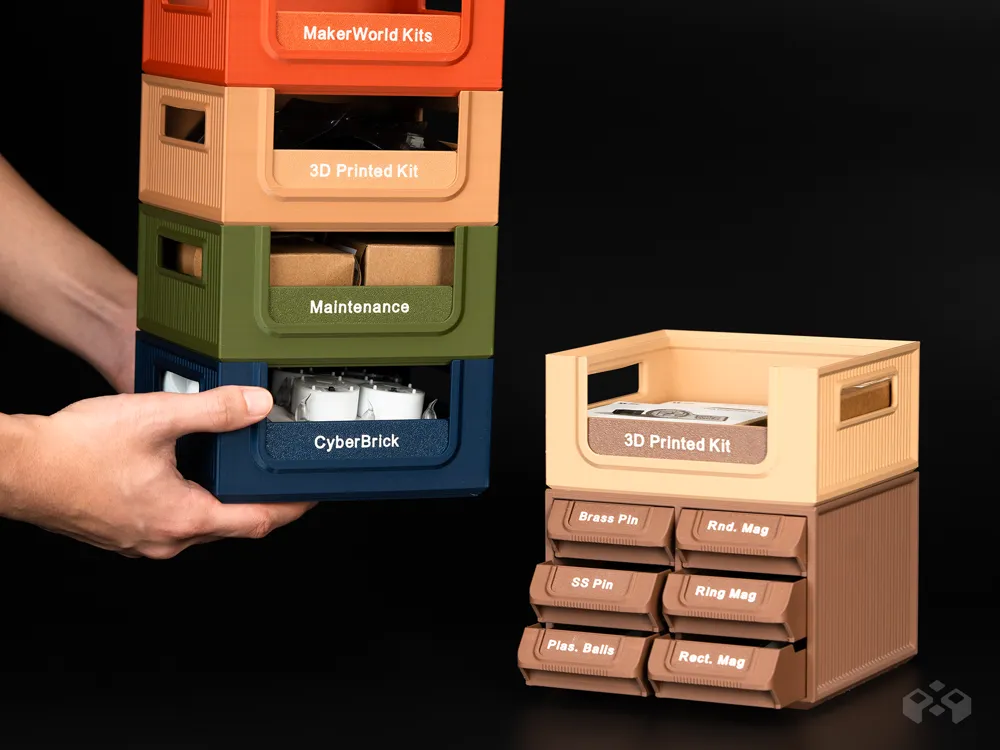
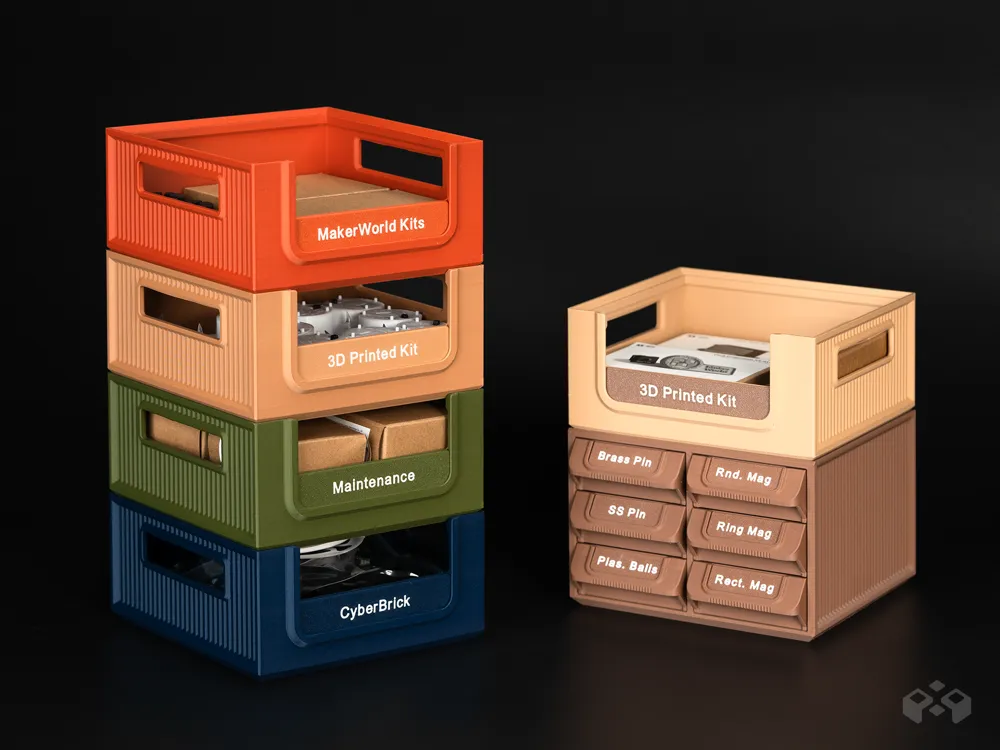
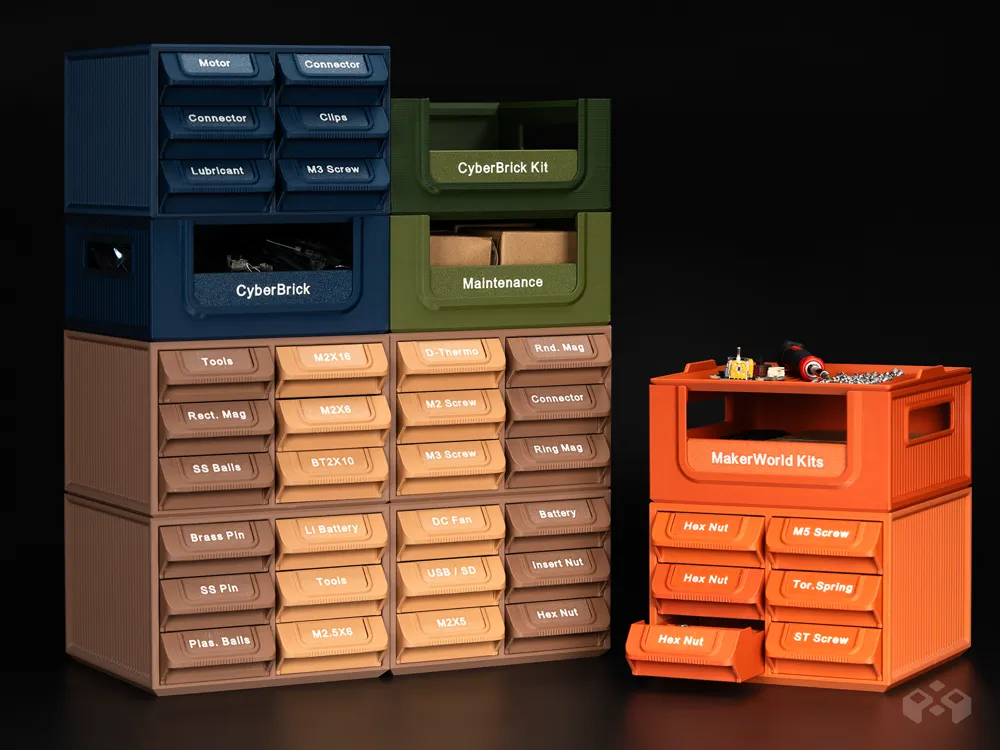
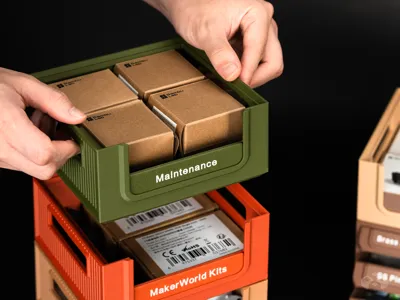
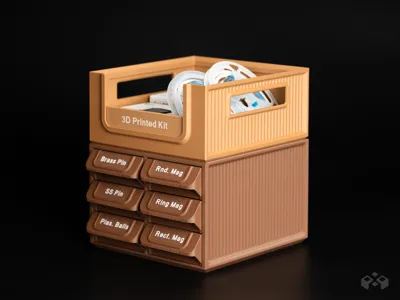
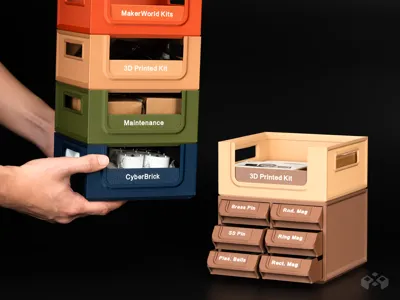
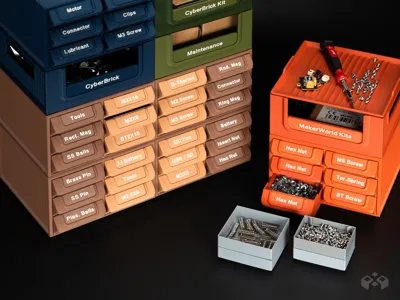
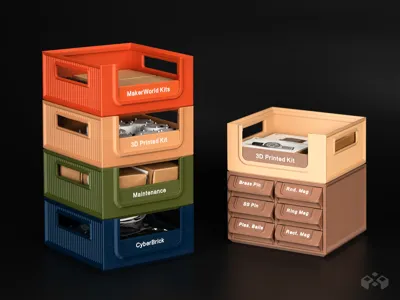
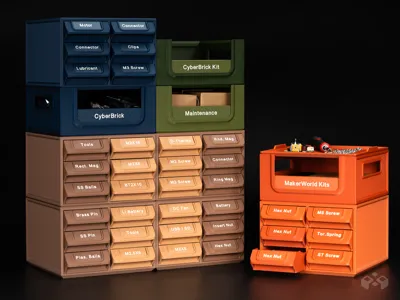
StackBox is a stackable storage box system designed to be fully compatible with the Workstation System Stackable Part Drawer Organizer. It follows the same stacking dimensions and system logic, allowing drawer modules and box modules to be freely combined within a single workstation setup. Compared to drawer-based modules, StackBox is better suited for quick-access storage, larger items, and tools or kits that are frequently used.
Key Features
- Fully Stackable Design
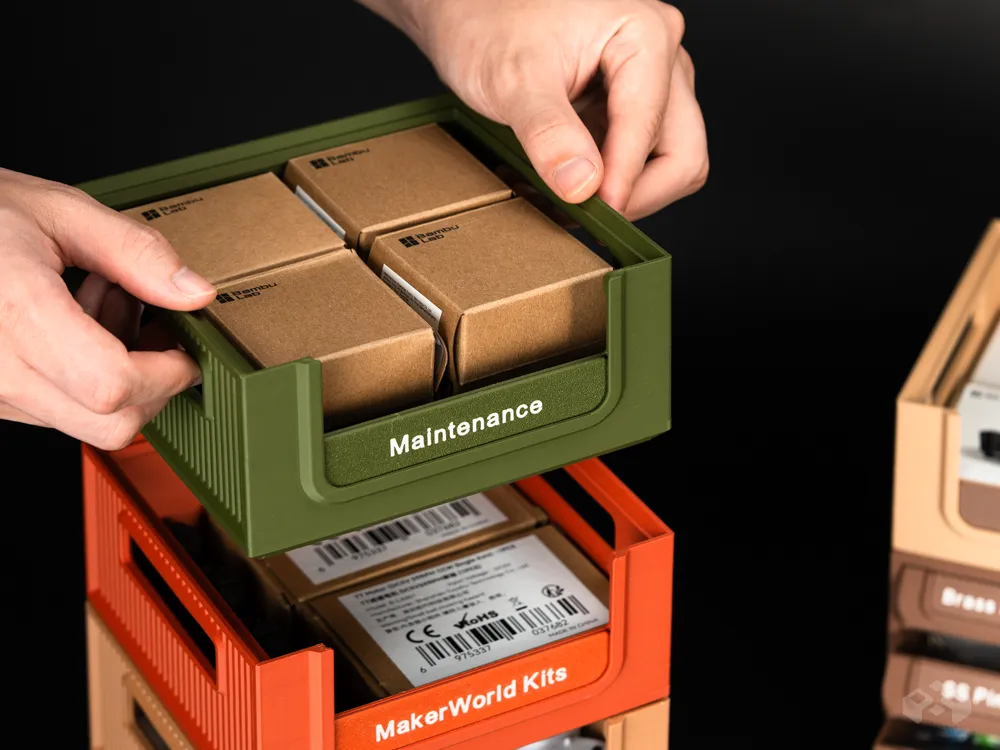
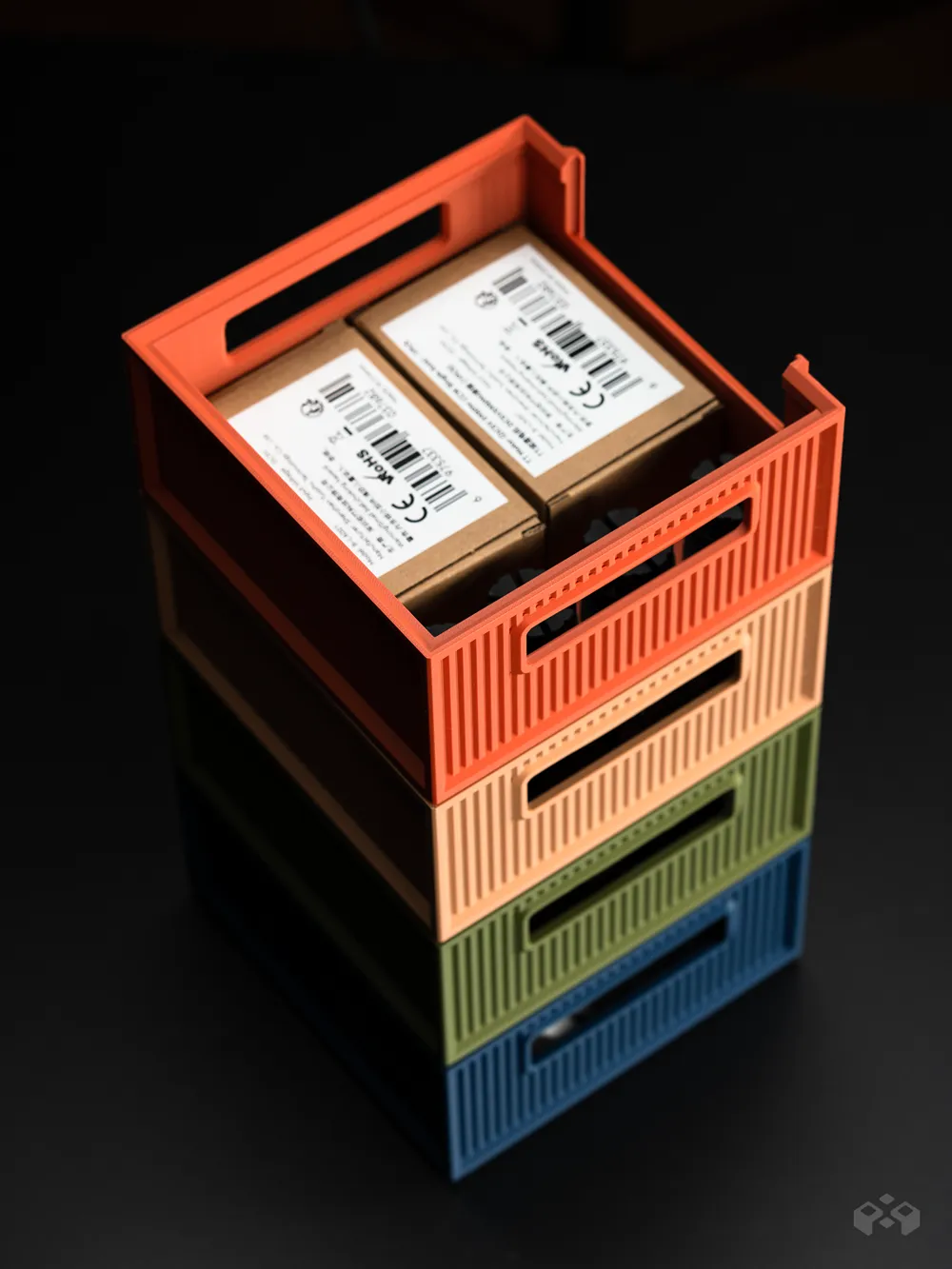
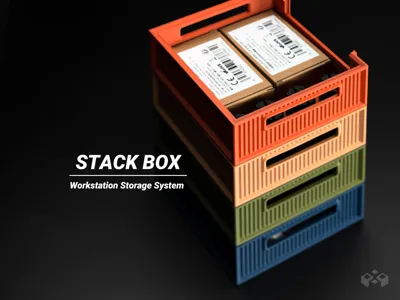
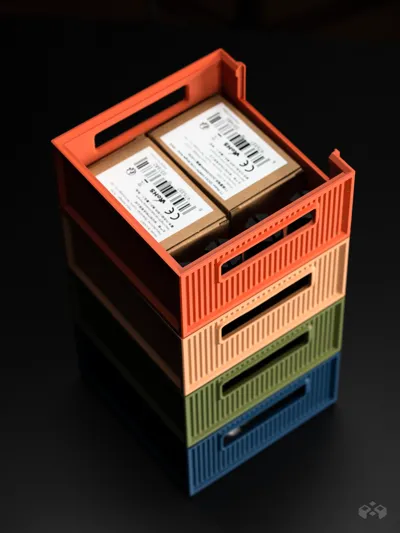
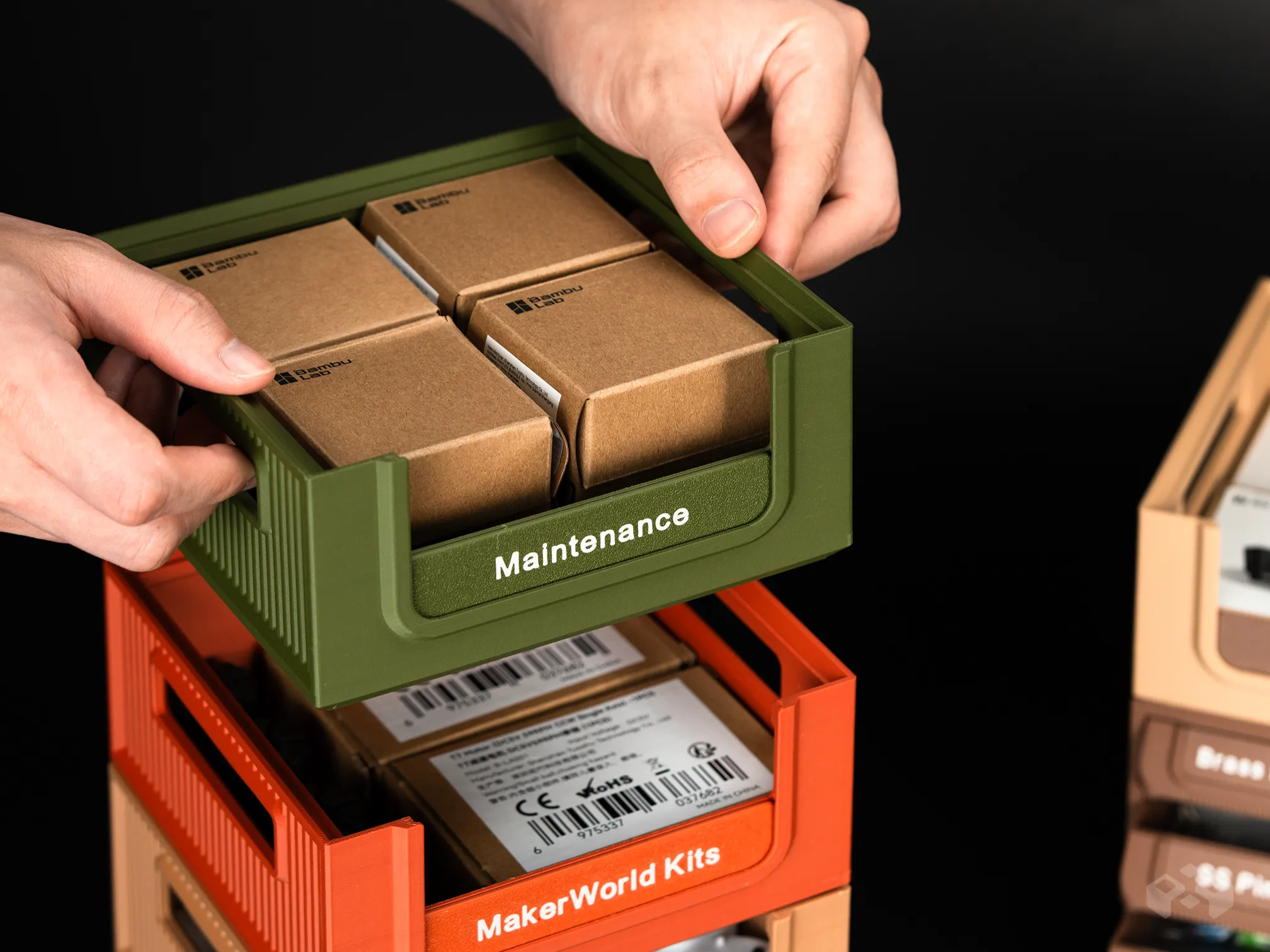
StackBox features a stackable structure that can be combined with drawer modules to form a unified and stable vertical storage system.
- Full System Compatibility
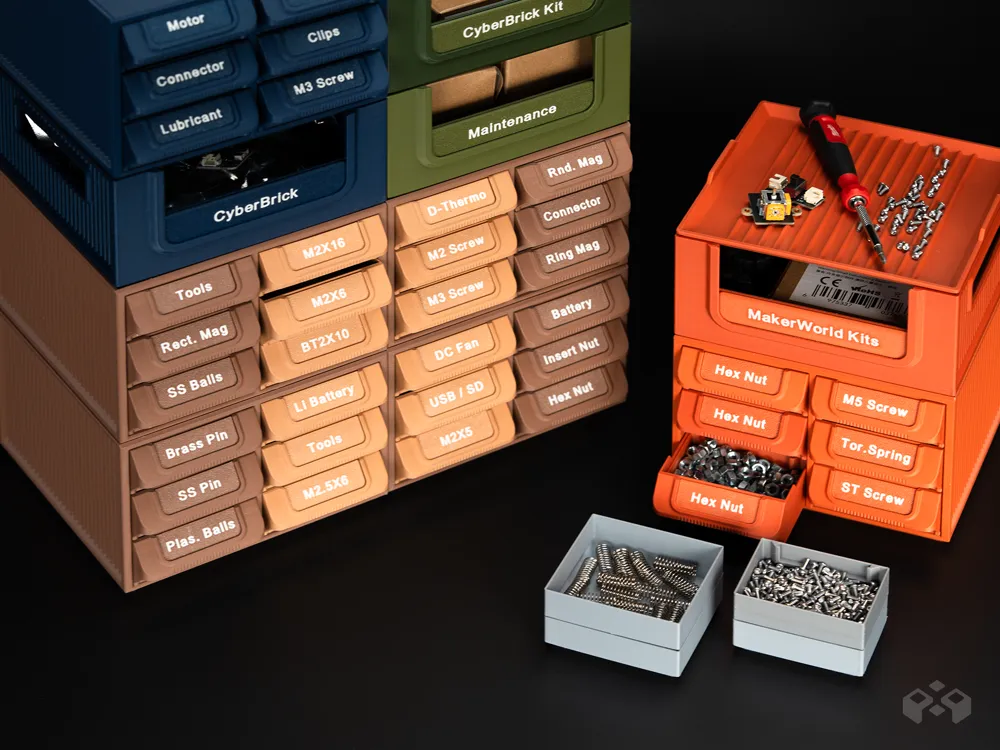
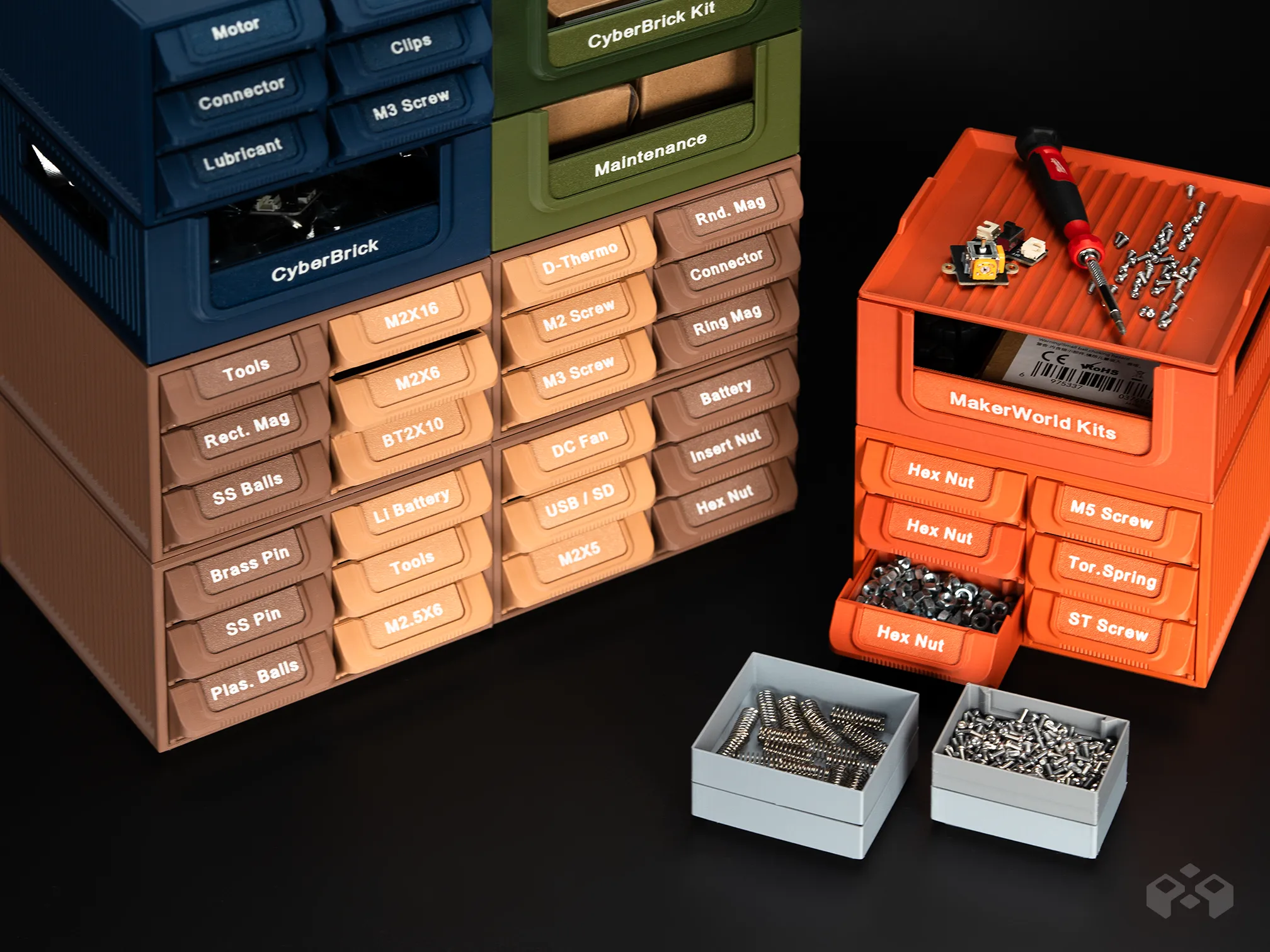
StackBox shares the same modular stacking standard as the Workstation System Stackable Part Drawer Organizer, allowing both systems to be mixed without adapters or additional structures.
- Open Box Storage Format
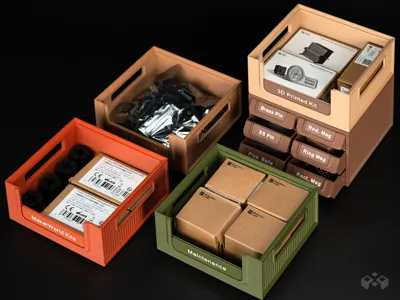
The open box design supports fast access to tools, kits, consumables, and larger parts.
Its dimensions are well-suited for Maker's supply or CyberBrick model kits, allowing a close and stable fit within the box.
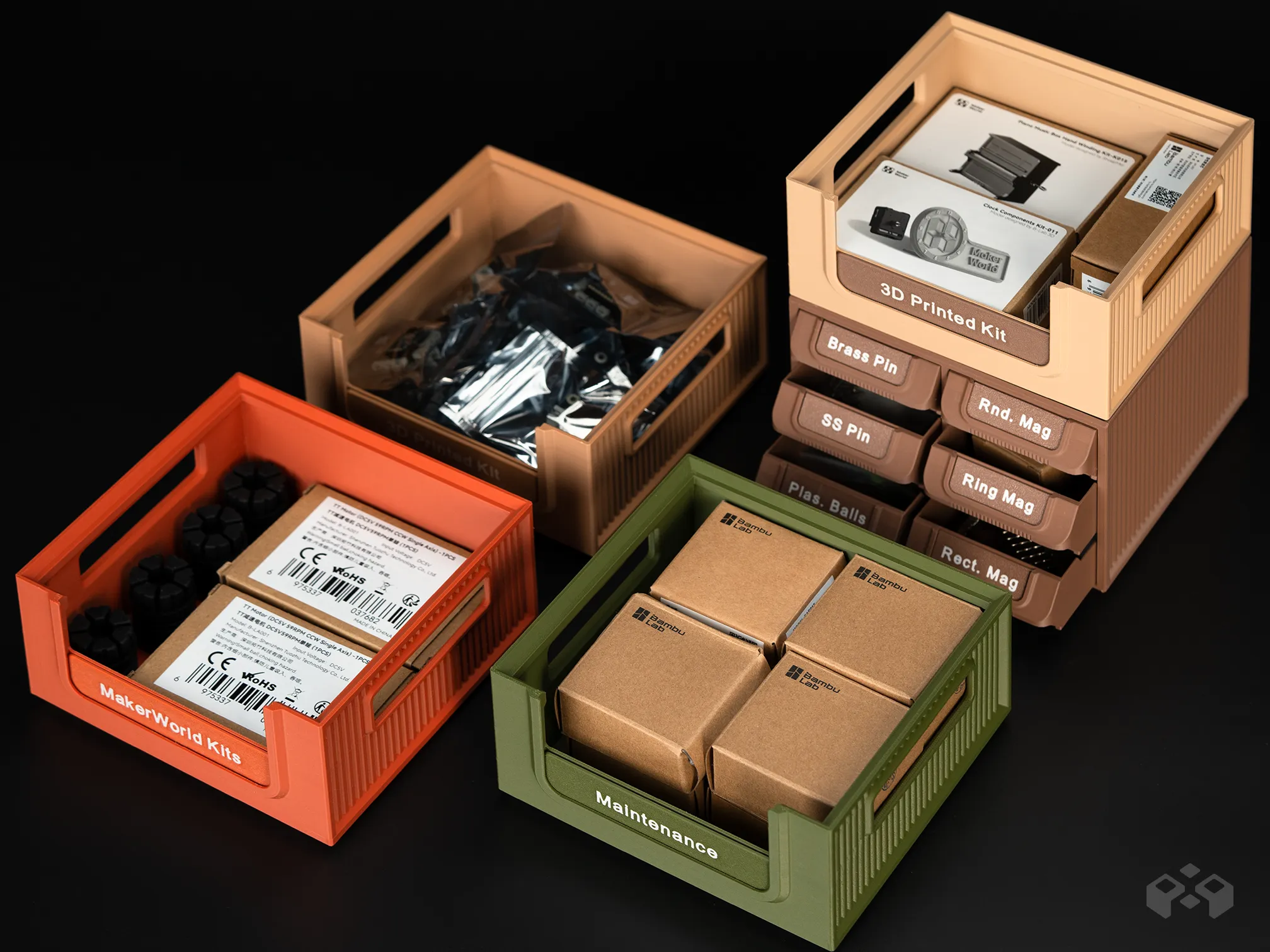
- Label-Ready Front Panel
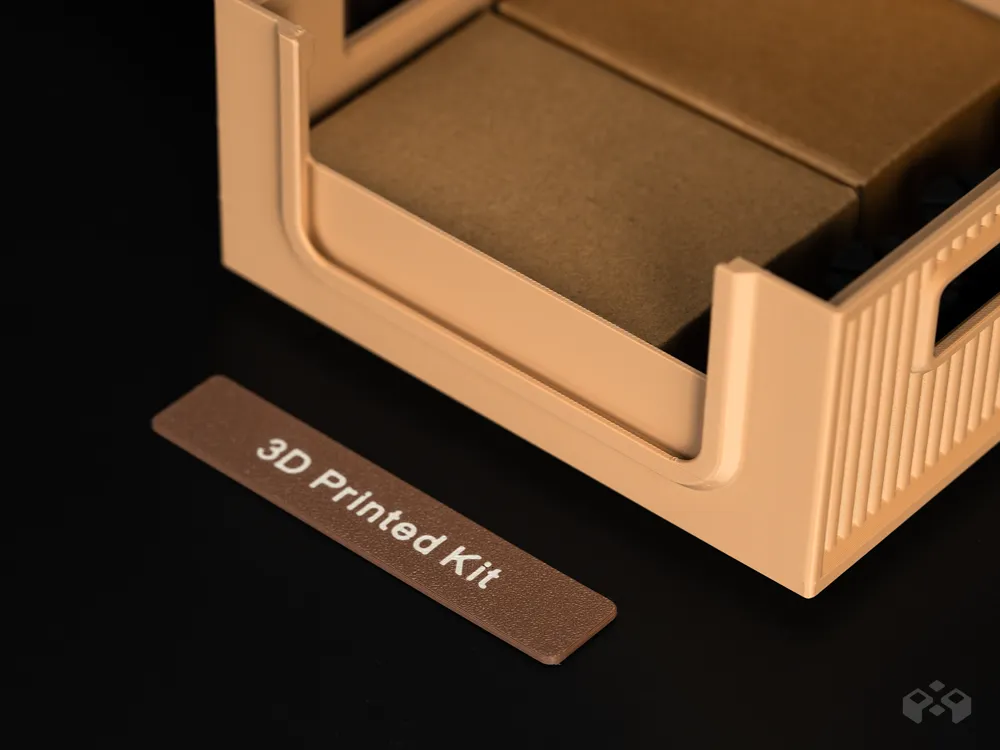
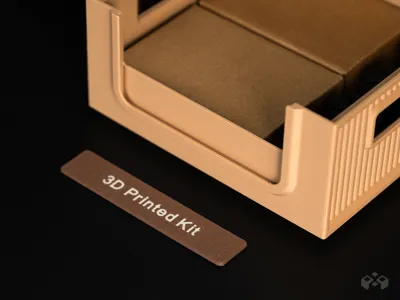
The front panel supports label installation, making it easy to categorize different box contents and maintain visual consistency across the workstation. Label text can be customized as needed.
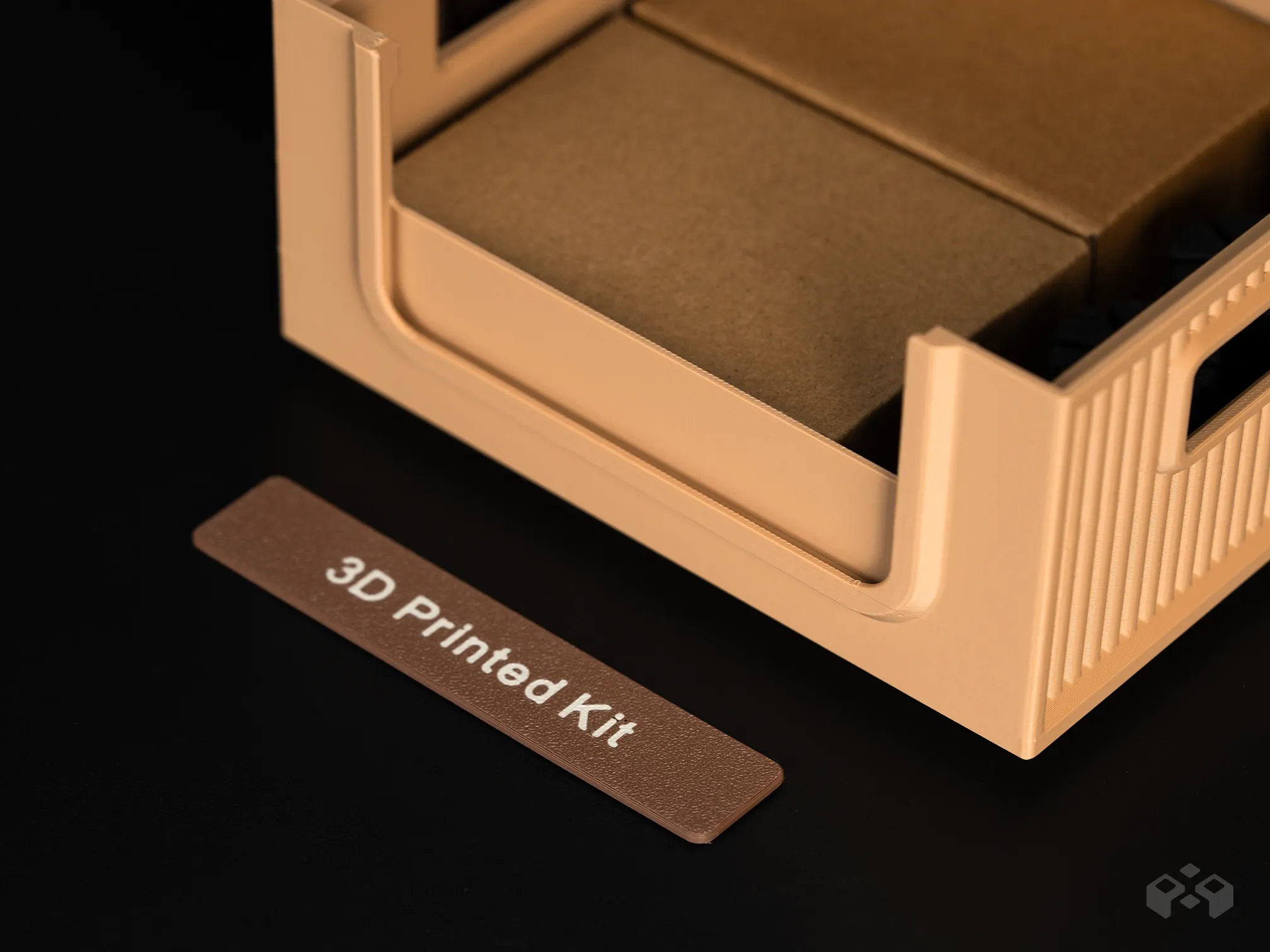
Instructions to edit text on the Customizable Label
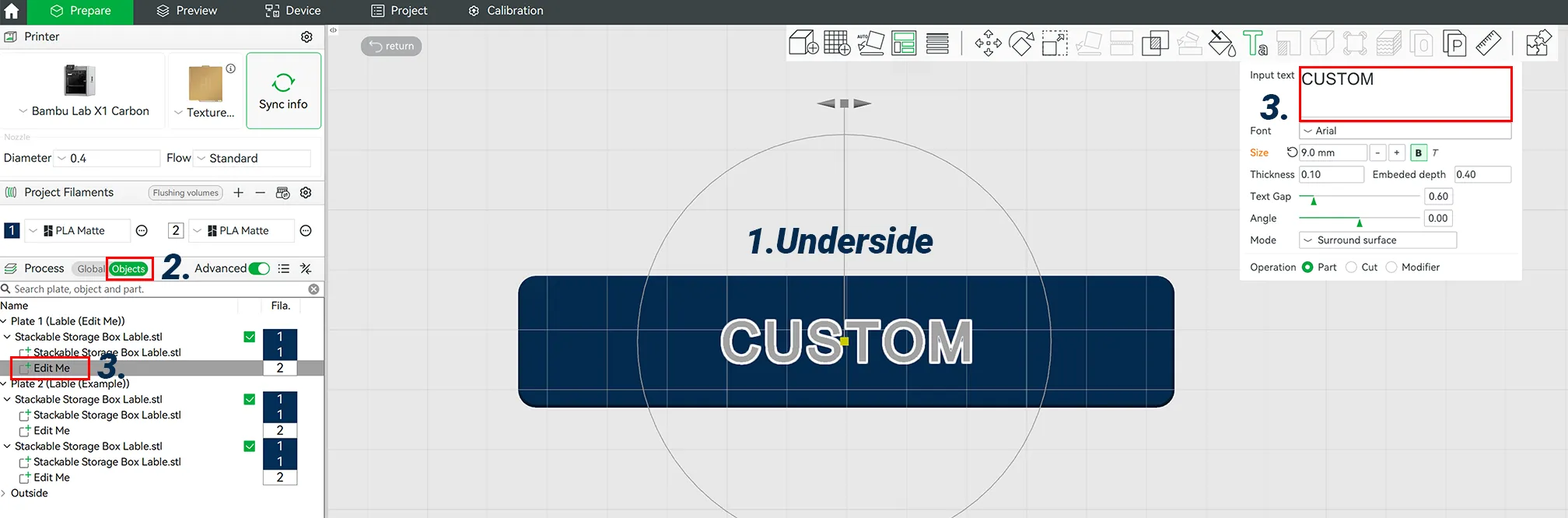
- Rotate the plate to view from the underside.
- Click on the "Objects" tab under Filament selection.
- Right-click on "Name Text - Edit This," then select "Edit me (Text)." I use "Arial Bold" font.
Note: For best text quality, apply glue to the plate to prevent stringing.
Designed For
- Hardware parts and screw storage
- Electronics and model parts organization
- Desktop workstations and workbenches
- Maker spaces, DIY setups, and studios
StackBox is a workstation-oriented storage system with support for incremental expansion.
Future accessories will be developed to remain compatible with the same system structure.
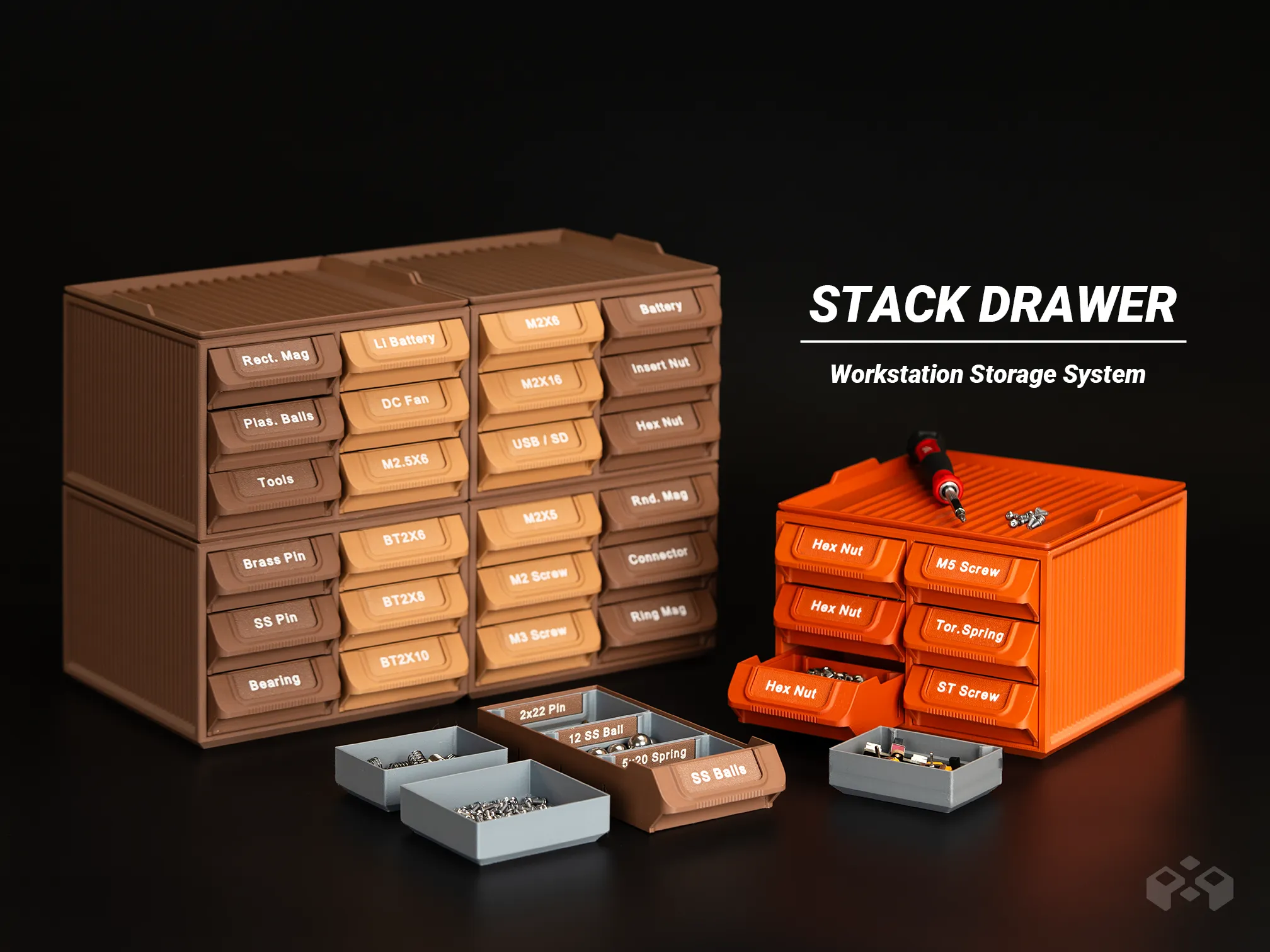
Compatible with StackDrawer, allowing additional drawer modules to be integrated to extend the overall StackBox workflow.
Boost Me (for free)
Thanks for your support!
License

You shall not share, sub-license, sell, rent, host, transfer, or distribute in any way the digital or 3D printed versions of this object, nor any other derivative work of this object in its digital or physical format (including - but not limited to - remixes of this object, and hosting on other digital platforms). The objects may not be used without permission in any way whatsoever in which you charge money, or collect fees.


Comment & Rating (249)