
A1 Enclosure Fan Mounting with Filter

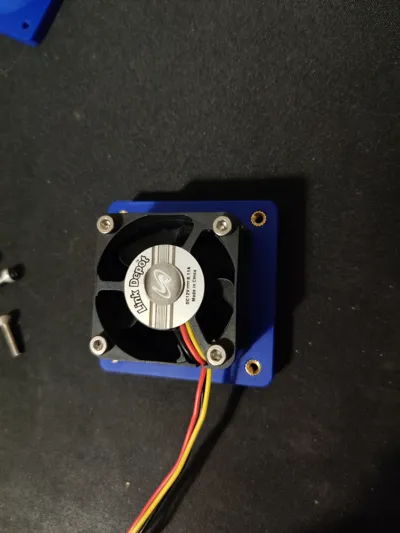
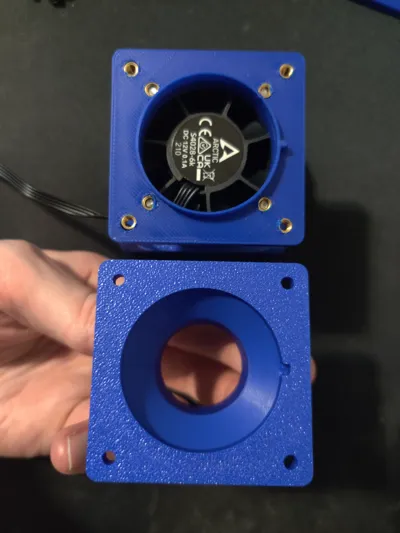
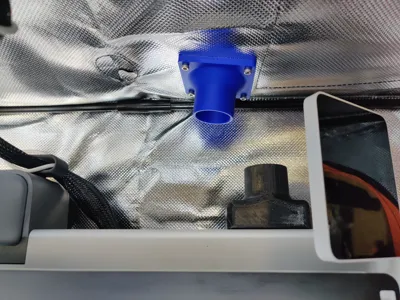
Print Profile(3)


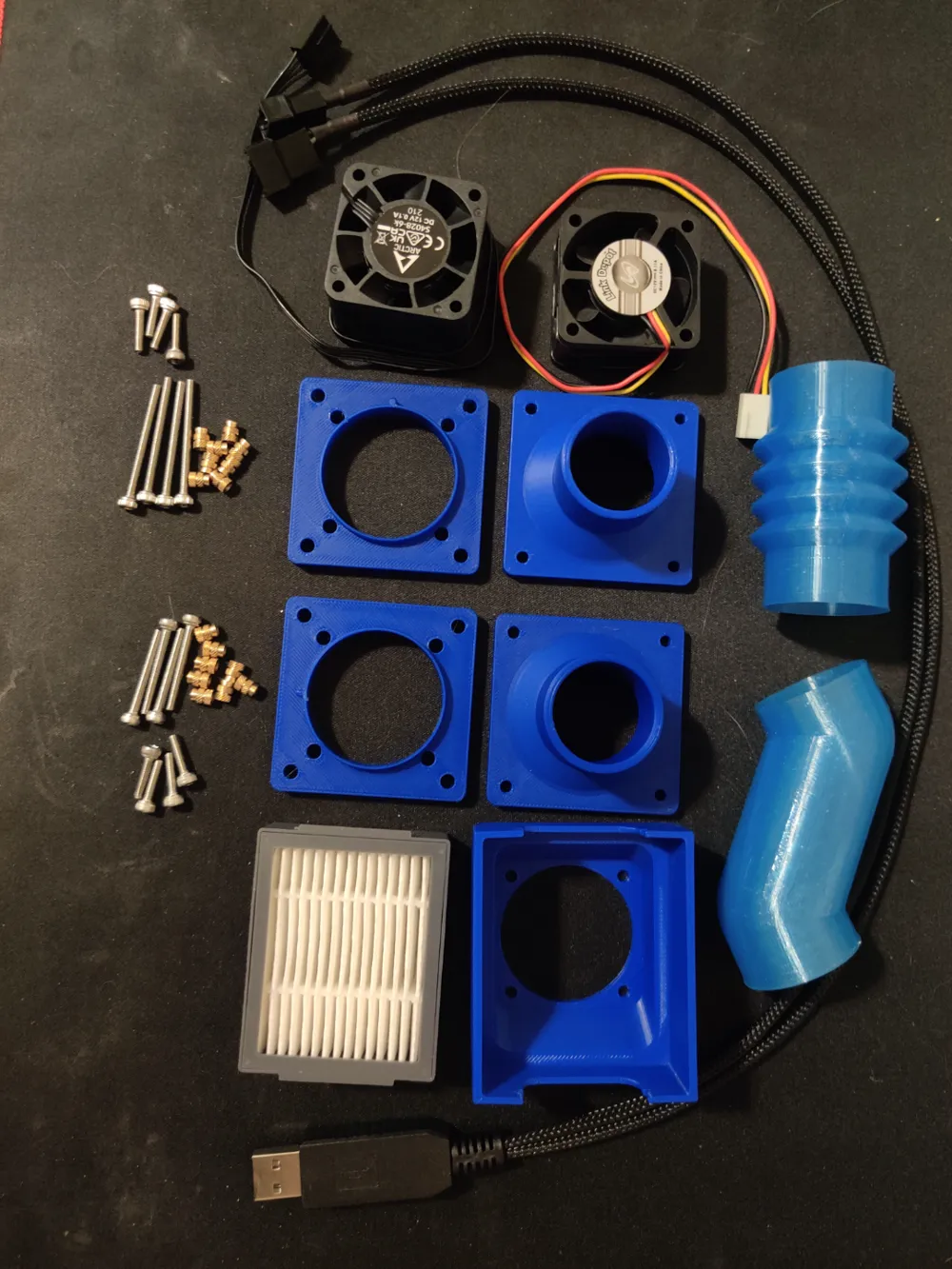
Bill of Materials
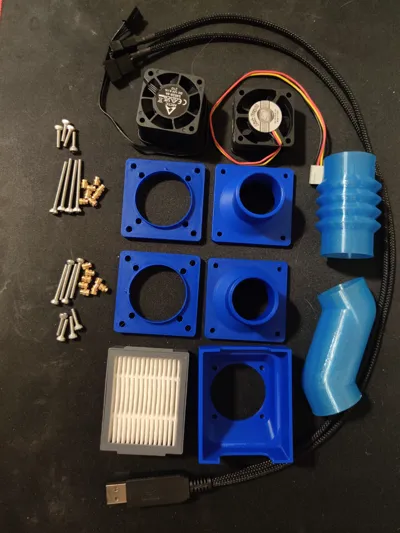
- Roomba Air Filter x 1: https://www.amazon.com/Roomba-Replacements-Cleaners-High-Efficiency-Cleaning/dp/B0B8R46BSJ
- M3x25 x 8: For 4020
- M3x35 x 8: For 4028
- M3x12 x 1:
- M3 Threaded Inserts x 16:
Description
Purpose
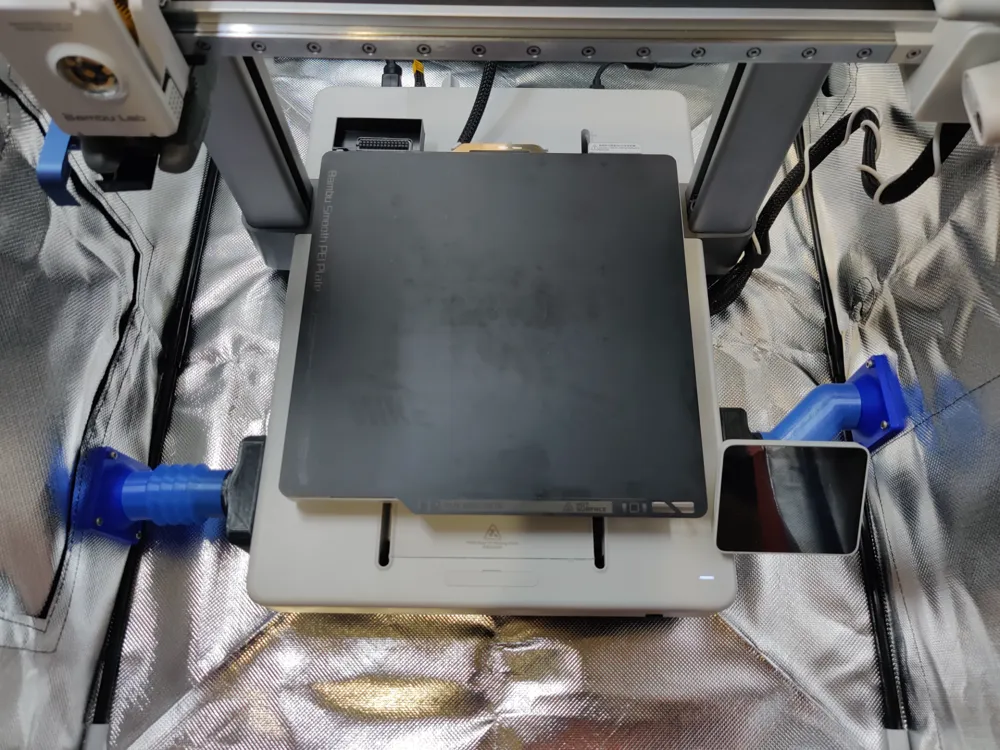
To add fans and a filter outside of my enclosure for the A1 motherboard cooling ducts. If you have the same YOOPAI enclosure as me, than this will be exactly as I have done it. If not you made need to create your own tubes or buy 1.25in tubing.
Design
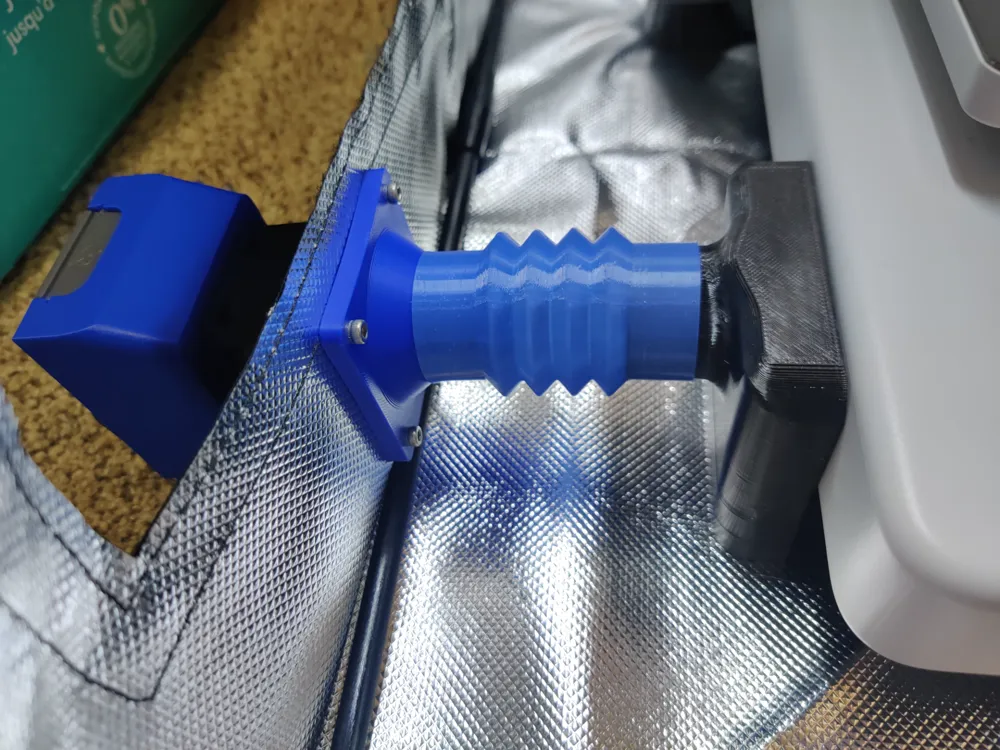
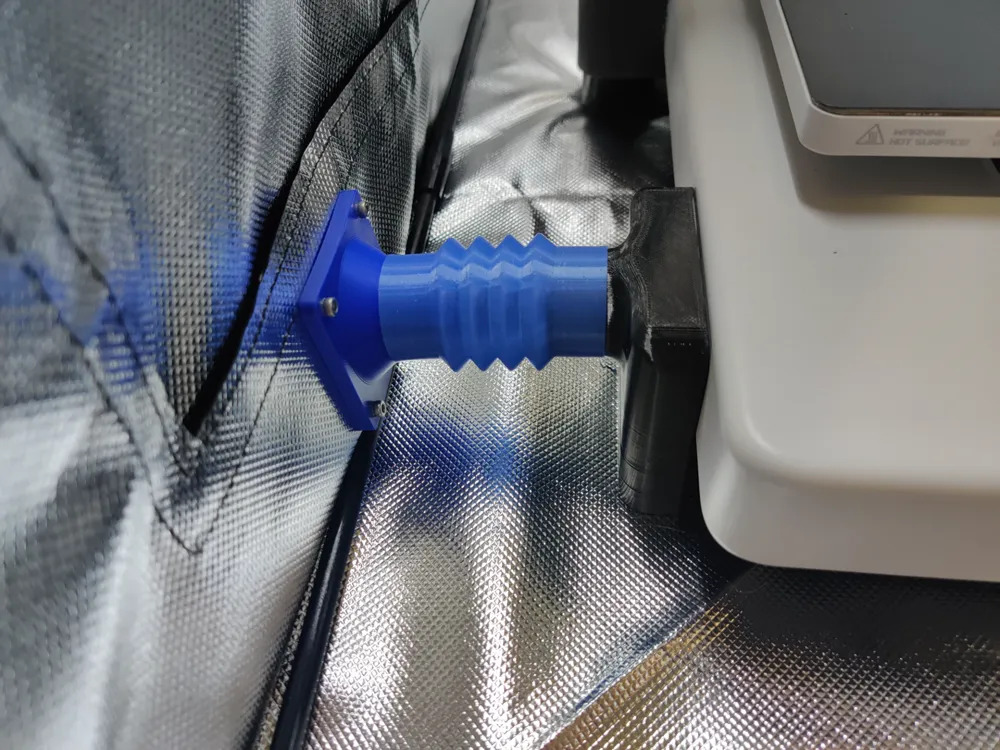
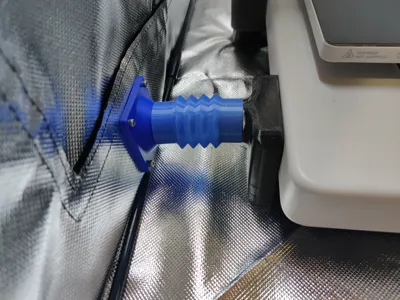
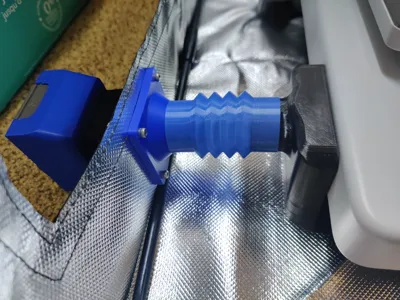
1.25in tubing printed in TPU
Plate design to attach to enclosure
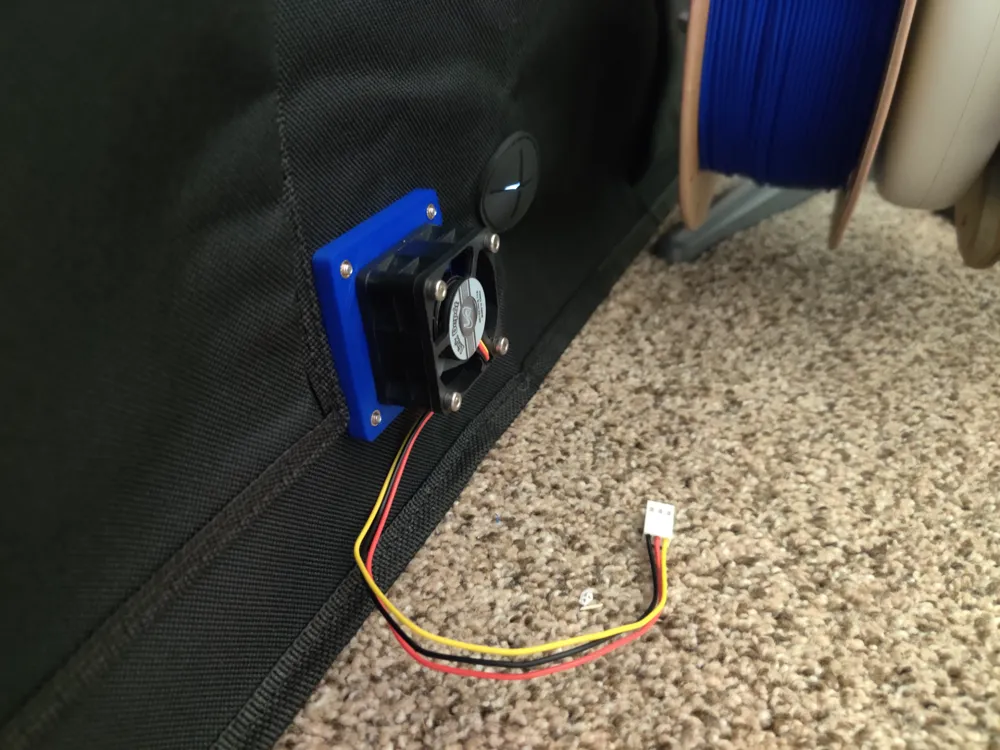
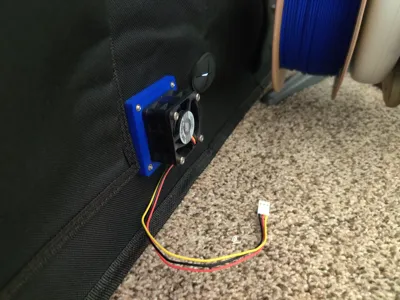
Attach 4020 or 4028 fans
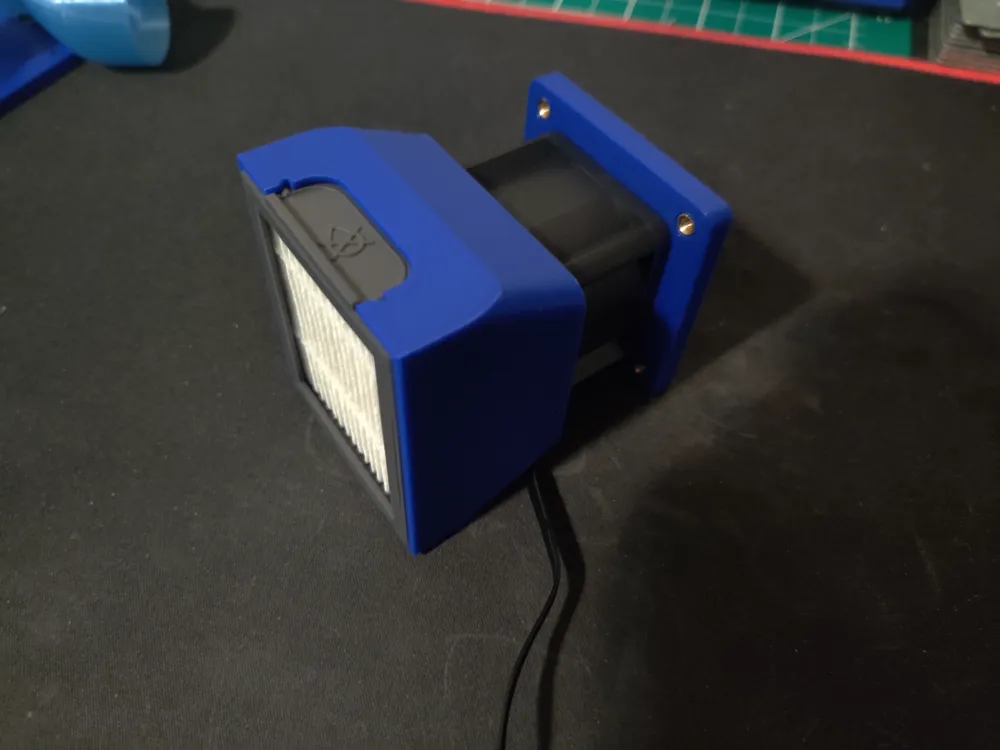
Uses Roomba air filter
Instructions
Print Tubing profile (if they work for your enclosure) and Assembly profile
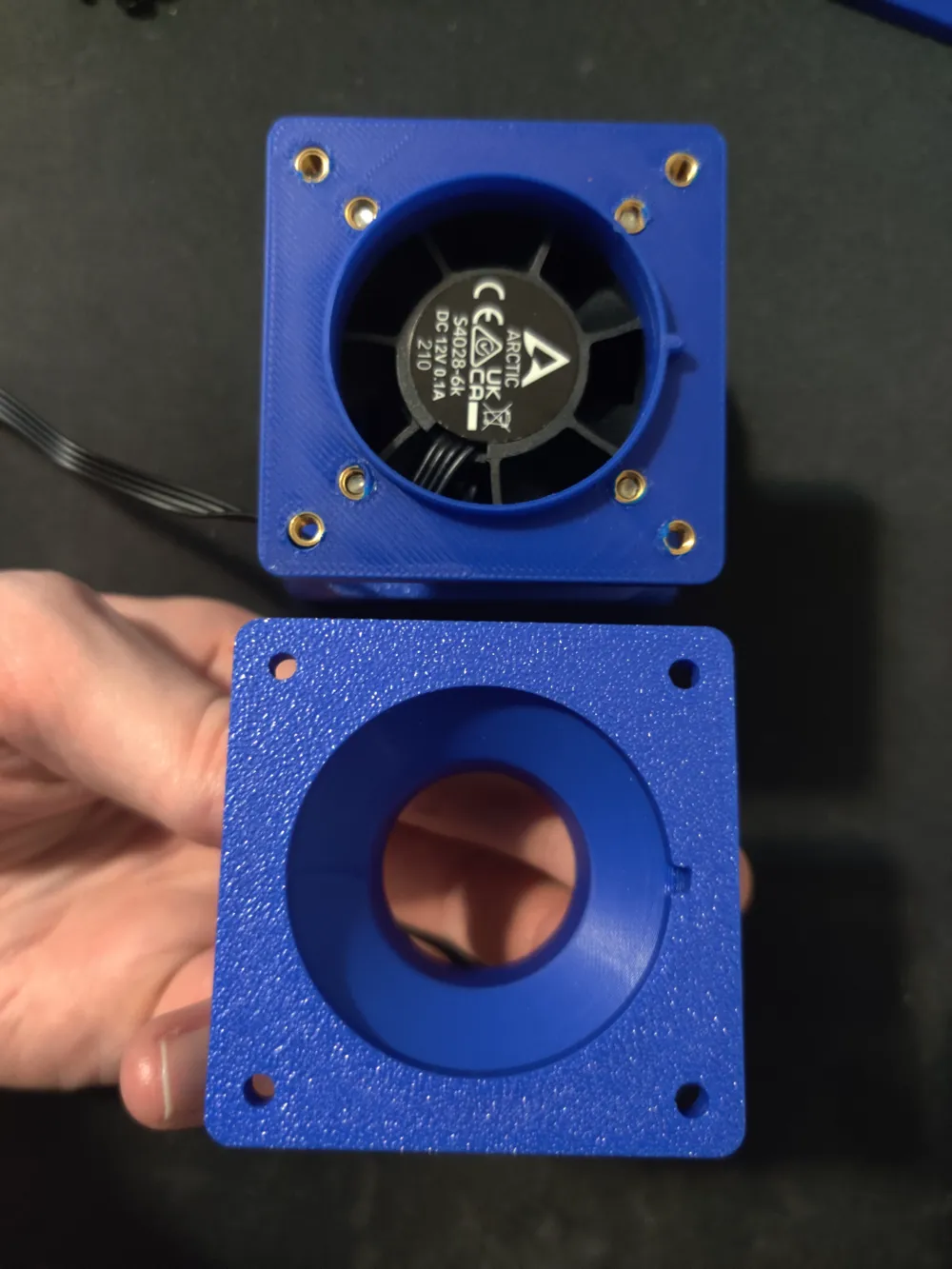
First assemble the intake side. Insert M3 threaded inserts into outside plate
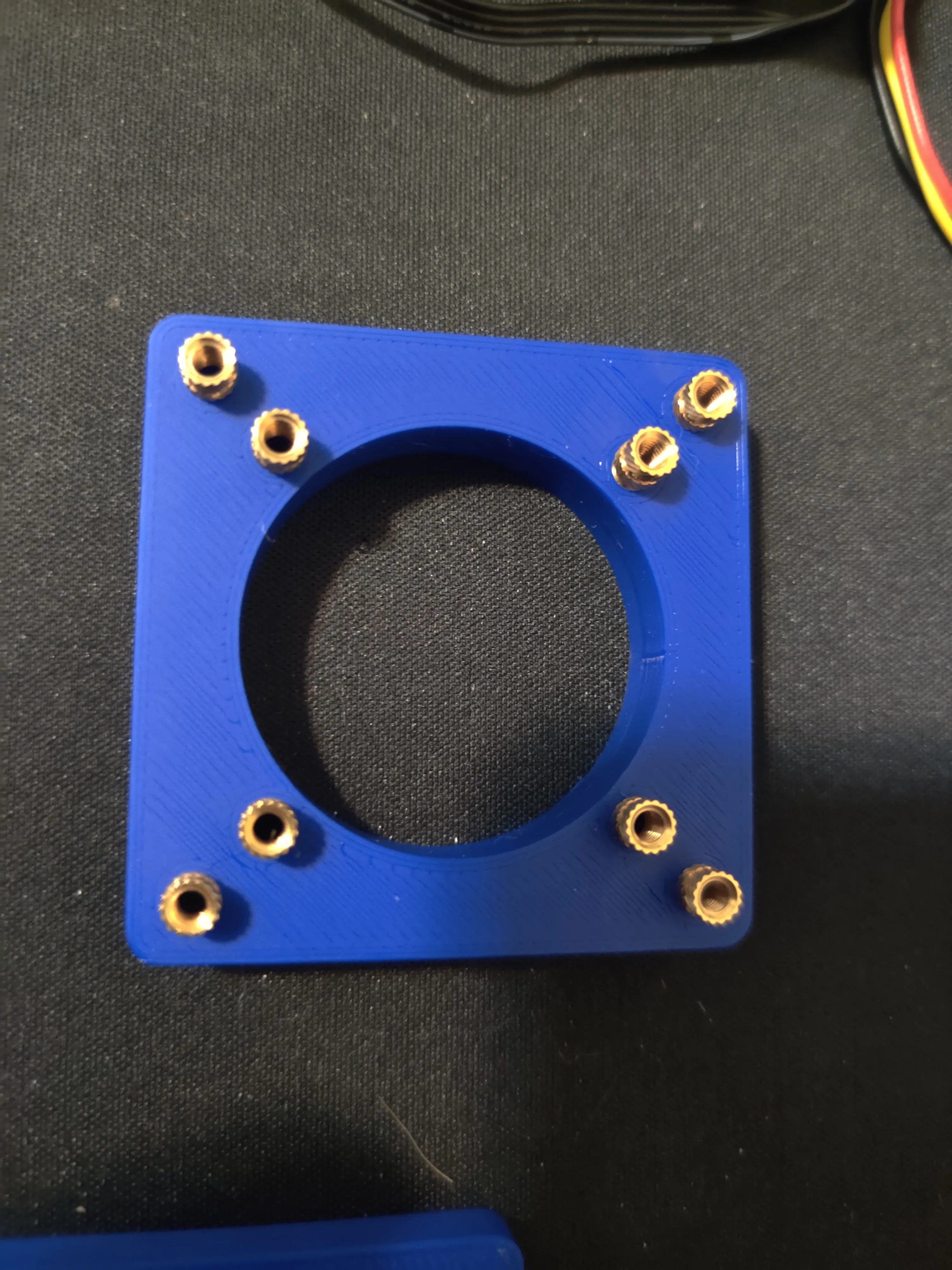
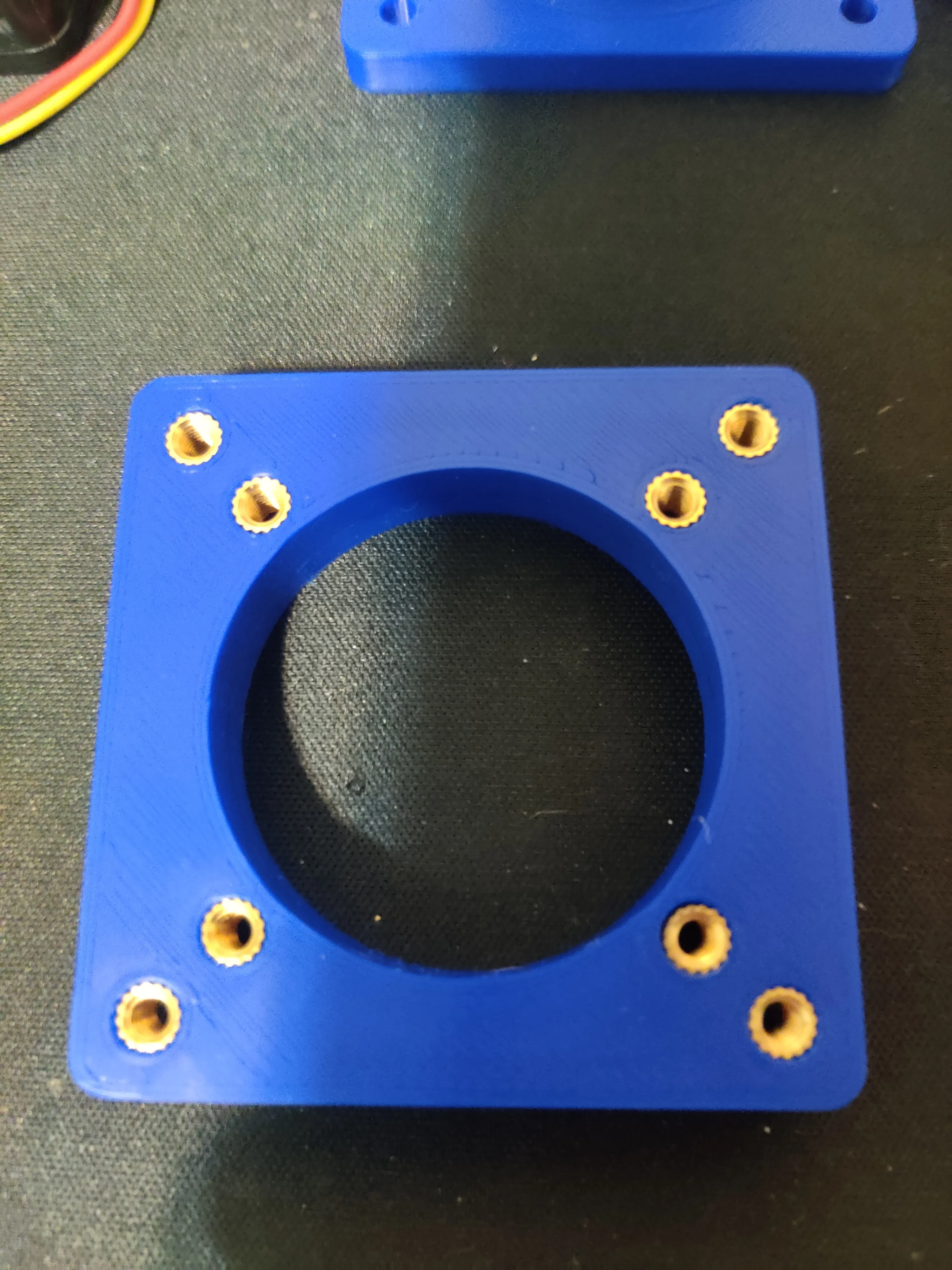
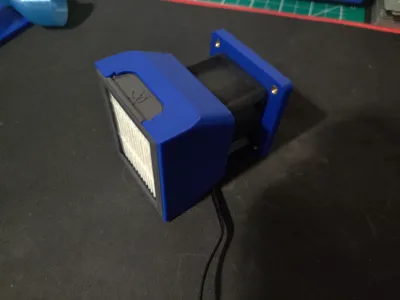
Place the 4020 or 4028 fan with the label facing the plate. Assemble the Roomba filter housing and fan to plate with 4x M3x25(4020) or M3x35(4028)
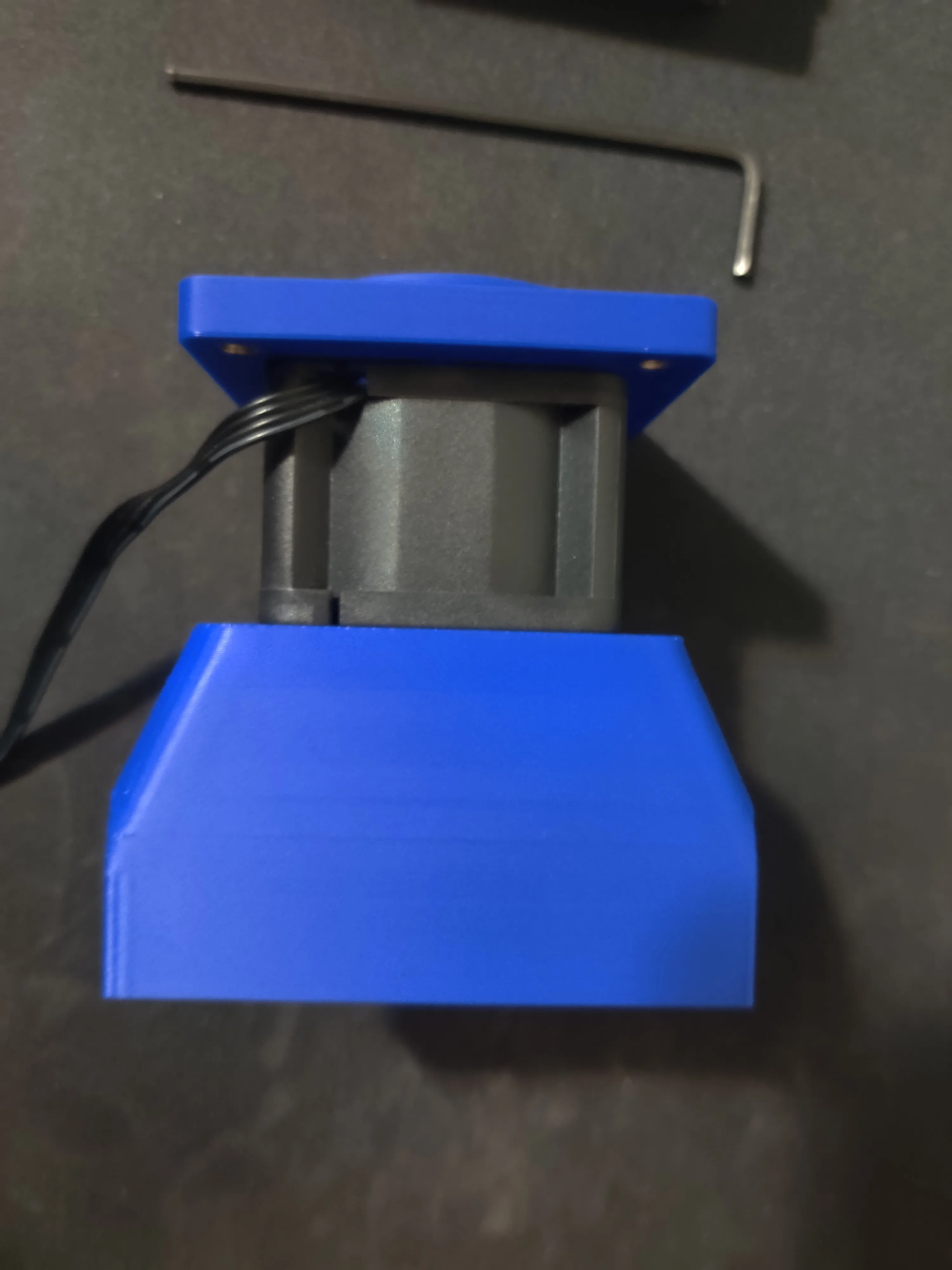
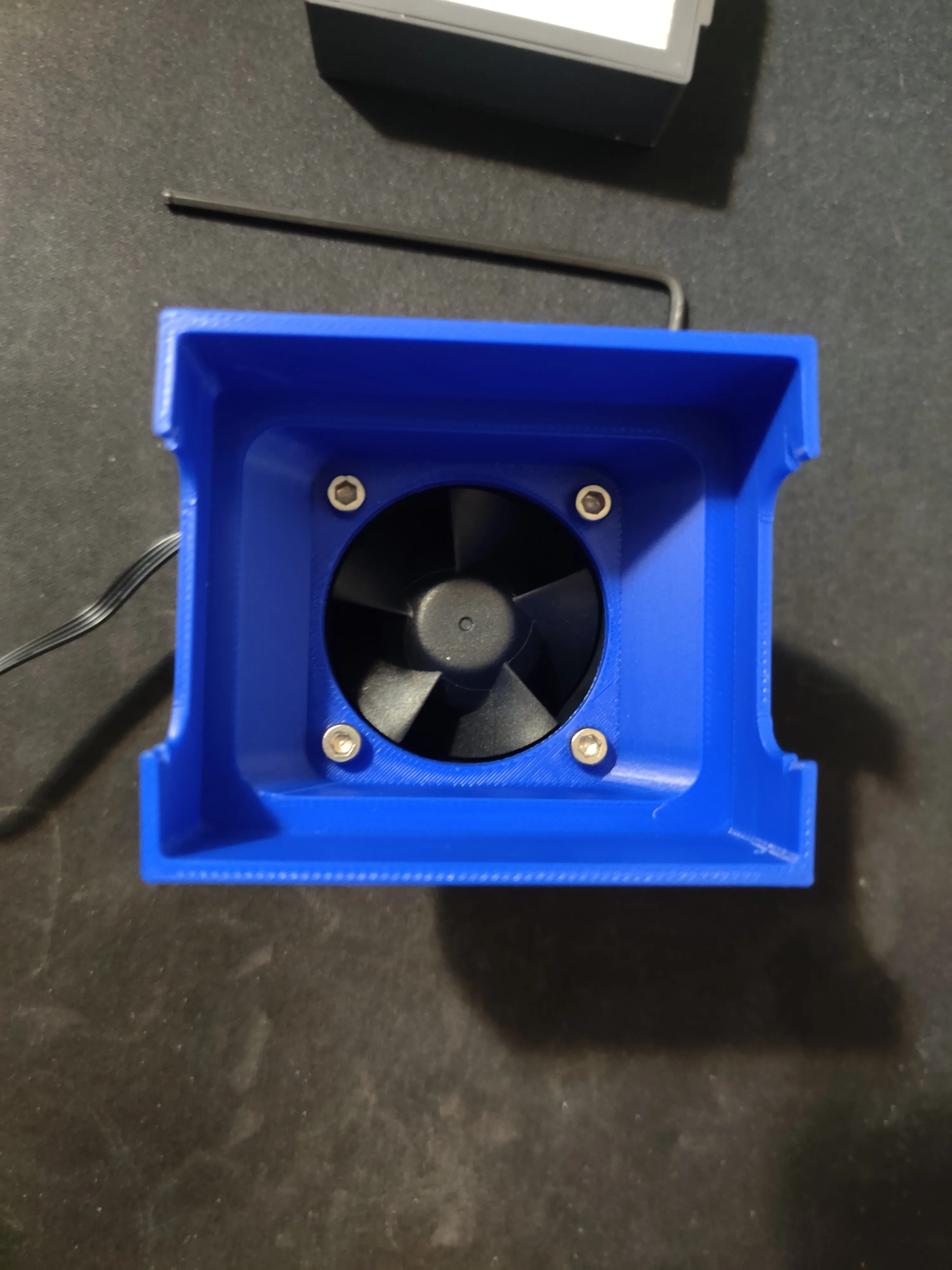
Insert Roomba filter into housing
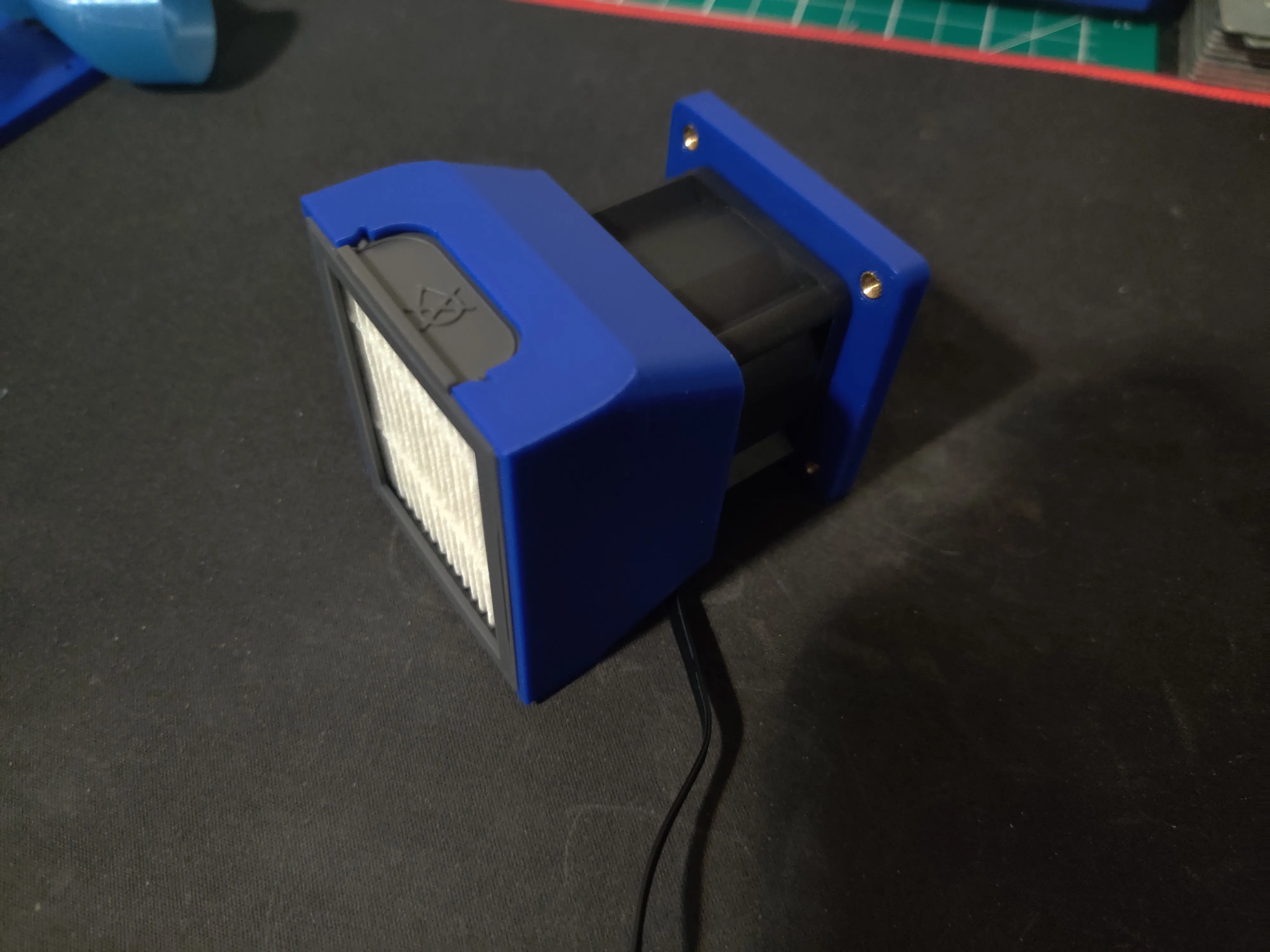
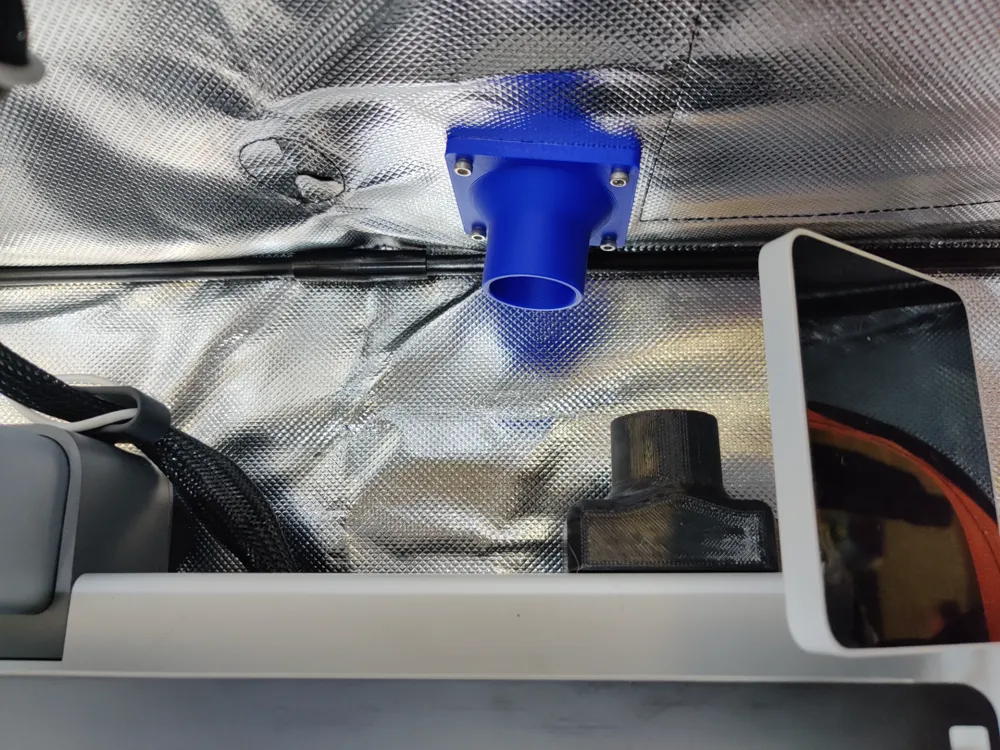
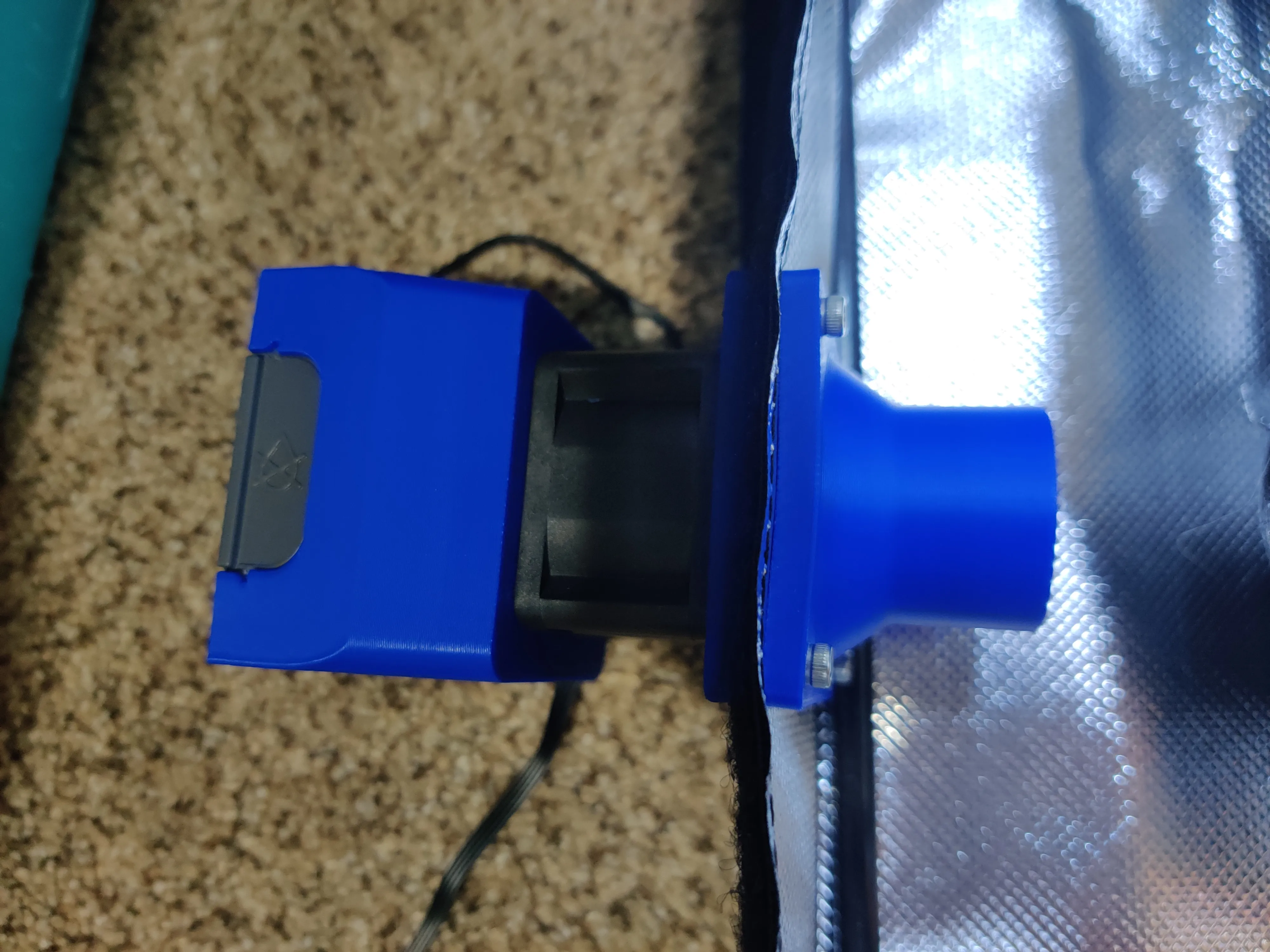
Cut hole in enclosure and assemble both plates together with enclosure and fasten with 4x M3x12. Make sure to line up notch provided to make fasteners align easier.
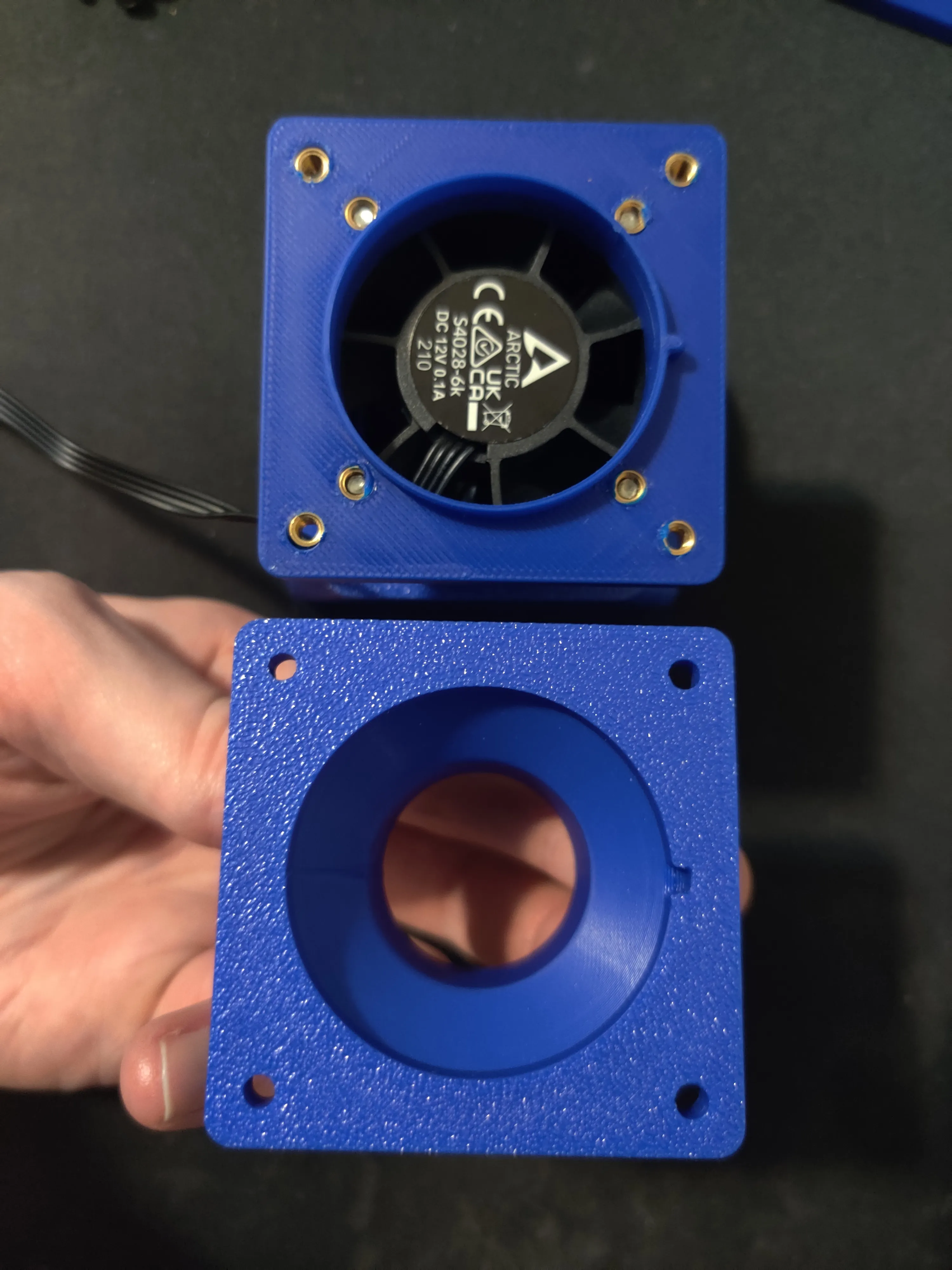
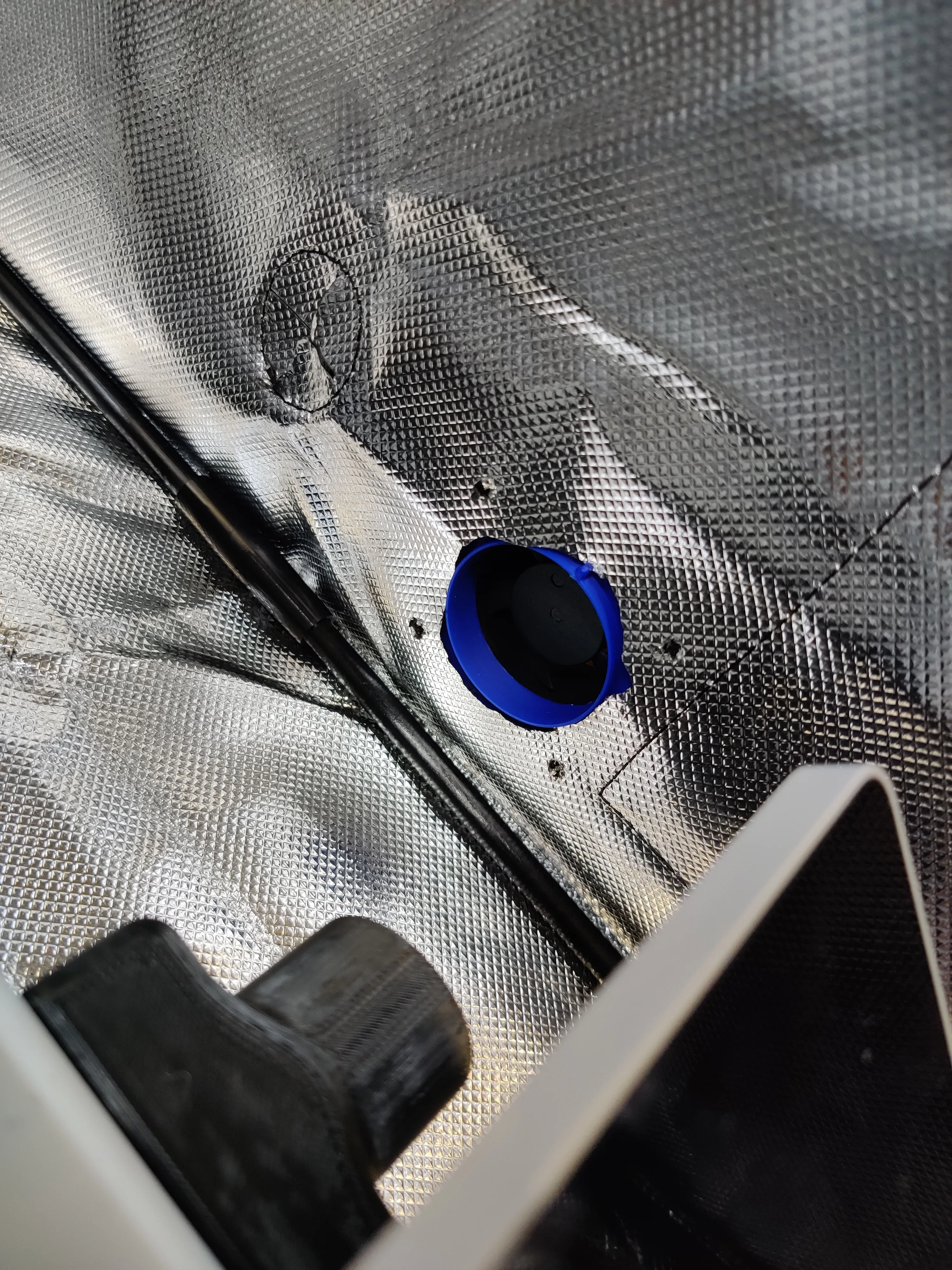
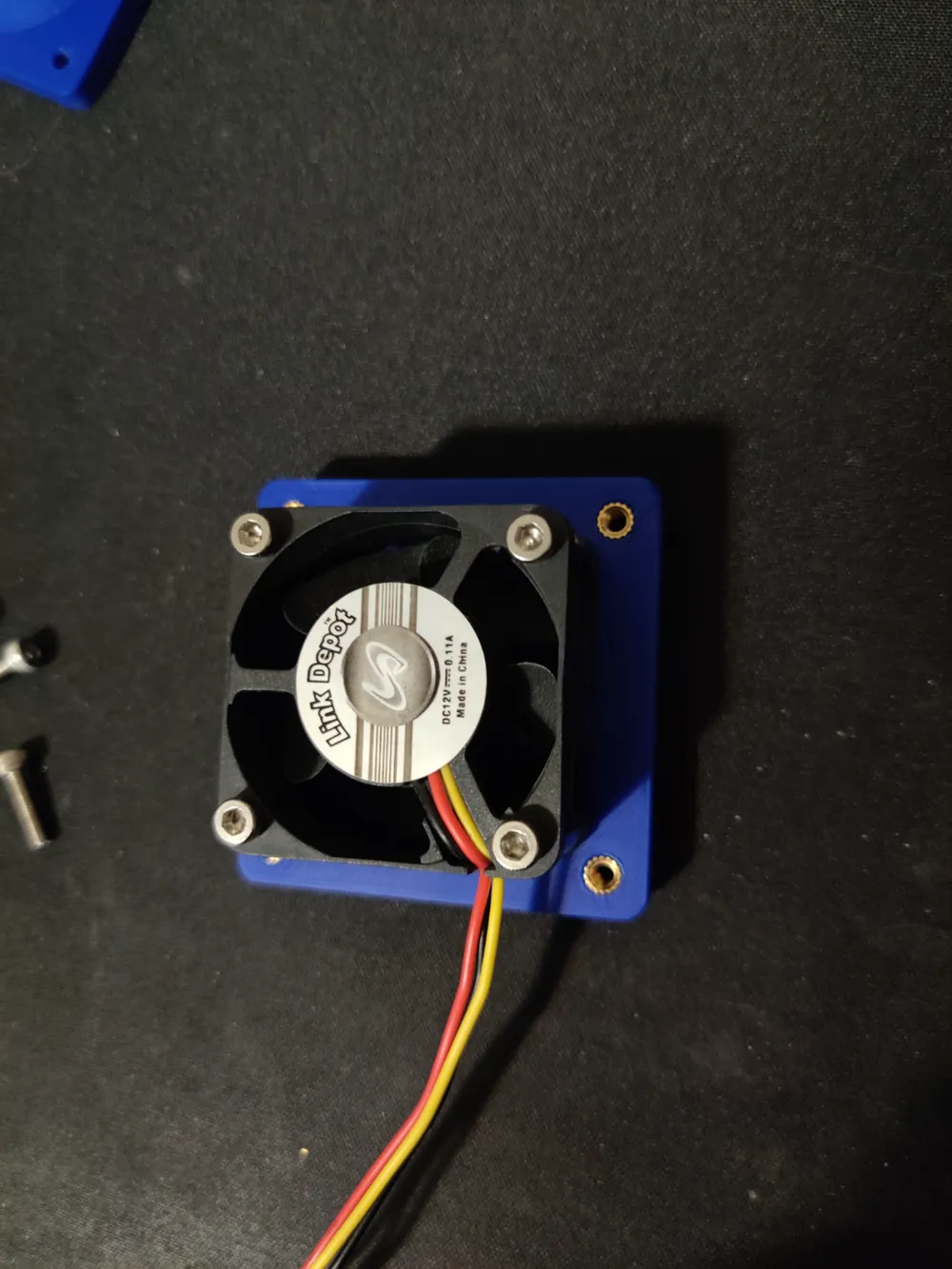
Next assemble the outtake side. Insert M3 threaded inserts into outside plate
Place the 4020 or 4028 fan with the label facing away from plate. Assemble the fan to plate with 4x M3x25(4020) or M3x35(4028)
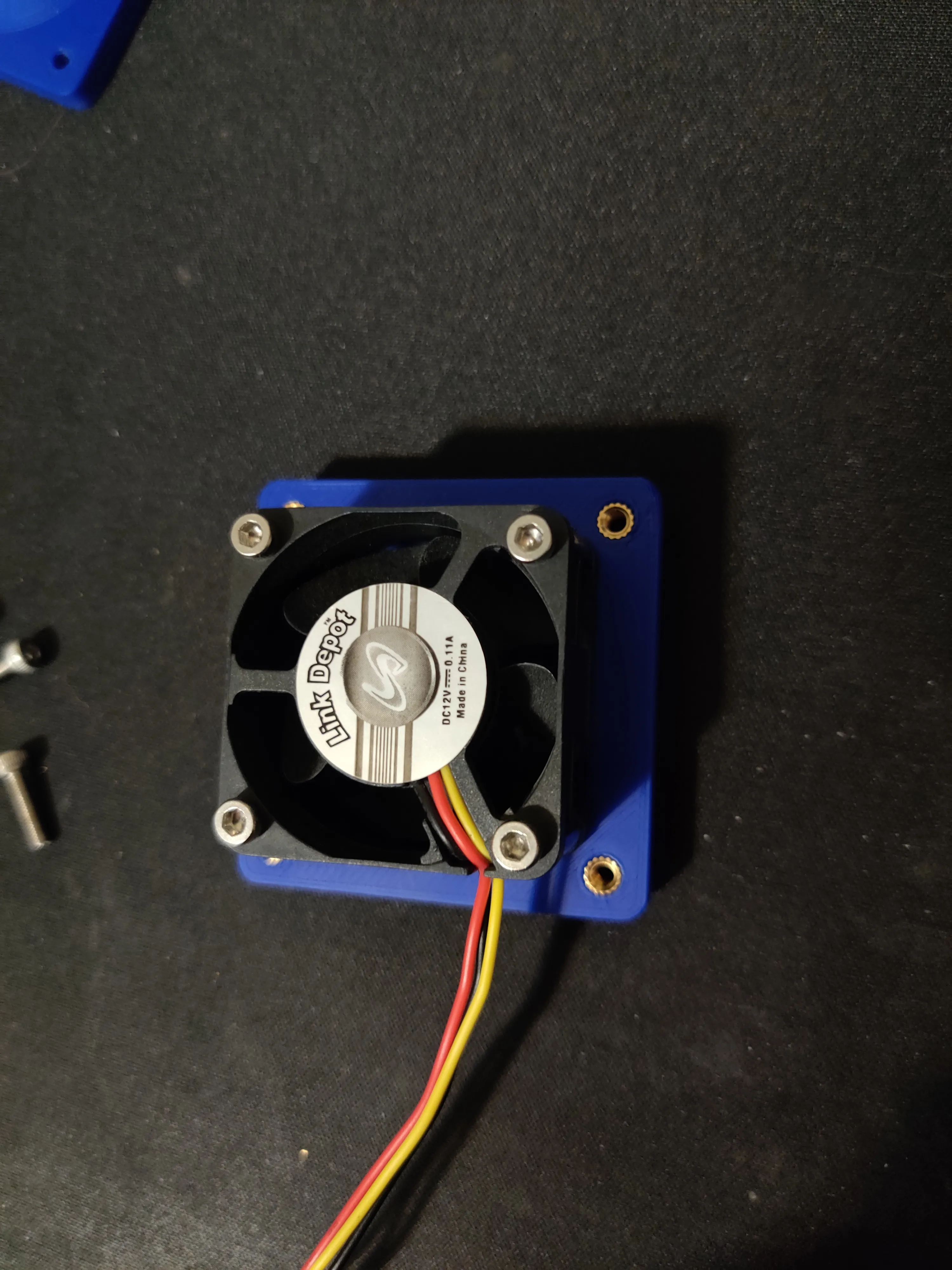
Cut hole in enclosure and assemble both plates together with enclosure and fasten with 4x M3x12
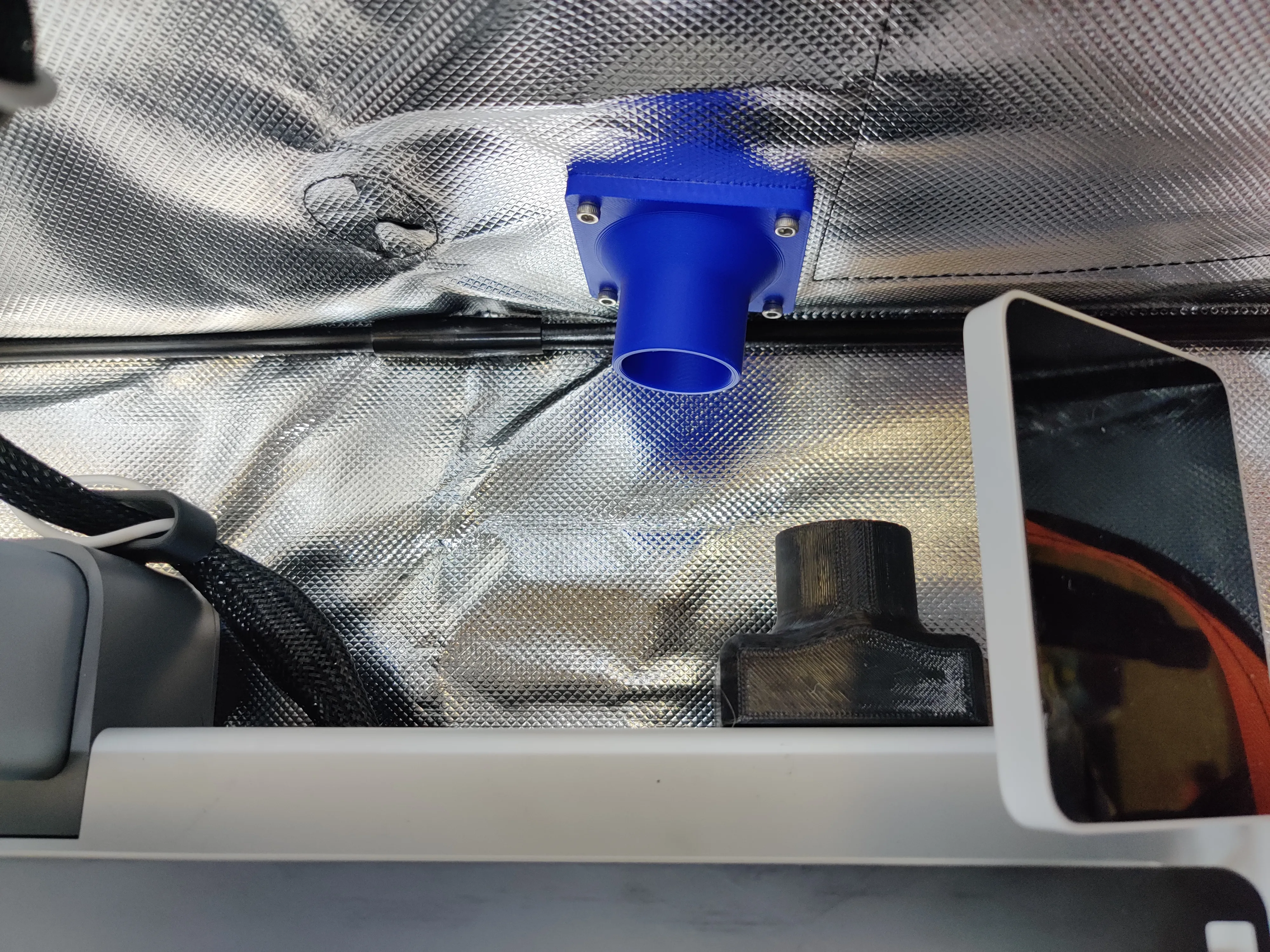
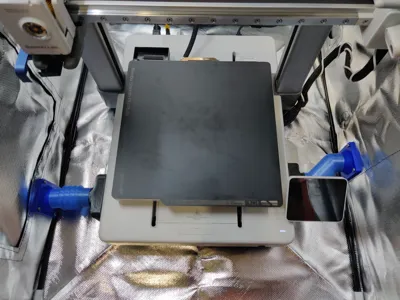
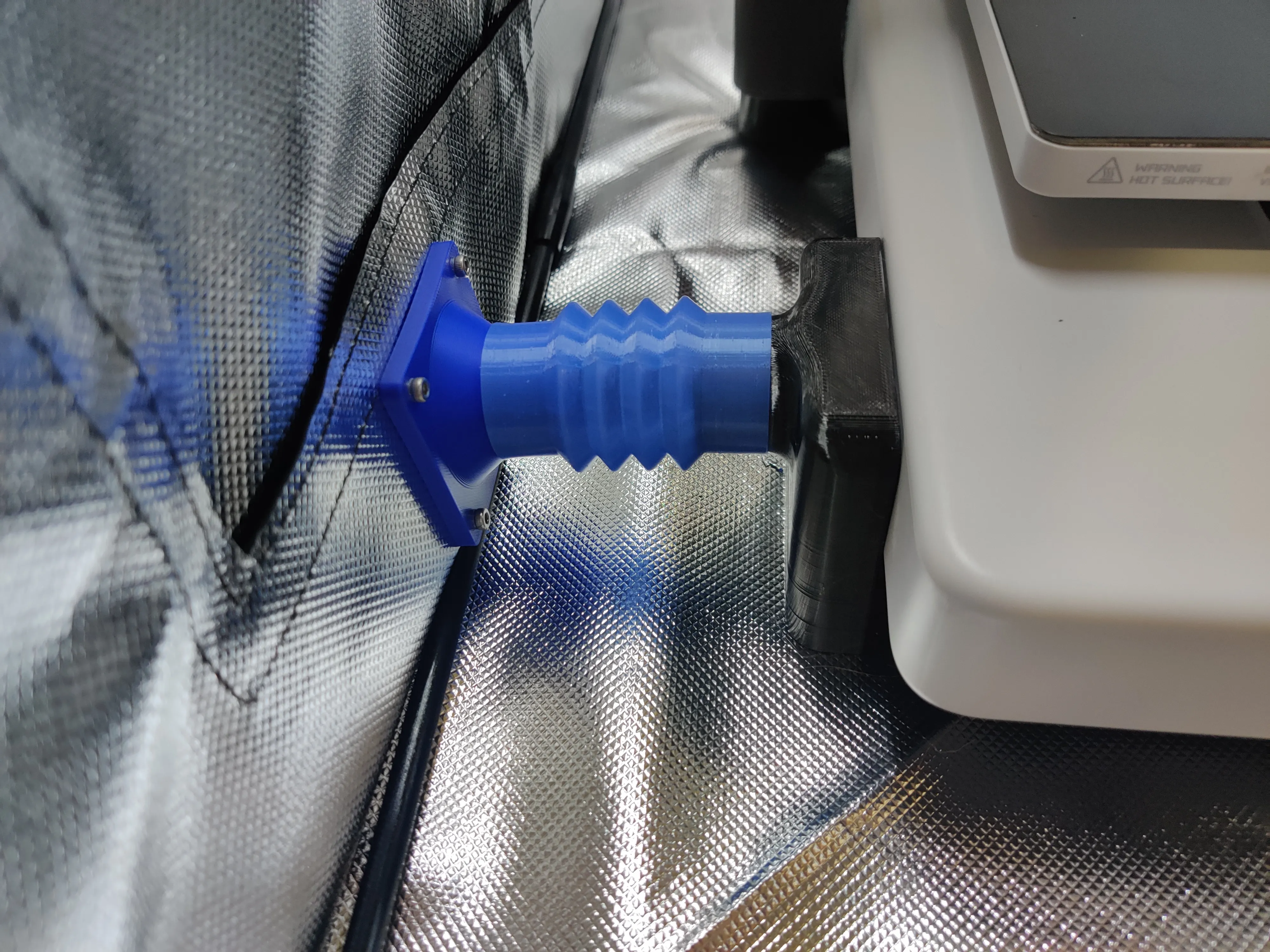
Add hoses between fan assemblies and A1 cooling duct
 \
\
Boost Me (for free)
License



Comment & Rating (61)