Search models, users, collections, and posts

F1 Ultra Business Card Jig

Print Profile(1)

All
X1 Carbon
P1S
P1P
X1
X1E
A1
H2D
H2D Pro
H2S
P2S
H2C
X2D
A2L

X1C PLA 0.2mm layer, 3 walls, 15% infill
Designer
3.4 h
1 plate
4.9(19)

Open in Bambu Studio
Boost
122
421
29
12
563
325
Released 

Description

F1 Ultra Business Card Jig
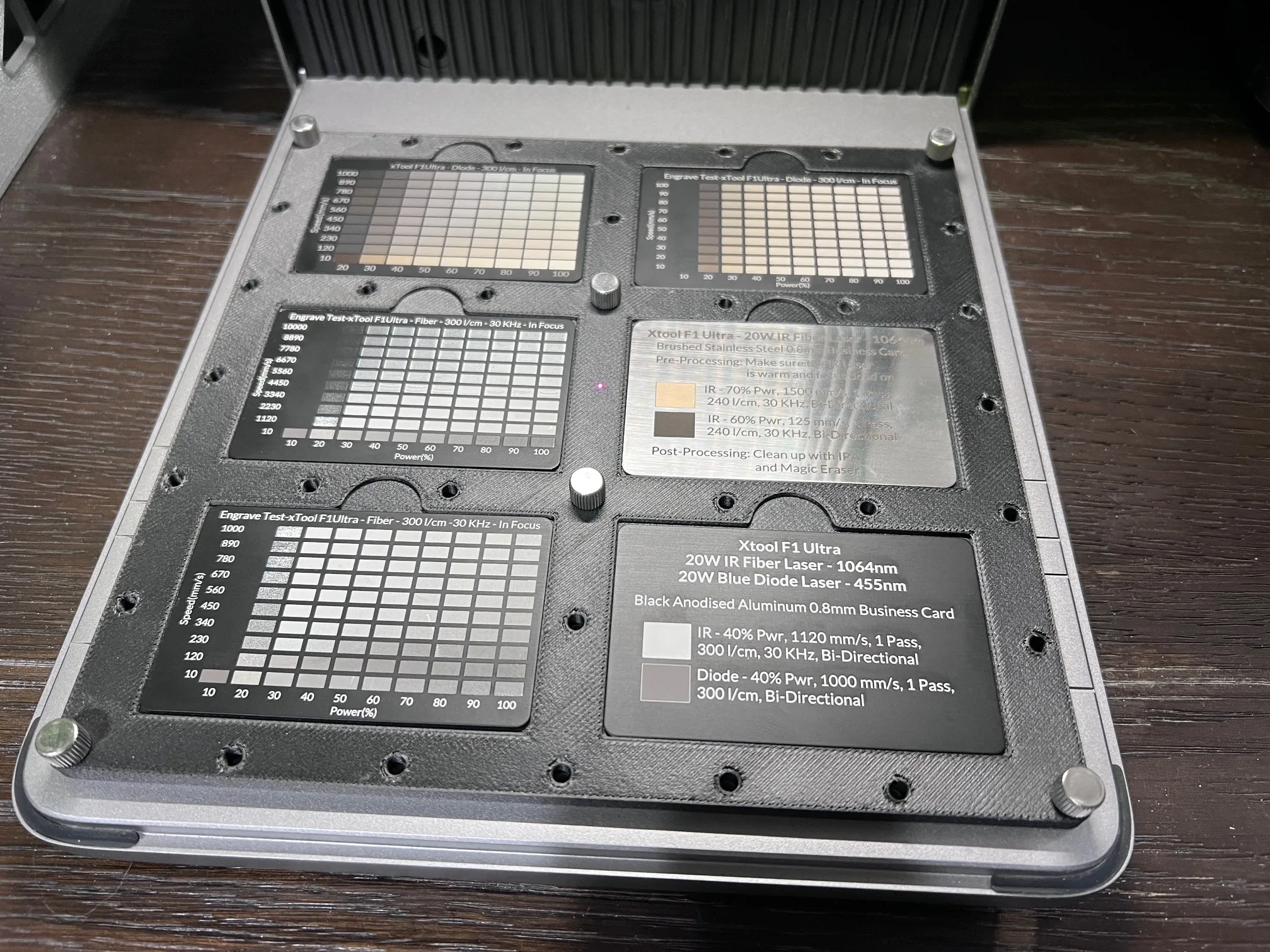


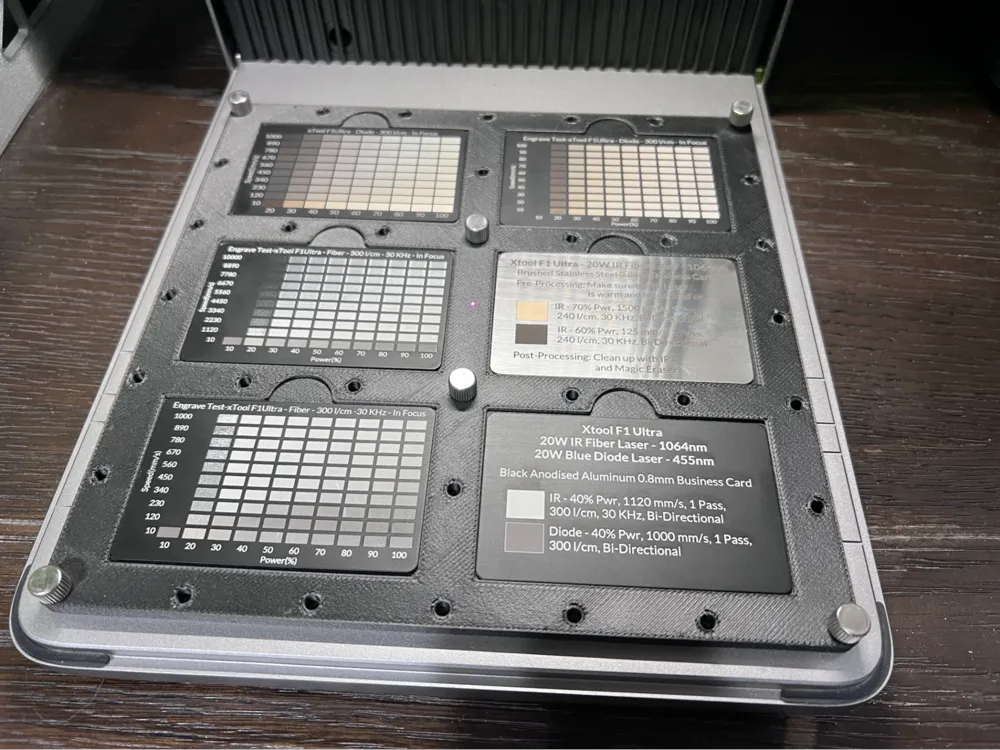
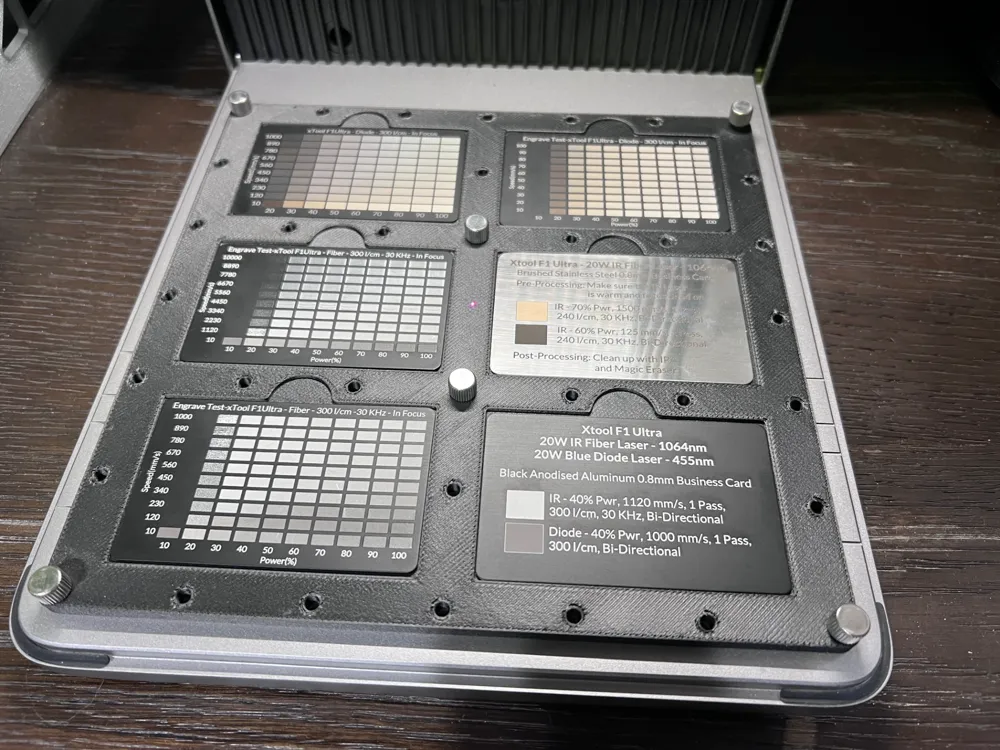
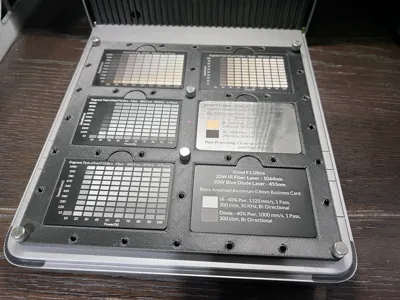
This model is a Business Card jig for the Xtool F1 Ultra.


Thank you, hope you enjoy the model and happy engraving.


Comment & Rating (29)

(0/1000)

Print Profile
X1C PLA 0.2mm layer, 3 walls, 15% infill
added some through holes to get the cards out a little easier. Thanks for the great file! it helped out a lot 💪
0
Reply
I’m trying to find some f2 jigs to print for a friend would this work or are they a different size
0
Reply
hey did you find some ?
0
Reply
Replying to @user_1407572809 :
yes I found a lot let me know if you need any help
0
Reply
Boosted
Can you share the files that you used for each of the Business cards in your photo?
The designer has replied
0
Reply
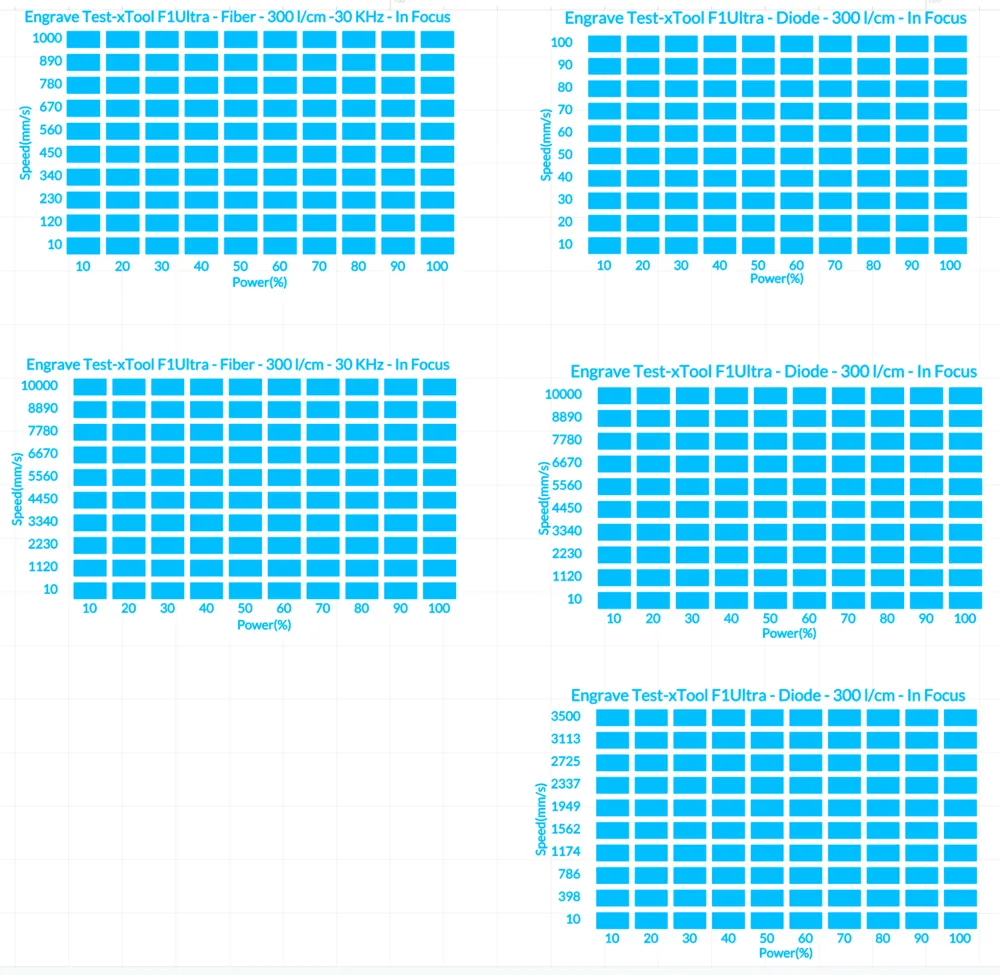
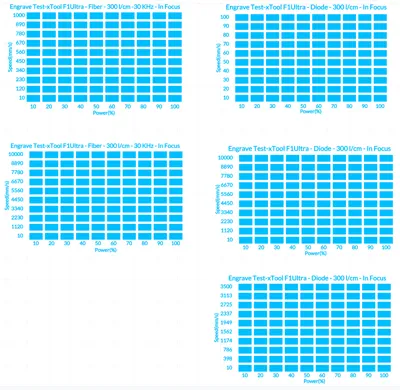
Hey @DReyna , I tried, but Maker World does not allow me to add XCS files. I did however upload a new screenshot with detailed view of the tests grids, this way you can just recreate them exactly the same using the Material Test Array function in XCS. It is easy and fast, also there are some videos on youtube that shows how to create them, and you can use the screenshot I uploaded as a reference for your settings on the test grid. Hope it helps, please let me know.
1
Reply
Boosted
Replying to @Fheral :
Awesome. Thank you.
1
Reply
Print Profile
X1C PLA 0.2mm layer, 3 walls, 15% infill
I haven't etched any business cards on this jig, yet. But it fits the machine perfectly, as well as the cards, so I have no doubt this is going to work perfectly. Thanks for a great design.
The profile uploader has replied
0
Reply
Ty Dragon, glad you liked :-)
(Edited)
1
Reply
Print Profile
X1C PLA 0.2mm layer, 3 walls, 15% infill
fits perfekt
The profile uploader has replied
0
Reply
Thank you, much appreciated.
0
Reply
Hello, I see your cards are 08mm I've tried creating the array as in the image but at 100% power it burns the material how did you achieve this
(Edited)
The designer has replied
Show original
0
Reply
Hey Kenek, I wonder if that is because of the material. I used 0.8mm Black Anodized Aluminum Business Cards that I got from Amazon. The screenshot I shared with the test grids are the same ones used on the cards in the picture. You should do a test grid on every different material you want to engrave. Your test does not need to look like mine, it just need to be something that reflects your own material so you can choose the parameters you want based on the outcome.
1
Reply
Print Profile
X1C PLA 0.2mm layer, 3 walls, 15% infill
Perfekt! Danke
0
Reply
Print Profile
X1C PLA 0.2mm layer, 3 walls, 15% infill
Holes were a bit tight over all the model fit plate with no modification
0
Reply
Print Profile
X1C PLA 0.2mm layer, 3 walls, 15% infill
Brilliant - Thanks
0
Reply
Print Profile
X1C PLA 0.2mm layer, 3 walls, 15% infill
great but better with hole for take back the business card
0
Reply

License

This user content is licensed under a Standard Digital File License.

You shall not share, sub-license, sell, rent, host, transfer, or distribute in any way the digital or 3D printed versions of this object, nor any other derivative work of this object in its digital or physical format (including - but not limited to - remixes of this object, and hosting on other digital platforms). The objects may not be used without permission in any way whatsoever in which you charge money, or collect fees.