

Print Profile(2)


Description
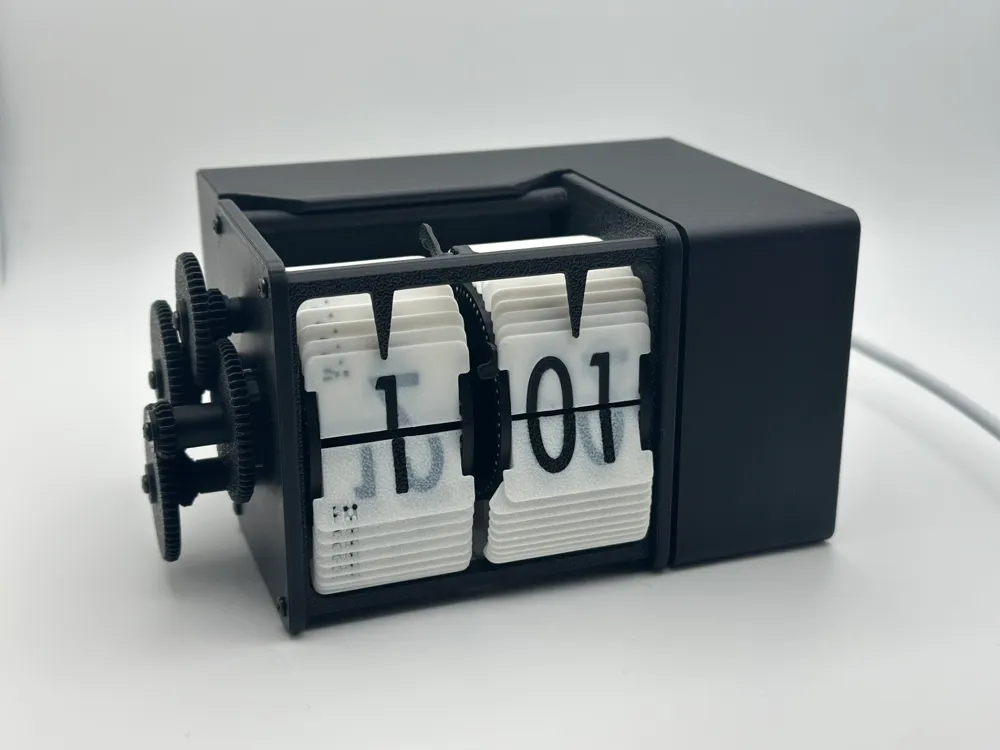
Case for Flip Clock Mechanism by NotKuro
This was posted with permission from @NotKuro. Thanks for allowing me to add this case to your amazing model! You can find the original model here: https://makerworld.com/en/models/908946
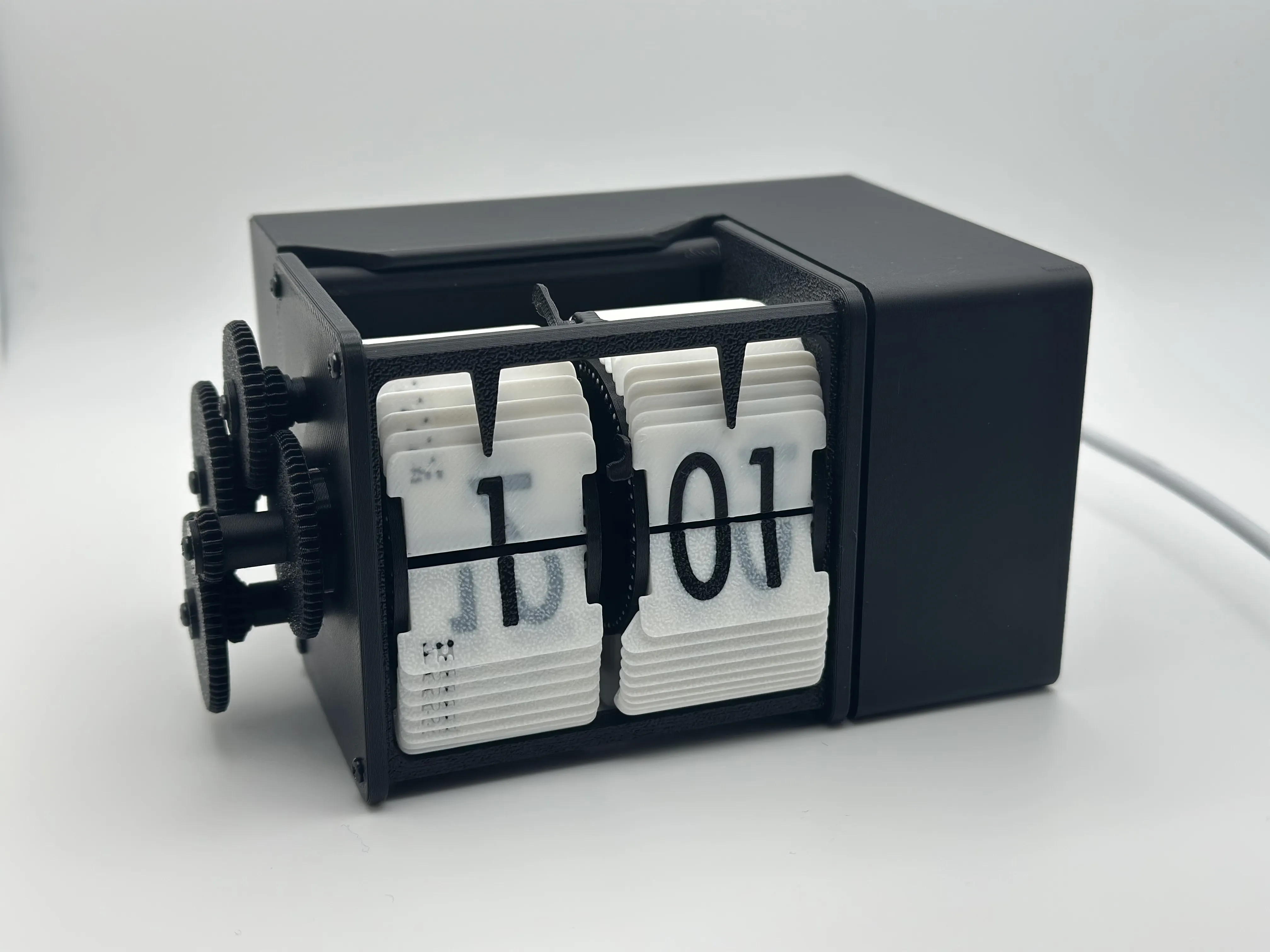
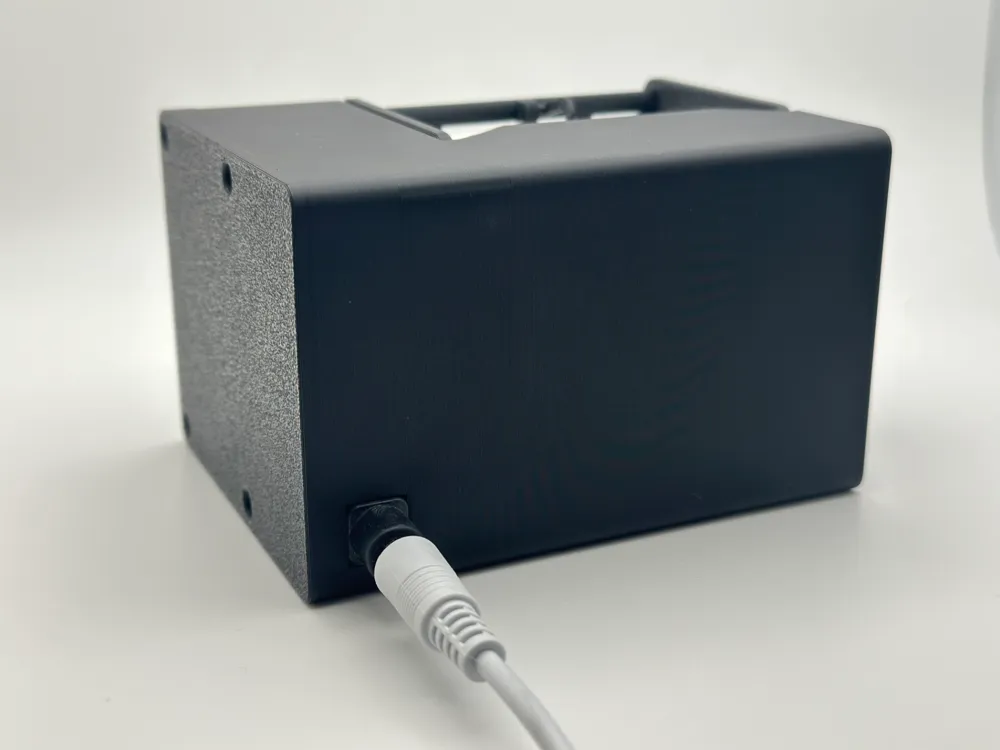
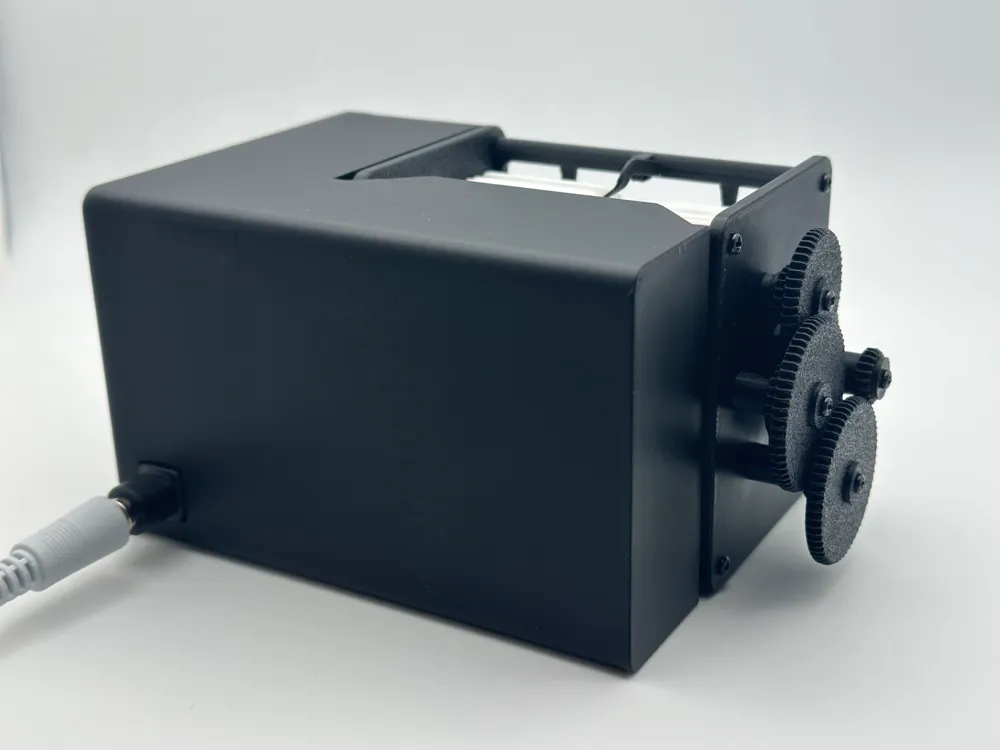
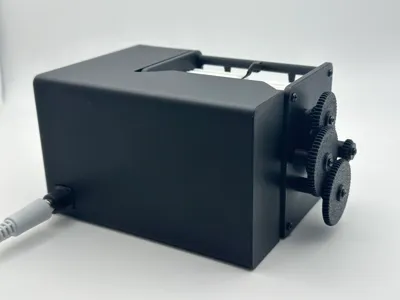
This model is ONLY the case that snaps on to the existing rails on the back of the Flip Clock Mechanism by @NotKuro. This case can also be screwed in for added strength. It's designed to be printed on it's side with minimal supports, only the screw holes on the side need supports. (I forgot supports on my print and it printed great, except the first couple layers of the screw holes.)
Code & Instructions:
Included with this case model, I've written up a detailed GitLab snippet which includes instructions on how you can use Home Assistant paired with ESPHome to control the stepper motor and keep track of time. This code explanation/snippet can be found here: https://gitlab.com/-/snippets/4791675
Features:
This setup with Home Assistant/ESPHome has the following features:
- Uses Simple Network Time Protocol (SNTP) to keep track of the time and moves the stepper motor each minute.
- Power loss recovery by saving last reported time and steps forward the required time on next check.
- * Known bug, if the amount of steps to get back to the current time takes too long and a new minute ticks, it will overwrite the target stepper location and the time recovery won't finish.
- This will only happen if it's recovering more than a few hours.
- Adding the optional step below can help with manual time adjustments that may be needed.
- * Known bug, if the amount of steps to get back to the current time takes too long and a new minute ticks, it will overwrite the target stepper location and the time recovery won't finish.
- Home Assistant API services (Optional - Additional steps required) to step forward 1 minute or 1 hour. This will require you to setup automation to call these API endpoints, such as a virtual button, etc.
- Inside Home Assistant, I setup a Button (under Devices & services > Helpers), then created an Automation (Under Automations & scenes) that calls the API service to move the clock forward when the input button changes state.
As mentioned in the GitLab snippet, this is not perfect, but it's been working well for me so far! Imperfections from 3D printing/assembly process can cause slight differences in when the flaps will flip, for example if it's still slightly bent from putting it into the wheel.
---
Have fun and keep printing. :)
-tuny
Boost Me (for free)
Do you like this model? Consider sending a boost to help fund future models!
License

You shall not share, sub-license, sell, rent, host, transfer, or distribute in any way the digital or 3D printed versions of this object, nor any other derivative work of this object in its digital or physical format (including - but not limited to - remixes of this object, and hosting on other digital platforms). The objects may not be used without permission in any way whatsoever in which you charge money, or collect fees.


Comment & Rating (13)