
Stiletto Business Card Case

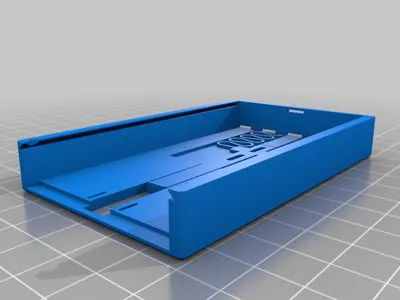
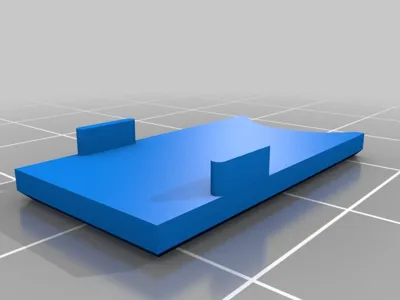
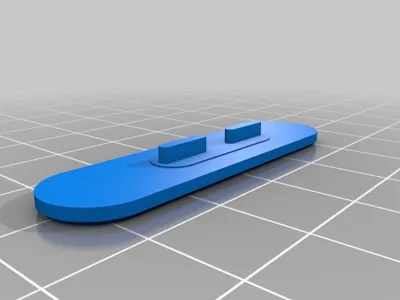
Print Profile(1)

Description
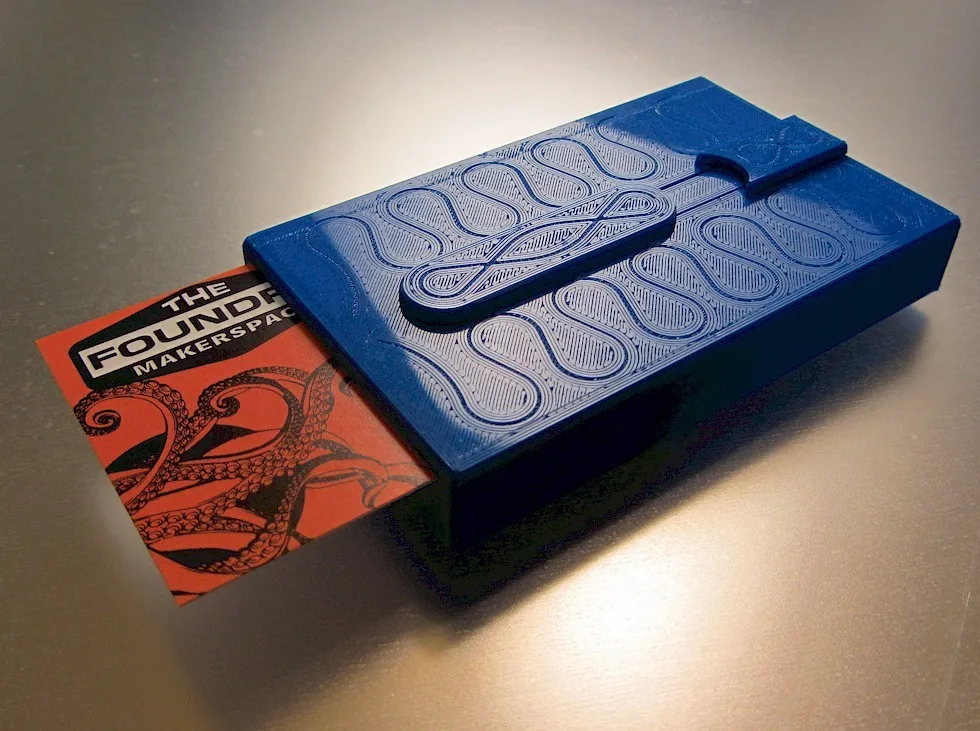
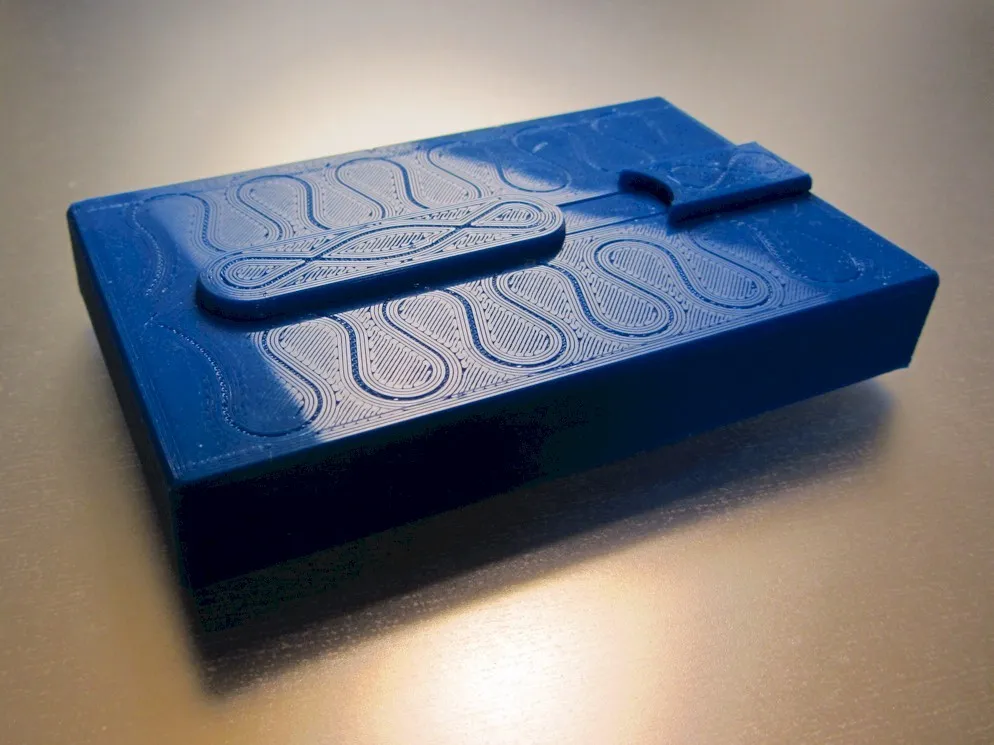
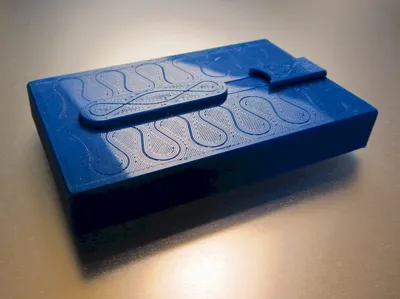
Sometimes business is a knife-fight. This spring-loaded business card case deals your card in a flash while the other guy is still fumbling with his wallet. Push your card out nice and easy, or snap it out with panache. Either way, you'll close the deal.
Holds about 20 business cards. (Standard American 3.5" x 2")
Watch it in action:
UPDATE (12/17/16): I've improved the friction lock that holds the bottom part in place.
I've also uploaded the Solidworks files for anyone who wants to hack on it.
Print Settings
Printer Brand:
MakerGear
Printer:
M2
Rafts:
No
Supports:
No
Resolution:
0.2mm
Infill:
20%
Notes:
Print at exactly 0.2mm layer thickness so that the blank space underneath the spring prints properly. Also make sure that the spring section is fully fused without any line separation. I recommend printing in PLA as ABS may not have enough stiffness.
Post-Printing
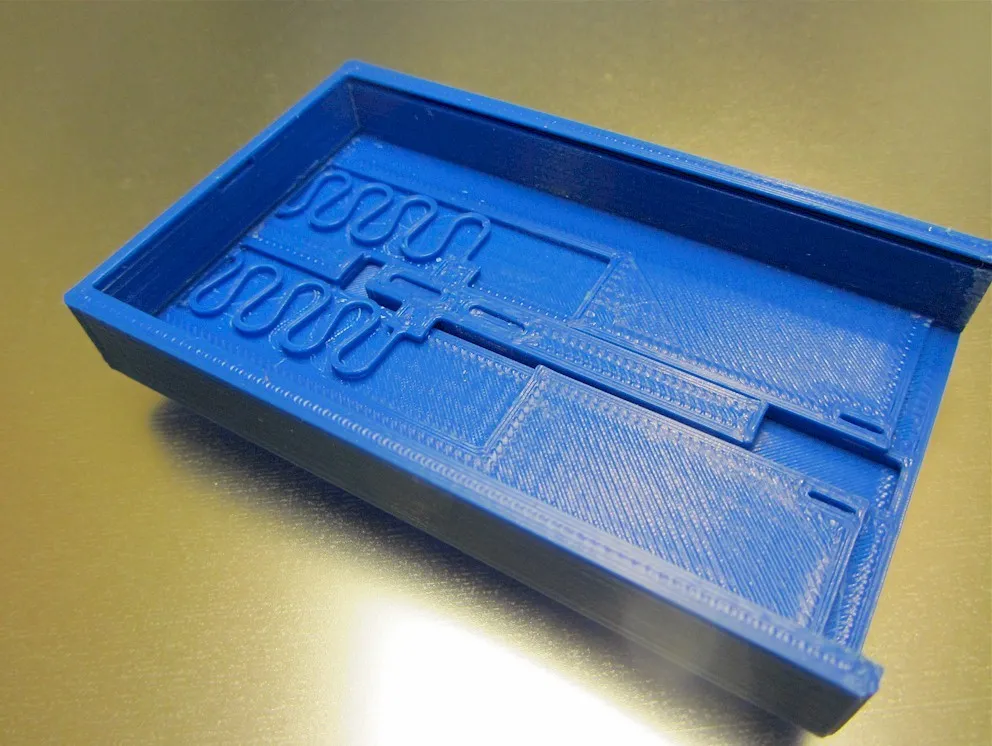
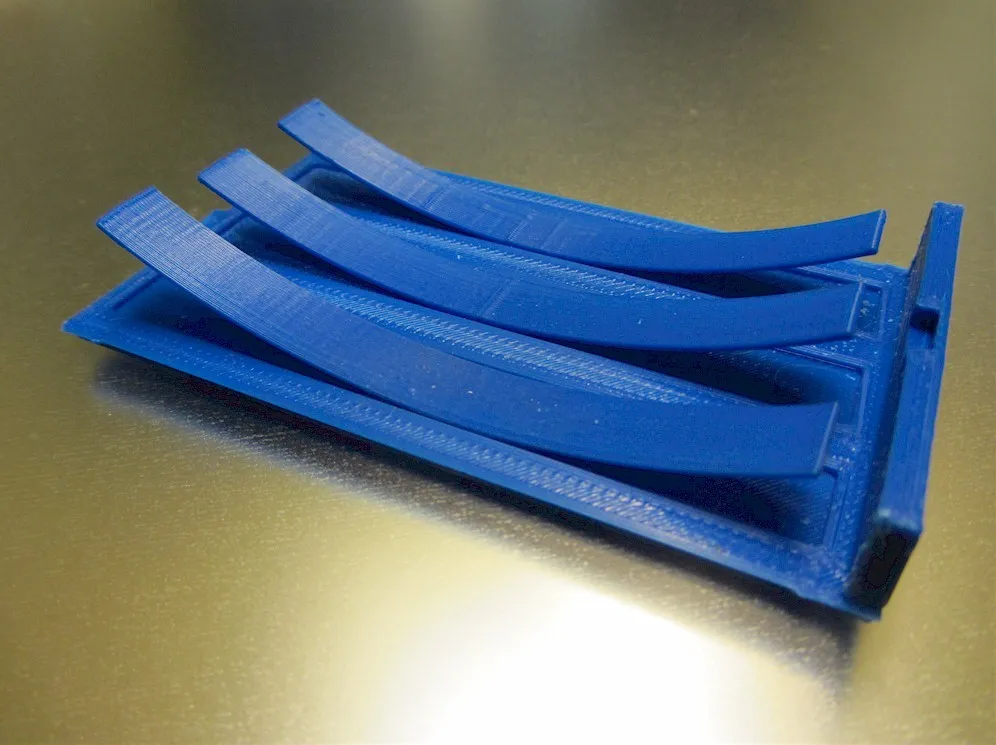
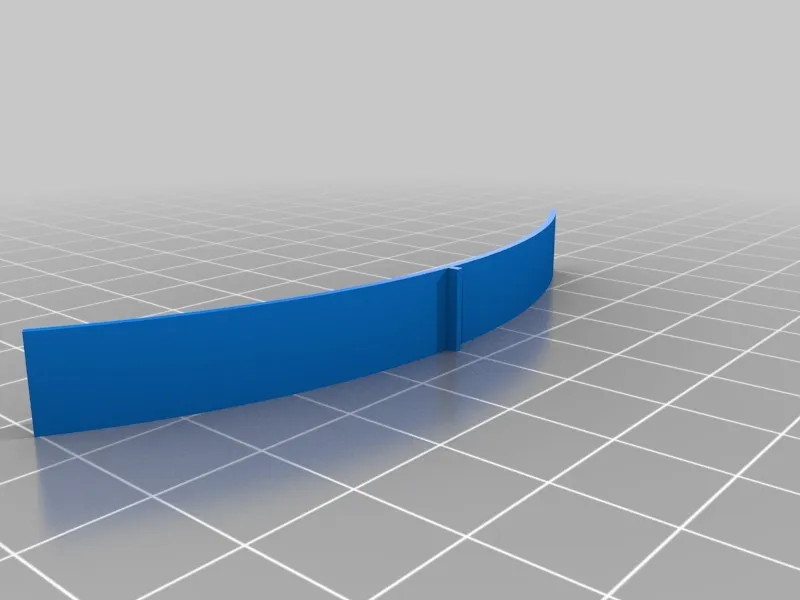
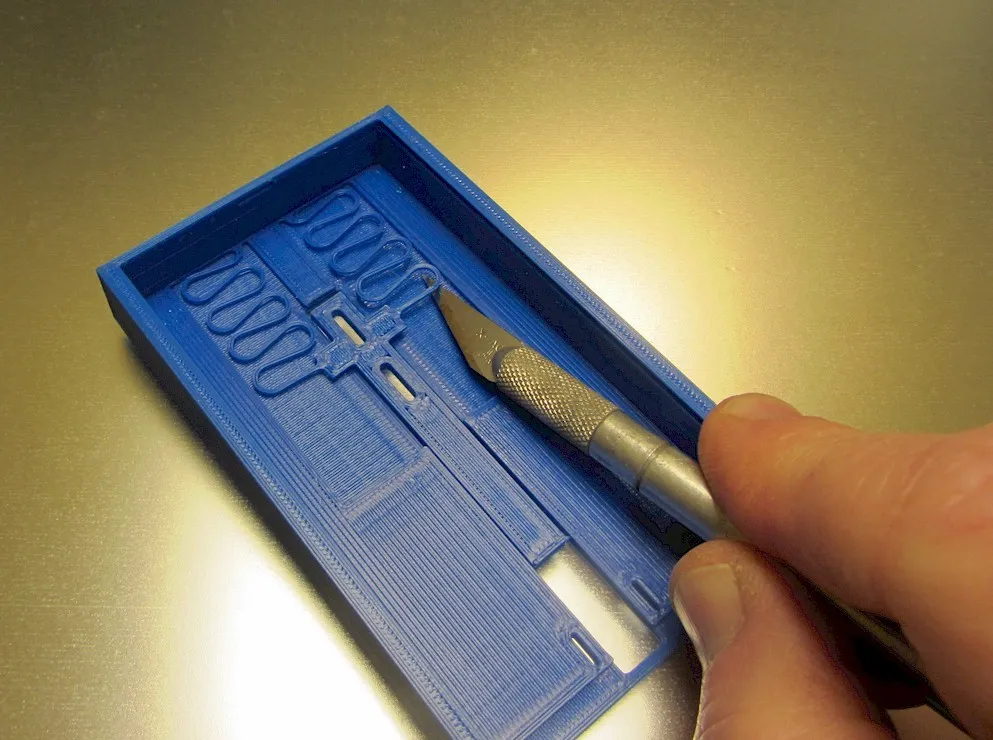
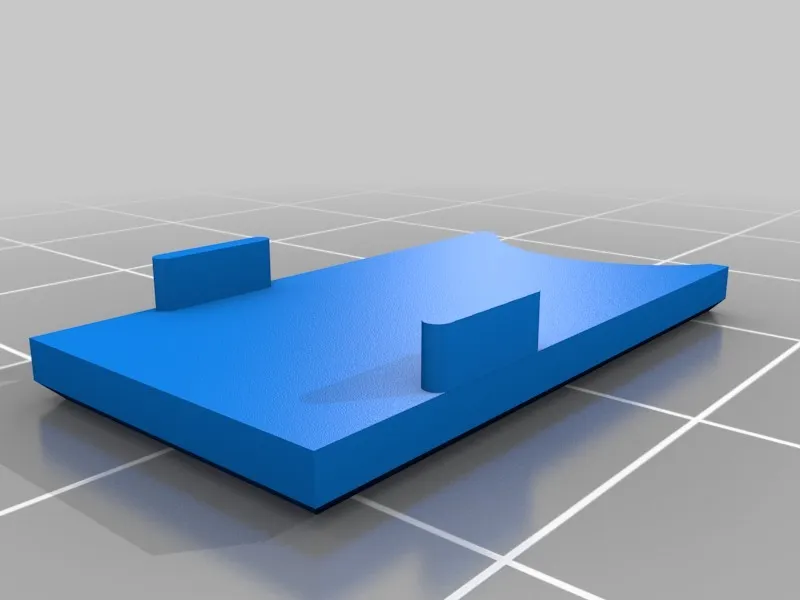
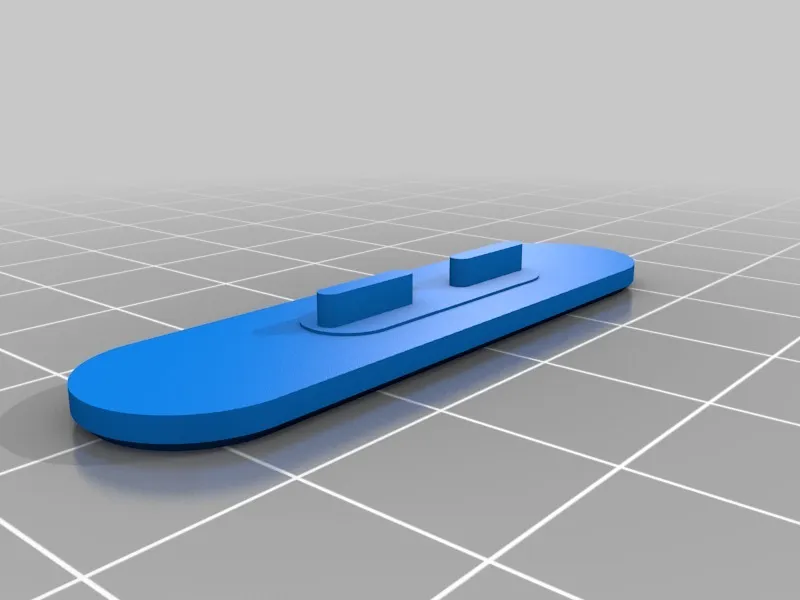
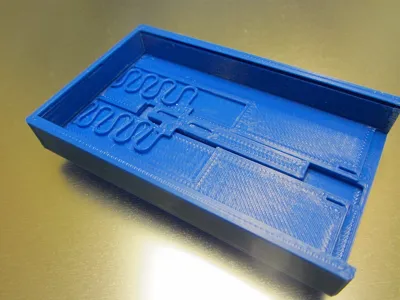
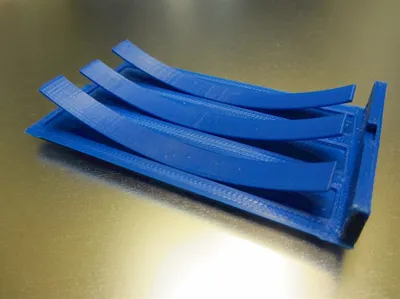
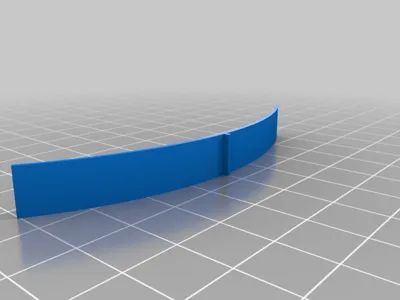
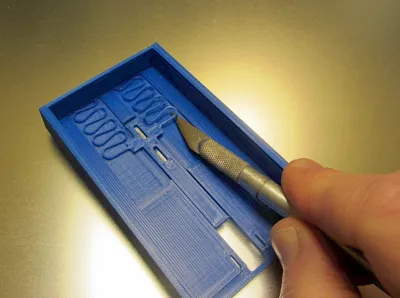
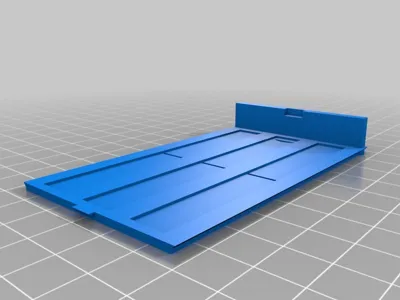
First use an X-acto knife to gently liberate the tabs and spring section from the rest of the top. Then remove the built-in supports on the exit slot. Take the leaf springs and press them into place in the slots in the bottom. Then press the slot cover piece into place. Finally, press the button piece into place. The button is not quite symmetrical, so orient it so that you get the most travel out of the button.
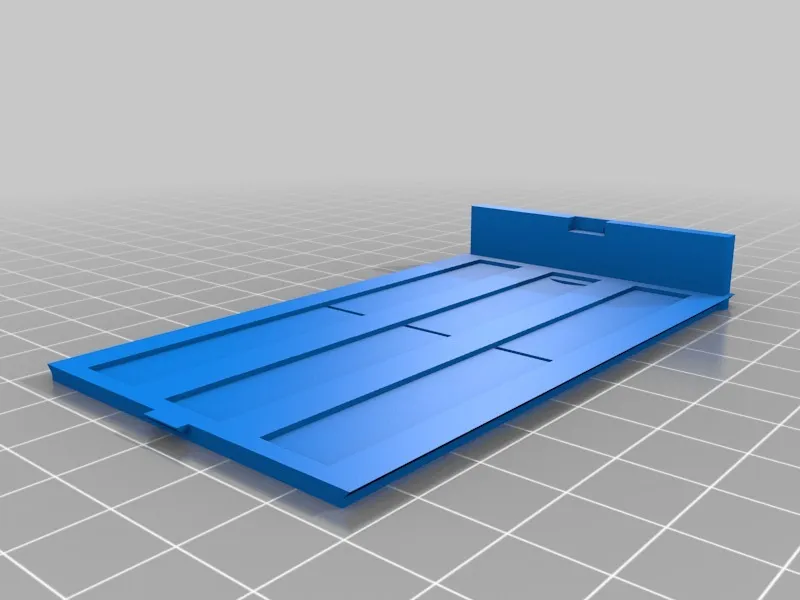
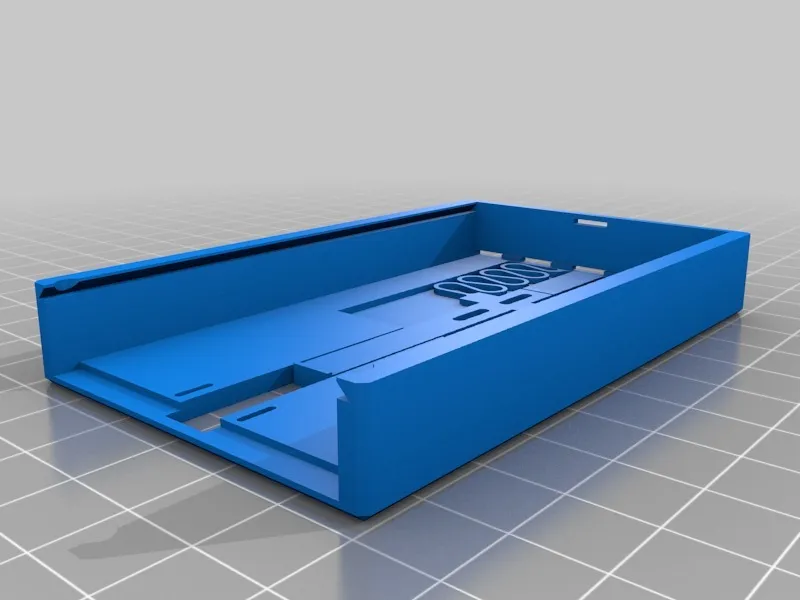
To load, first drop your cards (up to 20) into the top part. Slide a couple of cards about half-way out towards the back and then compress the leading edge of the leaf springs against those cards as you slide the bottom on. Make sure the bottom is completely seated into the top.
Category: Accessories
License



Comment & Rating (84)