
Mystical Wol HueForge Art with Optional Lighting
Print Profile(1)




Description
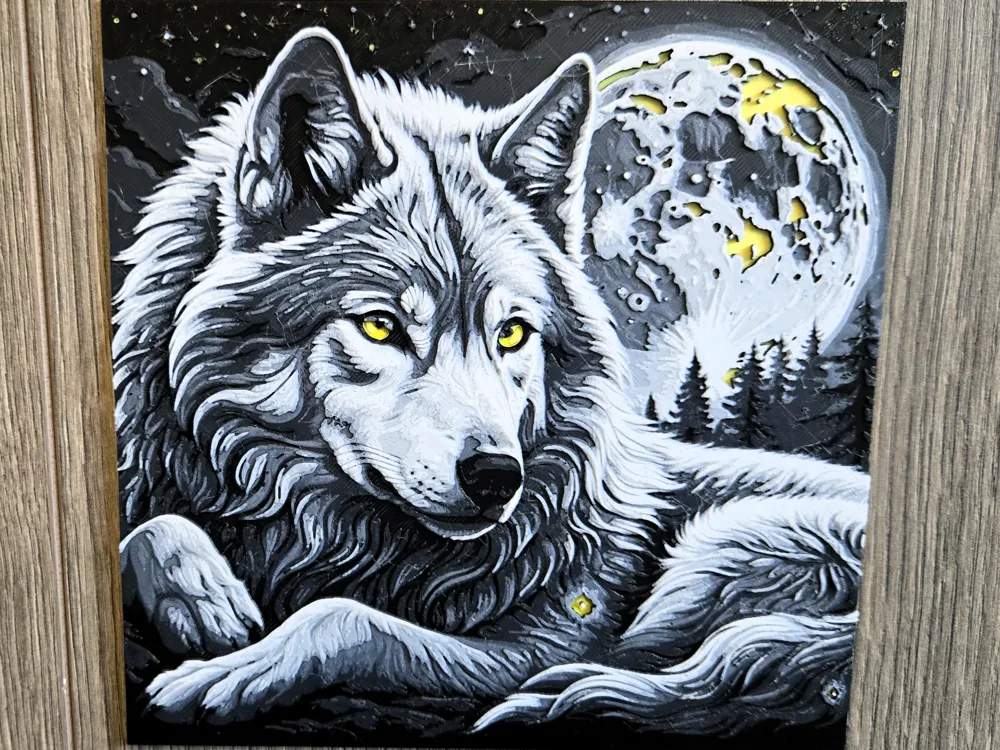
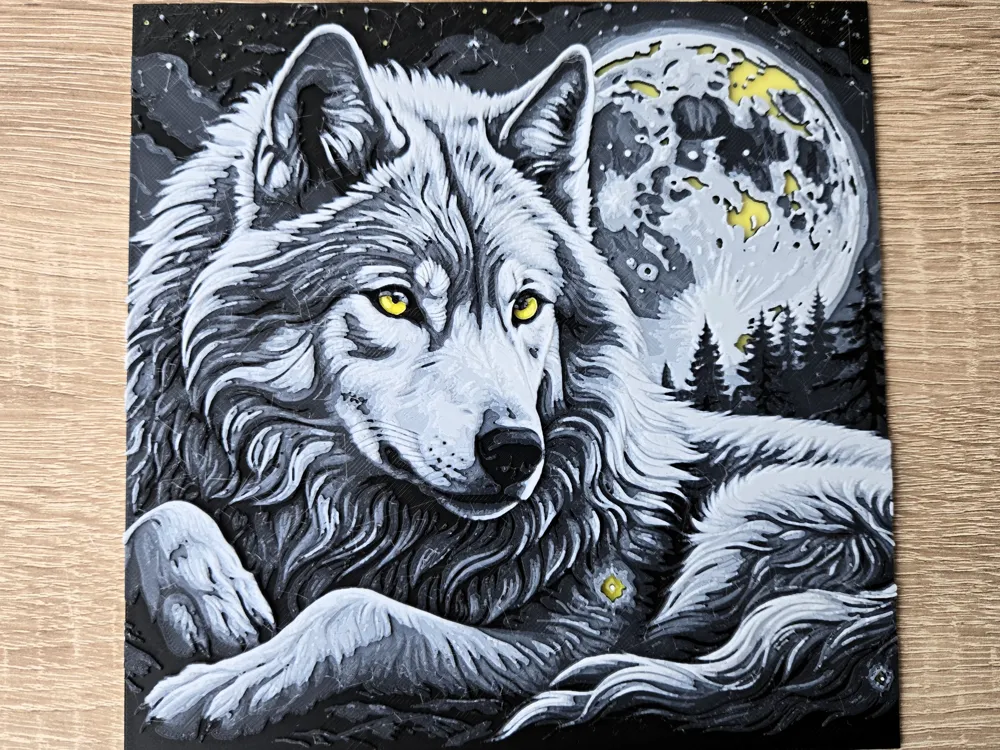
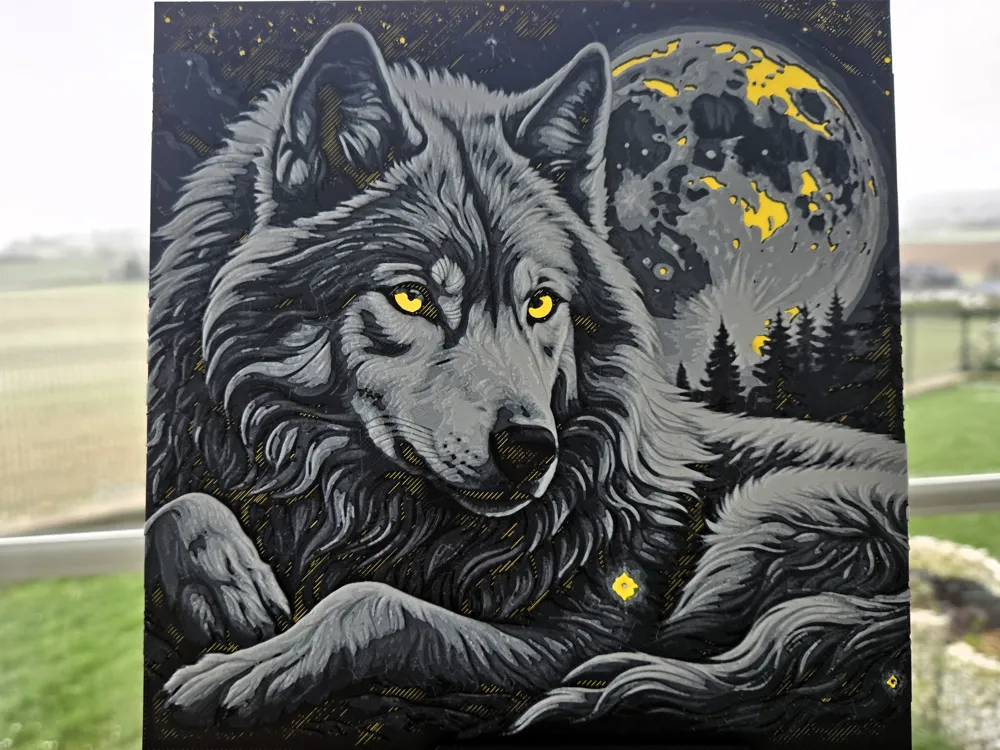
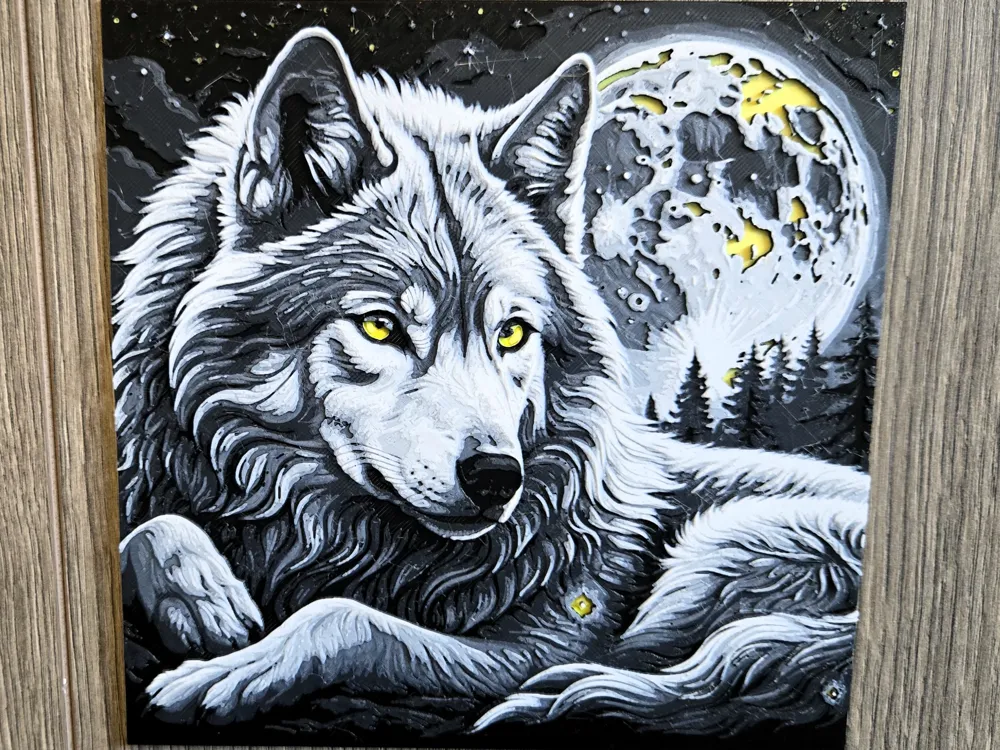
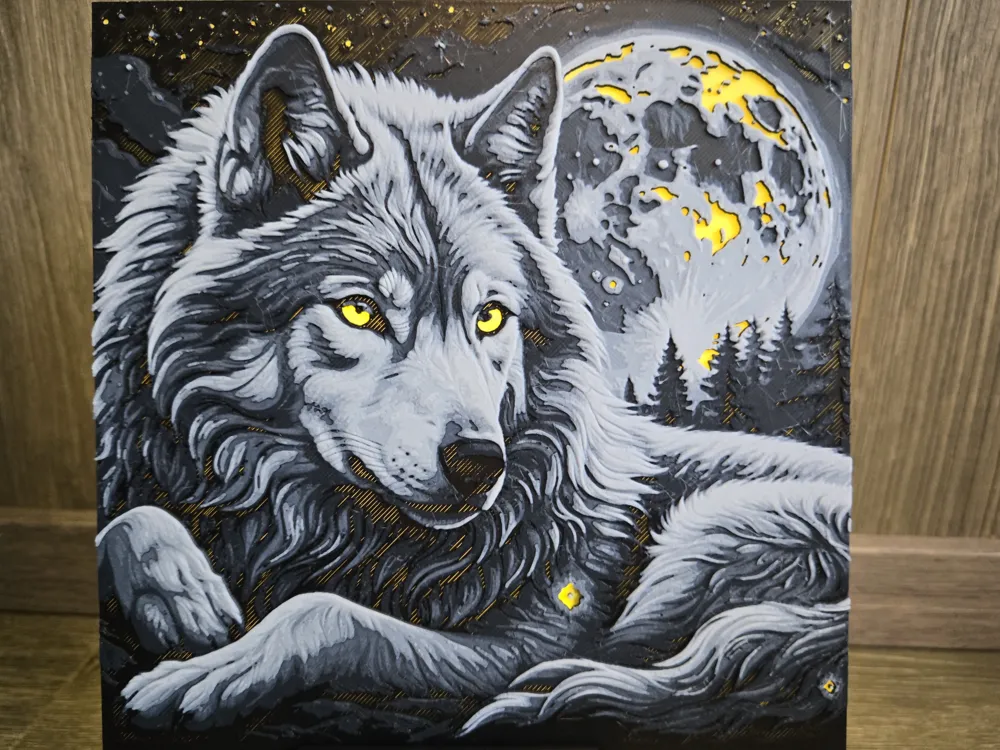
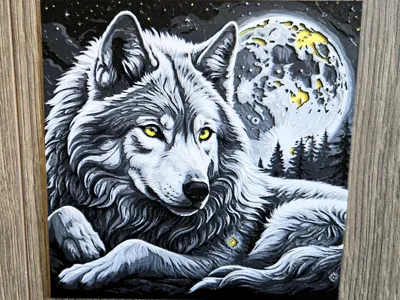
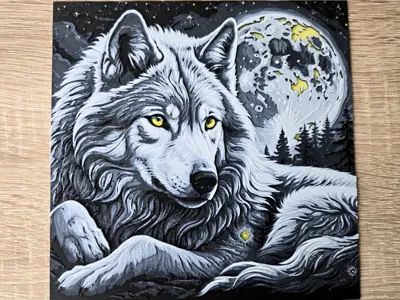
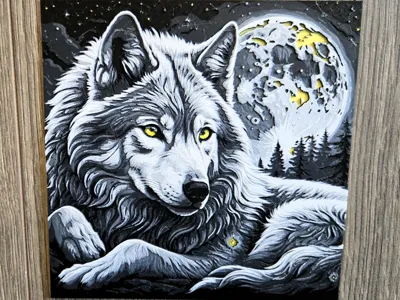
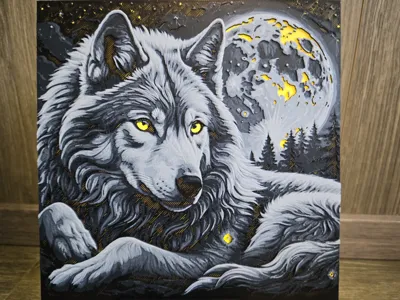
Step into the tranquil beauty of a winter forest with this mesmerizing 3D artwork of a majestic wolf. 🐺 This design captures the spirit of the wilderness with intricate fur details and glowing yellow eyes, set against a stunning full moon backdrop. A masterpiece for nature enthusiasts and art lovers alike! 🌕
Special Feature:
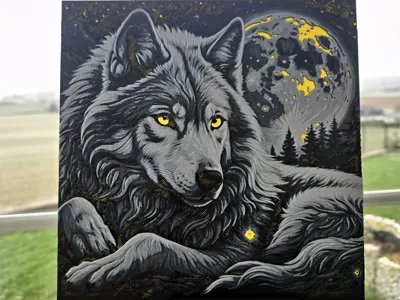
Illuminate the background to bring the wolf’s piercing eyes and the moonlit scene to life. 🌟 The color of the lighting effects can also be adjusted before printing in Bambu Studio by modifying the first filament color. Customize it for a unique touch that fits your décor! 🌈
Important Notes:
- To achieve accurate representation and proper light transmission values (TD), it’s essential to use the specified filaments or filaments with identical TD values. Any deviation may lead to incorrect representation or lighting effects.
Looking for a display solution? Check out my adjustable stand here:
https://makerworld.com/de/models/880099#profileId-834037
Boost Me (for free)
Love this model? Support me with a free boost! 🚀✨
Print Instructions:
- Settings: 100% infill, layer height of 0.08 mm, base layer of 0.16 mm
- Model size: 180 × 180 mm
- Depth: Maximum 2.6 mm
Recommended Filaments:
- PLA BambuLab Basic Yellow (TD value: 7)
- PLA BambuLab Basic Jade White (TD value: 7)
- PLA BambuLab Basic Black (TD value: 0.6)
- PLA BambuLab Basic Blue Gray (TD value: 3)
Layer Swaps:
- Start with Yellow
- Swap at 0.88 mm to Jade White
- Swap at 0.96 mm to Black
- Swap at 1.44 mm to Blue Gray
- Swap at 1.84 mm to Black
- Swap at 2.00 mm back to Jade White for the rest
Warning:
This model has a high polygon count and may take approximately 10 minutes to process in Bambu Studio. ⏳
Resize Note:
The X and Y axes can be resized, but the Z axis should remain unchanged to preserve proportions. 🔧
License

You shall not share, sub-license, sell, rent, host, transfer, or distribute in any way the digital or 3D printed versions of this object, nor any other derivative work of this object in its digital or physical format (including - but not limited to - remixes of this object, and hosting on other digital platforms). The objects may not be used without permission in any way whatsoever in which you charge money, or collect fees.


Comment & Rating (0)