Search models, users, collections, and posts

Tripple Turbo Spinner
Print Profile(1)

All
A1
P1S
P1P
X1 Carbon
X1E
X1
A1 mini
H2D
H2D Pro
H2S
P2S
H2C
X2D
A2L

0.16mm layer, 5 walls, 15% infill
Designer
42 min
1 plate
4.1(27)

Open in Bambu Studio
Boost
84
140
43
10
339
248
Released 

Description

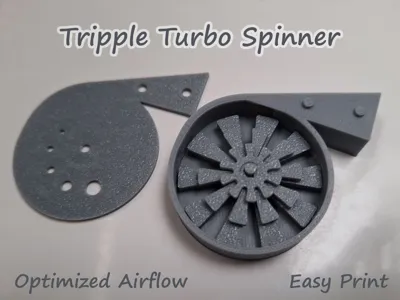
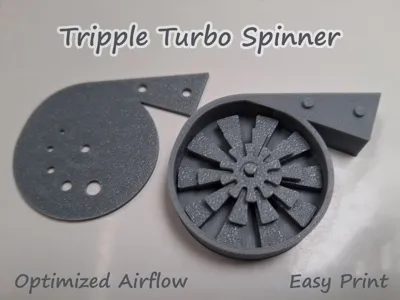
The Tripple Turbo Spinner
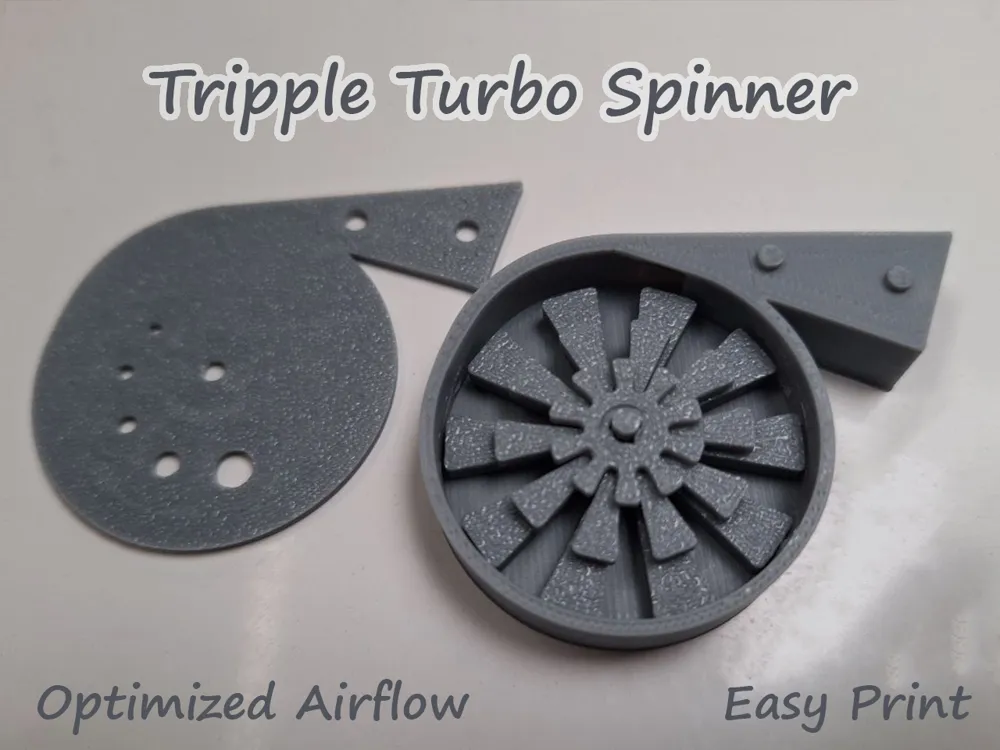
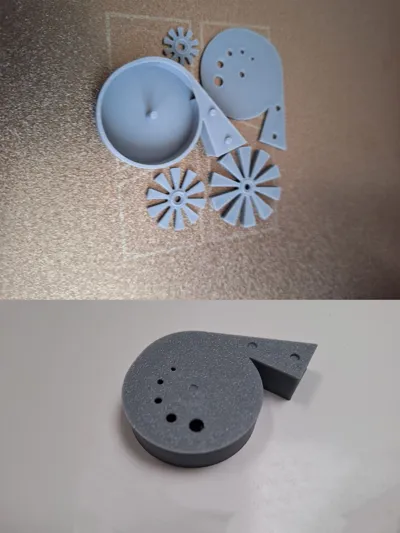
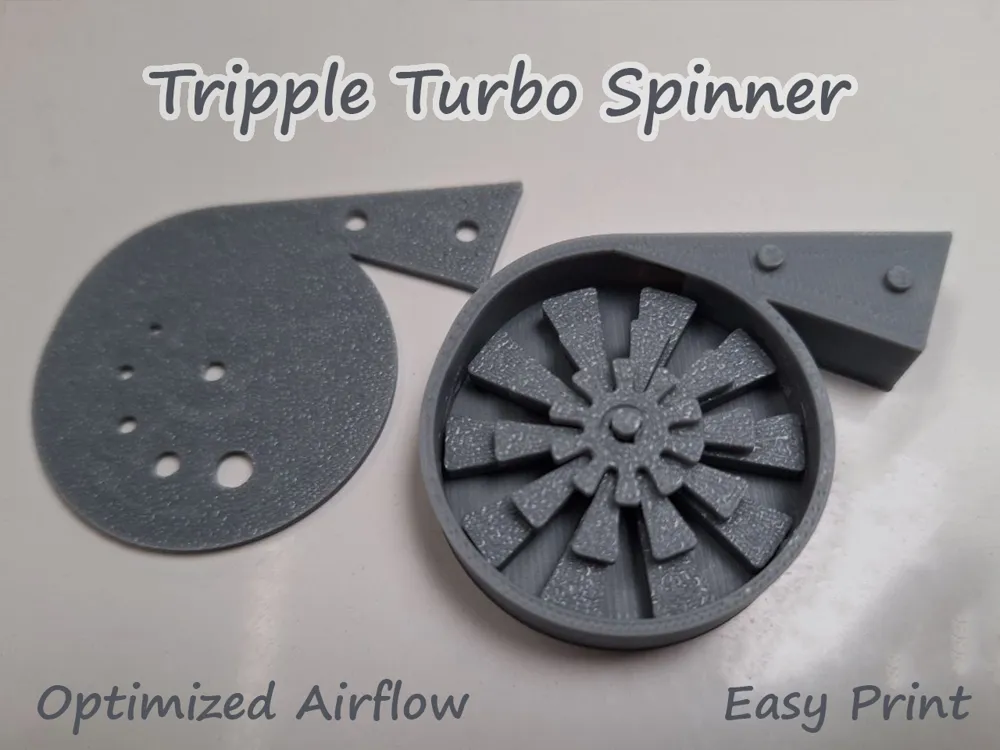
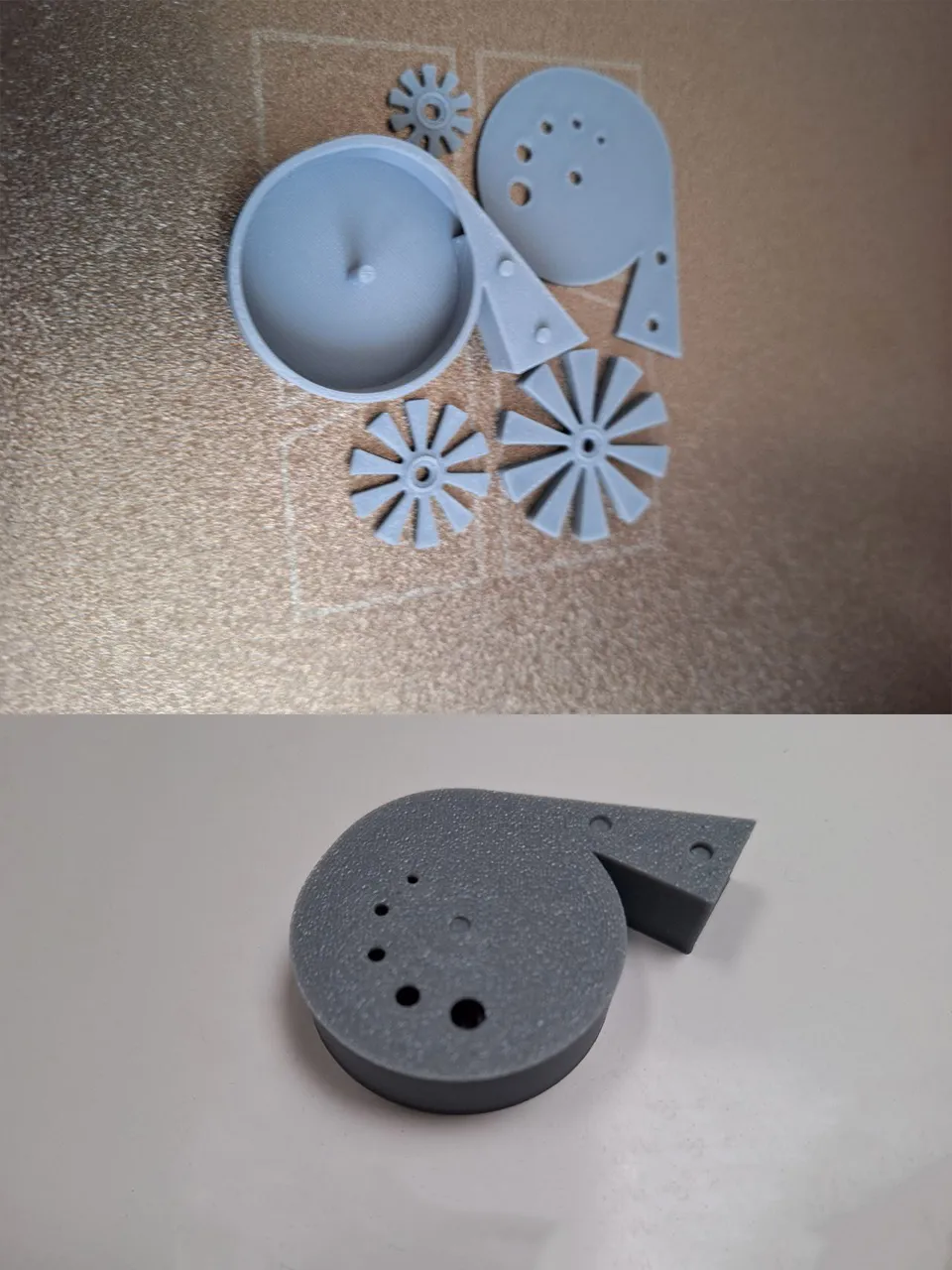
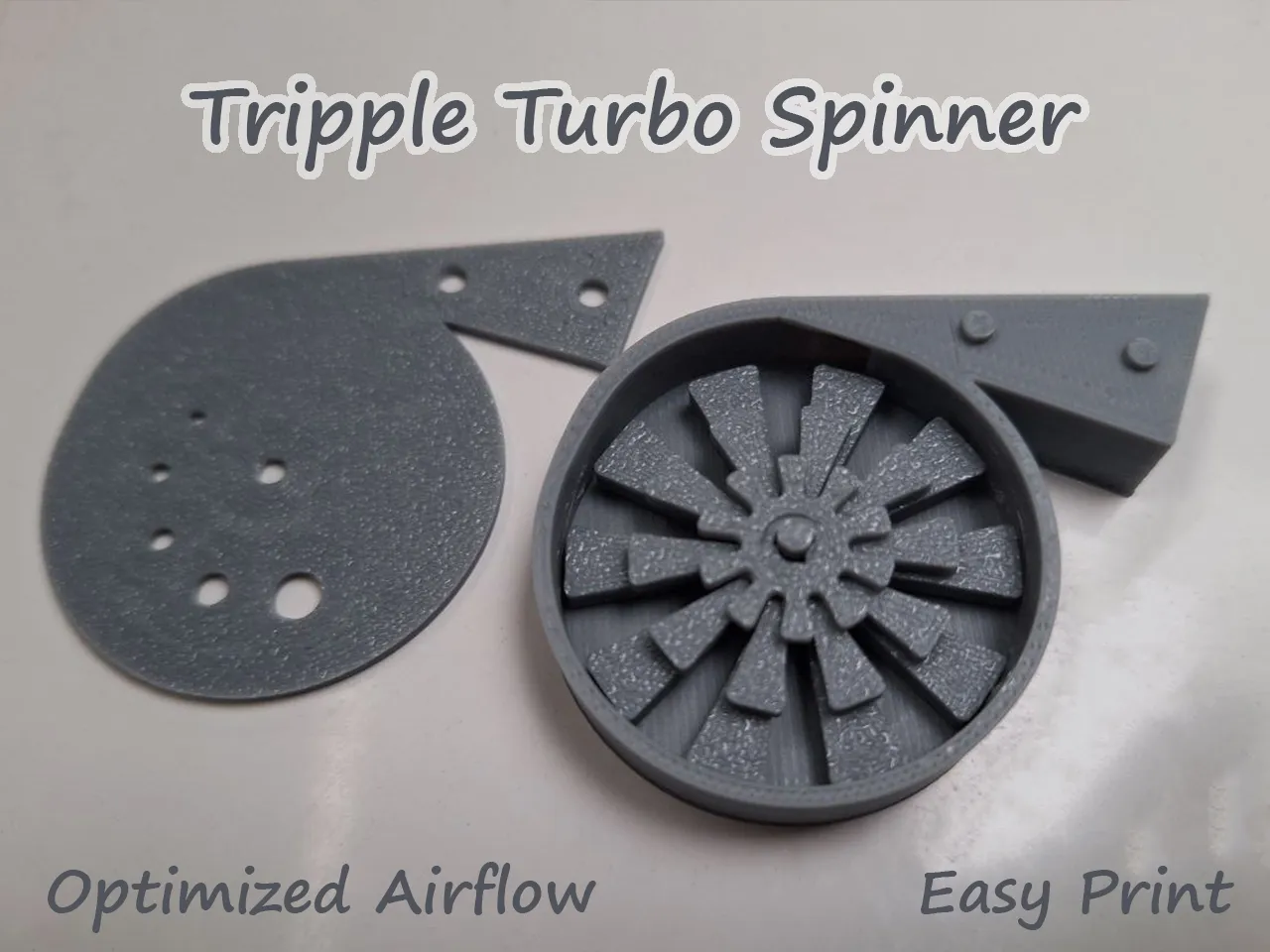
This is the result of my efforts creating a better Turbo spinner. I wanted to improve the speed with directing the air better to the rotor. Later in the process, with many printed Iteration pieces lying around on desks, came the idea to put multiple rotors into the spinner. The effect is a unique sound; you can hear the different disks speeding up and down.


Some tips for assembly:

Take the case and put the rotors in, with the textured side up (assuming you are using a textured build plate), starting with the biggest one. Check if it spins easily, add a very tiny drop of vegetable oil on the shaft (I use a small paintbrush), then the medium rotor, same here, followed by the one small one on top, followed by oil again. It's important that you do not add too much oil, but without oil you will hear a buzzing sound as it spins. Also, it will work better after a few tries because the spindle will wear in a little.


Also I noticed when I gave it to my little boy that it stops spinning when he has a too wet mouth; so dry your mouth before giving it a try. the rings that are integrated in the rotors are my effort to mitigate that, but it has its limits. 


After everything runs smoothly, you can seal the lid on with superglue to make sure the air cannot escape, but that is not really necessary and an optional step that is maybe also useful if you do not want your children to disassemble it.


Boost Me (for free)

It took me quite a while to make this Model. If you haven´t liked or boosted yet, please do so, I really appreciate it!

 

Important Update: Makerworld is currently facing pressure from its payment providers, which means those models of mine are no longer searchable on the platform. I’ve put together this collection so you can still access them: https://makerworld.com/en/collections/9949820-under-the-buildplate


If you want to support my work you can do so on Ko-fi here:

https://ko-fi.com/nexnex2024


Also check out my other models click on this text!

All Light objects: https://makerworld.com/en/collections/4103762


Take a look at some of the other models:


Comment & Rating (43)

(0/1000)

Print Profile
0.16mm layer, 5 walls, 15% infill
thought it was an ok print. I switched the order of the internals so the smallest one was on the bottom and it works a lot better
1
Reply
Print Profile
0.16mm layer, 5 walls, 15% infill
works well, printed with petg hf
0
Reply
Print Profile
0.16mm layer, 5 walls, 15% infill
0
Reply
Print Profile
0.16mm layer, 5 walls, 15% infill
0
Reply
Print Profile
0.16mm layer, 5 walls, 15% infill
Print came out perfect. However, the design of the model makes it extremely exhausting to try to replicate the actual sound of a turbo. Looks aesthetic though.
(Edited)
The profile uploader has replied
0
Reply
Lung training... ;-)
(Edited)
1
Reply
Replying to @NexNex2024 :
This made me laugh. Editting my review to add another star😂
0
Reply
Print Profile
0.16mm layer, 5 walls, 15% infill
its ok but high rpms sounds like trash
The profile uploader has replied
0
Reply
Hi, I think I know what you mean, its vibrating at high rpm causing it to sound off also slowing it down. This happens either when you got moisture in by blowing or, what worked for me, you could try rubbing the axle with candlewax for lubrication. Do not lubricate under the rotor. Also if you have a textured bed, the textured side of the rotor has less friction and the first, biggest rotor should be facing texture side down against the frame.
(Edited)
0
Reply
Replying to @NexNex2024 :
Will try it thank you for reply
0
Reply
Print Profile
0.16mm layer, 5 walls, 15% infill
Other Issues:IT DOESNT WORK. it is very quiet and a waste of filament.
The profile uploader has replied
0
Reply
Hi, sorry to hear that. It worked for me and many others. Can you explain what did not work so I can help you? What printer and filament did you use?
0
Reply
Replying to @NexNex2024 :
Hi, sorry that might've come across a bit harsh. I am using an a1 with Bambu PLA, the gears spun but it just sounded very quiet.
0
Reply
Replying to @zpaol08_3D :
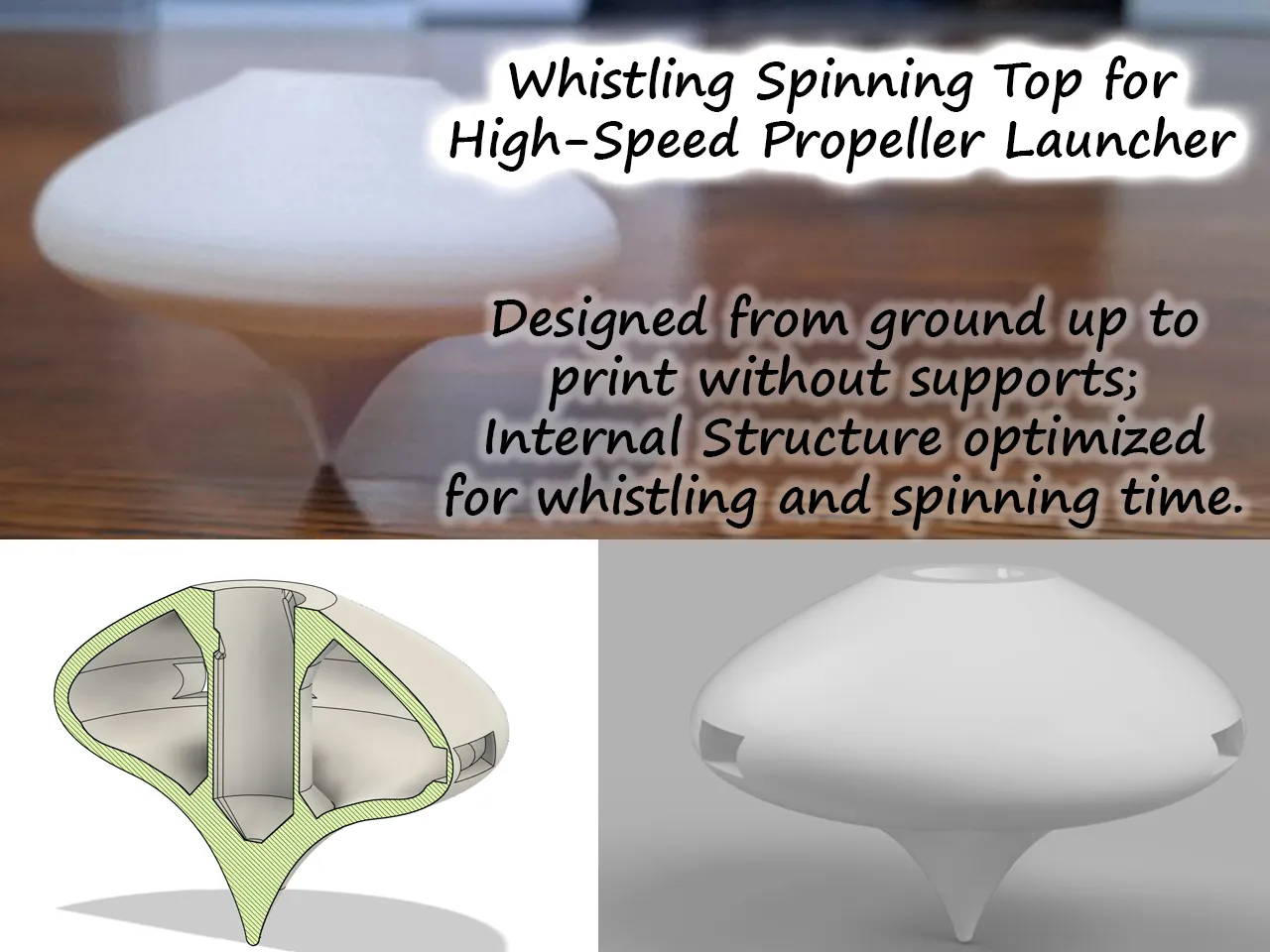
Ok, if they spin it generally seems you did a good printjob. Sorry if it's not loud enough, I also made a whistling spinning top and from that I got the experience that 3D printing something that generates whisteling sound can be quite finicky. You could try run it with one disk and see if it makes it louder.
(Edited)
1
Reply
Print Profile
0.16mm layer, 5 walls, 15% infill
Didn't actually make any sound. Tolerances on the default print profile are too tight to accommodate movement of the blades.
The profile uploader has replied
1
Reply
I’m sorry to hear you had a bad experience. The model worked well for me and many other users, and I used the standard recommended tolerances when creating it. There are many factors that could affect your results. You might try the following: Calibrating your filament flow, Calibrating your pressure advance, Using a different filament, Drying your filament (even sealed filament can sometimes absorb moisture). These steps could help not just with this print but also with future projects. That said, giving me a low rating for something beyond my control feels a little unfair. I appreciate your understanding! 😊
0
Reply
Print Profile
0.16mm layer, 5 walls, 15% infill
didnt work
The profile uploader has replied
0
Reply
Hi, how did it now work?
0
Reply
Print Profile
0.16mm layer, 5 walls, 15% infill
not that good
1
Reply

License

This user content is licensed under a Standard Digital File License.

You shall not share, sub-license, sell, rent, host, transfer, or distribute in any way the digital or 3D printed versions of this object, nor any other derivative work of this object in its digital or physical format (including - but not limited to - remixes of this object, and hosting on other digital platforms). The objects may not be used without permission in any way whatsoever in which you charge money, or collect fees.