
Ikea Skadis Universal Tablet Mount (read descr!)
Print Profile(3)


Description
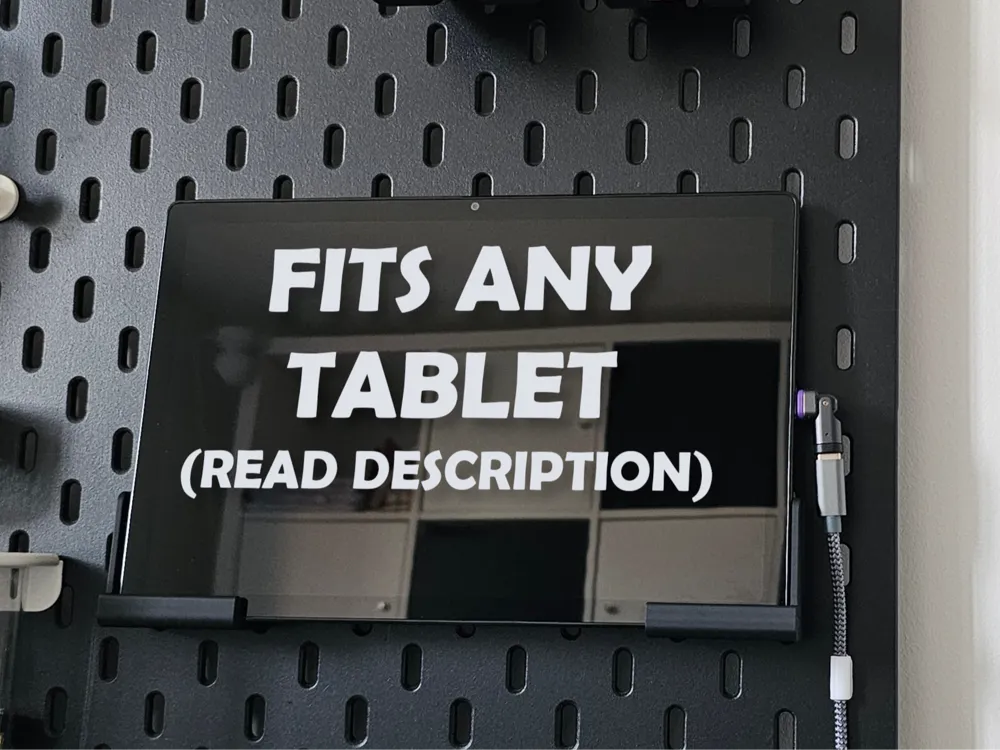
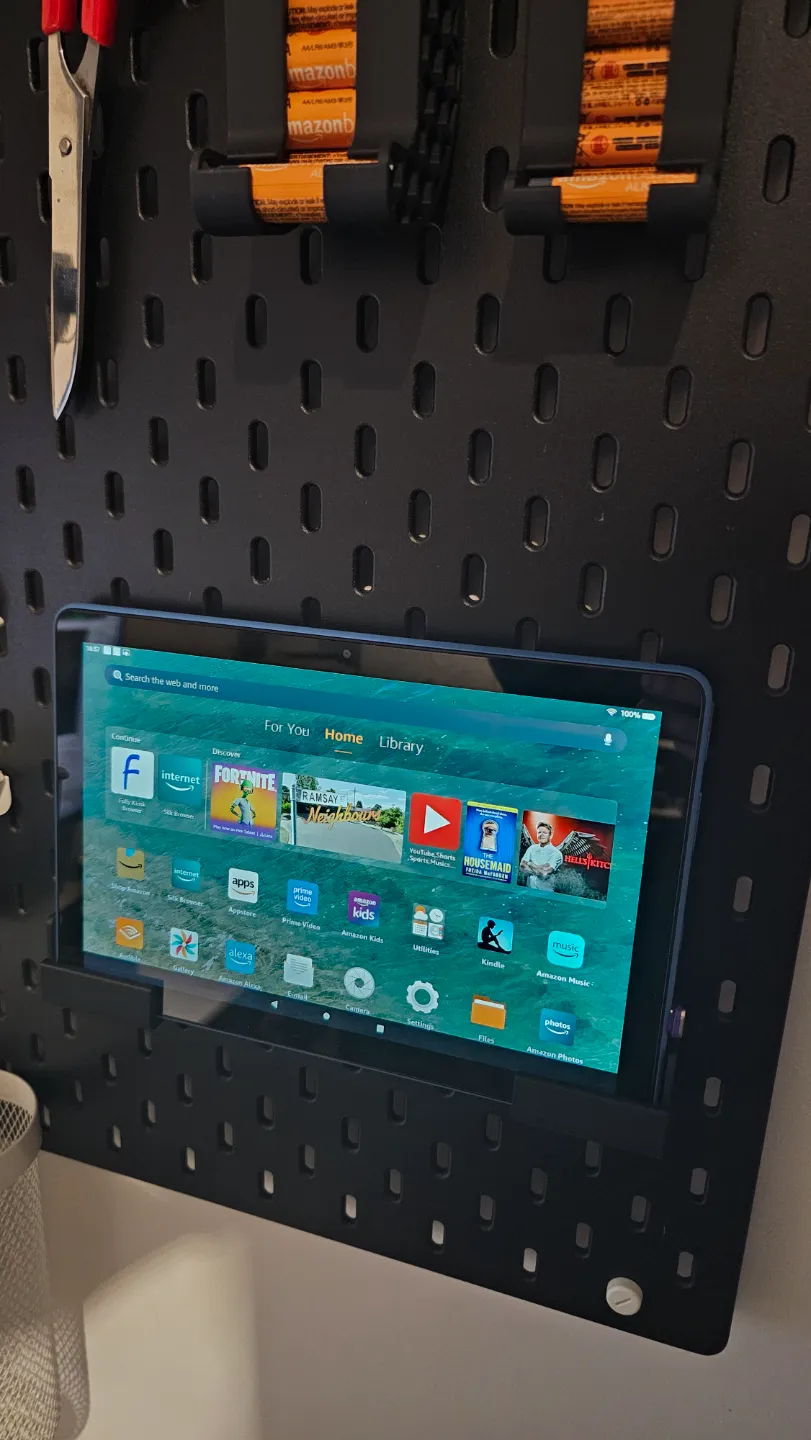
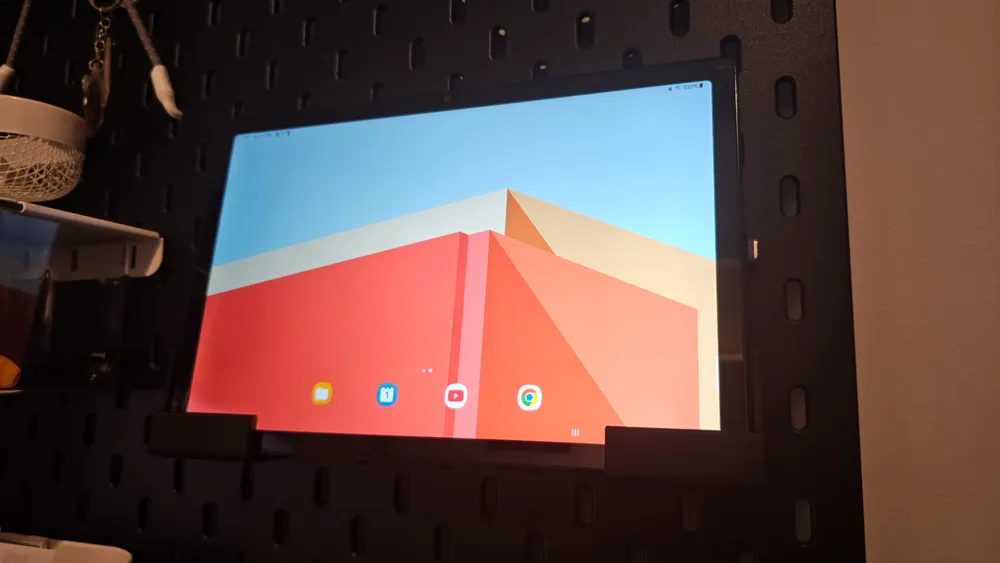
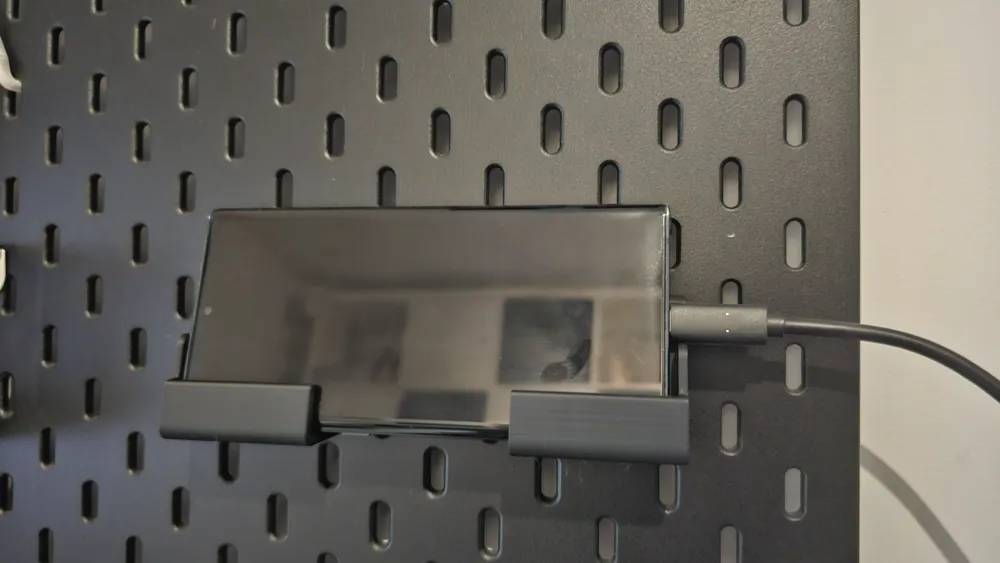
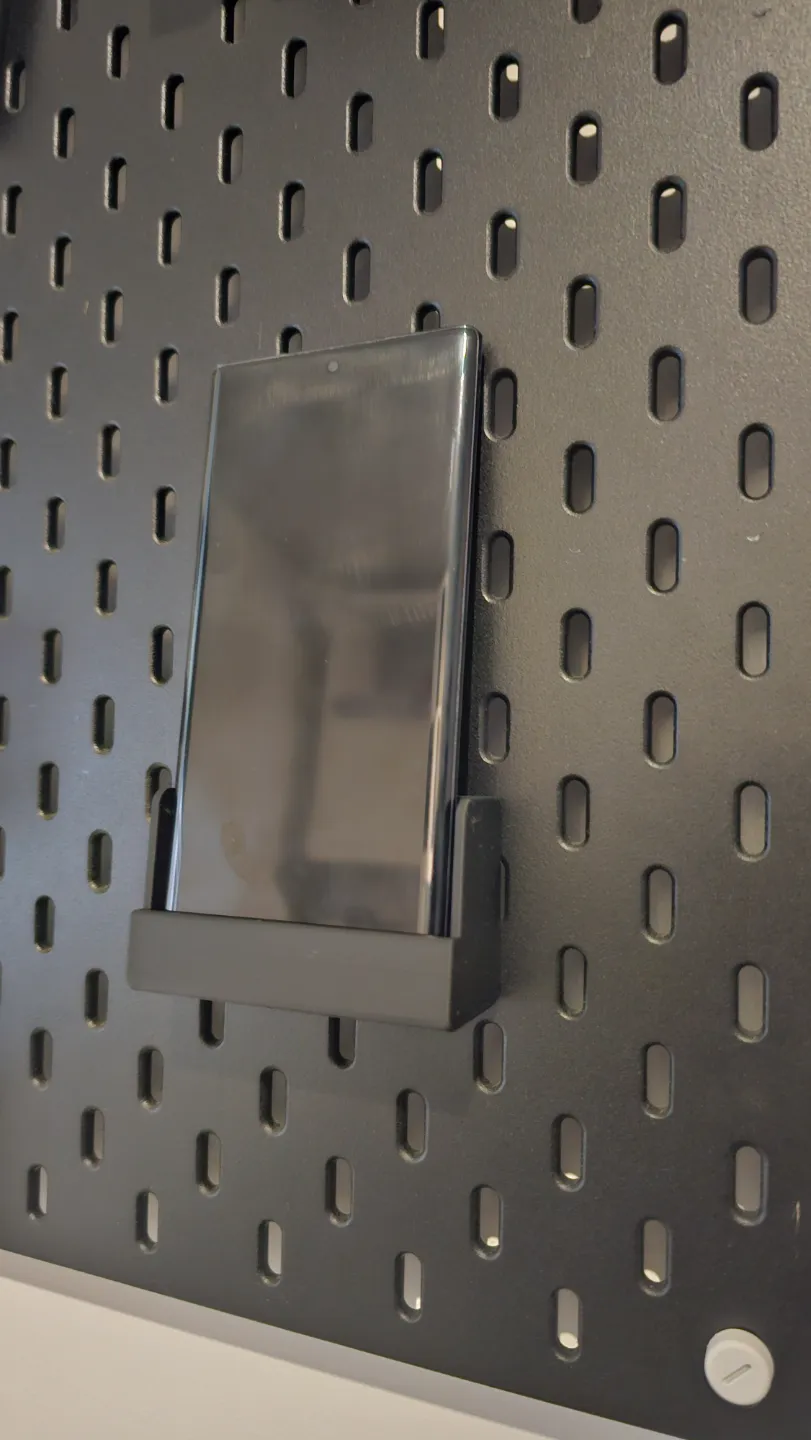
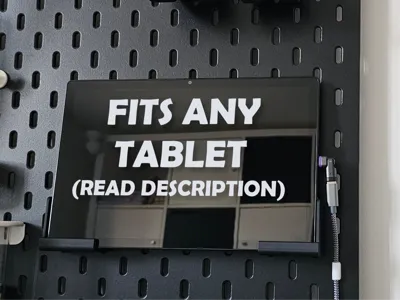
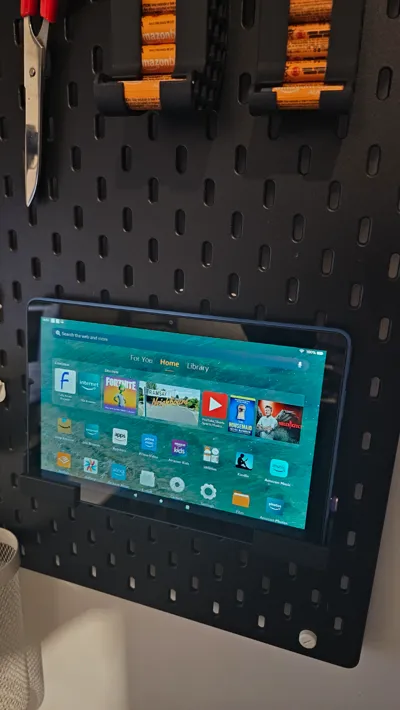
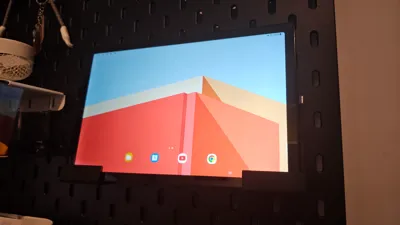
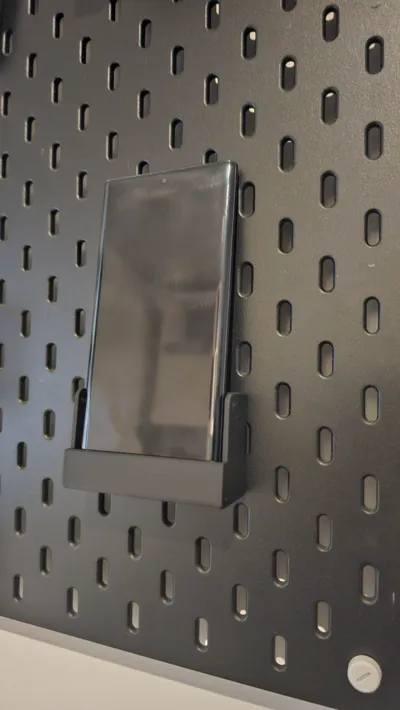
I've designed this table mount for Ikea Skadis board in a way that can be fully customised within Fusion 360 to fit any tablet, phone, even laptop. Included are a few models for devices I own: Samsung A8, Fire tablet HD 10, Fire tabled 8 HD and Samsung Galaxy S23 Ultra. Please follow the guide below to adjust the design to your specific device.
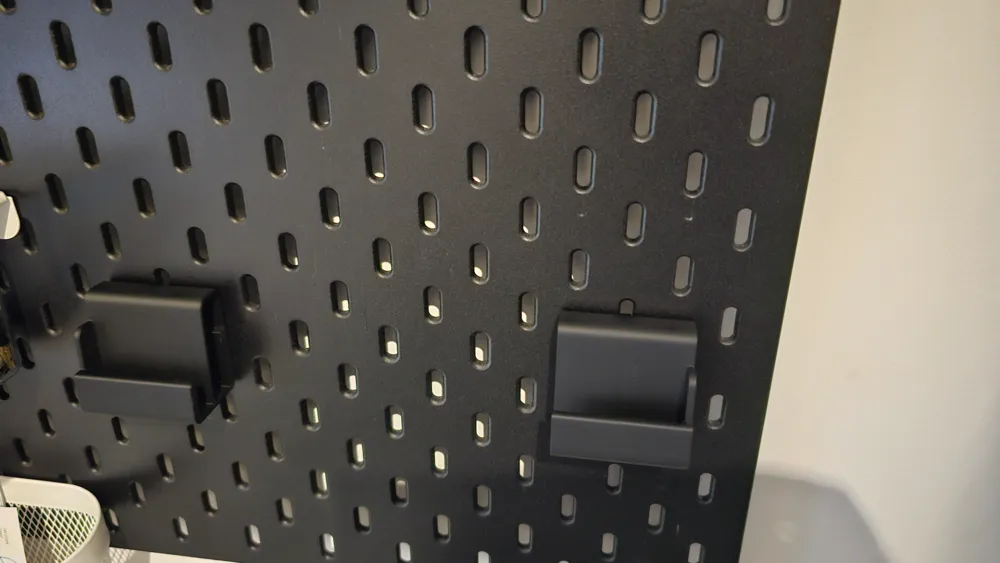
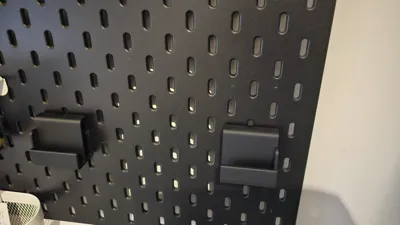
The design comes in 2 parts (L & R) as well as a Skadis board clip. You need 4 clips in total.
To assemble the mount please follow the steps:
insert the clips from the back
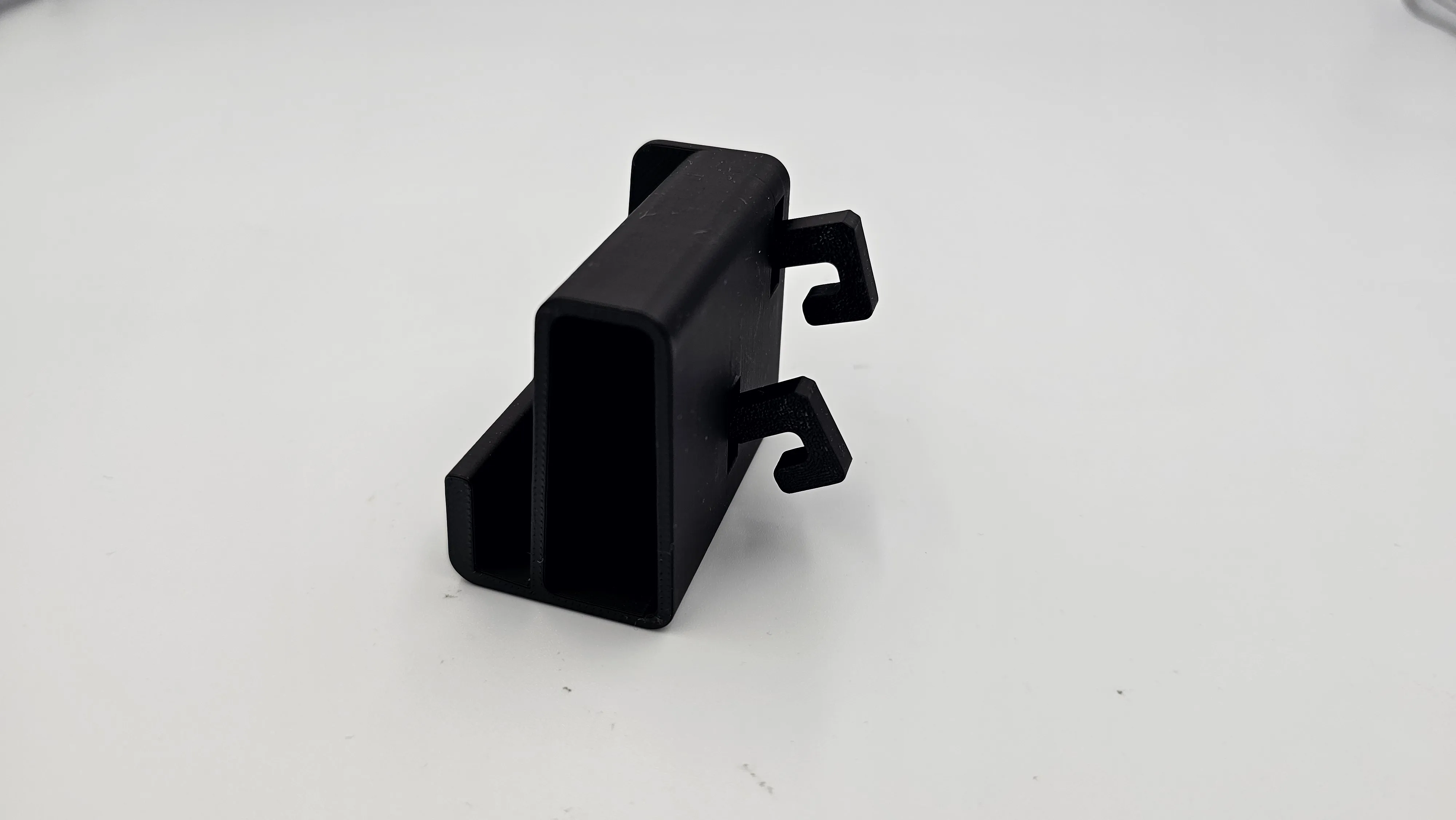
push the clips through so they align vertically with the side of table mounts
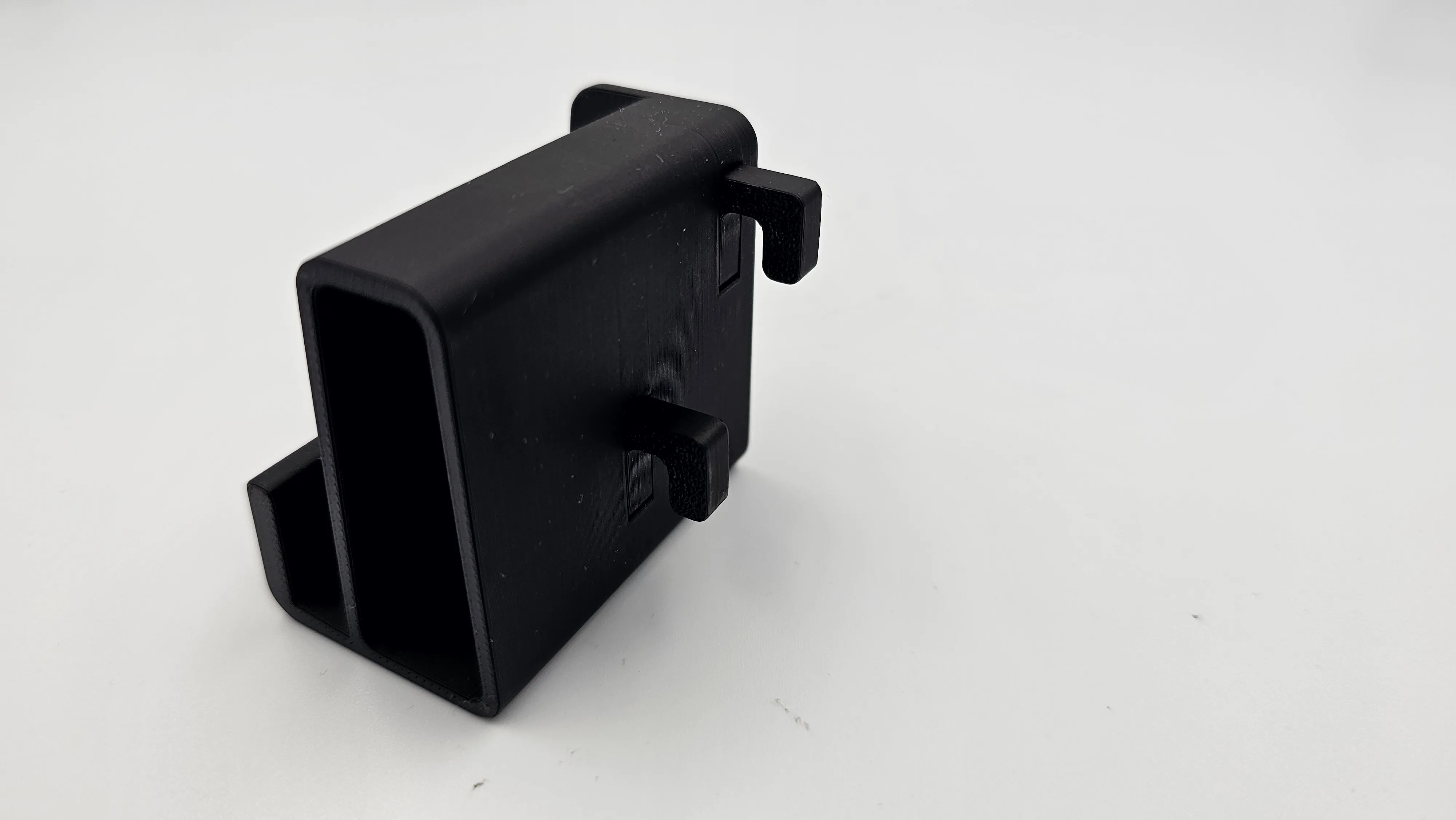
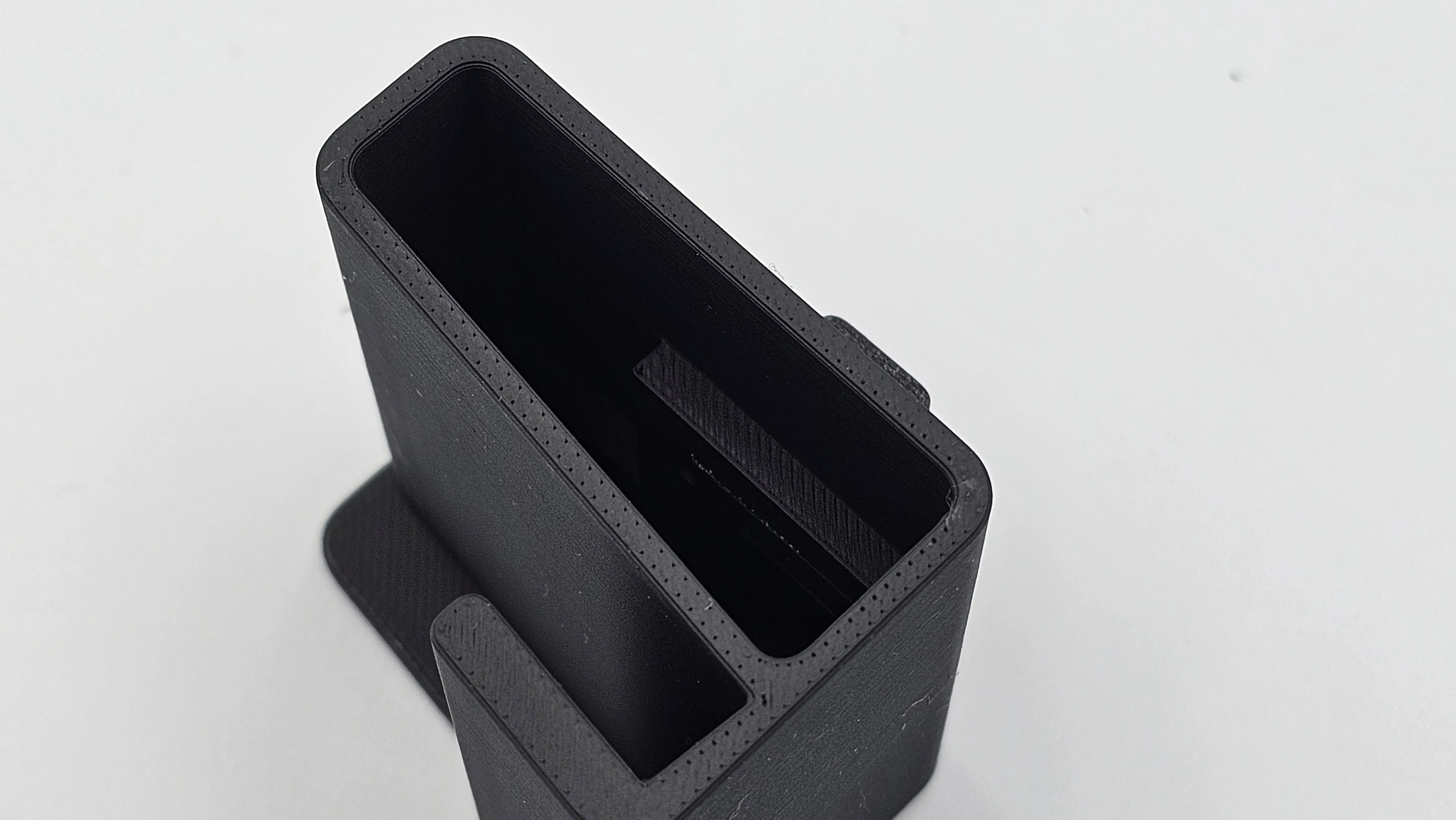
make sure the clips are fully flat on the outside and inside of the mounts
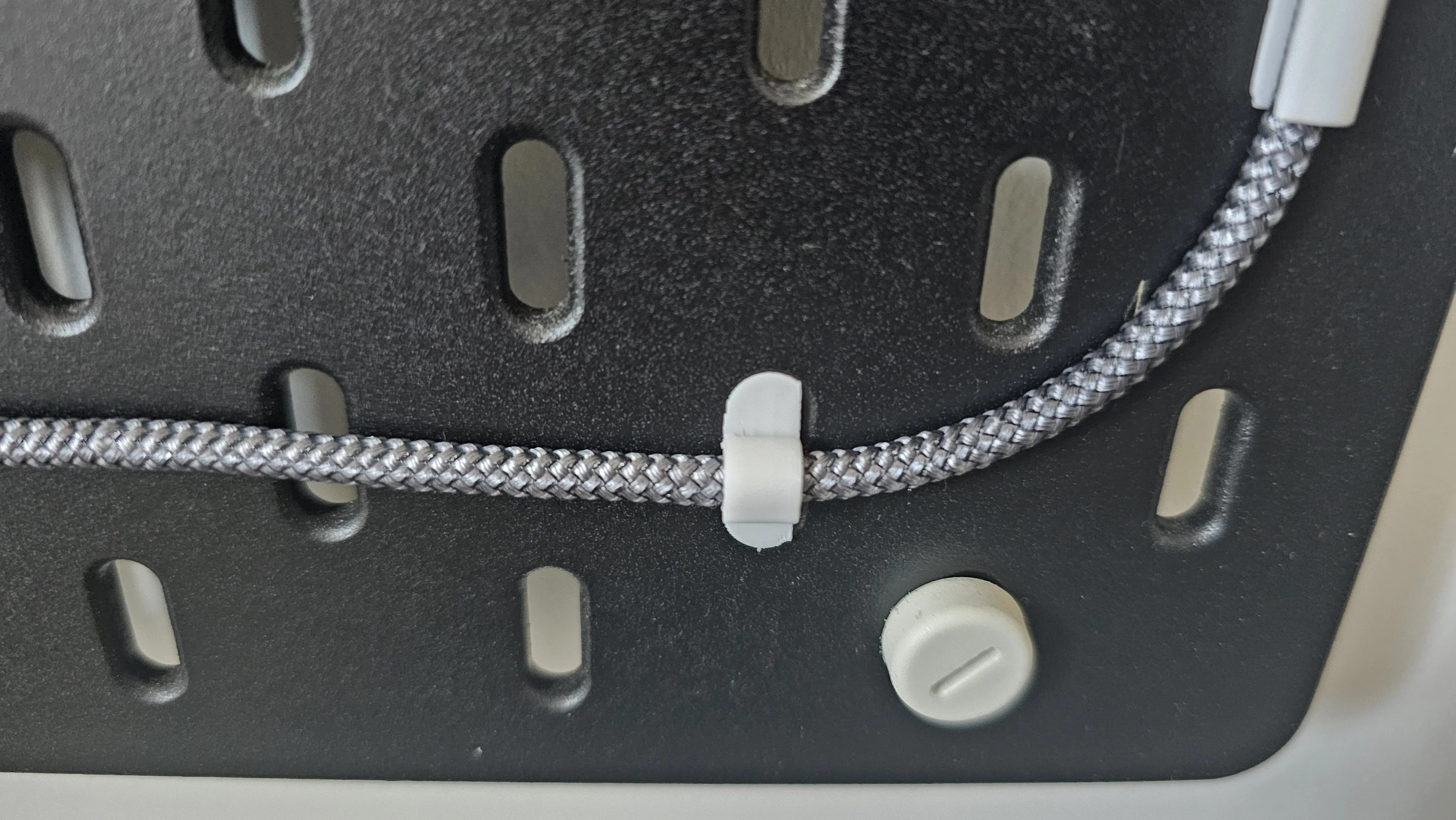
The stand works great with my Ikea Skadis cable clips you can find HERE
Model Customisation
Boost Me (for free)
a design like this requires a lot of trial an error attempts, a Boost really helps me carry on and share new designs with the community, thanks in advance!
First of all, the customisation can only be done within Fusion 360, but you can easily use the free version.
Step 1. Import the ‘Ikea Skadis - Tablet Holder.f3d’ file into fusion 360
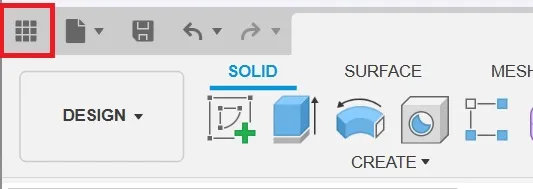
open data panel
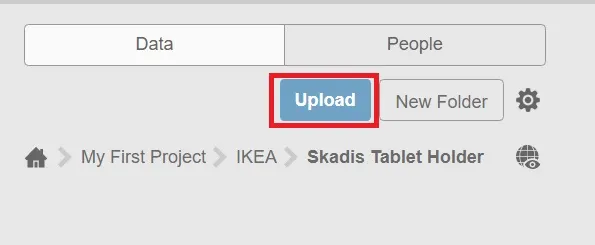
click on ‘Upload’ button and navigate to the folder where you saved the files exported from makerworld
after successful upload you should see the ‘Ikea Skadis - Tablet Holder’ project listed in the data panel
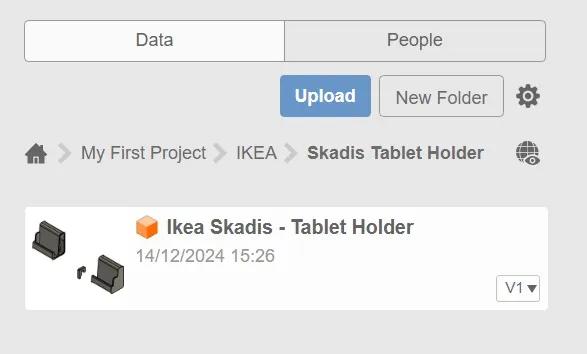
- open the project by double-clicking on it
Step 2. Change project parameters
in the ‘SOLID’ section click on ‘Change Parameters’ button

a popup window will show listing 6 different parameters that can be adjusted to fit your device, please make sure only to change the ‘Expression’ values, any other changes might cause errors and prevent the model to work as expected
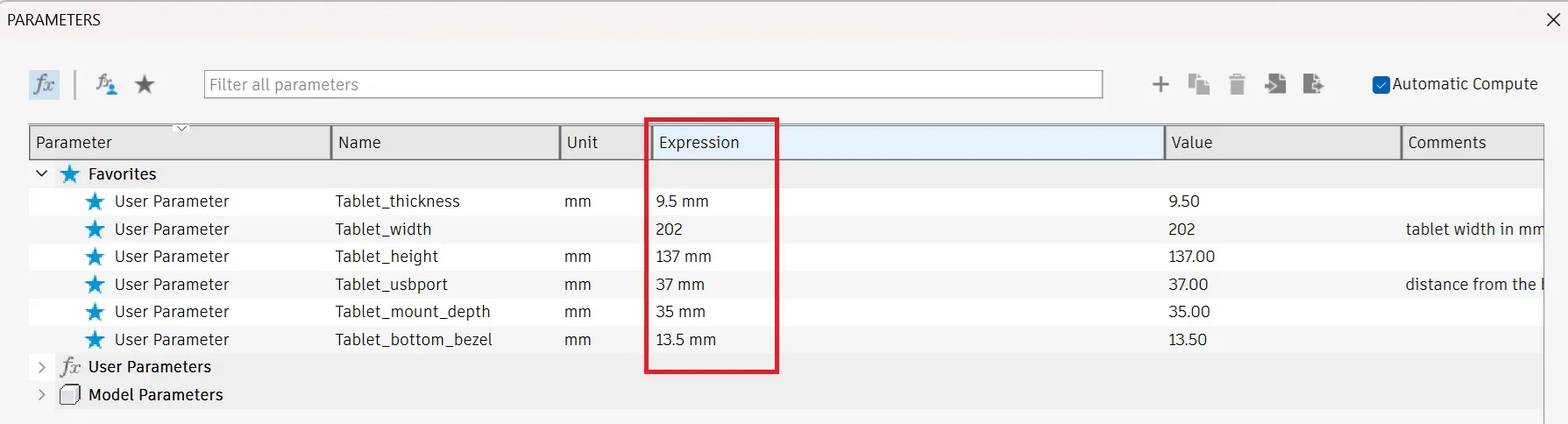
- Parameters overview:
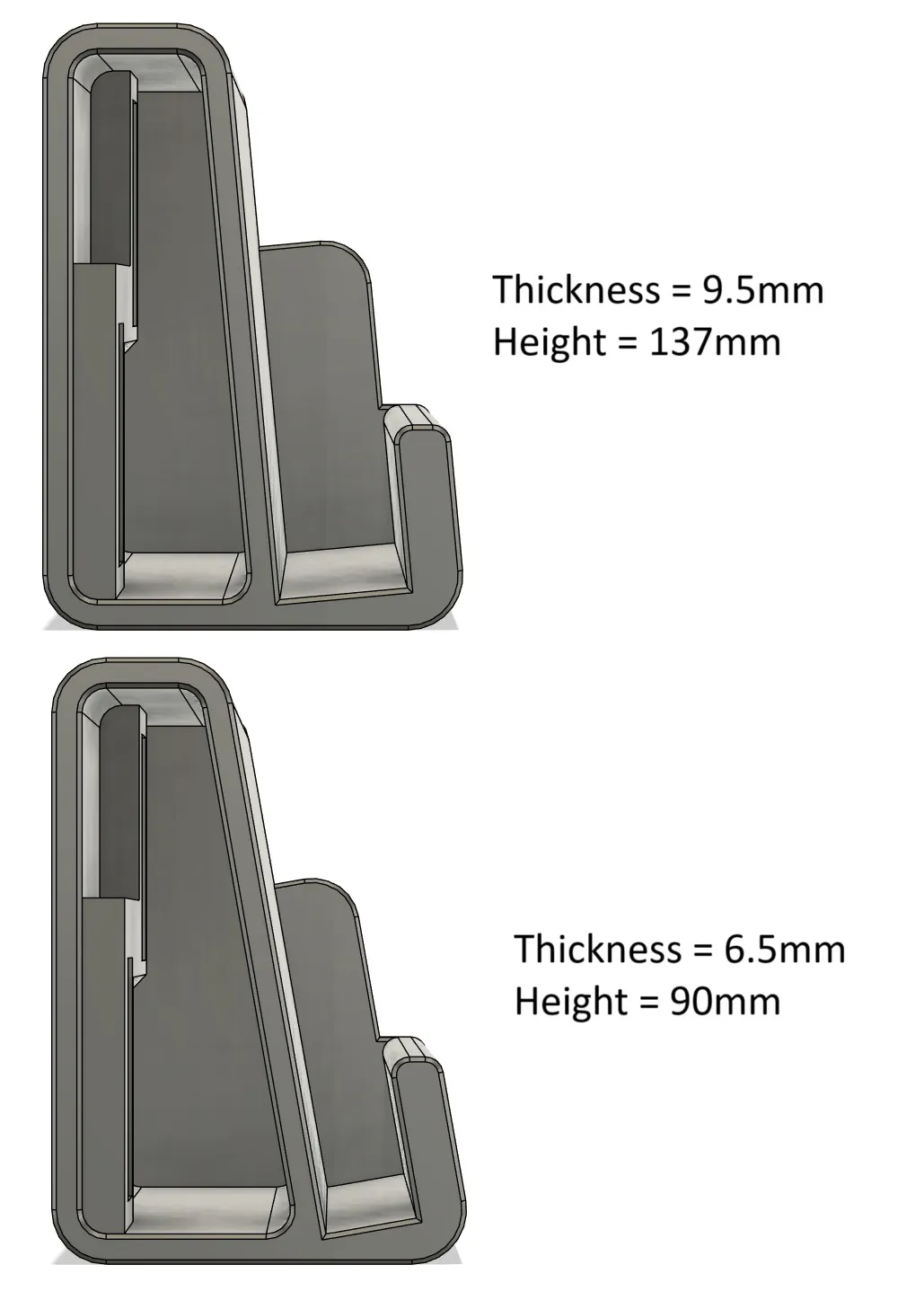
- Tablet Thickness → in mm, the thickness of the bottom portion of your device (excl camera bump if it's located on the top)
Tablet Height → in mm, total height of the device when placed horizontally, it affects the angle of the stand so that top side of the table does not touch the skadis board, see examples below:
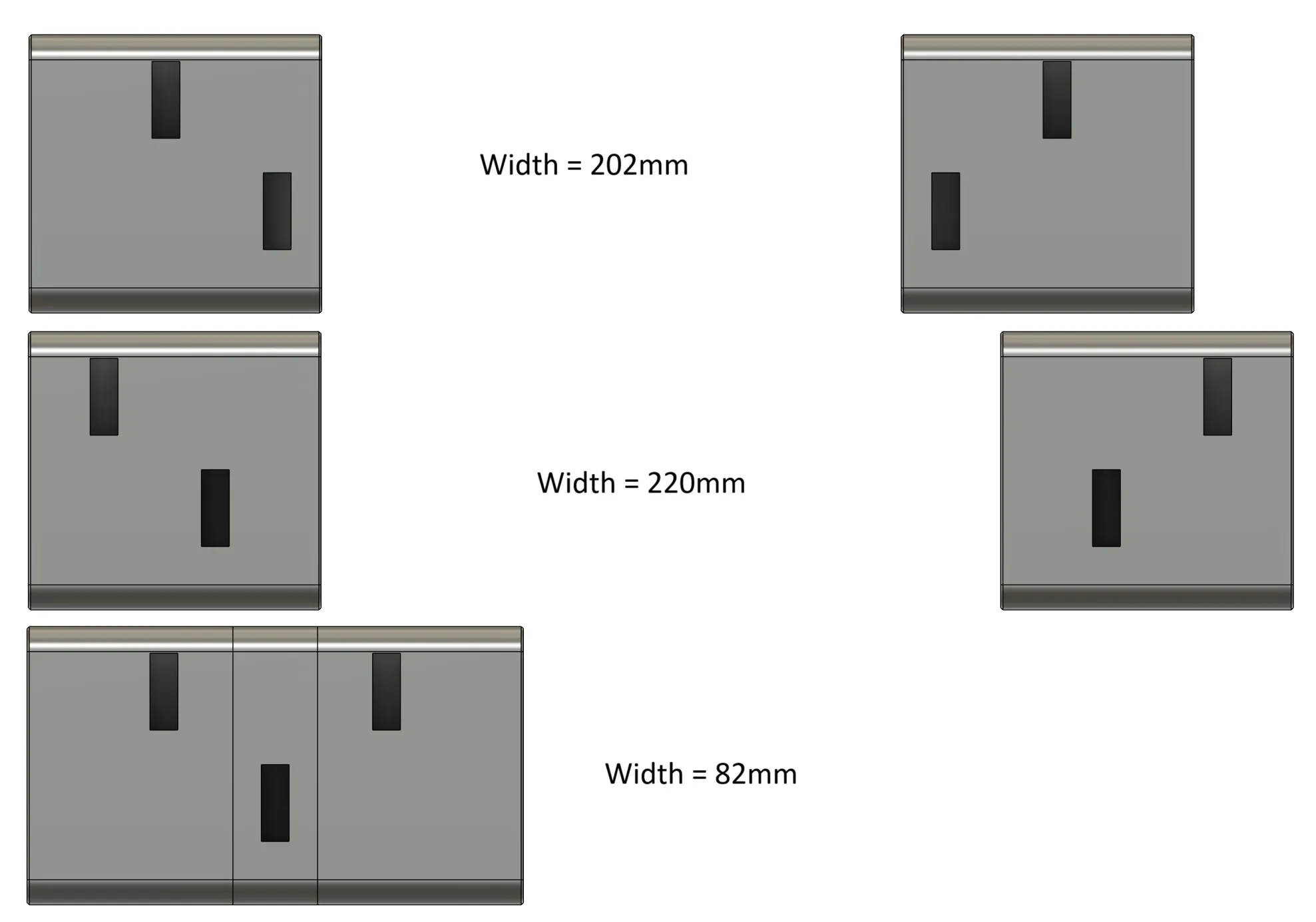
Tablet Width → total width of the device when placed horizontally, please note that the parameter window shows no units, this is by design (explained further down in this document), do not change the setting!, the inputs should still be a number matching the width of your device in mm. This settings dynamically adjusts the position of mounting clips so they always perfectly align with the Skadis board. The parameter is applied with extra +2mm so the fit isn't too tight.
If the width is set to less than 86mm the design will automatically overlap both L& R bodies and require only 3 mounting clips (e.g. if you'd like a vertical stand for your phone). In such case it is required to combine both bodies.

Examples of different settings:
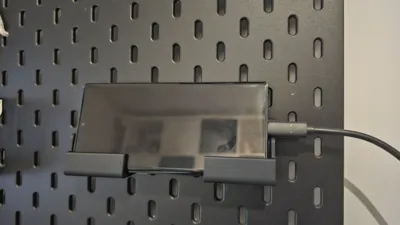
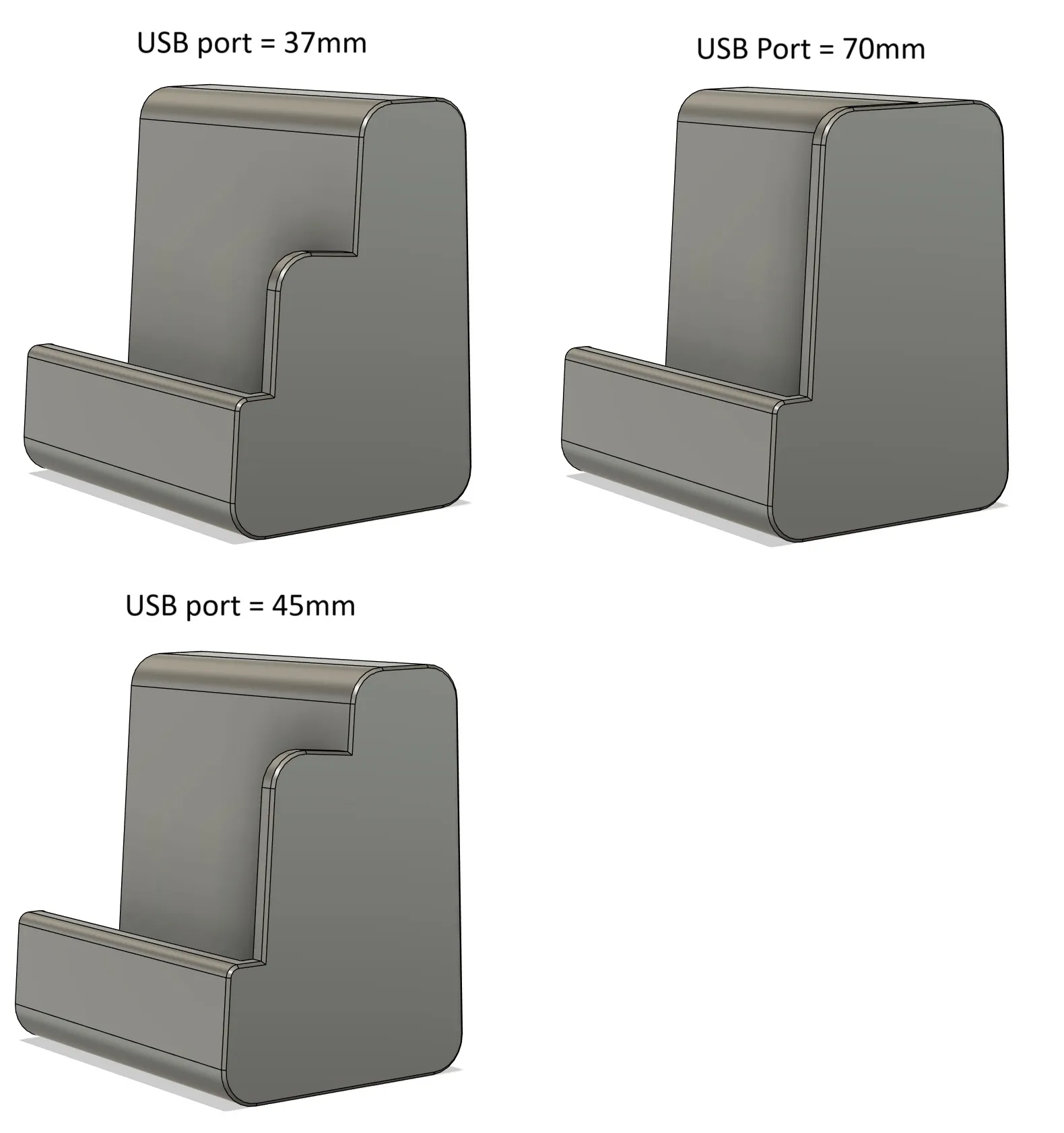
USB Port → in mm, defines the position of usb port to allow for charging while the table is mounted, the value should be the distance between bottom edge of the tablet and the middle of USB charging port, I would highly recommend inputting 2-4mm less than measured to account for measuring error. Example of different settings:
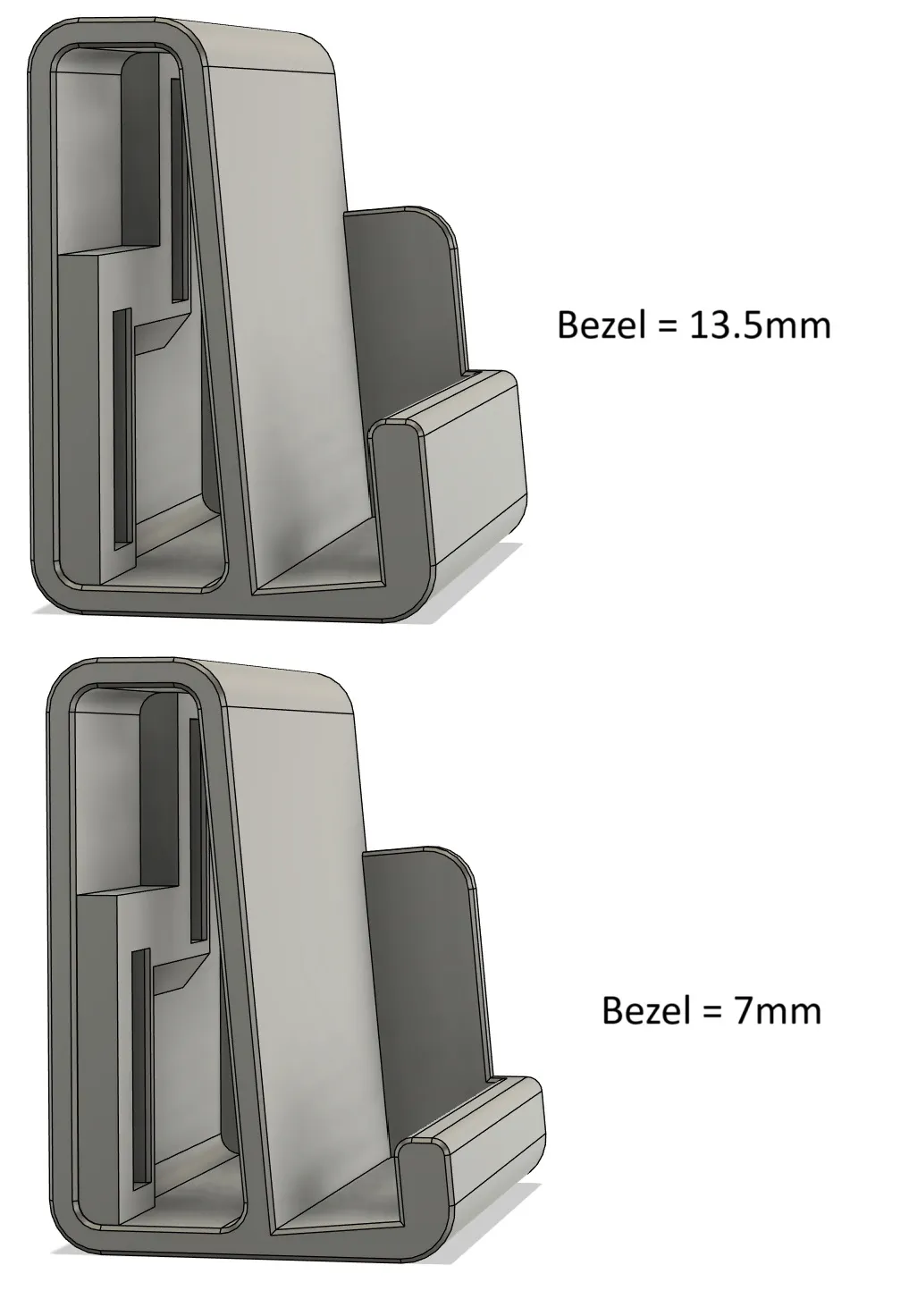
Bottom Bezel → input in mm, defines the height of the bottom ‘lip’ that holds the tablet in place, if set too high it will cover a portion of the screen, therefore I would recommend decreasing the measured value by 1-2mm. Example of different settings:
- Mount Depth → distance between the front of the tablet holder and the skadis board, by default set to 35mm, I wouldn't recommend going any lower than this, but feel free to make it bigger, useful especially for larger devices where due to it's height the angle could be too close to 90degrees and therefore there would be a risk of the device falling off.
Additional notes:
There are 2 extra parameters used with reference to table width that automatically calculate the positioning of the mounting clips, these are not to be changed, but for the curious amoung you here's a quick explanation of what they do:
Clip_Distance_calc → ( ( Tablet_width + 2 ) * 1 mm - ( ( ( Tablet_width + 2 ) % 40 ) * 1 mm ) ) / 2
calculates the required distance between mounting clips, which needs to be a multiple of 40mm, therefore the modulo 40 (% sign), divided by 2 as it's calculated from the middle of tabled width, it's a ‘_calc’ parameter as I didn't want to repeat the formula in ‘Clip_Distance’ multiple times
Clip_Distance → if(Clip_Distance_calc + 3 mm > ( Tablet_width / 2 ) * 1 mm; Clip_Distance_calc - 20 mm; Clip_Distance_calc)
if the clip distance goes beyond the width of mount body the position of the clip needs to be shifter 20mm to the left, this was the clips always stay within the area of the body and accounting for additional 3mm side wall that assured tight and stable fit of the clip. This parameter is referenced in ‘Sketch2’
License

You shall not share, sub-license, sell, rent, host, transfer, or distribute in any way the digital or 3D printed versions of this object, nor any other derivative work of this object in its digital or physical format (including - but not limited to - remixes of this object, and hosting on other digital platforms). The objects may not be used without permission in any way whatsoever in which you charge money, or collect fees.


Comment & Rating (68)