Search models, users, collections, and posts

Macintosh Side Screen Raspberry PI Zero 2 W Base

Print Profile(1)

All
P1S
P1P
X1
X1 Carbon
X1E
A1
A1 mini
H2D
H2D Pro
H2S
P2S
H2C
X2D
A2L

0.12mm layer, 2 walls, 15% infill
Designer
2.8 h
2 plates
4.9(8)

Open in Bambu Studio
Boost
316
849
30
14
302
55
Released 

Description

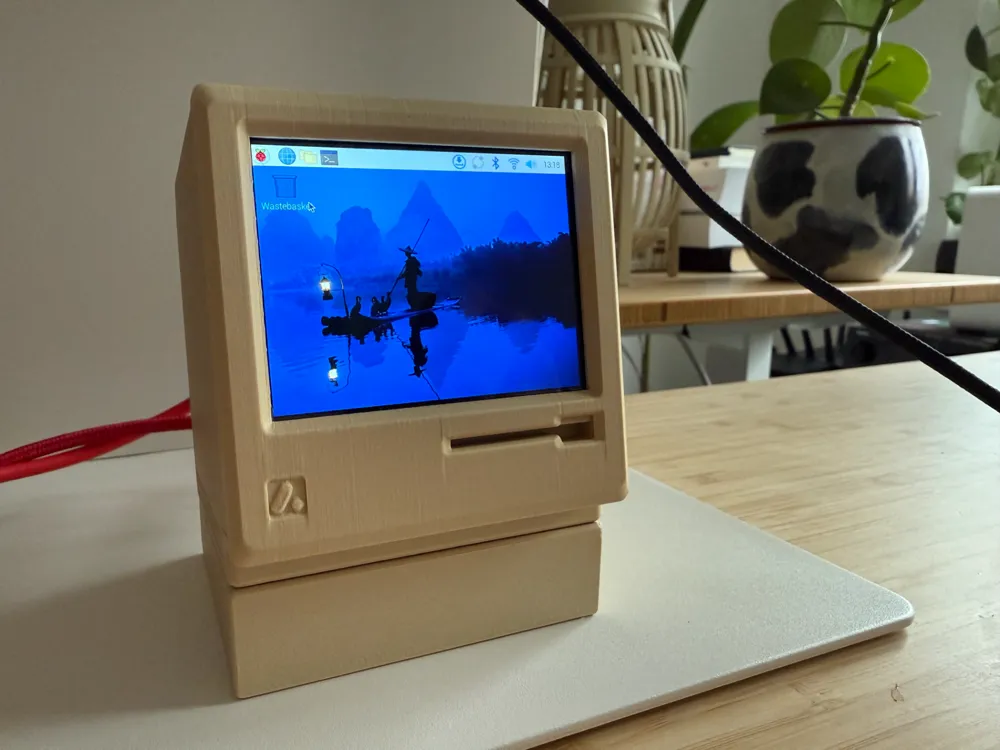
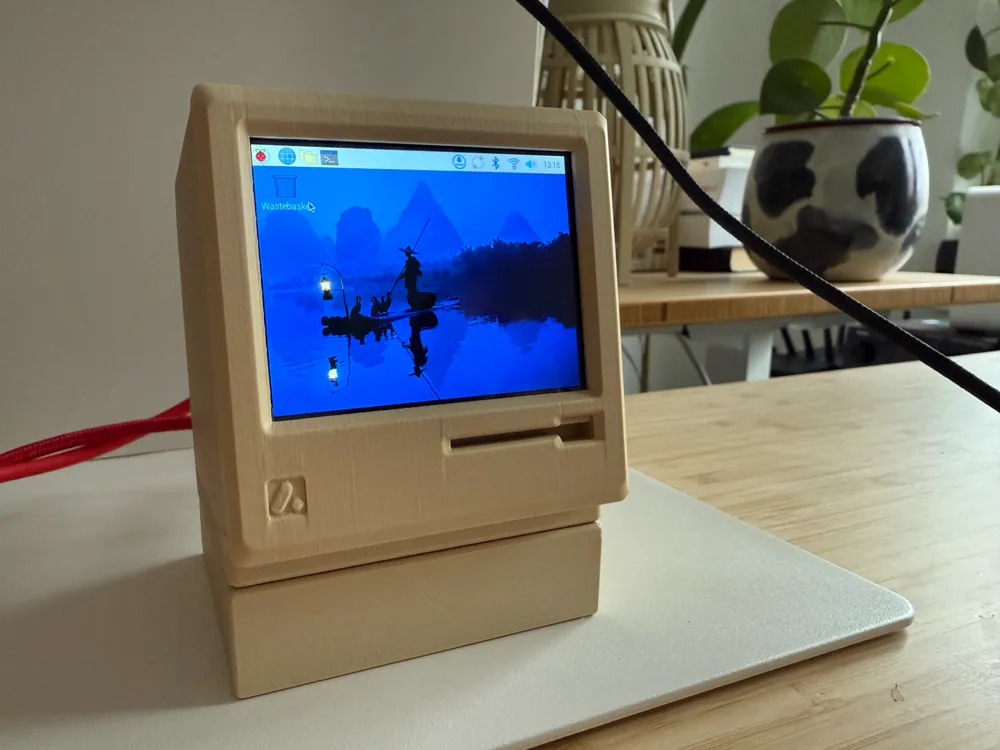
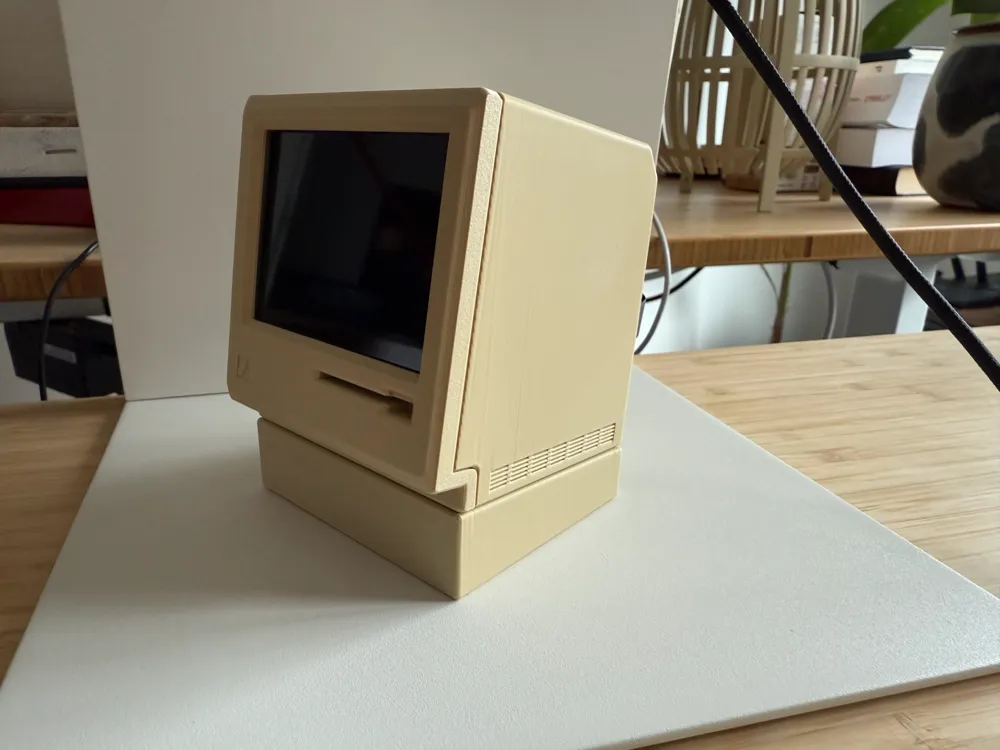
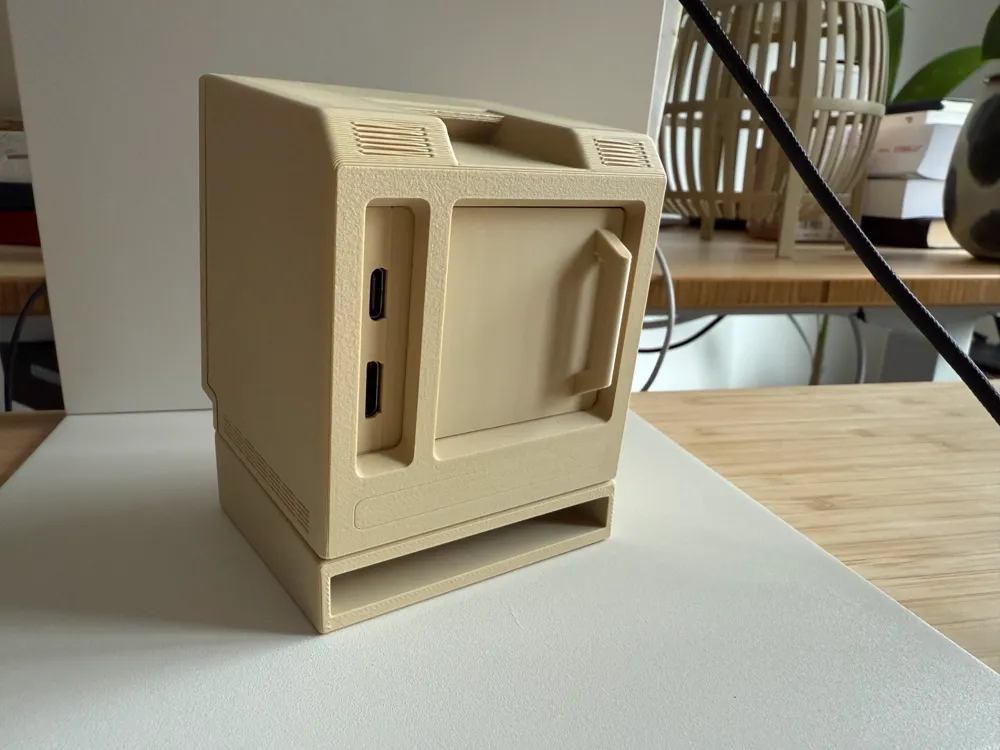
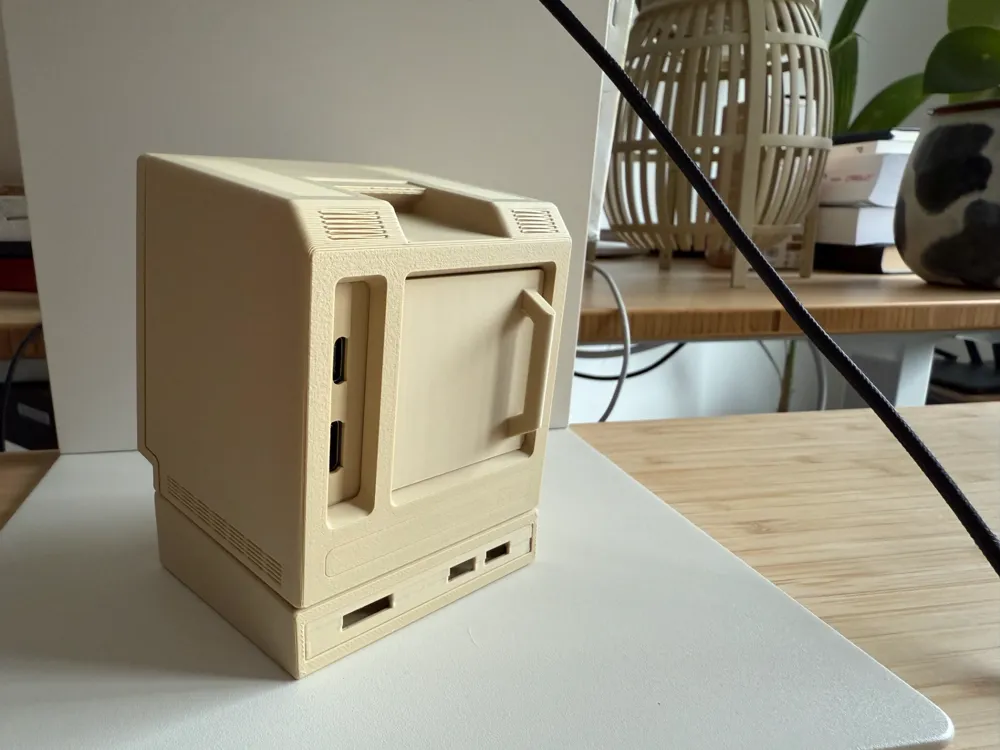
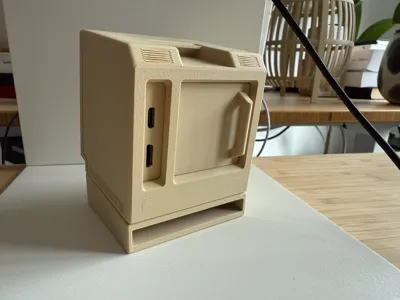
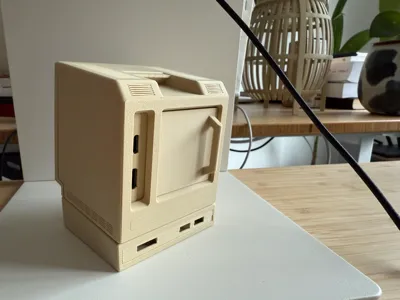
This model is designed to house a Raspberry Pi Zero W 2 beneath the Mōcintosh Side Screen (IPS Panel, 2.8-inch, 640x480), providing a sleek and functional setup. The base incorporates a slight viewing angle for enhanced screen visibility and ergonomics.

For optimal connectivity, I recommend using a ribbon-style mini HDMI cable, which is both compact and flexible, ensuring a tidy and efficient setup. The Raspberry Pi case fits seamlessly into the base and can be easily removed by gently pulling on the HDMI cable, allowing for quick access and maintenance without hassle.

Comment & Rating (30)

(0/1000)

Printed it in black, literally perfect! Use a little bit of JBweld to keep the plastic sealed 🤐
(Edited)
designer
2
Reply
how are you run on THIS Windows and what version
0
Reply
It fits perfectly. it's more snug than tight, I didn't need to do any modifications to anything.
0
Reply
Where did you get the mini hdmi ribbbon cable?
0
Reply
Replying to @omarhdelacruz :
1
Reply
Print Profile
0.12mm layer, 2 walls, 15% infill
nice!
0
Reply
Print Profile
0.12mm layer, 2 walls, 15% infill
profile
1
Reply
Print Profile
0.12mm layer, 2 walls, 15% infill
Super snug fit, needs some modification.
2
Reply
Agree, the pi case is not easily removed by gently tugging the hdmi with the default print profile. The case and enclosure require significant sanding to have a comfortable fit. Please adjust the dock so that it has more clearance for the Pi case. Would also recommend adding a bit more distance on the top where the base meets with the mocintosh side screen for a more secure fit. There isn't enough for the screen and base to solidly sit together.
0
Reply
So I love this idea and I know its from the Mockintosh Side screen. Can you tell me what Raspberry PI to buy? I don't se it listed. Also is this an add on to the original or a system all to itself?
The designer has replied
0
Reply
Hey, its a Raspberry Pi Zero W 2 and the other parts are this https://makerworld.com/en/models/801209-mocintosh-side-screen-ips-panel-2-8-inch-640x480
0
Reply
Replying to @pmdroid :
I feel so stupid because it literally says it in the title lol. Ok I have another question. Do you have any step by step instructions or pictures? Reason why I ask is because I don't see how to connect everything underneath. Or does it just work when you plug that thin HDMI Cable ribbon in?
0
Reply
Is there enough space to fit a board with the pre soldered headers?
The designer has replied
0
Reply
no unfortunately not
0
Reply
could someone send me a link to the display used
The designer has replied
0
Reply
could you try and make one for the 400 :)
1
Reply
What does the back with cables look like all plugged in and turned on
The designer has replied
0
Reply
this is what is looks like when the small HDMI is plugged in
3
Reply