Search models, users, collections, and posts

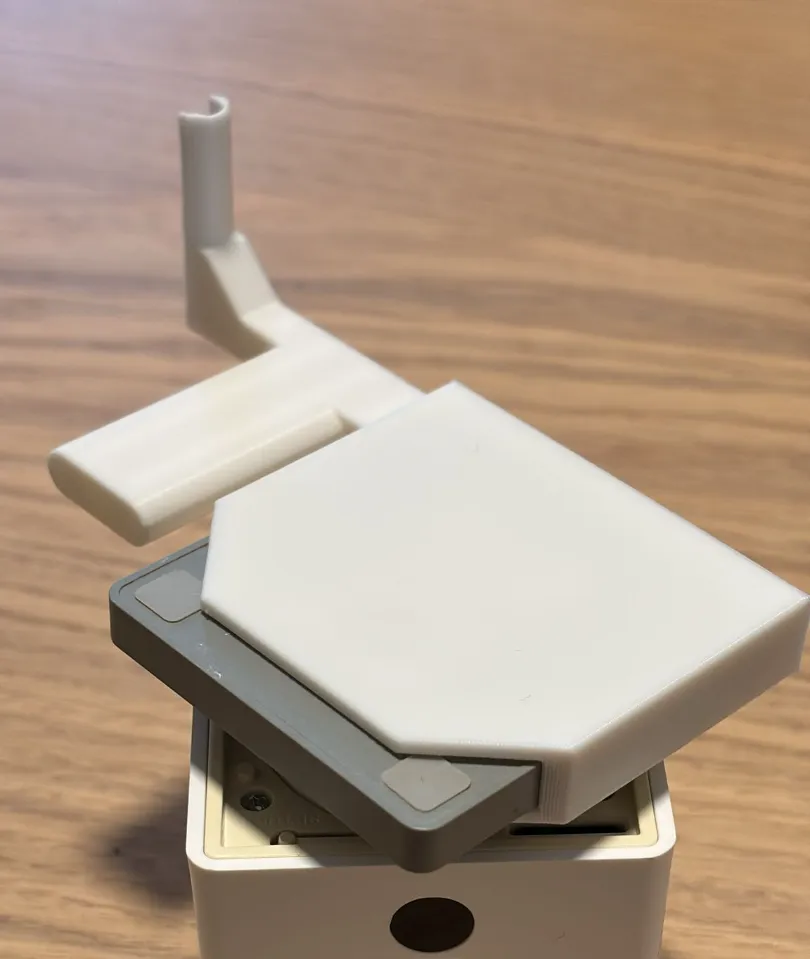
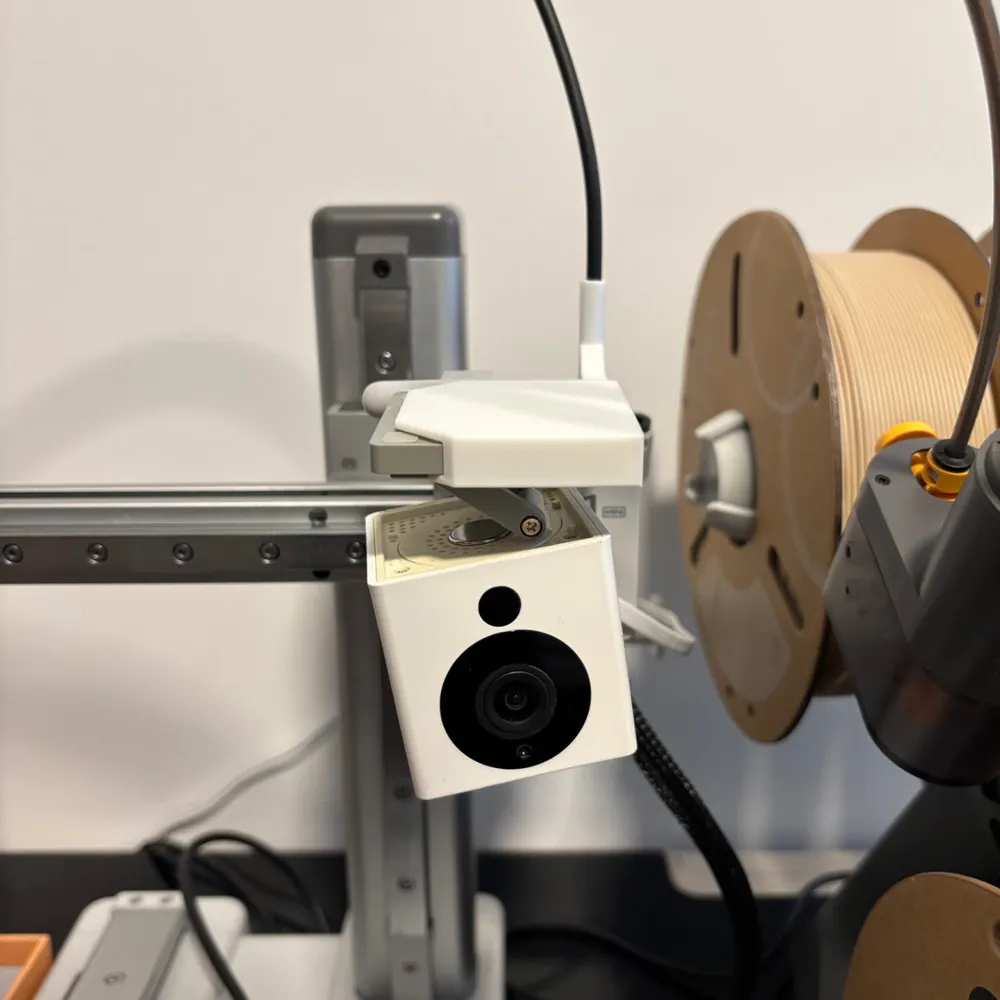
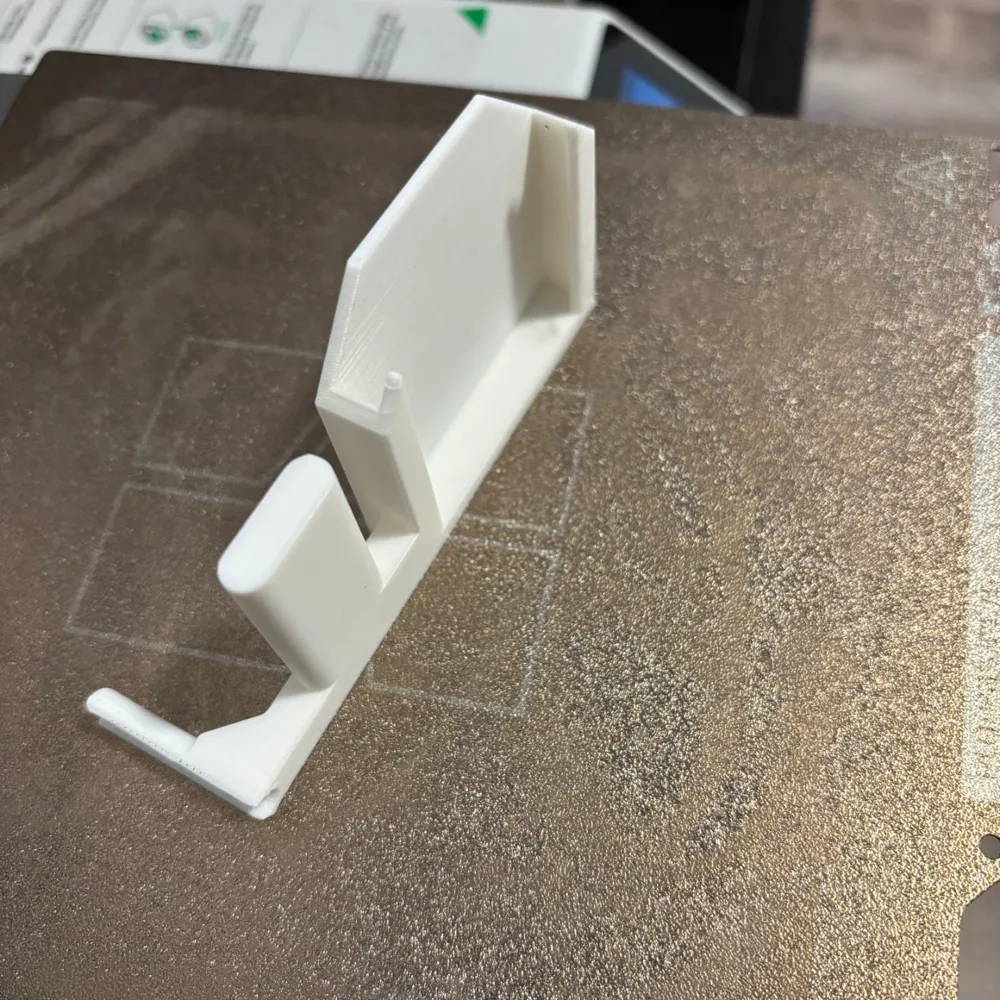
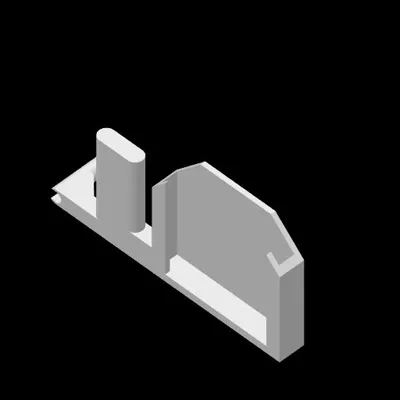
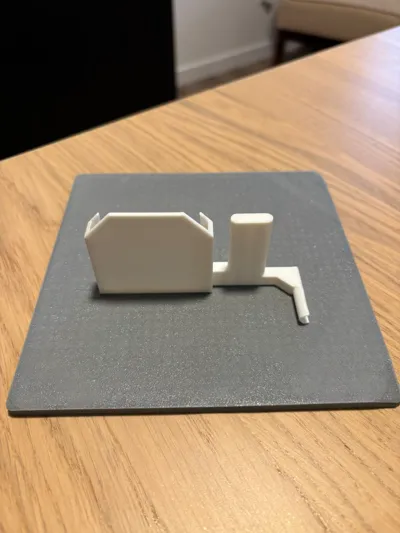
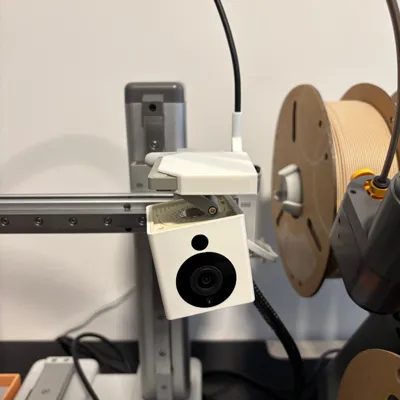
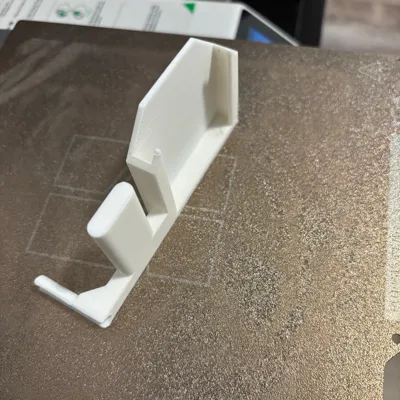
A1 Mini Wyze cam V2 base mount-Upside Down Remix
Remixed by
IP Report

Print Profile(1)

0.2mm layer, 2 walls, 15% infill
Designer
1.1 h
1 plate
Open in Bambu Studio
Boost
13
55
40
8
79
78
Released
Description
***Compatible only with A1 mini***
I wanted to mount my Wyze Cam v2 upside down, so I remixed JohnPepsi's Bambu A1 and A1 Mini Wyze Cam V2 base mount (here).
Since you've mounted your Wyze Cam upside down, you'll need to rotate the image 180 degrees.
To rotate the image within Wyze Cam's settings:
- Open the Wyze app and tap on your Wyze Cam.
- Tap on the Settings gear on the top right.
- Tap on Advanced Settings.
- Toggle the Rotate Image 180° setting.
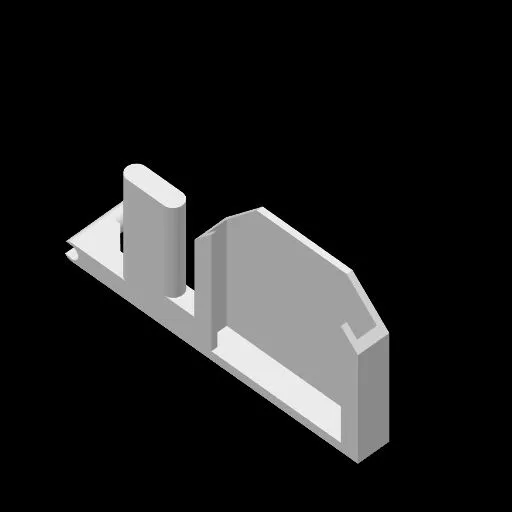
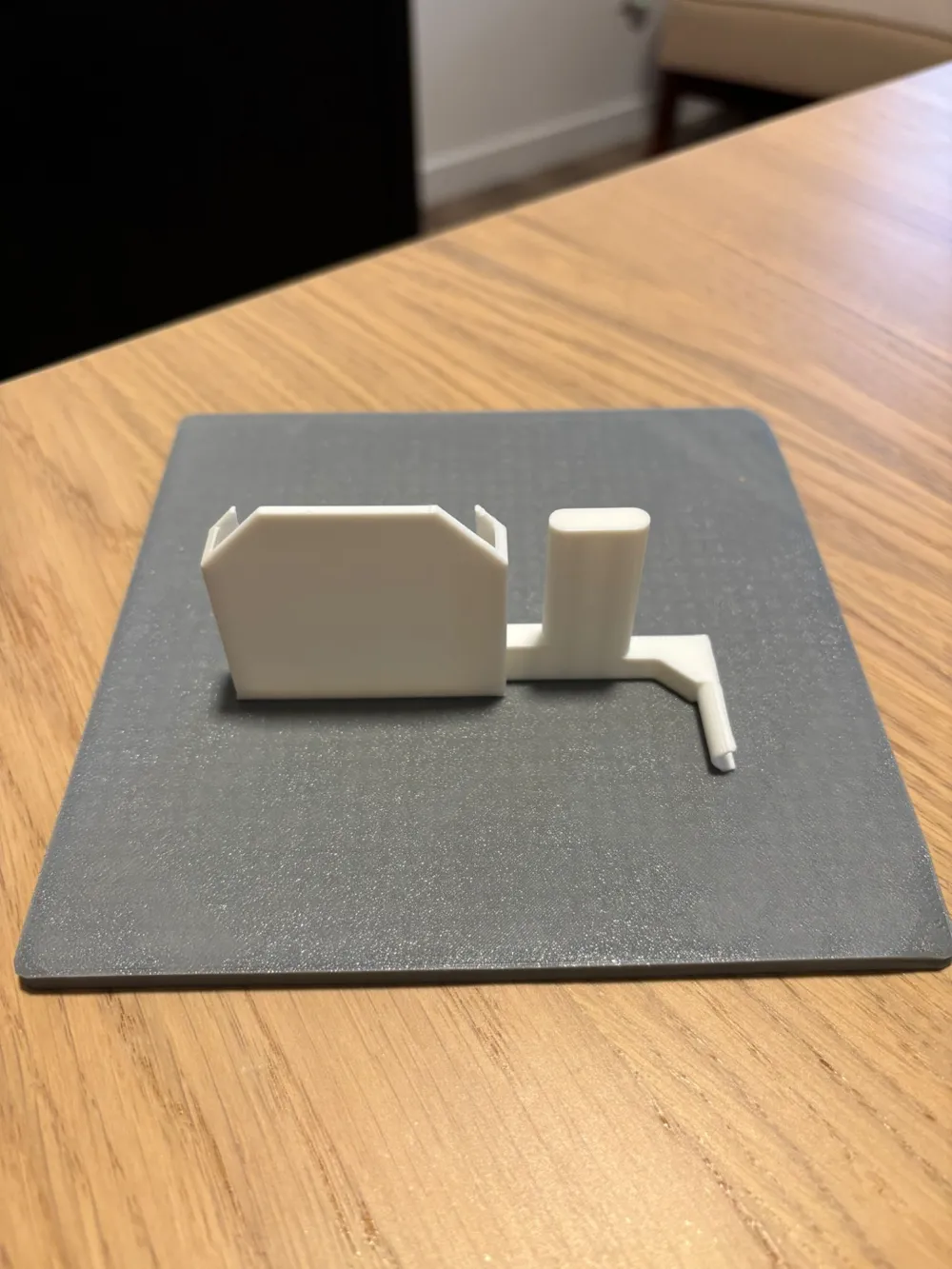
Print without support.
Enjoy!
This remix is based on


License

This user content is licensed under a
Creative Commons Attribution-Noncommercial-Share Alike


Comment & Rating (40)