Search models, users, collections, and posts

Townsfolk Tussle 2nd Ed. + Expansions Insert
Print Profile(2)

All
X1
P2S
P1P
H2C
P1S
X1 Carbon
H2D
A1
H2D Pro
H2S
X1E
X2D
A2L

With Miniatures, 0.2mm layer, 2 walls, 5% infill
Designer
28.3 h
7 plates

Without Minis, 0.2mm layer, 2 walls, 5% infill
Designer
23.2 h
8 plates

Open in Bambu Studio
Boost
13
40
20
2
84
30
Released 

Description

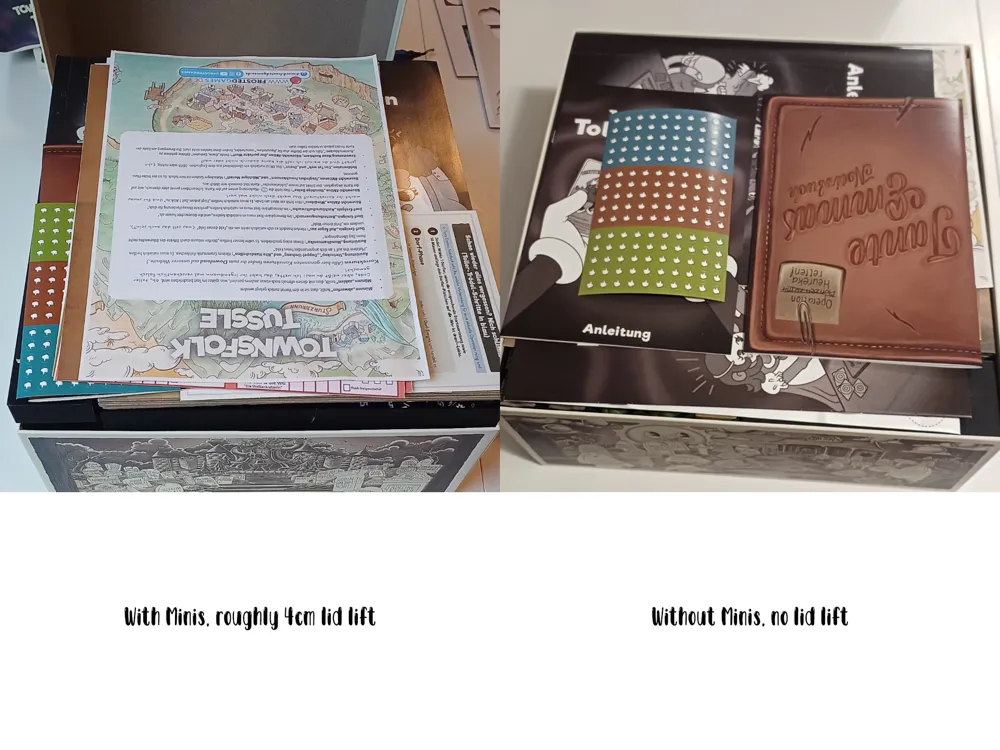
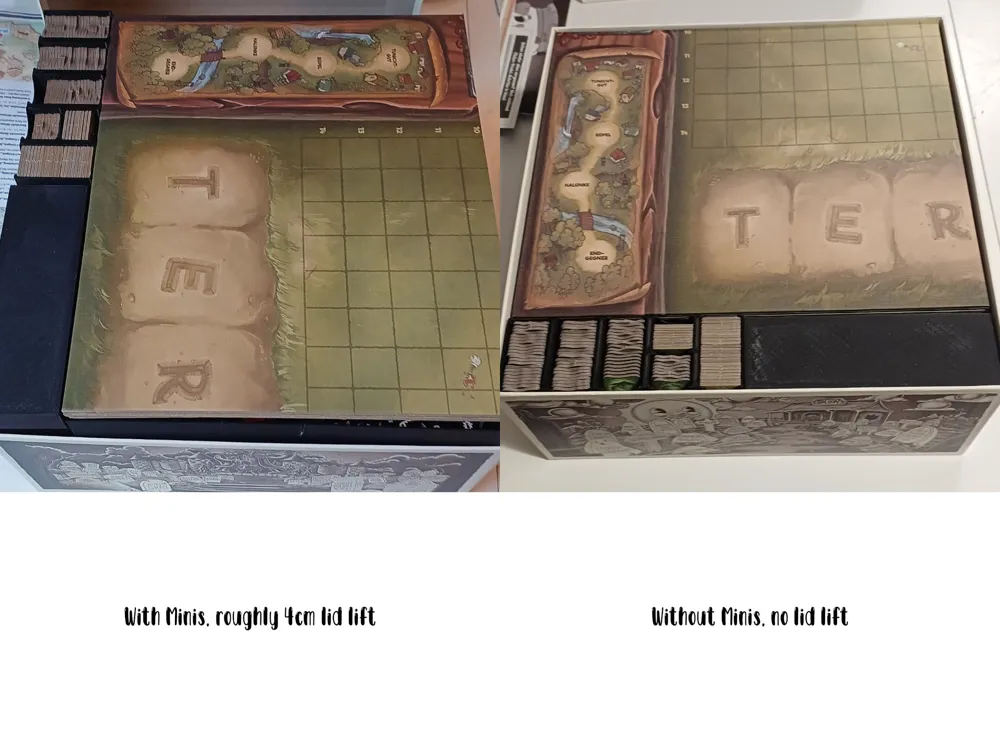
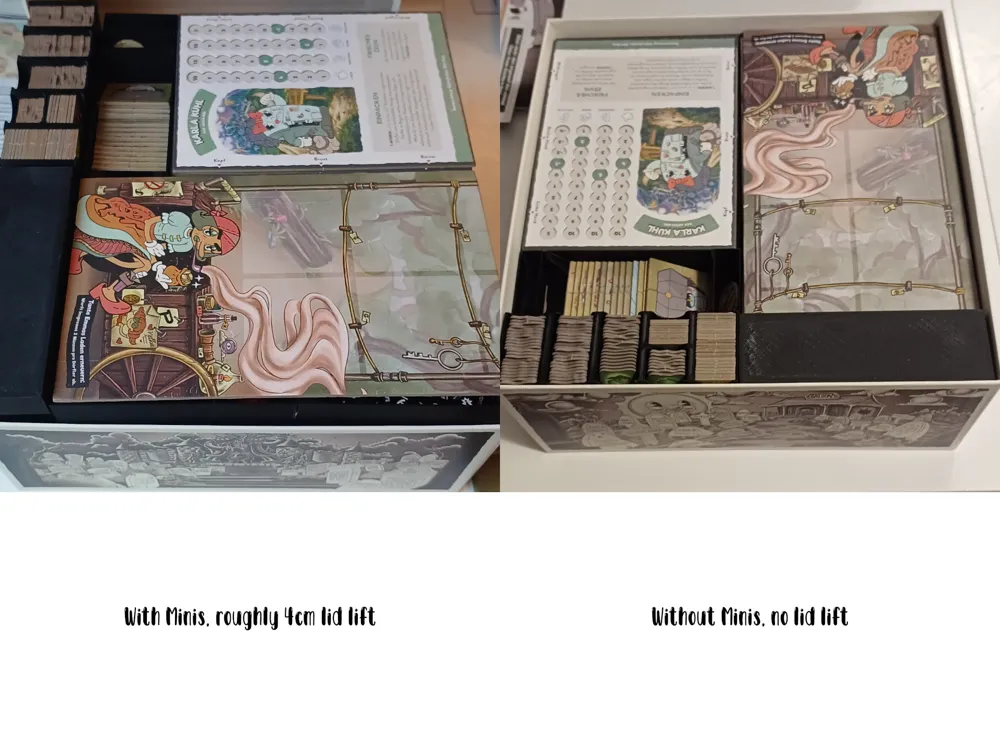
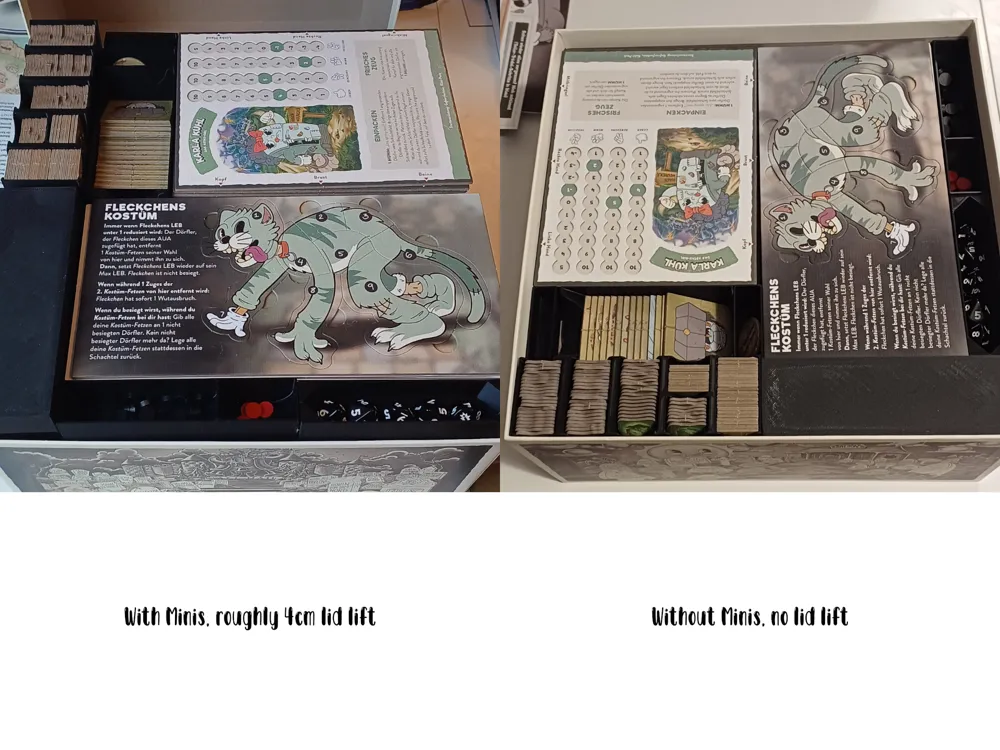
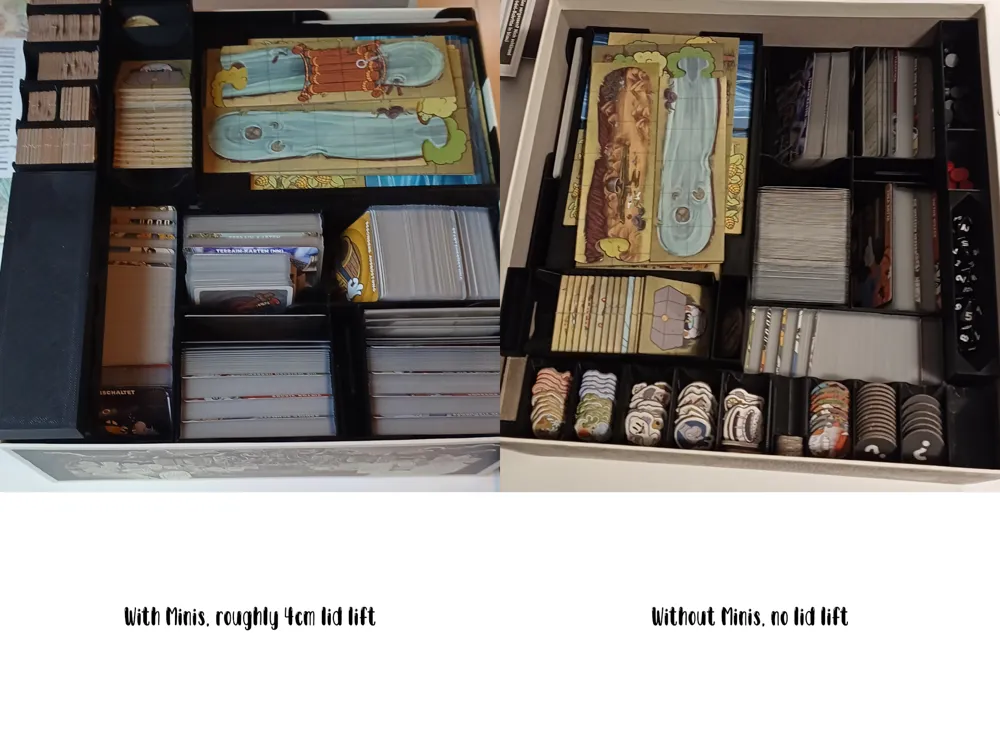
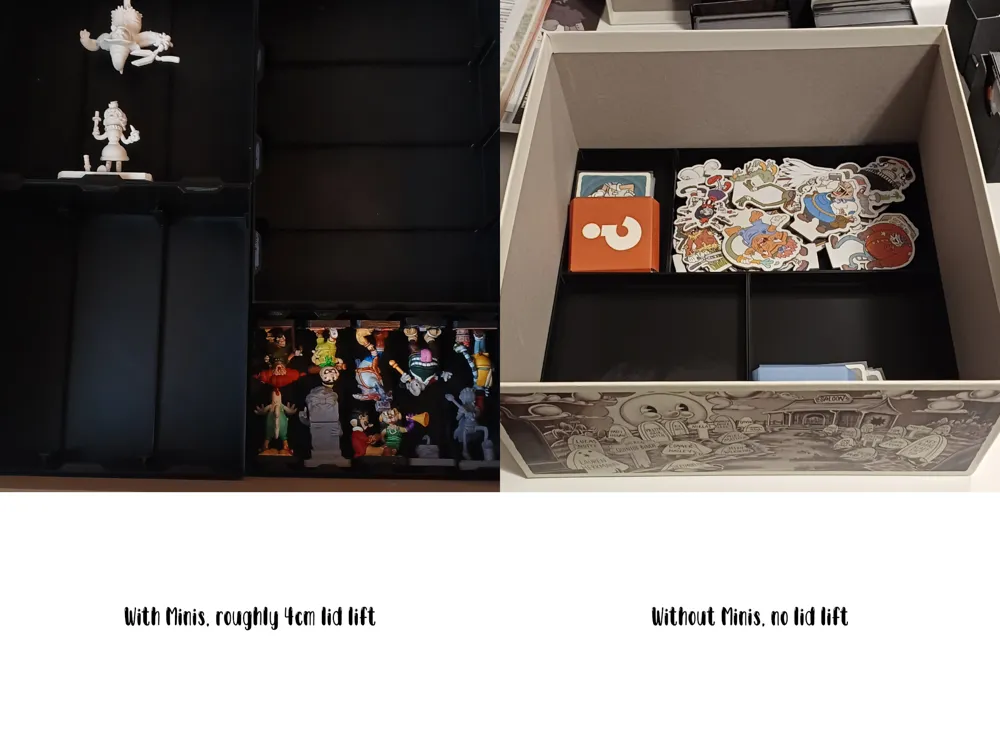
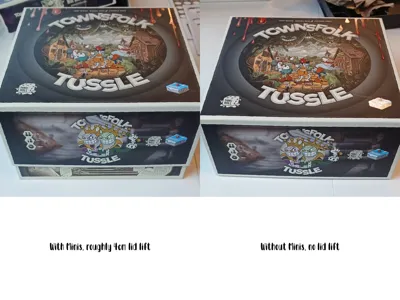
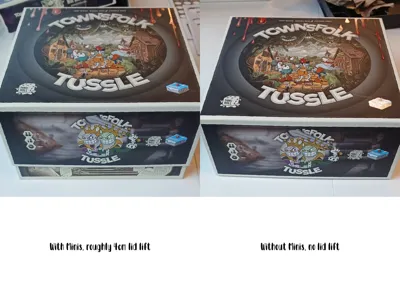
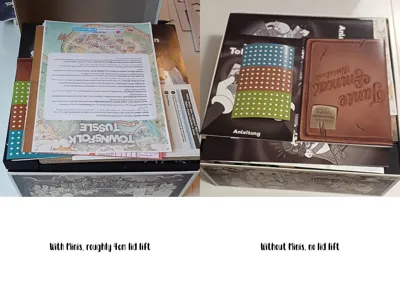
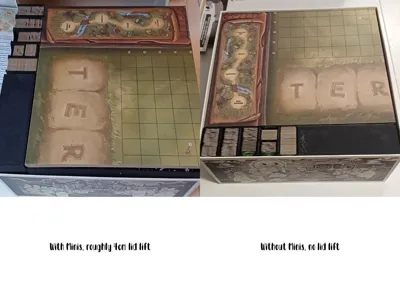
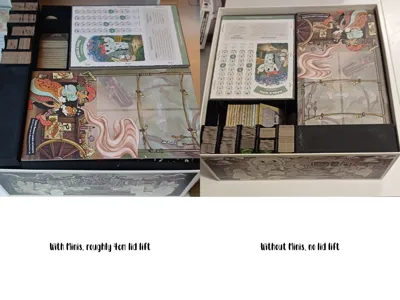
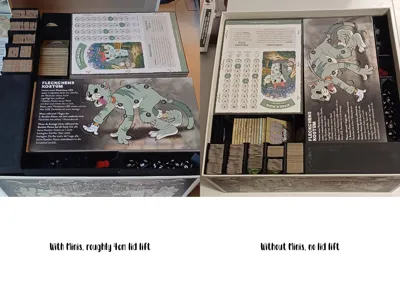
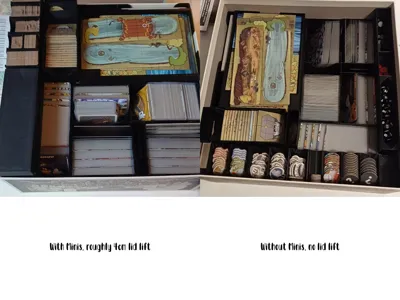
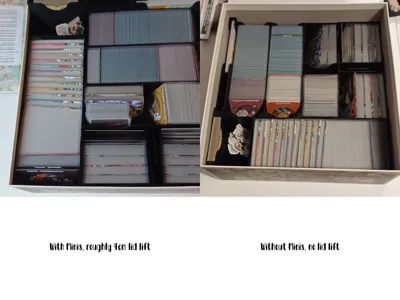
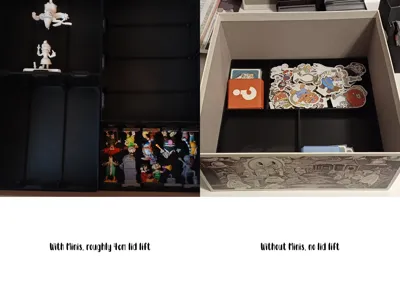
I created this insert for the game Townsfolk Tussle to allow me to store everything (base game + foul neighbours + odd jobs) in the box of the base game. I am painting my minis, so I hopefully found a solution that keeps them safe. Since my Minis are normaly on the shelf, I also made a version that only includes the standees.


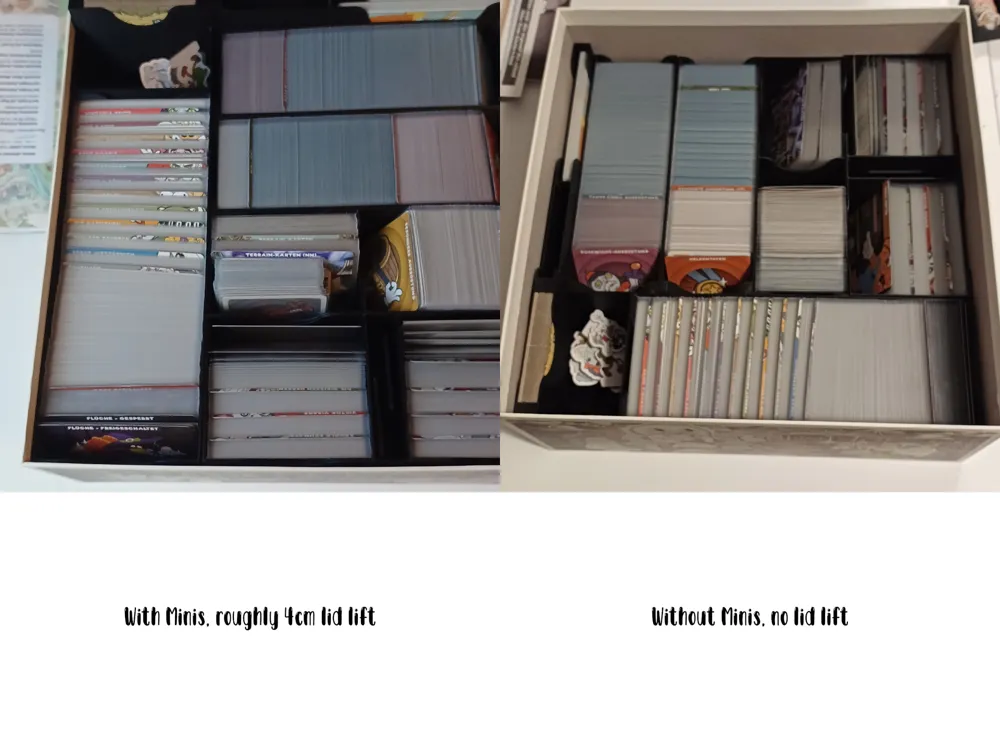
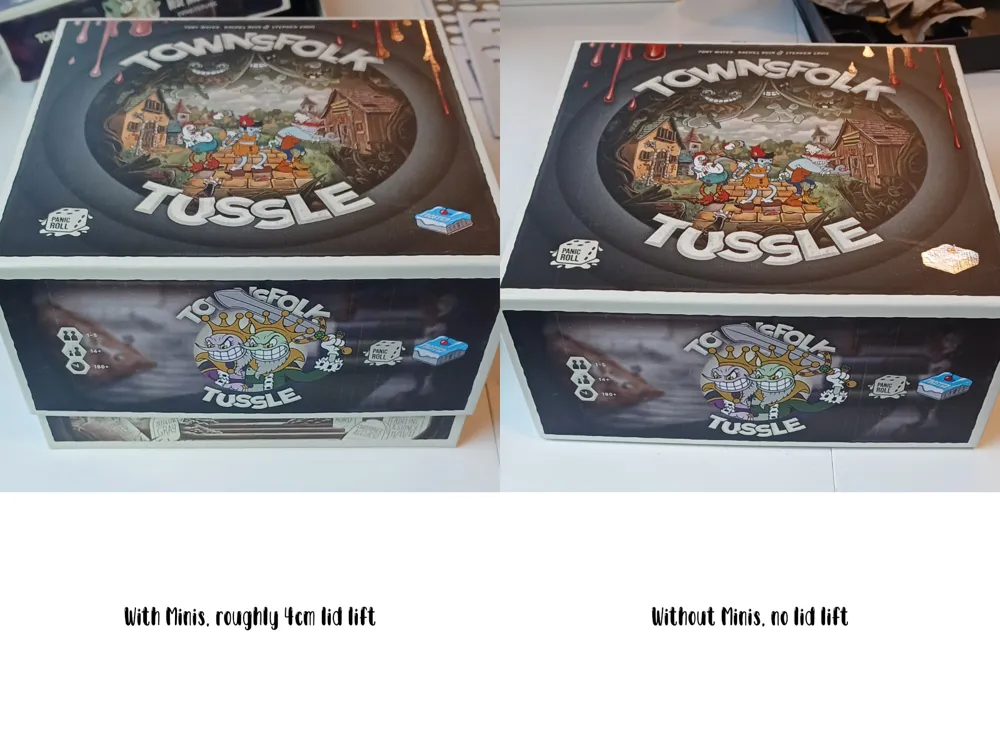
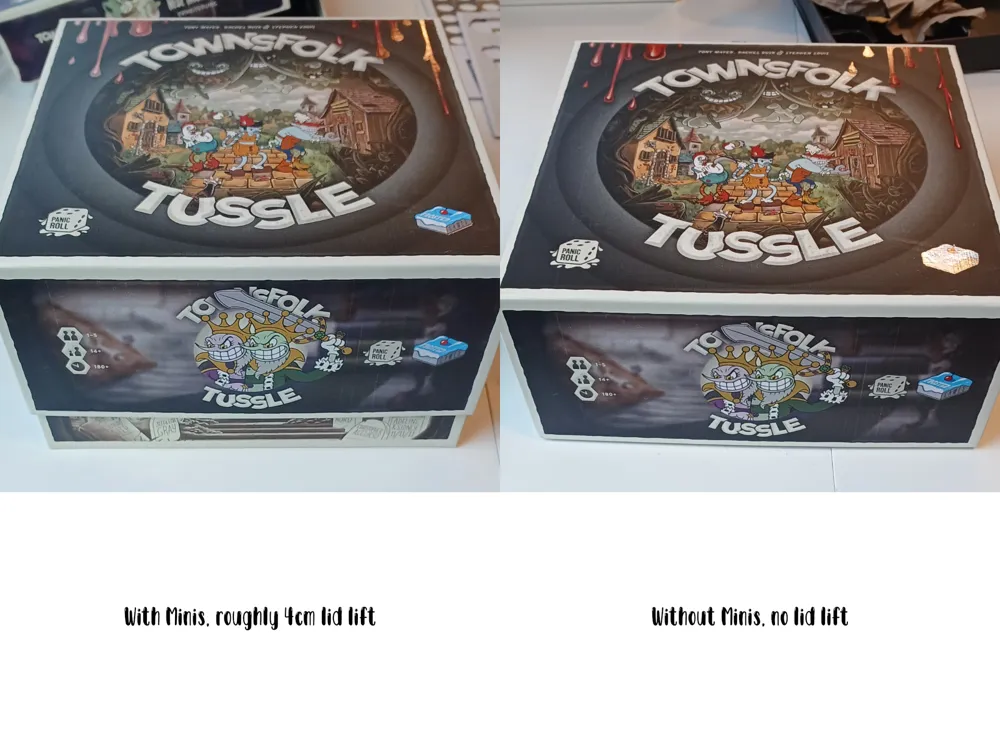
With Minis I have about 4cm of lid lift.


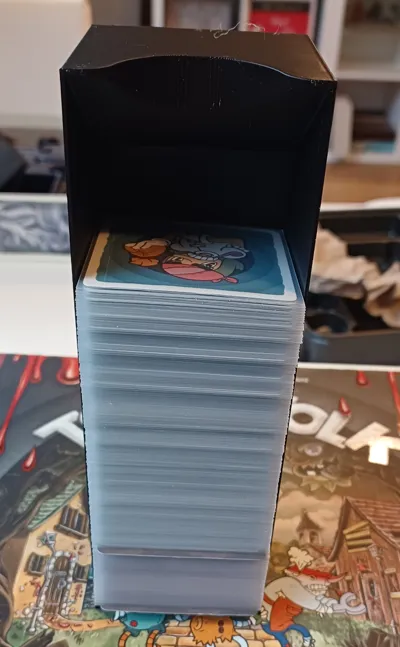
It fits sleeved cards, I used Gamegenic Standard Matte for all the cards and cut the sleeves for the rectangular cards to size using my cutting guide, also included here.


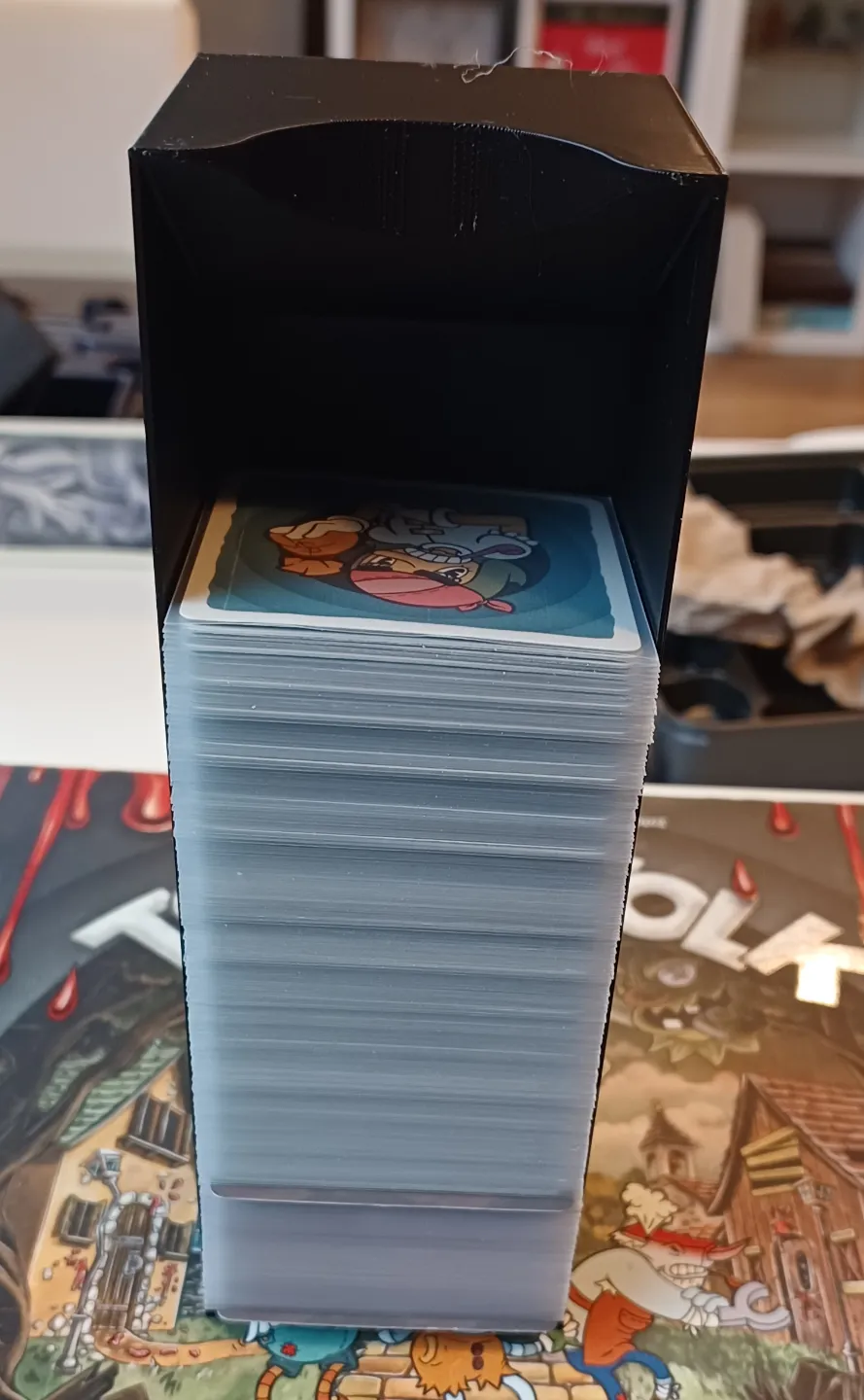
And since large stacks of sleeved cards tend to fall over, you can use the card sledges as holders to prevent the large stacks from tipping over.


If you want to support me go here: https://ko-fi.com/karandaras or

Boost Me (for free)


Documentation (2)

Assembly Guide (2)
Manual with Minis.pdf
Manual without Minis.pdf

Comment & Rating (20)

(0/1000)

Thanks for that awesome insert! There seems to be missing a file (see attachment)?
The designer has replied
0
Reply
I will double check that, as soon as I get to my computer.
0
Reply
Sorry that it took me so long, I uploaded the missing file and also added it to the print profiles.
0
Reply
Replying to @Karandaras :
Thank you.
0
Reply
any way this can be formatted for a P1S? it doesn't provide that as an option when attempting to print
The designer has replied
1
Reply
I am not sure why it's not listed, it has the same printable area as the A1, so it definitely fits. I will try to adjust the print profiles. Meanwhile you can open it in Bambu Studio and change your printer there.
0
Reply
I'll have to check when I'm at my PC doesn't let you change it on the app. thanks for the quick reply hope I'm able to print this as I just got the game and excited to play.
0
Reply
Replying to @user_1794403347 :
You will be able to print it, no worries and have fun with the game. I just tried to add the P1S but when I edit the print profiles, all printers except the A1 mini are already selected, so it should work.
0
Reply
Insert is great. Any chance of getting some better pictures or a guide for what goes where and how to assemble inside the box? I’m using the miniatures version and am struggling a bit.
The designer has replied
0
Reply
I will make a guide and add it.
0
Reply
Replying to @Karandaras :
I just uploaded a manual, it's currently undergoing verifcation. I hope that will help.
0
Reply
Is the Ruffian Miniatures x2.stl meaning print that file twice?
The designer has replied
0
Reply
yes
0
Reply
correct
0
Reply
Is this for second or first edition box?
The designer has replied
0
Reply
second edition
0
Reply
Boosted
Beautiful design, thank you for creating it. Do you think it is somehow possible to get rid of the lid lift? There is a seller on etsy who sells an insert where you don't have a lid lift at all.
(Edited)
The designer has replied
0
Reply
Glad you like it
0
Reply
Do we need to print the "Ruffian Standees" file inside the "with minis" folder? I would assume no?
The designer has replied
0
Reply
Yes, it is used as a spacer on top or below the townsfolk minis to make the stack the same height as the ruffian minis.
0
Reply
No more