

Print Profile(1)

Description
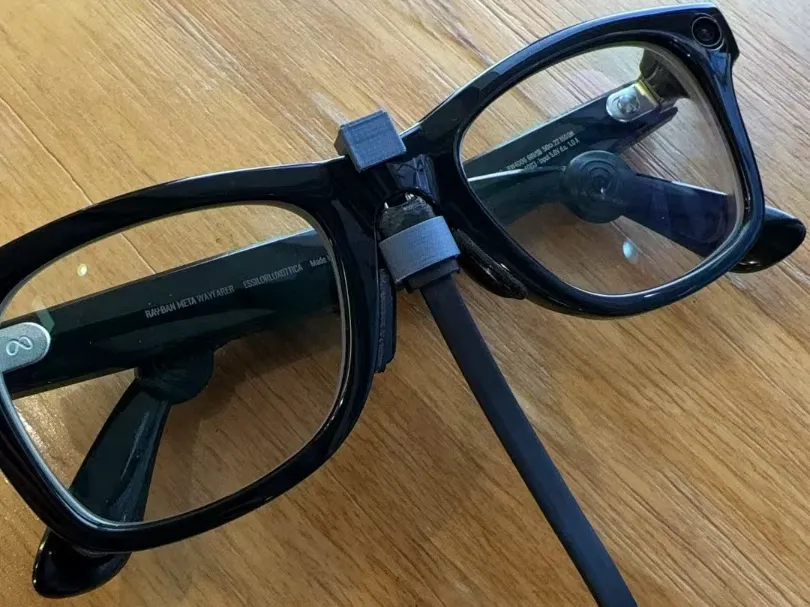
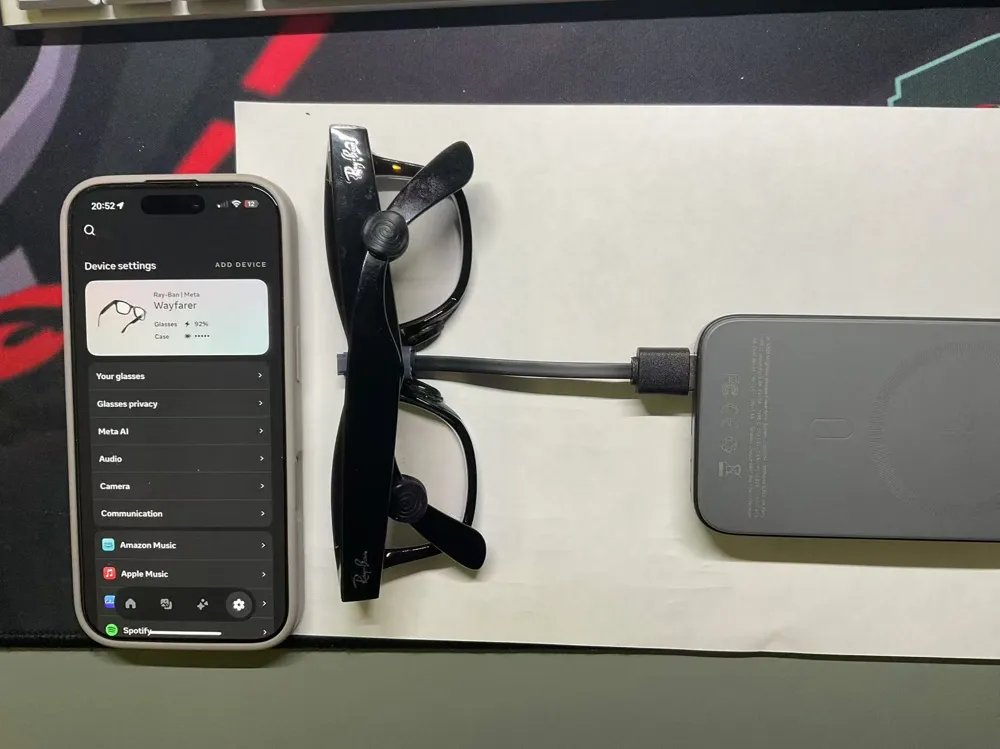
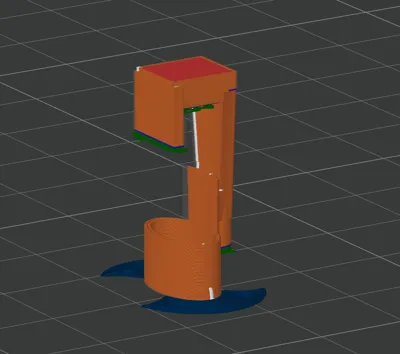
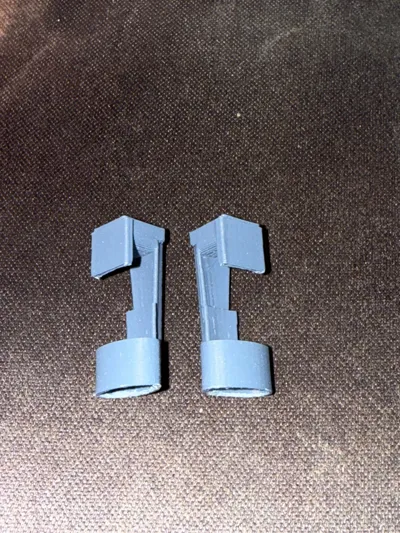
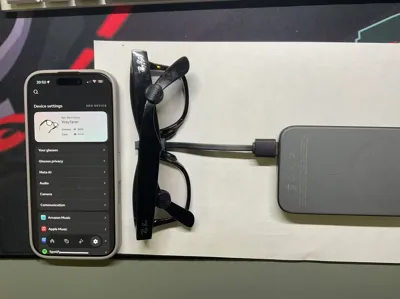
This is a charging clip specifically designed for Meta Rayban 2 smart glasses (Wayfarer model tested). Useful for those who frequently forget their glasses case or as a backup charging option.
This model is a creative adaptation of Langziguang's model found at https://makerworld.com/zh/models/586287#profileId-507468. It eliminates the need for manual USB cable trimming and soldering, but requires the purchase of a "Xiaomi Mi Band 3 charger". The assembly utilizes the elastic metal contacts from the "Xiaomi Mi Band 3 charger" for charging.
Modifications include:
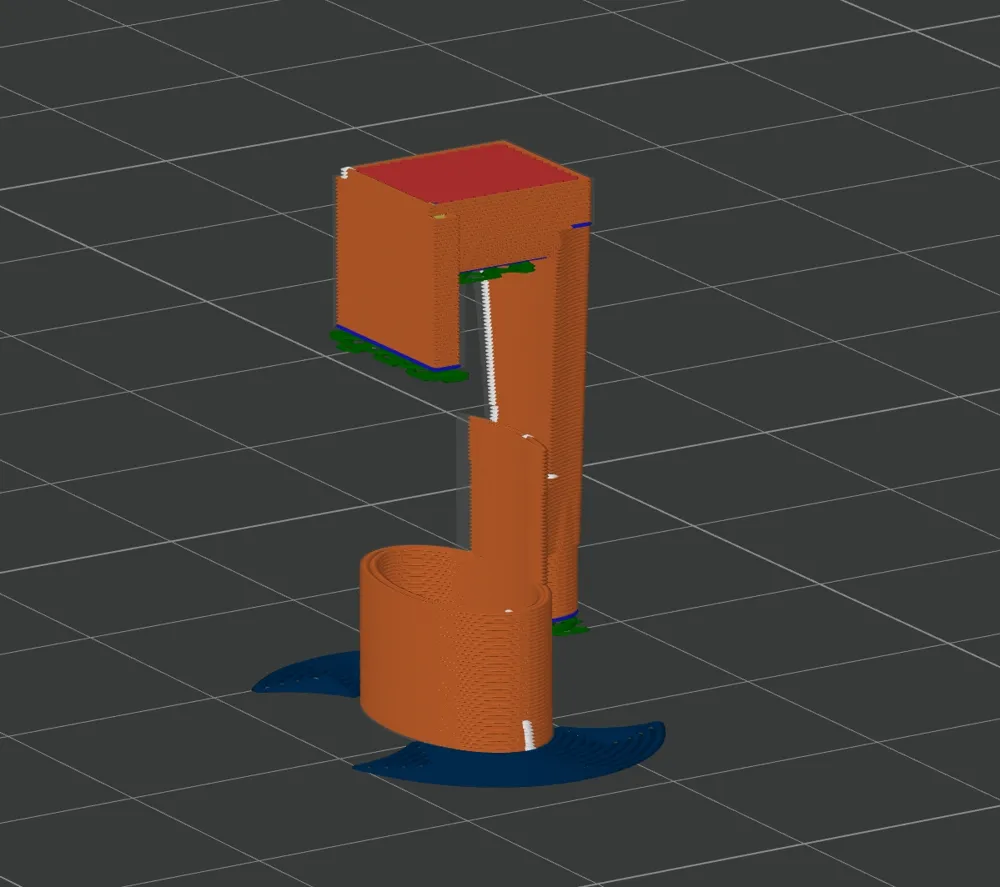
1- A circular interface added to securely hold the "Xiaomi Mi Band 3 charger";
2- Vertical baffles added to enhance positional stability during charging;
3- Additional cylindrical and rectangular elements incorporated to improve overall robustness;
Required Materials:
In addition to the printed parts, you will need to purchase or prepare:
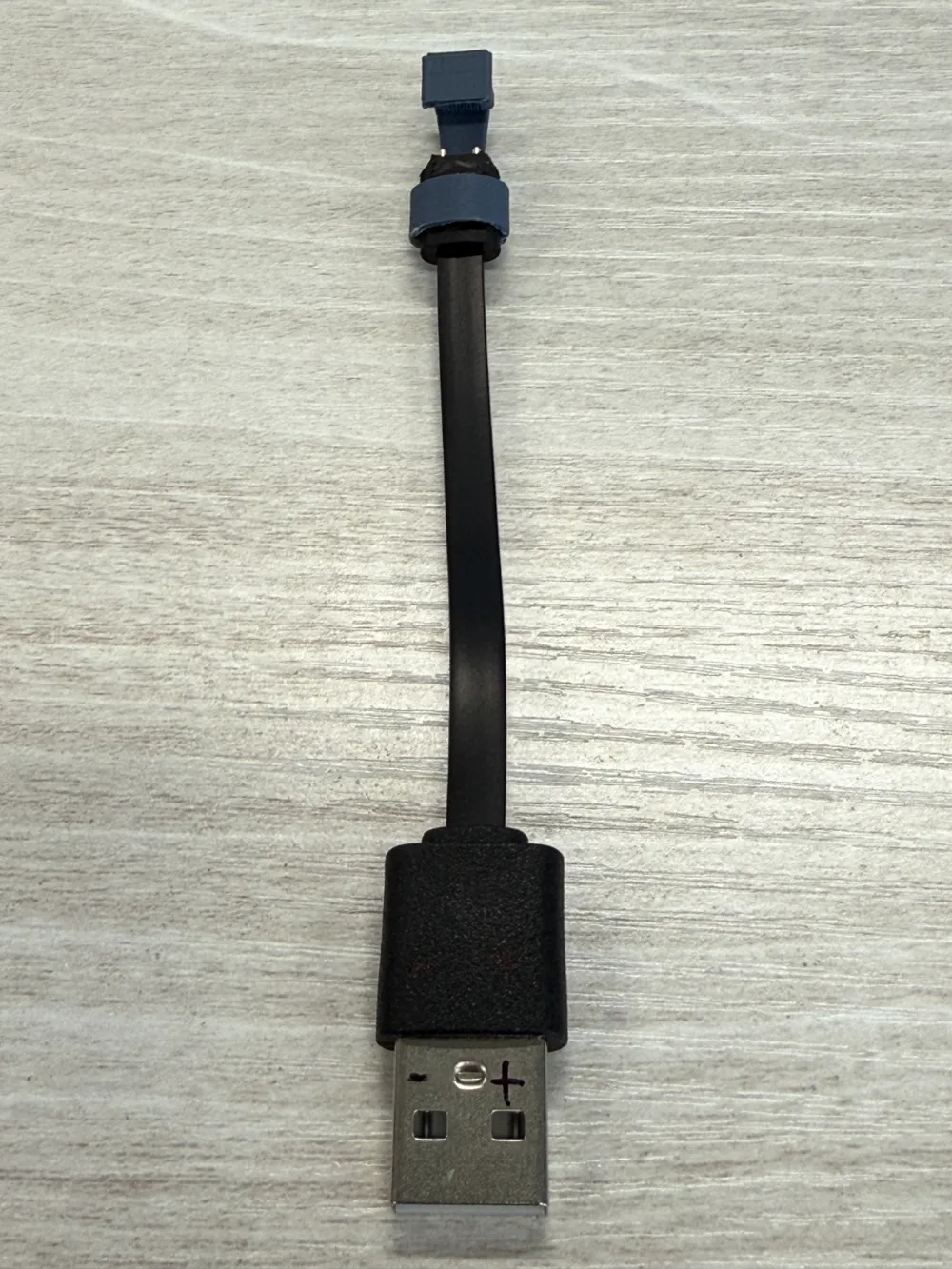
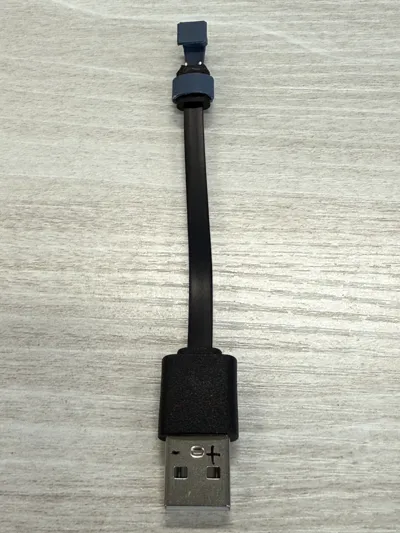
A Xiaomi Mi Band 3 charger, as shown in the image; costs a few dollars.
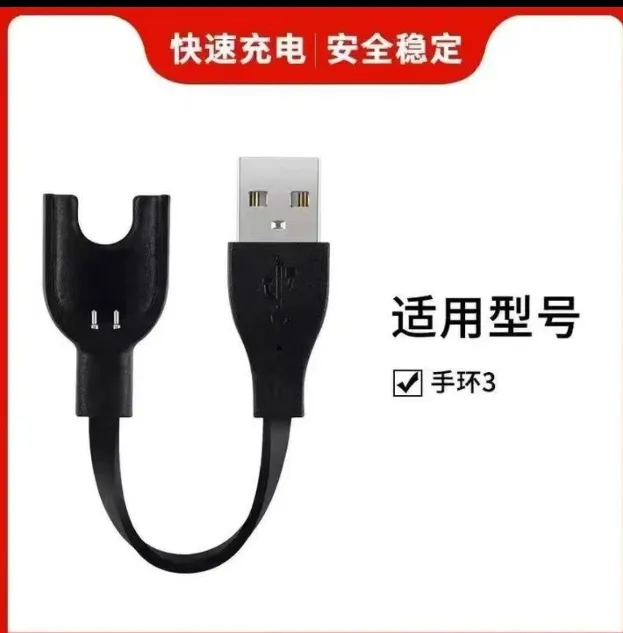
- Scissors or side cutters;
Assembly Instructions:
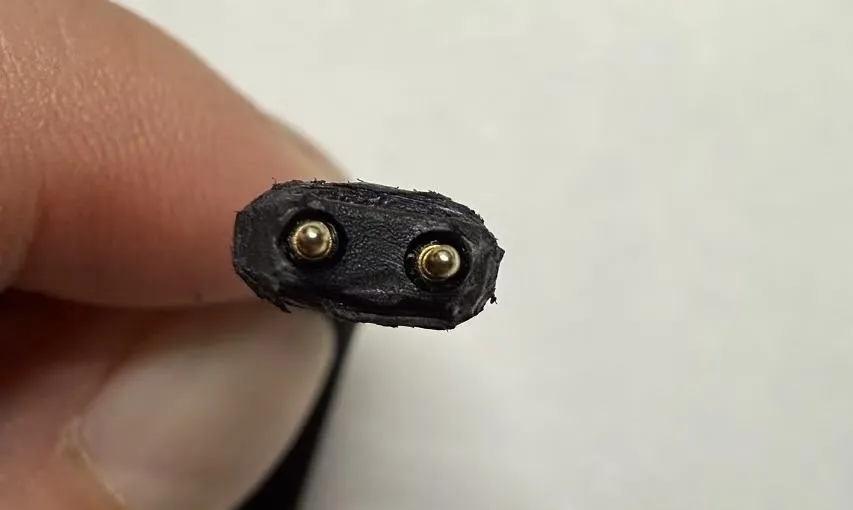
Use scissors or side cutters to trim the contact points of the "Xiaomi Mi Band 3 charger" into a smooth, oval cylinder, as shown:
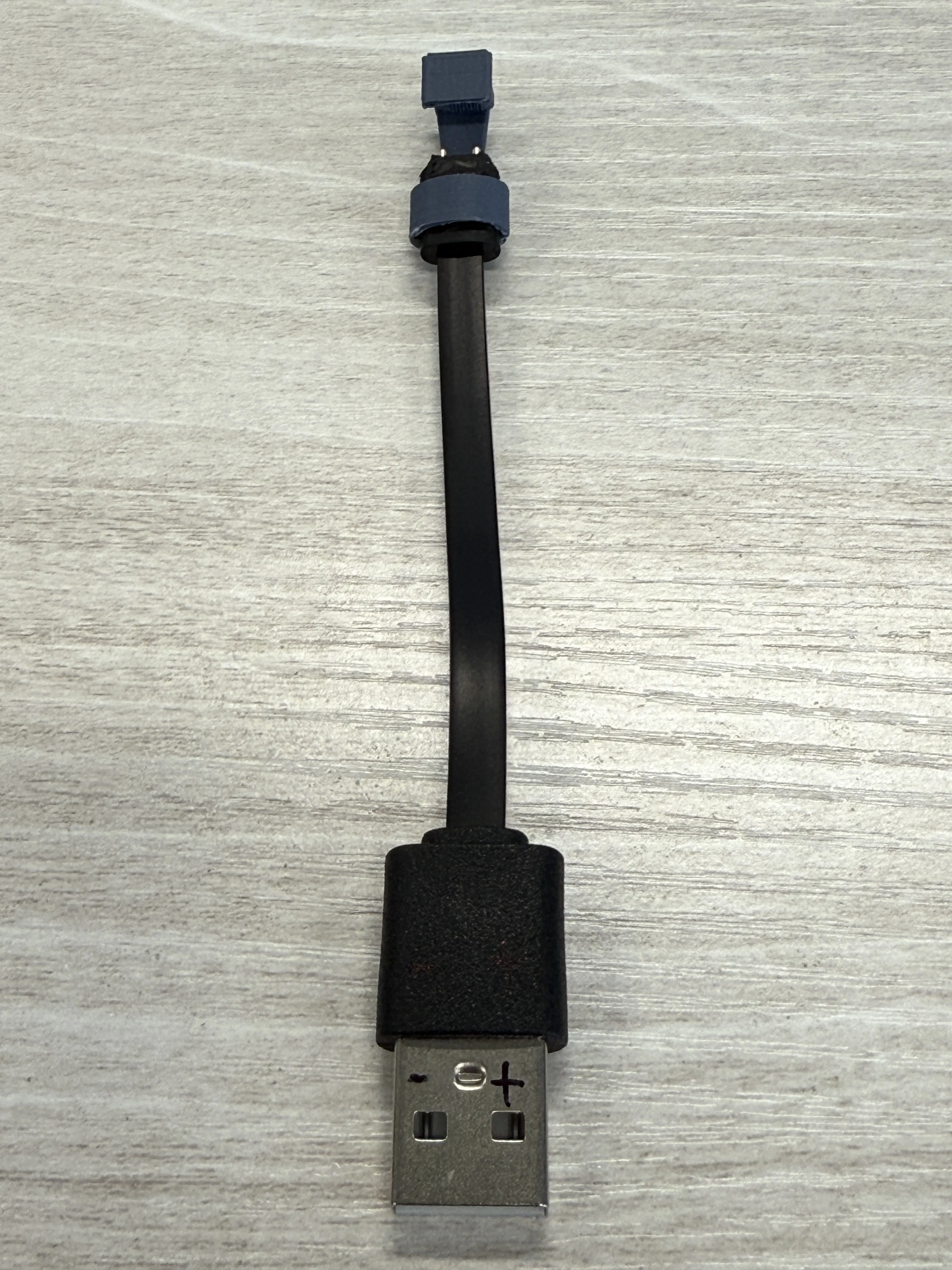
Mark the positive and negative poles of the "Xiaomi Mi Band 3 charger" (USB-A port, the side with the cavity faces up, left -, right +), as shown:
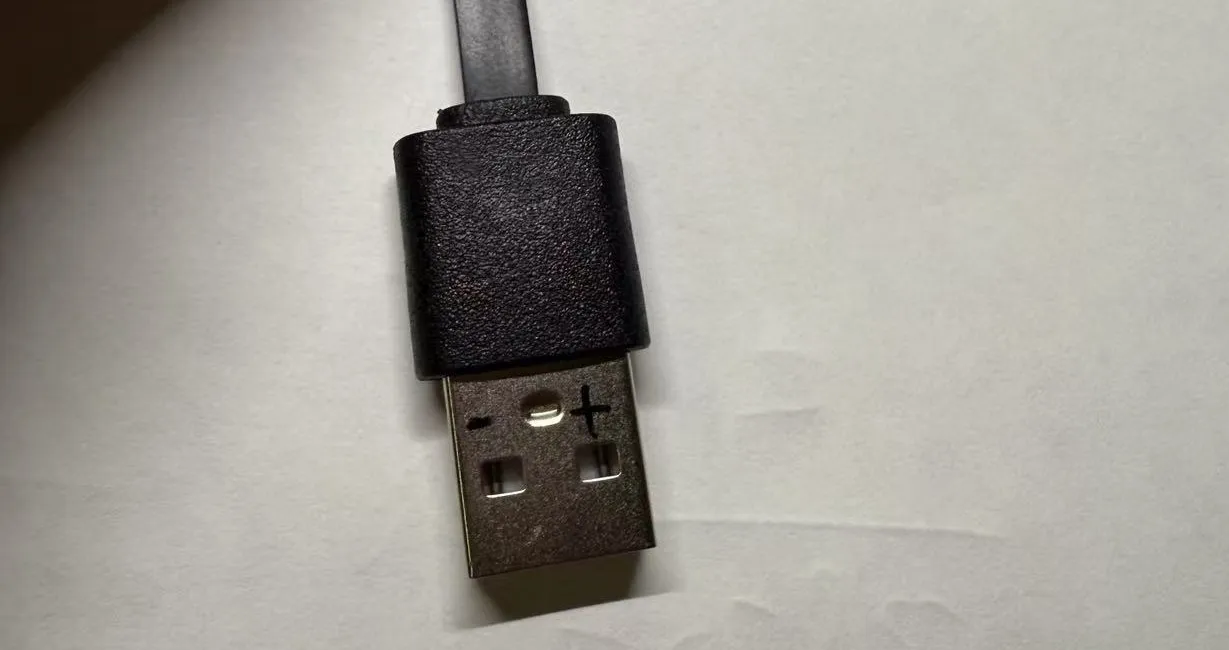
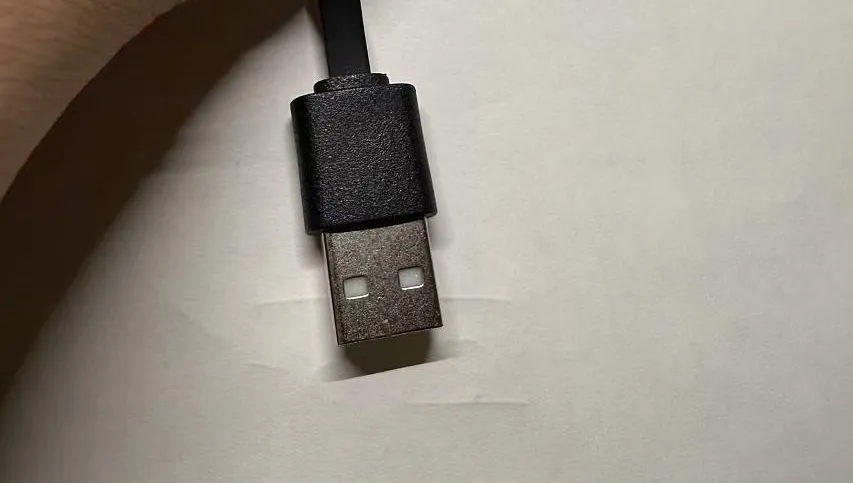
Pay close attention to the orientation. The other side of the USB-A port has a white base; do not use that side:
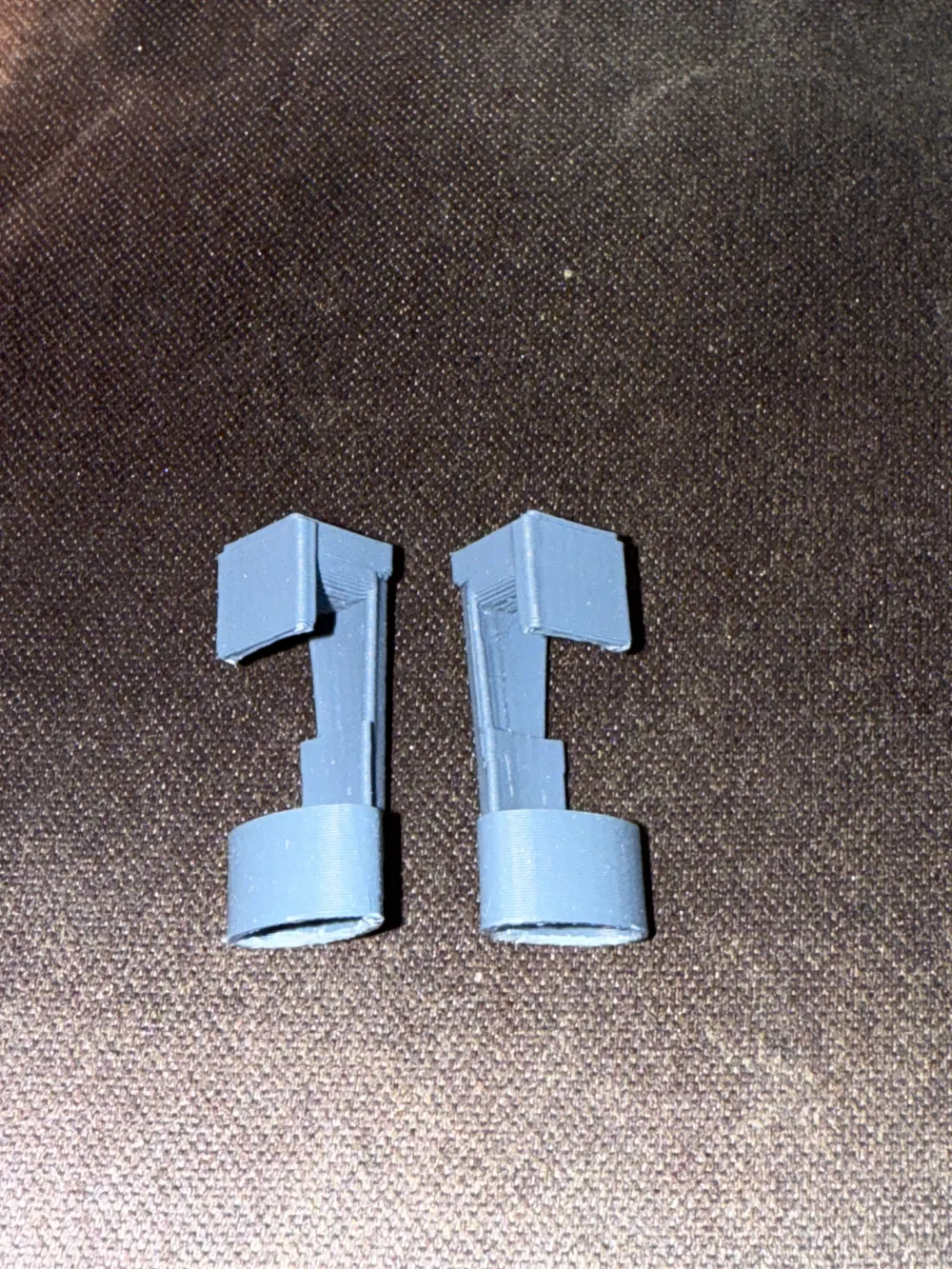
Take the printed part, the opening facing you, the marked orientation facing upwards, and insert it, as shown:
Usage:
Take the glasses, the camera side facing you, and attach the upper baffle first, as shown:
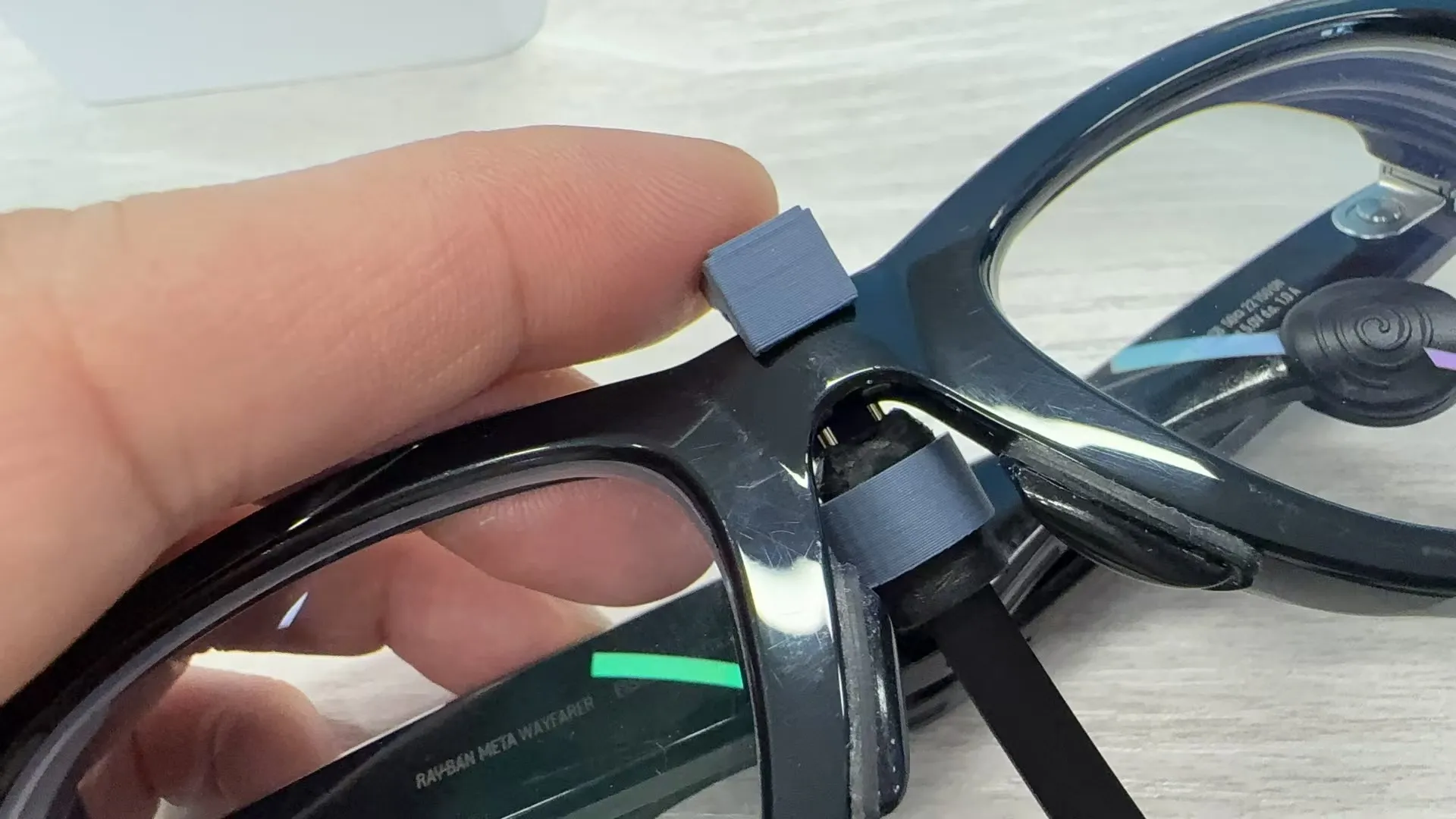
Gently pull the cable upwards to engage. Check that the metal contacts are touching the charging area; if they aren't, it will look like the image below:
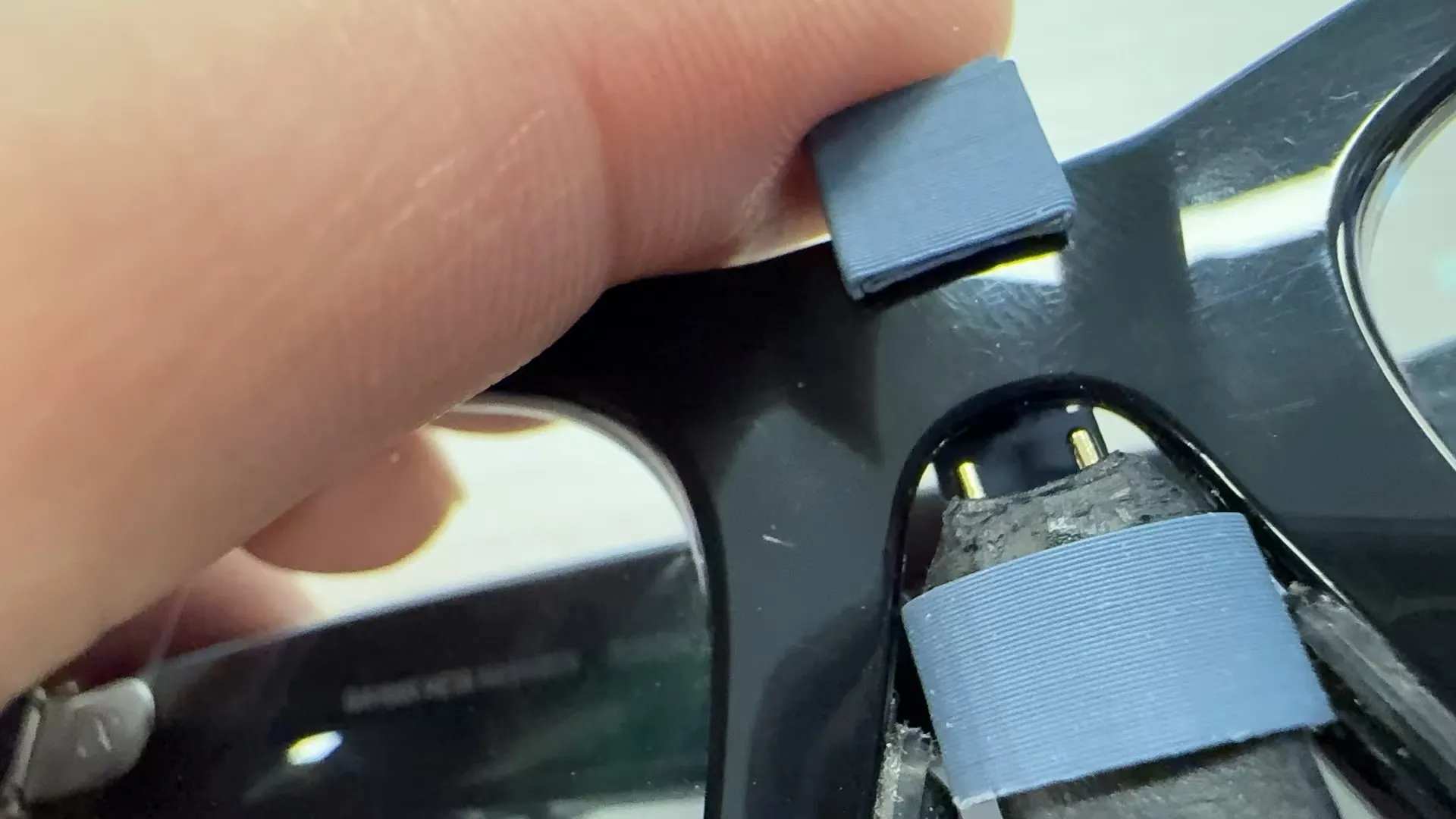
Gently push the cable upwards to secure it, as shown:
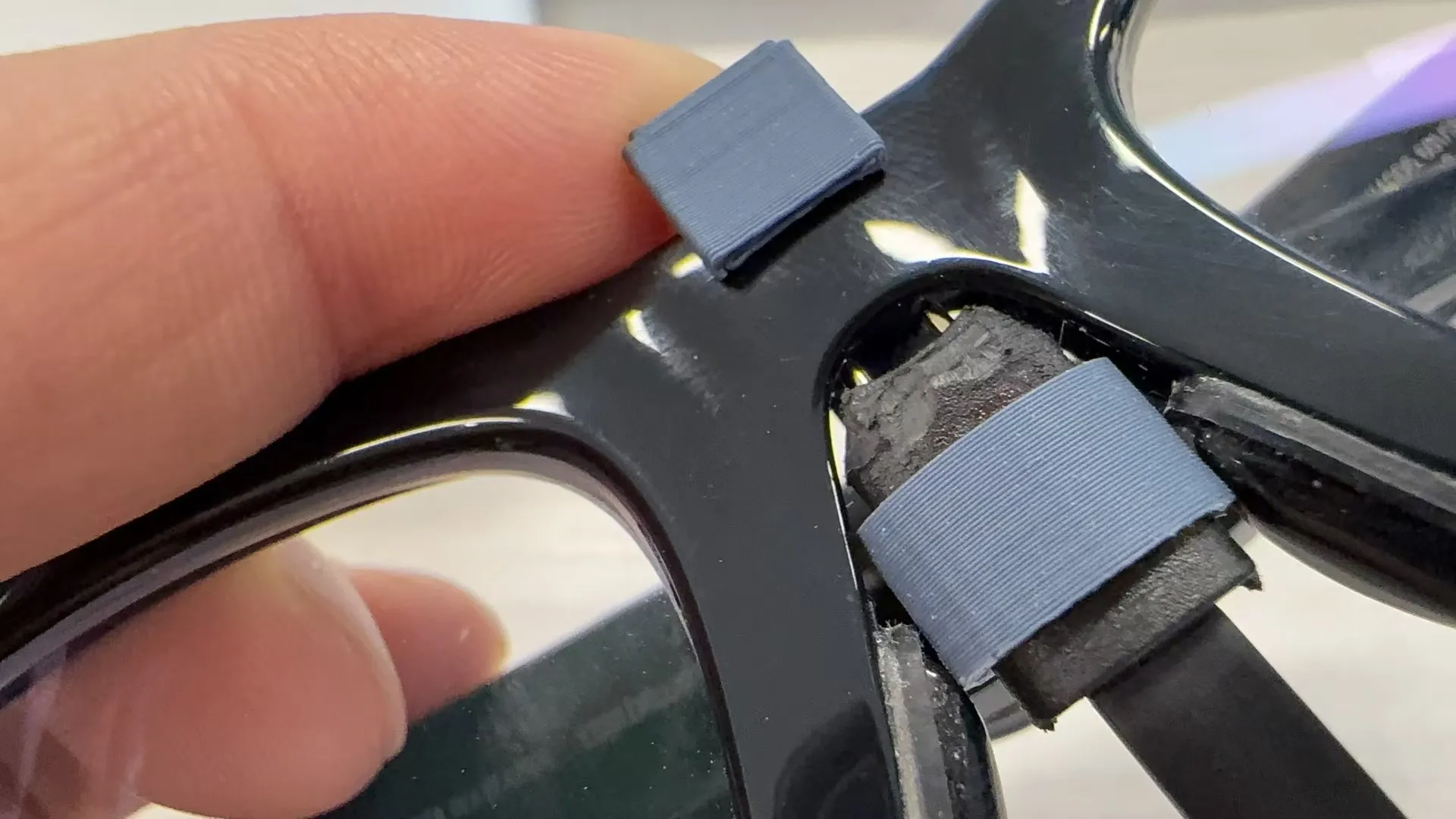
- To remove, gently pull on the cable.
!!! Important Note: Please pay close attention to the charging current direction, left -, right +
!!! Important Note: Please pay close attention to the charging current direction, left -, right +
!!! Important Note: Please pay close attention to the charging current direction, left -, right +
This remix is based on

License



Comment & Rating (7)