
DCC WiTController WiThrottle Case


Print Profile(0)
Description
Summary
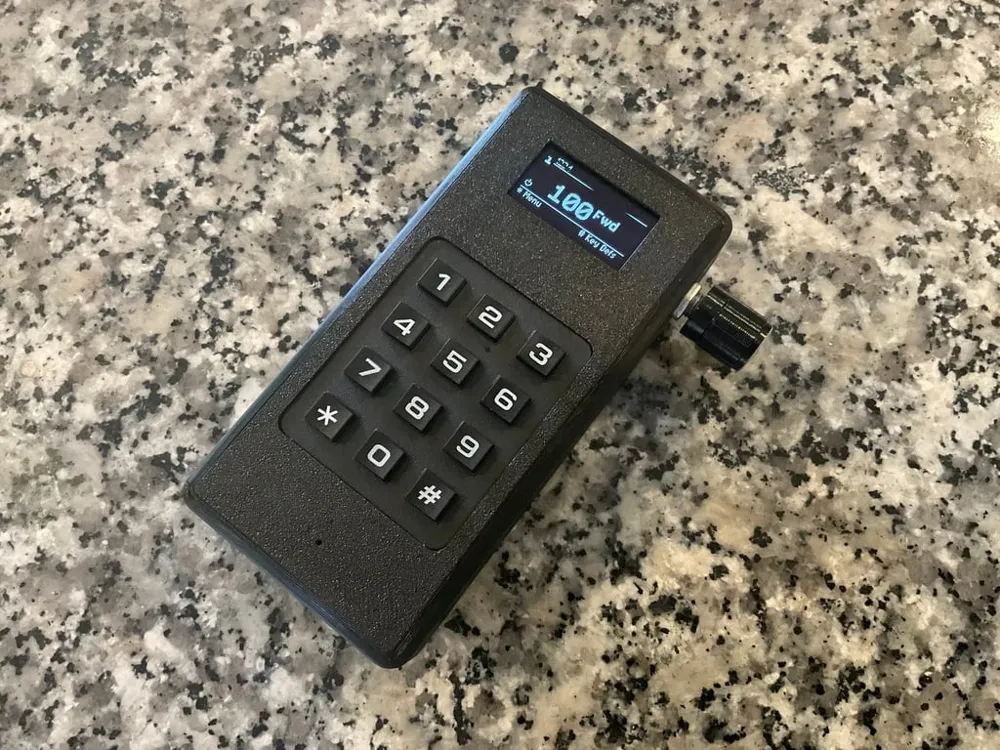
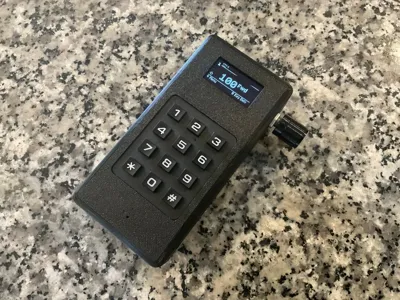
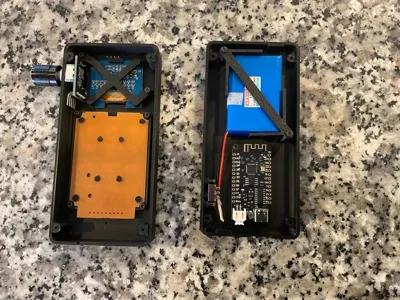
This is a case for the DCC-Ex WiTController.
https://dcc-ex.com/throttles/hardware/witcontroller.html
The WiTcontroller is a simple DIY, handheld controller that talks to a WiThrottle Server (JMRI, DCC++EX and others) using the WiThrottle protocol to control DCC model trains.
Source code and general instructions can be found here https://github.com/flash62au/WiTcontroller
Note: this version of the WiTController uses a 1.3” OLED and a different matrix keyboard to that specified on the GitHub page.
The main parts are readily available from AliExpress as follows
Wemos ESP32 Lite USB-C https://www.aliexpress.com/item/4000038780903.html
3*4 Matrix Keypad https://www.aliexpress.com/item/4000873237364.html
1.3” OLED (4 pin IIC version) https://www.aliexpress.com/item/1005001621782442.html
KY-040 Rotary encoder with 15mm knob (threaded version) https://www.aliexpress.com/item/1005004607438198.html
153450 Battery https://www.aliexpress.com/item/32396436654.html
SS12F15 Slide switch with 5mm slider https://www.aliexpress.com/item/4000042632226.html
P2.0 2 pin 10cm plug and wire https://www.aliexpress.com/item/1005001649158434.html
You will also need jumper wires, M2x4 and M2x16 screws.
Assemble in the following order…
Top
Push out the thin filler from the encoder mounting hole and clean up the hole
Fit wires to the encoder and mount
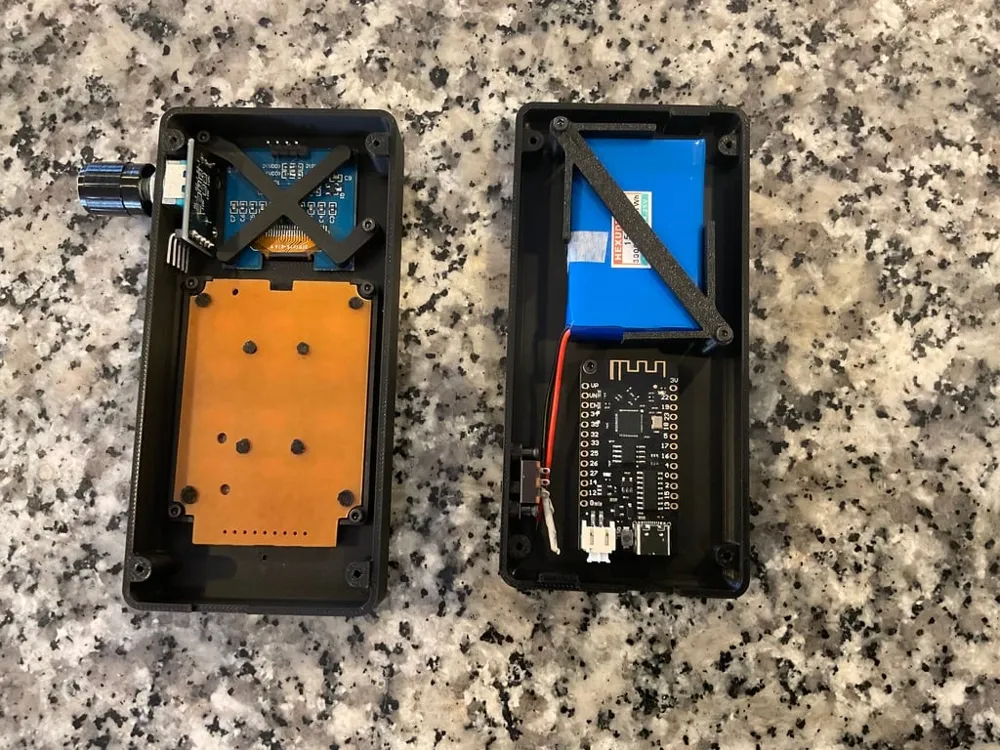
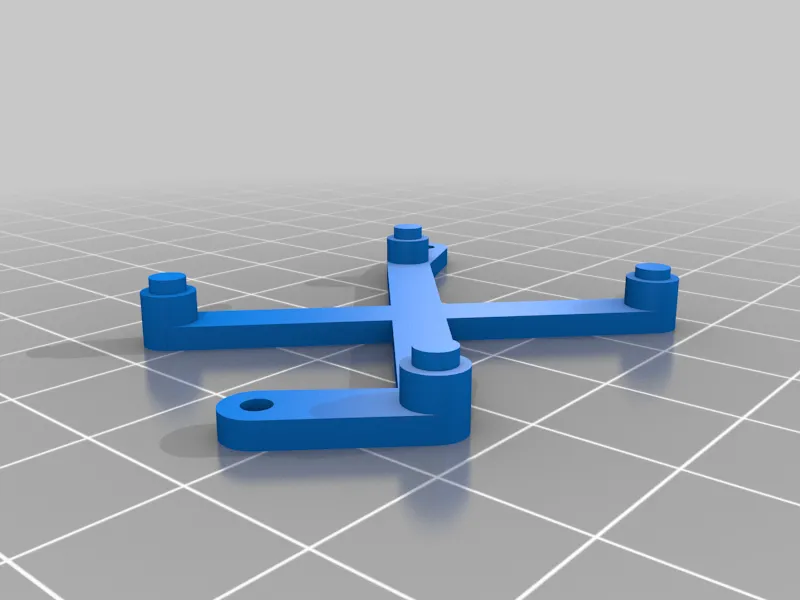
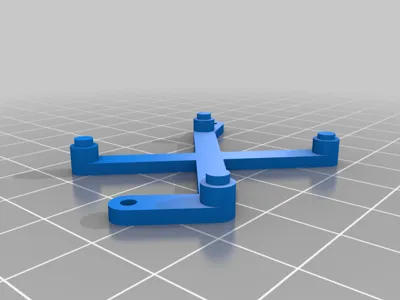
Fit the OLED bracket to the back of the OLED and then mount the OLED bracket using two M2x4 screws. Important note: check the sequence of pins on your OLED, the Vcc and Ground pins will not be the same as on the GitHub diagram.
Fit wires to the keyboard. Ignore the two outer solder pads and follow the wiring diagram for the wiring. Fit the keyboard to the case using M2x4 screws. It is a snug fit so ensure that it is firmly in place.
Base
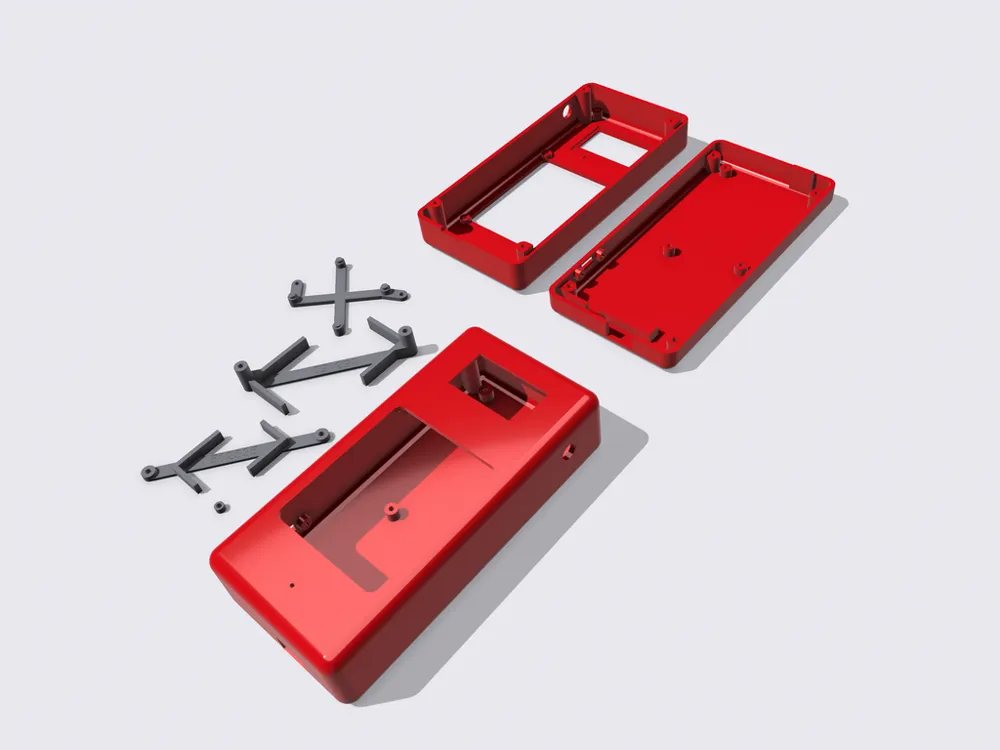
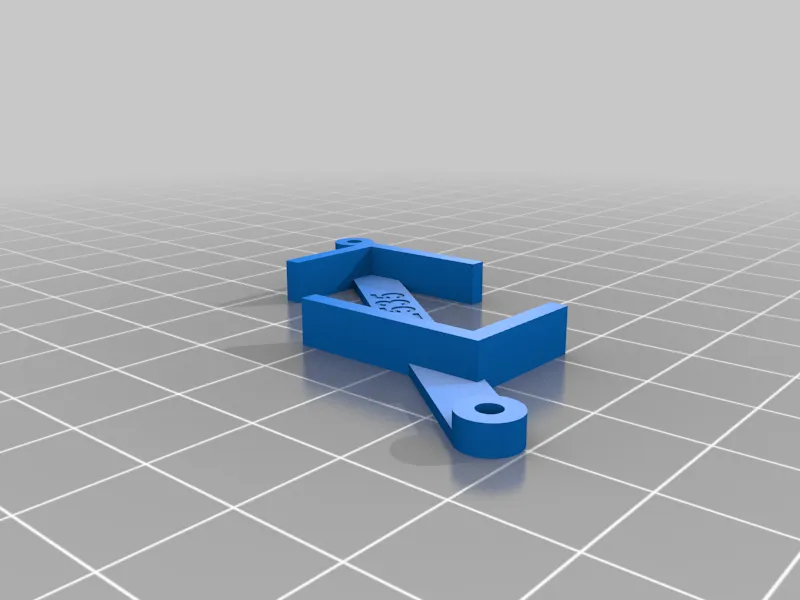
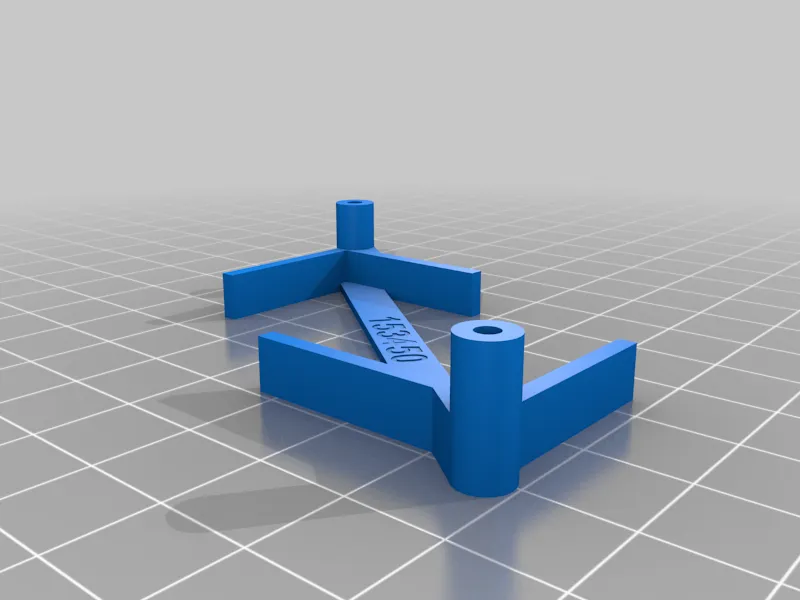
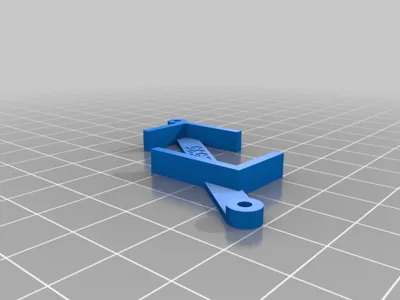
Insert the battery into the battery holder and fit using M2X16 screws. A alternative battery mount is available for a 502535 battery and this uses M2x4 screws.
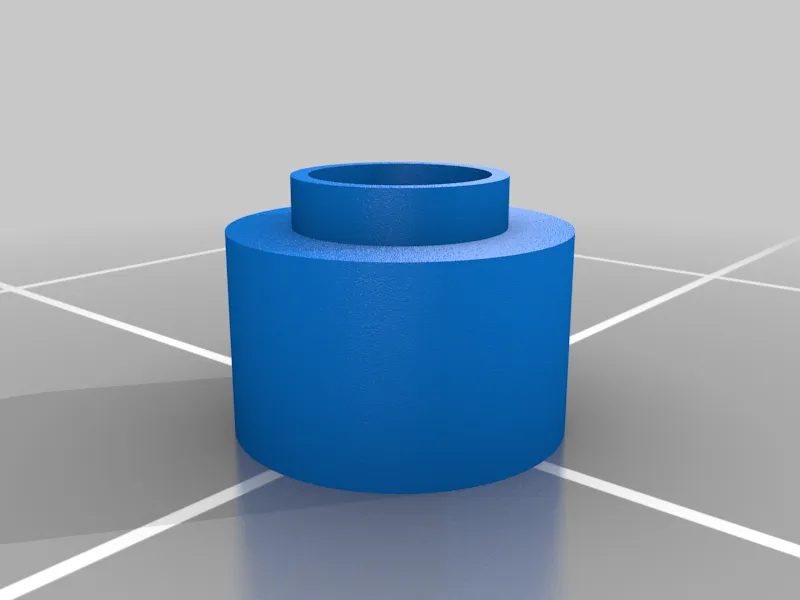
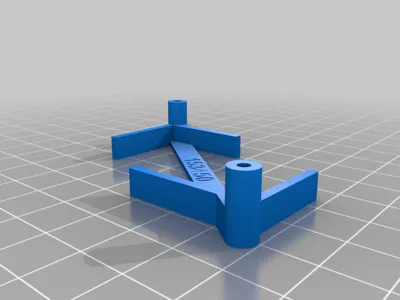
Thread switch packers onto two M2x4 screws and use these to mount the slide switch. Take care as there is very little thread available for mounting. When printing the packers you may need to enable thin wall detection or Arachne slicing in order for the small top ring to print properly.
Follow the coding instructions on the GitHub page to setup the controller.
In your config_buttons.h file you will need to uncomment the line defining the OLED as an 1109 version (around line 127)
Program your ESP32
Wire everything up following the GitHub diagram, taking note of where I have stated variances.
Test
Fit your programmed ESP32 to the base using an M2x4 screw. A piece of thin double sided tape on the mounting plinth may be of assistance in keeping it in place.
Assemble the two halves of the case using four M2x16 screws.
The controller needs to be powered on while charging. The most effective charging cycle can be achieved by putting the processor into deep sleep…
Connect USB charging cable
Power On using the slide switch
Menu [*]
Extras [9]
OFF / Sleep [7]
After charging power off then on using the slide switch.
I am not responsible for the WiTController code and cannot help or answer any queries regarding the programming or functionality of the WiTController.
Print Settings
Printer Brand:
Bambulabs
Printer:
Bambu X1C
Rafts:
No
Supports:
No
Resolution:
0.20
Infill:
25%
Filament: Any
Notes:
Print with 6 walls and 6 top and bottom surfaces.
License



Comment & Rating (0)