
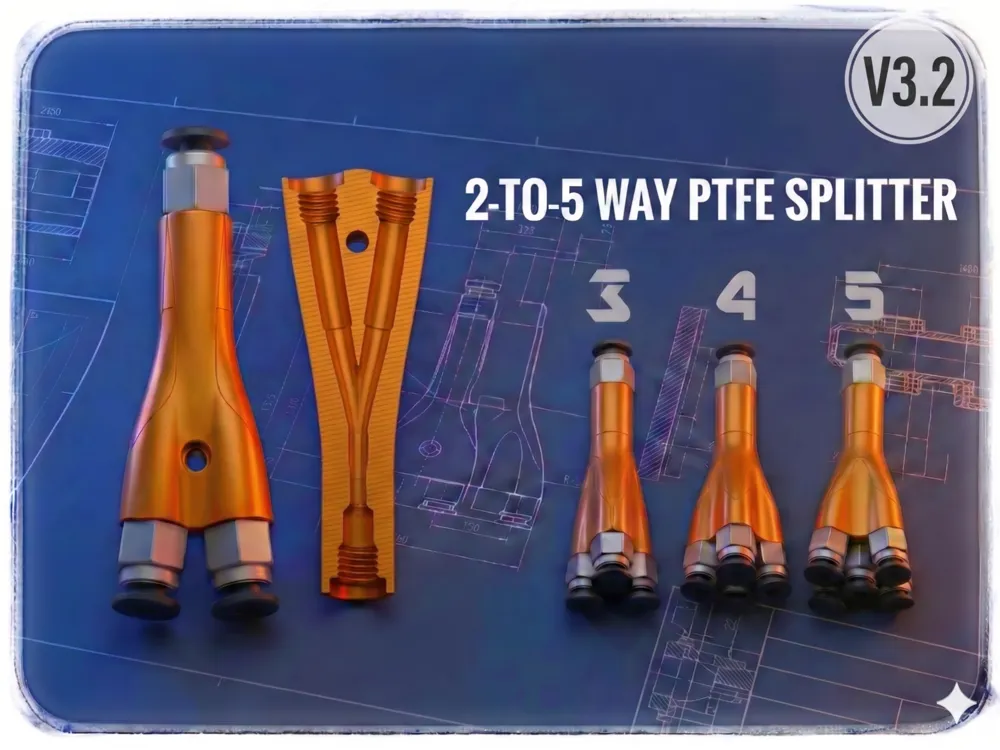
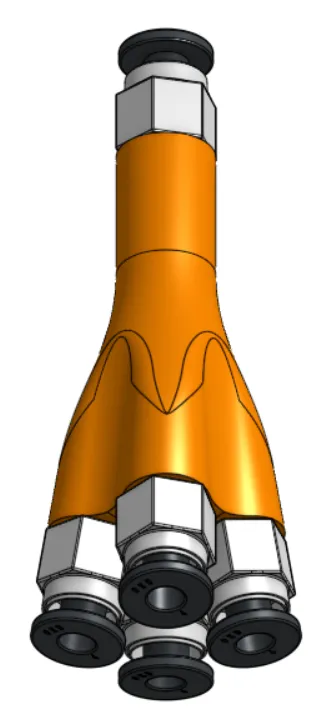
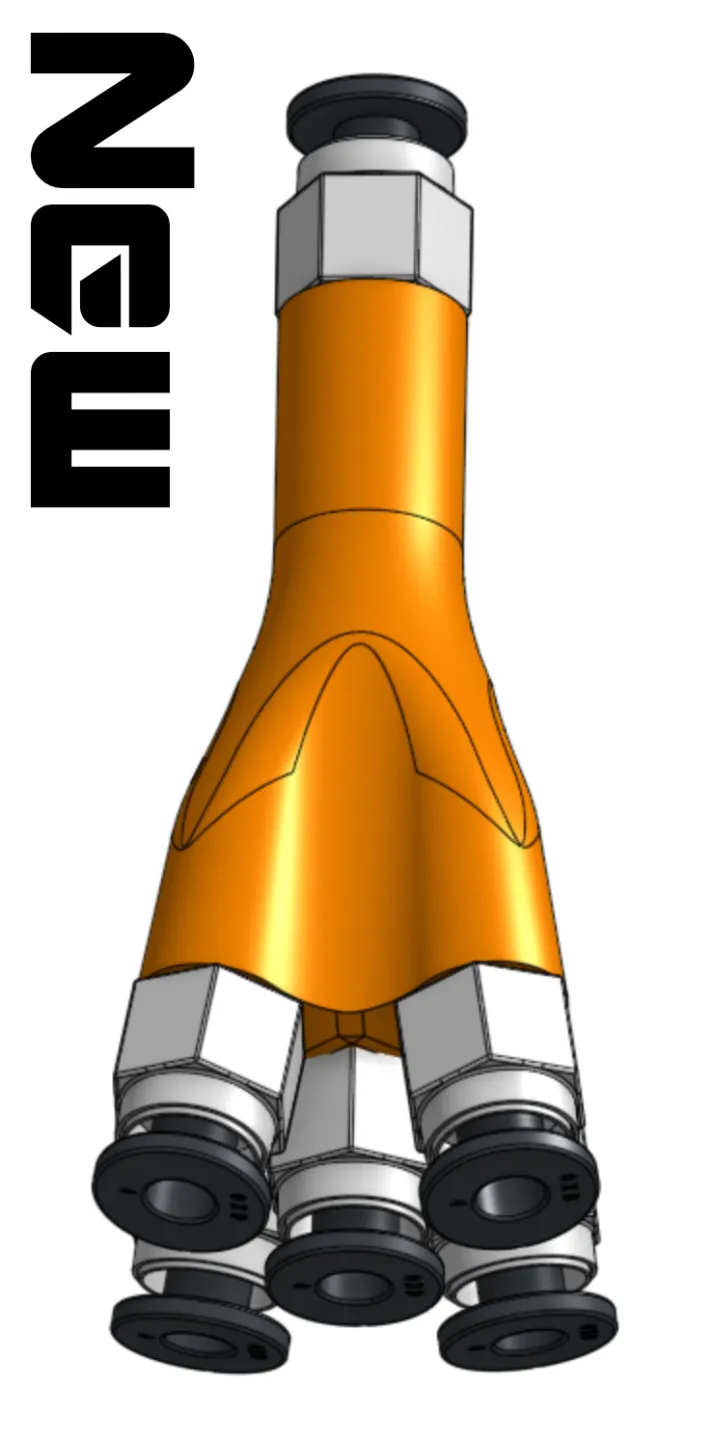
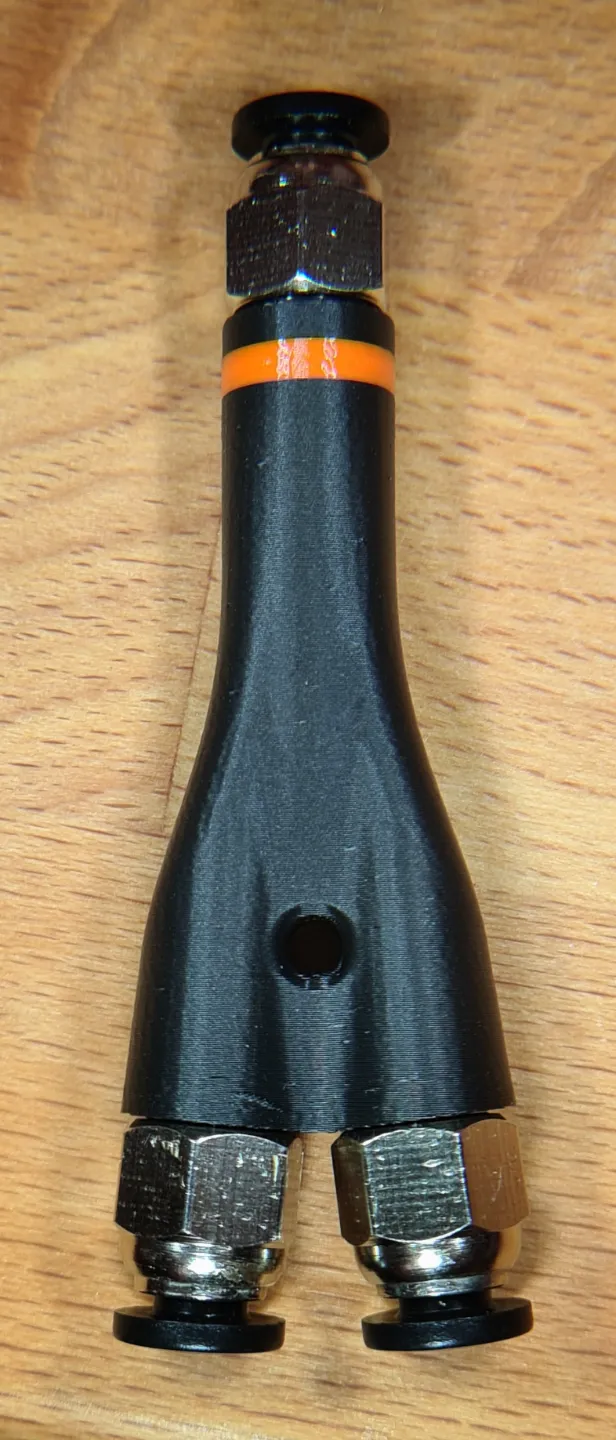
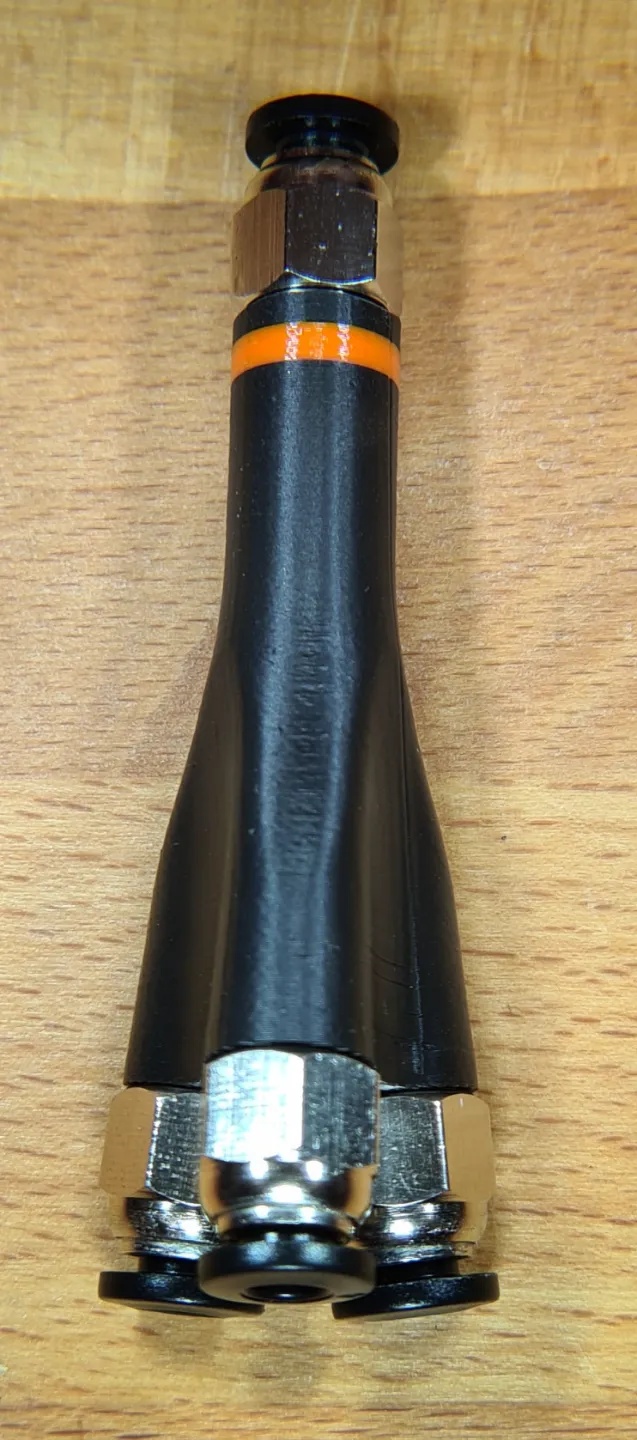
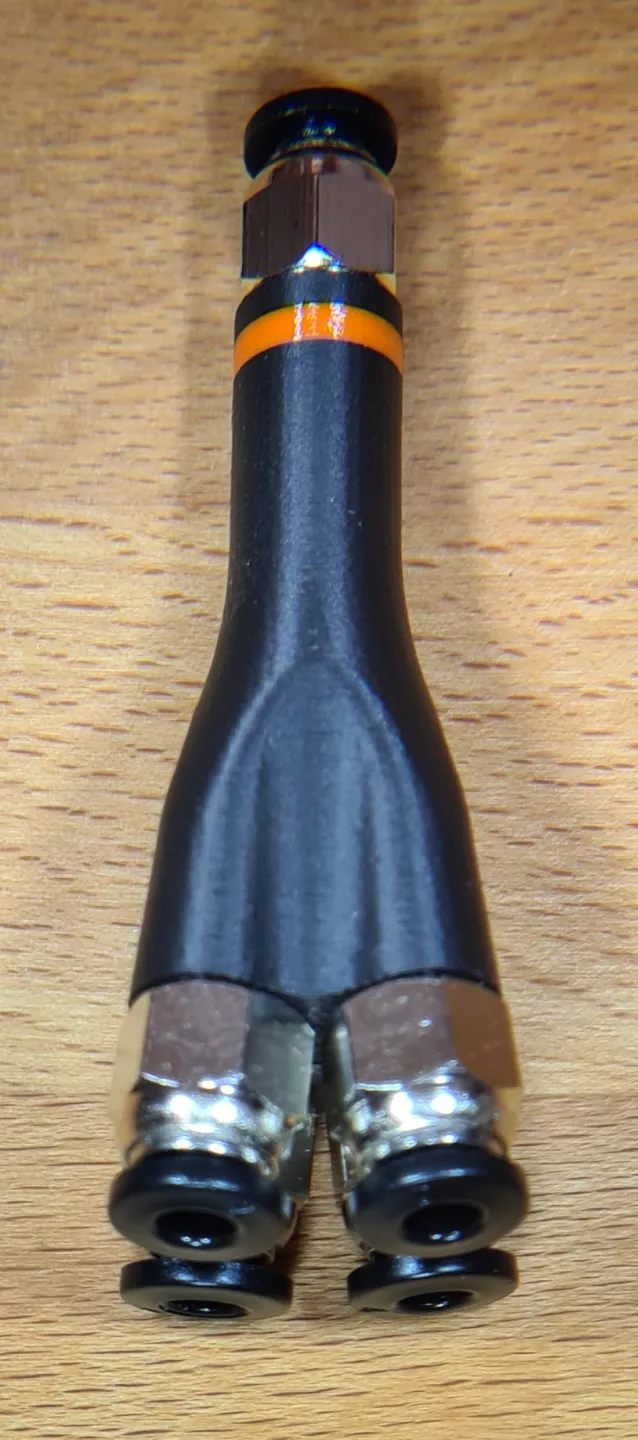
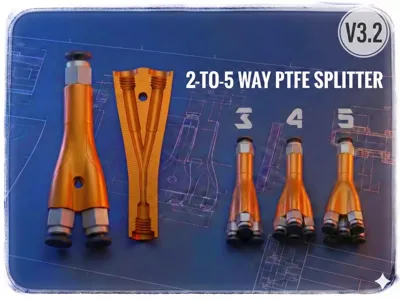
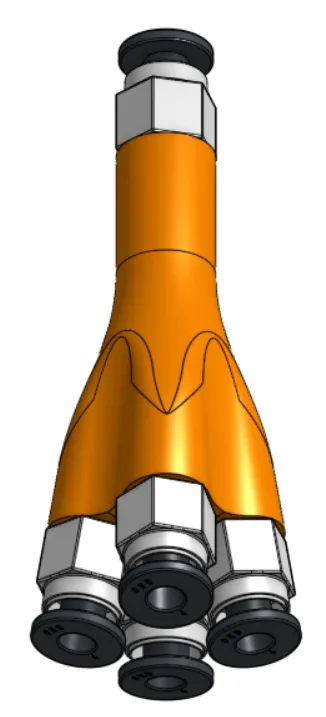
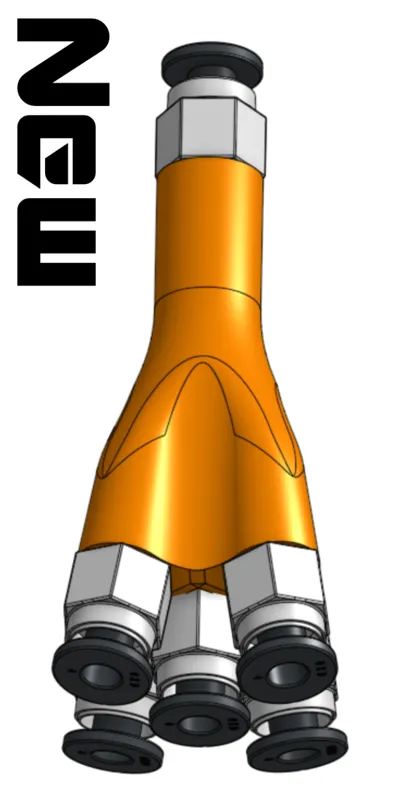
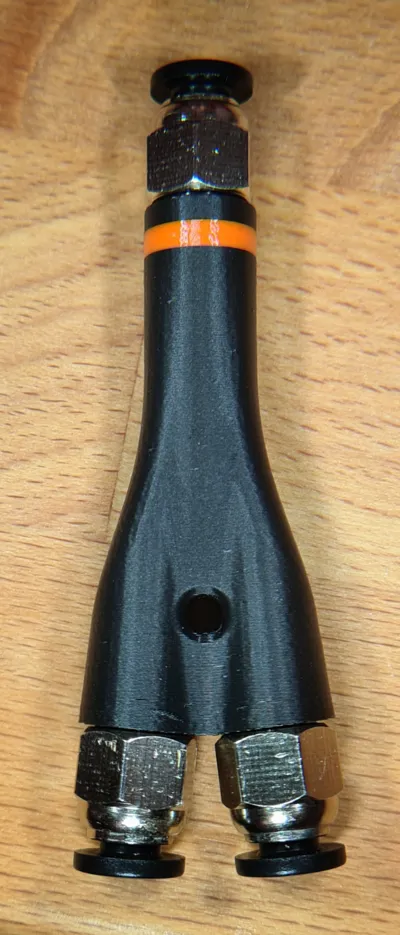
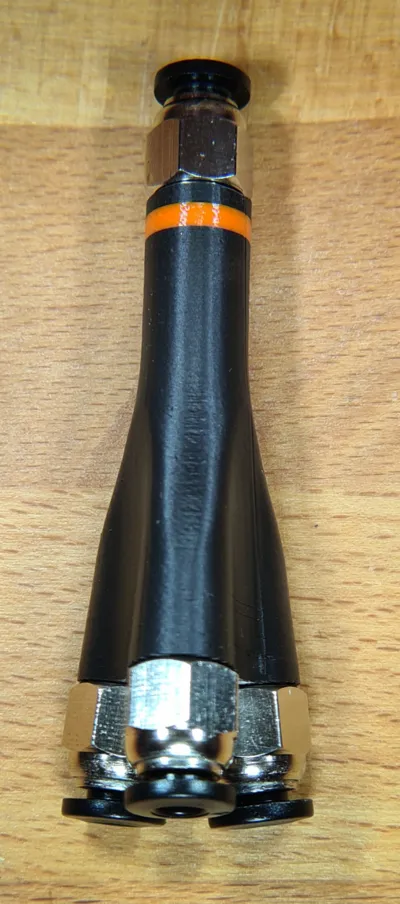
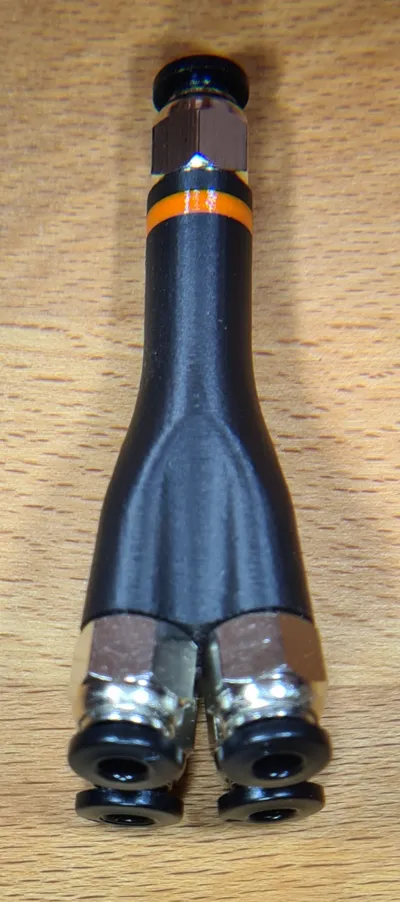
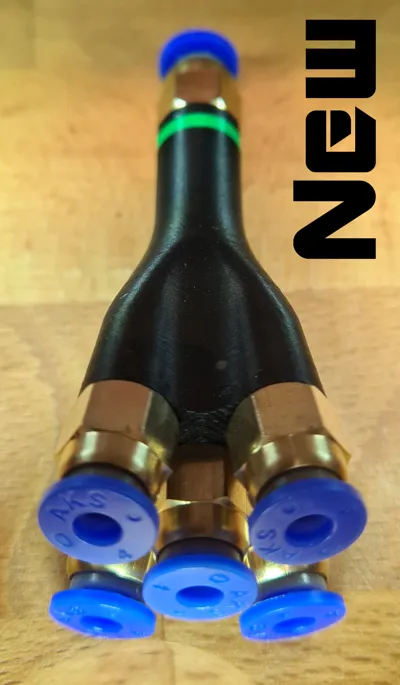
2-to-5 Way PTFE Splitter
Print Profile(3)


Bill of Materials


Description
Updates:
- V1.1 >>> 3 different mounts in profile 2 (for M3 screws or 8x3mm magnets)
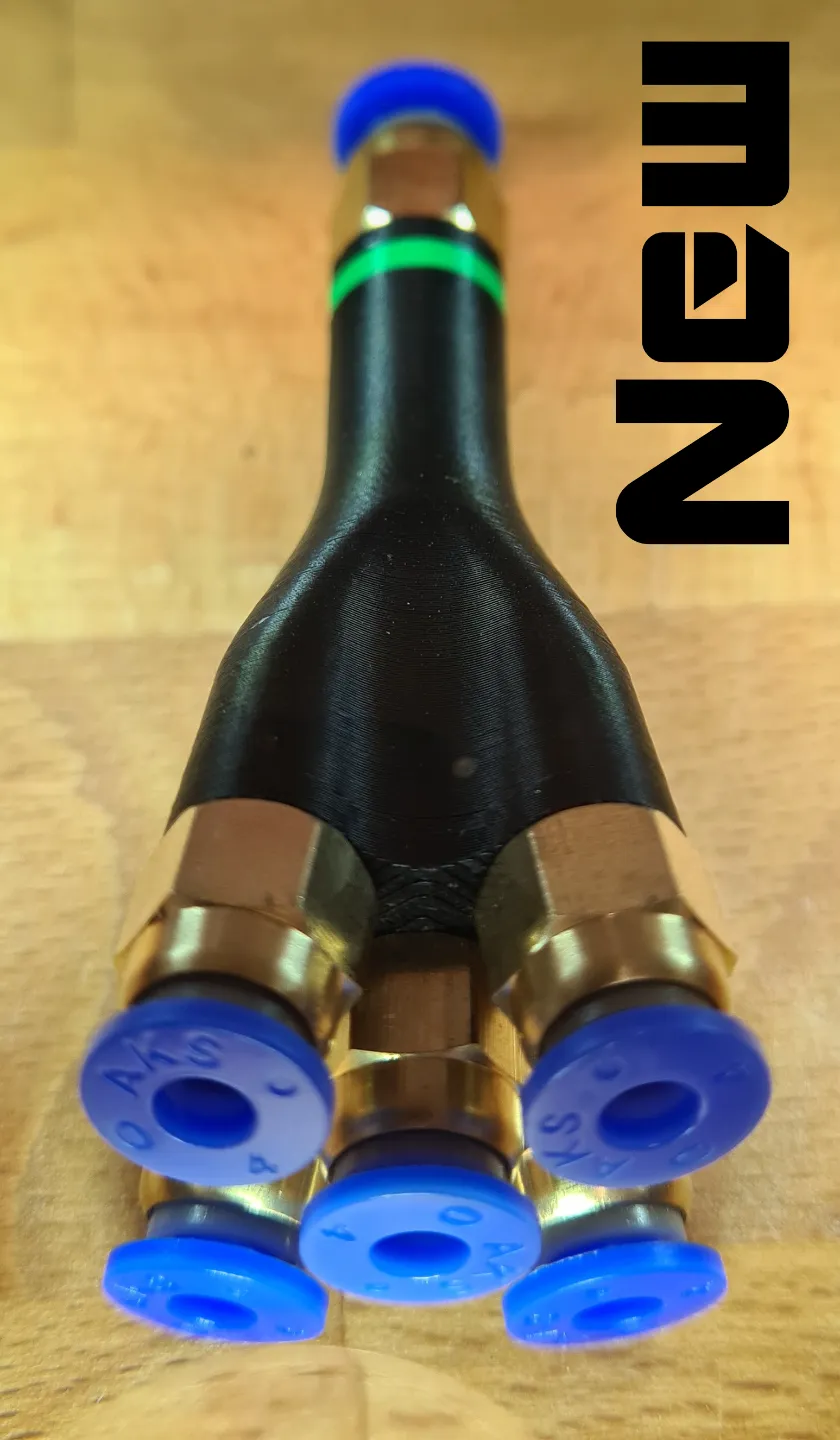
- V2.0 >>> now also printable as a 5-way splitter
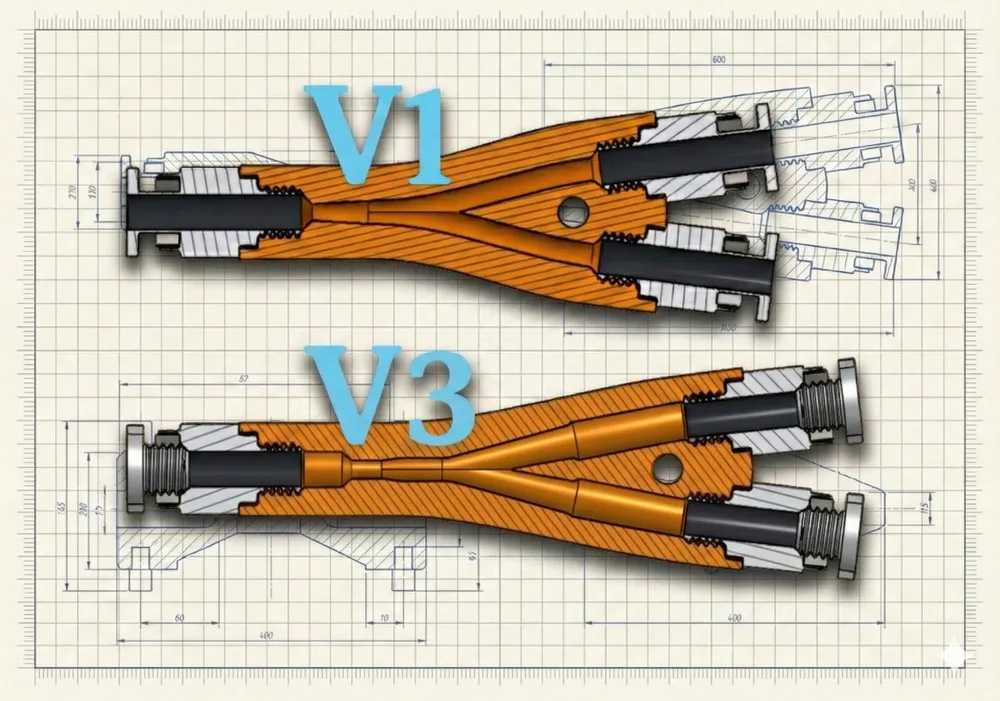
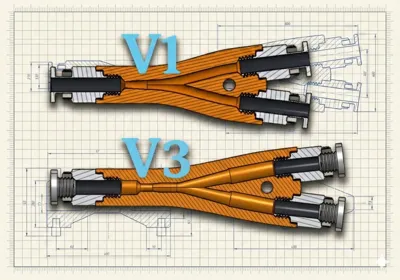
- V3.0 >>> now with changed internal geometry - even better
- V3.1 >>> print profile issues fixed
- V3.1 >>> output cross-section for Bambu PTFE tubes (2.5mm inner) optimized

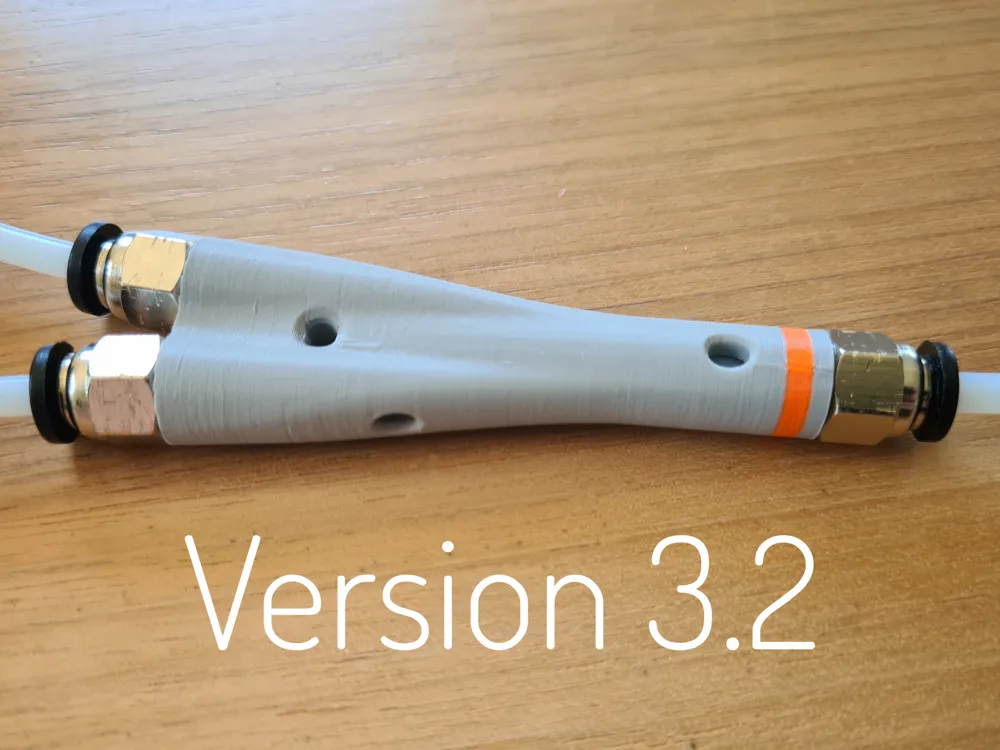
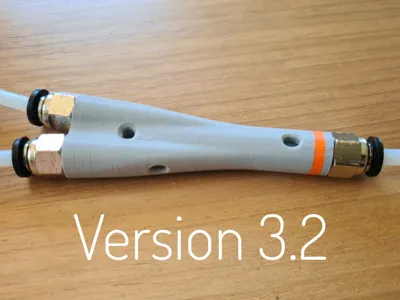
- V3.2 >>> viewing window for the PTFE tube added
- V3.2 >>> designed print support for screwing out
Hello print friends,
here you get a splitter for your printer that guides the filament through perfect paths
I recommend PETG as printing filament. It is durable and robust, and almost everything slides smoothly with PETG
Changes in Version 3:
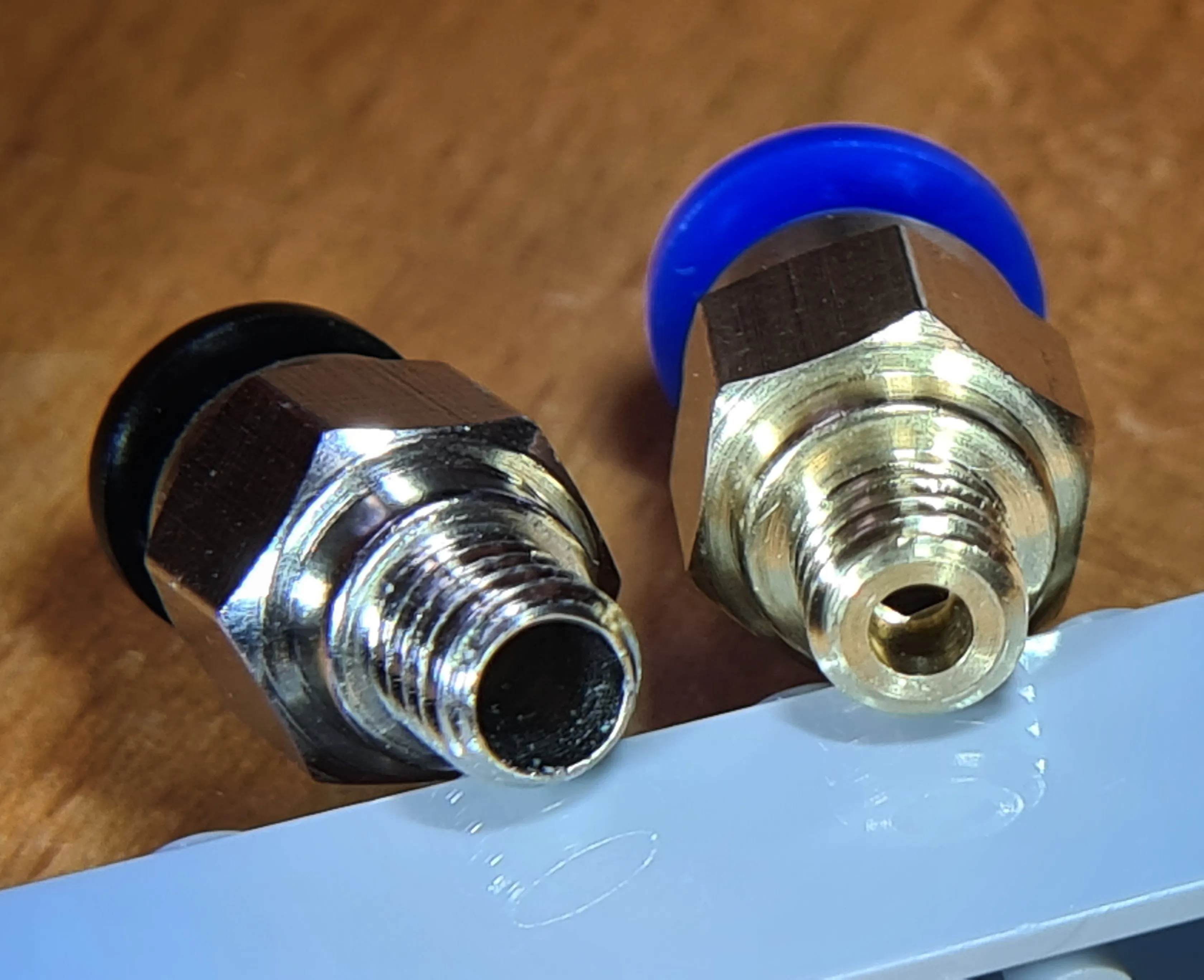
Version 3 is optimized for the PTFE connectors (PC4-M6) from the Bambu Lab Shop. With these, it is possible to push the PTFE tube through the connector. This must be done with Version 3, otherwise the function is not guaranteed
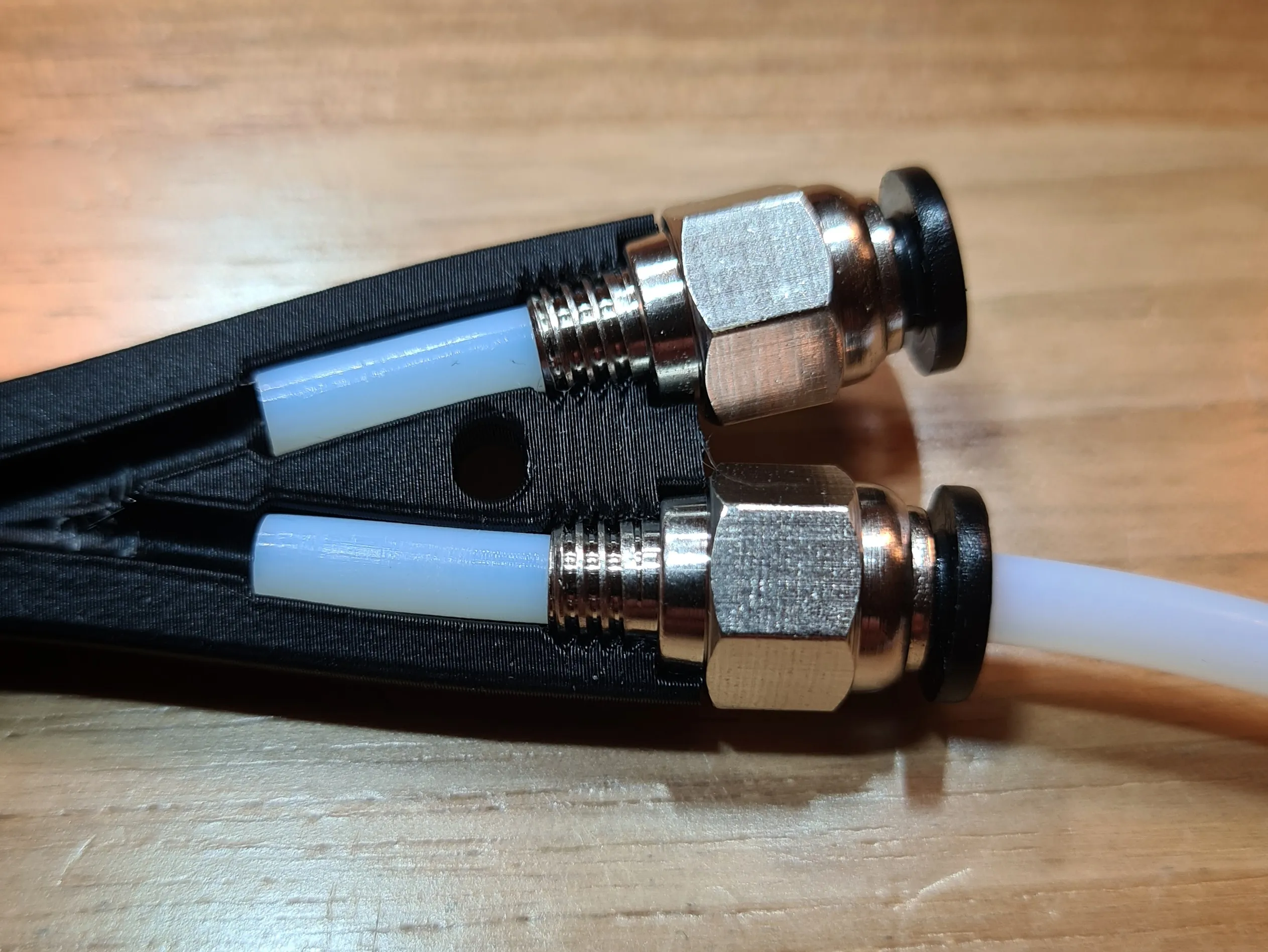
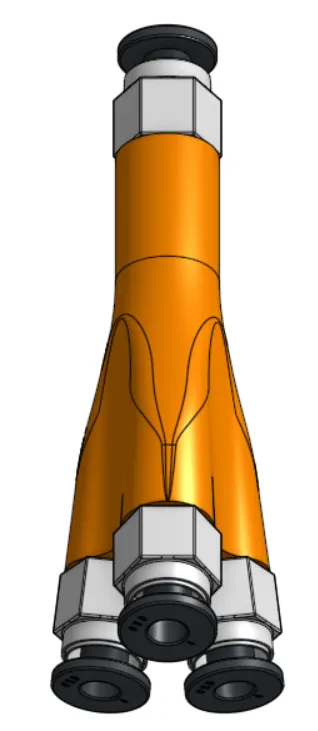
As an added bonus, there's also a 3-way, 4-way and a 5-way splitter… you can never have enough. ;-)
Assembly instructions:
Use the PTFE connectors (PC4-M6) from the Bambu Lab Shop
These have a larger output than other conventional models, and you can push the tube completely through. Other PTFE connectors also work, but not as well. You can see the differences in the image below
When screwing in, make sure the PTFE tube is properly inserted. (Images Version 1)
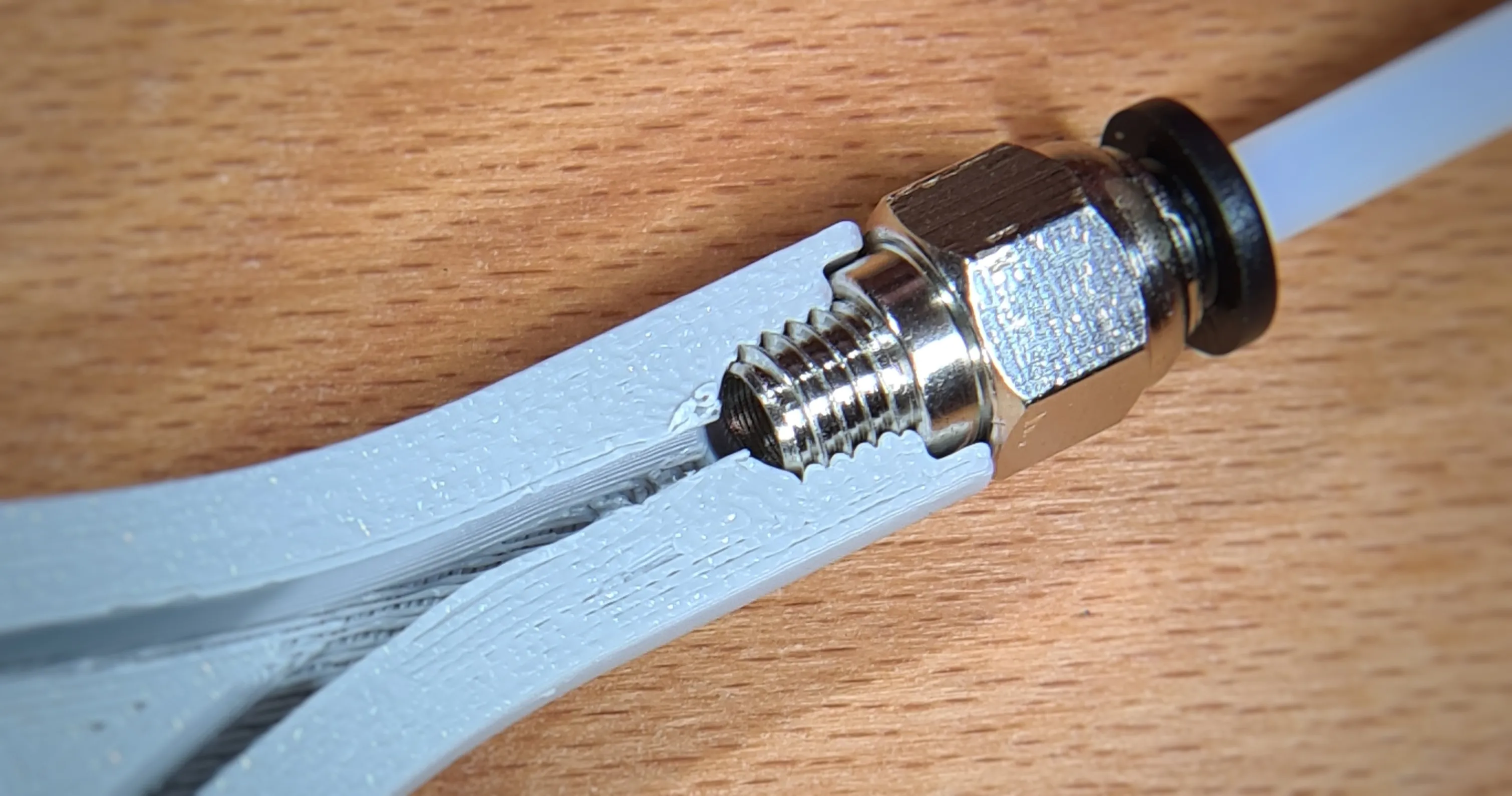 Incorrect!!!
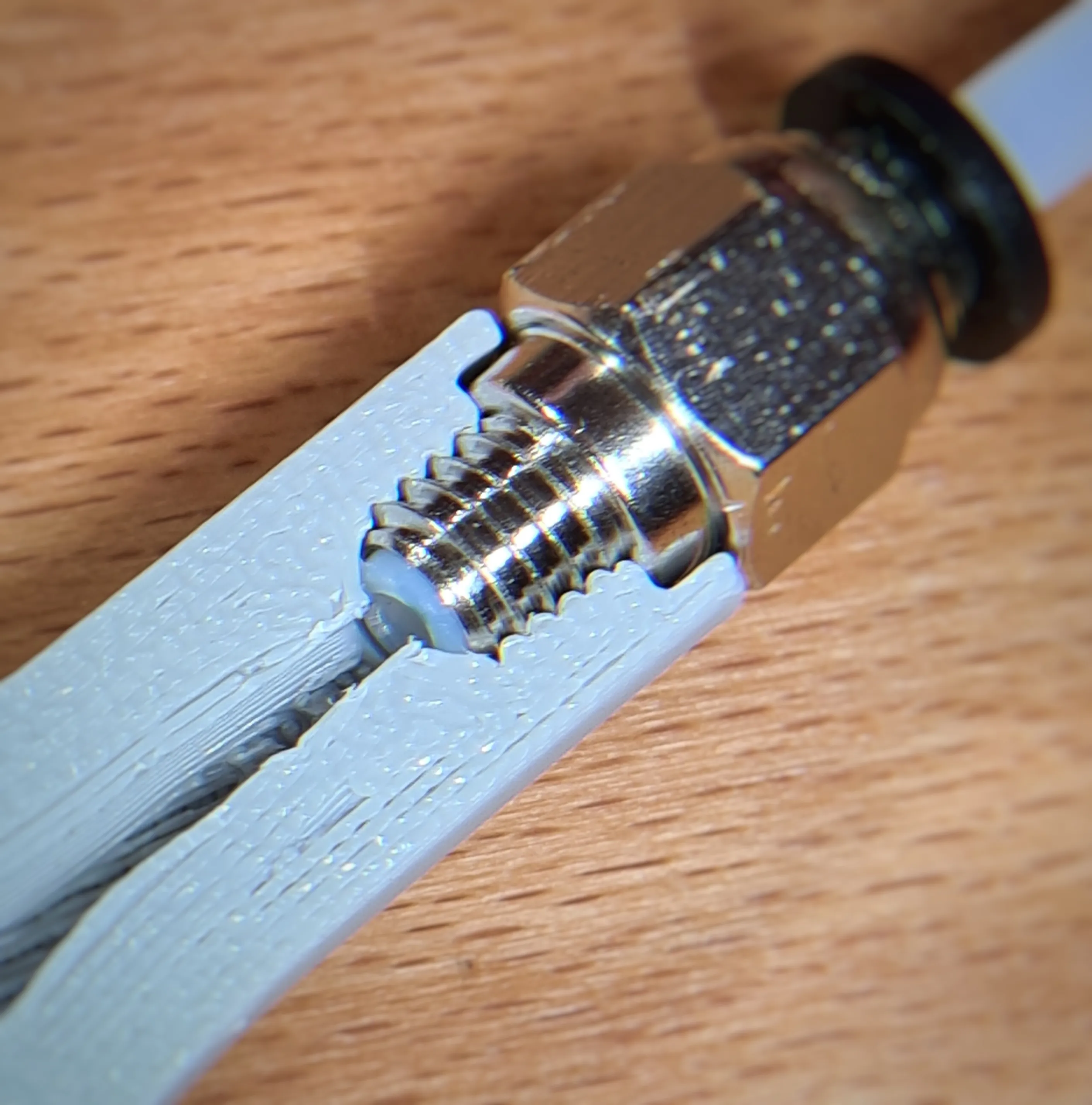 Correct!!!
Now a few more notes specifically for Version 3.
With this version, two assembly methods are possible. One with tube pieces inside and one where the tube must be pushed completely through the connector
If you need to disconnect the PTFE connections often, I recommend the first assembly method, where short PTFE tubes are placed inside. Pushing the tube completely through the connector (second assembly method) is occasionally a bit annoying, but ultimately works a little better
For the first assembly method, proceed as follows
Cut short PTFE tubes to size as shown in the picture! Note, input and output have different lengths!
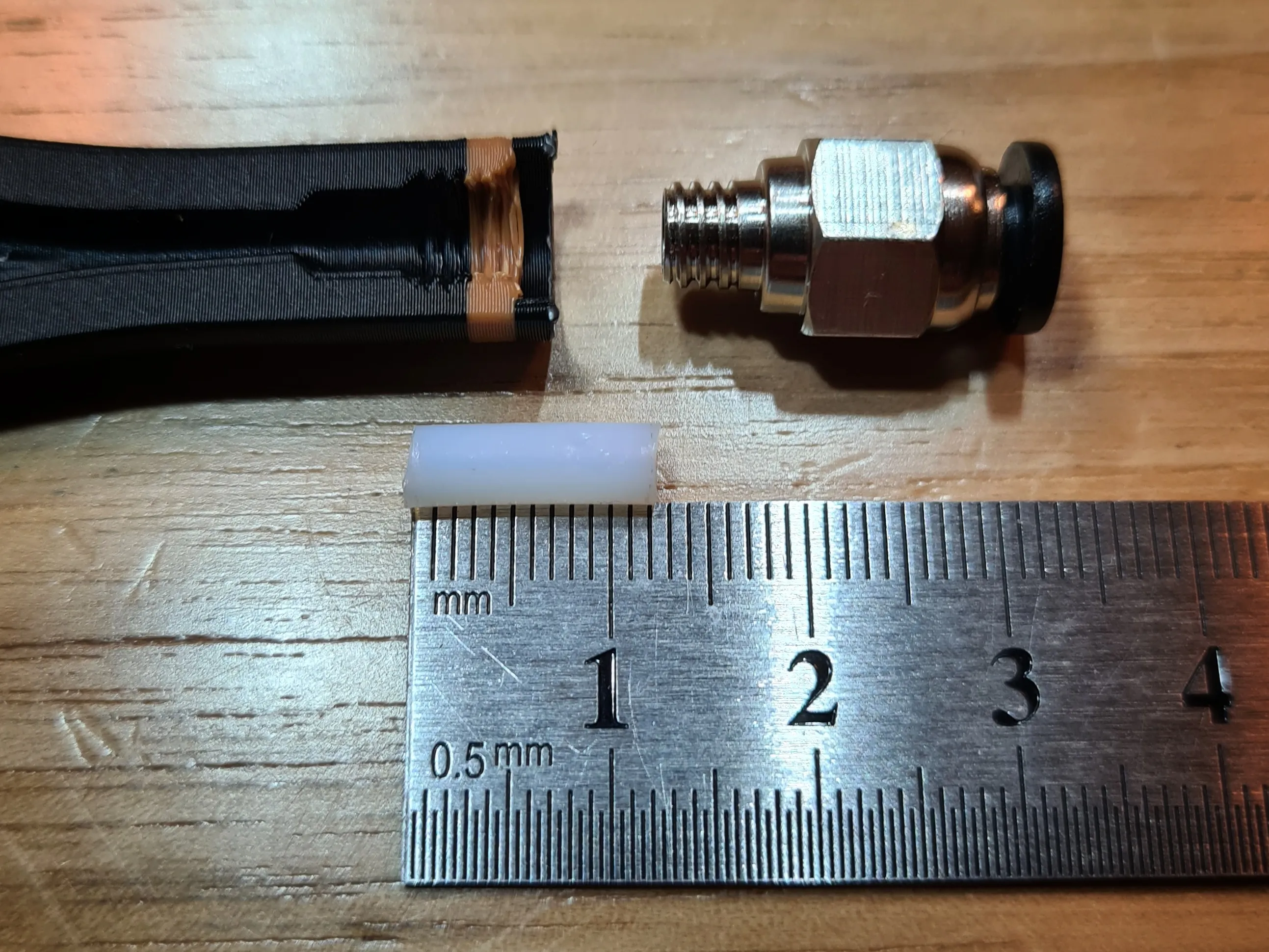
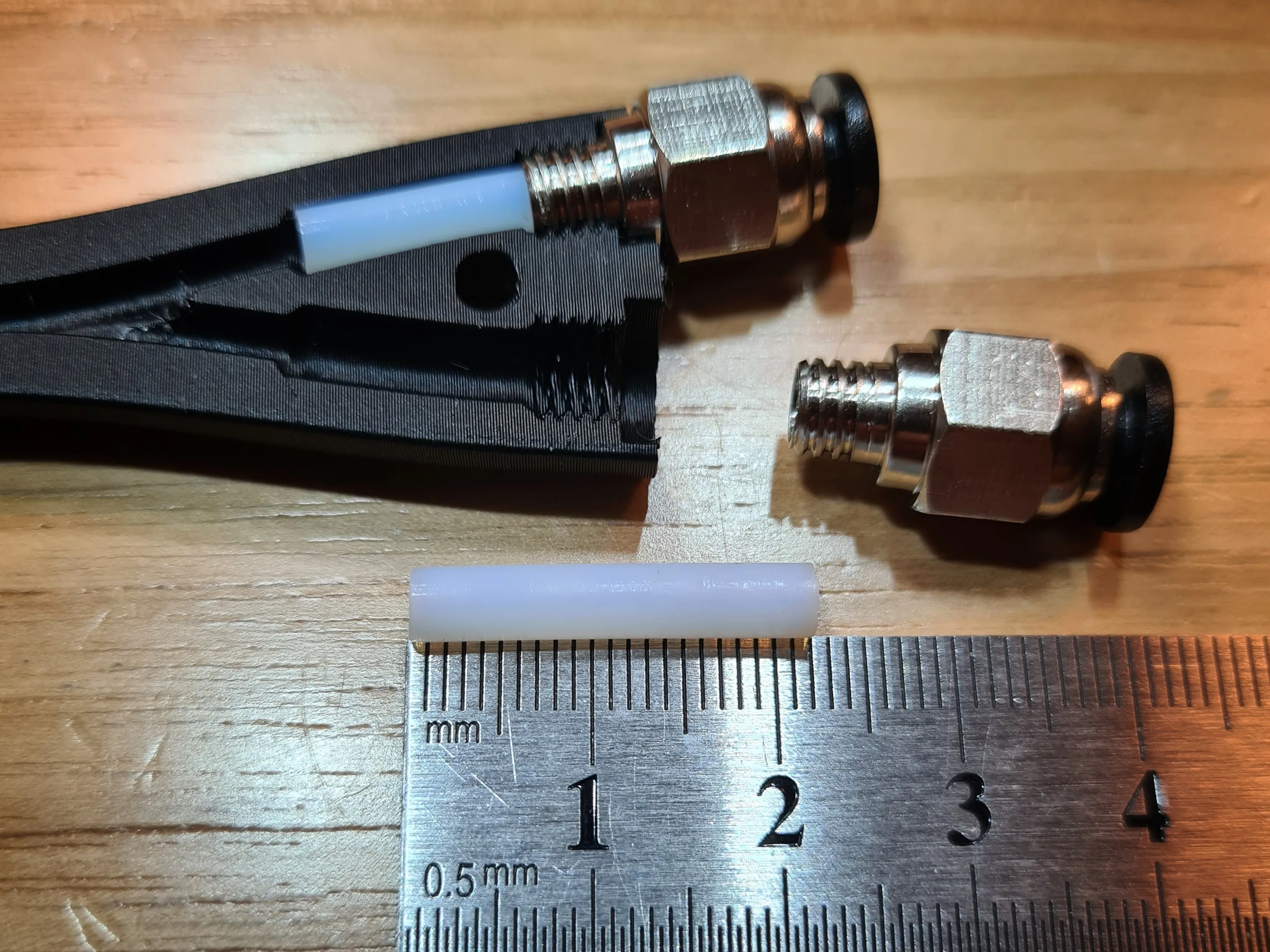
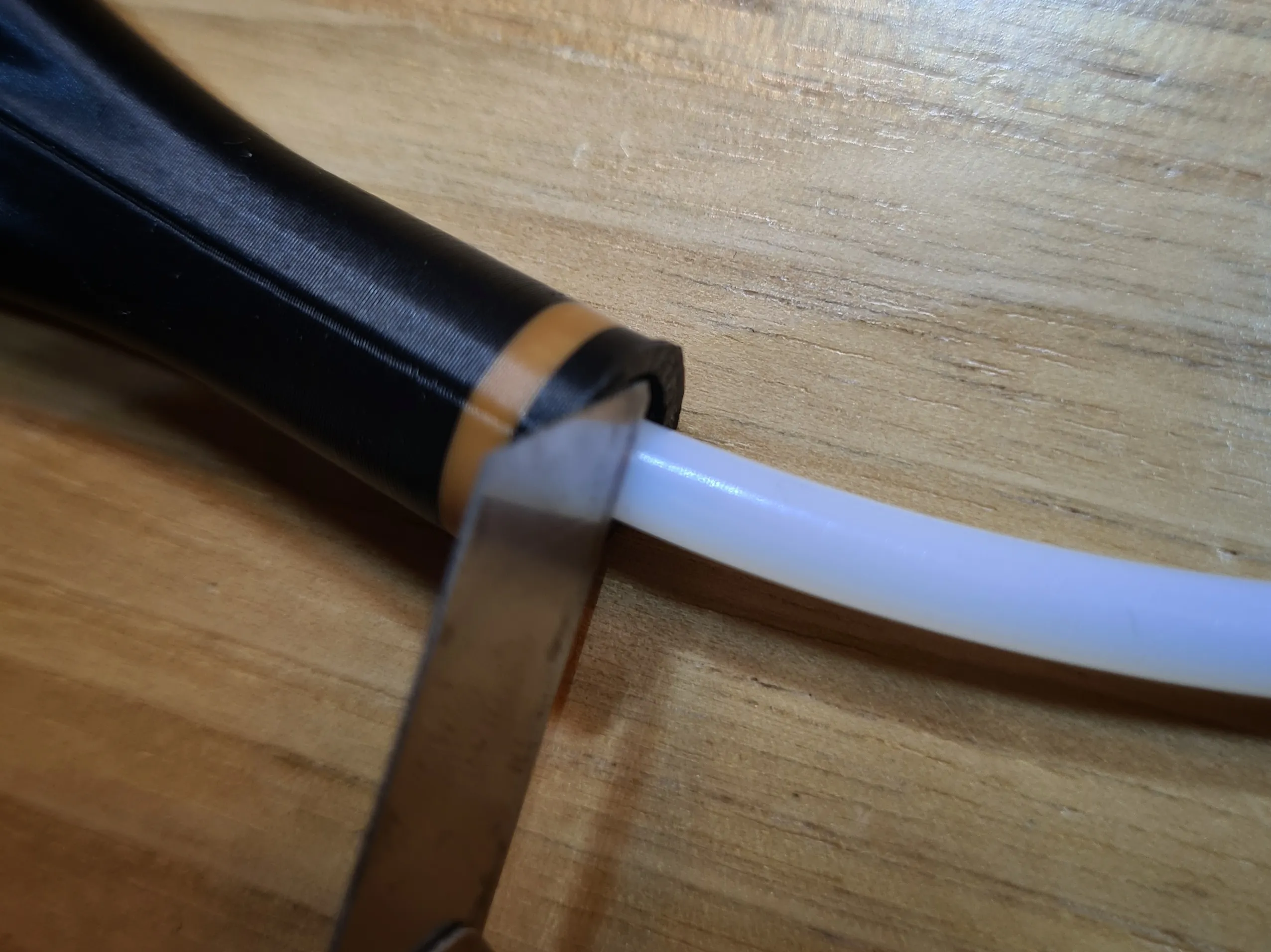
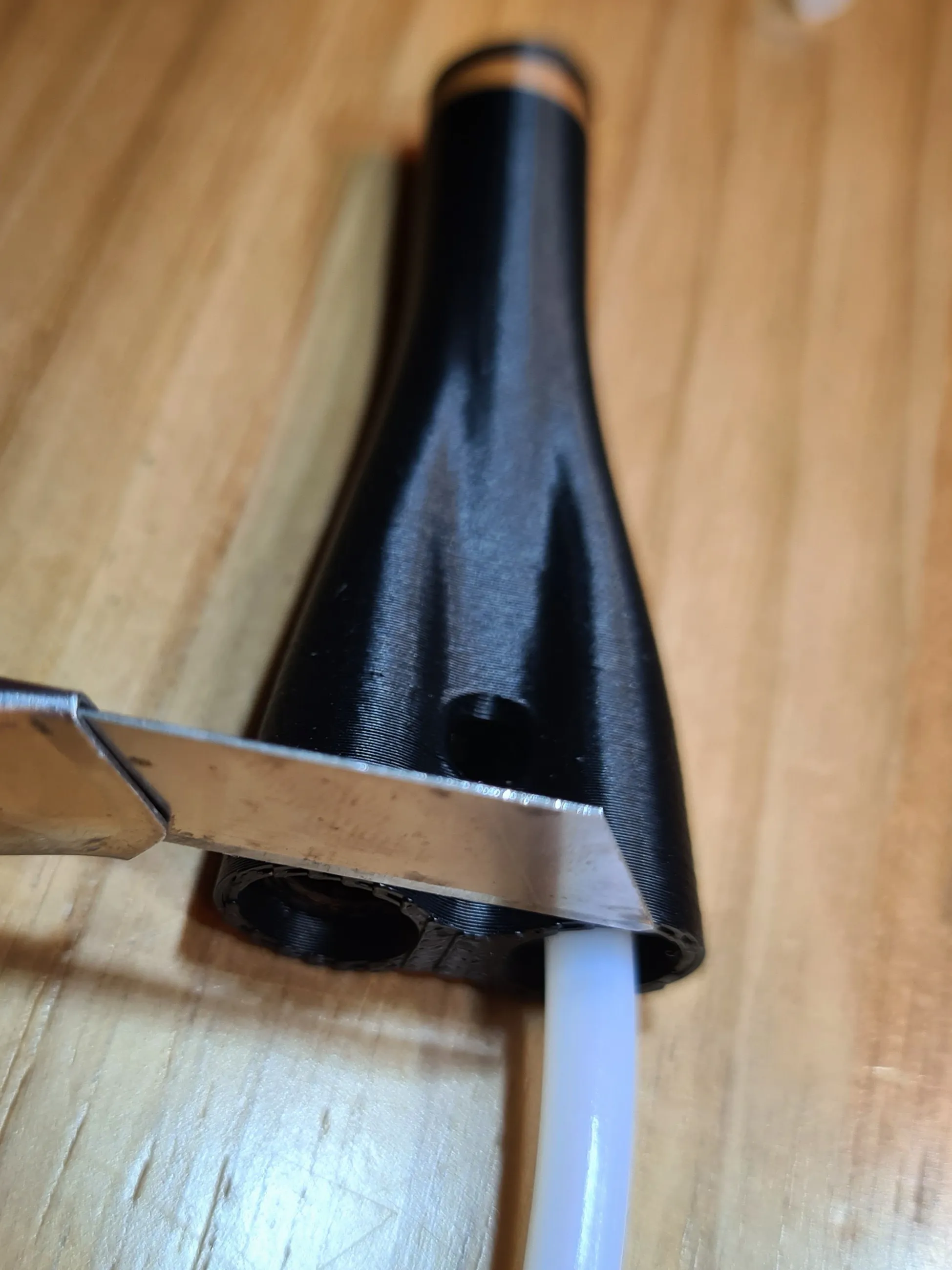
Alternatively, you can also insert the tube and cut it flush. Make sure the cut is at a right angle!
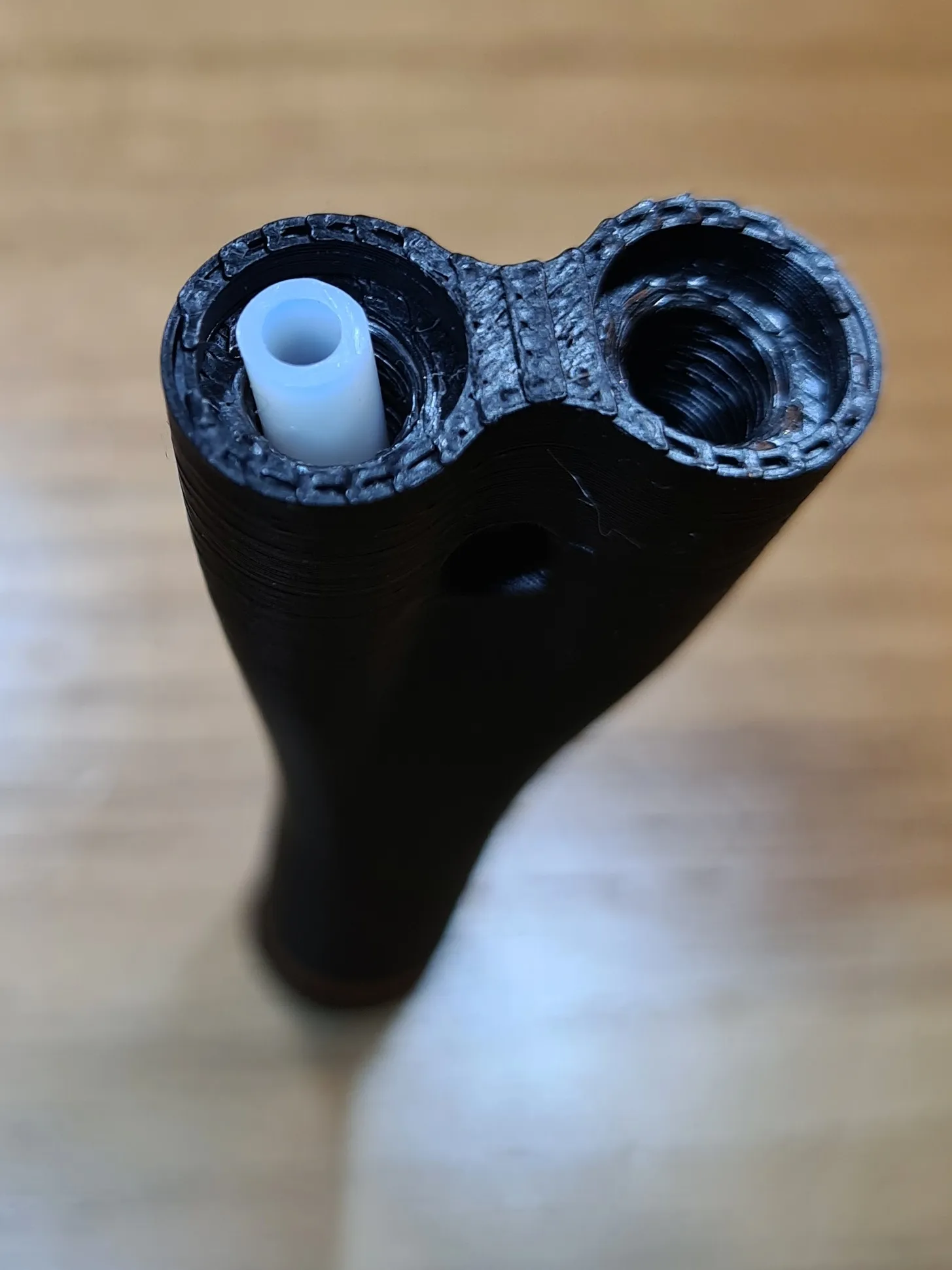
Now screw in the connector (PC4-M6) - done!
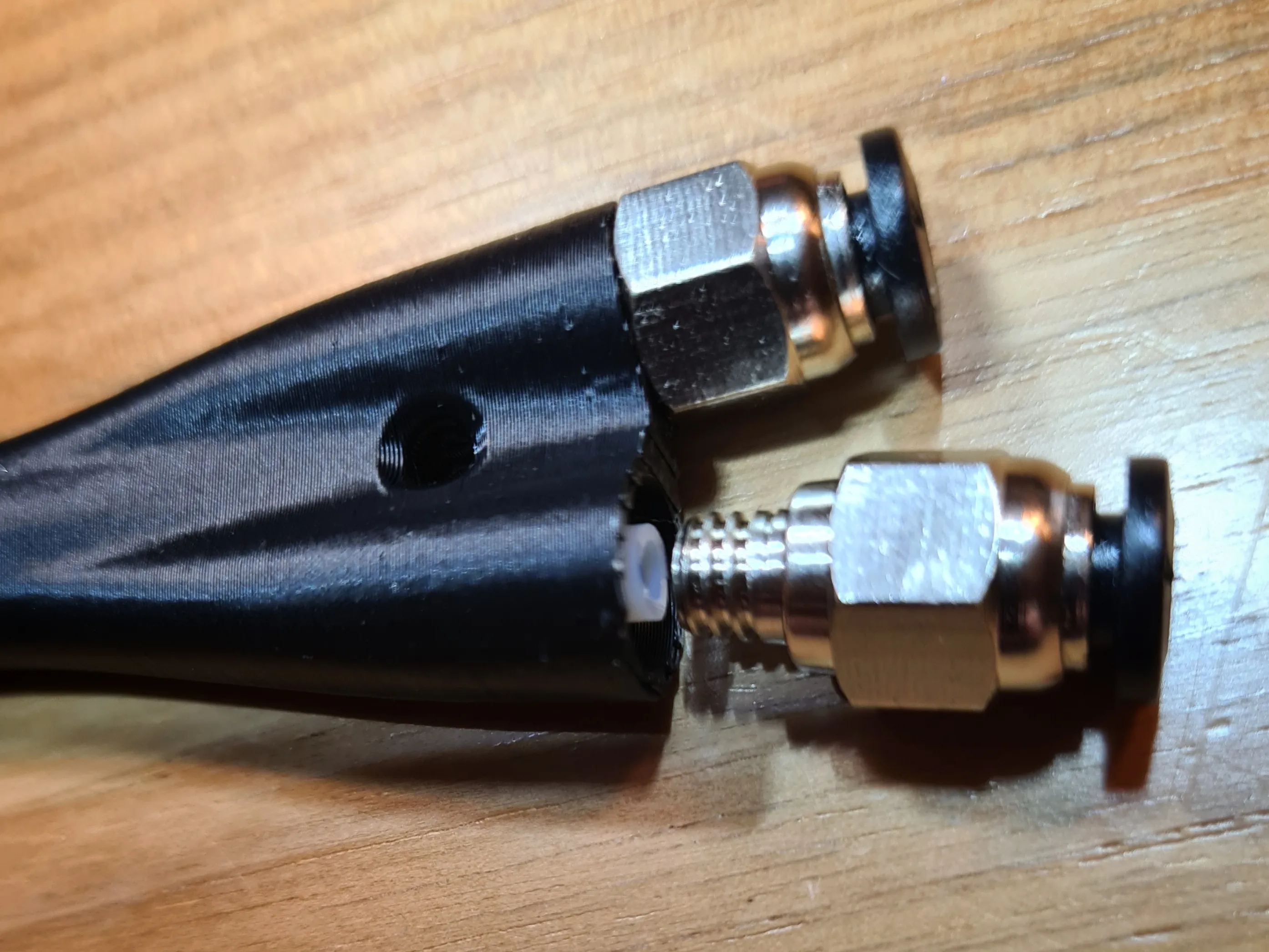
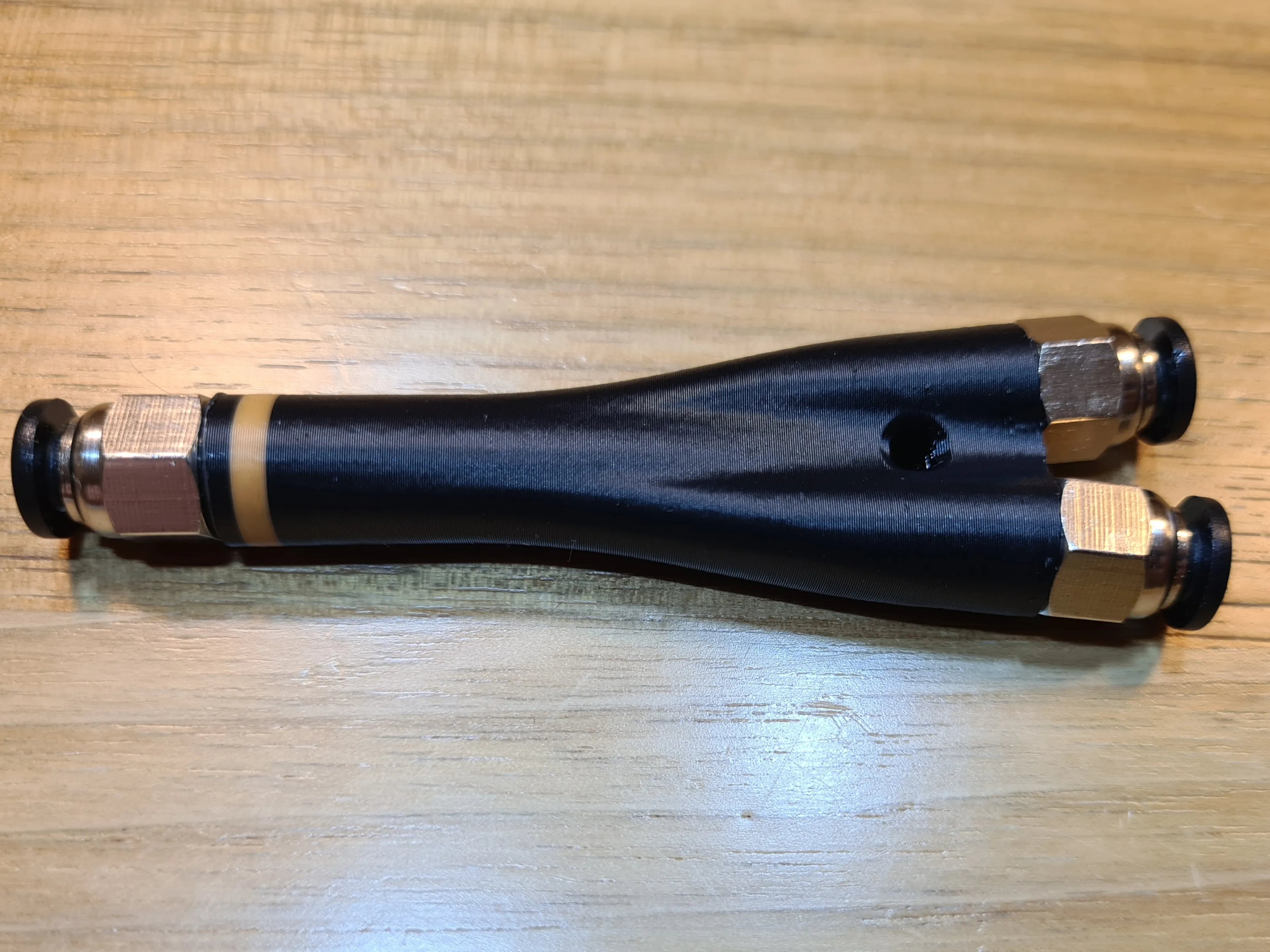
If the tube inside is too long, the quick connectors will not function correctly. If this is the case, simply shorten the internal tube a bit
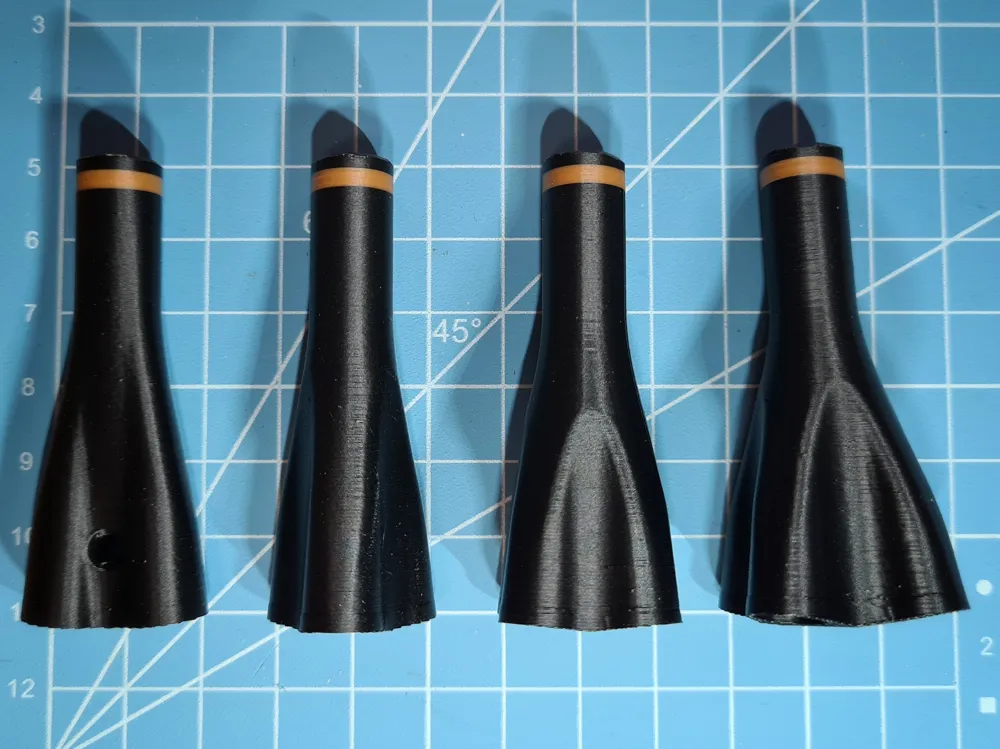
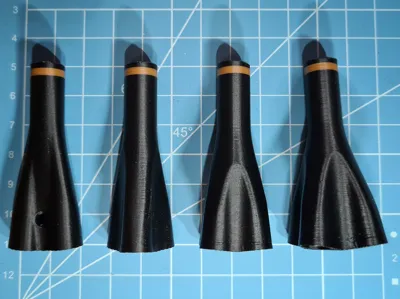
After printing, you should remove the support filament! The cleaner you do this, the better the connector can be screwed in
Assembly instructions for Version 3.2:
From Version 3.2 onwards, there is a designed support structure. This must be unscrewed before use and is best done with a standard flathead screwdriver
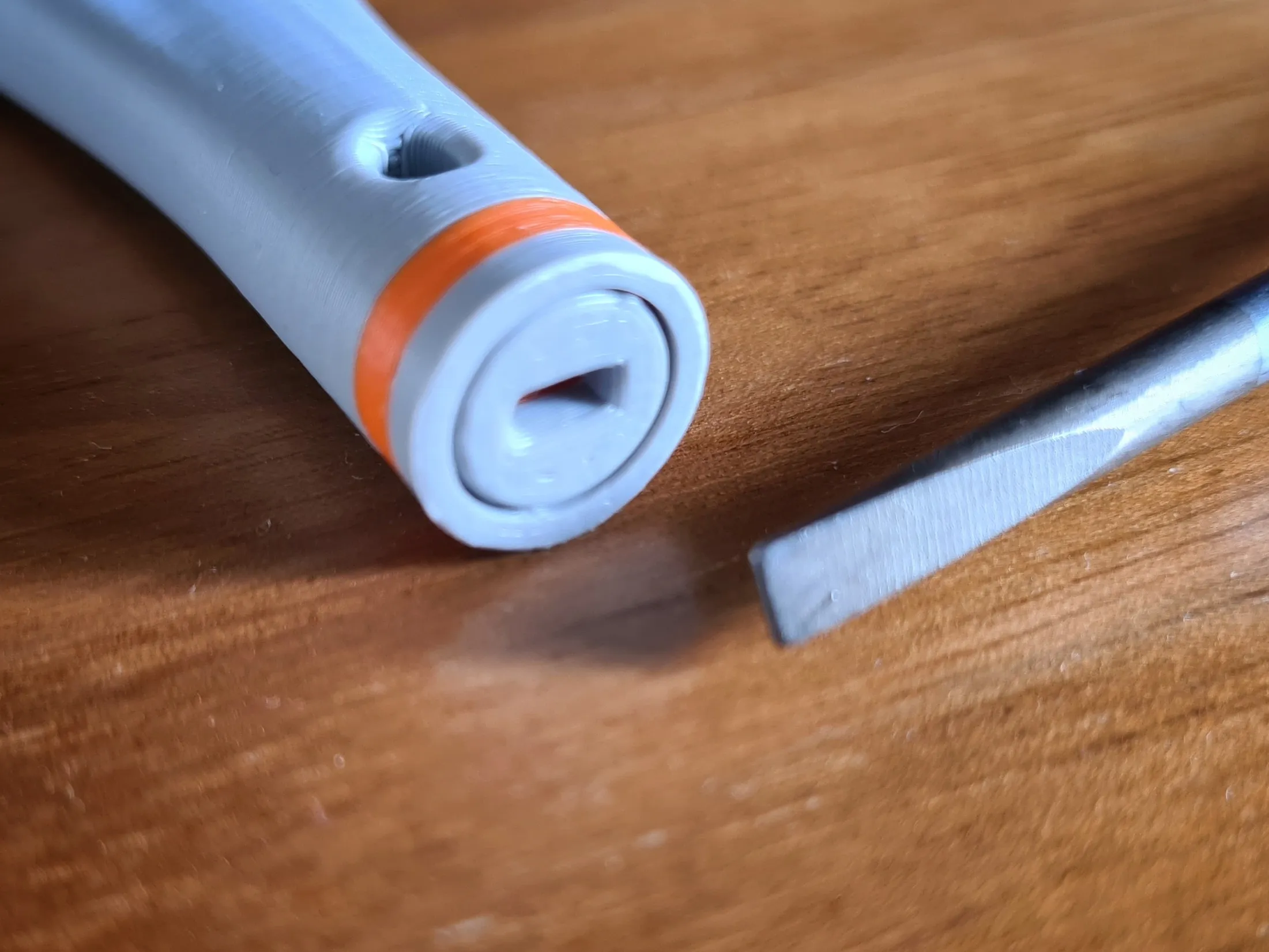
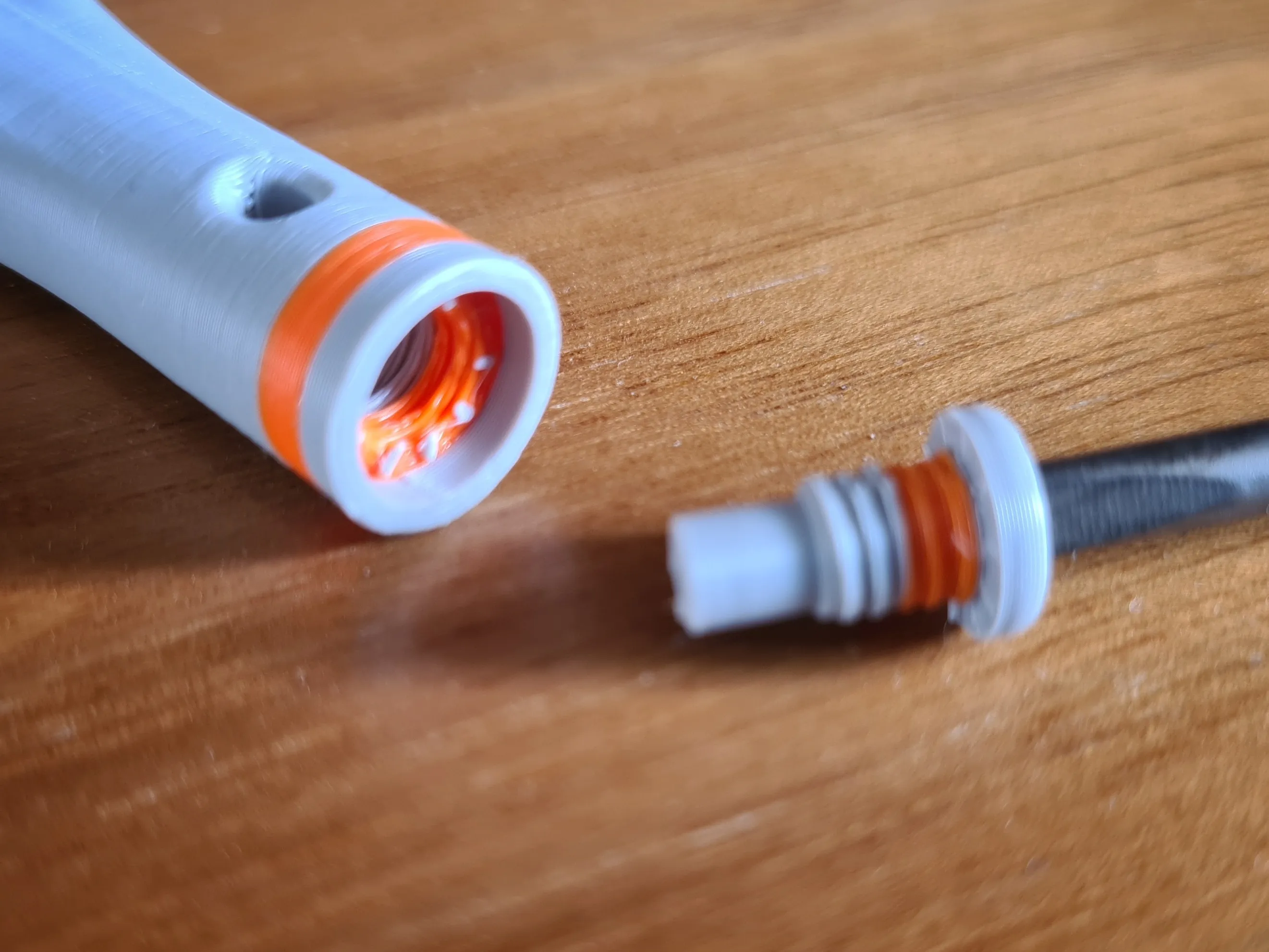
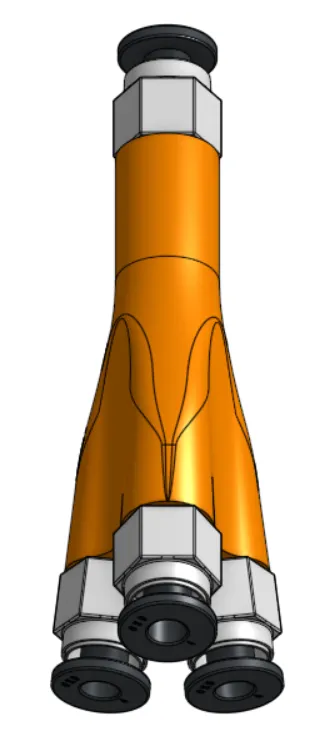
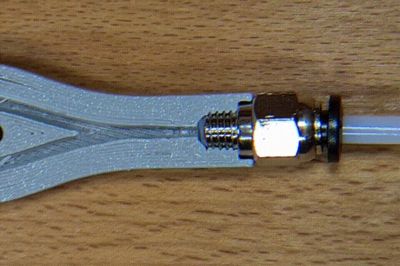
Through the newly added viewing windows, the correct seating of the PTFE tube in the splitter can be checked
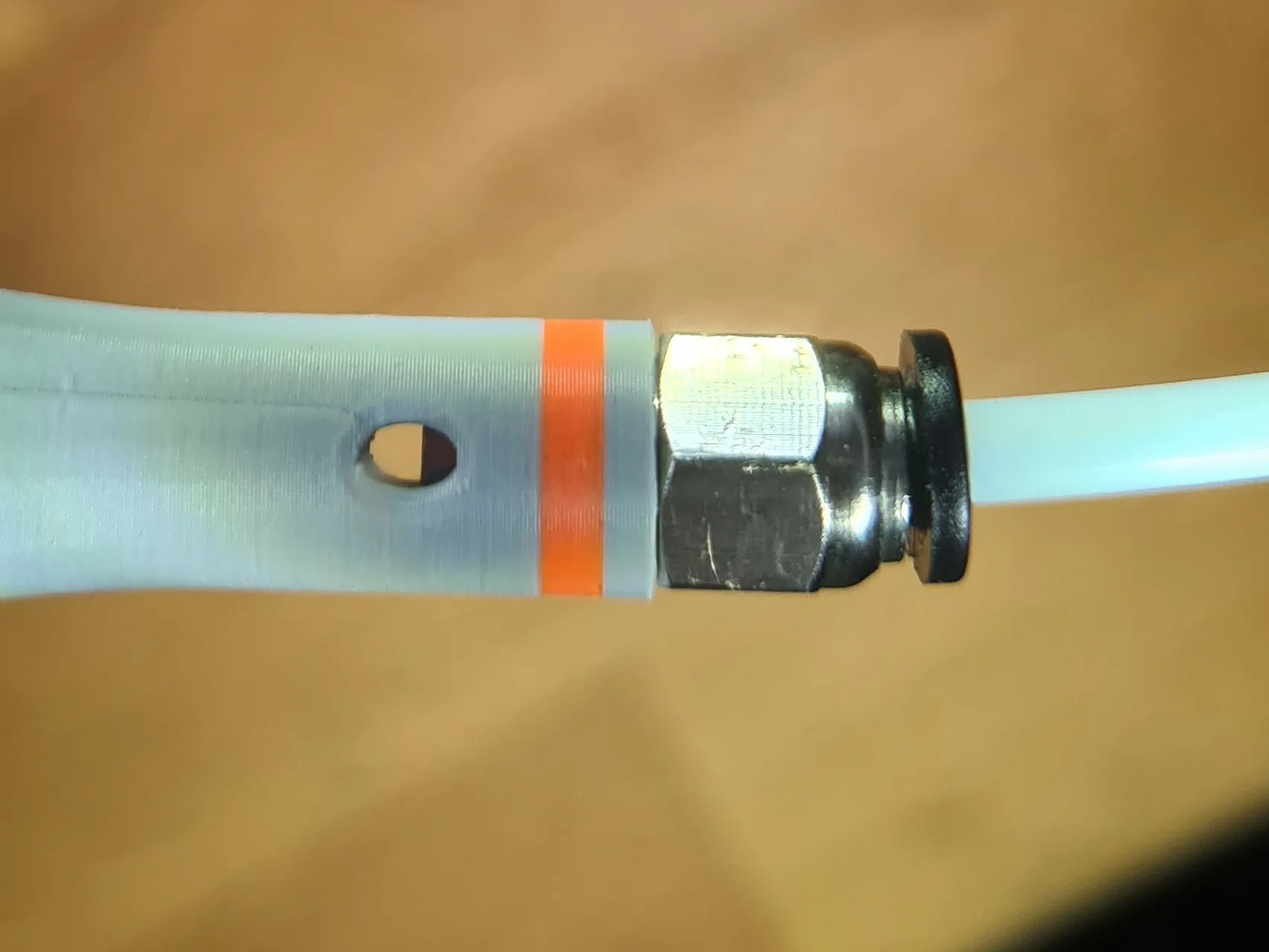 <<< incorrect!!!
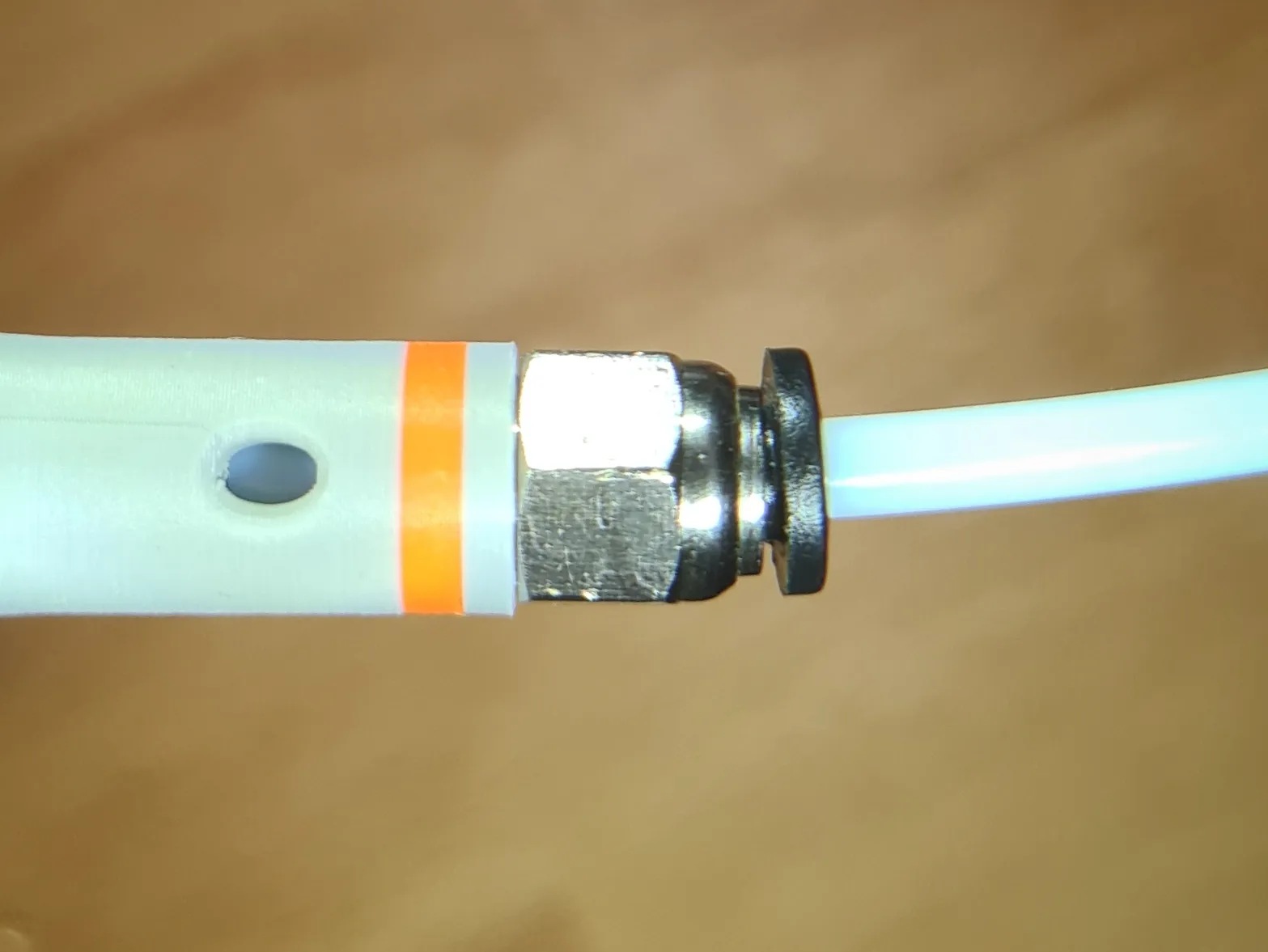 <<< correct!!!
Have fun printing and enjoy a clog-free time!!!
Boost Me (for free)
*** Thank you for the support, Makerworld rocks! ***
License

You shall not share, sub-license, sell, rent, host, transfer, or distribute in any way the digital or 3D printed versions of this object, nor any other derivative work of this object in its digital or physical format (including - but not limited to - remixes of this object, and hosting on other digital platforms). The objects may not be used without permission in any way whatsoever in which you charge money, or collect fees.


Comment & Rating (253)