
Customizable Shogi Pieces- SVG/Unicode/Emoji/Text
Print Profile(2)


Description
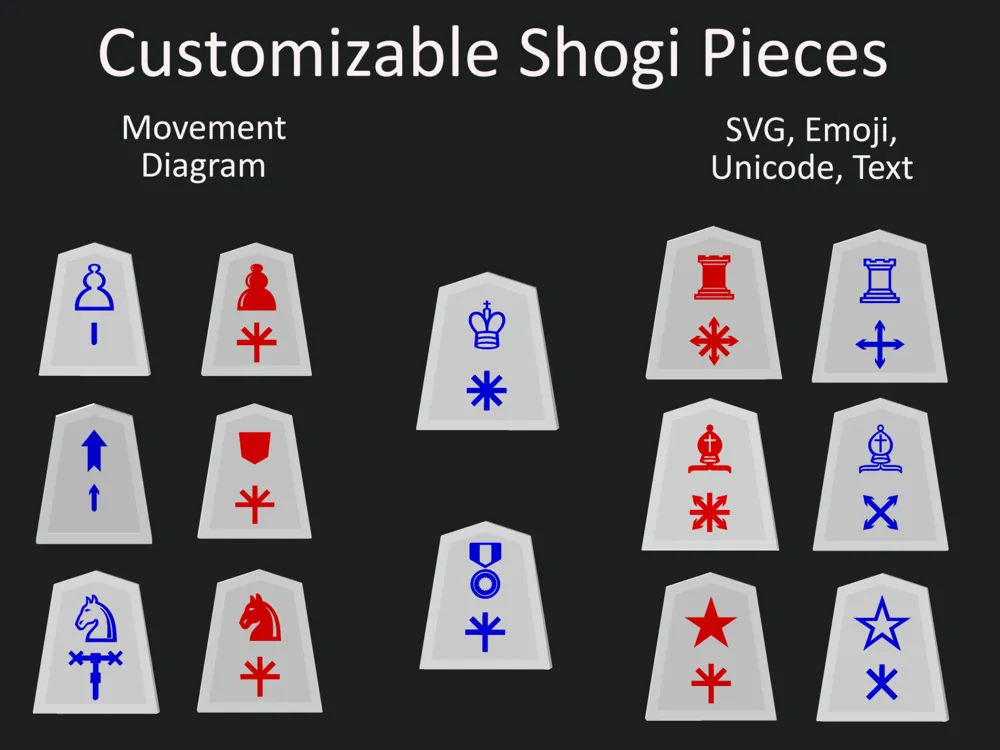
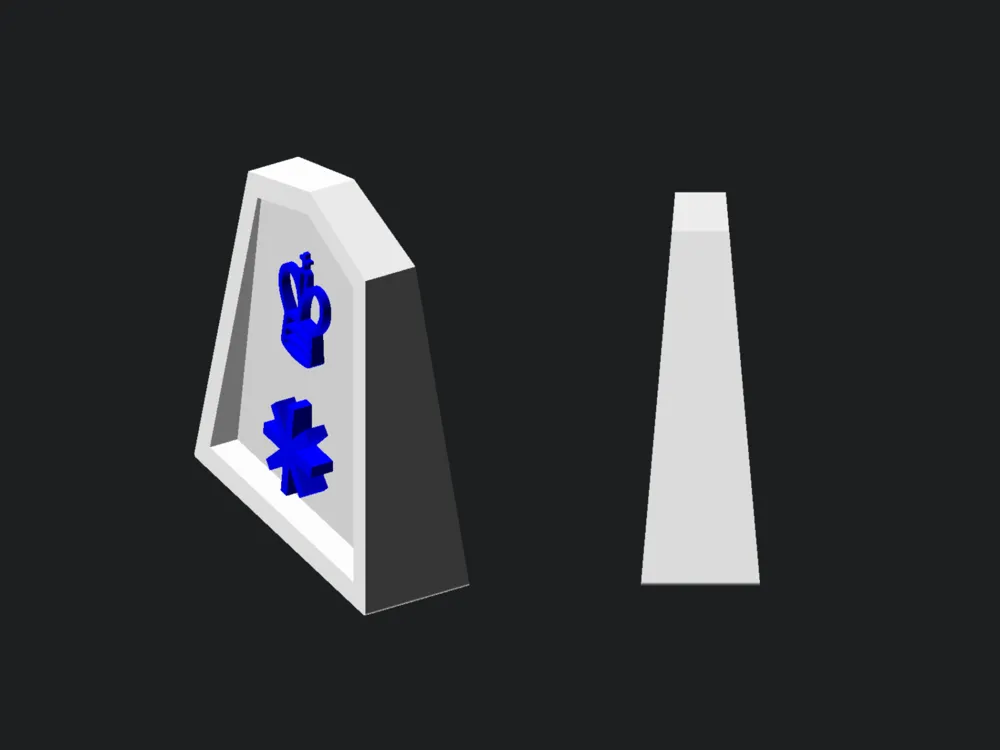
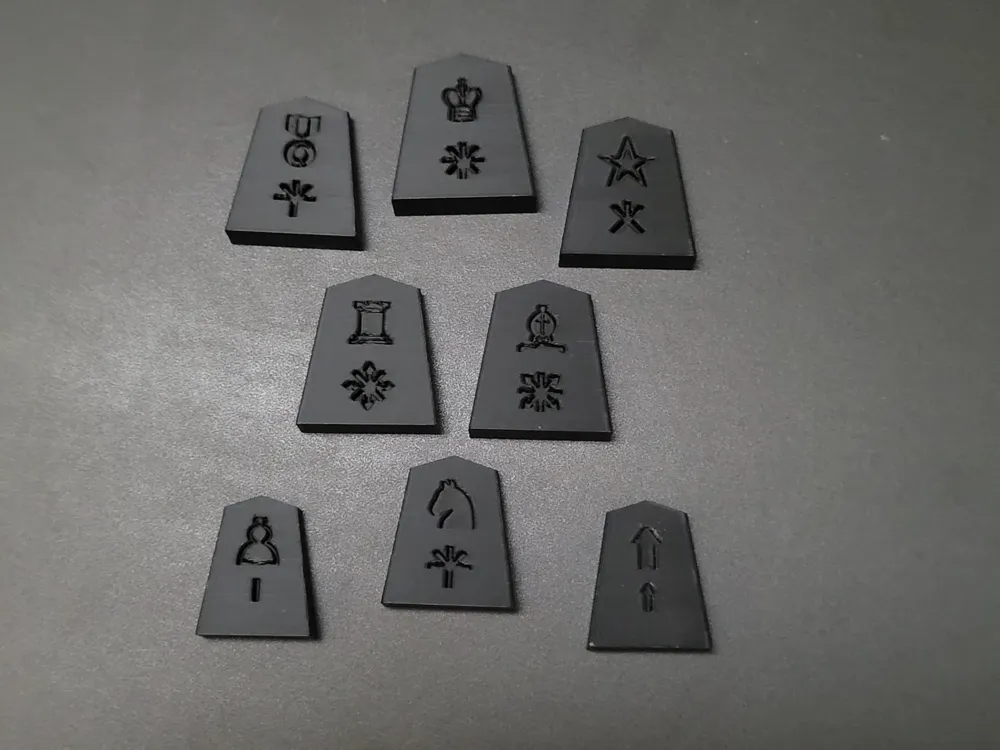
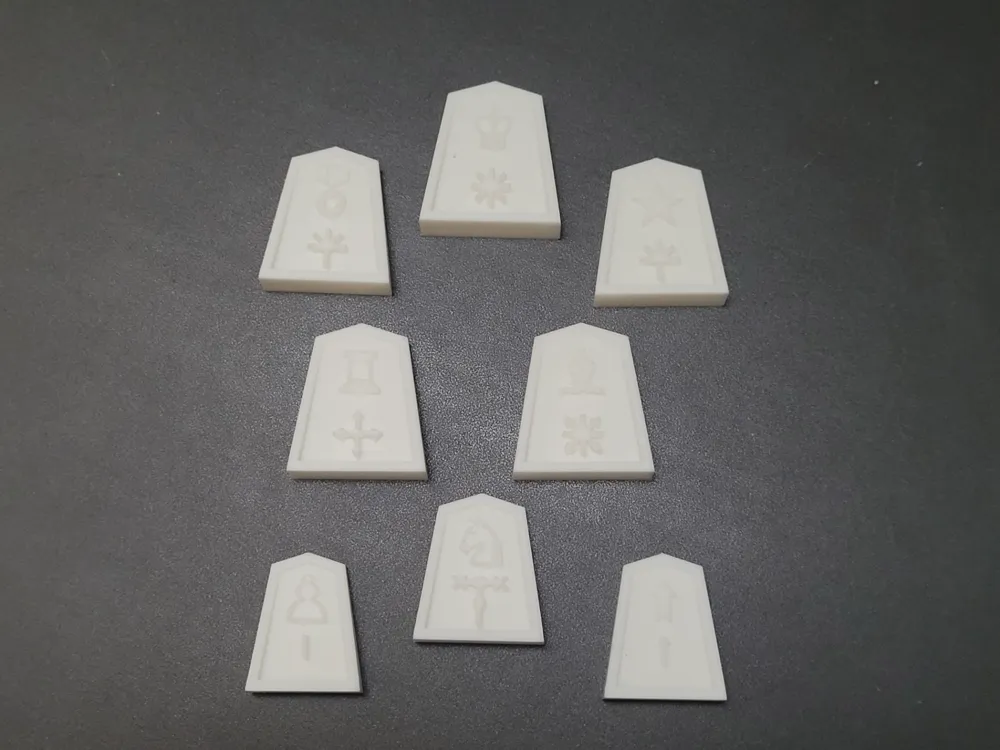
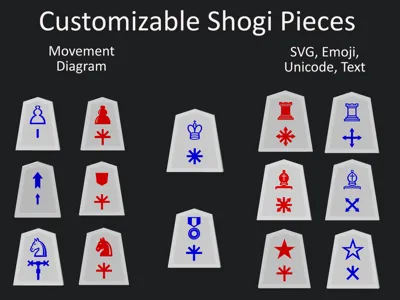
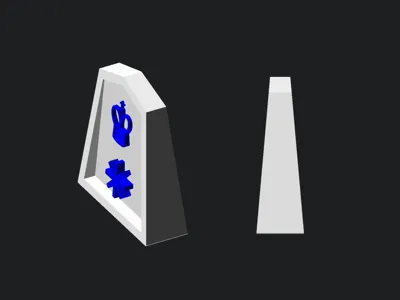
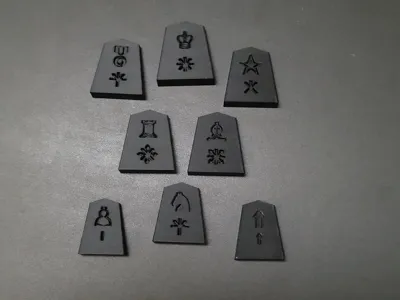
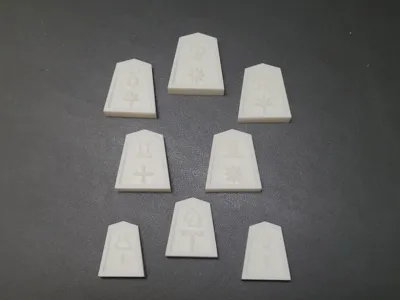
Make your own Shogi pieces with customizable front and back sides from text, emoji, or SVG image. Graphics can be debossed, flush, or framed by a cutout. Both sides have an option to display 2 graphics with built in default symbols and movement diagrams.
Usage
Piece Parameters | |
piece | piece to create |
piece bottom rounding | rounding value of bottom 4 corners |
piece color | color of outside of piece |
Cutout Parameters | |
cutout edge width | width of edge created by cutout |
cutout depth | how deep the cutout cuts into piece |
force back cutout | force back cutout for pieces that don't have promotions |
use cutout color
| true will use cutout color for cutout, false will use piece color for cutout |
use cutout color | cutout color to use if cutout color is enabled |
General Graphic Parameters | |
graphic type | choose between cutout, debossed, or flush |
graphic depth | depth of graphic at thickest point |
default font | default font to use for letter and custom text |
default text size | text size for letter, symbol, and custom text |
Front / Back Graphic Parameters | |
front/back graphic | dual graphic(top and bottom) or only top or bottom |
graphic color | color for graphics and this side |
svg | svg available for this side |
svg scale | scale of svg (default is very small) |
promoted | enable for promoted defaults for letter and symbol |
Top/Bottom Graphic Parameters | |
top/bottom graphic | default symbols, default letters, movements, svg, custom text |
text | custom text to use(can be emoji or unicode) |
font | font to override default |
font style | font style to override default |
text size | text size to override default |
text direction | ltr(left to right), rtl(right to left), ttb(top to bottom), btt(bottom tot top) |
text spacing | spacing between letters |
offset | x and y values to move graphic location |
Fonts
Multiple fonts available (including emojis). View available fonts by selecting the code tab in customizer and selecting the libraries and fonts button (next to save). Run locally in OpenSCAD to use custom fonts.
To use emojis
- Use “Noto Emoji” as font
- Copy emoji from Noto Emoji glyphs page
To use Unicode symbols
- Use “Noto Sans Symbols” or "Noto Sans Symbols 2" as font
- Copy Symbol from corresponding glyphs page (Symbols, Symbols 2)
Flush Graphic Option
- If you are having strange artifacts in the graphic you may have better results running the script locally in the dev snapshot version of OpenSCAD, using the settings below. Additionally this script requires the BOSL2 library to be added to OpenSCAD's available libraries.
- Under Edit / Preferences / Features check the boxes next to
- manifold
- lazy union
- textmetrics
- predictable-output
- To install BOSL2 library (additional installation instructions on github readme)
- download zip file from github (click green code button and download as zip)
- extract contents of zip and rename extracted directory as “BOSL2”
- in OpenSCAD, under File, select Show Library Folder
- move extracted BOSL2 folder into library folder
- Under Edit / Preferences / Features check the boxes next to
- Files exported from OpenSCAD can be exported as either .stl or .3mf but need to be separated by part in slicer so each part can be colored individually.
- Files exported from customizer need to be exported as .3mf
Attribution
License

You shall not share, sub-license, sell, rent, host, transfer, or distribute in any way the digital or 3D printed versions of this object, nor any other derivative work of this object in its digital or physical format (including - but not limited to - remixes of this object, and hosting on other digital platforms). The objects may not be used without permission in any way whatsoever in which you charge money, or collect fees.


Comment & Rating (3)