
Wyze Cam V3 Horizontal Mount - Bambu A1 & A1 Mini

Print Profile(3)


Description
Boost Me (for free)
If you enjoy this model please boost it, it really helps a lot! Thank you.
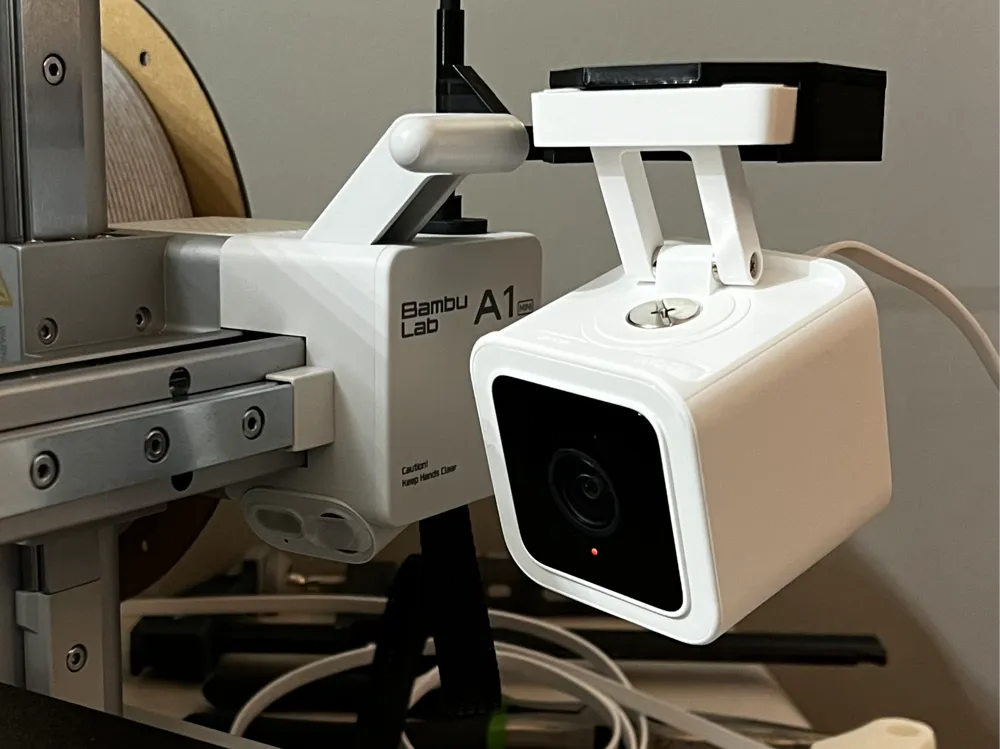
This is a remix of JohnPepsi's mount for attaching a Wyze Cam v3 to the A1 Mini.
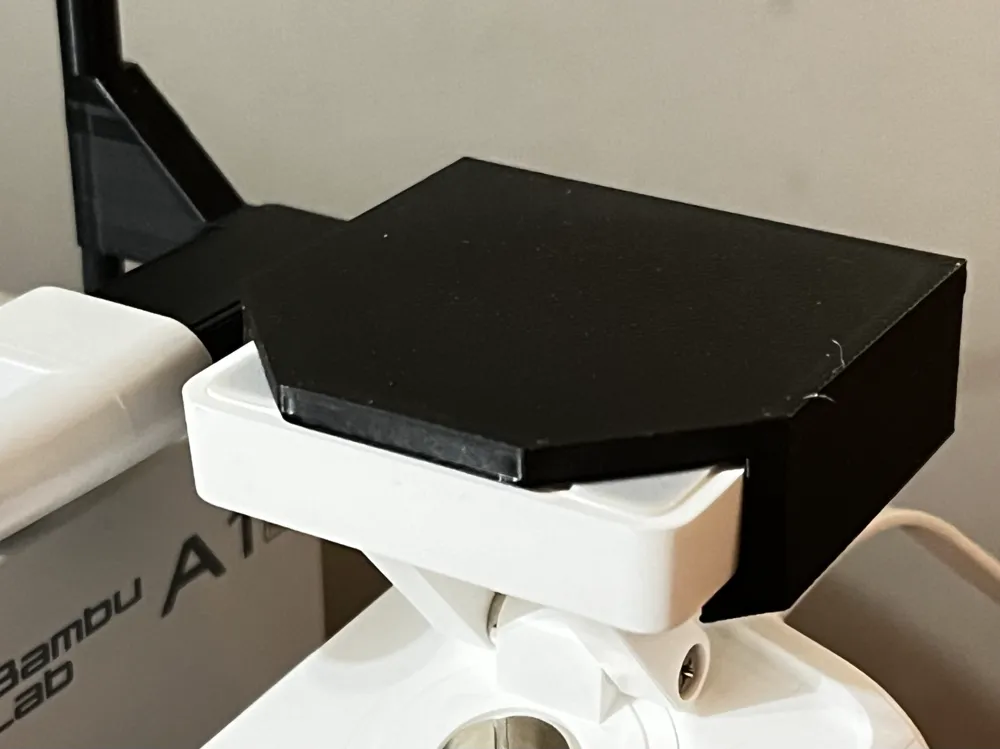
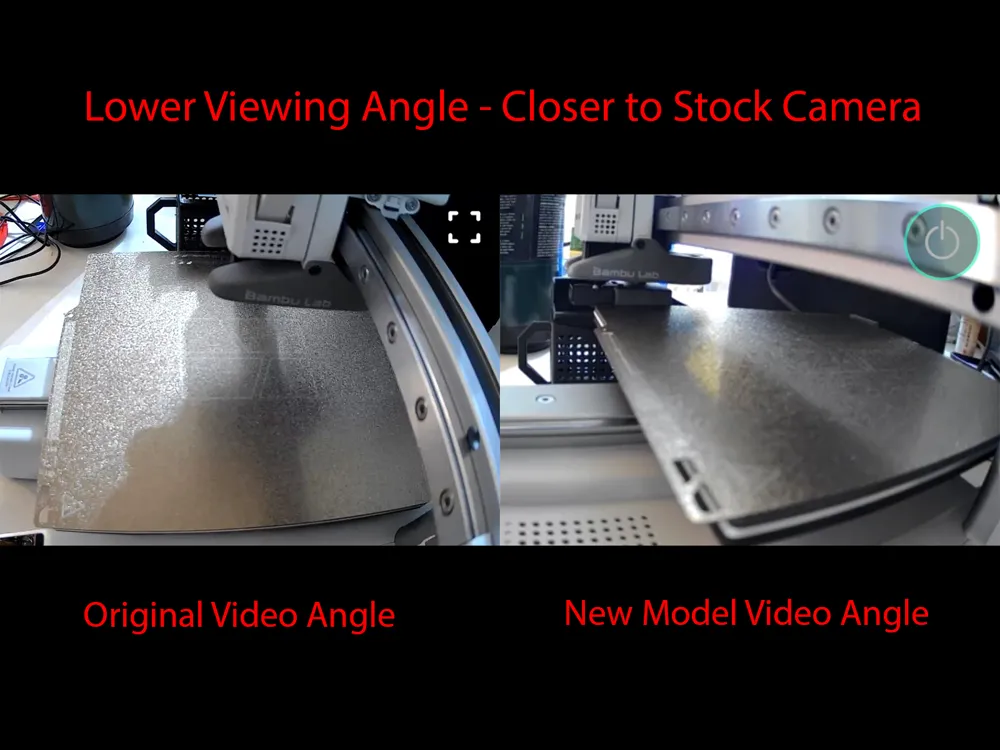
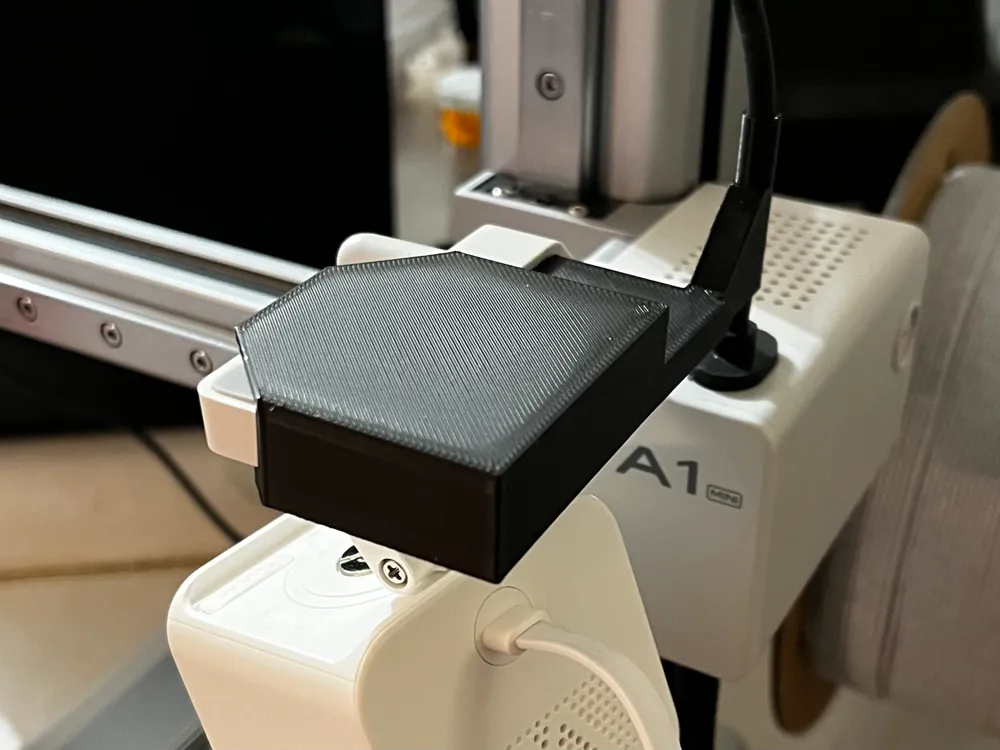
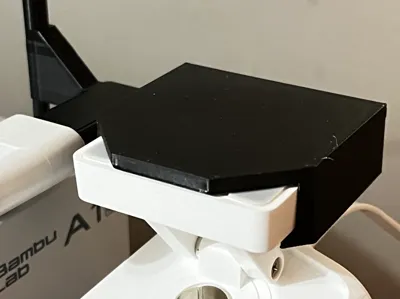
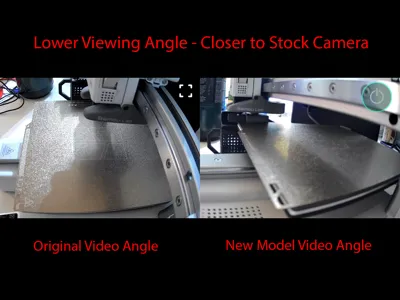
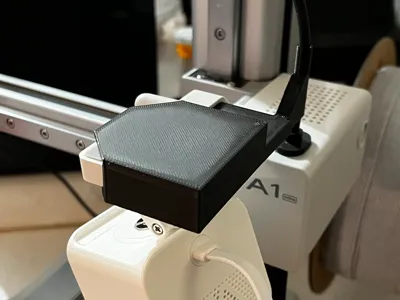
The built-in camera on the A1 line is a disaster, so I like JohnPepsi's model for mounting my Wyze v3. However, I wanted to mount the camera lower so that it can be on the same plane as the stock camera. This simple remix holds the base horizontally instead of vertically, therefore allowing more flexibility in viewing angle by letting the camera swing underneath the mount. This allows for a clearer view of the nozzle and the top layers, allowing any errors to be detected immediately.
This version uses marginally more filament due to supports for the shoe that accepts the camera's base. I had success printing with no support and enabling Thick Bridges but your mileage may vary.
PLEASE CHOOSE THE CORRECT MODEL!!! Refer to profile names for the printer you are mounting the device on, not the printer you are printing it on. Both profiles will print on the Mini. The A1 and A1 Mini versions of the mount are NOT interchangeable and will NOT fit the other printer.
IMPORTANT: since you're mounting the camera upside down, make sure to go to the camera's settings in the Wyze app > Advanced Settings > make sure “Rotate Image 180°” is checked on. Be sure to test your tool head by sliding it all to the right and depressing the cutter so that it clears the camera. I have had no problems with this on the Mini, but adjust the camera as necessary.
This remix is based on


License



Comment & Rating (95)