Search models, users, collections, and posts

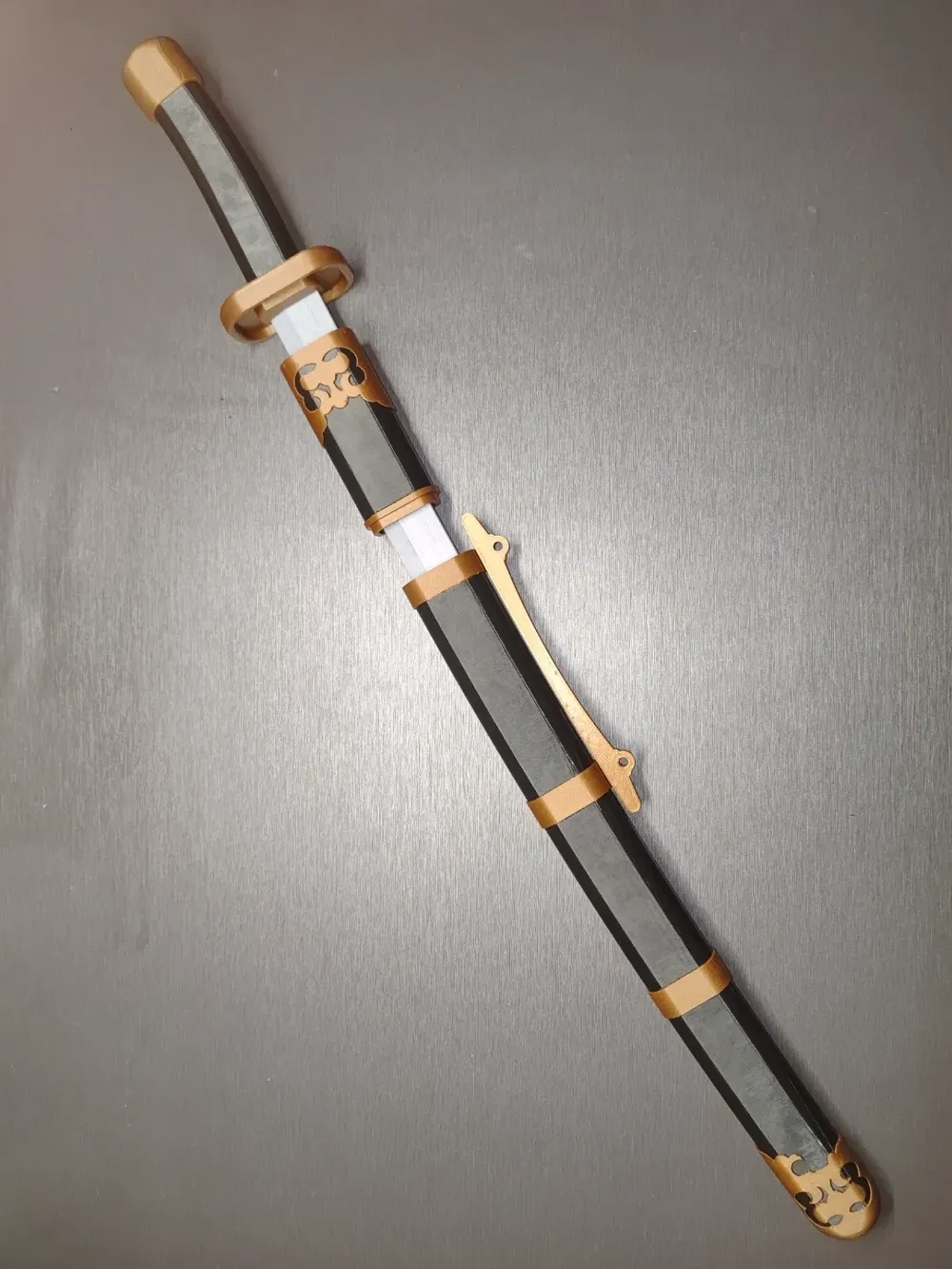
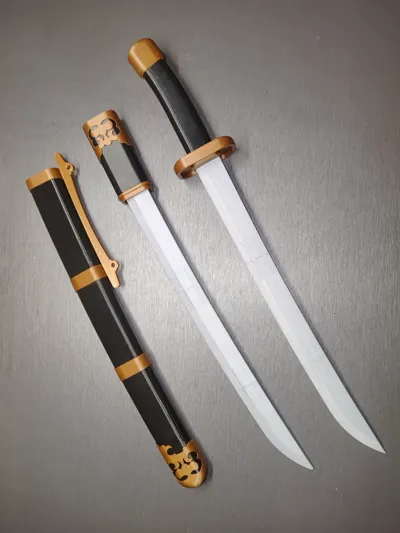
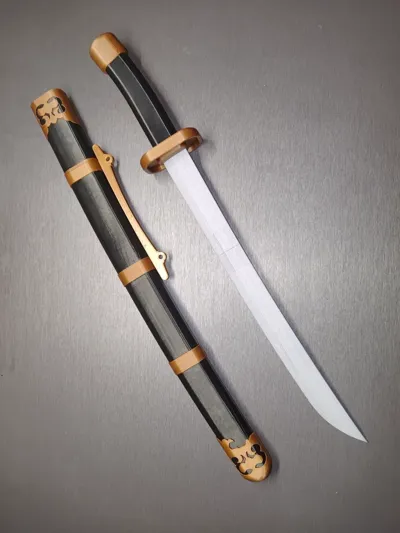
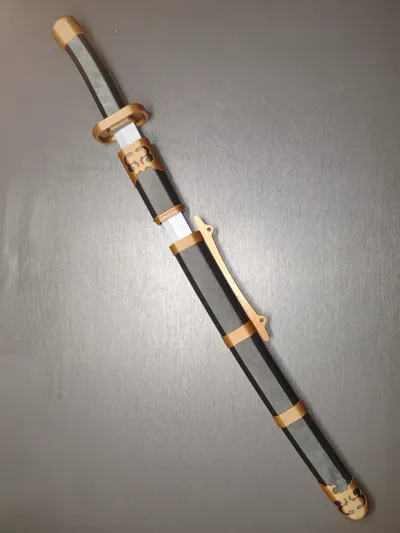
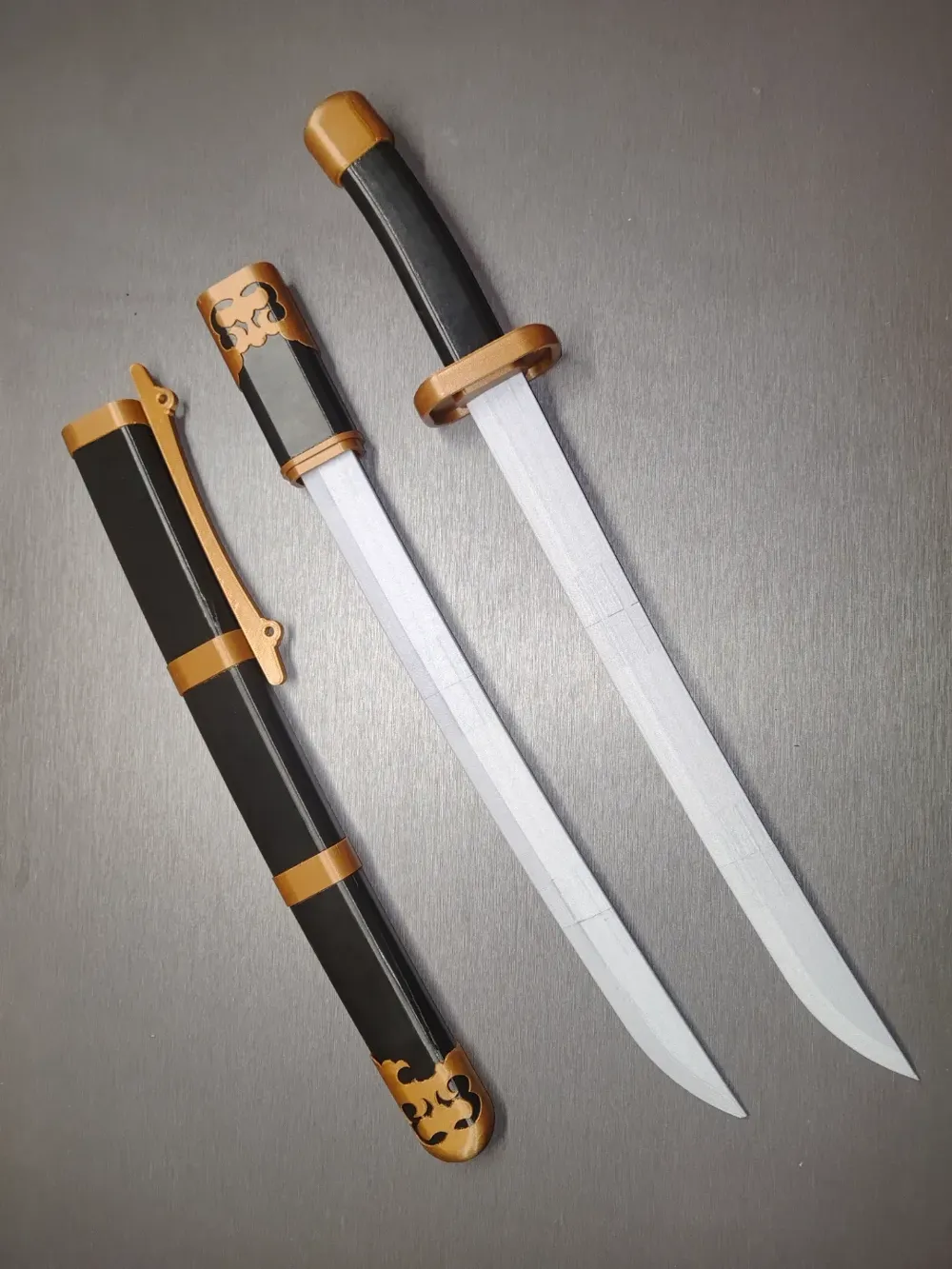
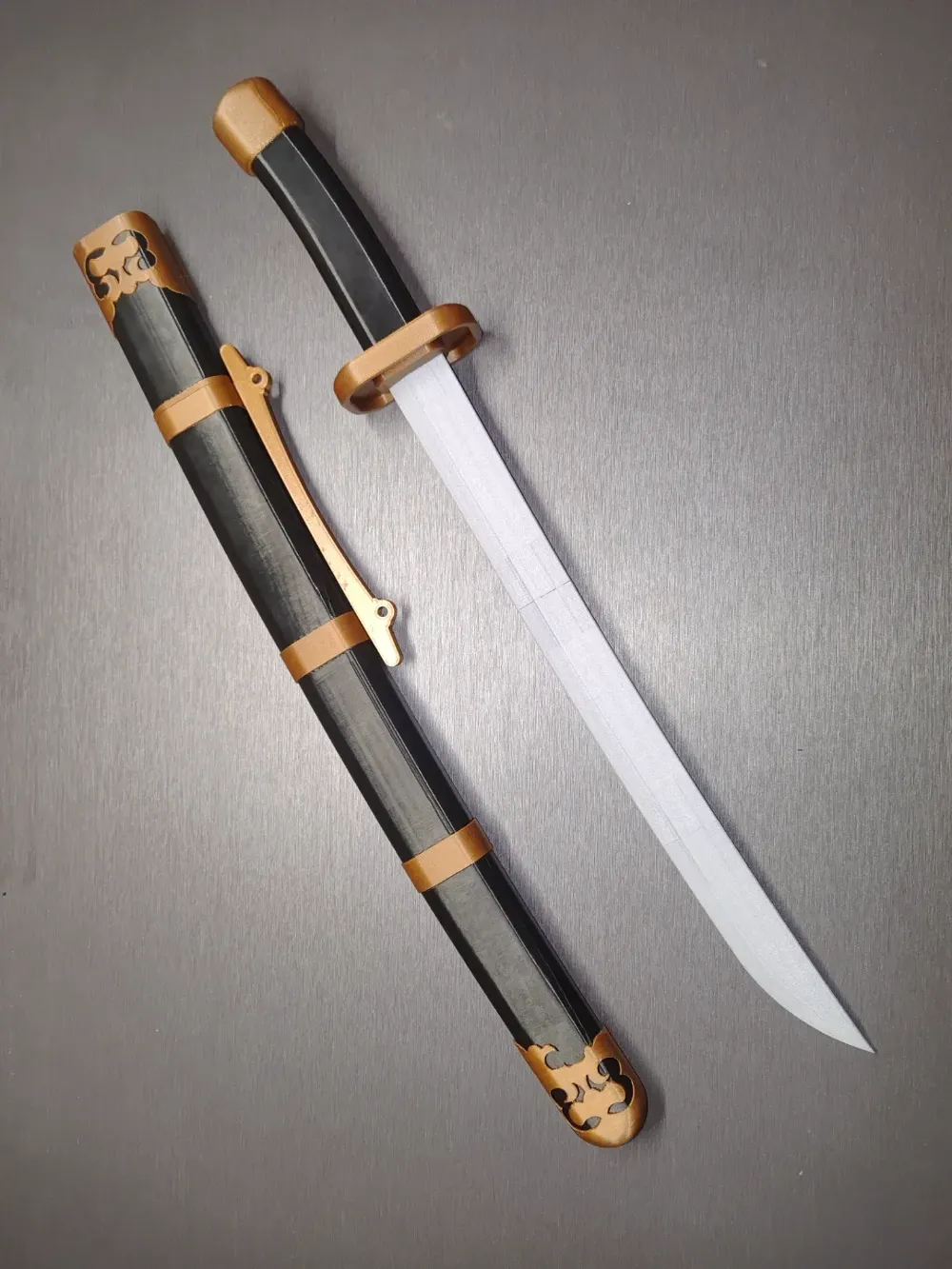
Qing Dynasty Dagger Within Dagger
Print Profile(5)
All
A1
P2S
H2D Pro
X1E
X1
P1P
H2D
H2S
P1S
X1 Carbon
H2C
X2D
A2L
A1 mini

Blade Handle and Sheath Parts
Designer
12.7 h
2 plates
5.0(2)

Mini Low-Speed Blade
Designer
9 h
3 plates
5.0(1)

Blade Slowing Printing Parameters
Designer
7.3 h
3 plates
3.7(3)

Mini Adapter
Mini Adapter
Designer
12.4 h
3 plates
2.0(1)
Click to see more

Open in Bambu Studio
Boost
187
325
18
13
156
30
Released 

Description

Content has been automatically translated.
Show original

The inspiration for this design originates from the "Dagger Within Dagger," a self-defense weapon popular during the Qing Dynasty era. The original scabbard was crafted from pearl fish skin, requiring intricate craftsmanship, and was often worn by officials and nobles for protection.

It conceals a secret mechanism: when the first blade is disarmed, the scabbard can be used for combat, catching the opponent off guard and delivering a decisive blow.


To accurately recreate the narrow, elongated blade, which demands exceptional printer stability, we conducted extensive testing to determine the optimal parameters suitable for the A series of printers.


We have ensured all parts are individually separated to cater to users without multi-color systems (as I, myself, do not have one).


The tolerances have been adjusted to eliminate the need for glue (although using glue would make the assembly even stronger).


All models are compatible with the mini.

Boost Me (for free)

Due to the extensive adjustments required to achieve the desired tolerances and discover suitable parameters for the blade, we have consumed nearly two kilograms of filament. Please show your support with a triple click! Thank you.


Documentation (1)

Assembly Guide (1)
安装方法.pdf

Comment & Rating (18)

(0/1000)

Print Profile
Mini Low-Speed Blade
ottima stampa
0
Reply
Print Profile
Mini Adapter
Other Issues:There must be some error with these two prints, made with both Smooth PEI (also tried with a new plate) and Textured PEI plates, even reducing the speed to 50%. It completes the first layer, then the problems begin. Plates were cleaned and washed before printing. A1mini printer. The error was found using the Bambu Studio slicer; there are unsupported regions in the object (see photo)
Show original
1
Reply
There is a problem with the files for me. For some reason file 6 and 8 are the same piece. Can you upload the missing piece please.
The designer has replied
0
Reply
Replying to @user_1673634565 :
Hi, this piece is missing from the files
0
Reply
Replying to @user_419259469 :
Part five changed
Show original
0
Reply
that’s really cool
The designer has replied
1
Reply
Thank you. We don't.
0
Reply
the same piece printed wrong, three different attempts.renders the whole project useless
1
Reply
I've printed with PETG twice and both times it's come out warped, I'm unsure how to resolve this
Show original
0
Reply
Thank you
Show original
0
Reply
Print Profile
Blade Slowing Printing Parameters
Bed Adhesion Issue:one of the pieces prints wrong every time. this is a design issue, not my print bed. same piece failed adhesion three times, causing it to produce a wild nest of thread, not the connecting piece.
1
Reply
I confirm, I also have the same issue
Show original
0
Reply
awesome!! 🤩
0
Reply
Boosted
Print Profile
Blade Slowing Printing Parameters
0
Reply

License

This user content is licensed under a Standard Digital File License.

You shall not share, sub-license, sell, rent, host, transfer, or distribute in any way the digital or 3D printed versions of this object, nor any other derivative work of this object in its digital or physical format (including - but not limited to - remixes of this object, and hosting on other digital platforms). The objects may not be used without permission in any way whatsoever in which you charge money, or collect fees.