
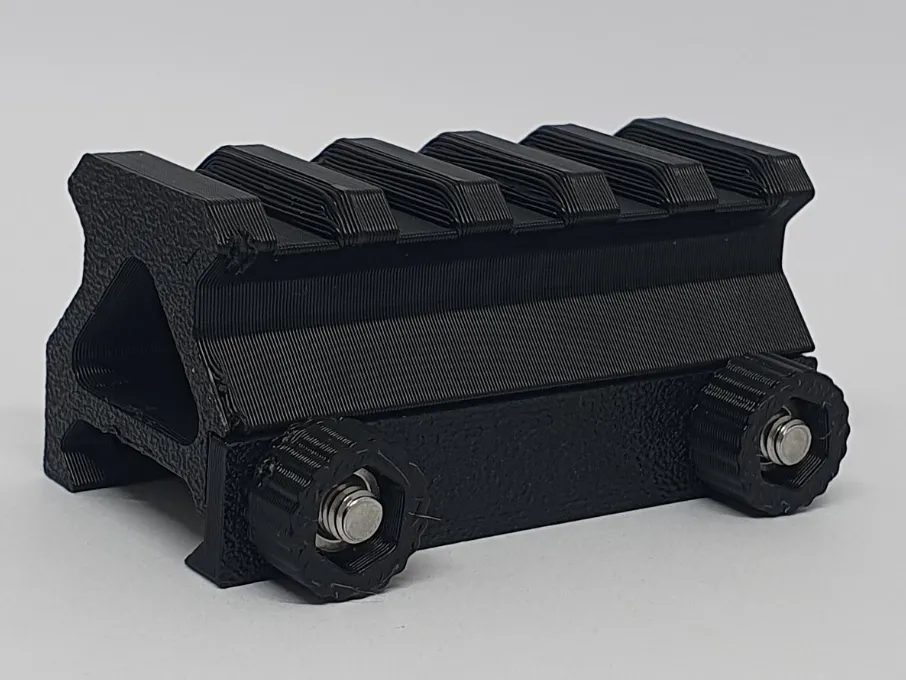
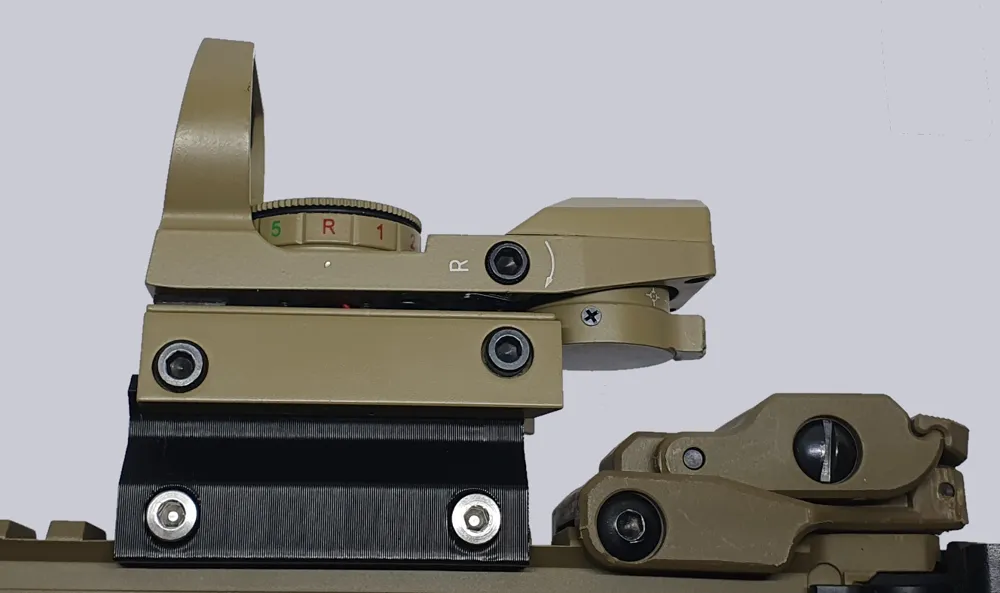
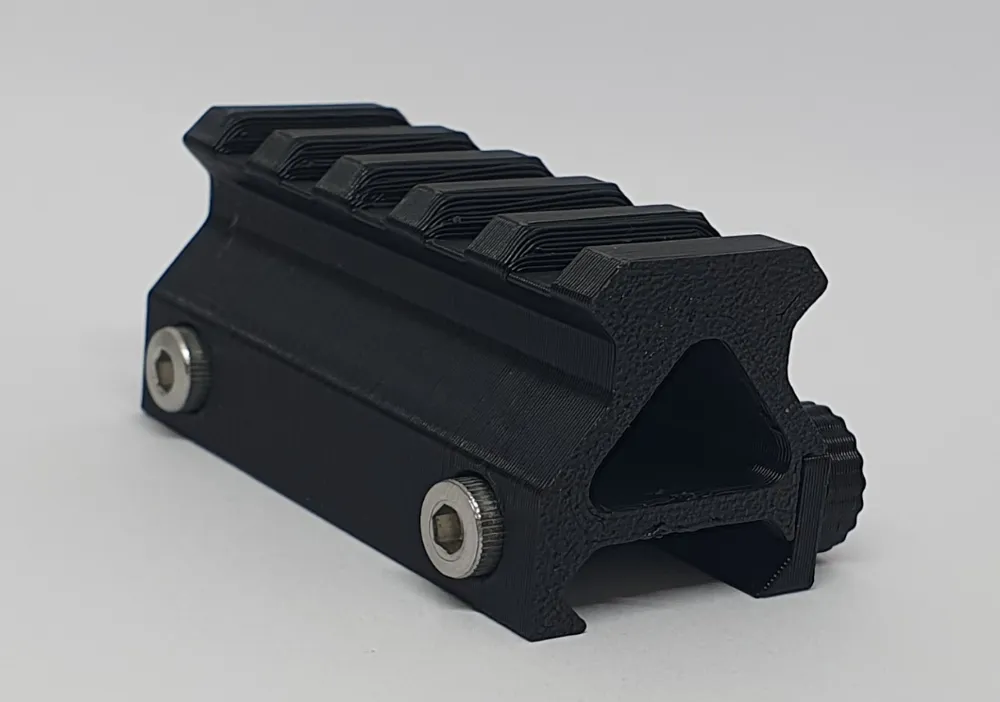
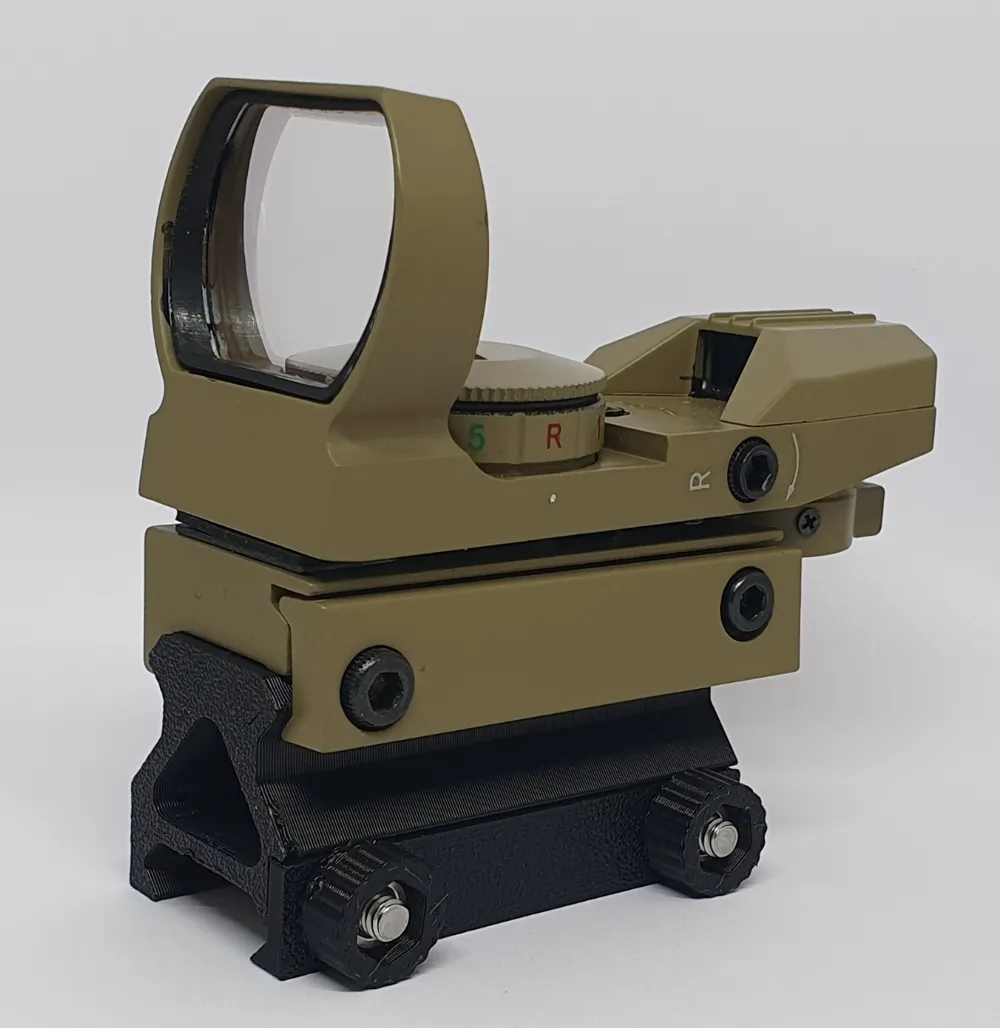
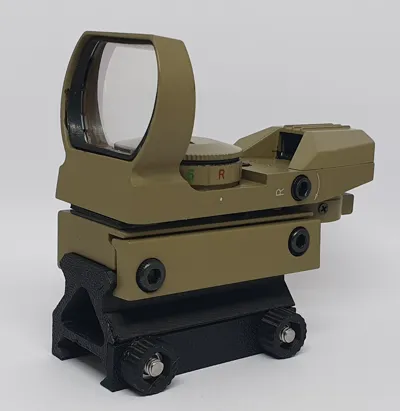
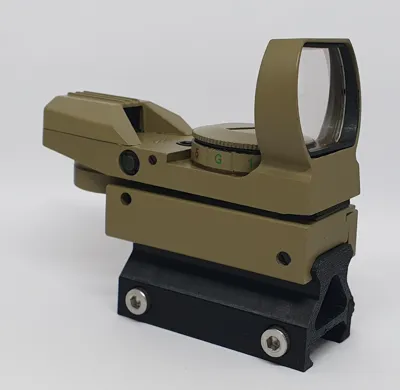
Parametric - NATO Picatinny Metric Rail Riser
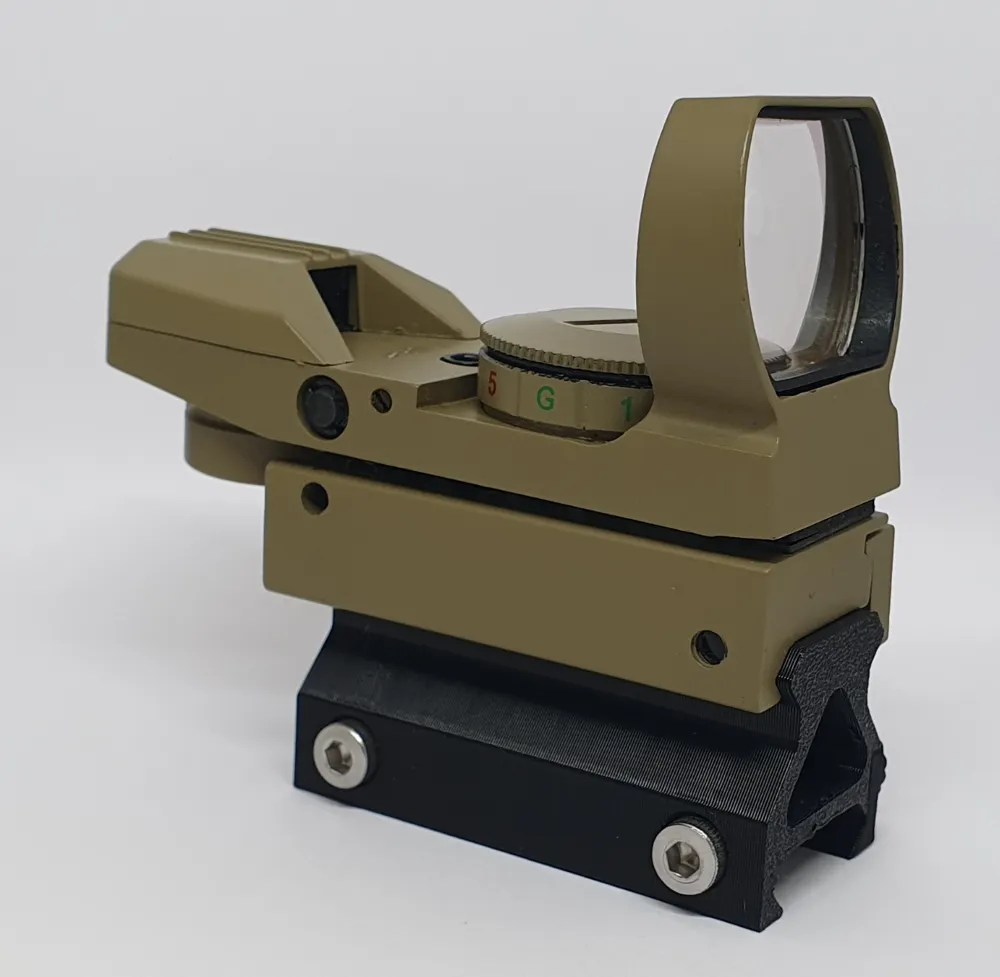
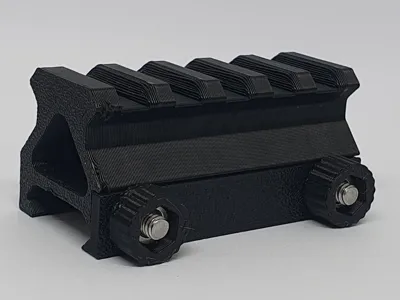
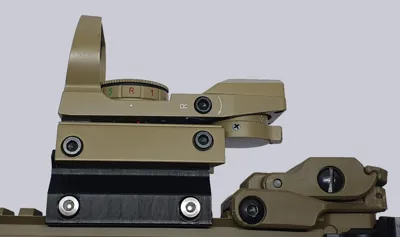
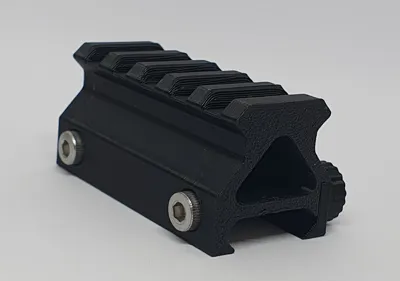
Print Profile(2)


Description
Now customizable directly in MakerWorld! Don't forget to READ the comments next to the parameters and use the sliders to choose your dimensions.
For the length, the customiser show a rounded number but it actually is xx.8 (for example 55 is actually 54.8).
For more informations read the instructions bellow.
A picatinny rail riser based on the parametric file made by cmh on Printables.
The original file only contain the picatinny rail so I have added the riser part.
You will find the fusion 360 CAD file (.f3d) as well as a print profile for a 20mm riser at a length of 54.8mm.
You can modify two parameters (marked as favorite in fusion) :
Length : Length of the picatinny riser (For no end offset, use 10mm progression of 4.8mm - 14.8, 24,8, 34,8, etc)
Height : Height between the top of the two picatinny rails (need to be ≥20 mm)
If you don't have fusion 360 or do not know how to modify a f3d file, you can ask me in the comments for a custom size that I will add as a new profil.
BOM :
M4 Nuts x2
M4x30 Socket Head x2
The nuts have to be press-fitted into the little knobs.
Copied from cmh's description :
To open this in Fusion
- Download the F3D file
- In Fusion, with the data panel visible, choose the “Upload” button near the top
- Click “Select Files” and choose the downloaded F3D file
To modify the design
- NOTE: The only parameter designed to be directly edited is the length.
- Open the downloaded F3D in your Fusion data panel.
- Once it is open, choose “Modify” and “Change Parameters”
- The parameters window will open and you should see the one parameter “Length” marked as a favorite with a blue star.
- Change the length as desired and the design will recalculate.
This remix is based on

License



Comment & Rating (15)