Search models, users, collections, and posts

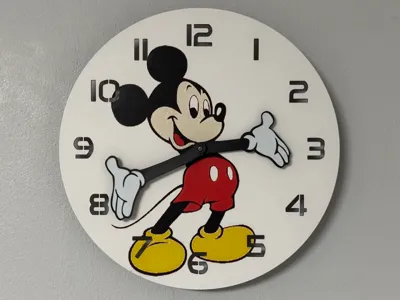
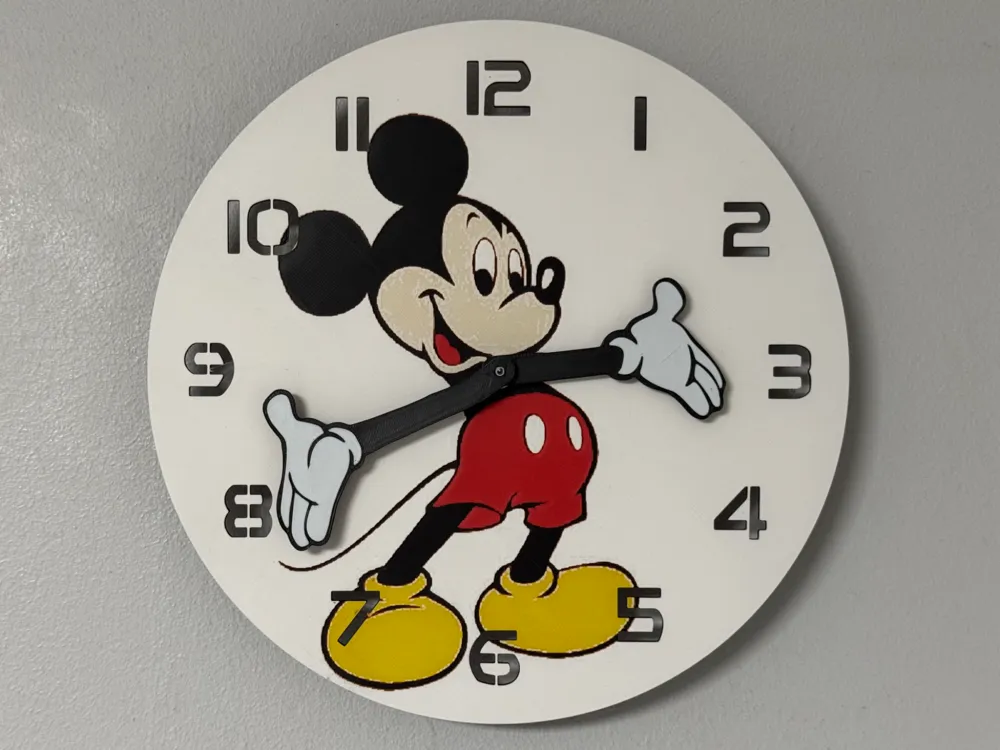
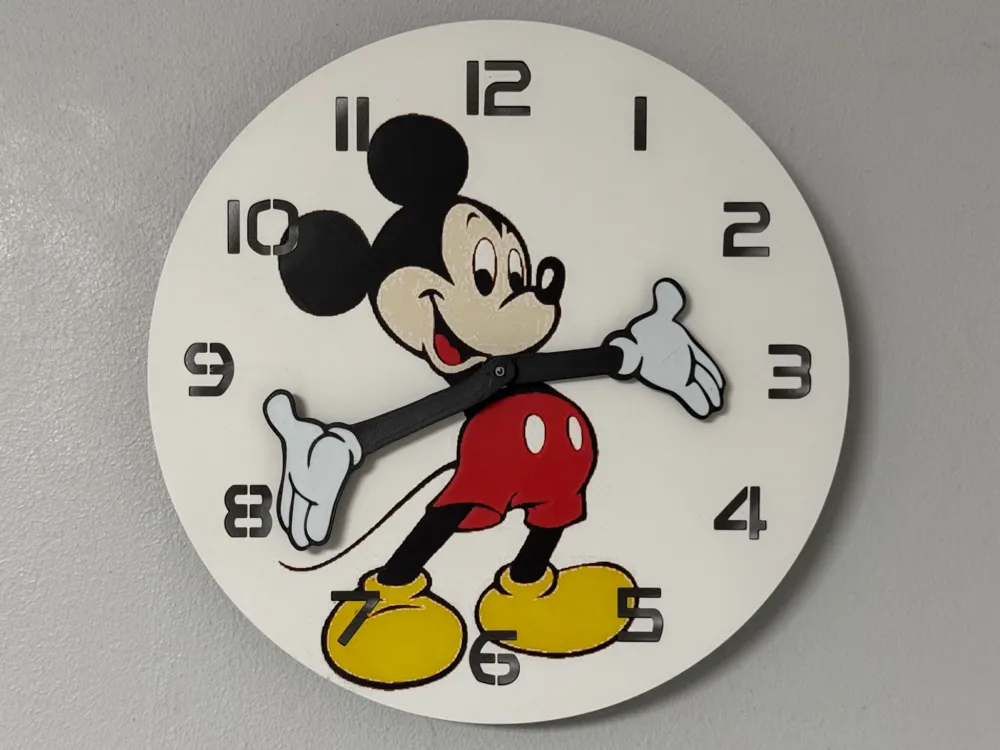
wall / desk clock Mickey Mouse
Print Profile(2)

All
P1S
P1P
X1
X1 Carbon
X1E
A1
H2D
H2D Pro
H2S
P2S
H2C
X2D
A2L
A1 mini

245mm version
245mm version
Designer
4.5 h
3 plates
4.9(51)

170 mm verson
170 mm verson
Designer
3.6 h
3 plates
4.8(24)

Open in Bambu Studio
Boost
645
1394
120
82
1.2 k
362
Released 

Bill of Materials

Maker's Supply Kits and Parts
Select all
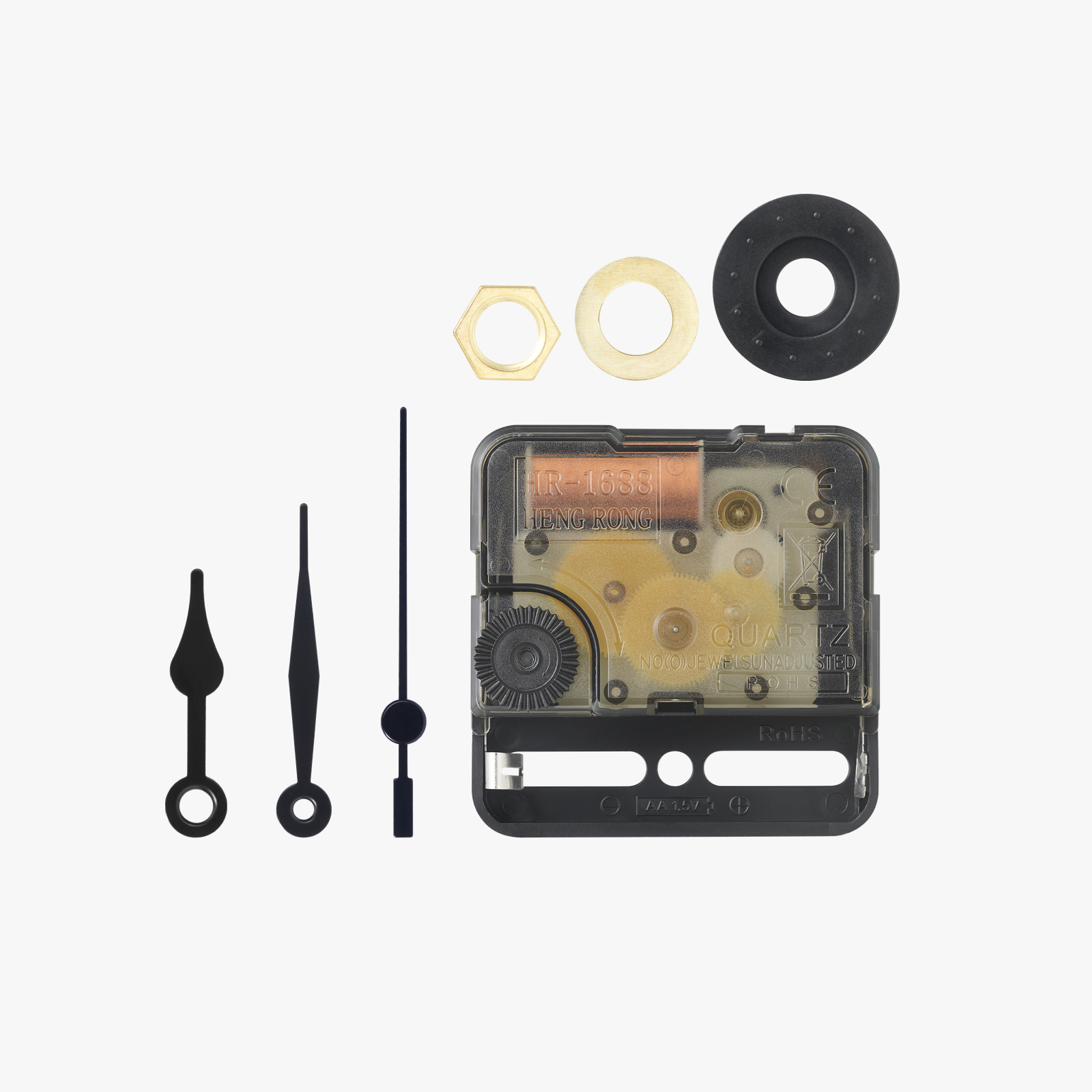
Clock Components Kit (1pcs) - MH011
Bambu Filaments
Select all
Jade White (10100) / Refill / 1kg
Black (10101) / Refill / 1kg
Red (10200) / Refill / 1kg
Yellow (10400) / Refill / 1kg

Description

I have made another Hueforge clock here. Maybe some of you also like this clock.
I could imagine that this watch would also be a very great gift for someone.


I created a version with 170 mm for the Wall/table and one for the Wall with 245 mm


I tried something new again and there are a few things to consider. For a reason I didn't know, I couldn't punch the holes for the clockwork into the hands. For this reason I created these with a negative body in the print profile. If these do not fit your clockwork, you can adjust them yourself at any time. I made two sets for the most common clock movements.


If you would like to get others excited about these wall clocks, please share the link on social media.


Here you will only find the dials!
You can find the necessary accessories under the following links:


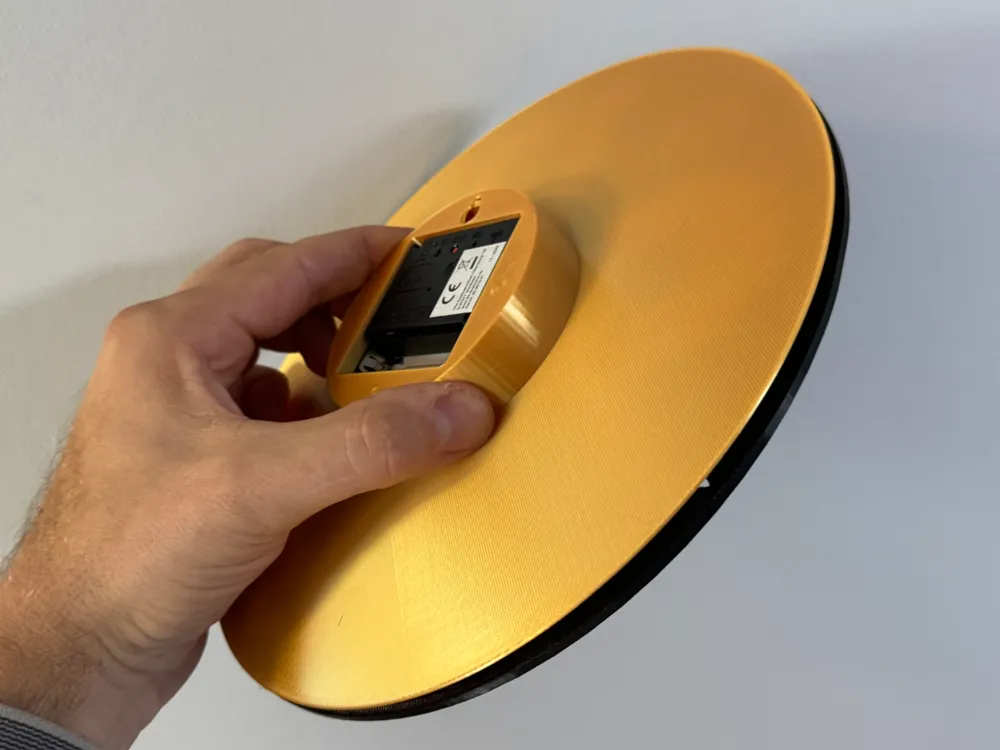
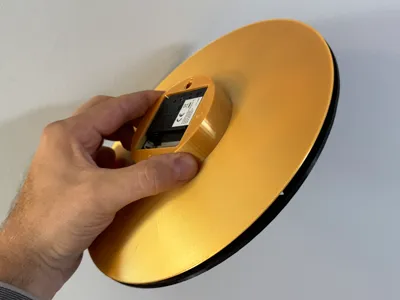
You can find the coloured back panel and further wall bracket for the 245 mm version here:
https://makerworld.com/en/models/603993#profileId-526611


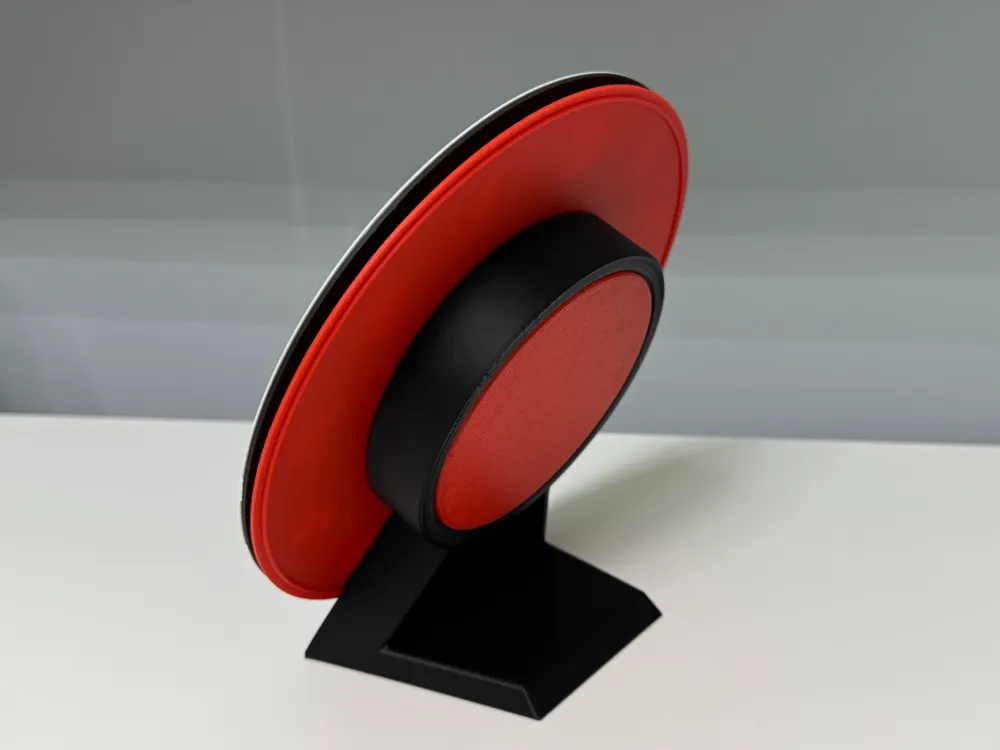
You can find the coloured back and the table stand for your dial here:
https://makerworld.com/en/models/600983#profileId-523239


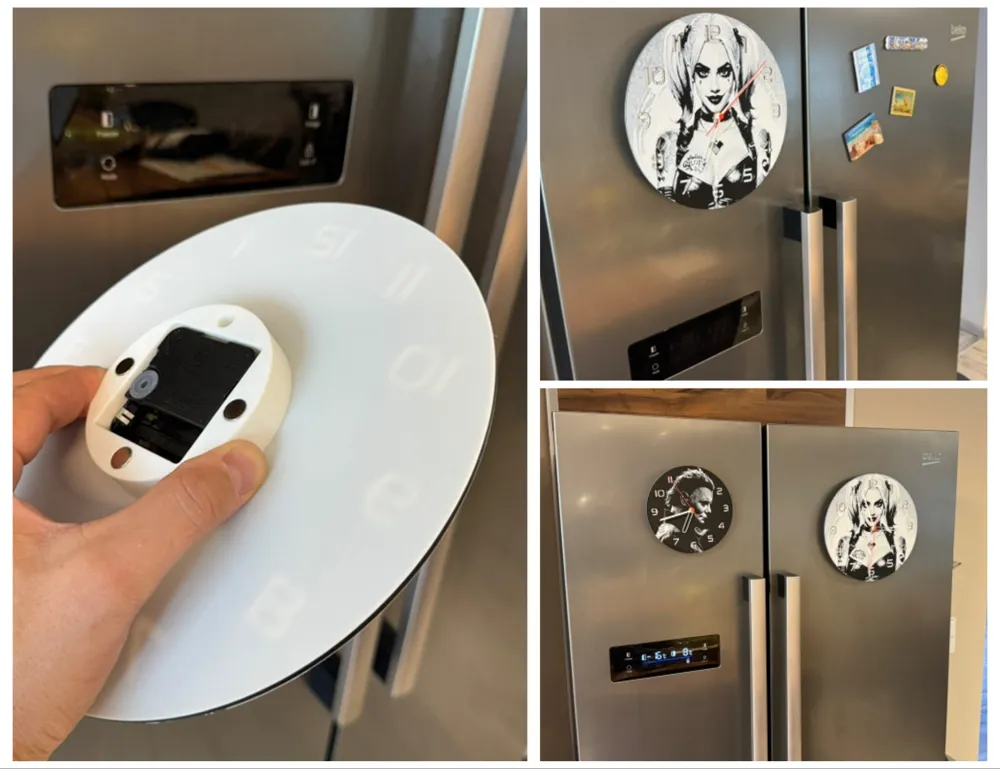
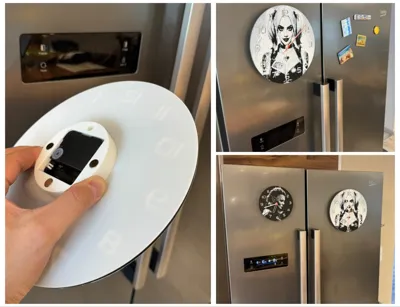
Would you like to put the clock on the fridge? Then visit this link:
https://makerworld.com/en/models/643115#profileId-569109


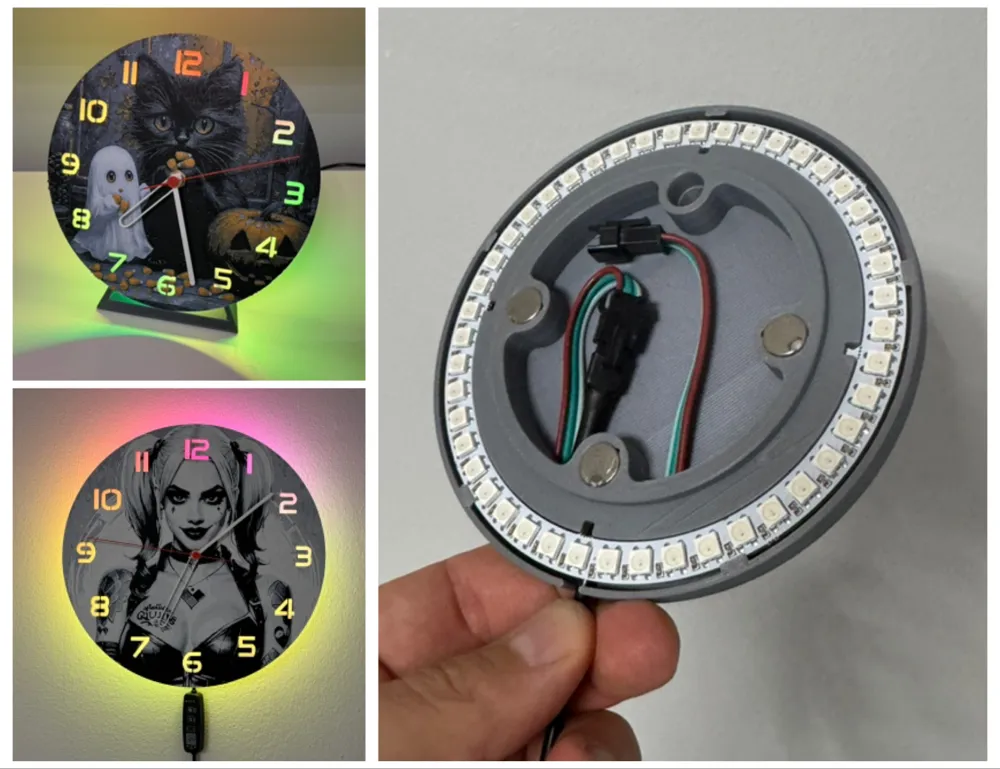
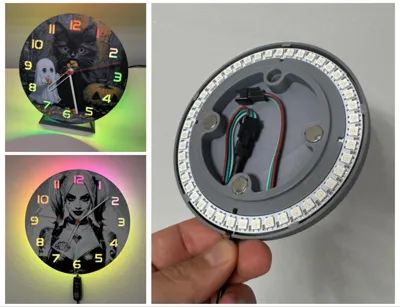
You can find an LED module for the dials here:
https://makerworld.com/en/models/643259#profileId-569271


To minimize print time without compromising quality, I configured height range modifiers in my print profiles. So don't be surprised if the swap instructions don't match the data in the print profile


Print at 100% infill with a layer height of 0.08mm with a base layer of 0.16mm

Swap Instructions:
Start with Black
At layer #13 (1.12mm) swap to Red
At layer #18 (1.52mm) swap to Jade White
At layer #19 (1.6mm) swap to Yellow
At layer #22 (1.84mm) swap to Jade White for the rest.


If you get the message with the floating regions when slicing... you can ignore this

Here you can find my other dials collected
https://makerworld.com/en/collections/1715414


Boost Me (for free)

It gives me pleasure to create things for 3D printing. I also hope to be able to bring joy to others, or to offer a great gift for others.

If the object has brought joy to you or your recipient, then you could also give me joy with a boost 😉

Happy printing

Comment & Rating (120)

(0/1000)

Is there a version with the hands pointing instead of open? I've got an old watch I'm trying to recreate:
0
Reply
not sure how to put it link here but I saw this one.
0
Reply
Replying to @user_3208391506 :
Thank you! I like this back plate better. I suppose I could try this backplate with those hands.
0
Reply
yeah looks to be the same size clock so should work. I might end up doing the same, I feel it would be easier to read. 🙂
0
Reply
Print Profile
245mm version
Printed a second time, and this time without any issues. Simply a fantastic design. Thank you also for the tips
The profile uploader has replied
Show original
0
Reply
What went wrong Perhaps I can assist
(Edited)
Show original
1
Reply
Replying to @cP3D :
I'm not sure how to describe it exactly, I'm a complete beginner and am still experimenting😬😬 In any case, I'll try again, the clock itself is great👍👍 However, the hands don't stay put on mine, they always slip But that might have to do with the clockwork
Show original
0
Reply
Replying to @user_9338047 :
The slightly rough texture on the face is normal, but it's more noticeable on yours, likely because you're using a white that provides better coverage than the one I used. As for the hands, I made them in two hole sizes… kit011 are smaller and the 6168 are slightly larger. The warping on the 3 and along the edge… that happens more easily with large surfaces, especially in a cool room or with drafts.
(Edited)
Show original
1
Reply
What can I say, again brilliant
1
Reply
May I inquire which clockwork mechanism you are using? My hands are not staying in place Thank you
Show original
0
Reply
Replying to @Yorkie9668 :
DankeschĂśn
1
Reply
Print Profile
245mm version
Soooooo cute! go get it every one! Thanks for sharing it with us!
(Edited)
0
Reply
Boosted
Thank you for the design, the print was flawless
Show original
0
Reply
Print Profile
245mm version
Exceptional quality Highly recommended Thank you for the design
Show original
0
Reply
Print Profile
170 mm verson
The face print is the only part that isn't quite perfect, but the imperfections are barely noticeable
Show original
0
Reply
Print Profile
170 mm verson
Perfect
0
Reply
this has 5 colors to it but you only have 4 listed. The face looks to be beige in color
The designer has replied
0
Reply
There are only four colors. Beige is created by mixing red, yellow, and white. I, and everyone else, have the clock as it is in the picture, printed in four colors.... You can do that too 😉
0
Reply
Replying to @cP3D :
OK but in the picture there are 5 colors not 4
0
Reply
Replying to @MusicCity3D :
As I said... the fifth color is created by mixing during printing.
0
Reply
I can't get the hands to stay. order the maker world Clock kit. any ideas?
The designer has replied
0
Reply
XY Hole compensation When printing holes, the nozzle with compensation of +0.25 mm
Show original
1
Reply
Replying to @cP3D :
thank you for the fast response.
0
Reply