
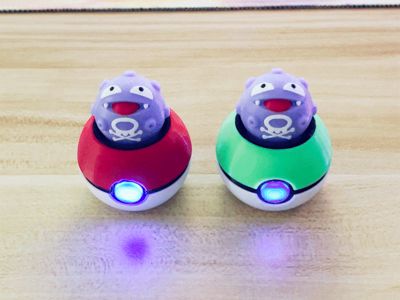
Pokémon Koffing Fidget (3D Printed Actuator, can also be installed with Keyboard Axis, with Light)

Print Profile(2)
Bill of Materials


Description
Boost Me (for free)
Time flies. Wishing you a new year filled with laughter, smooth sailing in all endeavors, and a bright future
Boost Me (for free)
If you appreciate our design, would you consider a complimentary boost



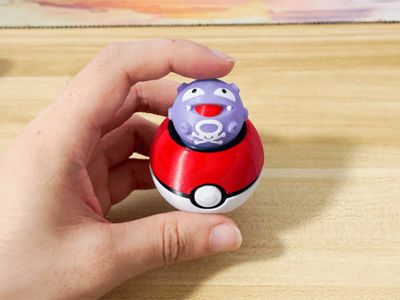
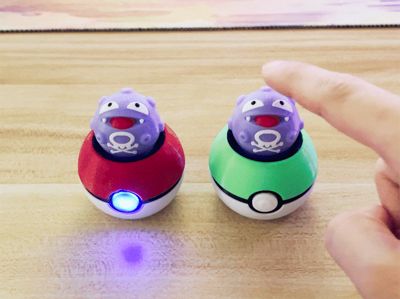
Pokemon Koffing Fidget Toy (Pressable, LED Compatible)
An adorably shaped, satisfying push-button toy
Version One: Pure 3D Printed Version


This Koffing features an integrated, printable spring mechanism. A delightful, de-stressing Koffing is yours with only a 3D printer; no additional components are required (an internal LED magnetic light may also be installed)

PETG or PLA filament is recommended (the spring should be printed with PETG; PLA lacks sufficient elasticity). The modular design allows for monochrome printing
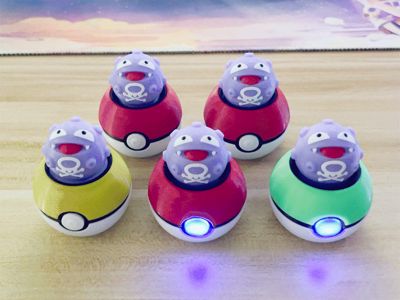
Multi-color printing is also possible; when printing multiple colors, it's advisable to print several at once to minimize material waste
Assembly Diagram:
1.The magnetic light is optional; it may be installed or omitted. When installing the magnetic light, ensure the LED-facing side is oriented outwards (Figure 1). Install the accompanying 8*2.5mm circular magnet into the recessed area on the bottom of the Koffing (press firmly to ensure responsiveness, Figure 2)
2.For ease of battery replacement, a removal port is incorporated into the Pokeball's interior. After removing the Koffing, use the printer's hex wrench to push outwards at the indicated location (Figure 3) to eject the magnetic light for battery replacement
The magnetic light is an official Bambu component: https://e.tb.cn/h.T69XGnsnDXxdaoq?tk=P4P0eaYqbjP MF1643
Bambu Lab Standard Parts LED Light - Magnetic Light
Figure 1 Figure 2 Figure 3
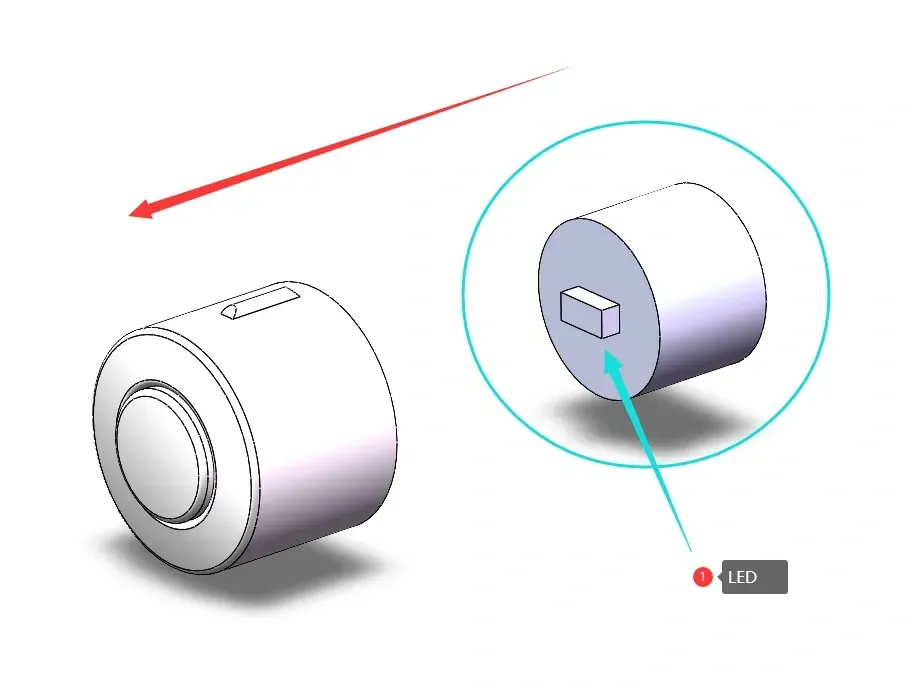
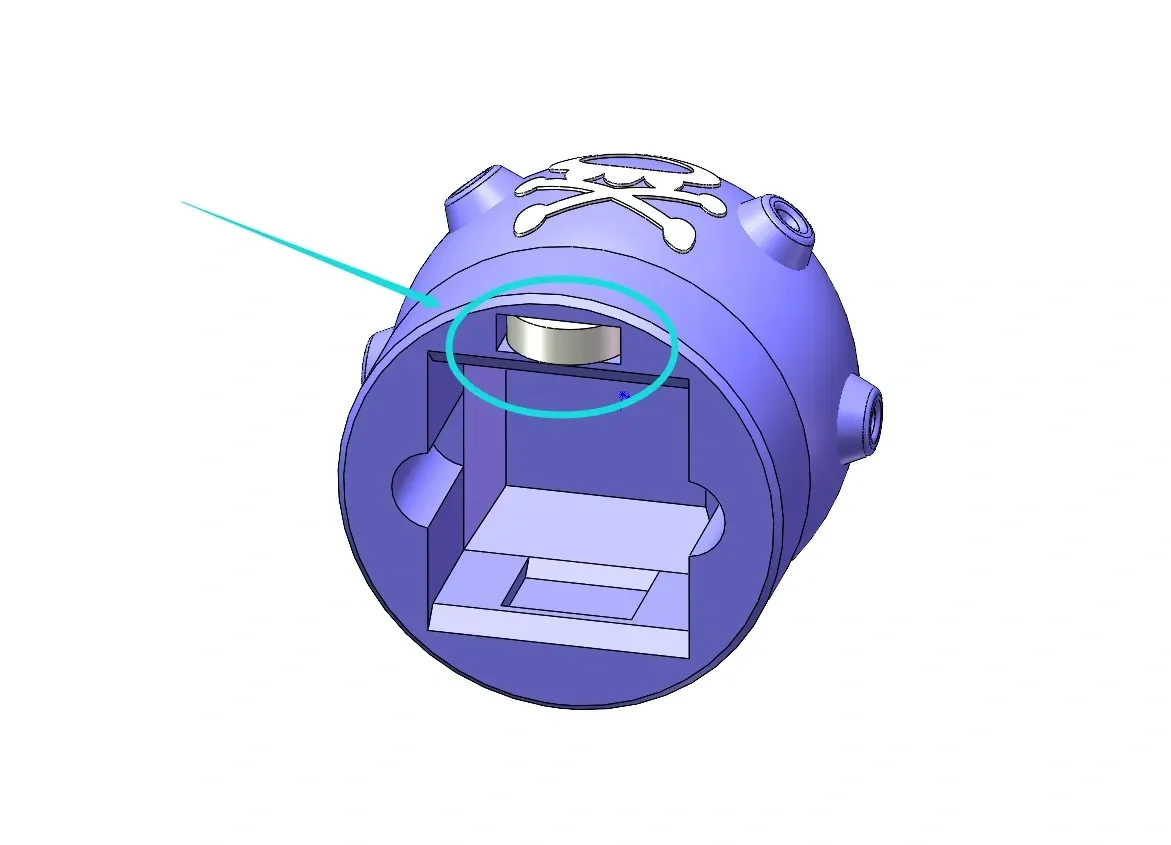
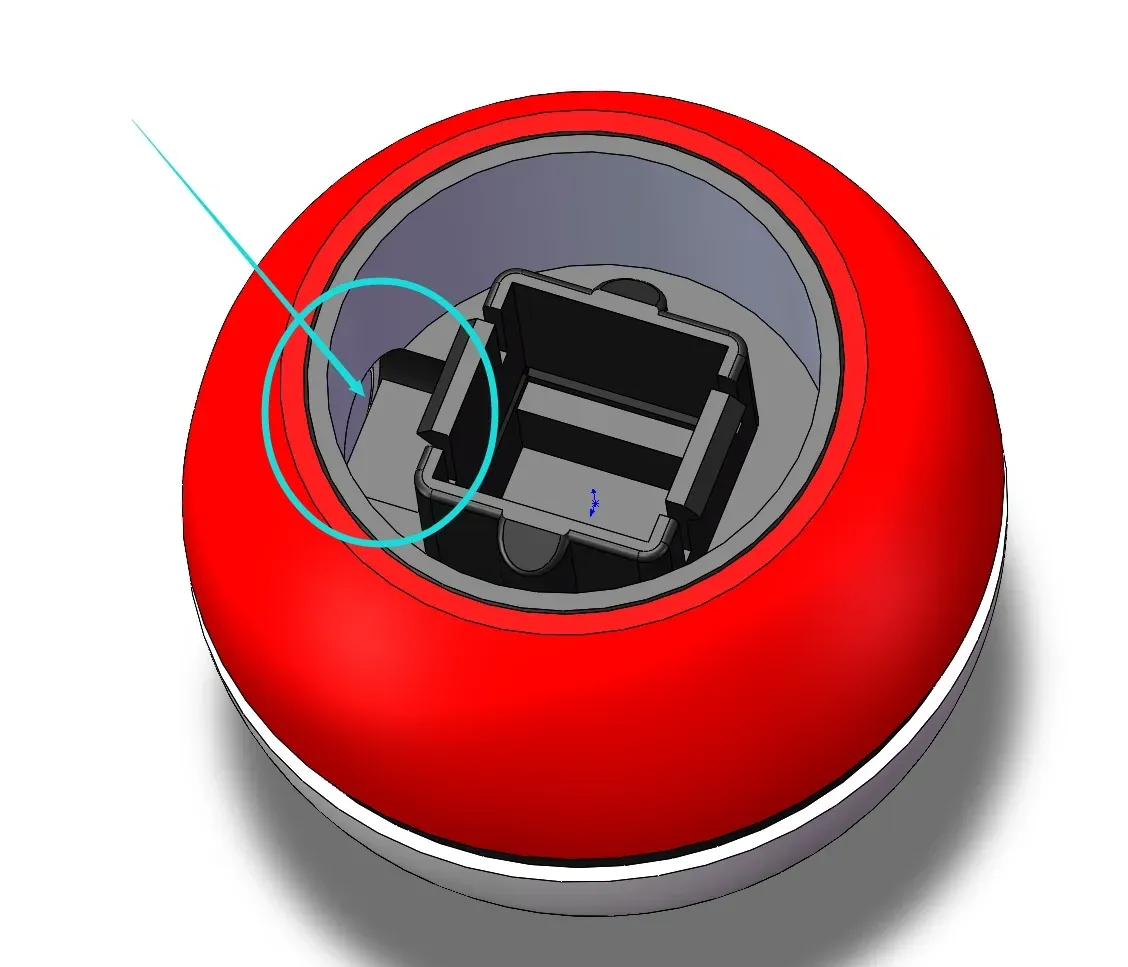
3.The Pokeball comprises three 3D-printed parts. The white base and red top feature alignment clips. During assembly, align and insert the clips (a small amount of adhesive is recommended for securing the clips)
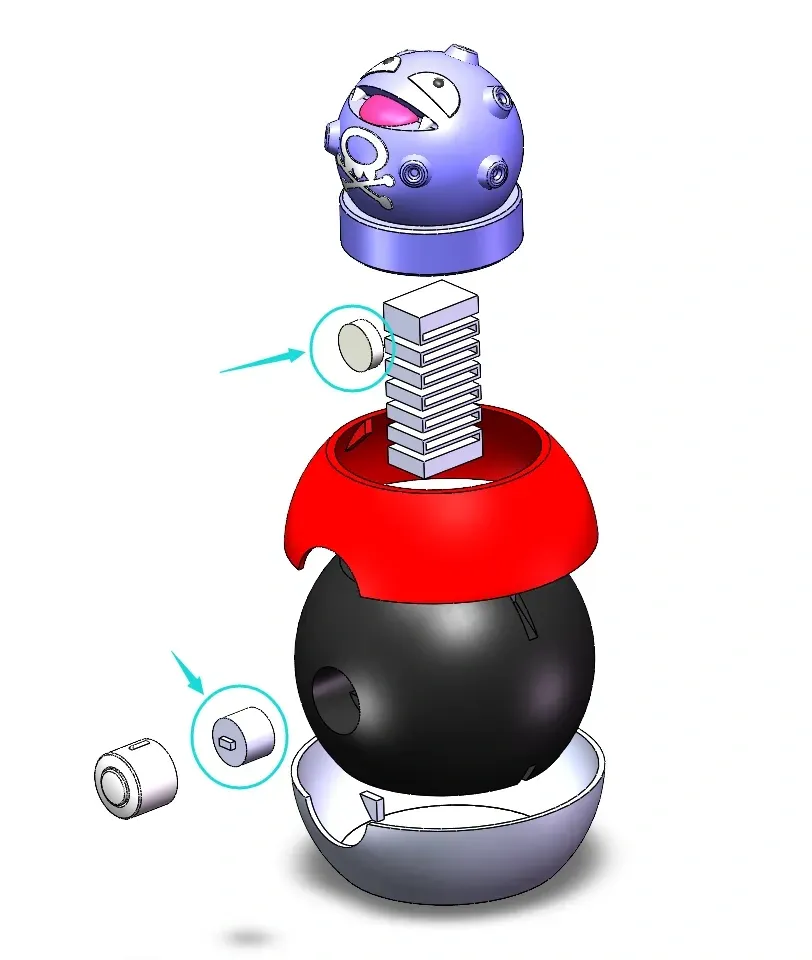
------------------------------------------Divider----------------------------------------------
Version Two: Mechanical Keyboard Switch Version
Alternatively, a version compatible with mechanical keyboard switches is offered. Integrating mechanical keyboard switches provides exceptional tactile feedback and click sounds
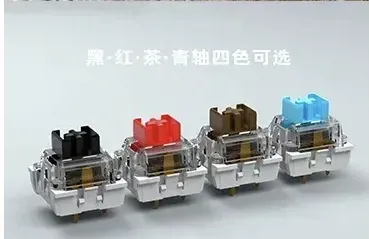
1.Mechanical keyboard switches must be purchased separately. Both tactile and linear switches yield satisfactory results (clicky switches or linear switches are equally suitable). The choice depends on personal preference; those who prefer a crisp and bright sound should opt for clicky tactile switches, while those who prefer a more subdued sound might select linear switches. Affordable options are readily available online
2.Both standard cross-shaped switches and switches with dust guards are compatible
(If the switch fit is too tight or loose, adjust the XY hole compensation in your slicer software to accommodate your specific switches)
3.Installation for the keyboard switch version mirrors the 3D-printed version, simply replacing the 3D-printed spring with the keyboard switch (the installation method is identical, but the print files differ; select the appropriate version for download)
4.An internal LED magnetic light can be installed (optional and does not affect functionality)



Printing Notes:
1.To mitigate visible layer lines on the top of the printed Koffing, consider reducing the layer height
2.Adjust the XY hole compensation and outer contour compensation to optimize the fit if the assembly is too tight or loose (material type and flow rate settings influence the final print dimensions; a single design cannot accommodate all materials and parameters. You will need to adjust the compensation parameters accordingly)
3.Supports are not necessary
4.When printing the keyboard switch version, apply adhesive to the build plate to prevent printing failure due to insufficient contact area
Significant effort was dedicated to this creation. Kindly report any printing issues for collaborative troubleshooting instead of leaving negative reviews. Thank you
We've also designed several other adorable fidget toys available for download here:
McDonald's Fidget Bellhttps://makerworld.com/zh/models/838147

Fidget Cat Cuphttps://makerworld.com/zh/models/649723

Christmas Gift - Fidget Cat Keychainhttps://makerworld.com/zh/models/797972

Fidget Maneki-nekohttps://makerworld.com.cn/zh/models/792196


Fidget Pumpkin Cathttps://makerworld.com/zh/models/684279
Membership

License

You shall not share, sub-license, sell, rent, host, transfer, or distribute in any way the digital or 3D printed versions of this object, nor any other derivative work of this object in its digital or physical format (including - but not limited to - remixes of this object, and hosting on other digital platforms). The objects may not be used without permission in any way whatsoever in which you charge money, or collect fees.


Comment & Rating (9)