
Modular Game Table Utility Tray - MGT

Print Profile(3)


Bill of Materials
Description
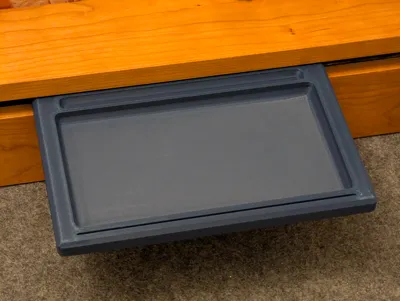
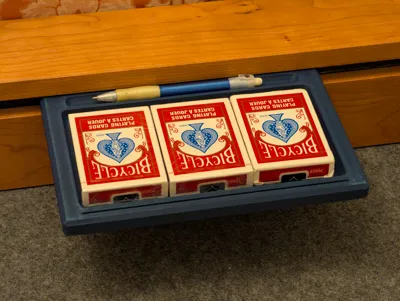
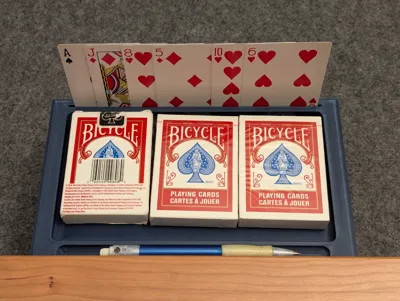
I have a Wyrmwood Modular Game Table and wanted something along the lines of their Hobby Tray but I wanted a bit more functionality to it (and my disposable income dried up after having a child) so DIY was my only option.
I use 4 perimeters with a 0.4mm nozzle, 10% gyroid infill, 5 top players, 5 bottom layers. No supports needed. Shouldn't need a brim if you have good bed adhesion.
There are two tray options: the first/original is 16.2mm tall (which fits snugly my accessory rail, but might be on the upper end of Wyrmwood's MGT rail tolerances) and one that is 16mm (which matches wooden modular game table accessories that I bought from Wyrmwood and should have a universal fit, although it may rock more), they're both 24cm wide and 16cm deep. If this is your first time printing an MGT accessory, then I would recommend starting with the 16mm profile as it should be the most broadly compatible with the MGT manufacturing spec.
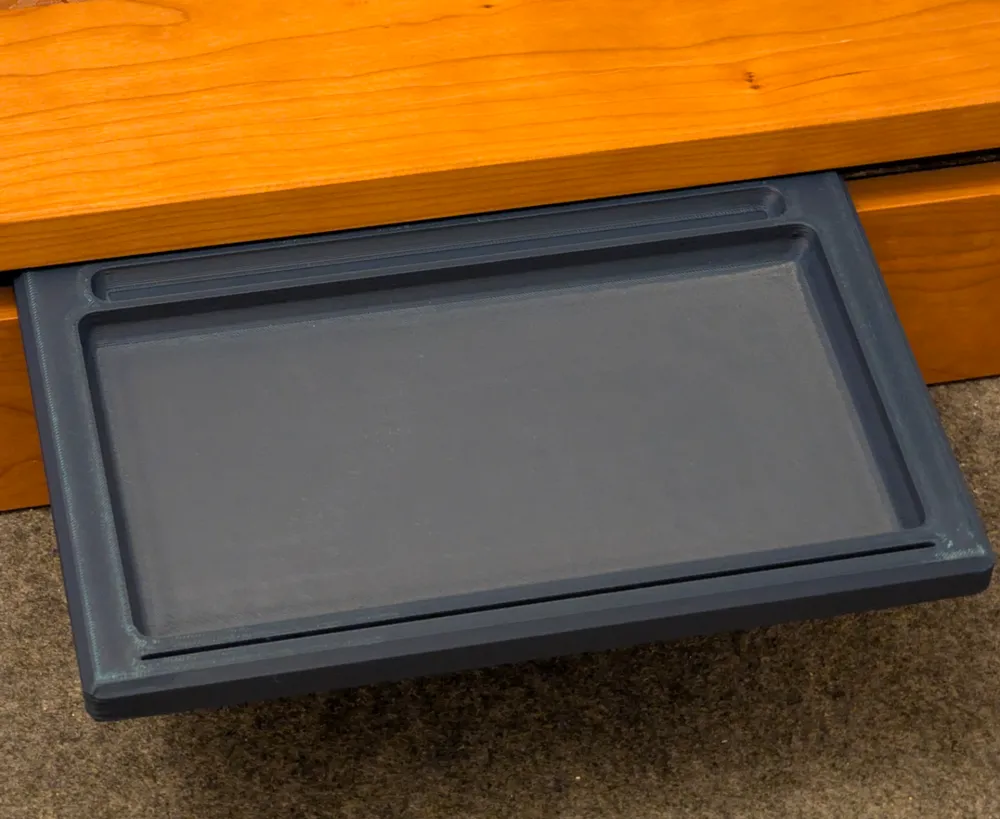
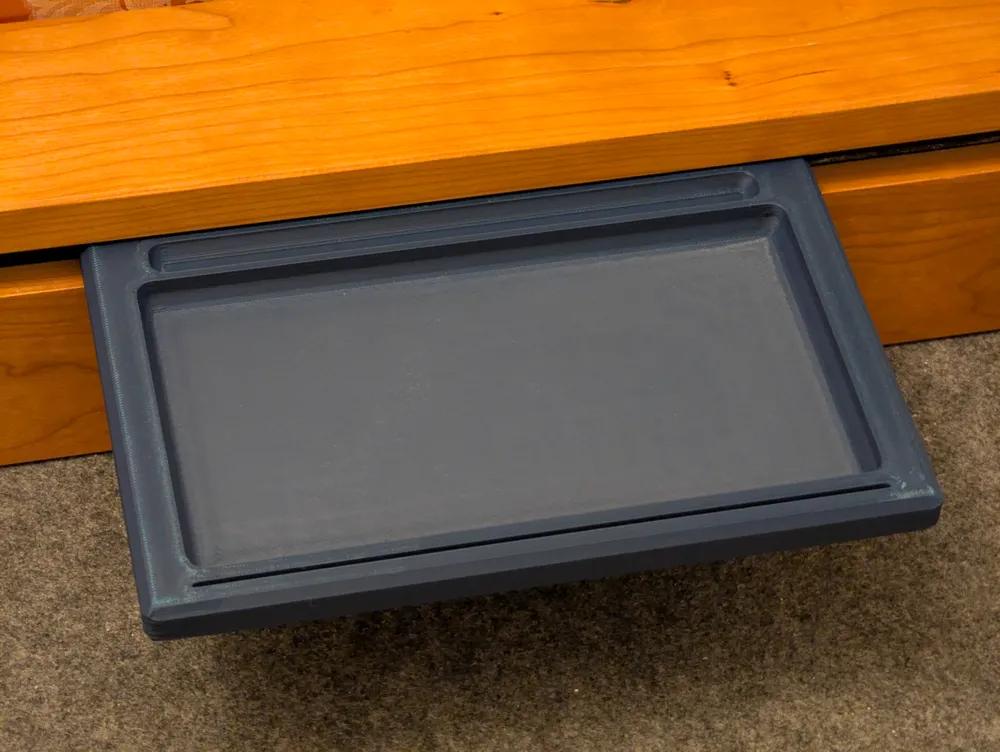
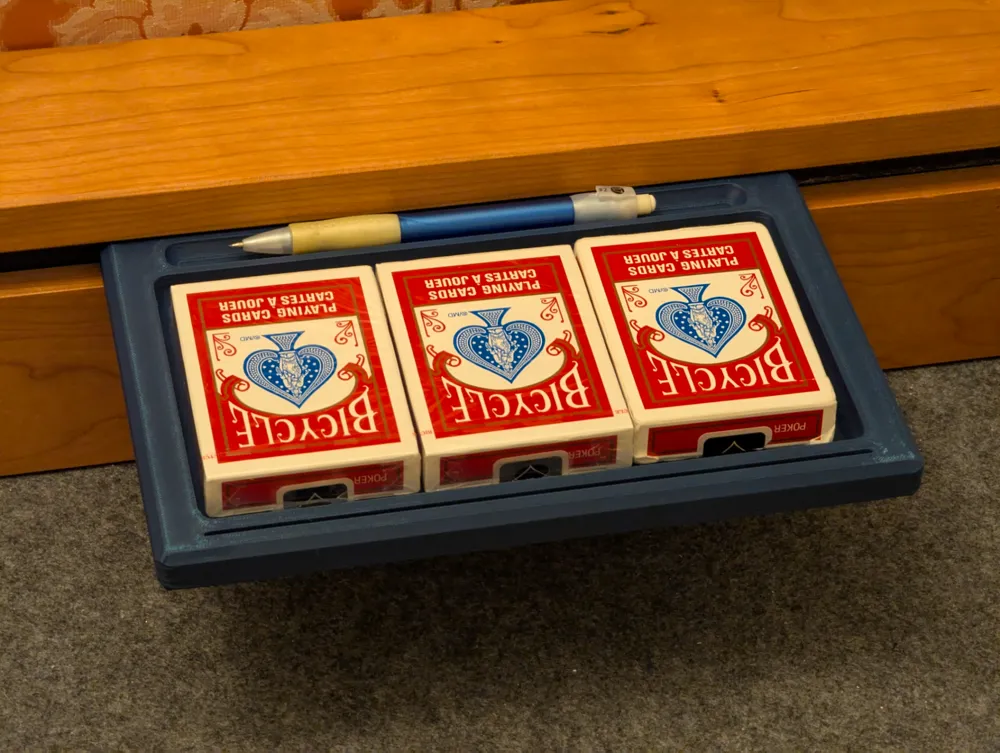
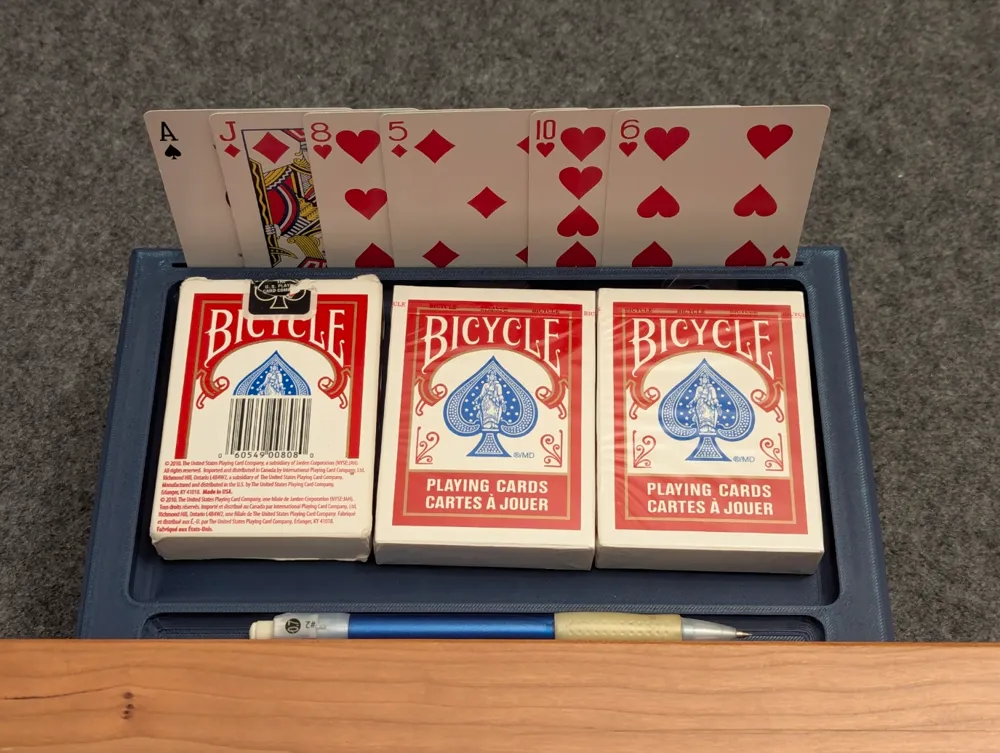
It has a slot to stand playing cards, a tray [~11x20cm] for boardgame pieces and a groove for a pen/pencil/marker. The cutout on the magnetic rail edge is to reduce the likelihood of rocking in case the the table's rail isn't perfectly flat. Official Wyrmwood accessories have a fillet like for the same reason.
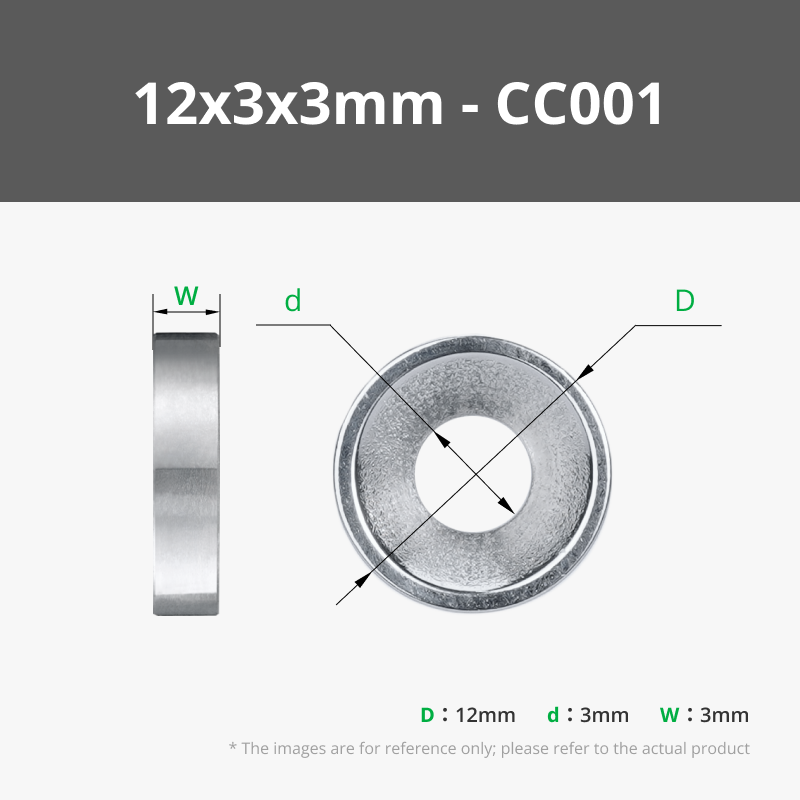
Each tray uses 4 12mm x 3mm magnets (I got mine in bulk on Amazon and they were slightly thinner than 3mm); the magnet holes are designed with 0.2mm tolerance, so they will be snug with a well calibrated machine but should still be fixed in place or they will pull themselves out. I recommend either 2 part epoxy, superglue or physically screwing them in - I personally drilled a small pilot hole and used small countersunk screws to hold mine in place, but you're very likely to split the print if you don't drill a perfectly sized pilot hole [I use hardwood pilot hole size charts to pick the drill bit size] - this is why there are two support modifier blocks in the 3MF file, they increase the infill density in the space immediately behind the magnets to grab screws. If you plan to use epoxy/superglue to keep the magnets in place then you can delete the two modifier blocks to save a tiny bit (~4g) of filament.
License

You shall not share, sub-license, sell, rent, host, transfer, or distribute in any way the digital or 3D printed versions of this object, nor any other derivative work of this object in its digital or physical format (including - but not limited to - remixes of this object, and hosting on other digital platforms). The objects may not be used without permission in any way whatsoever in which you charge money, or collect fees.


Comment & Rating (16)