
Versatile board game token generator
Print Profile(2)


Description
⚠ You need a feature that is not available? Please leave a comment and I will look into it. ⚠
Updates:
- Can now stretch the token shape along the x and y axis
- Texture can now be applied to any polygon shape
- Angles of polygon shaped token can be rounded
- The text and token can now be colored
- SVG files can be uploaded and be used to define the token shape and the custom text
- Both lines are now completely customizable
- A batch mode is still available to create tokens with varying numbers
- Text on both line can be translated independently
- Token can be rotated
Purpose
Did you lose a token in one of your board games?
Are you creating a new board game and need to design some tokens?

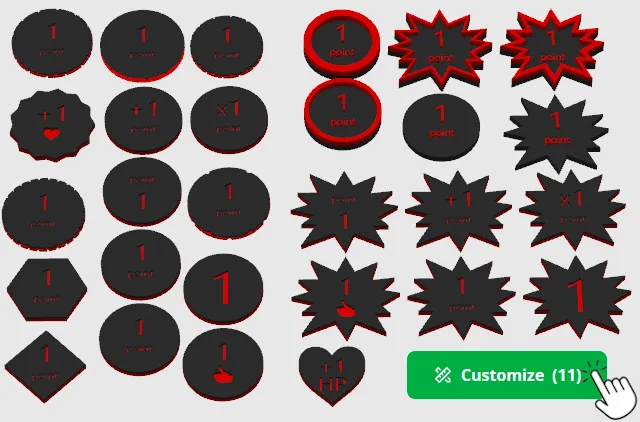
Thanks to the “Versatile board game token generator” you can generate a great varety of tokens by playing with the multiple available parameters
Example
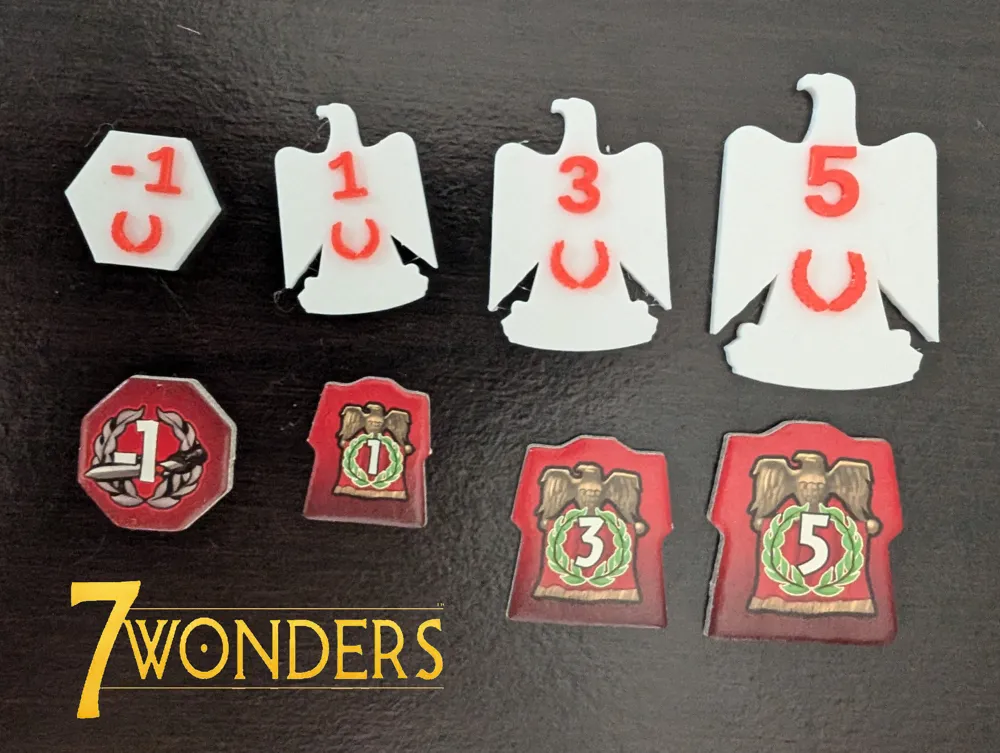
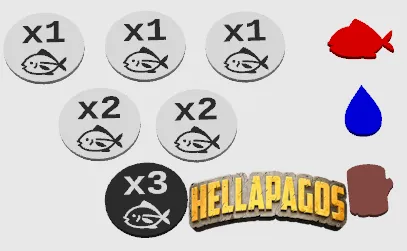
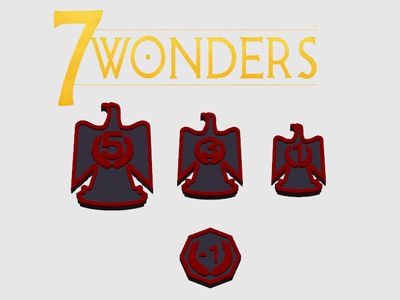
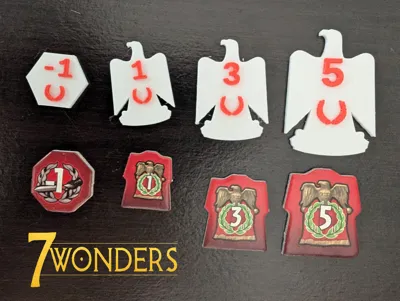
Here are the reproduction of the token os some popular games. Those were generated using this tool:
- 7 Wonder Military token
- Made by using a custom SVG file for the token shape and for the text.
- See the dedicated print profile.
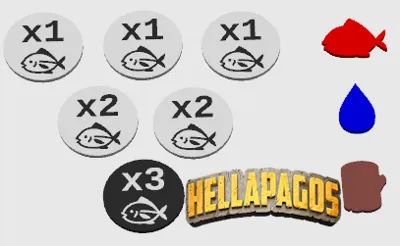
- Hellapagos (Galérapagos)
- Fishing/cutting wood token made by using a polygon token and using “🐟” as custom text and “x” as modifier_sign
- Food/water/wood traking token made using an emoji shape (🐟,💧 and 🪵) with no text (custom_text="" and only_custom_text=true).
- See the dedicated print profile.
Print parameters
Nothing specific. Default 0.02 layer height profile can be used.
If the generated token is really small and/or the text size is too small, using a 0.2mm nozzle may be needed.
In order to reduce the number of filament changes, coloring the token should be done using BambuStudio painted tool by layer or you can use the option to change the filament as a specific layer in the slicer.
Model Parameters
Token Geometry
| Parameter name | Parameter description | Image example |
|---|---|---|
| token_shape=["polygon", “emoji”, “file”] | You can choose between 3 modes : emoji, polygon or file. The following parameters refine the shape depending on the mode. | 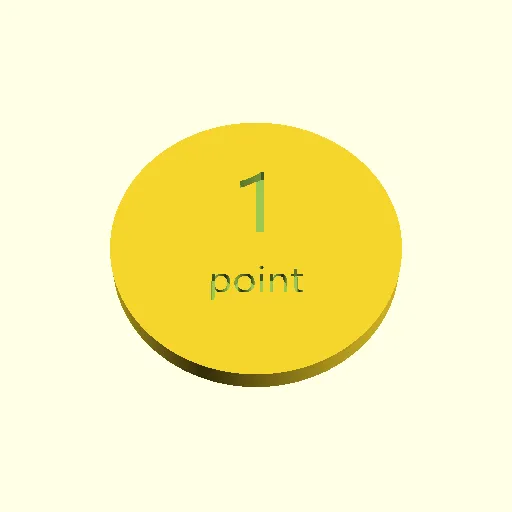  |
| number_side=[1-12] | Only used if token_shape="polygon". Number of sides of the polygon (a value below 3 will generate circle). | 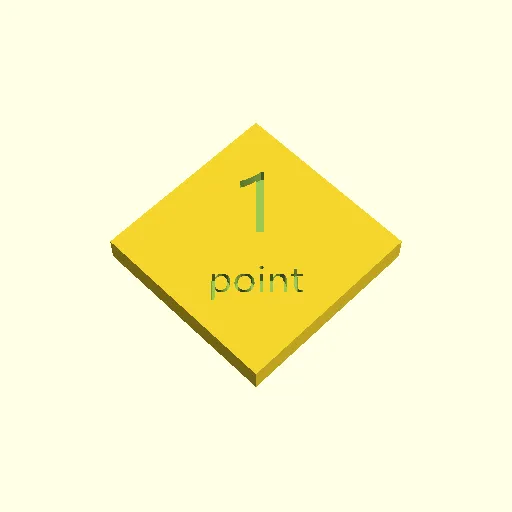 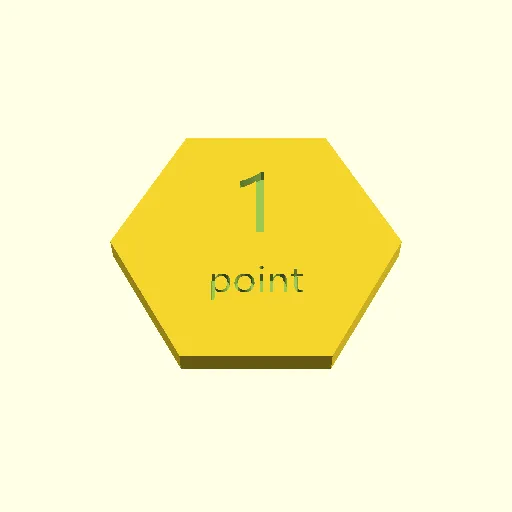 |
| polygon_rounding | Only used if token_shape="polygon". Rounding of the polygon corners. | 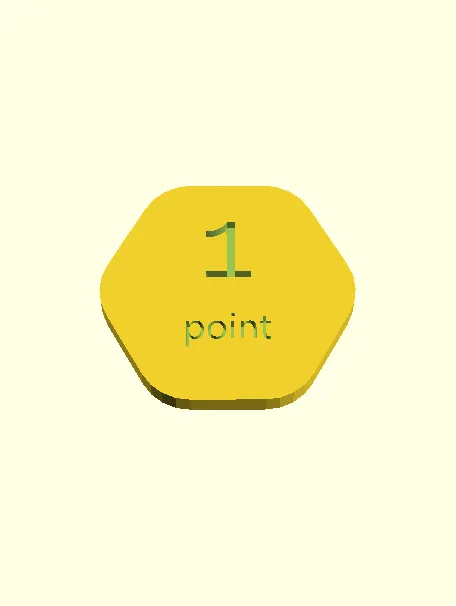 |
| emoji_shape | Only used if token_shape="emoji". Emoji used to shape the token. | 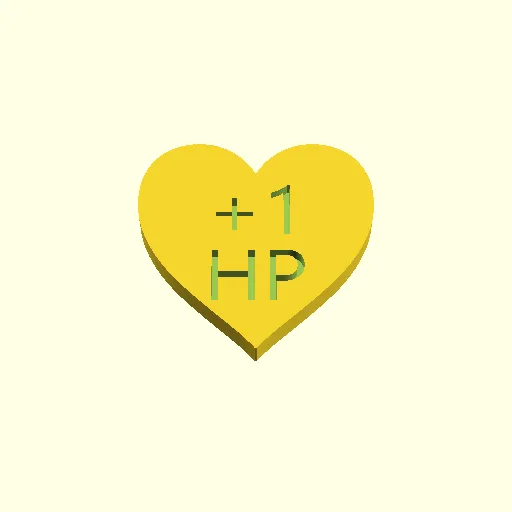 |
| file_shape | Only used if token_shape="file". Upload a SVG file. That file will be used to define the toekn shape. Check, for example https://svgsilh.com/ to find fitting files. | See 7 Wonders example |
| outer_radius | Radius of the token. | |
| stretch_shape | Stretch the shapes along the [x,y] axis | 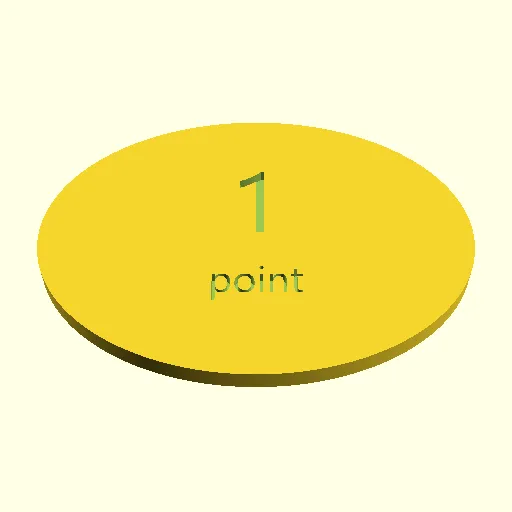  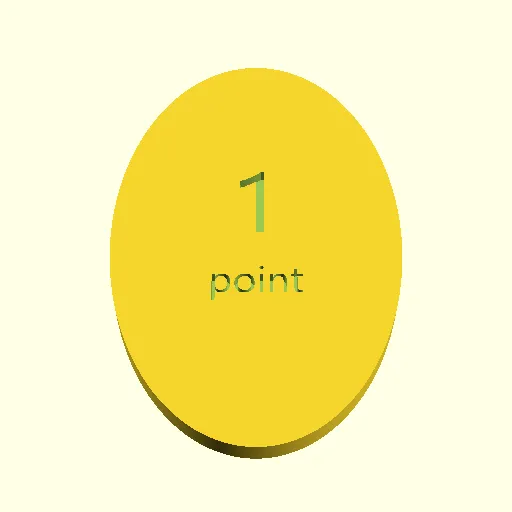  |
| rotate_token | Specify an angle to rotate the token around the z-axis. | |
| base_height | Height of the base of the token | |
| edge_height | Height of the edge of the token. |   |
| wall_thickness | Thickness of the wall around the edge. Only usefull is edge_height≠0. |   |
Text parameters
The text on the token is divided in two parts:
- number
- custom text
| Parameter name | Parameter desciption | Image example |
|---|---|---|
text_l1/text_l2 text_l1_file/text_l2_file | Defines the content of the first/second line on the token. If one field is left empty, only text of the other field is displayed. If both fields are empty, nothing is written on the token. Is a file is chosen for one line, the corresponding text field is ignored. |     |
| carve_text | This defines if the text is carved in the token or above the base. | 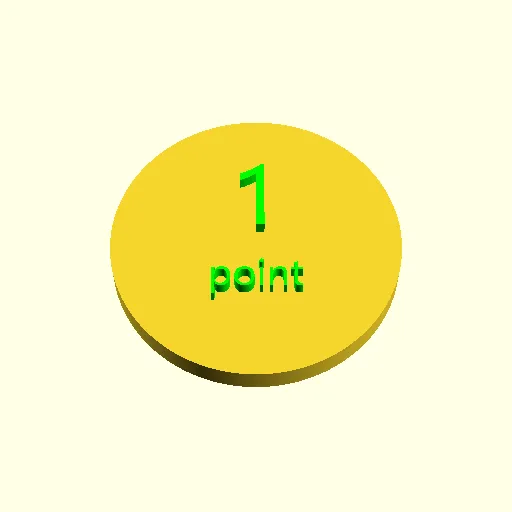  |
| text_height | This can be used to modify the height/depth of the text | |
| text_size_l1/text_size_l2 | Change the size of the font used for the text of the first/second line. Choosing 0 will select a default value based on the token size. ⚠ When using an emoji shape, the default size might not be a good fit. | 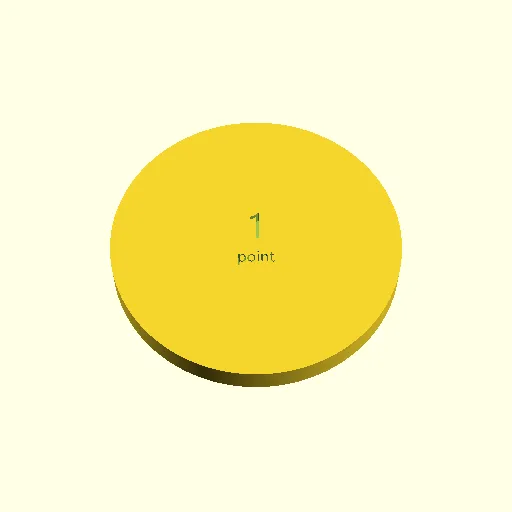 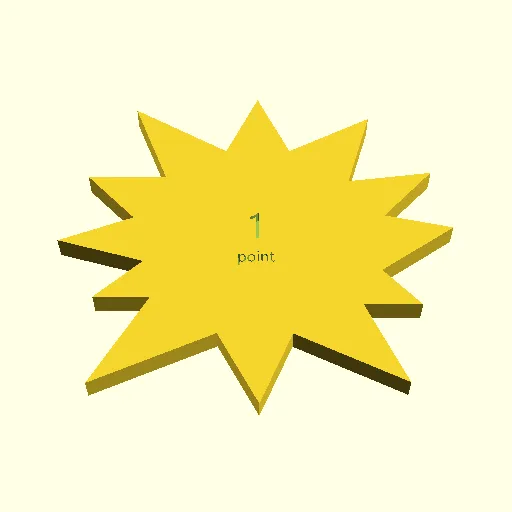 |
| move_text_l1/move_text_l2 | Translated first/second line of text along the x/y axis. | |
| text_l1_font/text_l2_font | Font used for the first/second line. |
Colors
| Parameter Name | Parameter Description | Example |
|---|---|---|
| token_color | Color of the token | See examples |
| text_color | Color of the text | See examples |
Advanced - Batch creation
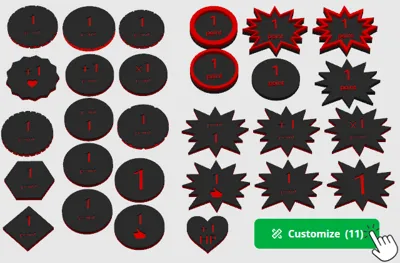
This mode allows you to create multiple tokens in which characters are replacedby a number. For example, if you text_l1="+i", str_to_replace="i" and number_range=[1,10], 10 token will be created where the first line will be “+1”, “+2”,etc.
| Parameter Name | Parameter description | Image example |
|---|---|---|
| str_to_replace | The charater to replace in text_l1 and text_l2. | |
| number_range | Number ranged used to replace str_to_replace. |
Advanced - Token texture
This feature is only available for polygon tokens (token_shape="polygon").
| Parameter Name | Parameter description | Image example |
|---|---|---|
| texture | Name of the texture to apply on the side of the token. Visit https://github.com/BelfrySCAD/BOSL2/wiki/skin.scad#function-texture to see the effect of the available texture. | 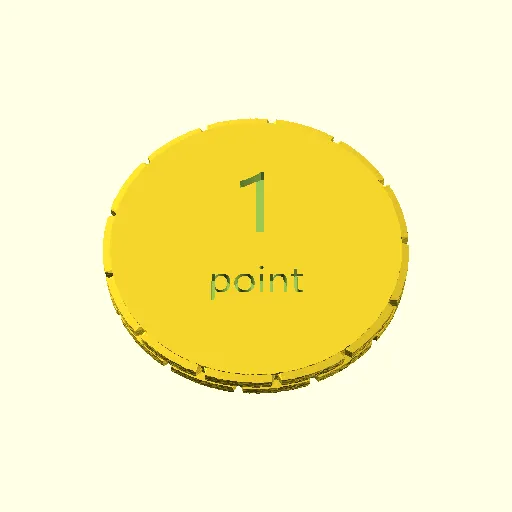  |
| tex_size | An optional 2D target size for the textures. Actual texture sizes will be scaled somewhat to evenly fit the available surface. | 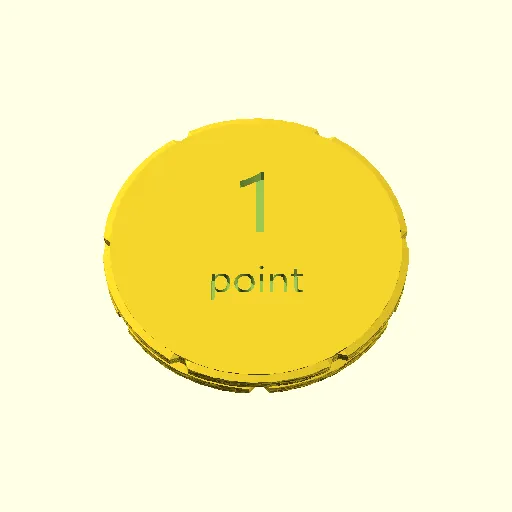 |
| tex_inset | Lowers the texture into the surface by the specified proportion, e.g. 0.5 would lower it half way into the surface. | 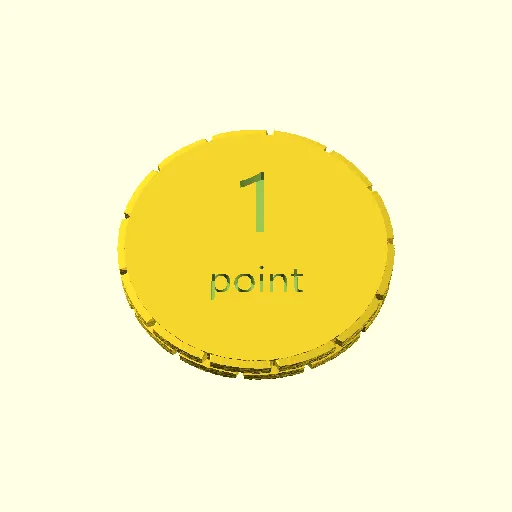 |
| tex_rot | Rotate texture by specified angle, which must be a multiple of 90 degrees. | 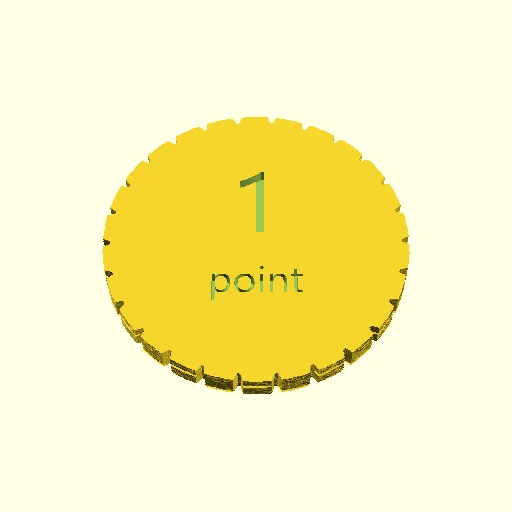 |
| tex_depth=[-1:0.1:1] | Specify texture depth; if negative, invert the texture. | 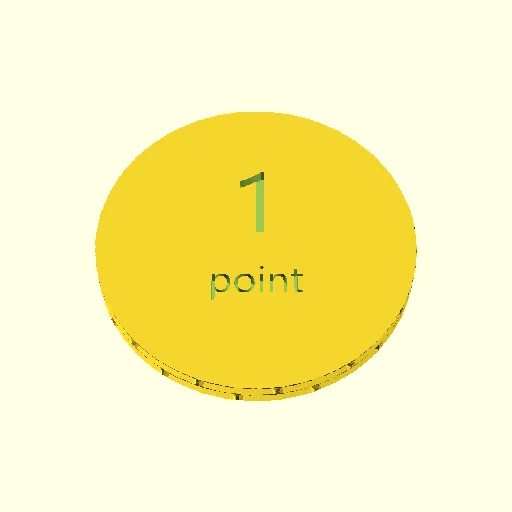 |
License

You shall not share, sub-license, sell, rent, host, transfer, or distribute in any way the digital or 3D printed versions of this object, nor any other derivative work of this object in its digital or physical format (including - but not limited to - remixes of this object, and hosting on other digital platforms). The objects may not be used without permission in any way whatsoever in which you charge money, or collect fees.


Comment & Rating (19)