
Ralph The Overhang Croc
Print Profile(2)


Description
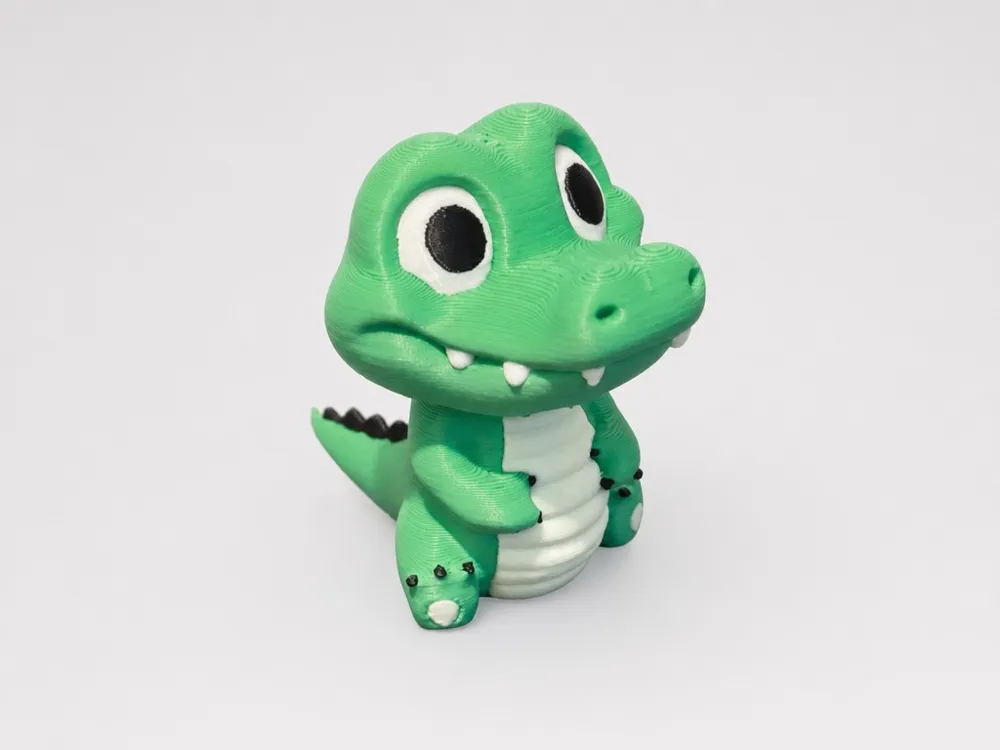
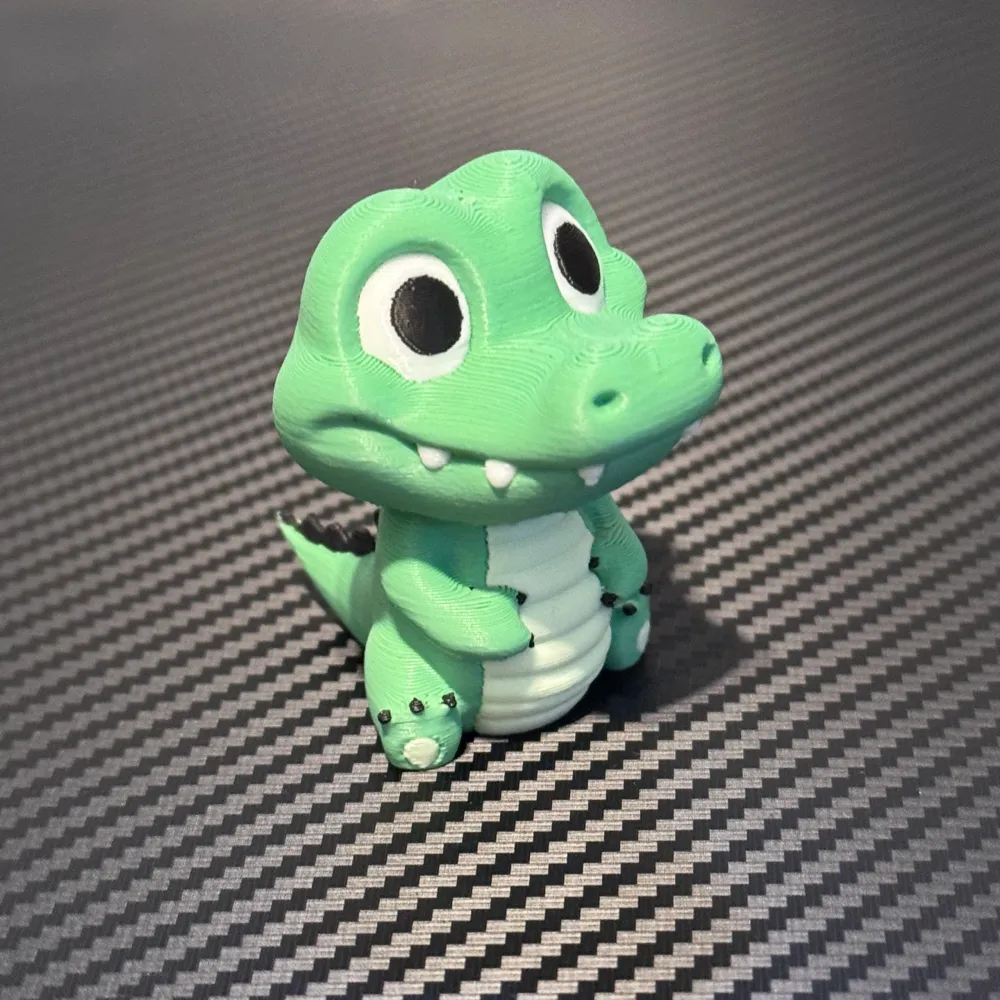
The Baby Crocodile Benchmark: A True Test for 3D Printers
In 3D printing, where every option counts, getting your settings just right can feel like you're on a never-ending quest for perfection. Whether you’re just starting out or have been tinkering for years, fine-tuning your printer is a necessary evil. That’s where the baby crocodile comes in—a deceptively cute but fierce little model that’s more than just another print. It’s here to challenge your printer and push it to its limits.
This baby croc is no ordinary print. Sure, it might look adorable, but it’s a benchmark test that reveals all the little weaknesses in your setup. From the tricky overhangs in the tail to the spikes along its back, each detail serves a purpose: to help you fine-tune your settings for success on more complex projects.
Note: This model is difficult to print perfectly on purpose. If it proves to be popular, I may re-master it with an easy to print variant. Cheers <3
Boost Me (for free)
If you love this model, boost me! This boost the model in the ranking, but also gives me money and points to get more filament with. I hope to use this to keep making awesome free models like this available for you.
Want to tip me a whole roll of filament? Click here for my Filament Wishlist!
The Tail: Overhangs Aren’t Just for Show
Let’s start with that tail—probably the biggest challenge of the whole print. The tail curls, making your printer work hard to lay down clean overhangs without support. Overhangs are tough to print because, well, gravity! If your printer’s settings aren’t dialed in, you’re going to see drooping or warping where there should be clean lines. If you can get the tail right, it’s a good sign your printer is ready for some serious work.
The Belly: Smooth Moves or Saggy Prints?
Then there’s the belly, which adds a whole new layer of difficulty. The undercut belly is where your printer has to manage smooth, rounded surfaces without sagging or stringing. It’s an organic shape, which means your settings need to be spot-on. If the belly prints cleanly, you’re in good shape for projects that have more natural curves or flowing forms.
The Chin: Small Space, Big Test
Moving up, we’ve got the chin—a small area but a major checkpoint for detail. This section tests how well your printer handles concave overhanging features. The chin needs to come out clean, without blobs, stringing, or weird under-extrusion.
The Spikes: Overhangs Meet Vertical Precision
And now, the spikes. These aren’t just for show either; they’re here to put your printer through the wringer. Each spike challenges your printer to handle vertical angles right after steep overhangs. If you’ve got cooling issues or your layer height is off, those spikes are going to tell you. Messy, incomplete spikes are a sign that something needs tweaking. If this part turns out sharp, it’s a green light for your retraction and extrusion settings.
Why Do This? The Bigger Picture
So, why bother printing this tiny, complicated croc? Simple: it saves you time and headaches later. By testing overhangs, undercuts, and delicate details on this one model, you’re making sure your printer is ready for bigger, more ambitious projects. Sure, you could go straight into a large print and cross your fingers, but dialing in your settings with Ralph is a smarter move.
This model acts like a little training ground for your printer, letting you see exactly where your machine shines and where it struggles. It’s like having a roadmap to better prints.
License

You shall not share, sub-license, sell, rent, host, transfer, or distribute in any way the digital or 3D printed versions of this object, nor any other derivative work of this object in its digital or physical format (including - but not limited to - remixes of this object, and hosting on other digital platforms). The objects may not be used without permission in any way whatsoever in which you charge money, or collect fees.


Comment & Rating (29)