
Flush Fidget - Z Scales!

Print Profile(2)


Description
Membership
Join us!

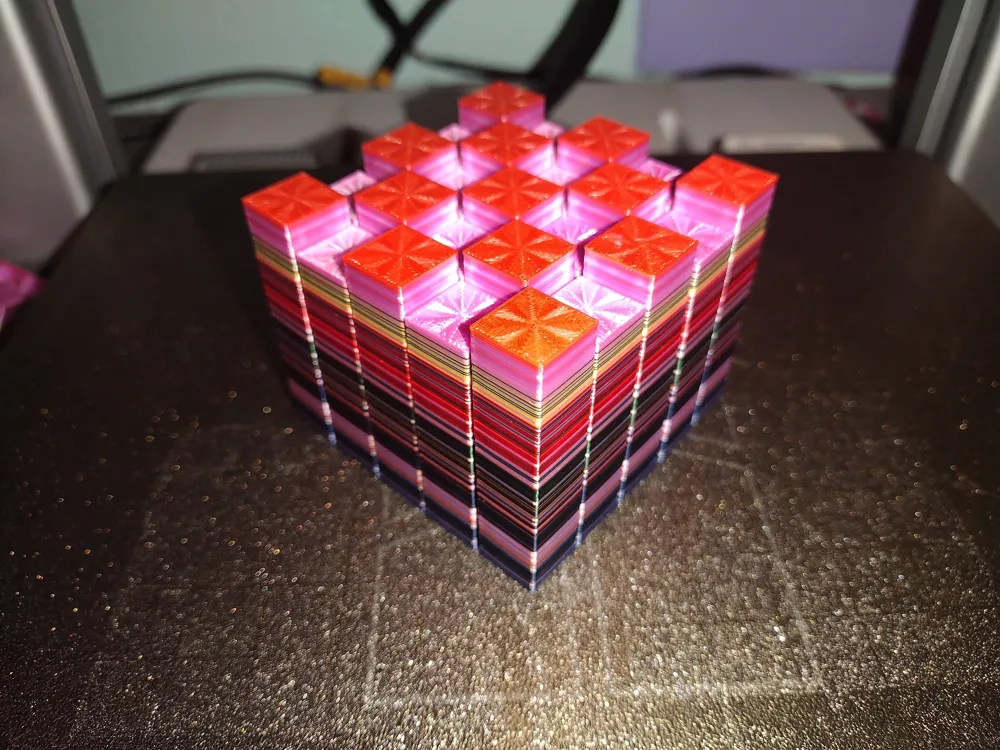
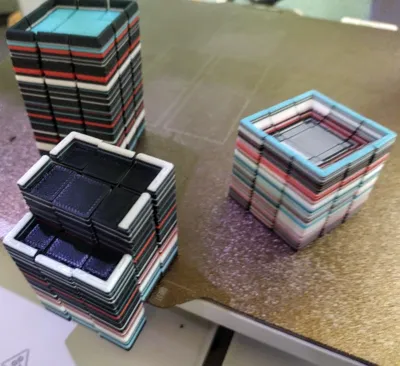
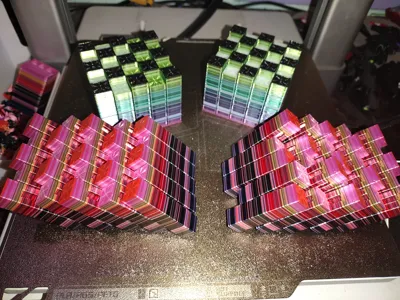
Why just poop into a bucket when you can use it to make something fun?
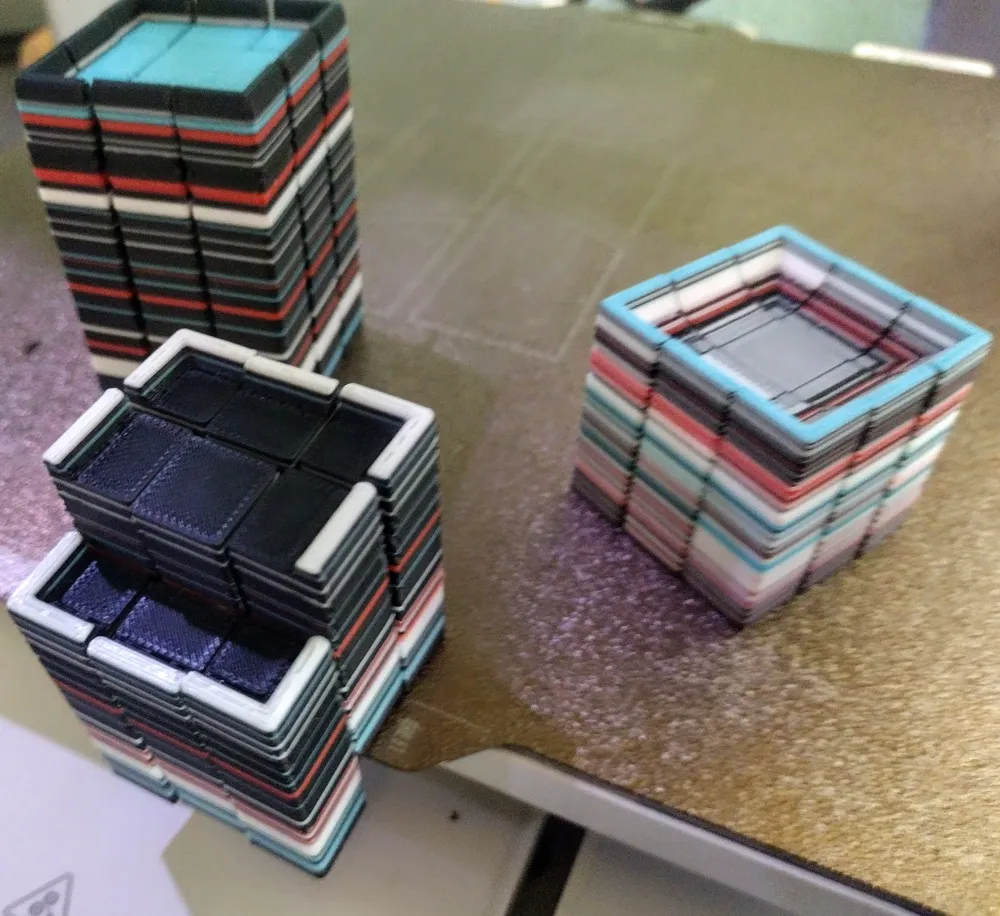
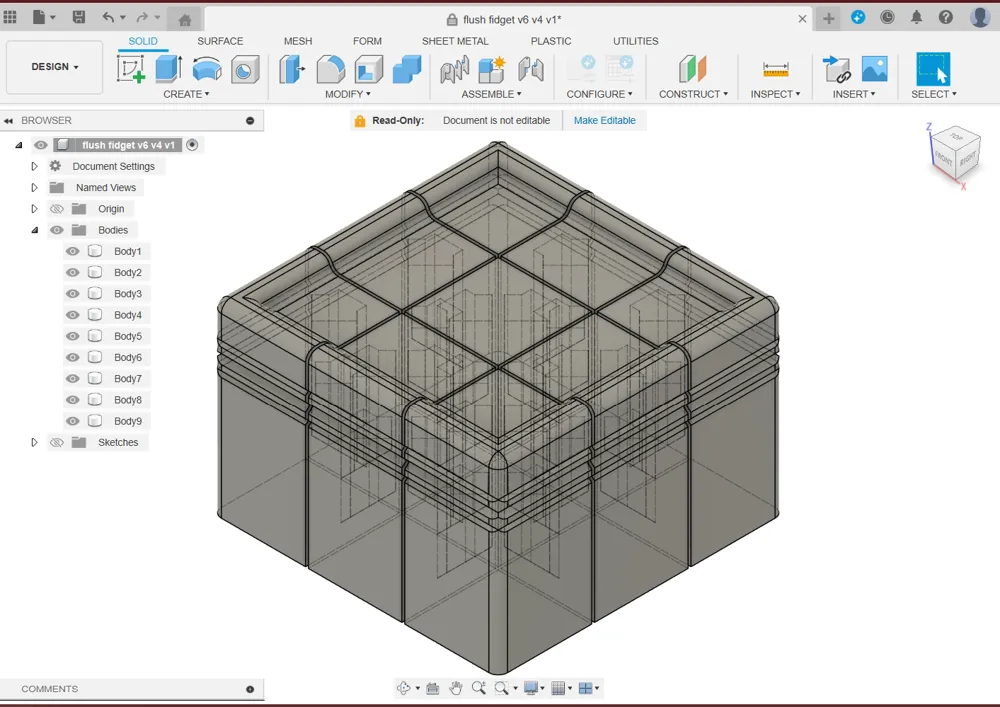
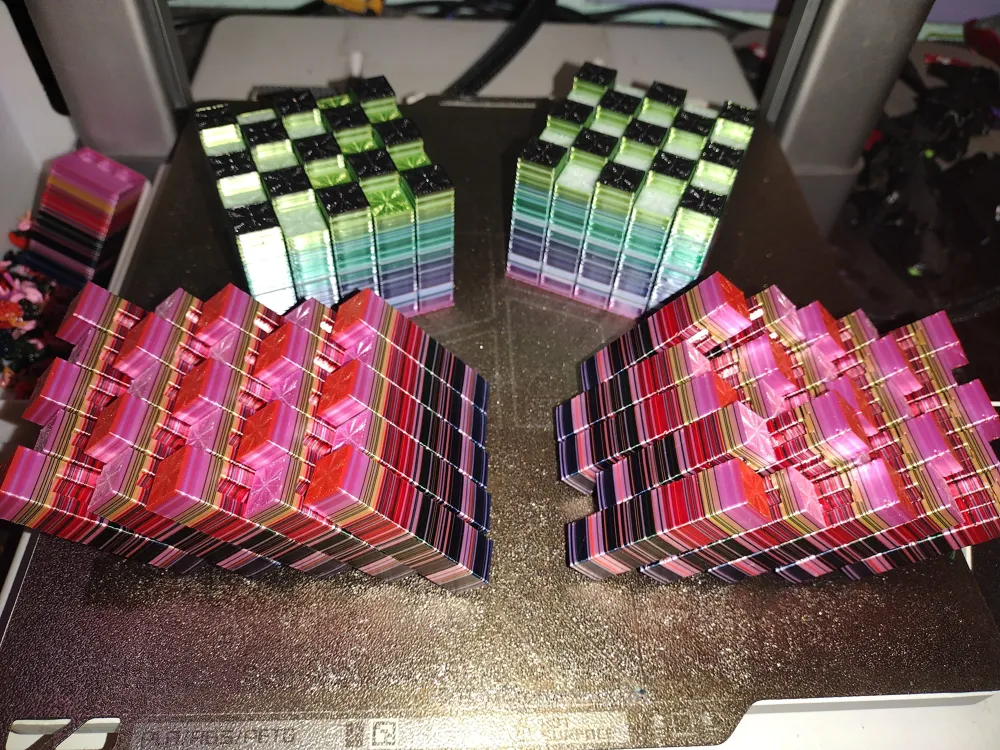
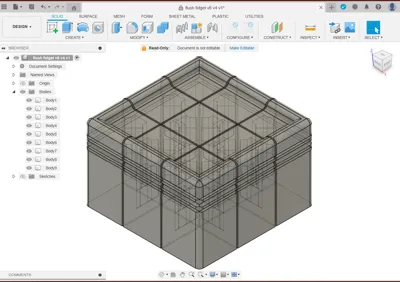
This vertical Flush Fidget was designed to offset the cost, and reduce the frustration of filament waste. It has a small footprint of just 1.5" x 1.5" (38mm) but the height can be z scaled to match your models height, from 1 inch to 10 inches (25.4mm to 254mm), to maximize absorption. With typical print settings each small flush fidget will hold about 30g of waste.
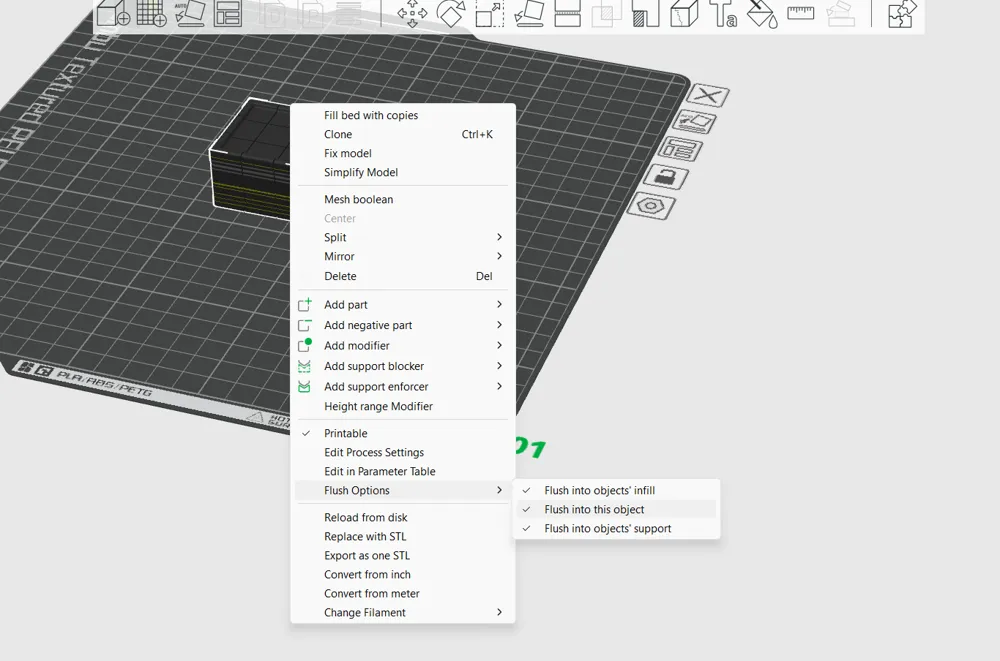
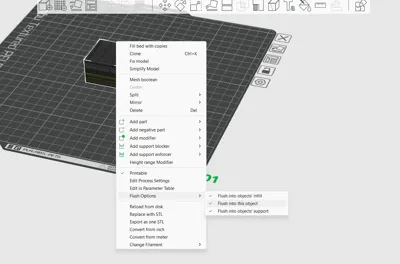
Print in place with no special print profile or supports needed. Just drag and drop your prints in and change any settings you wish, just make sure flush into this object is enabled!
Default print profile provided is just how we print all our flexi's, a balance of time and material with moderate play by children in mind. An optional open tray holder can be printed as well. A brim isn't needed or usedful. If your having adhesion issues, Bambu Glue or hair spray is recommended.

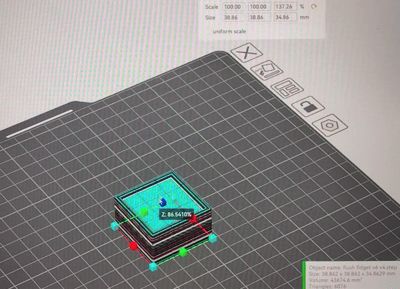
Note: Minimum print size to be functional is 100%. Only the Z Scale is meant to be changed, 100% to 1000%. Flush into object settings won't be visible unless a prime tower is enabled.
Update 4/15/2024: A Large Flush Fidget has been added. It's default dimensions are 2.5"(65mm) by 2"(50mm.) It can hold 100g+ of waste.
Detailed Instructions for minimal poop printing with Bambu Studio without effecting quality: Open flush fidget and drag in your desired print. Click flushing volumes, change from 1.00 to 0.65 if one of your colors is white, or 0.55 if white is not being used. Enable prime tower in Others and decrease it's rib witdth to 1. Resize Flush Fidget by unchecking uniform scale and drag the Z axis blue box up to match the last color change of your desired print. Right click the Flush Fidget and select all of the flush options. Slice! If you still have a considerable amount of poop and empty bed space, clone the Flush Fidget, adjust the height to the busiest layers color change layers and check again! The goal is to decrease the poop as much possible without increasing the total filament used by very much.
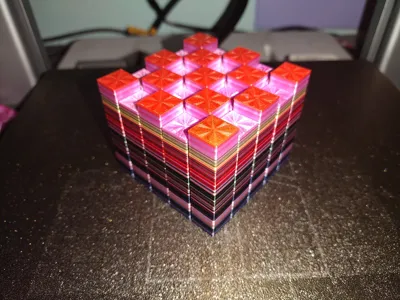
We'd love to see the awesome random beauty of your Flush Fidgets and constructive criticism to improve is always welcome!
Boost Me (for free)
If you or a loved one liked this Flush Fidget, we'd love your boost tokens to help us earn a new printer to test future designs on. Feel free to follow and watch as our design skills grow.
License

You shall not share, sub-license, sell, rent, host, transfer, or distribute in any way the digital or 3D printed versions of this object, nor any other derivative work of this object in its digital or physical format (including - but not limited to - remixes of this object, and hosting on other digital platforms). The objects may not be used without permission in any way whatsoever in which you charge money, or collect fees.


Comment & Rating (191)