
Multi-Color Media (and other) Icon Keycaps
Print Profile(1)

Description
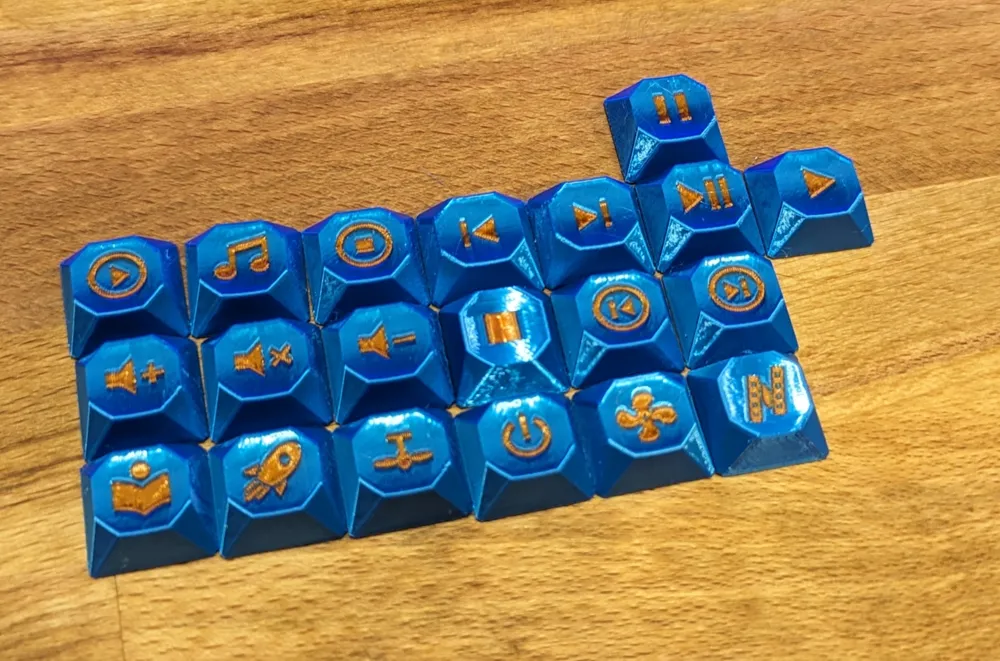
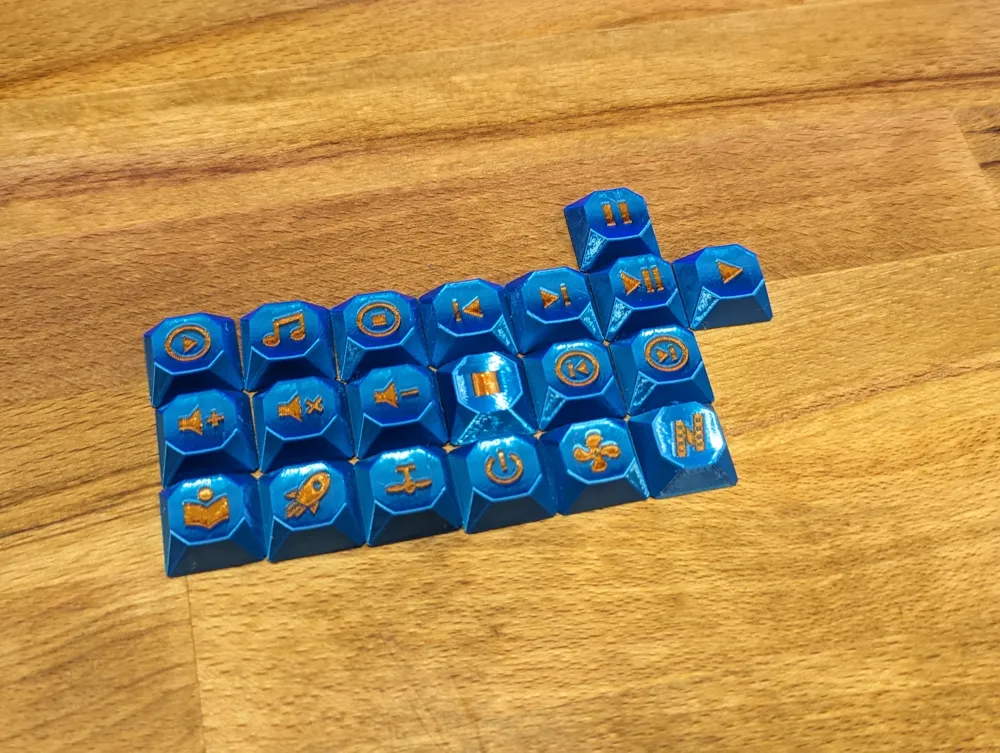
I generated a number of keycaps that match the design of this set, but for different keys than were provided. All keycaps in my set are unique from those in the main gem profile set by riskable.
Also, these keycaps are meant to be printed on their side! Don't print them flat unless you want a rough top surface or you're using a resin printer with very high resolution.
The most important part of this keycap set is that it was optimized for 3D printing! The top surface of every keycap should be nice and smooth right off the printer--no sanding required! There's even F and J keycaps with the little bumps necessary for location the home row without looking.
Print @0.16mm layer height (or smaller) for best results. A 0.4mm nozzle should work fine! For best results though I highly recommend a 0.25mm nozzle (if you can be that patient hehe).
NOTES
- If you remove the legend “part” from any (or all) given .3mf files (just click on the second “part” in the model list and hit the delete key) you can perform a single-material print with carved-out legends (instead of multi-material). This looks fantastic if you print them in a semi-transparent white filament (e.g. cheap PETG). I included pictures of what that looks like in this model's images.
- I highly recommend printing these in PETG as it feels and sounds the best IMHO.
- Many keycaps have multiple variants (e.g. all the shift keys). It's up to you which ones you want to print!
- These were generated using the “box_cherry” (square) style Cherry MX stem which might not fit certain Cherry-like switches. In that case you'll need to generate these on your own using the Keycap Playground: Just modify scripts/gem_full.py and change “box_cherry” to “round_cherry”. FYI: The “box_cherry” stem type prints much more reliably than the round type (with FDM printers). Instructions are inside the gem_full.py script itself.
This remix is based on

License



Comment & Rating (0)