Search models, users, collections, and posts

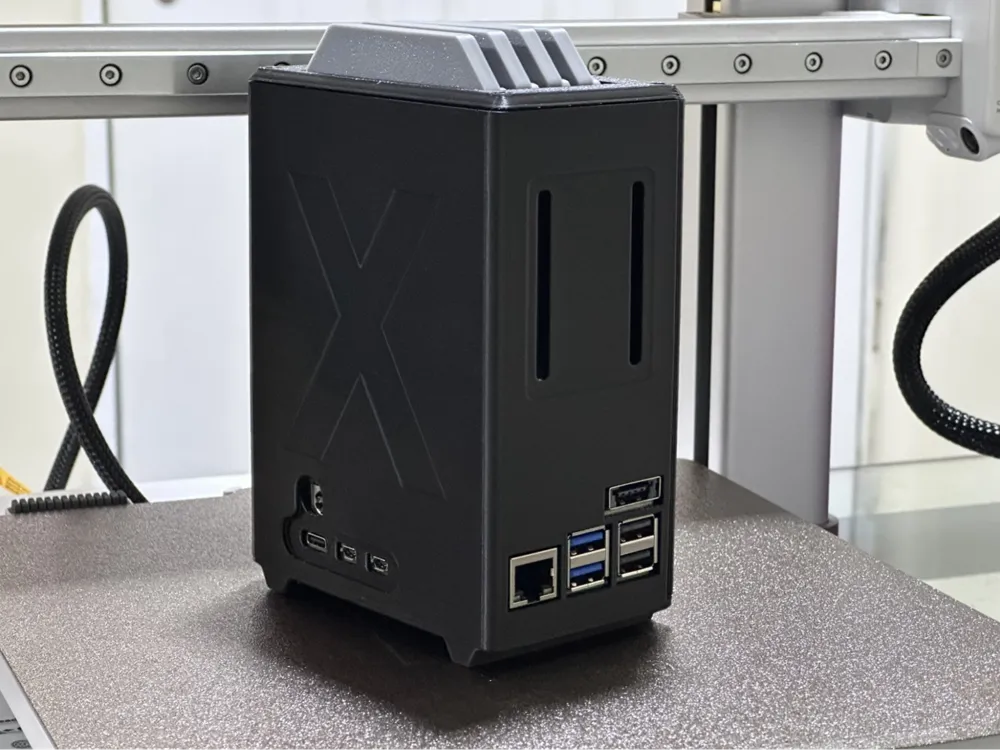
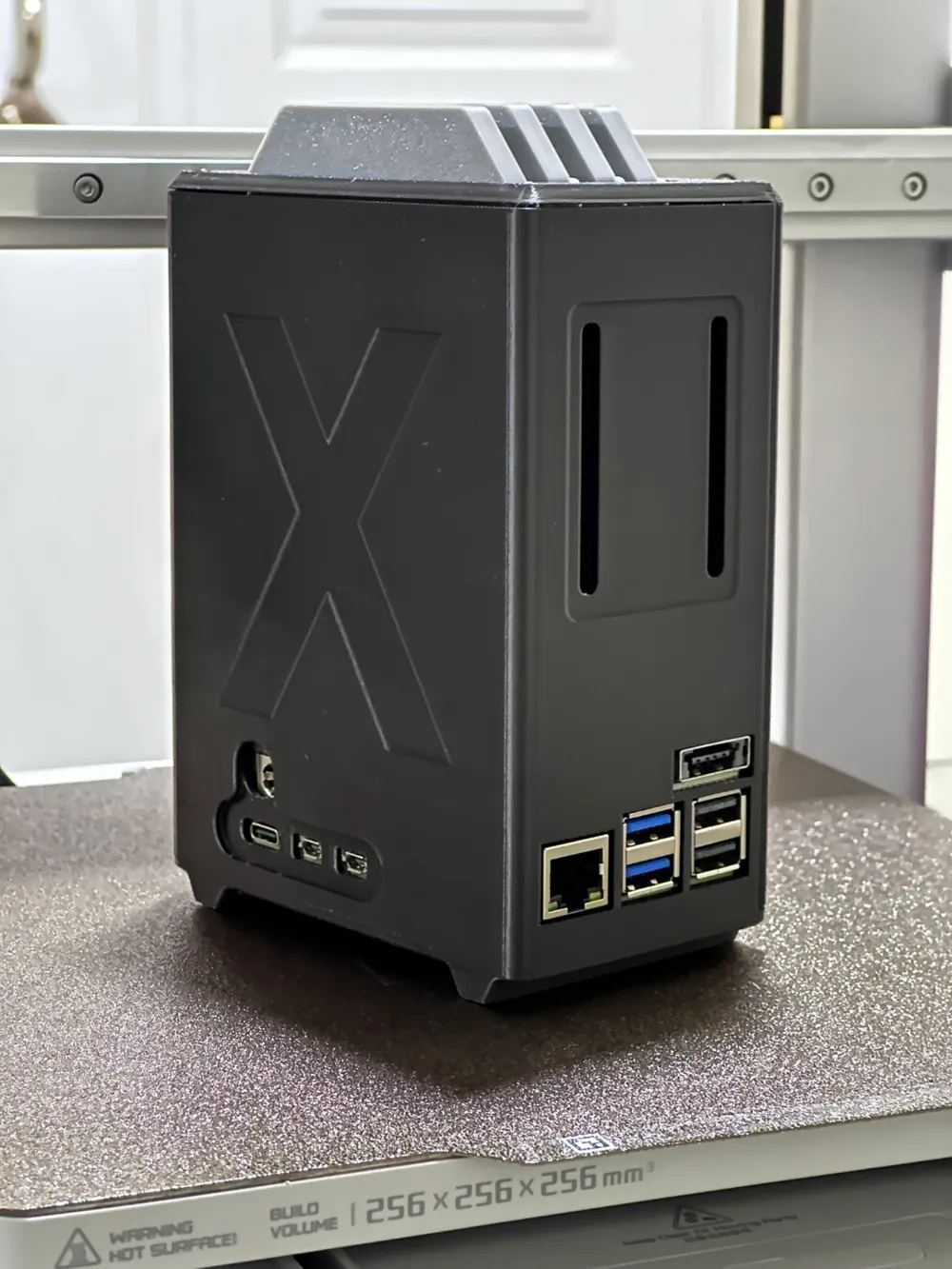
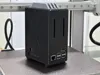
Raspberry Pi 5 NAS Enclosure (Updated version)
Remixed by
IP Report


Print Profile(3)
A1, X1, P1
Designer
14.7 h
5 plates

A1 MINI
Designer
13.7 h
5 plates
Raspberry Pi NAS 40x20mm Fan Enclosure

18.8 h
6 plates
Open in Bambu Studio
Boost
420
1177
89
62
1.2 k
369
Released
Description
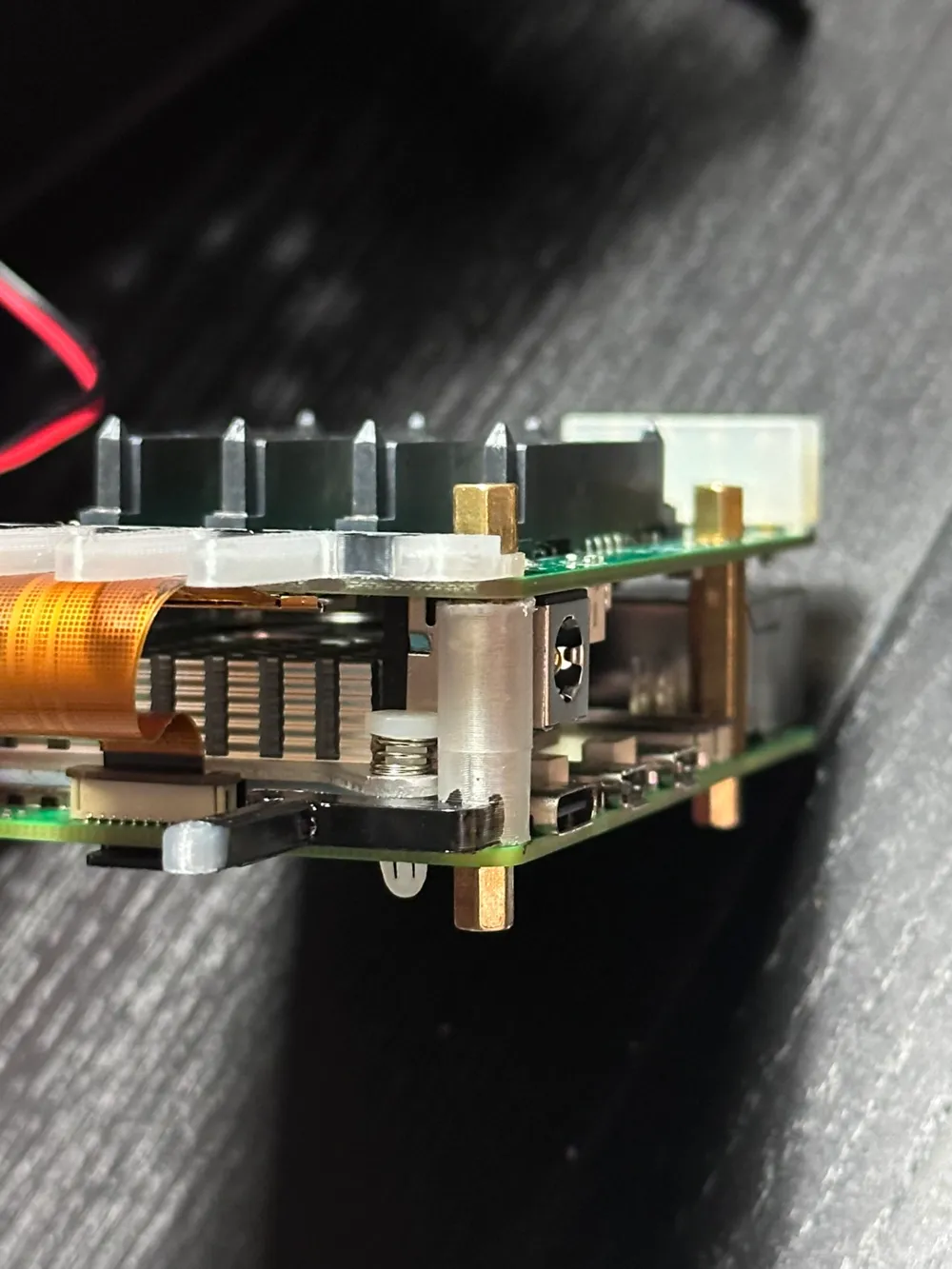
Update: Added labelled insert as an option and Housing B without the X as an option. (See “Download STL/CAD Files”).
I printed the original version from @mklements but I ran with a couple of issues since RADXA changed a little bit their PENTA HAT.
Issues I solved:
- Less use of supports
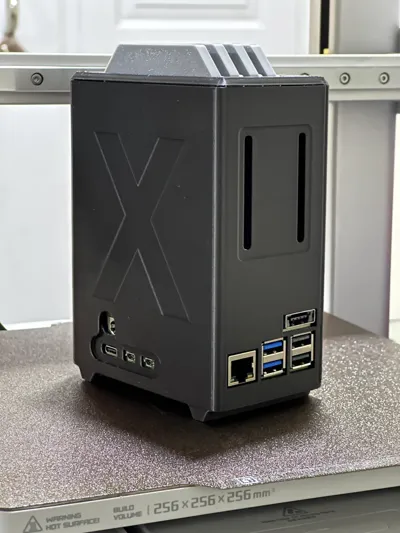
- Thinner wall in front of the USB ports due that the hat itself is now longer
- Better orientation of the power hole because RADXA moved it a little bit
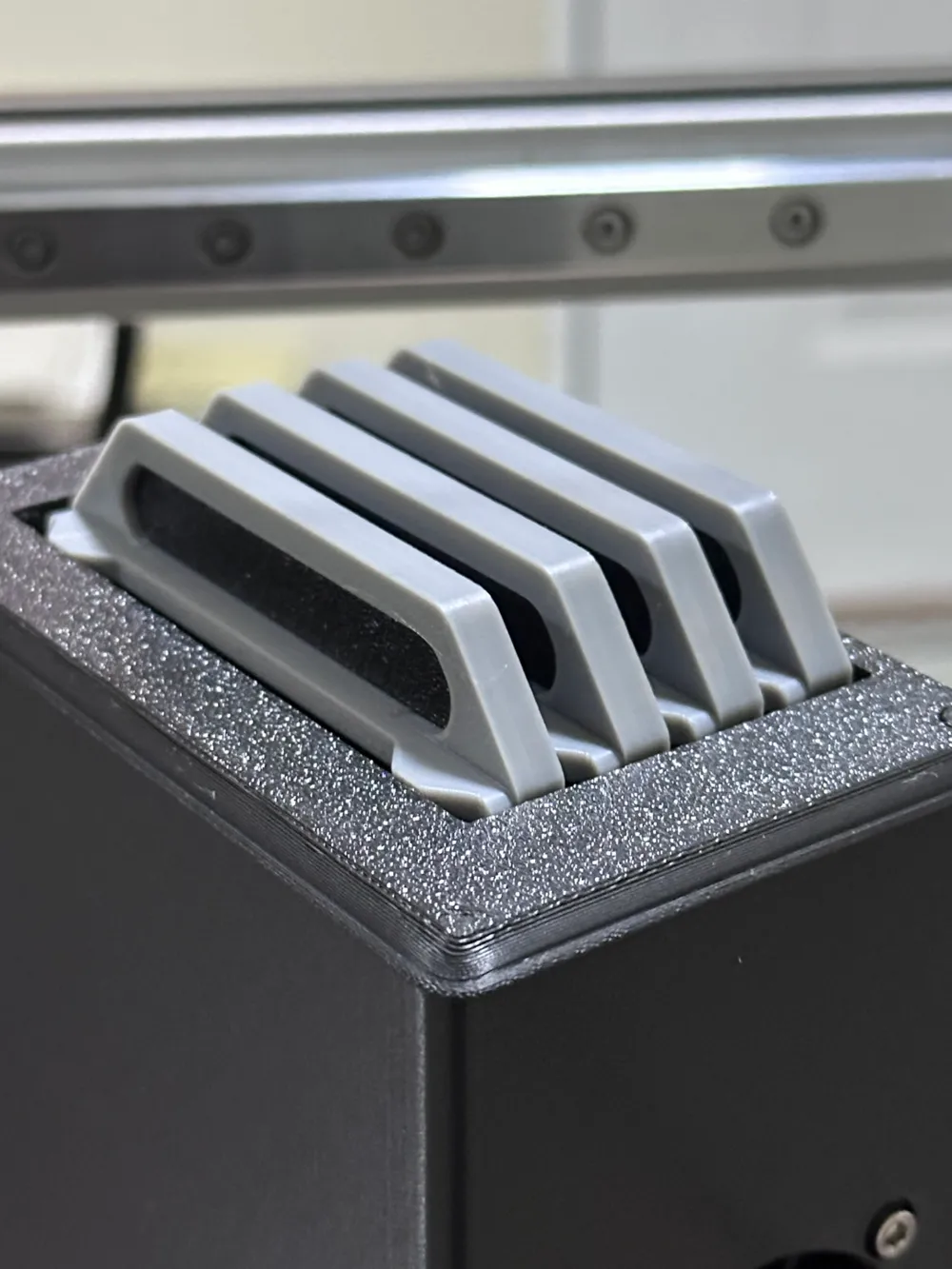
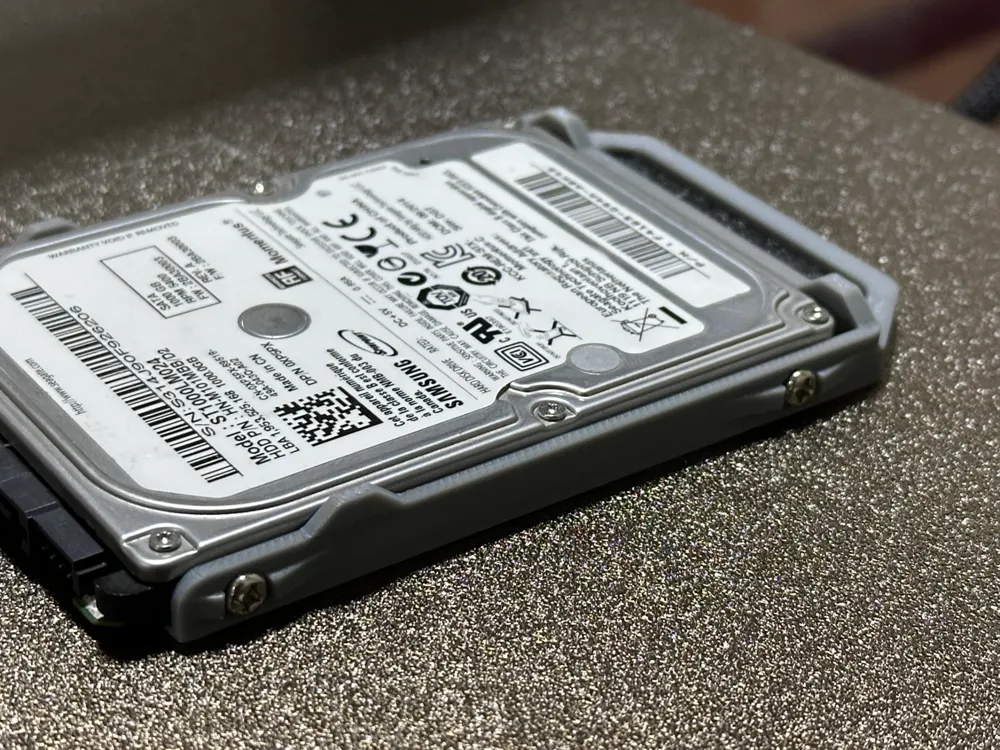
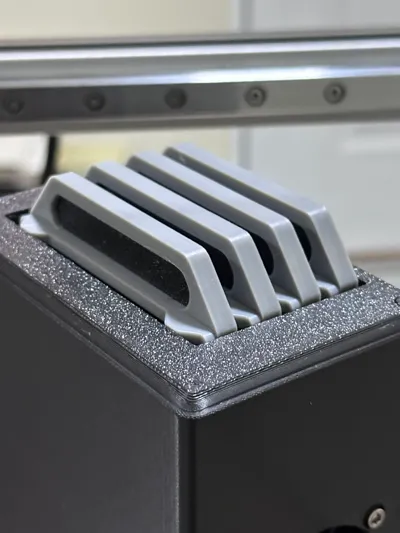
- SSD/HDD tray redesign for all king of drives. The original trays only supported thin SSDs, but I use HDD and they are thicker.
- Trays now have “guides” to avoid collision with the screws and ramps for better orientation for easier SATA connection.
- Better fit for the power button and wider hole since RADXA now uses thicker stems.
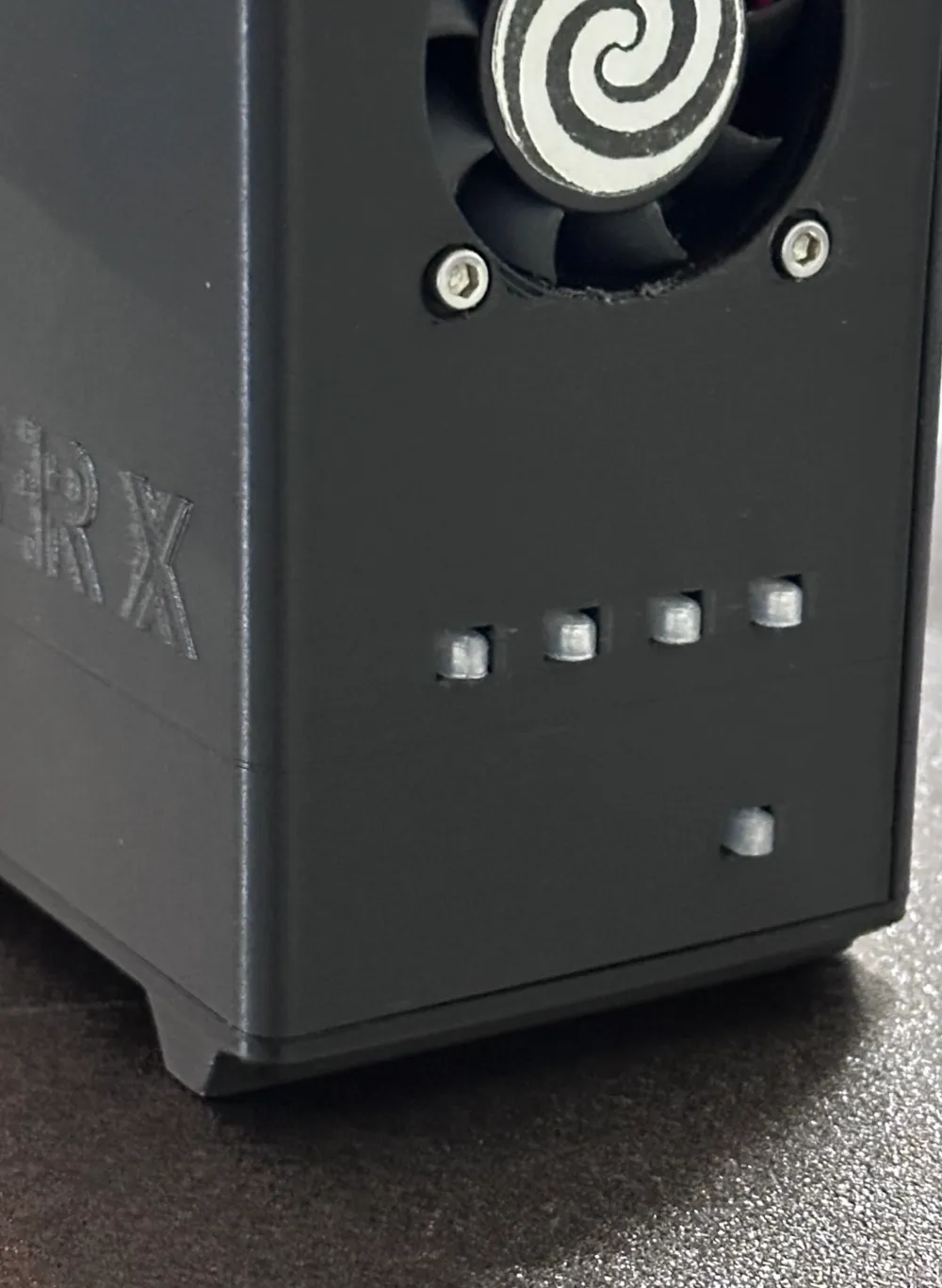
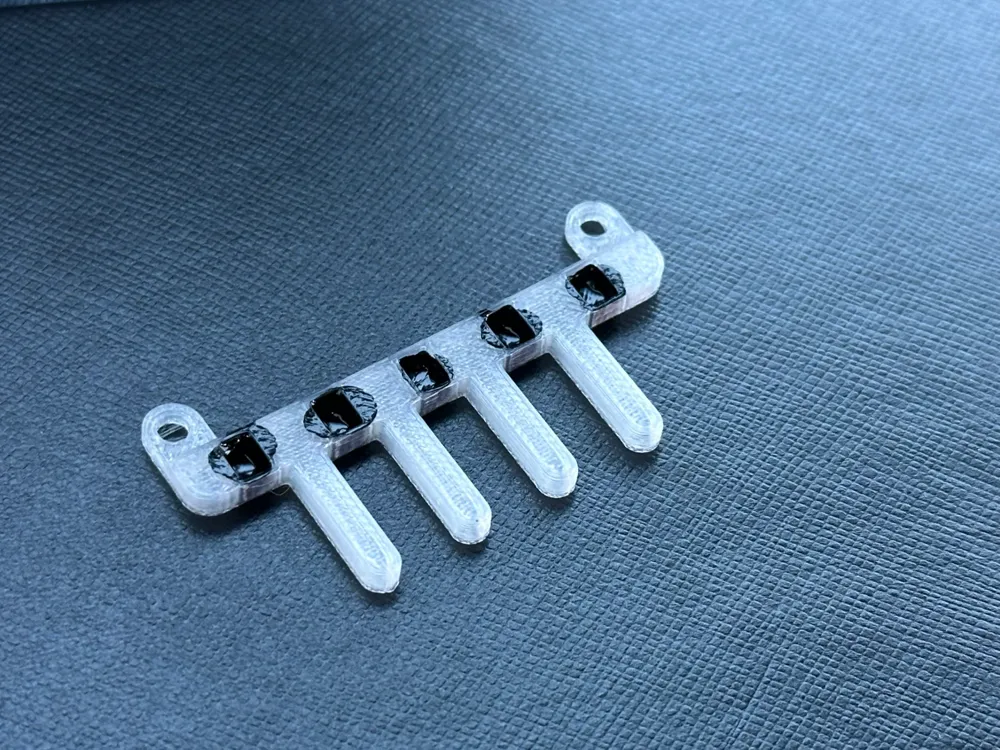
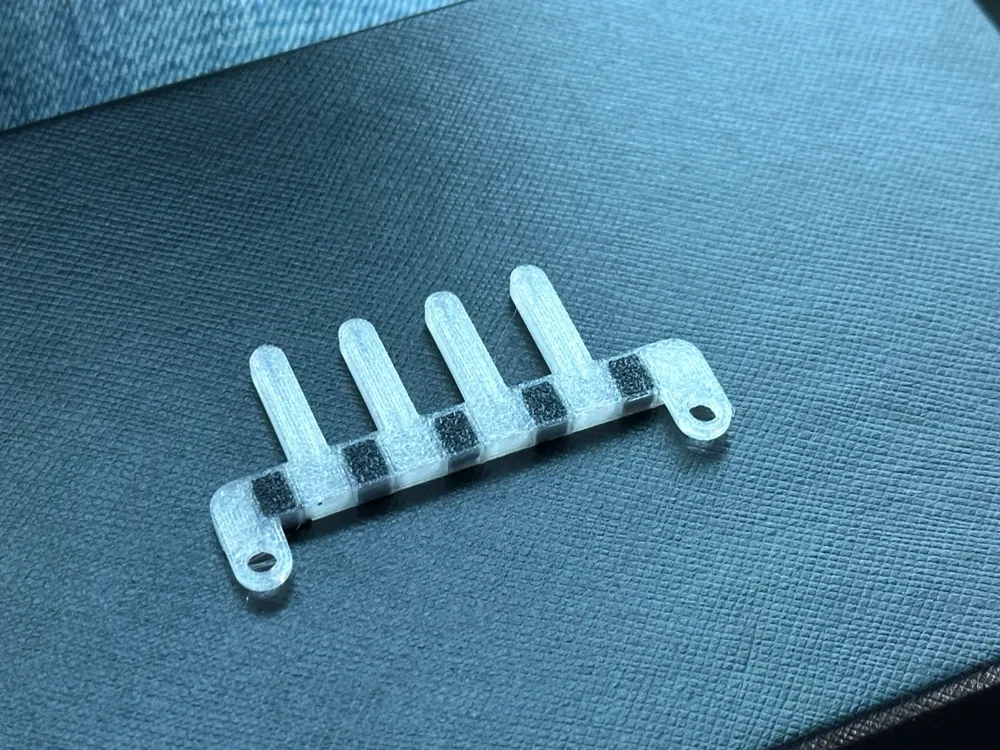
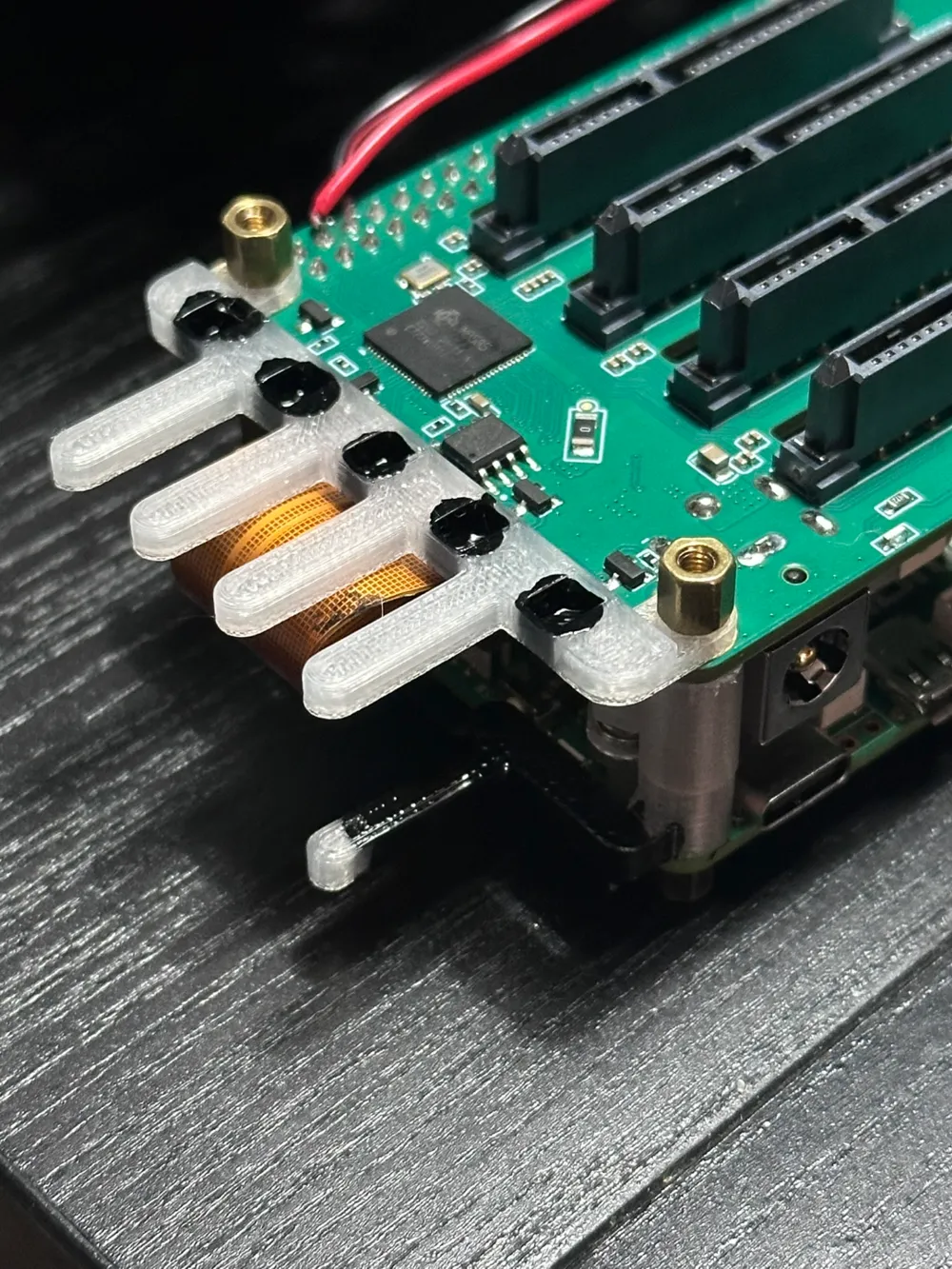
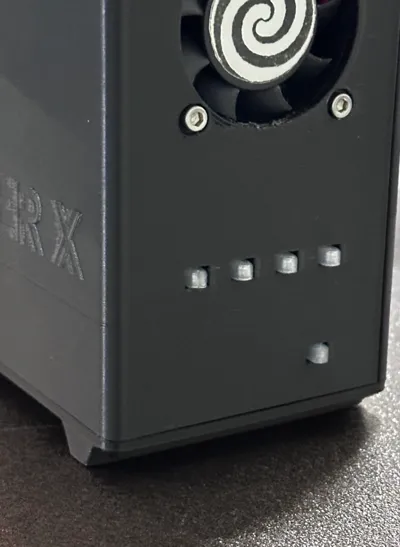
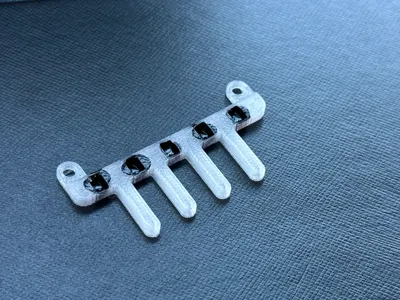
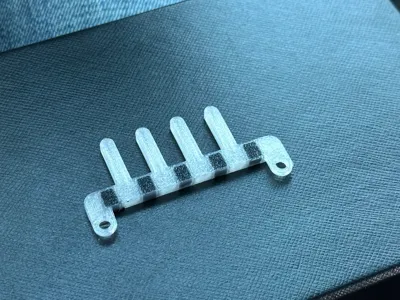
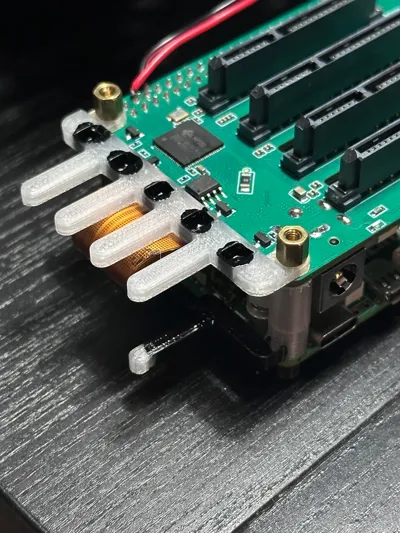
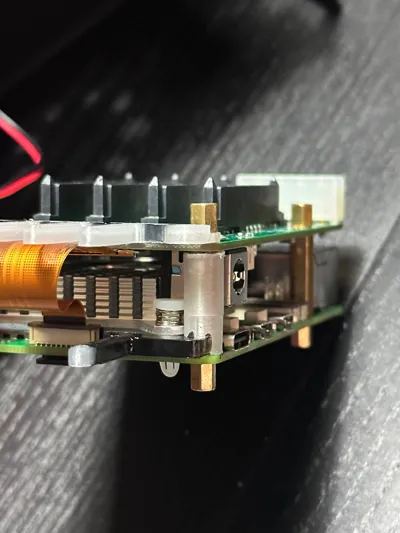
- The light bar is redesign for non-AMS printers. Extra tip: you can use nail polish to fill the holes in order to block the light from bar to bar.
- Added color inserts for the SSD/HDD tray's handle for non-AMSs printers.
- Added exhaust slots for the fan.
Can be printed in PLA but PETG is recommended.
This version is the “No Window, No Brass Inserts”.
This remix is based on


License

This user content is licensed under a
Creative Commons Attribution-Noncommercial-Share Alike


Comment & Rating (89)