
Key Presser for Logitech MX Keys / S / mini
Print Profile(2)


Description
Boost Me (for free)
Summary
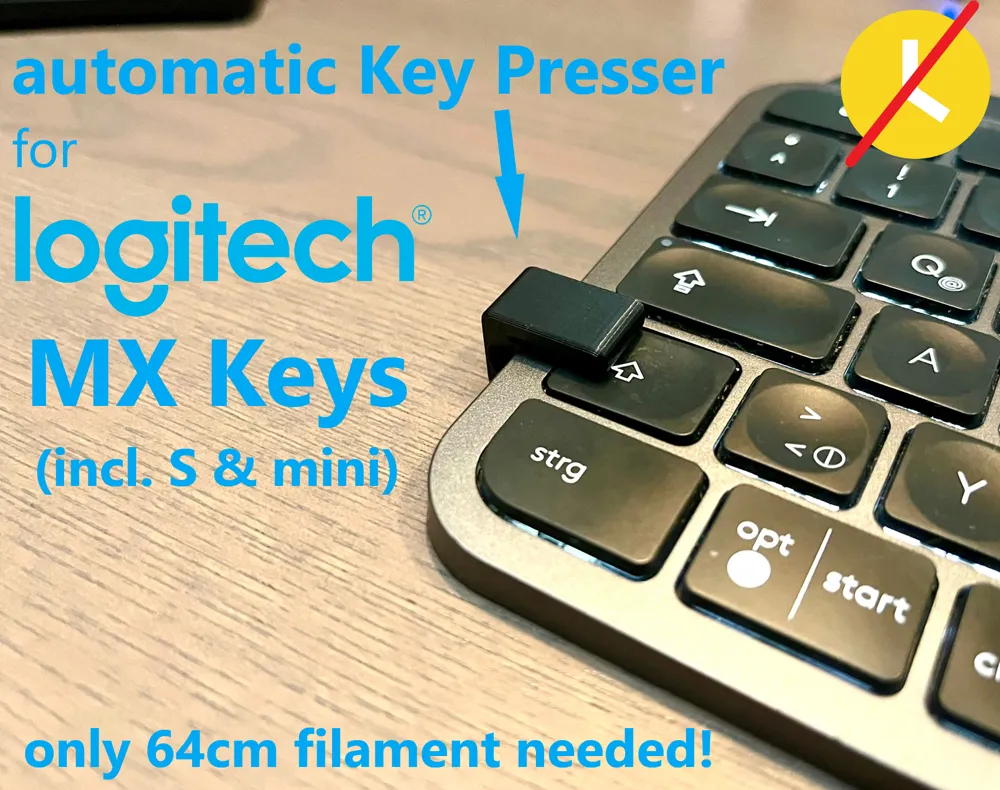
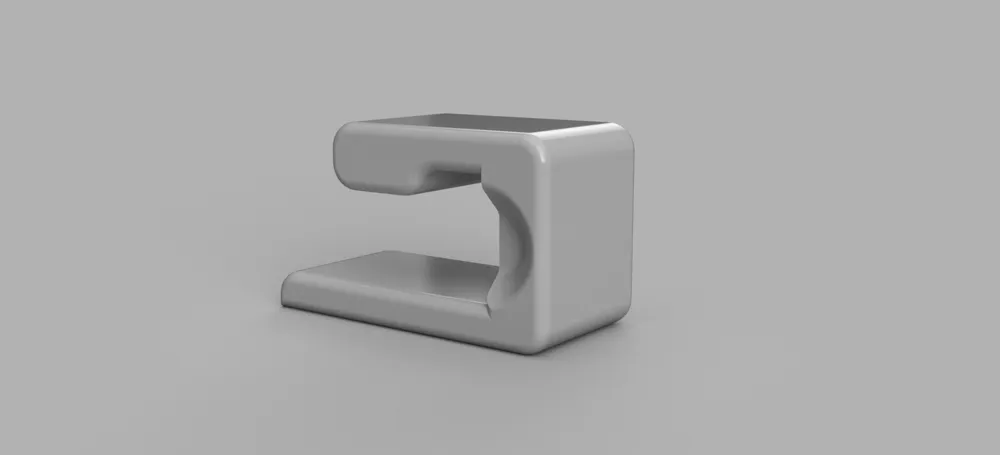
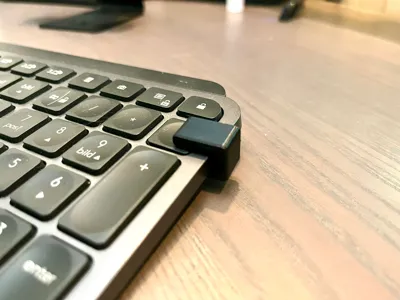
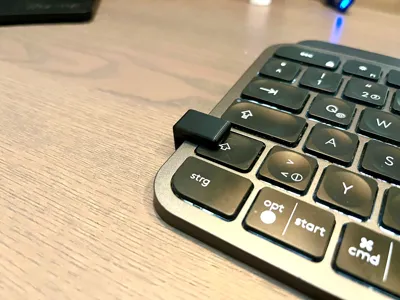
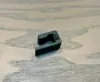
The keypresser makes it possible to automatically press a key when it is moved onto the left or right side of the keyboard.
This can, for example, prevent the computer from going into sleep mode and you remain permanently available in Microsoft Teams or other platforms and your boss thinks that you are not taking a break and working hard ;-)
Design
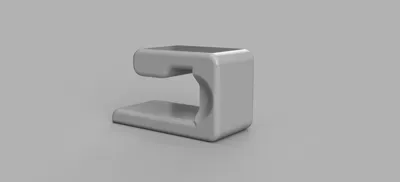
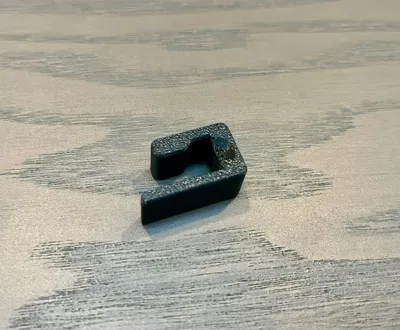
The Keypresser was designed to use as little material as possible. Only 64cm / 2g are required.
Compatibility
- Logitech MX Keys
- Logitech MX Keys S
- Logitech MX Keys mini
- Logitech Craft
Not compatible with Logitech MX Mechanical
Installation
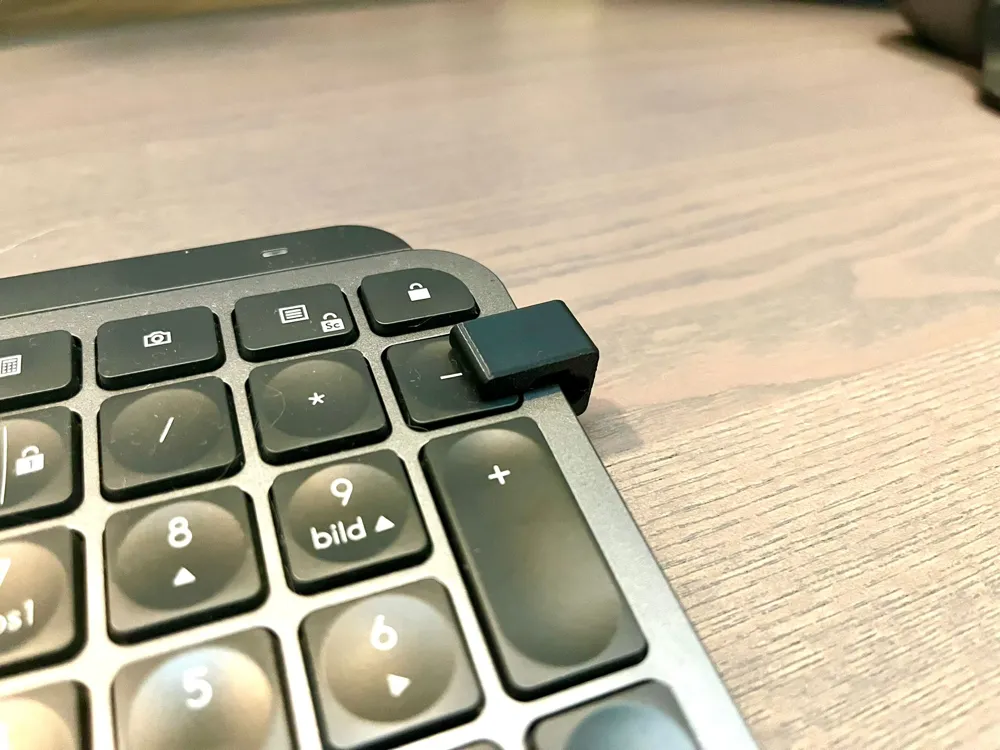
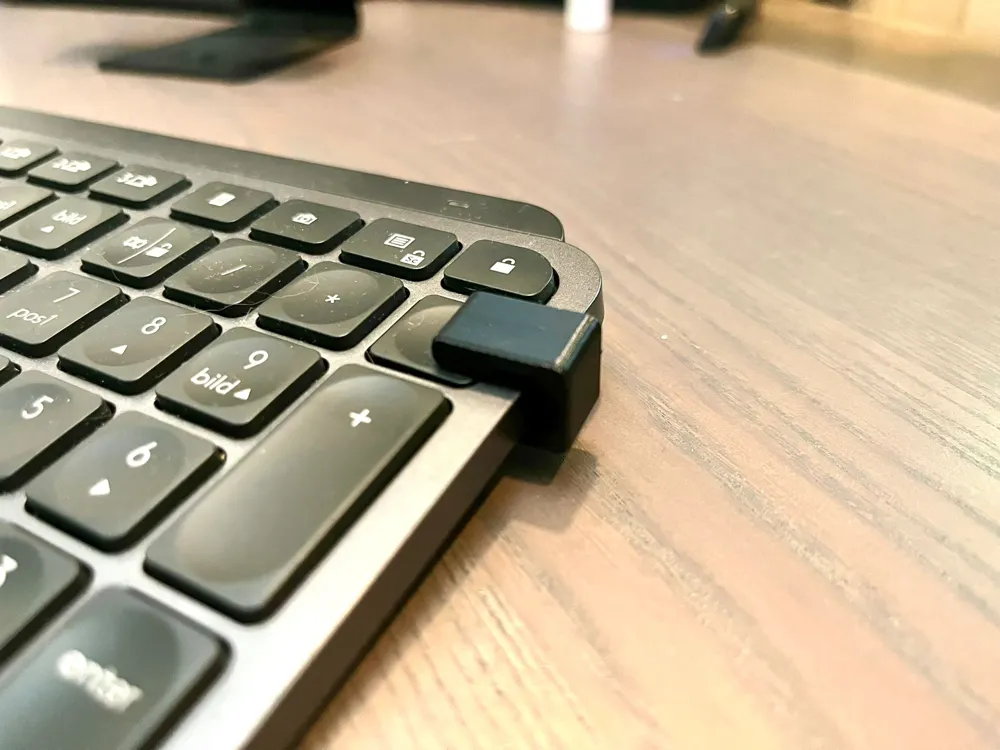
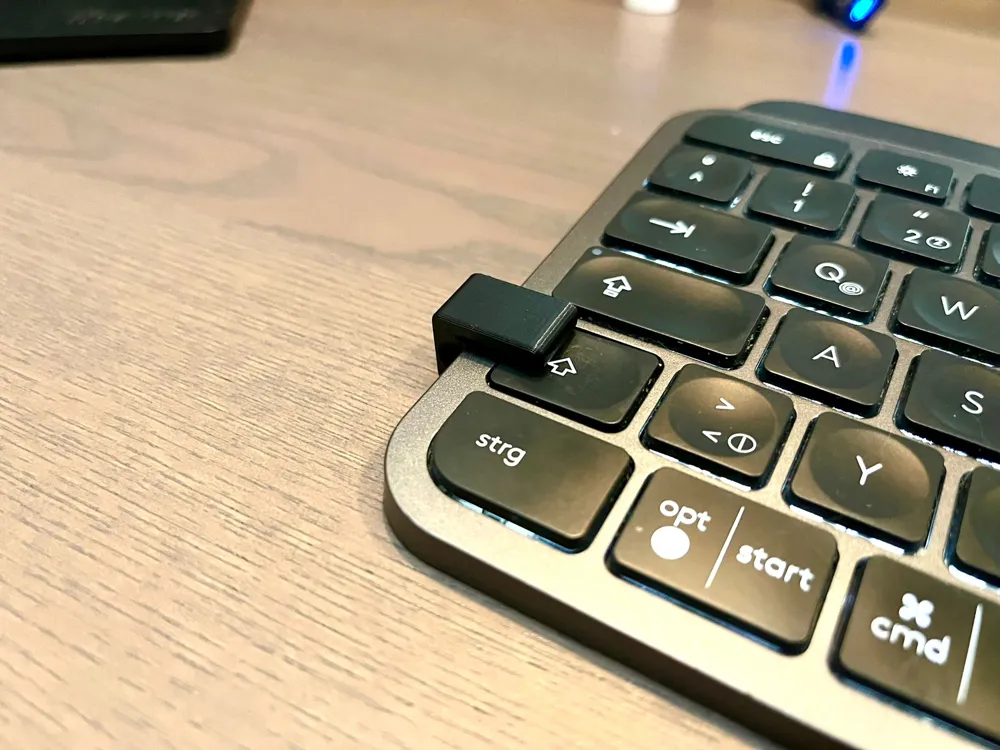
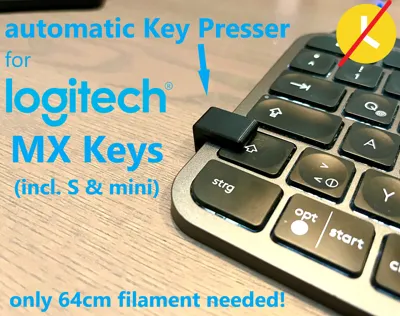
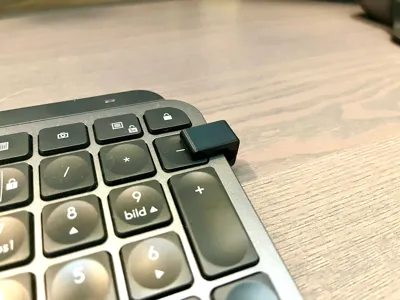
Simply slide the keypresser from the side onto the corresponding key.
On the left side, you can use it to press the Shift, Capslock, Tab and ^ keys.
On the right side you can use it to press the Lock, -, +, Enter keys.
I always use the Shift key on the left side.
Print
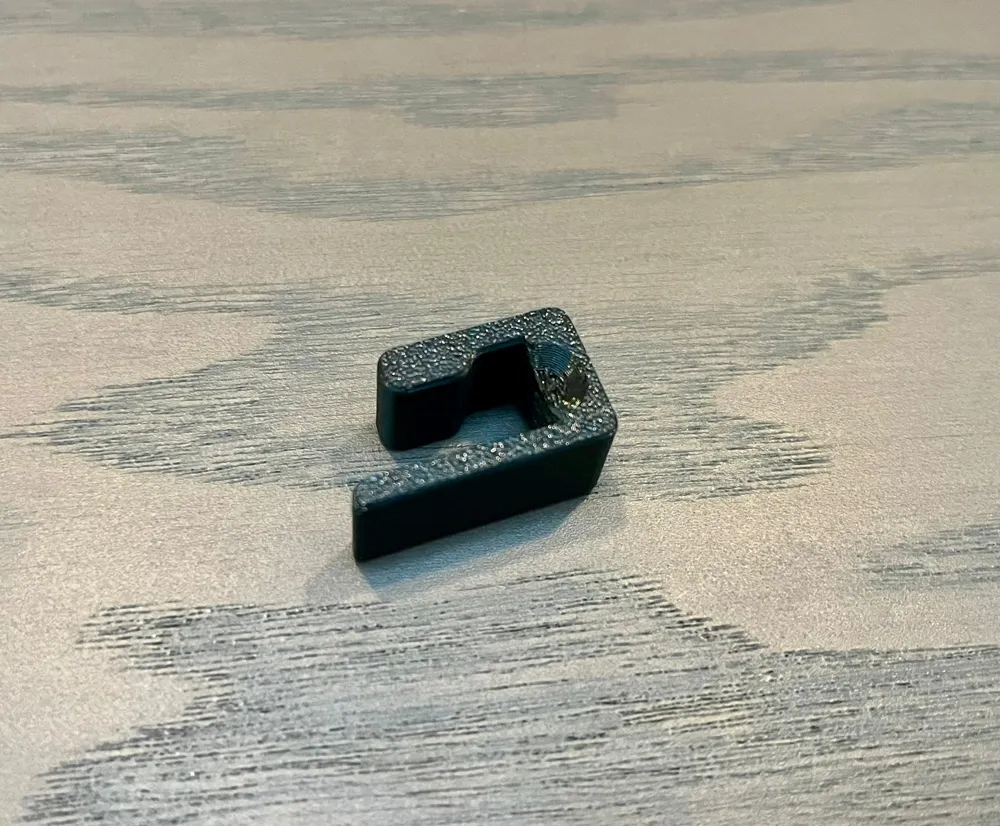
I printed mine in PETG with 0.15 layer hight and 3 perimeters. Any other layer hight or material will work, too.
Do you like my work? I would be very happy if you would support my work on Ko-fi.
License



Comment & Rating (17)