
Elegoo OrangeStorm Giga nozzle camera mount
Print Profile(1)
Description
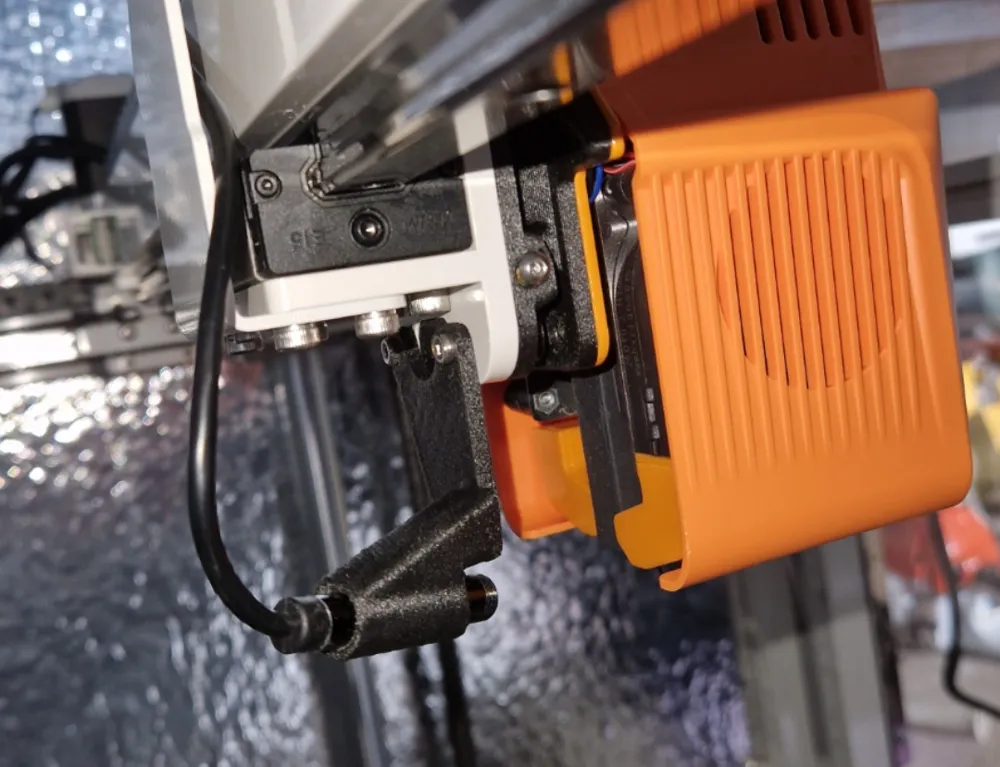
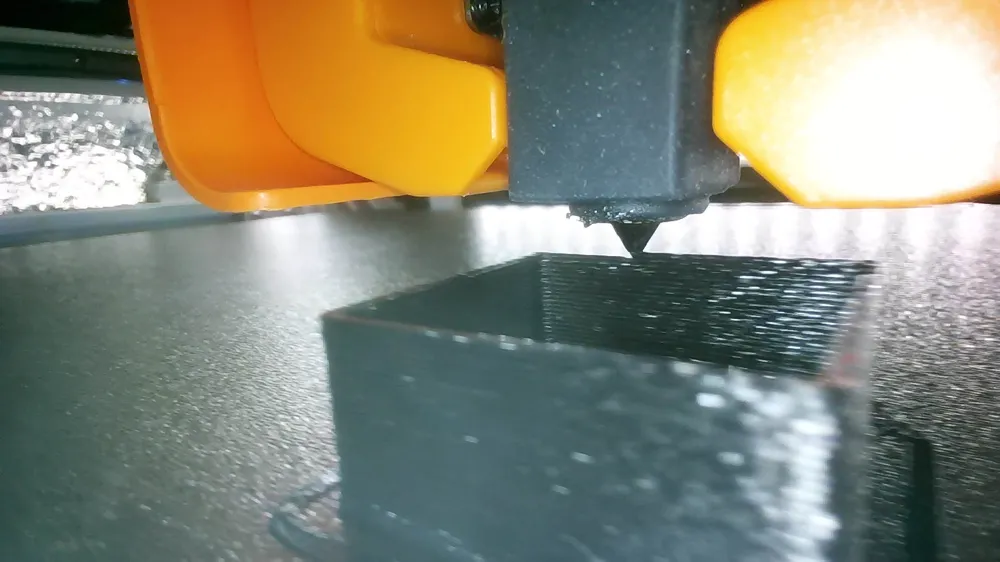
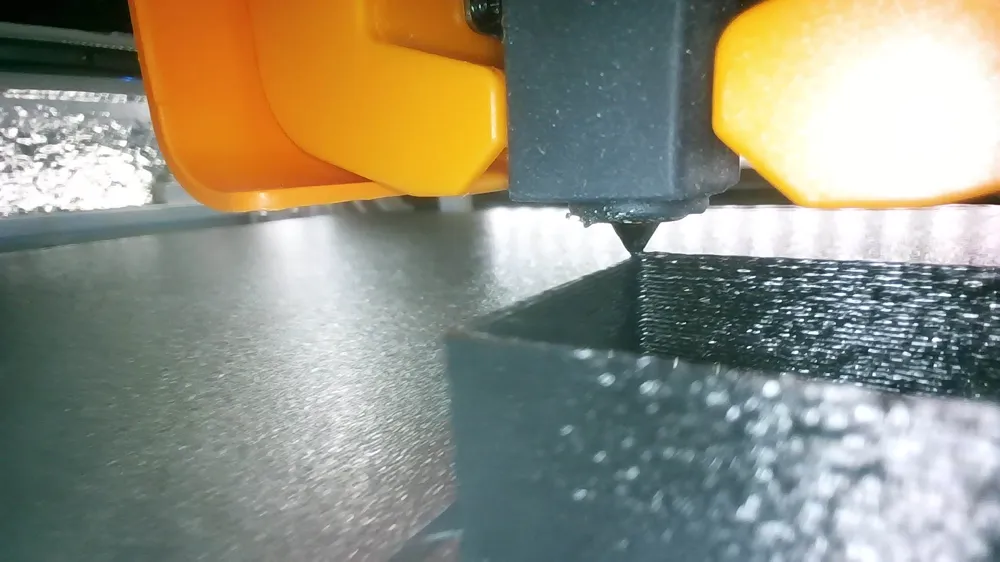
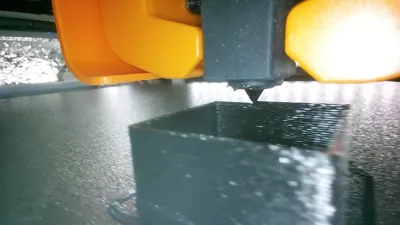
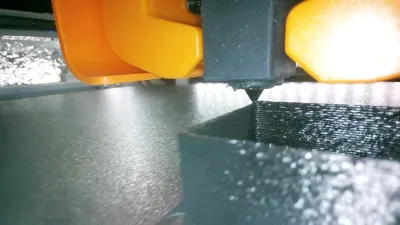
Elegoo Giga nozzle camera mount.
The camera is an 8 mm endoscope camera with a cable length of 5 meters.
https://www.aliexpress.com/item/1005007328907065.html
If you want to use two or more cameras, you need to edit the crowsnest.conf file located in the /home/mks/printer_data/config/ -folder.
For example:
[cam 1]
mode: mjpg # mjpg/rtsp
port: 8080 # Port
device:/dev/v4l/by-id/usb-Sonix_Technology_Co.__Ltd._USB_2.0_Camera_SN0001-video-index0
resolution: 1920x1080 # widthxheight format
max_fps: 15 # If Hardware Supports this it will be forced, otherwise ignored/coerced.
#custom_flags: # You can run the Stream Services with custom flags.
#v4l2ctl: # Add v4l2-ctl parameters to setup your camera, see Log what your cam is capable of.
[cam 2]
mode: mjpg # mjpg/rtsp
port: 8081 # Port
device:/dev/v4l/by-id/usb-Generic_USB_Camera_200901010001-video-index0
resolution: 1920x1080 # widthxheight format
max_fps: 30 # If Hardware Supports this it will be forced, otherwise ignored/coerced.
#custom_flags: # You can run the Stream Services with custom flags.
#v4l2ctl: # Add v4l2-ctl parameters to setup your camera, see Log what your cam is capable of.
You can find out the device ID with the command:
ls /dev/v4l/by-id/
License



Comment & Rating (4)