
Keyboard Keycap repair part - Adapter plate
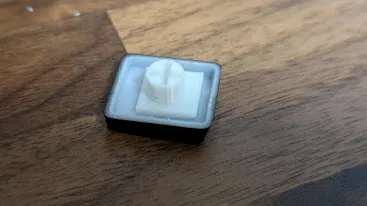
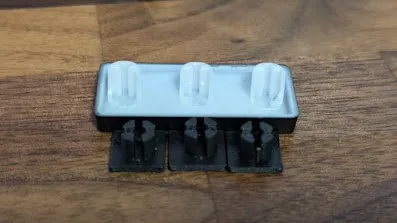
Print Profile(1)

Bill of Materials
- Superglue(Gel) x 1:
Description
I have broken my keycaps the other day:
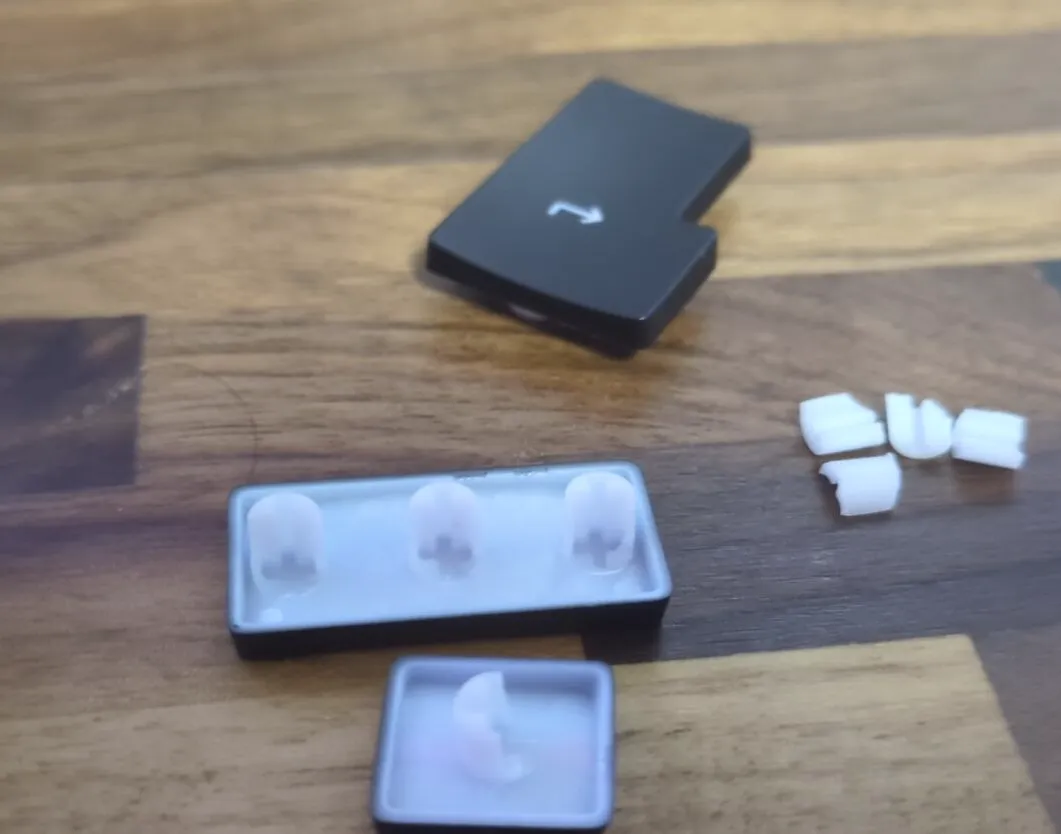
After searching for replacement parts, but not really finding any specifically for my device, I checked Makerworld for parts.
Found the “low keycap” by H-555666
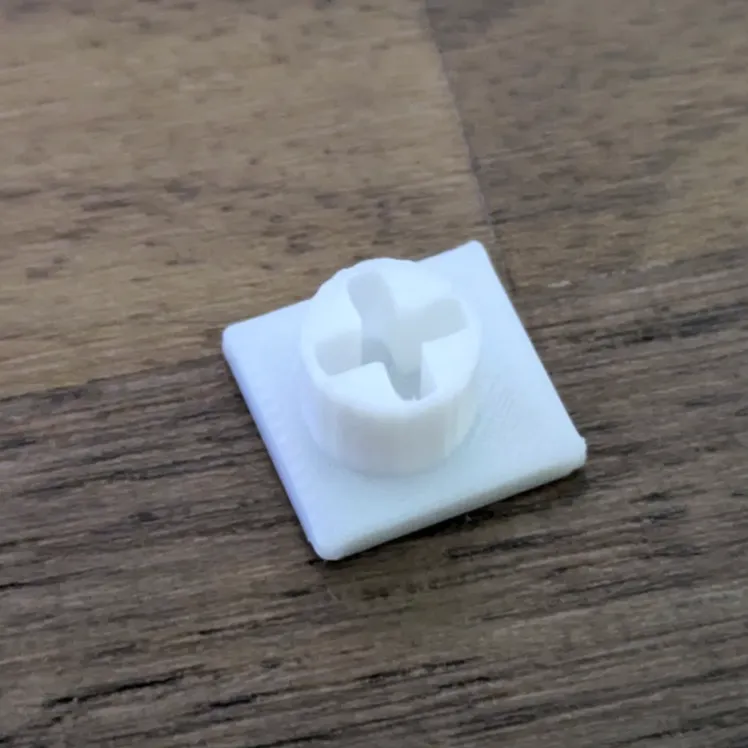
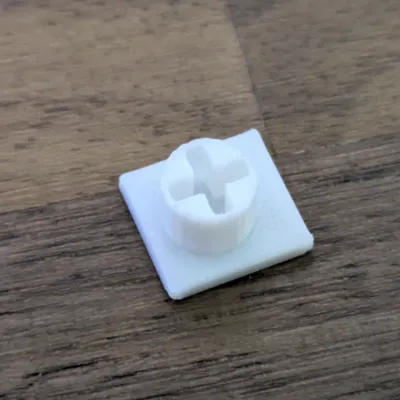
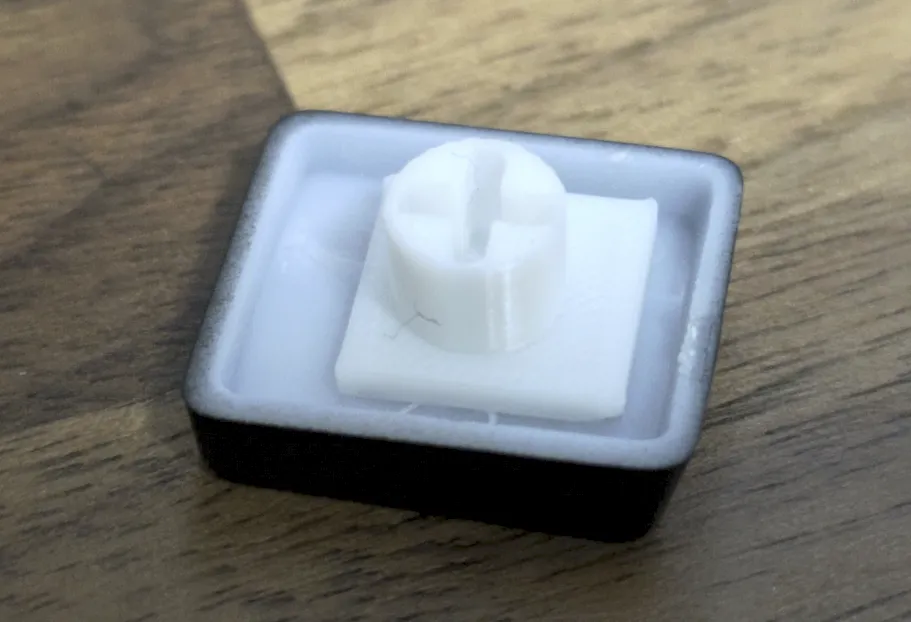
I cut down the whole keycap model, only to have the +-shaped insert.
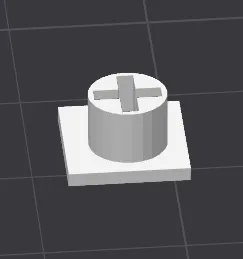
My original parts had an adapter 5mm high. This replacement part now has 4mm + 1mm base.
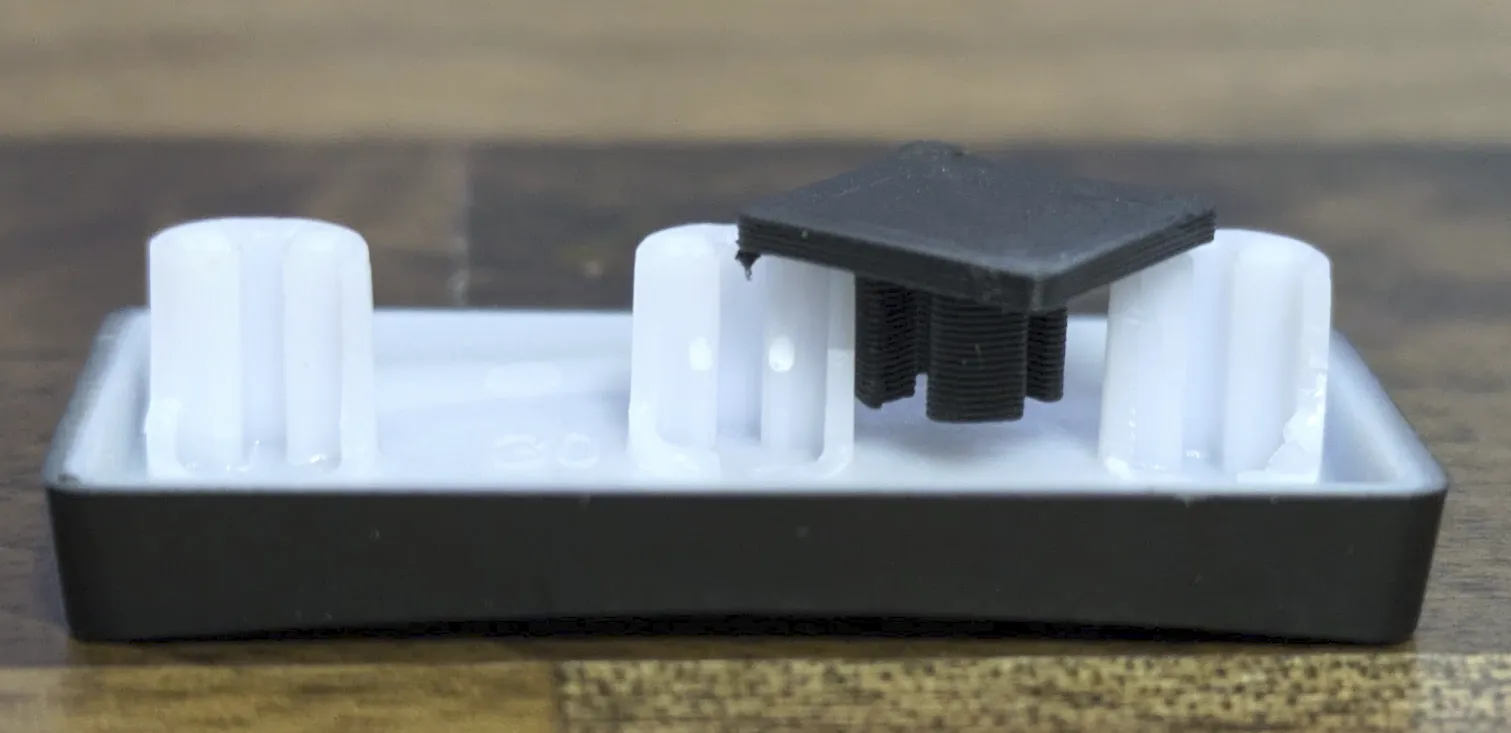
This will fit perfectly once glued to the piece.
Printed directly 9 of each on smooth PEI (hard to remove, maybe textured is better. I have now little dents in my smooth PEI plate…)
I tried both nozzles, 0.4mm and 0.2mm. Both worked, but 0.2 resulted in a better part, so I used them (white is 0.2, black 0.4).
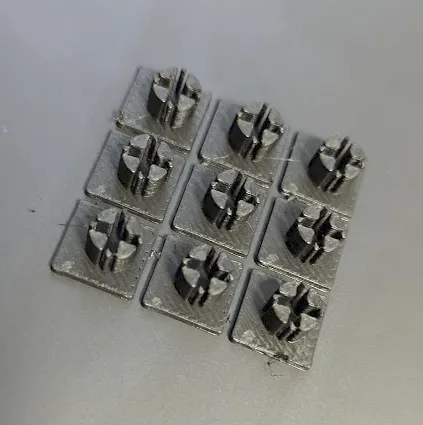
Instructions:
Remove old plugs with clipper:
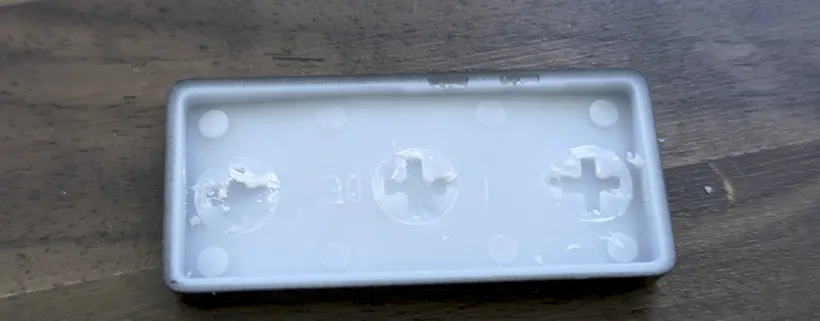
- Clean up the rest by using clipper and knifes. Doesn't need to be perfect if the same glue is used.
Try fitting the adapters
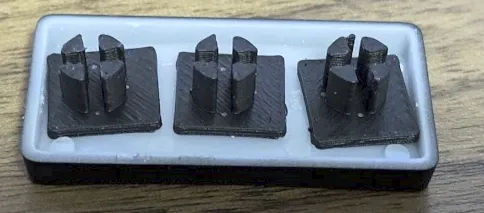
Put the adapter on the switch, maybe use some tape to glue down the springy on (for me left and right are not spring loaded)
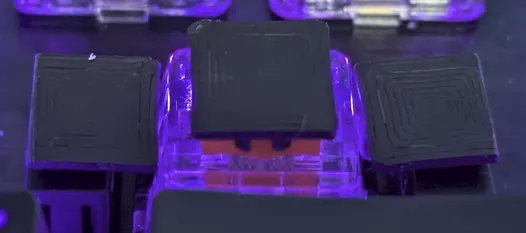
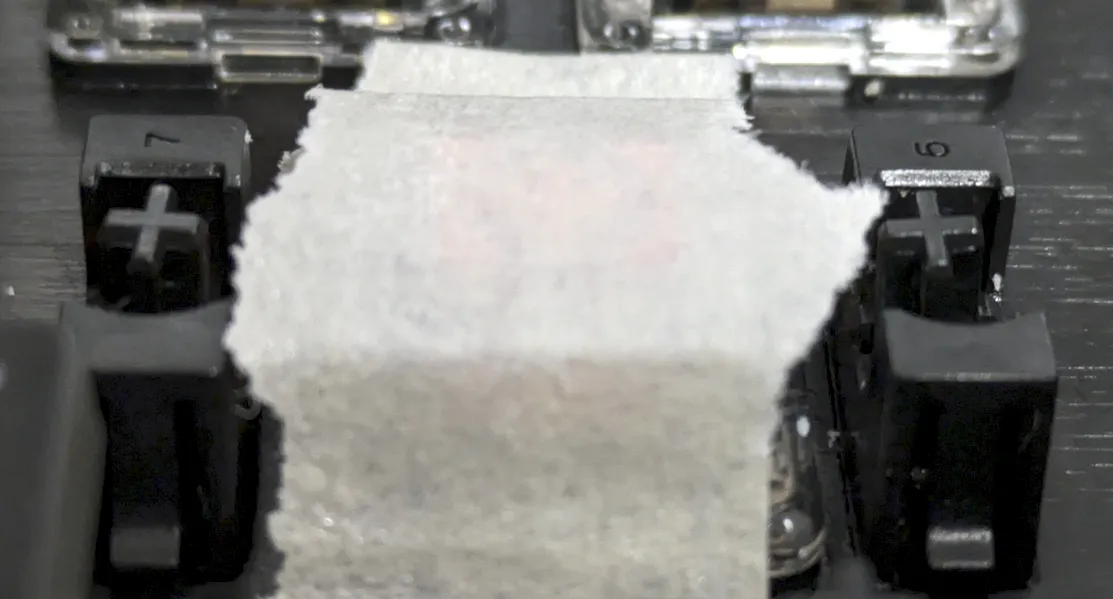
Check if the adapters fit, and correct with clippers if needed:
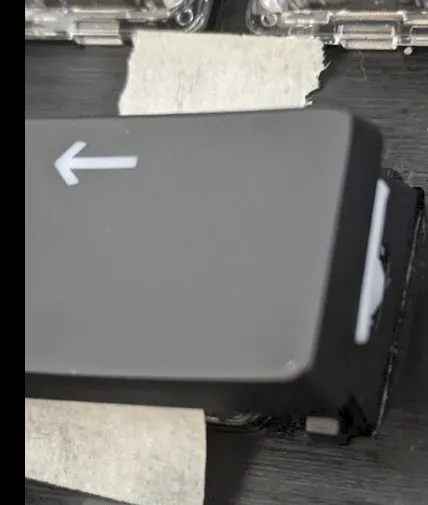
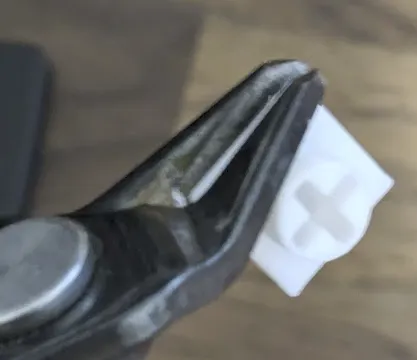
Put some glue on the adapter plates. I have used fast curing glue, which is not flowing (GEL instead)
I am starting with the two on the side, so the spring won't push cap upwards.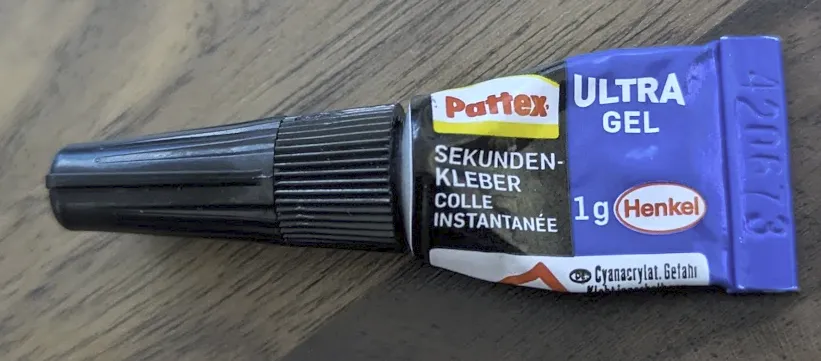
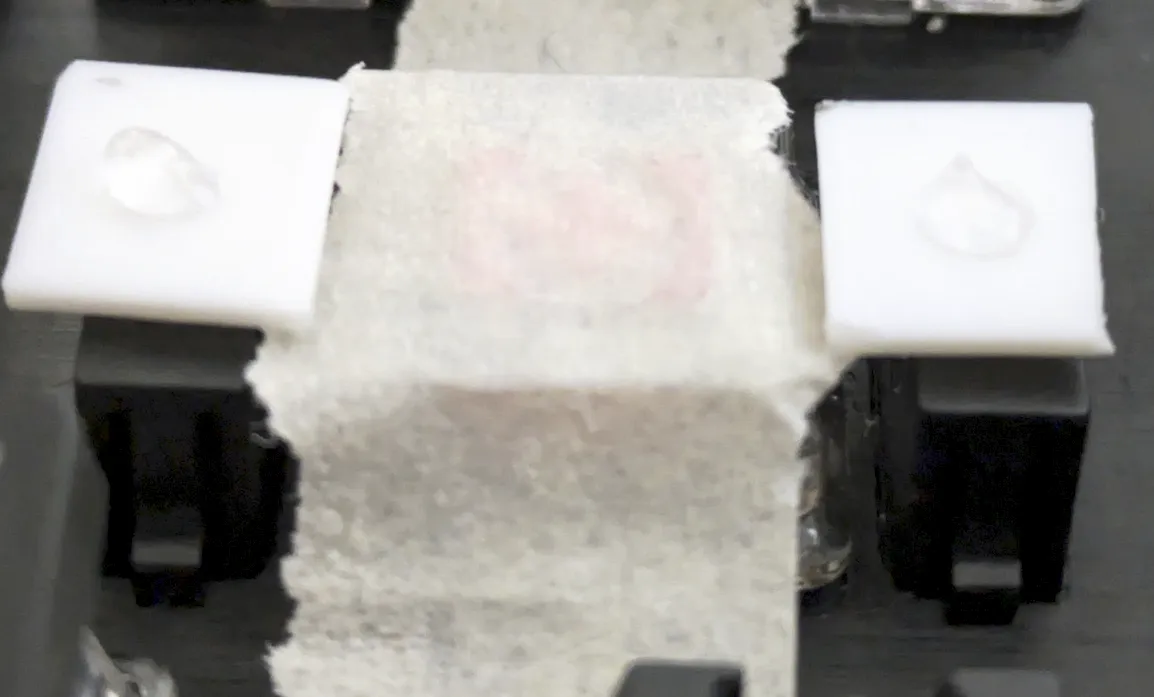
- Remove cap using tweezers, catching below the +-adapter.
Superglue may contaminate the surrounding, better safe than sorry. Removing the tape and resume the same procedure with the middle adapter:
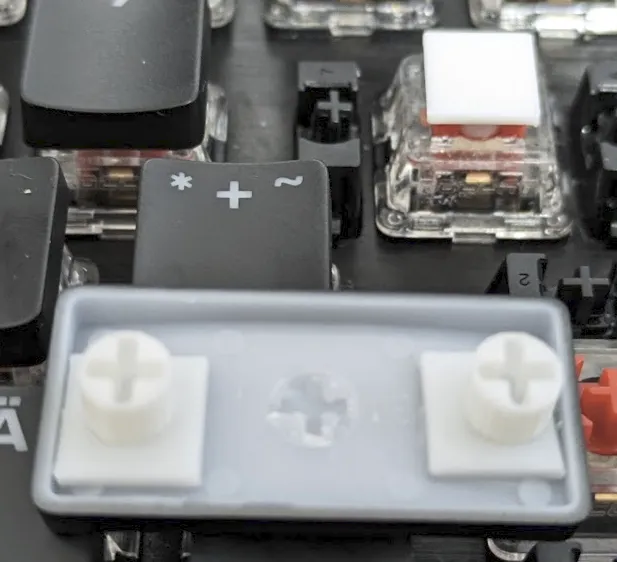
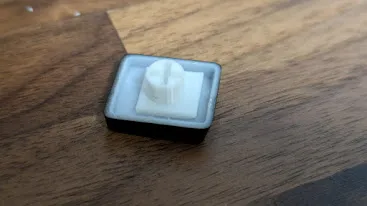
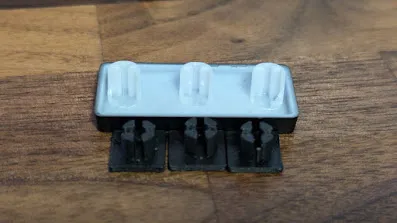
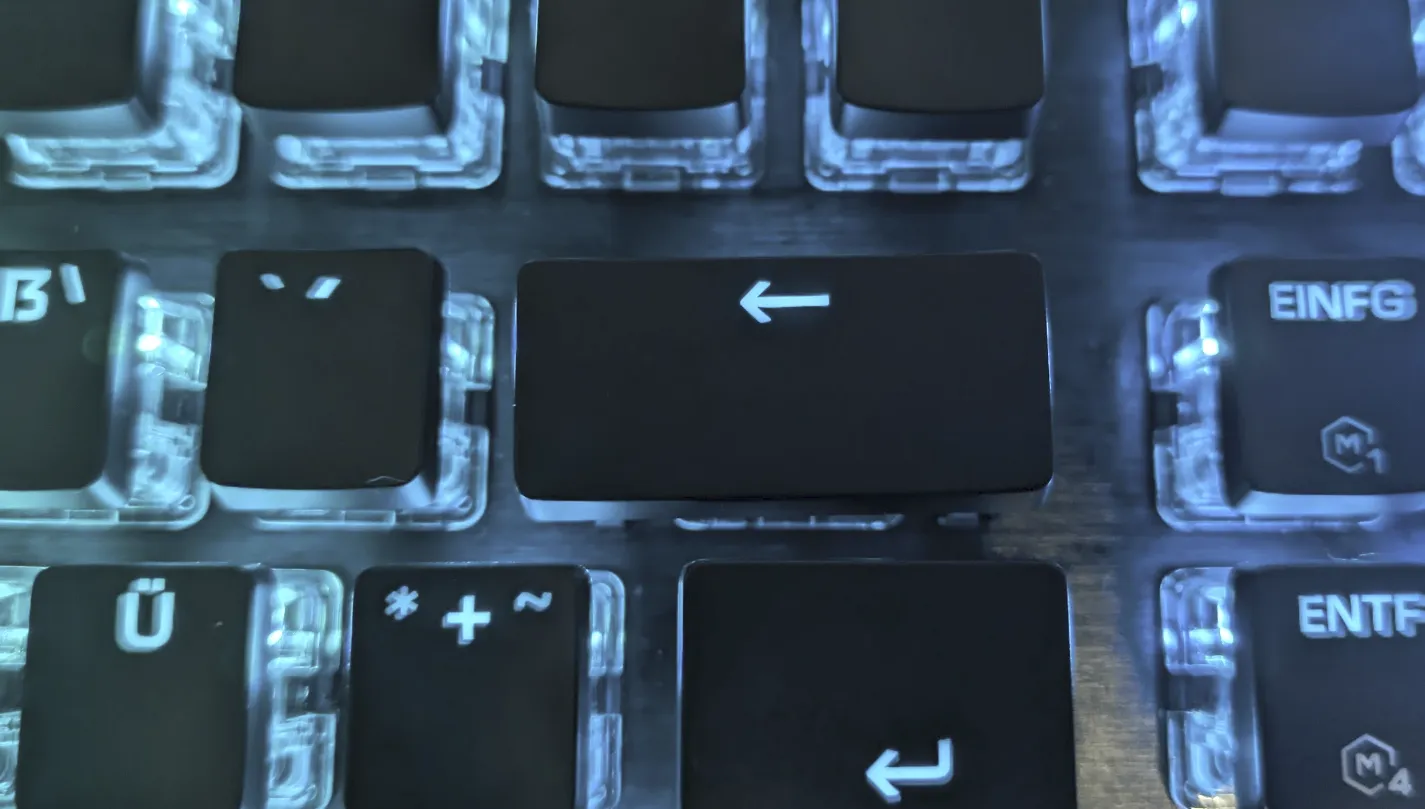
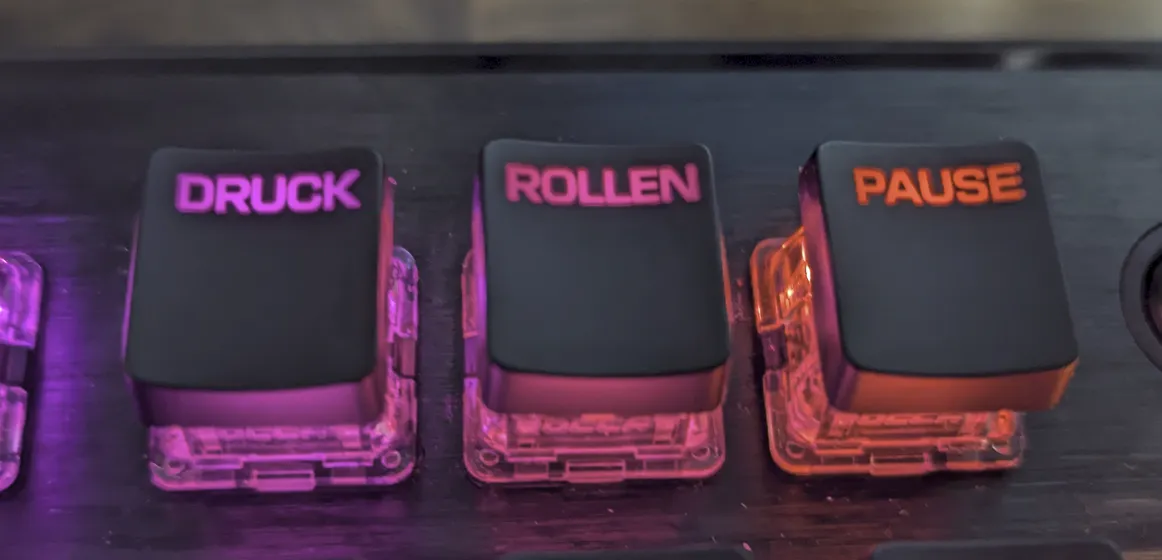
Final Result:
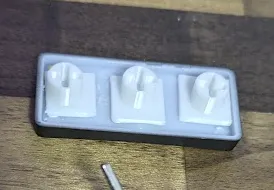
This remix is based on


License



Comment & Rating (5)