
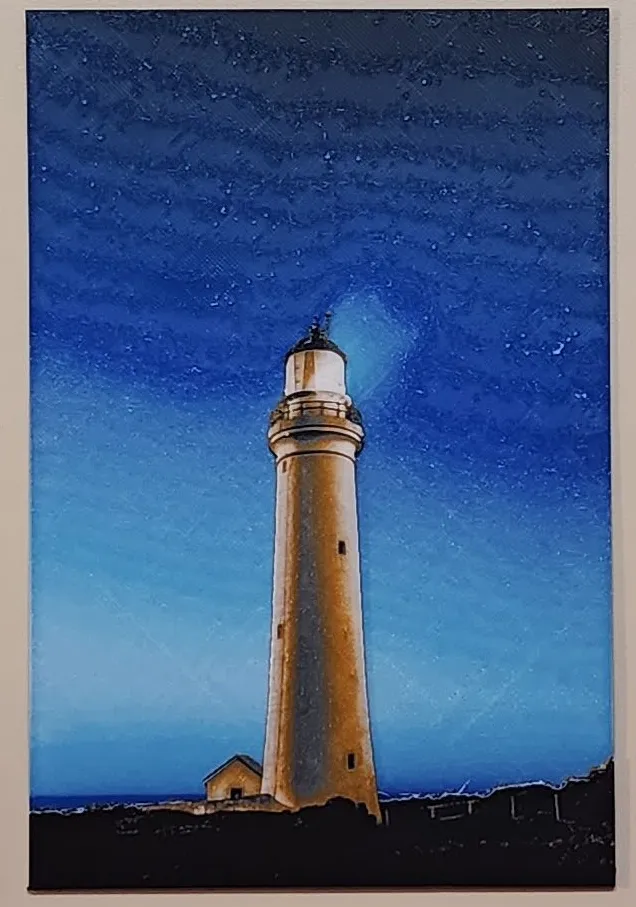
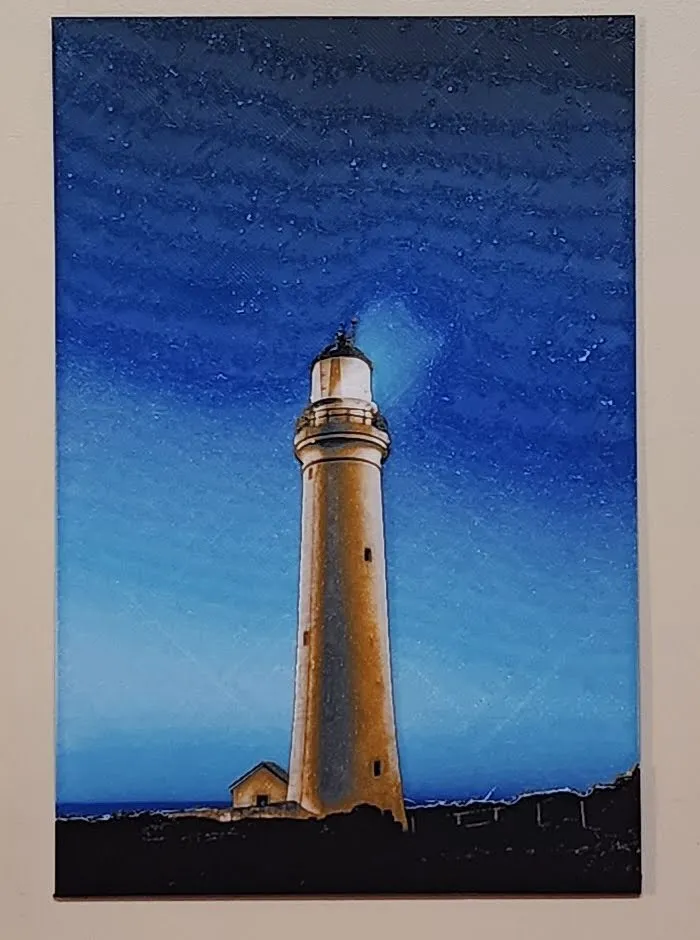
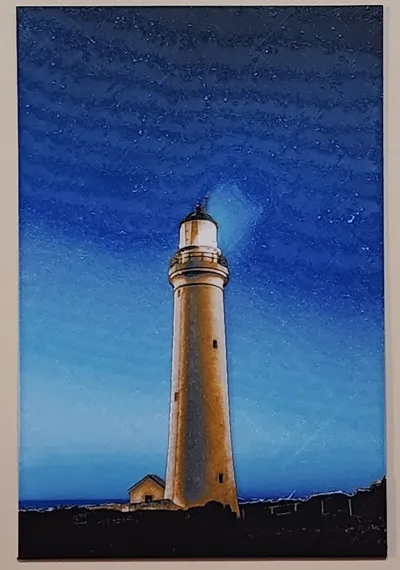
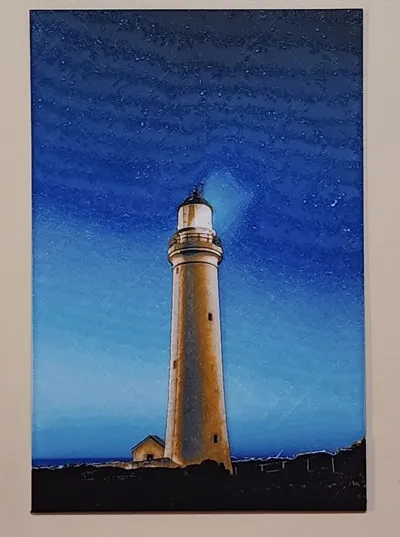
Lighthouse at Dusk (hueforge)
Print Profile(1)

Description
Lighthouse at Dusk Scenery Wall Art. (hueforge). This is a 7 Color Print. If you use the above print profile, it's sliced so the bottom layers are thicker to save time (saves about an hour). if you are setting up on a different printer use the information below to set the layers after you slice. Thanks.
See Printing instructions below.
you can scale to any size you want, but make sure you don't change the “Z” axis or it will throw off the color sequence.
Need a way to display theses? check out my Wall Mounted Modular Hueforge Display complete it with the optional Desk Mount
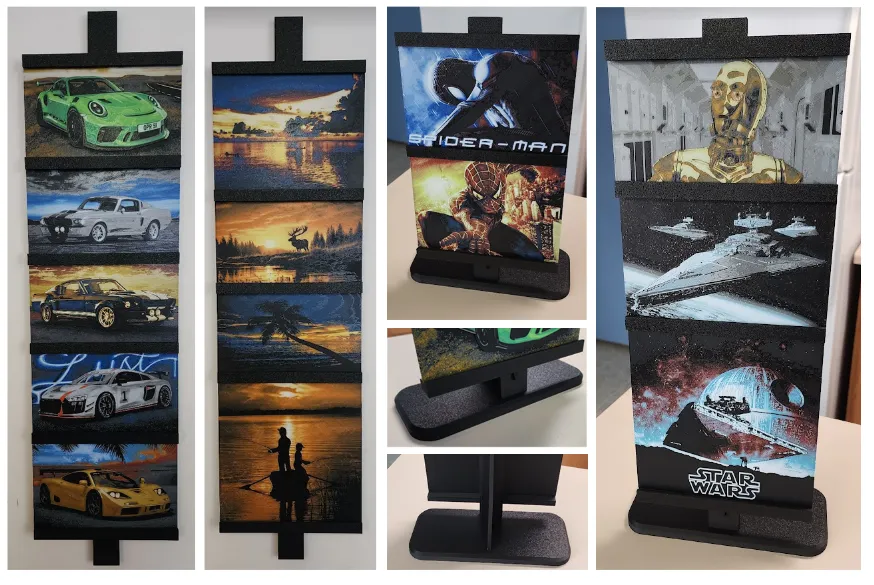
Printing Instructions:
Print at 100% infill with a layer height of 0.04mm with a base layer of 0.24mm
The Model is 133.28x200mm in size
You may print at higher layer heights below the Min Depth of 0.48mm
Filaments Used:
PLA+ Sunlu Black Transmission Distance: 0.6
PLA+ Sunlu Blue Transmission Distance: 4
PLA+ Sunlu Sky Blue Transmission Distance: 4
PLA+ Sunlu White Transmission Distance: 5
PLA+ Sunlu Grey Transmission Distance: 2
PLA+ Sunlu Sunny Orange Transmission Distance: 8
PLA+ Sunlu Yellow Transmission Distance: 10
This print uses 7 unique filaments
Swap Instructions:
Start with Black
At layer #12 (0.68mm) swap to Blue
At layer #24 (1.16mm) swap to Sky Blue
At layer #36 (1.64mm) swap to White
At Layer #41 (1.84mm) swap to Black
At layer #43 (1.92mm) swap to Grey
At layer #49 (2.16mm) swap to Sunny Orange
At layer #56 (2.444mm) swap to Yellow
At layer #57 (2.48mm) swap to White for the rest.
License



Comment & Rating (0)