
Safe Tactile Compass & Ruler (Print in place)
Print Profile(3)


Description
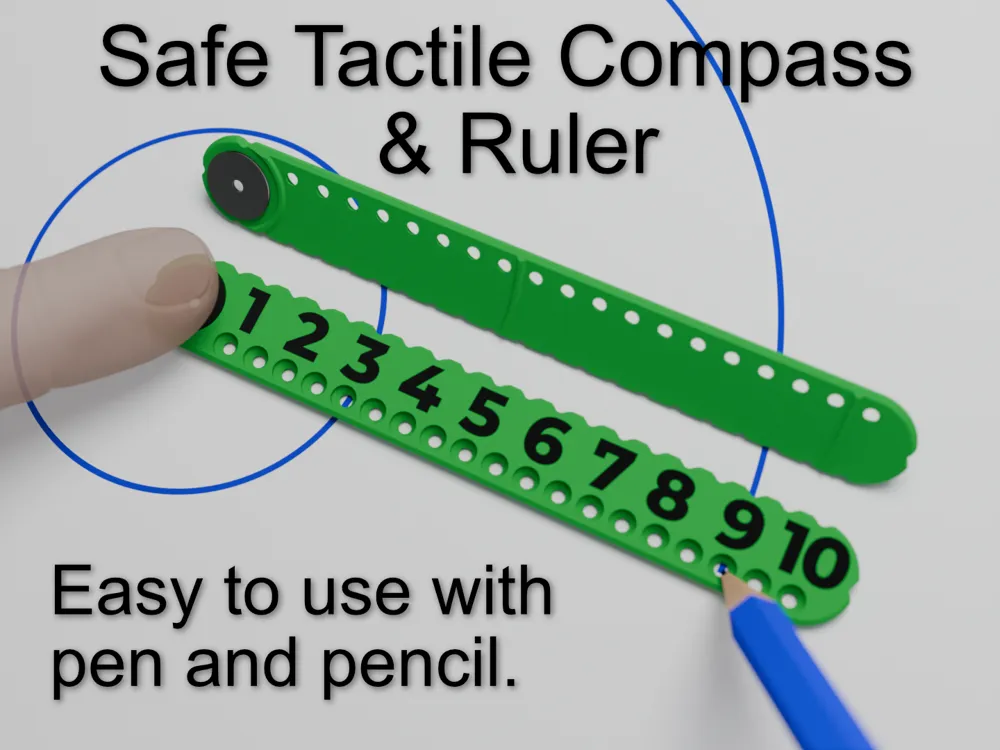
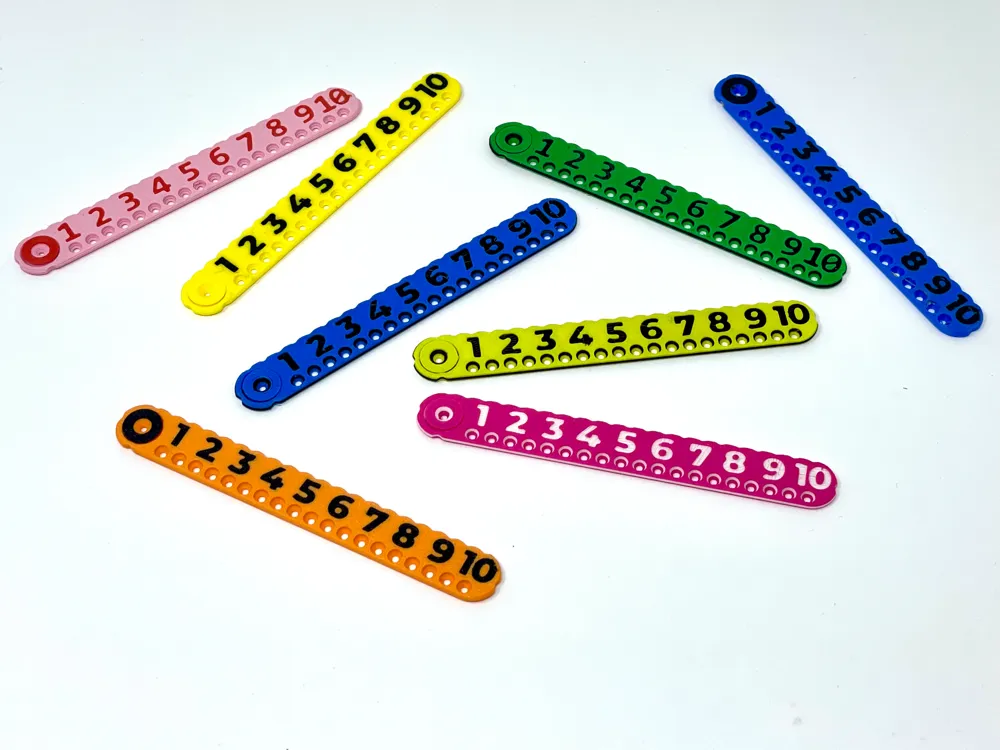
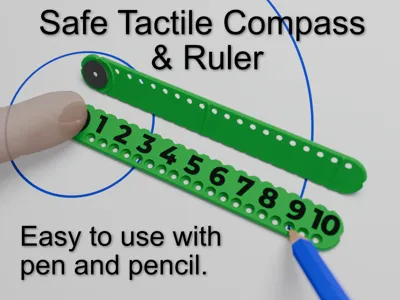
This compass is easy to use, compact and has no sharp point. Simply place the pivot hole where you want the centre and place your finger on it. Then insert a pen or pencil at your desired radius and rotate. No screws to tighten or points to stab. It's actually quicker to use than a traditional compass as no adjustments are necessary. It's designed for vision impaired use too, and I also have a Braille version.
Great for school or crafting.
It's deceptively simple design has many features
- Raised from the paper to avoid smudges when used with ink
- Alignment notches vertically and horizontally aligned with centre hole
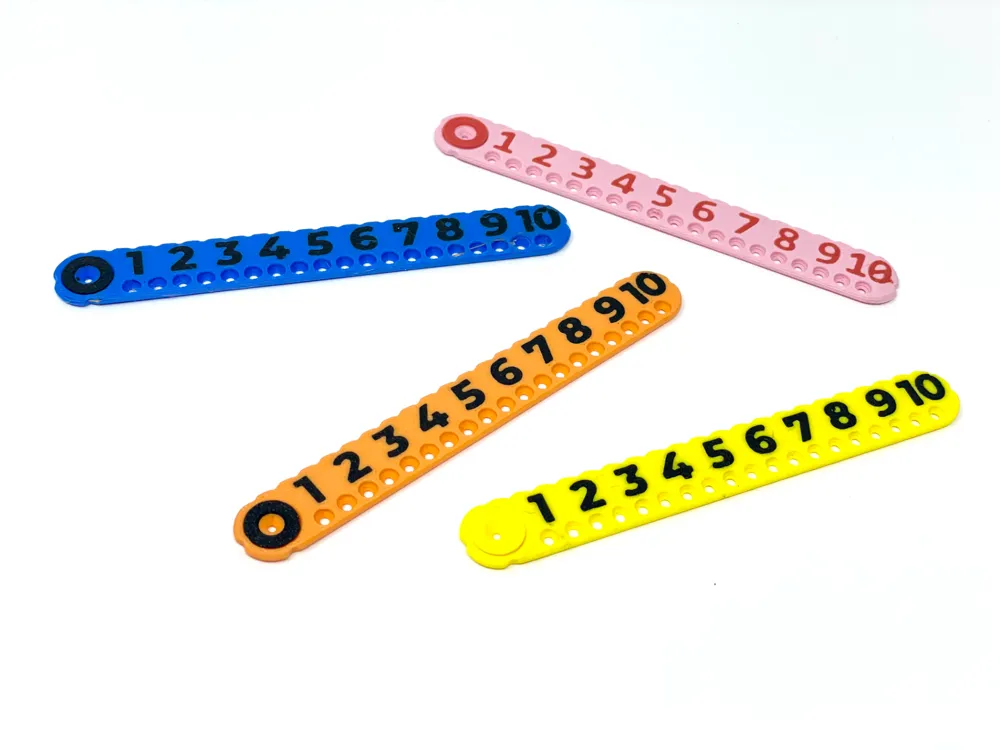
- Large numbers
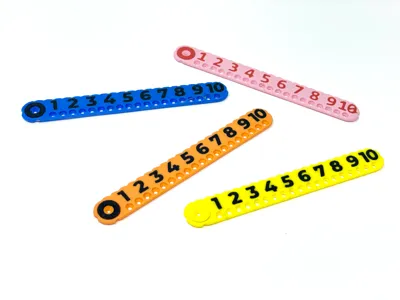
- Indented number version for additional tactility
- 0.5mm indents along one edge allow the visually impaired to mark a distance
- Flat raised edge for use as a ruler
- Braille option available here
Boost Me (for free)
A boost is just that, a real boost for me and reason to keep designing and sharing. Thankyou.
As always your constructive criticism and ideas for improvement are welcome, let's make things better together. Want a change or another model based off this? Send me a message and I'll see what I can do.
Printing
It's quick and easy! But here are some tips if you want them:
When you come to print keep the ‘Flow Dynamic Calibration’ option ticked! The print has a 0.2mm tolerance and has worked on my printers. Occasionally I'll get a print that takes a bit of persuasion to free the pivot but usually it's free after cooling down and popping off the bed by it's self. Patience is a virtue, if you rip it off the bed while warm then this can warp the ruler.
Please don't complain if the numbers come out poorly, they shouldn't but this greatly depends on the cleanness of the print bed which over time loses it's adhesion but can be refreshed with cleaning.
The print profiles print the first layer slowly to help with adhesion but this will not overcome a bed that needs cleaning. I rarely clean my bed but occasionally I will get an issue with adhesion and that's when I give it a good wash with soap and water. I've found that the textured plate cleans well with a normal scourer, I've even read that some people use sand paper but have not tried that myself.
Profile Choices
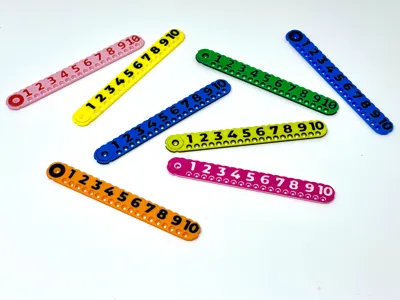
Indented Numbers
AMS Optional. This prints the centre in a different colour which shows through the indented numbers and provides a nice ring in the holes. There is a version for the AMS and another which does not need an AMS, it has pauses at the relevant print height. When the printer pauses navigate to the filament menu and unload the existing filament and then load a new colour and navigate back home to un pause the print.
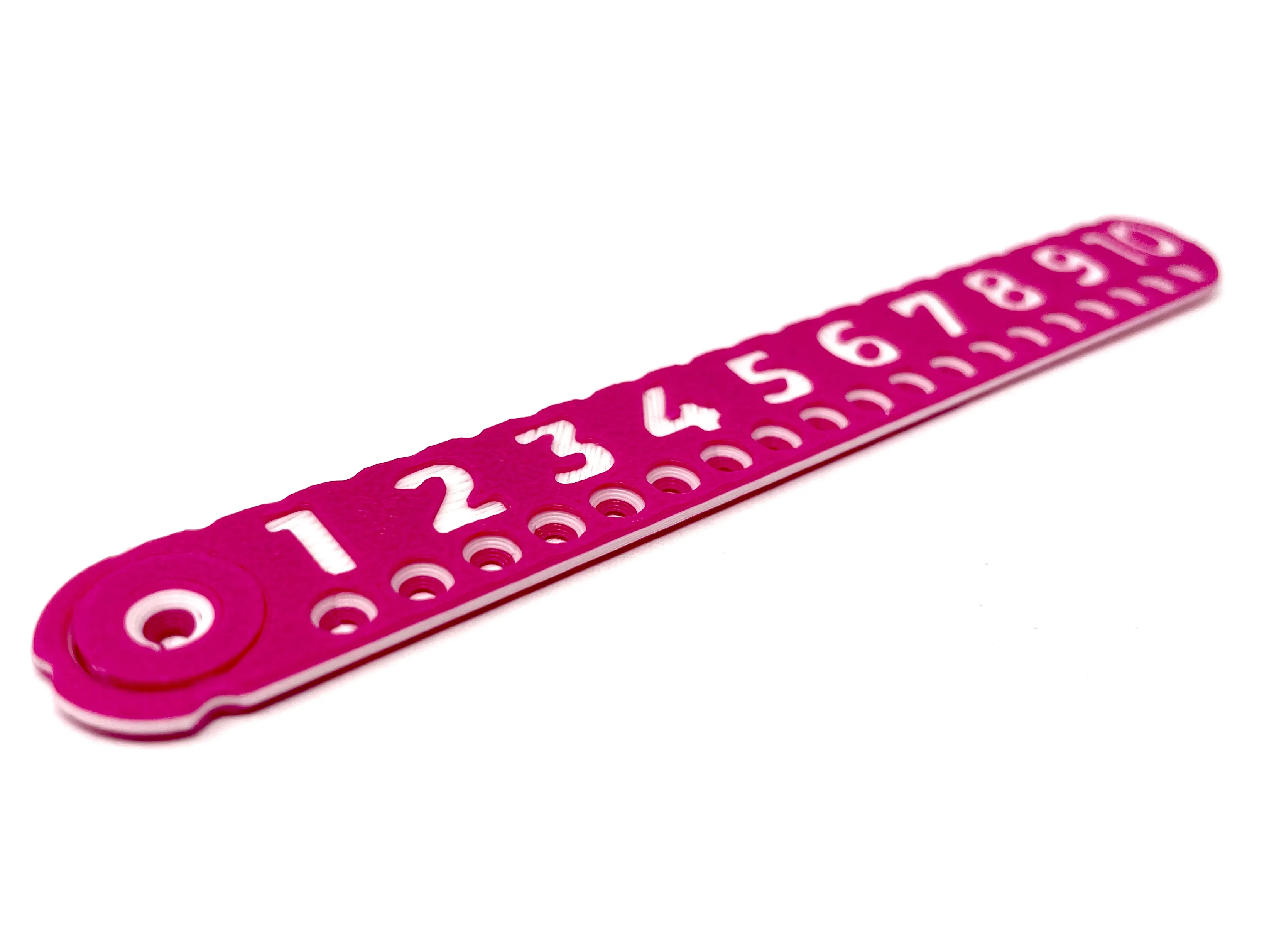
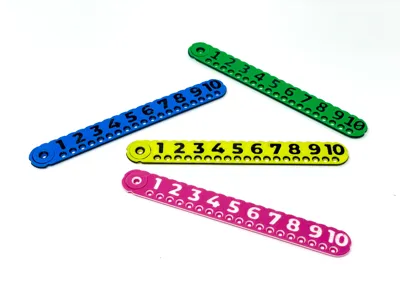
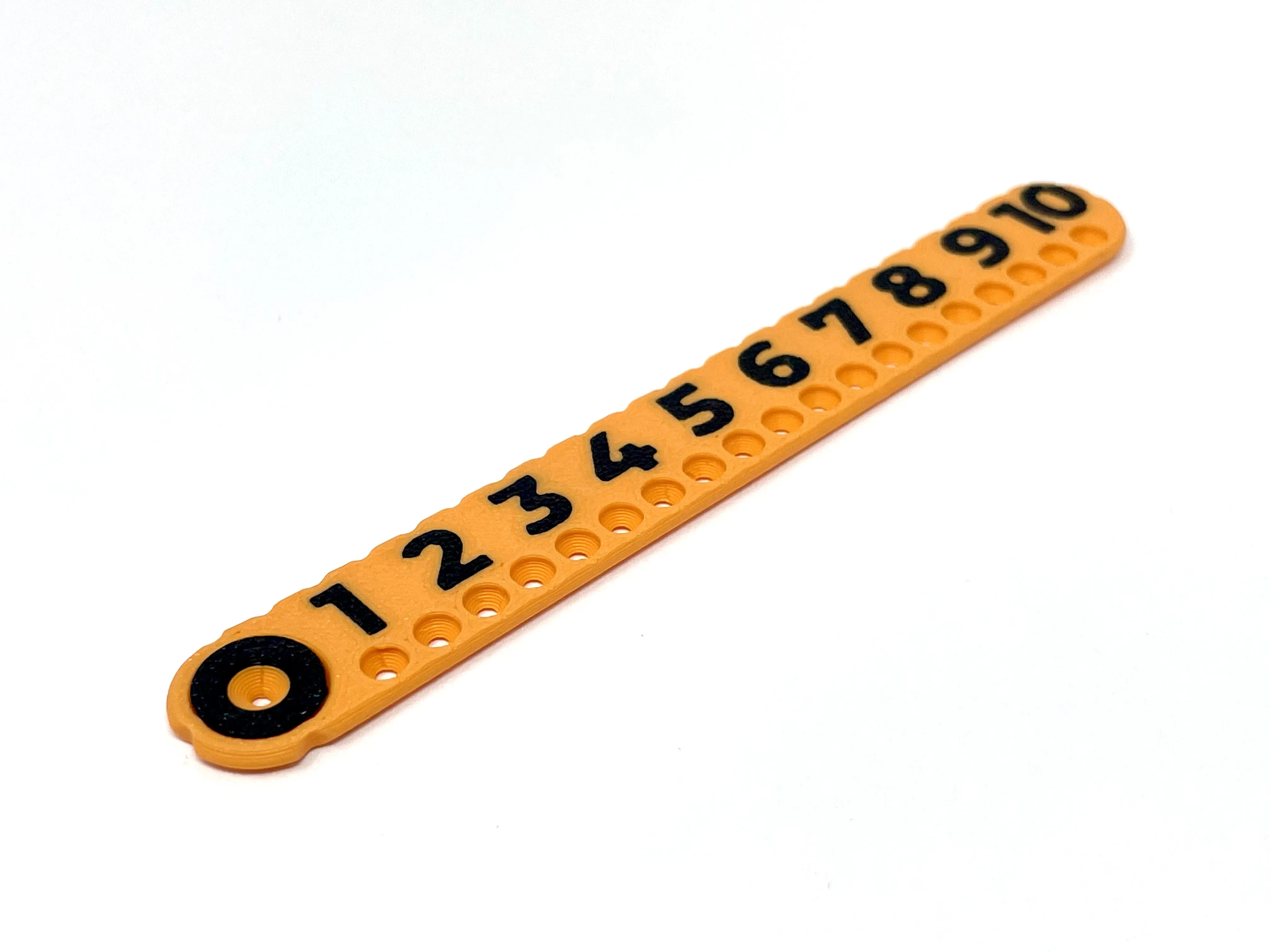
Flat Numbers
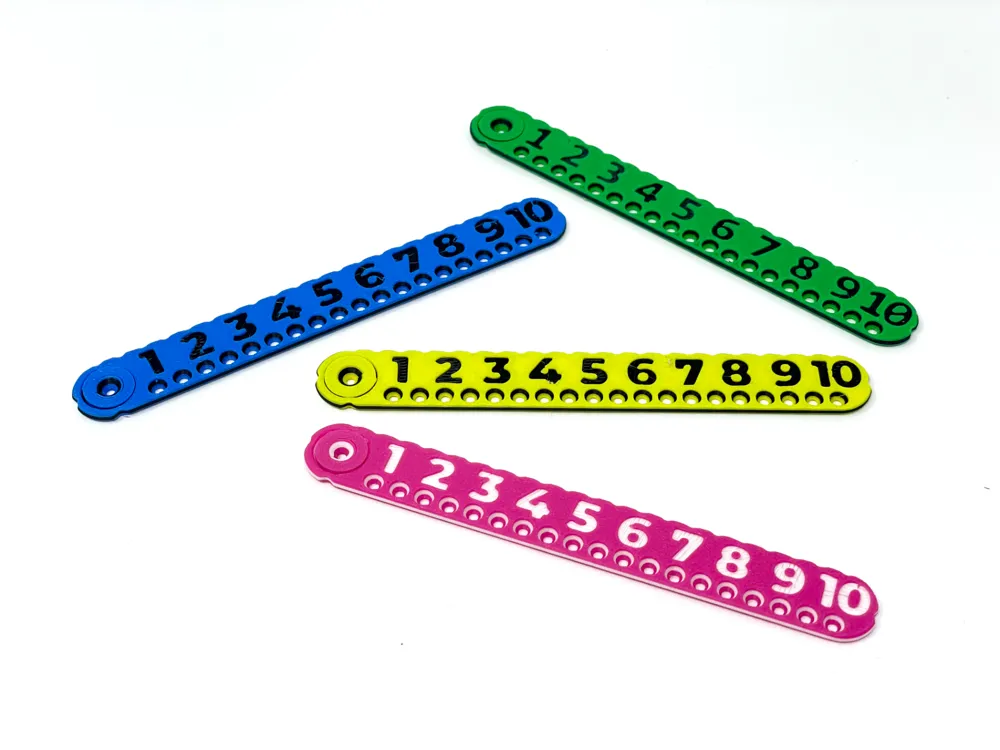
This requires an AMS and prints the numbers at the same hight as the face of the compass and has no colour change running around the edge giving a cleaner look but losing some of the touchable features which may be important for someone with impaired vision.
Interesting?
The holes are not evenly spaced, their position is determined by the intersection of the line they are on and a circle of the specified radius going through the pivot point. My original design had the holes in the centre of the ruler but this left little space for the numbers, hopefully offsetting them like this was the right move.
License

You shall not share, sub-license, sell, rent, host, transfer, or distribute in any way the digital or 3D printed versions of this object, nor any other derivative work of this object in its digital or physical format (including - but not limited to - remixes of this object, and hosting on other digital platforms). The objects may not be used without permission in any way whatsoever in which you charge money, or collect fees.


Comment & Rating (36)