
TEST DE VELOCIDAD (versión Montmeló) | Speed test
Print Profile(1)


Description
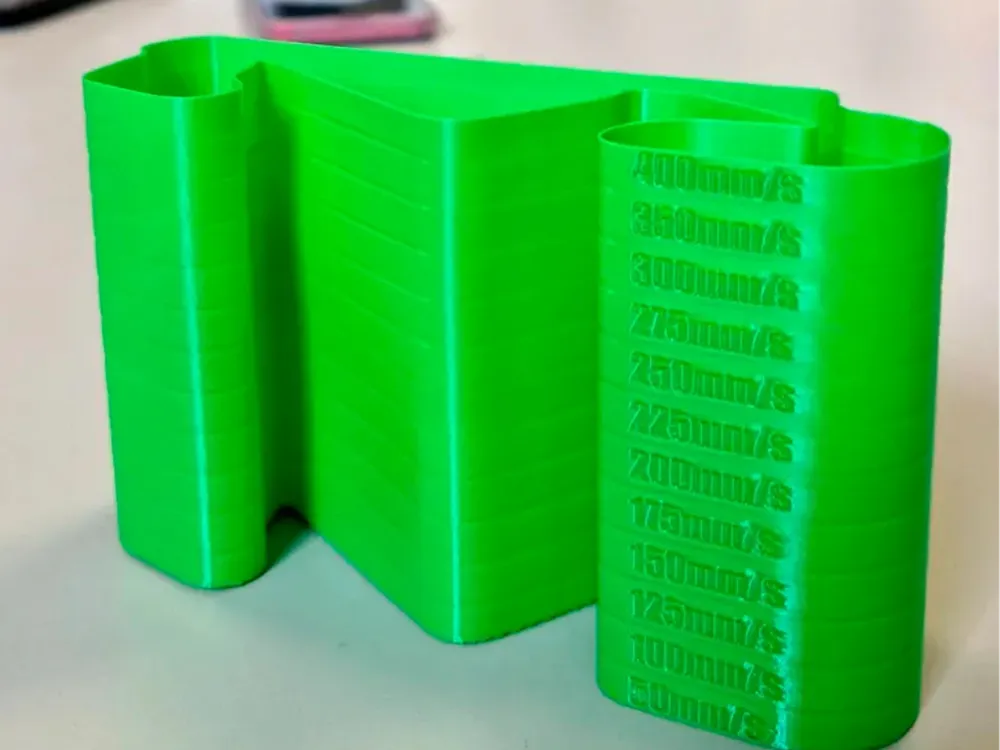
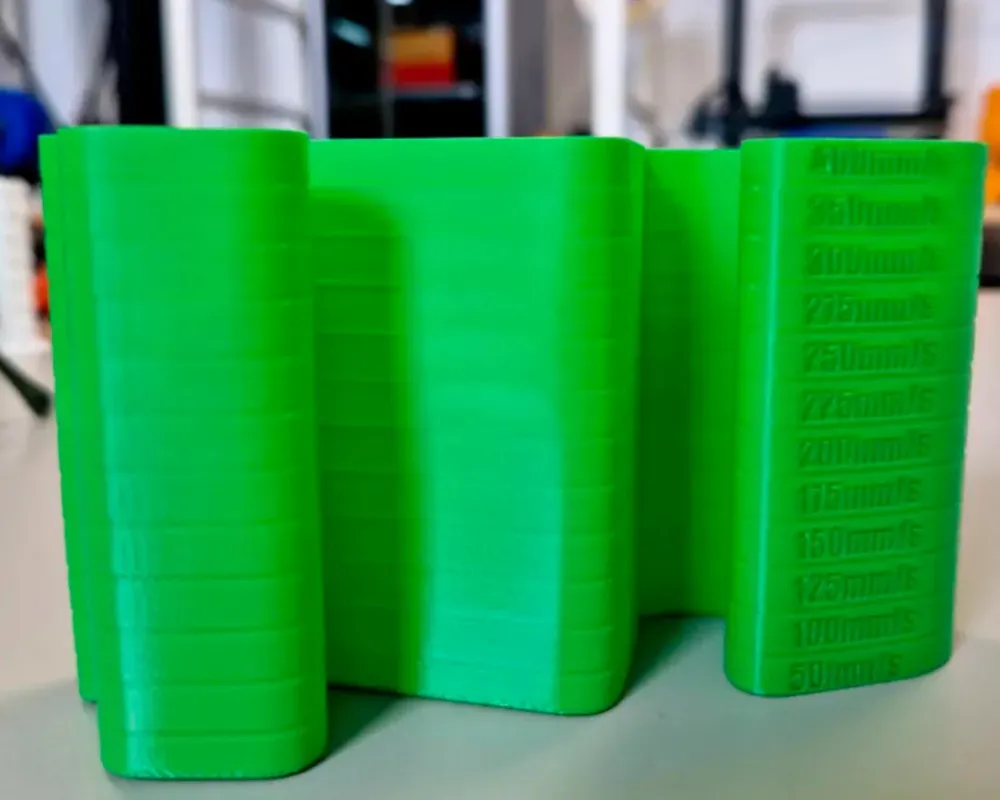
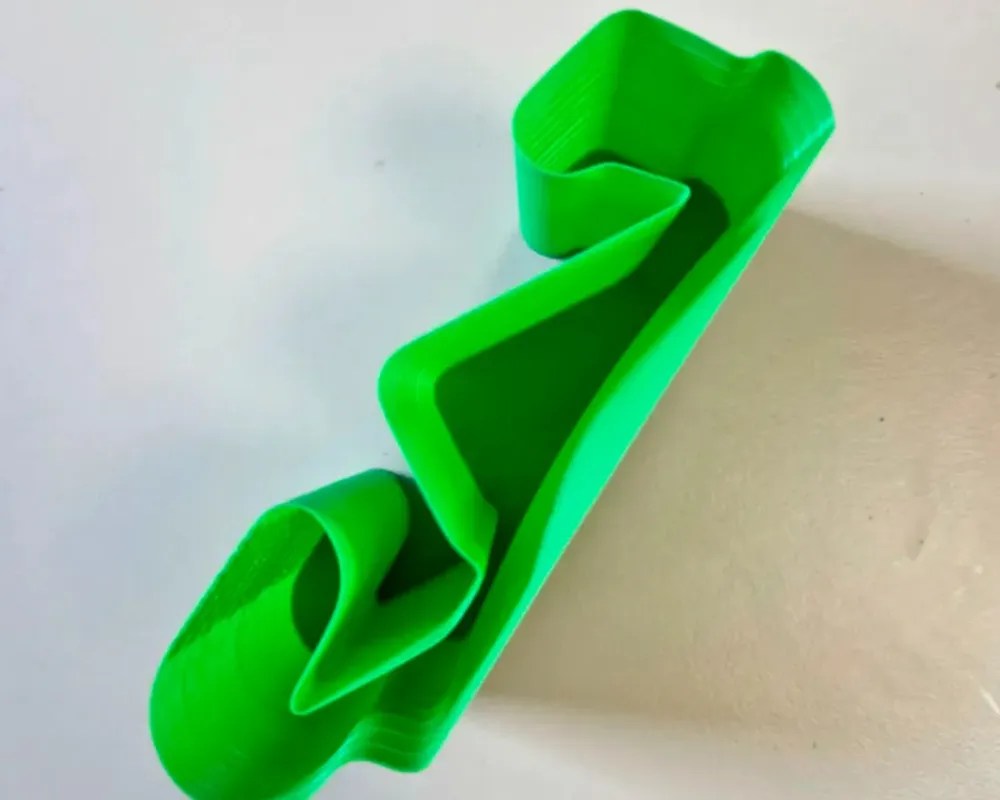
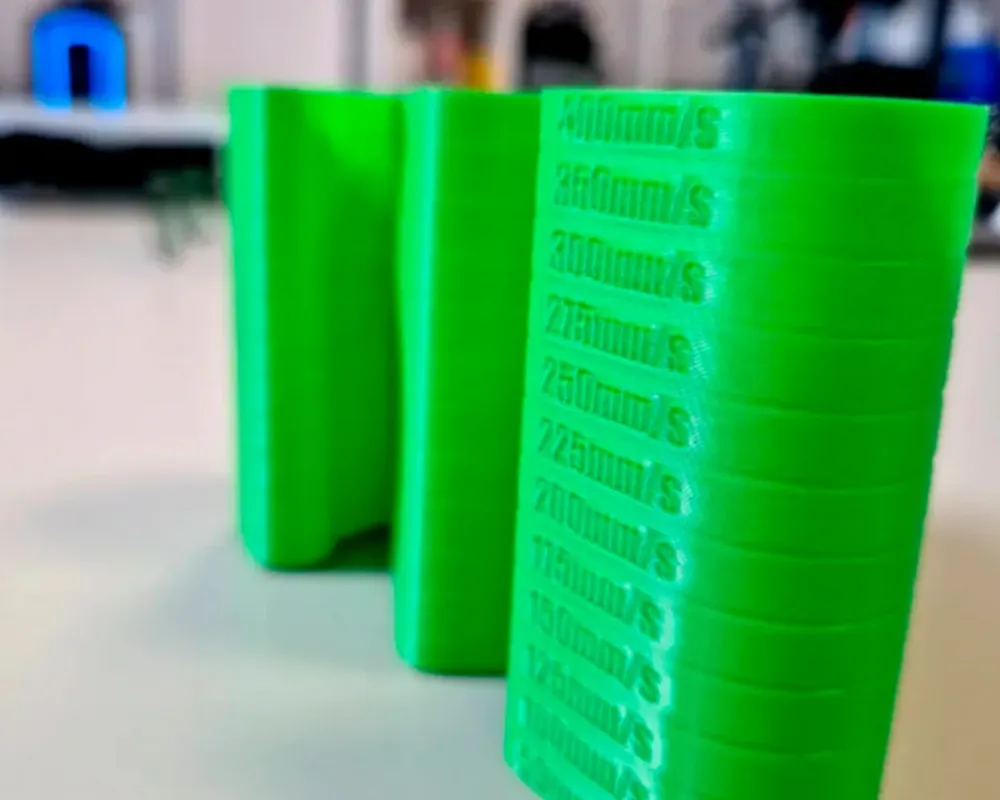
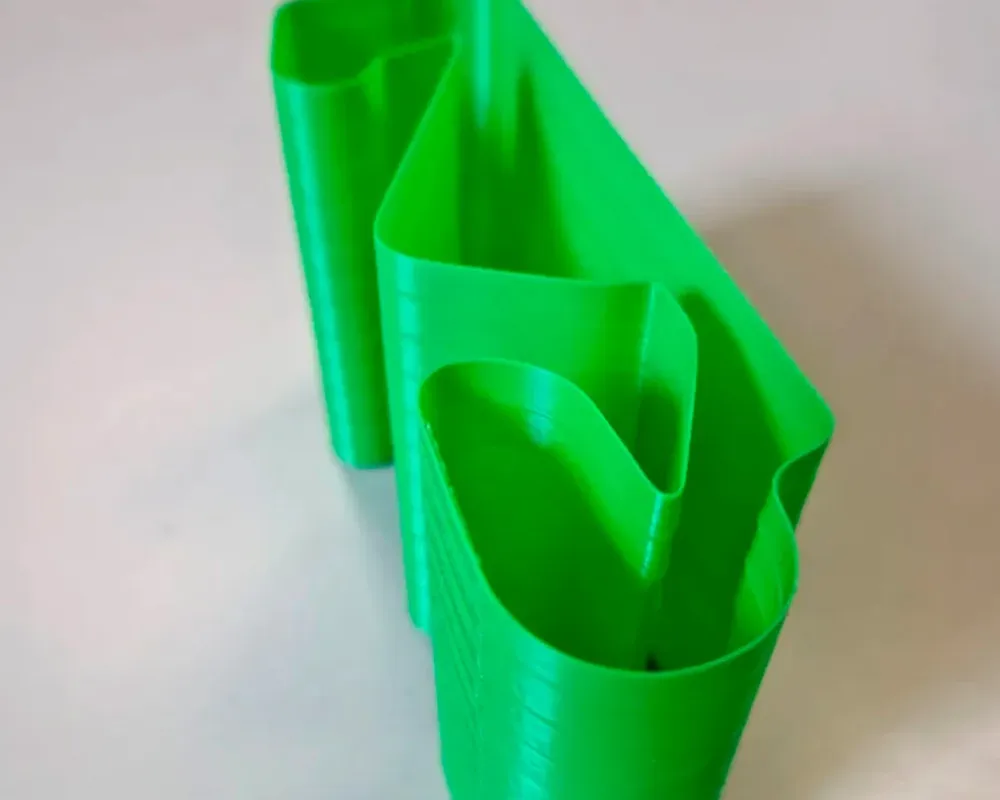
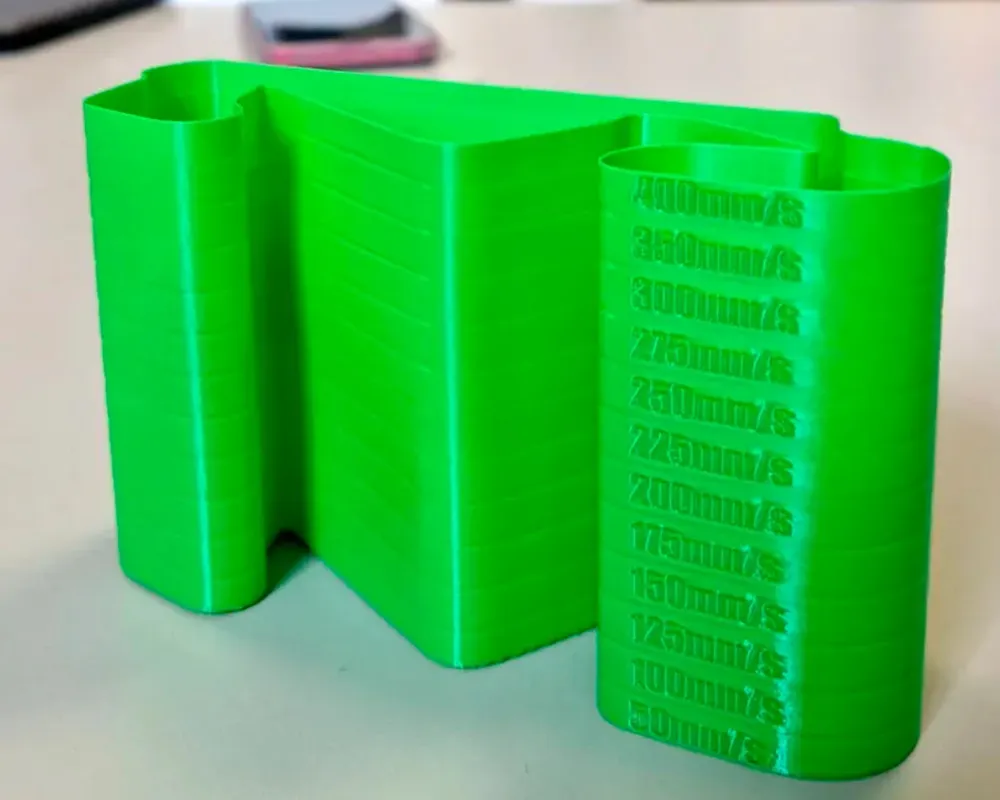
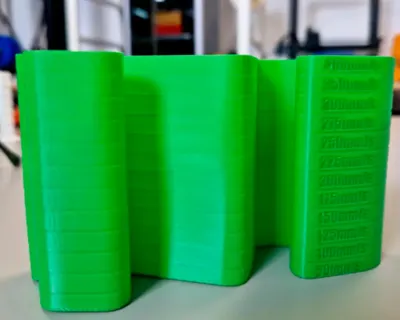
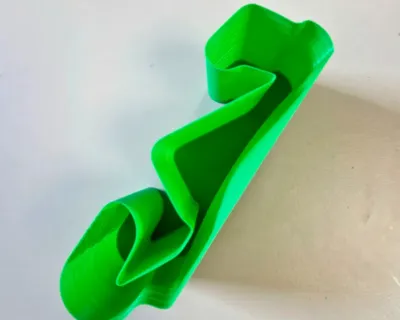
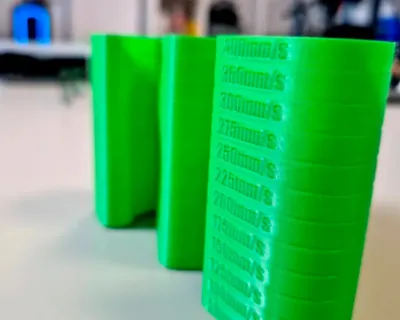
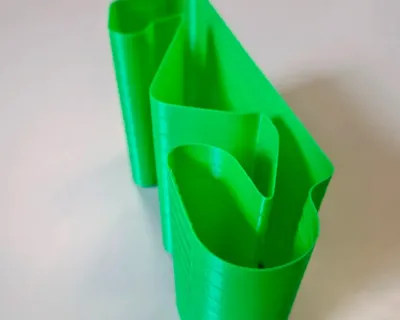
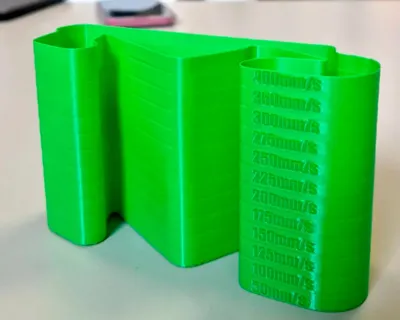
Speed test with the Montmeló circuit shape so you can test your machines
The idea is to see at what speed our machines start to show worse results
IMPORTANT:
It is important that you know your machine and its limits. I say this because you might set your printer to go at 400mm/s but it may not actually be able to reach that speed
Recommended settings:
- Layer height = The highest your nozzle allows (e.g. 0.30mm)
- Print it in spiral/vase mode
- Line width: whatever you want/usually set. For this test I set 0.6mm for a 0.4 nozzle
- Disable automatic cooling or set minimum layer time to 1 sec
- Disable volumetric material speed or set it to 99mm3/s
- Adjust outer wall speed to 30mm/s
- For layer changes, indicate the speed increase percentage using GCODE M220 S. For example, if the base speed is 30mm/s and we want to change the speed to 120mm/s, we will have to enter the gcode M220 S400 for the layer change
- For more information about M220, I leave you the link about this command here: https://marlinfw.org/docs/gcode/M220.html
How to interpret the results
The idea is that our test will at some point start to go wrong so we can see the volumetric speed limit of our machine. We look at the last layer that came out well and apply the following formula:
Volumetric speed = line width * layer height * print speed
E.g. the best results of my print are at the 120mm/s layer and the line width I set was 0.60mm with a layer height of 0.30mm
Vol Speed = 0.6mm*0.3mm*120mm/s = 21.6mm3/s
VERY IMPORTANT
This is an approximate calculation, taking the values indicated by our slicer as true BUT you must ensure that your machine is actually reaching the speeds we are setting, otherwise the result could be erroneous
Any improvements are always welcome :)
Hugs
These are the tests I recommend for calibrating your 3D printer:
License

You shall not share, sub-license, sell, rent, host, transfer, or distribute in any way the digital or 3D printed versions of this object, nor any other derivative work of this object in its digital or physical format (including - but not limited to - remixes of this object, and hosting on other digital platforms). The objects may not be used without permission in any way whatsoever in which you charge money, or collect fees.


Comment & Rating (12)